AI Content Writing Tools

AI Tools for Content Writing

Discover the best Content Writing AI tools to enhance your productivity and creativity.

Page 20 of 25 • 297 total tools
Screenshot of Storypitch

Storypitch

Freemium

Storypitch is a platform designed to simplify creating prompts for creative projects. Its Free Form feature lets you type in whatever you need, then tweak it with a rich text editor. The platform also has built-in prompting based on the agency's expertise: it guides you by asking questions about your project, helping you nail down your ideas.

Content Writing View Tool →
Screenshot of Sudowrite

Sudowrite

Freemium

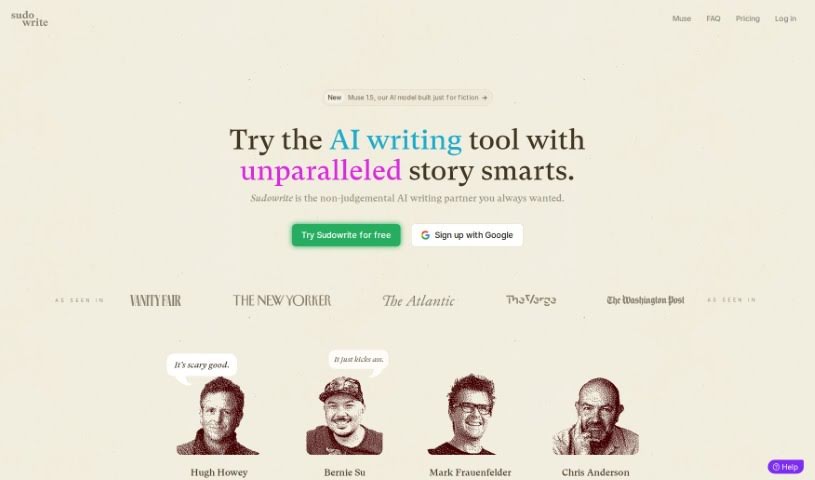
Sudowrite is an AI-powered writing assistant designed to help writers create content more efficiently. It offers personalized writing suggestions, grammar and vocabulary refinement, creative idea generation, and help organizing your thoughts so your writing flows smoothly. The goal is to enhance your own creative process rather than churn out words for you.

Content Writing View Tool →
Screenshot of SurgeGraph

SurgeGraph

Freemium

SurgeGraph is a platform that uses AI to help you create content with the goal of boosting organic traffic. Its core features include Longform AI content creation, automated SEO optimization, and AI-powered image generation. It also includes tools for keyword research, keyword mapping, content strategy planning, and content optimization for search engines. Users report that it helps them produce SEO-optimized content efficiently and improve their online presence.

Content Writing View Tool →
Screenshot of tdwebservices.com

tdwebservices.com

Freemium

tdwebservices.com is an AI-powered business assistant that creates SEO-friendly content. It generates articles, blog posts, social media updates, product names and descriptions, ad copy, company bios, and mission statements. Additional features include passive-to-active voice conversion, tone rephrasing, and multilingual writing. More than 60 templates cover these tasks, and membership plans include a Trial option plus a free way to get started.

Content Writing View Tool →
Screenshot of Techxperts

Techxperts

Freemium

Techxperts is an AI-powered platform for text and image generation. It covers creative and productivity tasks such as social media ads, blog posts, resumes, job descriptions, and emails. Beyond text and images, the platform includes AI chatbots, AI code generation, AI voiceovers, speech-to-text transcription, analytics, team and project management tools, and customizable templates.

Content Writing View Tool →
Screenshot of Texta

Texta

Freemium

Texta is an AI-powered writing assistant that creates SEO-friendly content quickly. Its core features include an AI Writer for blog posts, a Digital Ad Copy tool, an eCommerce Copy generator for product descriptions, and a Sales Copy assistant. Content is generated with a single click and is plagiarism-free, works in many languages, and is designed to be easy to use — useful for blog posts, ad campaigns, online store descriptions, and social media updates.

Content Writing View Tool →
Screenshot of TextBuilder

TextBuilder

Freemium

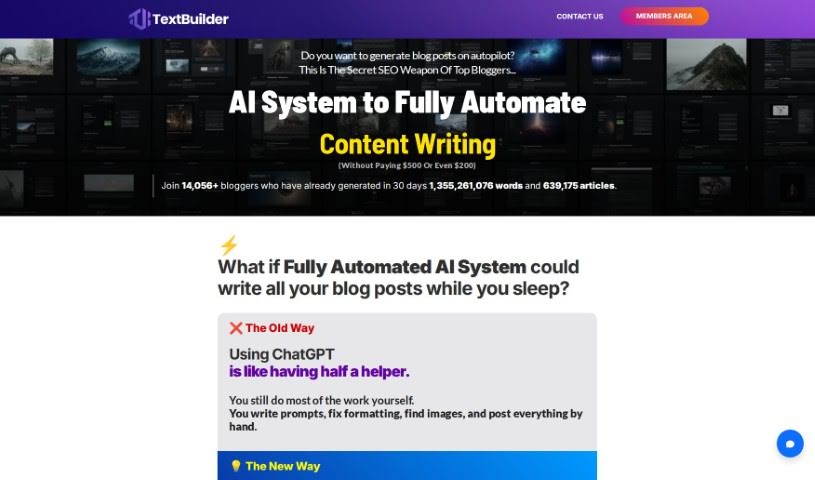
TextBuilder is an AI tool for generating SEO-friendly content in bulk. It produces a range of article types — informative pieces, buying guides, how-to tutorials, product reviews, and listicles — and connects directly with WordPress for publishing. Thousands of bloggers use it to speed up content creation.

Content Writing View Tool →
Screenshot of TextGen

TextGen

Freemium

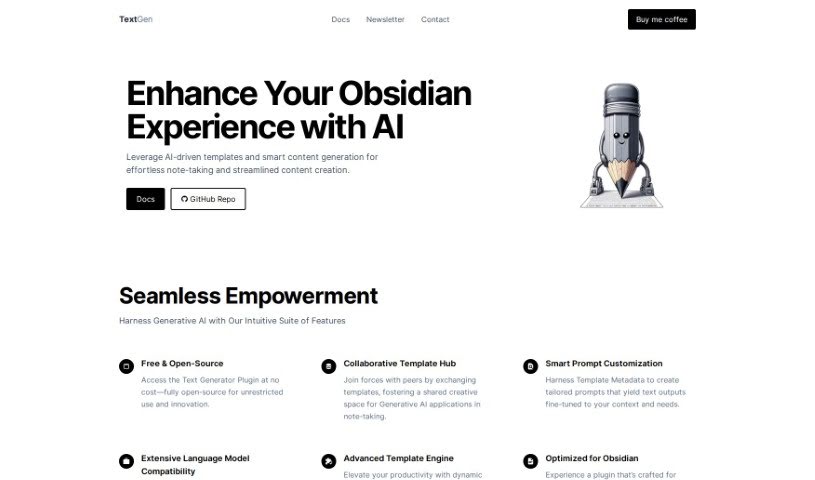
TextGen is a free, open-source plugin that adds AI-powered templates and smart content generation to Obsidian. It integrates directly into your note-taking workflow and includes collaborative template hubs for sharing templates with other users, prompt customization via Template Metadata, broad compatibility with different language models, and an advanced template engine for dynamic templates. It is designed to streamline note-taking and content creation within your personal knowledge base, and it works seamlessly with Obsidian.

Content Writing View Tool →
Screenshot of Texti

Texti

Freemium

Texti is a browser-based tool with a few core functions: automated copyright protection, content quality improvement, content strategy assistance, and support for handling large volumes of questions and answers. It also offers a Chrome extension for easier access. You can try it for free, with competitive rates and flexible payment plans for advanced use.

Content Writing View Tool →
Screenshot of Textoni Ai

Textoni Ai

Freemium

Textoni.AI is an AI-powered content creation tool that generates personalized product descriptions and blog posts. It supports multiple languages, offers fast edits, and connects with social media platforms like Facebook, Instagram, LinkedIn, and Twitter. Output is adjusted based on your stated needs so content can be tailored to your target audience, and it is designed to make writers and marketers more productive regardless of experience level.

Content Writing View Tool →
Screenshot of The Docgpt

The Docgpt

Freemium

The DocGPT is a large language model built on the GPT (Generative Pre-trained Transformer) architecture, with document creation as its core focus. It produces coherent, context-appropriate text and can summarize information, write stories, and generate content that reads naturally. The DocGPT was created by Ion-Alexandru Secara. Pricing and feature details are available on the [official website](https://www.thedocgpt.com/).

Content Writing View Tool →
Screenshot of Thetechbrain Ai

Thetechbrain Ai

Freemium

TheTechBrain AI is a content creation platform that bundles several AI tools into one interface. Its features include an AI chatbot built on ChatGPT technology, AI art generation, and a text-to-speech solution that converts written text into natural-sounding audio. The platform is designed to make content creation simpler for creators and businesses.

Content Writing View Tool →

About Content Writing tools

Staring at a blinking cursor while trying to hit a tight deadline is a special kind of frustration. Whether you need to draft website copy, write an article, polish an email newsletter, or craft social posts, keeping up with constant demands for fresh text drains your energy fast. It’s easy to get stuck wrestling with an intro paragraph for an hour.

The writing tools in this section act like versatile editorial assistants. They help you outline ideas, rephrase awkward sentences, and turn rough notes into clean, polished prose without replacing your creative voice.

From Blank Page to Polished Draft

Getting past the initial blank page is often the toughest hurdle. When you have a topic in mind but aren’t sure how to structure it, AI writing assistants suggest logical outlines and key talking points. Instead of starting from scratch, you get a clean framework to build on with your own experience and research. If you hit a wall mid-draft, ask the tool for alternative paragraph angles or transitions to keep your momentum going.

Self-editing your own work is notoriously difficult because your brain automatically fills in missing words and skips over awkward phrasing. AI editing tools scan your drafts for clunky sentence structures, passive phrasing, and repetitive word choices. They offer quick rephrasing options, helping you adjust your tone to match a specific audience—whether that means keeping things formal for a business report or making an article light and conversational.

Writing for different platforms usually means adjusting your voice and format. A detailed guide needs to sound quite different from a punchy social update or a direct sales email. Modern writing tools help adapt your core message across formats without losing the main point. You can paste in a rough report draft and generate quick email updates or summary notes in seconds.

Useful Features for Writers:

  • Tone and style controls: Settings that let you adjust formality, emotion, and reading level to match your target audience.
  • In-line editing and rephrasing: Tools that let you rewrite, expand, or condense specific sentences directly inside your document editor.
  • Context-aware suggestions: Software that understands long documents so suggestions stay relevant to your overall topic.
  • Plagiarism and originality checks: Built-in scanning tools that verify original text and catch accidental overlap with existing online sources.
  • Format templates: Pre-built frameworks for specific content types, including email newsletters, landing pages, and long-form guides.

Effective writing requires personal perspective, real-world examples, and your authentic human voice. Software can help arrange words and suggest cleaner phrasing, but your unique insights give content its real value. Letting smart tools handle initial outlines, grammar cleanup, and quick rephrasing simply frees up time to focus on what you actually want to say.

Browse the directory below to find the right writing assistant for your workspace.

The Best AI Content Writing Tools

  1. AISEO: for making blog content visuals pop.
  2. Tiny Wow: for generating and rewriting AI content.
  3. Writesonic: for quickly creating engaging blog posts.
  4. Writecream: for generating compelling blog post content.
  5. Essai.pro: for quickly crafting polished essays on any topic.
  6. Sudowrite: for enhancing and structuring creative content.
  7. Aiktp: for making content work better for SEO.
  8. Seo Review Tools: for improving content to rank higher.
  9. Tool Baz AI Text Generator: for writing blog posts and articles.
  10. Toolsaday: for rephrasing content.
  11. Neuron Writer: for easily structuring and optimizing articles.
  12. Rytr: for an AI blog creation tool.
  13. Typli.ai: for generating persuasive blog articles.
  14. SEO Writing AI: for easy blog post creation.
  15. Ahrefs AI Paragraph Generator: for crafting engaging blog post sections.

New tools, in your inbox.

Weekly picks of the best AI tools we've researched and added — no spam, unsubscribe anytime.

Join 25,000+ AI enthusiasts. No spam, unsubscribe anytime.