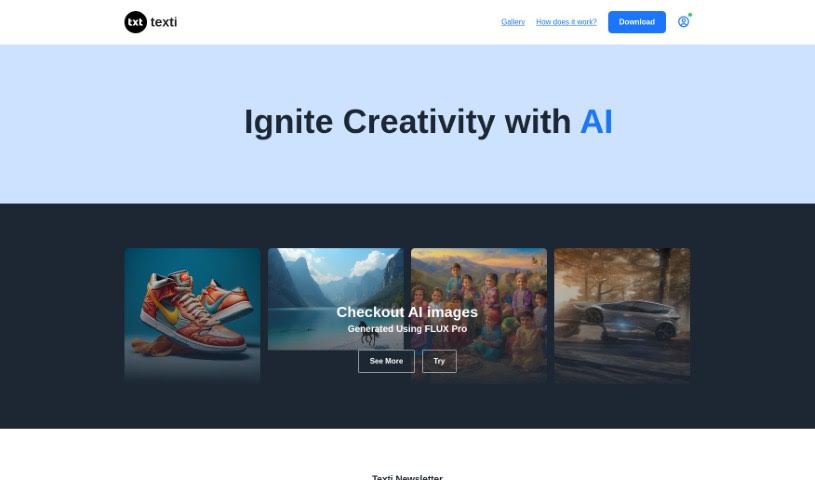
What is Texti?
Texti is a handy browser-based tool that offers a few key things: automated copyright protection, ways to improve your content’s quality, help with your content strategy, and support for managing lots of questions and answers. It even comes with a Chrome extension, making it super accessible. You can try it out for free, and if you need more, it has competitive rates with flexible payment plans. Essentially, Texti helps you create content faster and can give your business a boost.
However, it’s not perfect. Since it’s browser-based, you can only use it through a browser, and specifically, it’s restricted to Chrome. Its main focus is copyright protection, so it doesn’t have an API for deeper integration. The capacity for handling questions is limited, and it doesn’t support multiple languages. It’s also strictly for text content, not open-source, and you’ll need a stable internet connection to use it.
Who created Texti?
Alex Wong is the person behind Texti. He launched the company on September 26, 2022. Texti’s core offerings include automated copyright protection, boosting content quality, providing content strategy help, managing a large volume of Q&A, and supporting business growth. It’s accessible via a browser and a Chrome extension, with options for free use, competitive pricing, and flexible payment terms.
What is Texti used for?
Texti is quite versatile and can be used for a range of tasks:
- Ease of Use: It’s designed to be straightforward.
- Content summarization: Quickly condense longer texts.
- Natural Language Processing: Understands and processes human language.
- Chrome Extension: Integrates directly into your browser.
- Automated content generation: Helps create content automatically.
- Browser-based: Accessible from any web browser.
- Automated copyright protection: Safeguards your original work.
- Boosts content quality: Improves the overall standard of your writing.
- Content strategy assistance: Offers guidance on planning your content.
- Supports large QnA amount: Handles a significant volume of questions and answers.
- Free access: Allows you to try it out without cost.
- Competitive rates: Offers affordable pricing for advanced features.
- Flexible repayment options: Provides adaptable payment plans.
- Staff augmentation: Can assist in expanding your team’s capabilities.
- Text content related tasks: Handles various jobs involving written text.
- Writing short descriptions for YouTube videos: Helps craft concise descriptions.
- Creating wallpapers: Can be used for generating visual content.
- Guiding PhD students: Offers support for academic research.
- Chatbots and virtual assistants: Aids in developing conversational AI.
- Social media analytics: Helps analyze social media data.
- Writing a short description under a YouTube video of an ad for a staff augmentation company: Specifically, it can help articulate potential challenges and the benefits Texti brings to clients in this context.
- Text analysis and sentiment analysis: Examines text to understand tone and meaning.
- Machine learning algorithms: Works with advanced AI processes.
- Information retrieval and search engines: Assists in finding and organizing information.
- Market research and competitive analysis: Supports understanding market trends and competitors.
- Email categorization and filtering: Helps organize your inbox.
Who is Texti for?
Texti is particularly useful for:
- Engineering Mentors: Providing support and guidance.
- Content creators: Enhancing their writing and strategy.
- Business professionals: Streamlining tasks and improving efficiency.
How to use Texti?
Using Texti is pretty straightforward. Here’s a simple guide:
- Access Texti: Since Texti is browser-based and has a Chrome extension, it’s really easy to get started. You can use it for things like protecting your copyright automatically, getting help with your content strategy, and making your content better.
- Create Content: Texti helps you create high-quality content quickly. It also supports your business growth with its competitive rates and flexible payment options.
- Keep Limitations in Mind: It’s good to know Texti has a few limits. It only works with text content and isn’t open-source. You’ll need to be connected to the internet to use it, and it’s specifically designed for Chrome, so it won’t work with other browsers.
- Understand Its Scope: Texti is best for tasks involving copyright protection and content creation. It’s especially helpful for content strategies, managing content, and making sure you stay compliant with copyright rules.
By following these steps, you can make the most of Texti to improve how you create content and keep your work protected.