Managing a construction site often feels like trying to keep a dozen plates spinning at once. Between unpredictable weather, material shipping delays, budget overruns, and strict safety regulations, keeping a project on schedule requires constant attention. A single oversight on a blueprint or a miscalculated material order can cause weeks of delay and cost thousands of dollars.
You won’t find tools here that replace skilled tradespeople, architects, or site supervisors. Instead, these specialized assistants handle tedious calculations, monitor site safety, and spot project risks before they turn into expensive problems.
Keeping Builds on Track
Accurate bidding forms the foundation of any profitable project, but manual material takeoffs take days of tedious spreadsheet work. AI estimation software scans digital blueprints, calculates exact material quantities, and estimates total costs based on current market rates. You can put together precise, competitive bids in a fraction of the time, reducing the risk of costly underbidding.
Construction timelines are notoriously fragile; one delayed concrete delivery can push back three other sub-contractors. Smart project management tools analyze historical job data, local weather forecasts, and supplier performance to highlight potential bottlenecks. If a delay looks likely, the software suggests schedule adjustments so you can keep the site moving forward.
On the ground, site safety and quality control get a major boost from modern visual tools. By processing photo updates, drone footage, and job site camera feeds, computer vision systems scan the property in real time. They can identify missing safety gear, detect structural flaws early, and track daily progress against your original project plans.
Before work even starts, Building Information Modeling (BIM) tools catch design conflicts in the digital model. Instead of discovering during framing that a plumbing line runs straight through a steel support beam, clash detection flags the issue so your team can fix it on paper first.
Practical Capabilities to Consider:
- Automated material takeoffs: Software that reads digital blueprints to calculate precise material quantities and price estimates instantly.
- Predictive project scheduling: Tools that analyze weather data, material availability, and labor trends to catch potential delays early.
- Visual safety monitoring: Systems that analyze drone footage or site cameras to spot safety hazards and track build progress.
- Automated clash detection: Features in BIM software that flag structural and utility conflicts in digital models before construction begins.
- Document and code search: Search tools that parse thousands of pages of building codes, contracts, and specs to answer design questions quickly.
Building physical structures will always require skilled craftsmanship, heavy machinery, and practical field experience. Technology can’t pour concrete or weld beams. But letting smart software handle material takeoffs, spot design errors, and monitor safety keeps your projects moving safely, on time, and on budget.
Take a look through the tools below to streamline your job site management.
- Viact: for smart tracking of construction tools
- Open Space: for streamlining construction site documentation
- BuildKeeper: Construction management covering budgets, tasks, expenses and workflows.
- Togal: for automating floor plan takeoffs in construction.
- Digs AI: for streamlined project tracking tools
- Swapp: for automating construction document creation.
- AIM Intelligent Machines: for autonomous excavation for safer site prep.
- AI Clearing: for construction tool utilization tracking
- Samp: for streamlining tool inventory tracking
- Thought River: for streamlined contract review for projects.
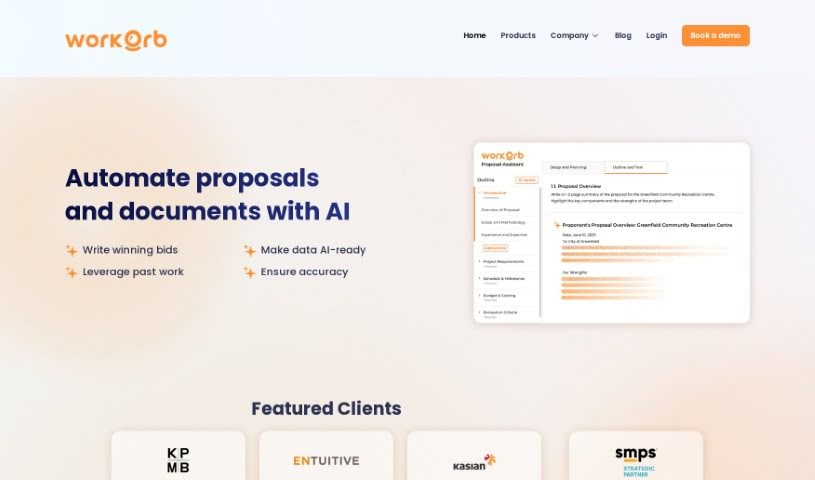
- Workorb AI: for streamlining project communication tracking
- Provision: for automated risk identification in projects
- Smartroof: for AI estimates for construction projects
- Cybertiks: for tracking tool inventory in real-time.
- SWMS AI: for customizing risk assessments for tools