Top AI Assistants

AI Tools for AI Assistants

Discover the best AI Assistants AI tools to enhance your productivity and creativity.

Page 31 of 34 • 407 total tools
Screenshot of UChat

UChat

Freemium

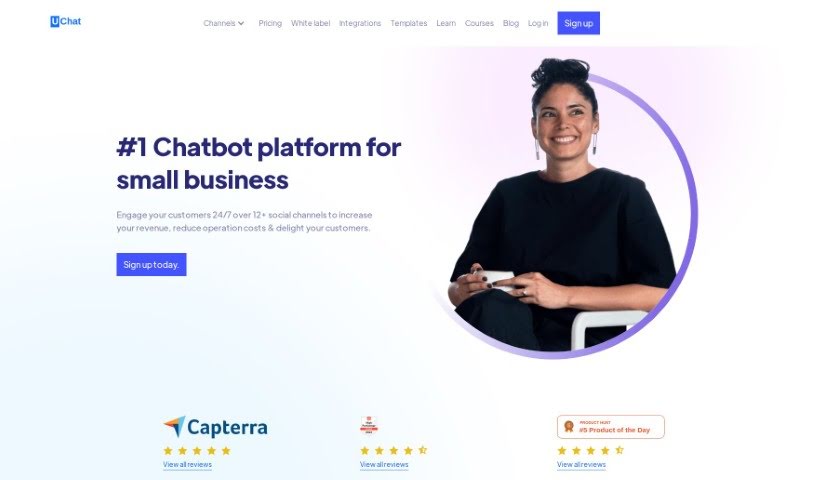
UChat is a no-code chatbot platform for businesses that want to automate customer interactions. It offers a visual drag-and-drop flow builder for designing conversational flows without programming skills, along with AI-powered chatbot capabilities to keep responses relevant to the conversation.

AI Assistants View Tool →
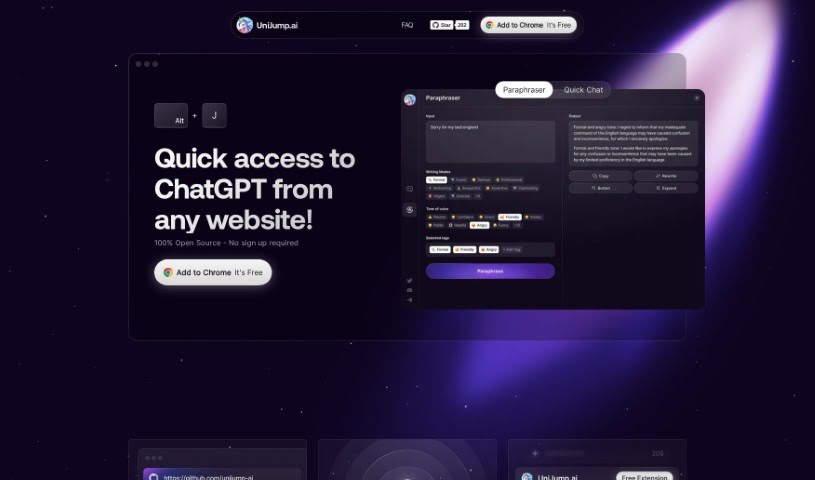
Screenshot of UniJump

UniJump

Freemium

UniJump is a browser extension that brings ChatGPT into your everyday browsing. Instead of switching tabs, you can access ChatGPT directly on the website you're viewing — useful for improving your writing, getting quick answers, and trying out different communication styles.

AI Assistants View Tool →
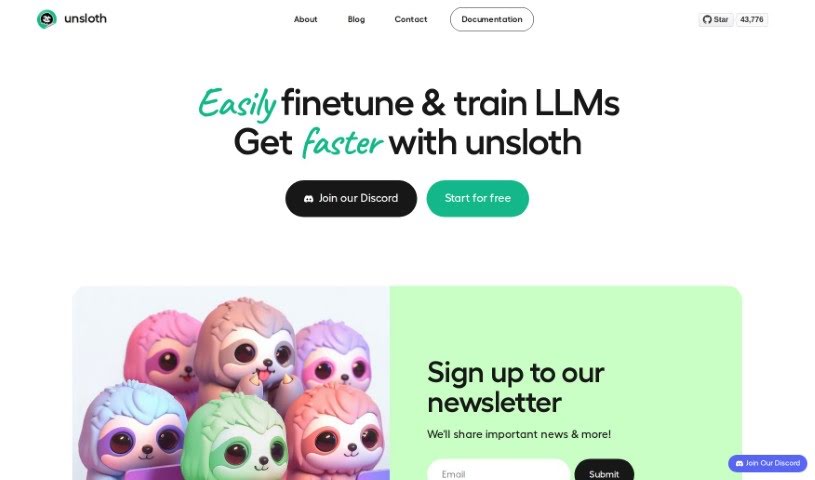
Screenshot of Unsloth AI

Unsloth AI

Freemium

Unsloth AI is a platform designed to speed up AI and machine learning projects. It analyzes the math behind AI workloads, identifies the most computationally intensive steps, and hand-codes specialized instructions for GPUs. The goal is to make training AI models—especially Large Language Models (LLMs)—faster without requiring any new hardware, extracting more performance from existing equipment.

AI Assistants View Tool →
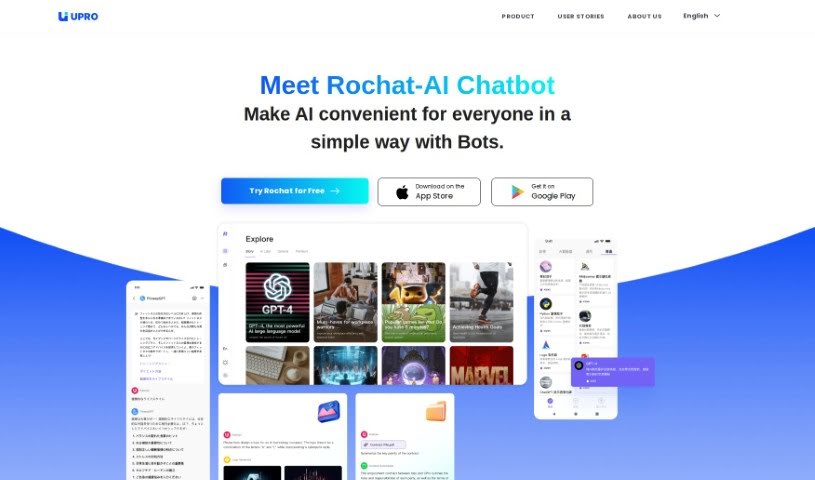
Screenshot of UPRO AI

UPRO AI

Freemium

UPRO AI is a chatbot platform that applies artificial intelligence to work in marketing, creative writing, research, and engineering. It can summarize text, translate languages, and write copy. The platform supports multiple AI models — GPT-3.5 Turbo, GPT-4, Stability AI, DALL-E, and LLAMA2 — and lets you build your own AI bots without technical skills, reportedly about 20 times faster than usual. Users report productivity gains from fast access to information, helpful suggestions, and problem-solving support.

AI Assistants View Tool →
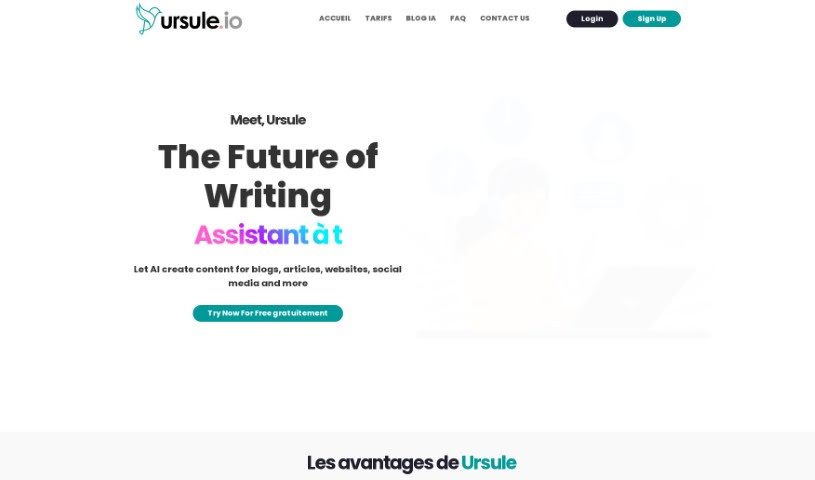
Screenshot of Ursule.io

Ursule.io

Freemium

Ursule.io is an AI-powered assistant built on machine learning and natural language processing. It can write text, act as an intelligent chatbot, and help draft emails or marketing materials. The platform generates a range of content — blog posts, product descriptions, professional emails, and newsletters — and offers suggestions to improve your own writing. It can also help solve problems you might face at work or in daily life.

AI Assistants View Tool →
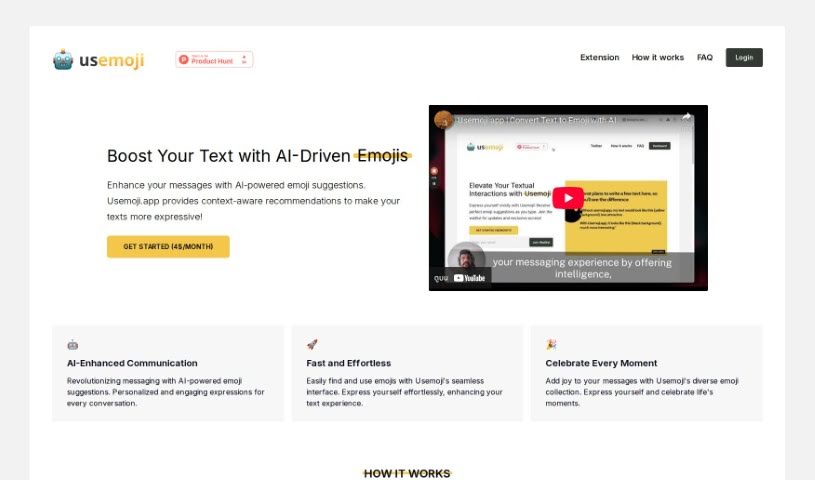
Screenshot of Useemoji

Useemoji

Freemium

Useemoji is a personal emoji assistant. It reads the sentences you're writing and suggests emojis that match the feeling or context of your message. A team introduced the tool with the goal of making it simple to find and use the right emoji in messaging, combining AI-driven, context-aware recommendations with a large emoji collection.

AI Assistants View Tool →
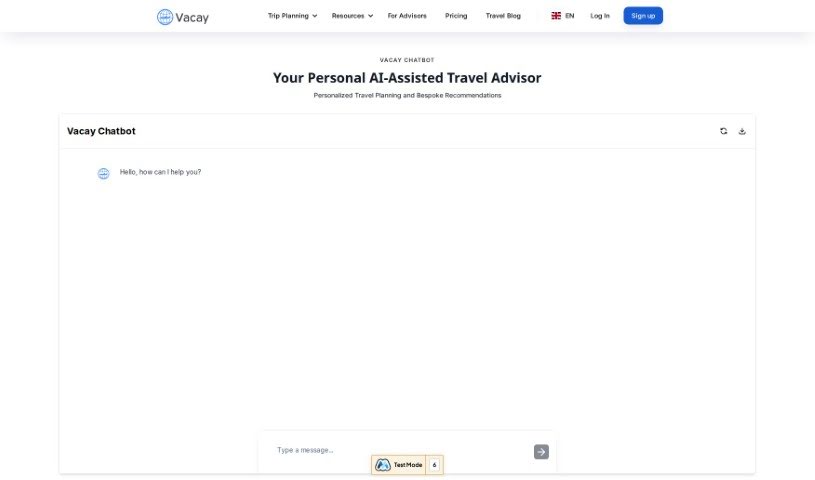
Screenshot of Vacay Chatbot

Vacay Chatbot

Freemium

Vacay Chatbot is an AI assistant that acts like a virtual travel agent. It provides recommendations and helps with trip planning based on what you tell it, taking into account your preferences and details. Planning is interactive: you can chat back and forth, say what you like or dislike about its suggestions, and compare options side by side. The chatbot can provide up-to-date information, converse in multiple languages, and present visual comparisons to make choosing easier.

AI Assistants View Tool →
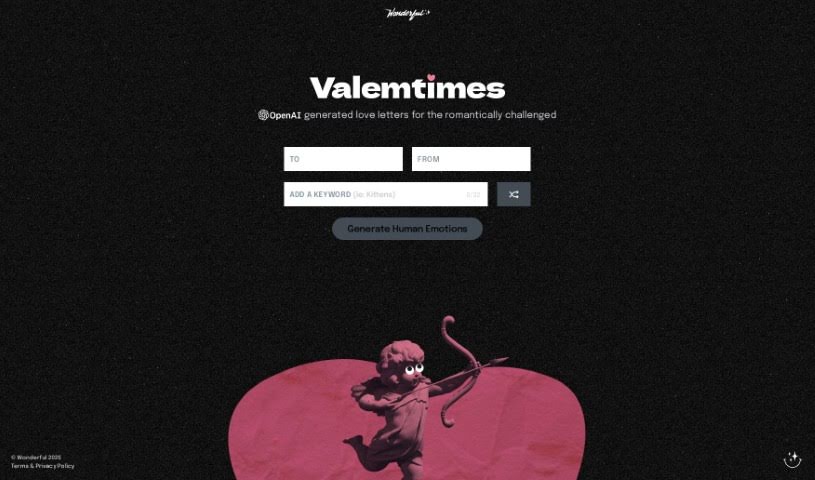
Screenshot of Valemtimes

Valemtimes

Freemium

Valemtimes is a Valentine Generator website powered by OpenAI. You enter the recipient's name, your own name, and a special keyword, and the AI generates a personalized Valentine's Day message full of emotion. Once generated, you can send the message directly to your sweetheart.

AI Assistants View Tool →
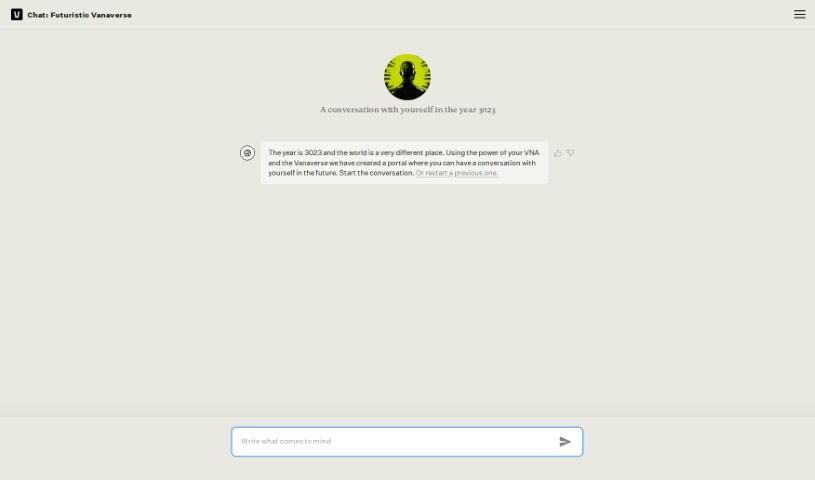
Screenshot of Vana Gpt-Me

Vana Gpt-Me

Freemium

Vana GPT-Me is a personalized chat application built on GPT-style language models, designed for self-reflection and meaningful conversations. Its distinctive framing places dialogues in the year 3023. Responses are tailored to your inputs, making the tool suitable for personal insights, learning, and entertainment. After signing up on the Vana website, the app guides you into conversation, often asking questions to get the dialogue started.

AI Assistants View Tool →
Screenshot of Vectara

Vectara

Freemium

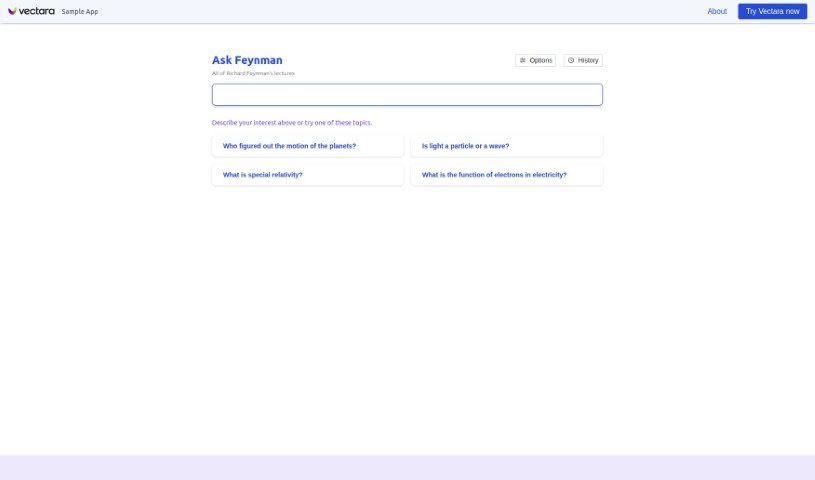
Vectara is a conversational search tool that lets you find information from Richard Feynman's lectures by chatting naturally. Instead of returning the typical list of links, the demo — called Ask Feynman — relies on interactive dialogue: you can start a conversation, describe what you're looking for, type a question, or pick from a list of topics.

AI Assistants View Tool →
Screenshot of Vedic AstroGPT

Vedic AstroGPT

Freemium

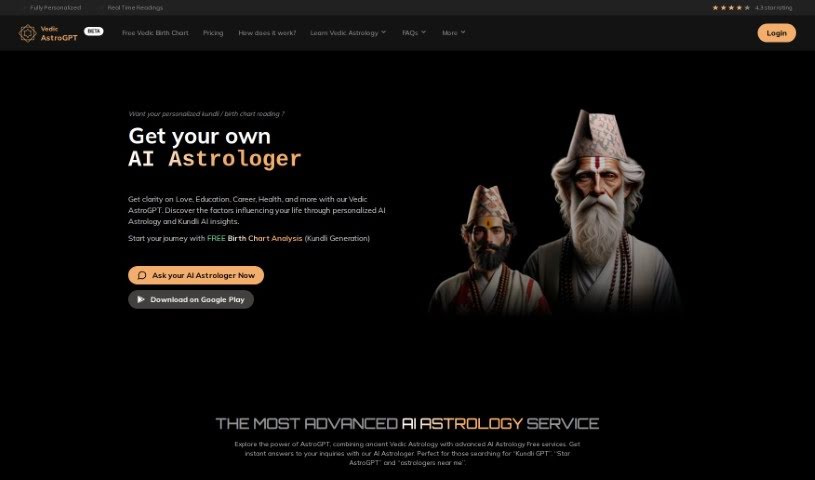
Vedic AstroGPT combines artificial intelligence with traditional Vedic astrology, an ancient practice with roots stretching back over 7,000 years to Nepal and India. The service uses AI to interpret your questions, drawing on classic Vedic astrological texts to provide interpretations. Its goal is to make Vedic astrology accessible to everyone, offering personal insights and guidance for self-understanding.

AI Assistants View Tool →
Screenshot of Verble

Verble

Freemium

Verble is a free AI speechwriting assistant that helps you write speeches for business meetings, keynotes, weddings, and other speaking occasions. It works like a professional speechwriter and public speaking coach combined, guiding you step-by-step from the initial idea to the final draft so anyone can deliver their message with confidence.

AI Assistants View Tool →

About AI Assistants tools

We’ve all had days where the to-do list feels completely overwhelming. Between replying to urgent emails, rescheduling meetings, summarizing notes, and jumping across a dozen open browser tabs, there’s rarely enough energy left for actual deep work. It often feels like you need a full-time assistant just to keep up with daily operational noise.

Modern digital assistants go far beyond basic chatbots that answer trivia questions. These applications handle calendar scheduling, draft email replies, summarize lengthy reports, and keep your projects moving while you stay focused on the bigger picture.

How a Digital Assistant Fits Into Your Routine

The biggest benefit of a digital helper is how much friction it removes from routine tasks. Coordinating a single meeting, for instance, used to take four or five back-and-forth emails just to find an open time slot. Smart scheduling tools connect directly to your calendar, coordinate with other participants, and lock in a time that works for everyone.

Handling information overload is another area where these platforms excel. If you get dropped into a massive email thread or handed a fifty-page PDF, an AI assistant can digest the material in seconds. You get a clear summary of core decisions, outstanding questions, and action items before your morning coffee gets cold.

There’s also a major shift in how these applications work. Older tools only responded when you asked direct questions. Newer assistants act more like proactive teammates. They can flag overdue tasks, prepare draft responses for your review, or update your project management board automatically after a sales call wraps up.

Key Capabilities to Look For:

  • Integration depth: Tools that link directly into your existing inbox, calendar, and task management apps without extra steps.
  • Action capabilities: Systems that complete real tasks like booking events or updating records, rather than just generating plain text.
  • Contextual memory: Software that remembers your preferences, communication style, and past interactions so you don’t have to repeat instructions.
  • Customization options: Features that let you set custom rules, persona voices, and explicit instructions for routine tasks.
  • Privacy controls: Strong security measures that ensure personal communications and internal business data remain strictly confidential.

No software can replace human judgment or genuine empathy. While an assistant handles routine scheduling or drafts a quick project update, you still bring creative direction, build relationships, and make final decisions. The ideal setup is a partnership where software handles background busywork while you maintain full control.

Take a look through the options below to find an assistant that matches your daily routine.

The Best AI Assistants

  1. Monica: Great for easy chats with AI chatbots.
  2. Sider: Perfect for personalized virtual assistant conversations.
  3. Abacus.ai: Offers smart responses for users.
  4. Yeschat: Helps with smart scheduling and reminders.
  5. You.com: Streamlines everyday tasks with AI help.
  6. Merlin AI: Simplifies daily task management.
  7. MaxAI.me: Provides personalized virtual scheduling assistance.
  8. Chatgpt Online: Good for smart scheduling and task management.
  9. Casetext: Streamlines legal document review.
  10. Hume AI: Offers personalized customer support chatbots.
  11. Tavus: Features personalized AI assistant video interactions.
  12. AI Power: WordPress plugin that brings GPT-3.5 and GPT-4 to content, images and chat.
  13. Retell AI: Provides smart voice control for daily tasks.
  14. Runway Research: Enhances AI assistant training data.
  15. Alexa Translations: Legal-focused translation, interpretation and localization services.
New tools, in your inbox.

Weekly picks of the best AI tools we've researched and added — no spam, unsubscribe anytime.

Join 25,000+ AI enthusiasts. No spam, unsubscribe anytime.