S
Discover the best AI tools to enhance your productivity and creativity.
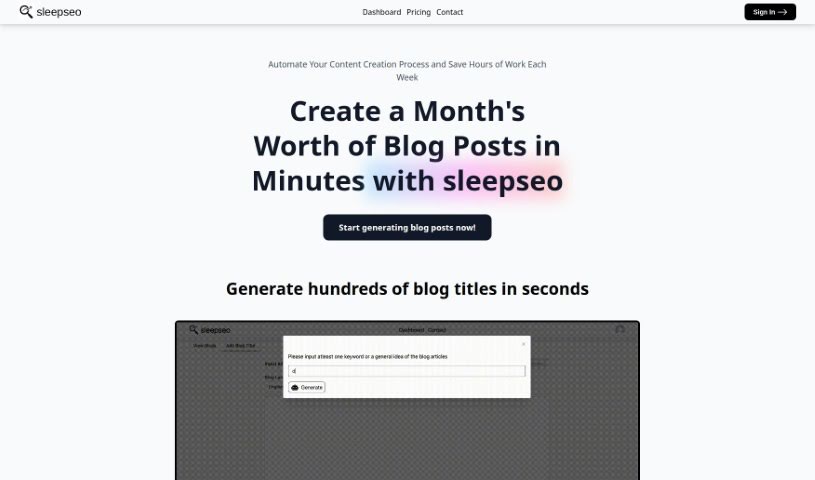
SleepSeo is an AI tool built to make content creation easier and faster for bloggers and content creators. It is your automated assistant for churning out blog content. It can whip up hundreds of blog titles in just seconds and generate thousands of blog posts in minutes. The platform is designed with a user-friendly dashboard and includes a handy feature called Smart-Table, which makes managing your content a breeze. Plus, they offer a free trial so you can try it out before you decide to subscribe. Essentially, SleepSeo is all about saving you time and effort by automating your blogging and content generation tasks, helping you be more productive.
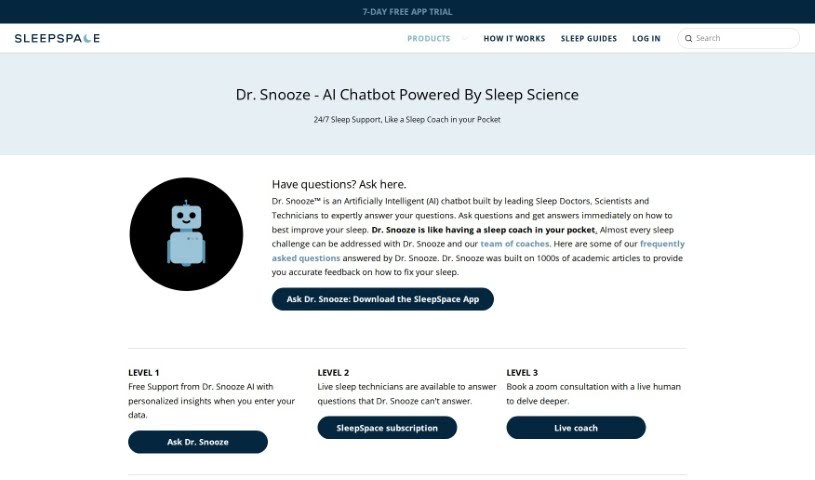
Dr. Snooze AI is a smart system designed to help you sleep better. It uses advanced technology and clever algorithms to look at your unique sleep habits. Based on what it finds, it offers personalized tips to make your sleep more efficient. It keeps track of how long you sleep, how well you sleep, and if you're waking up during the night. Then, Dr. Snooze AI gives you specific insights and suggestions to help you get more restful sleep. It's designed to adapt to what you need and prefer, aiming to completely change how people think about and experience sleep. The goal is to boost your overall well-being and how much you can get done.
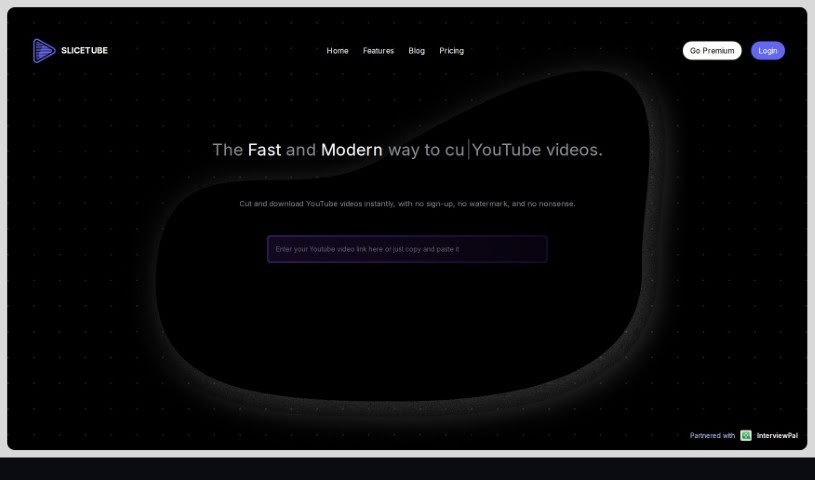
Slicetube is a really neat and smart tool that makes downloading YouTube videos super easy. It's got a modern look and lets you grab videos in up to 4K quality. What's cool is you can trim videos right within the tool – just pick the time range you want to save. This means you can slice, cut, and get your editing done quickly. Plus, Slicetube lets you choose different formats like MP3, MP4, and WEBM, so you get what you need. They've teamed up with InterviewPal, and a lot of YouTube creators really like Slicetube because it's so straightforward and has these handy modern features.
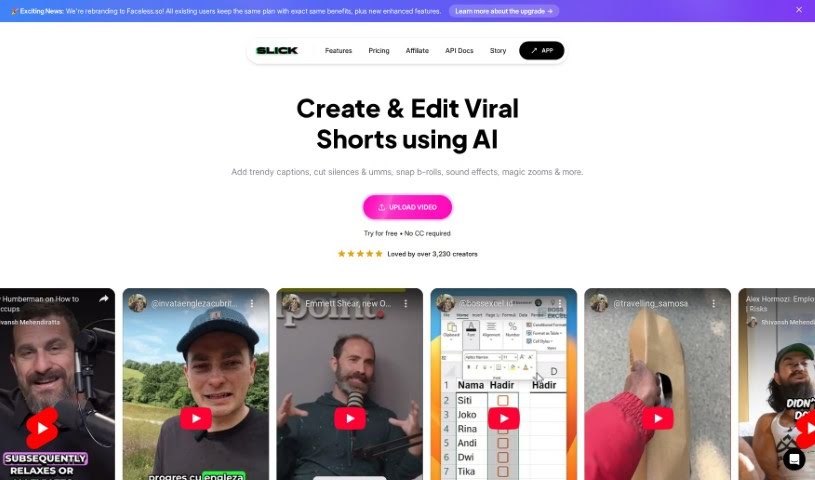
Slick.is is a smart tool that uses AI to help you turn your videos into really engaging short clips. You can either upload your own video files or just pop in a YouTube link. The tool is pretty clever – it automatically finds the most interesting parts of your video, the bits that are perfect for short-form content. Plus, it adds subtitles and makes sure everything looks professional, with no watermarks. If you like to have more control, Slick also offers an advanced editor where you can make manual adjustments and customize things just the way you want. They have different subscription plans to suit various needs, letting you upload a certain number of videos each month. Honestly, it’s a lifesaver for social media managers, content creators, marketers, and anyone who wants to create great-looking video content without a lot of hassle or time.
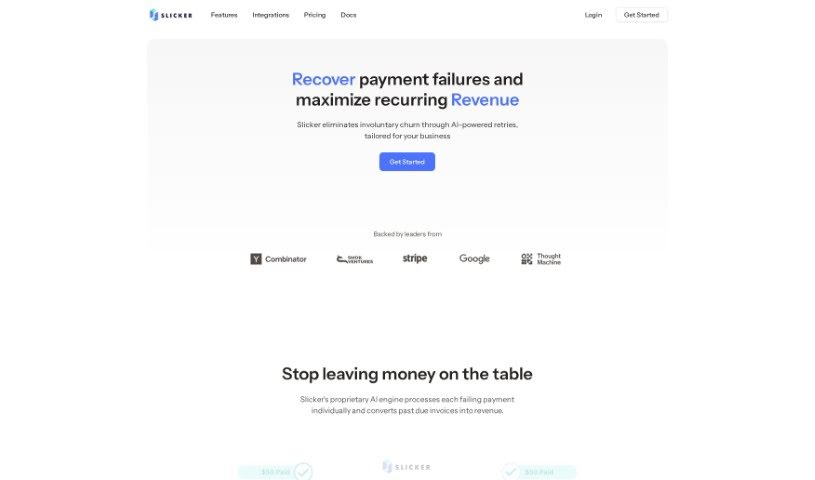
Slicker is a flexible payments platform that works with your current systems. It offers a bunch of great benefits, like needing just one integration to start accepting payments. Plus, it gives you global reach for local payment methods, uses smart routing powered by machine learning insights to pick the best way to process each payment, and handles reconciliation and settlement for you. You also get detailed analytics and reports, complete with alerts. Essentially, Slicker helps businesses bring their payment processes together, make checkout experiences smoother, grow their subscription services, embed payments into their platforms and marketplaces, and generally improve how their payments perform.
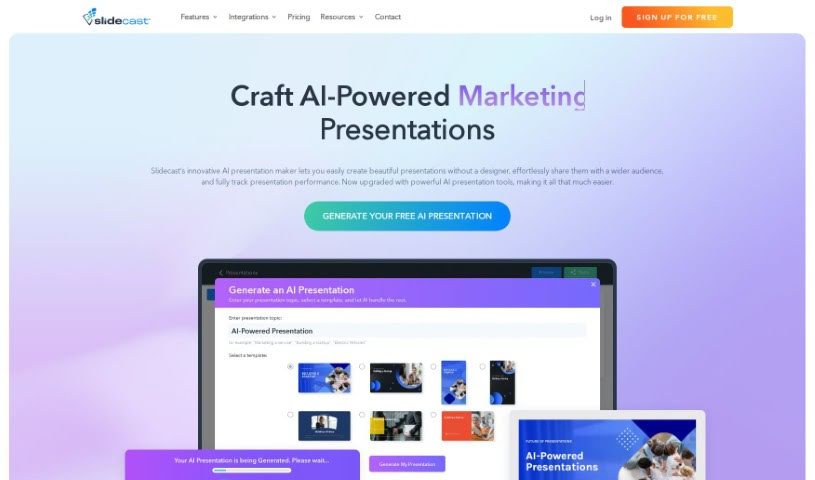
Slidcast AI Presentation Maker is a tool that uses artificial intelligence to help you create professional-looking presentations with surprising ease. It is having an AI assistant for your slides. You can generate entire presentations, complete with text and design elements, all thanks to the Slidecast platform. Beyond that, Slidecast offers a lot of flexibility. You can customize presentations to your heart's content, upload different kinds of files, and share your work in various ways – through email, text messages, direct links, or even QR codes. You can also print your presentations, import images, and work with your team on them, just like you would with PowerPoint. What's really neat is that Slidecast gives you insights into how people are interacting with your presentations. You can see how long they watch, where they're located, if they scan QR codes, and how many finish watching. For those who want to dive deeper, you can start with a free account that has some limitations, or choose a paid plan starting at $15 a month for more features.
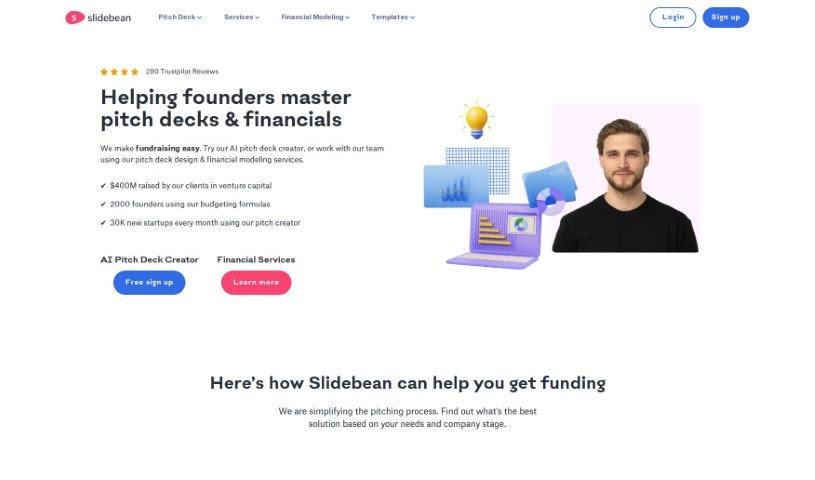
Slidebean is a platform designed to help startups create really compelling presentations and pitch decks. It was founded back in 2014 by Caya, Vini, and Jose. Slidebean offers a few key things: AI-powered tools to build your pitch deck, features that let you collaborate with others, automated design tools to make things look good, and analytics so you can see how people are interacting with your slides. They also provide services like designing your pitch deck, creating financial models, developing your content strategy, and handling the slide design itself. The Slidebean team is made up of analysts, storytellers, graphic designers, and financial experts, all working together to turn your ideas into polished pitch decks. They've helped over 500 happy clients and, in the last 18 months alone, have assisted in raising more than $500 million in funding.
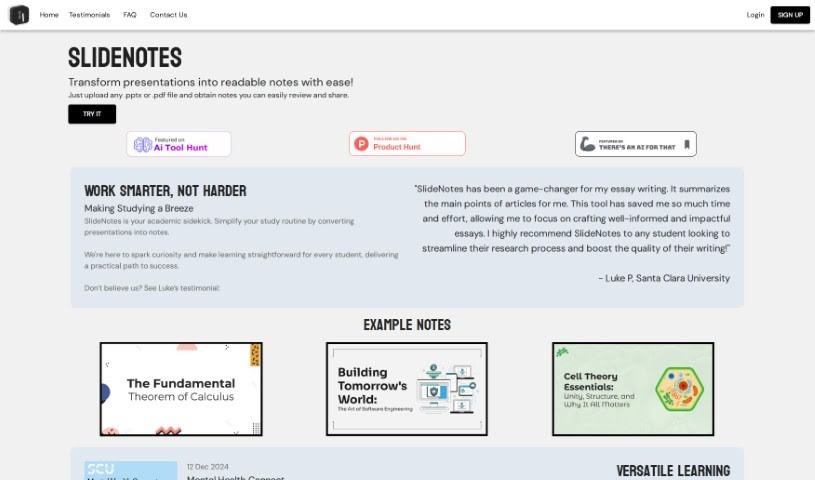
SlideNotes is your personal assistant for turning presentations into easy-to-read notes. You just upload your PowerPoint or PDF file, and SlideNotes does the heavy lifting, creating a set of text notes for you. It's a fantastic way to cut down on the time you spend distilling information, which really helps boost productivity for both students and professionals. The tool is designed to be super adaptable, making learning and handling post-meeting tasks much simpler and more effective. It's really user-friendly, too – it can convert PowerPoint to text, PDF to text, and it even gives you logical summaries of your slides while picking out those important keywords.
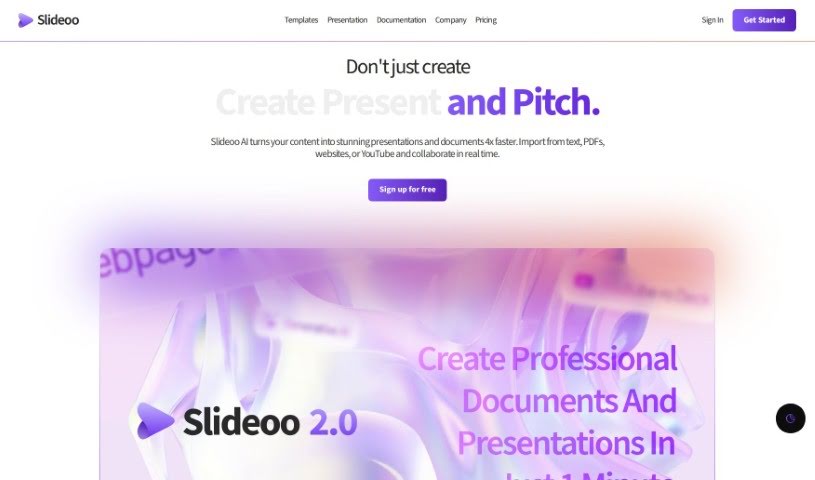
Slideoo: AI is a handy software-as-a-service (SaaS) tool that makes creating documents and presentations a breeze, thanks to its AI-powered features. It's designed to help you save time and boost your productivity. You can work on presentations and documents with others in real-time, and it even gives you analytics on who's looking at your shared files.
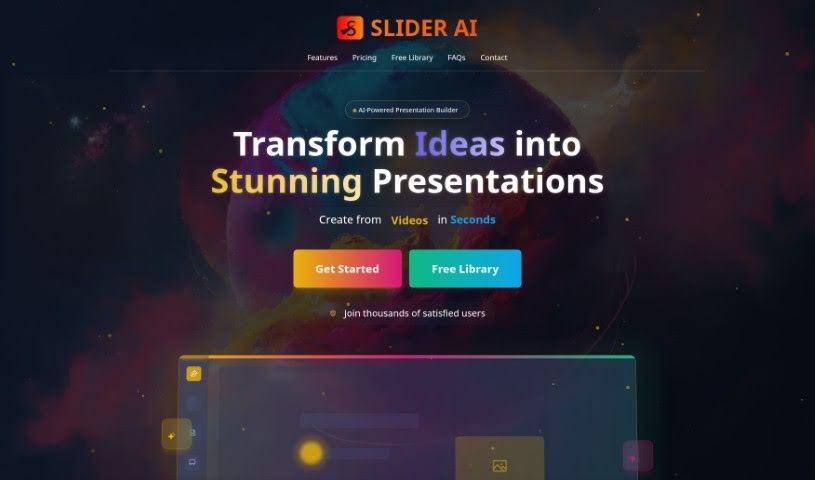
SliderAI is a really smart AI tool that helps you build presentations without all the usual hassle. It is your personal presentation assistant! Instead of spending hours picking slides, finding content, and choosing templates, you just give it a single prompt. SliderAI then takes over, generating the slides, organizing the information, and even applying nice-looking templates. This means you can spend less time wrestling with design and more time crafting the actual message you want to share with your audience. It’s all about making presentation creation much quicker and more efficient.
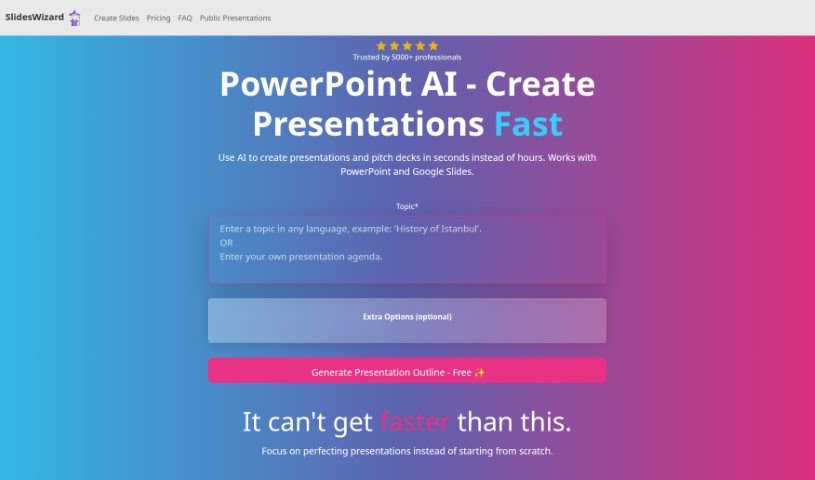
Slides Wizard is a smart AI tool that makes creating PowerPoint presentations and pitch decks much easier. It uses artificial intelligence to generate slide content from your text and adds relevant images to make your presentations look great. You can use it with both PowerPoint and Google Slides, which means sharing and exporting your work is a breeze. There's a free option, and if you want to download your creations, it's a pay-per-use model, so you only pay for what you download.
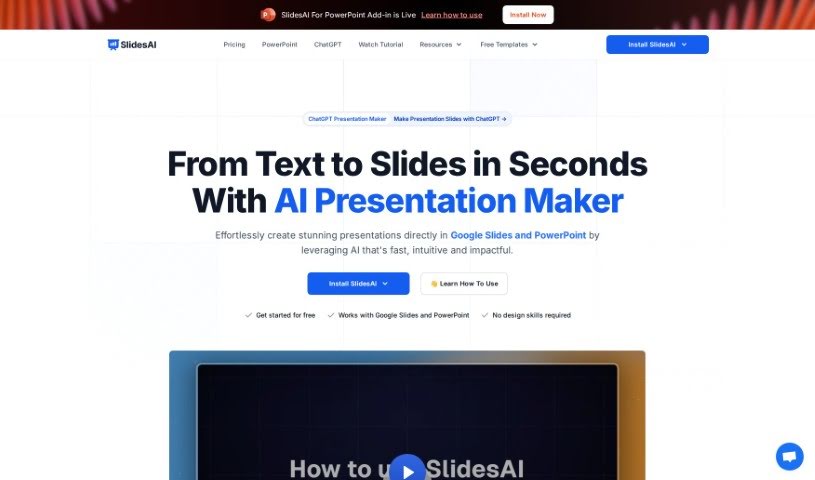
SlidesAI is a smart tool that uses AI to make creating presentation slides much easier. It takes your text and turns it into good-looking slides automatically. Unlike other tools where you have to do everything yourself, SlidesAI handles a lot of the work for you, saving you time and effort. Just give it your text, and its AI will create professional slides, even picking out themes, colors, and graphics that fit your content. SlidesAI aims to help everyone, whether you're a pro or just starting out, create presentations that are both informative and visually engaging, all through an easy-to-use interface that lets you tweak things easily.
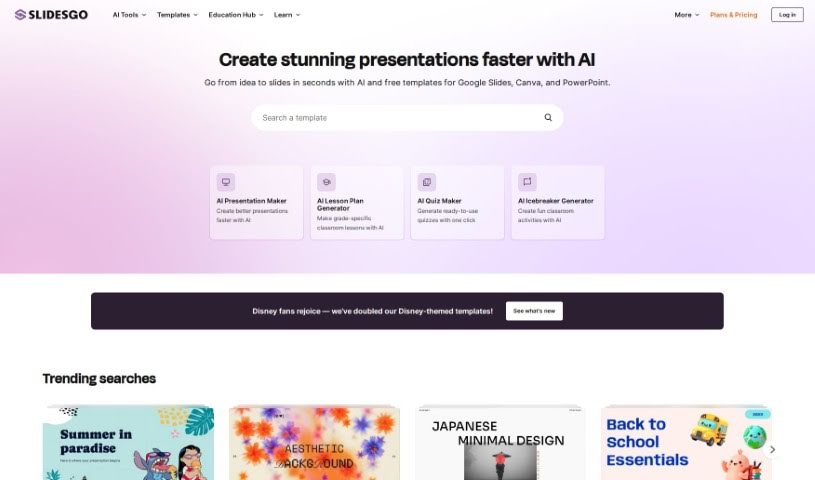
Slidesgo is a fantastic resource for creating presentations. It offers a huge library of customizable templates, each with its own unique design style and tone. You can easily tweak these templates using their online editor. Plus, you get access to tons of images and icons from popular sites like Freepik and Flaticon. If you need to share your work, you can download it as a PDF or just generate a shareable link.
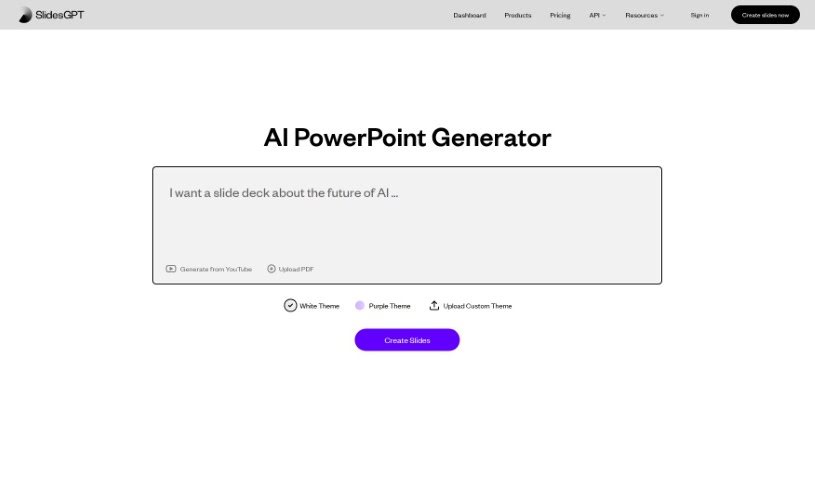
SlidesGPT.com is a platform powered by AI that makes creating PowerPoint presentations super quick and easy. It like ChatGPT, but its whole focus is on building PowerPoint slides. You just give it a prompt about what you want your presentation to be about, and its AI technology whips up custom slides for you in seconds. It’s pretty flexible too, letting you save your presentations are PowerPoint files, Google Slides, or PDFs. Plus, SlidesGPT has a neat Text-to-Presentation feature. This means you can take content from blog posts, articles, or even PDFs and turn it into polished slideshows without any fuss.
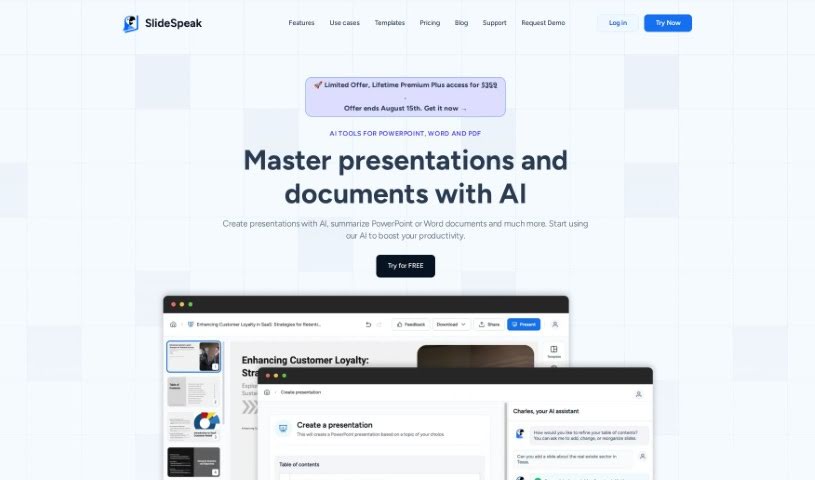
SlideSpeak is a handy platform where you can upload your PDF, Word, and PowerPoint files. Then, it uses ChatGPT AI to summarize them and create presentations for you. It’s designed so you can easily chat with the AI, pull out key information, ask questions about your documents, and build presentations right from the content. Plus, they really focus on keeping your information safe. They use strong encryption and don't keep your documents on their servers after processing. If you're not happy, you can cancel your subscription anytime and get a refund within 7 days of your first purchase.
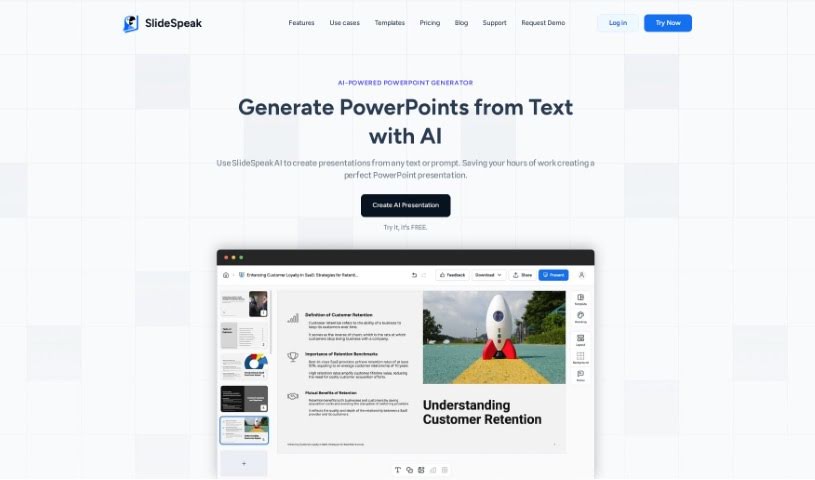
An AI PowerPoint Generator is your smart assistant for building presentations. It uses artificial intelligence, specifically things like natural language processing and machine learning, to take your ideas and turn them into slides automatically. It's designed to save you a ton of time. Instead of wrestling with layouts and designs yourself, these tools can quickly whip up visually appealing slides, even suggesting different designs and content ideas. They're also great at helping you structure your presentation so it flows logically from one slide to the next, keeping everything consistent. Basically, AI PowerPoint Generators are all about making the presentation creation process smoother and boosting your productivity by putting AI to work for you.
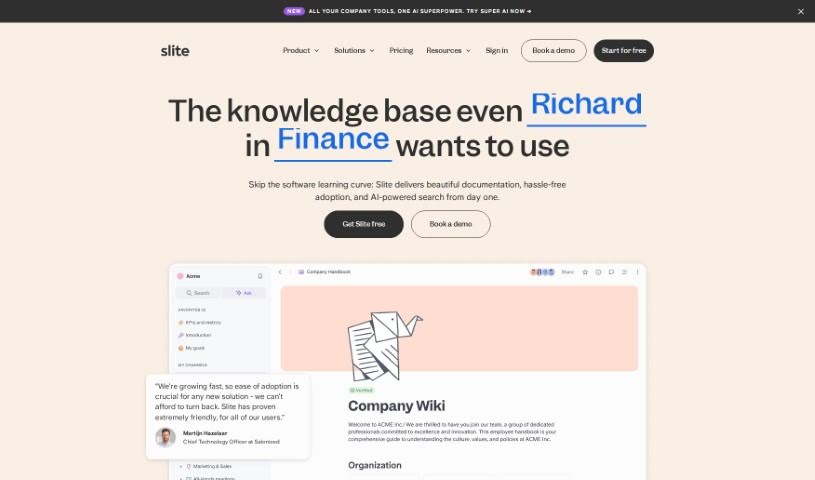
Slite is a really smart tool that acts like a company's brain, giving everyone quick access to information they can trust. It is a central hub where your team can easily document all sorts of things – from meeting notes and company handbooks to guides for new hires. What's pretty neat is its AI assistant. You can just ask it a question, and it'll give you an instant answer, saving you the hassle of digging through documents yourself. Plus, Slite uses AI to offer helpful suggestions, making sure your documents stay current and well-organized. It's also designed to cut down on those repetitive questions that pop up all the time and plays nicely with tools you probably already use, like Google Drive, Notion, and Slack. The goal is to make managing all your company's knowledge much simpler, especially as your team grows.
Sloped is a really smart platform that completely changes how you explore data. It lets you ask questions about your data using everyday language, making it super easy. No matter if you're a data analyst, a marketer, or run your own business, Sloped's straightforward design and strong features mean you can easily query APIs, find important insights, and build dashboards to share, all with just a few clicks. What makes it stand out? It uses natural language processing so you can ask questions easily, offers insightful analytics to dig deep into your data, has intuitive dashboards for creating and sharing visuals, connects smoothly with different data APIs, and features a user-friendly interface that just makes analyzing data simpler.
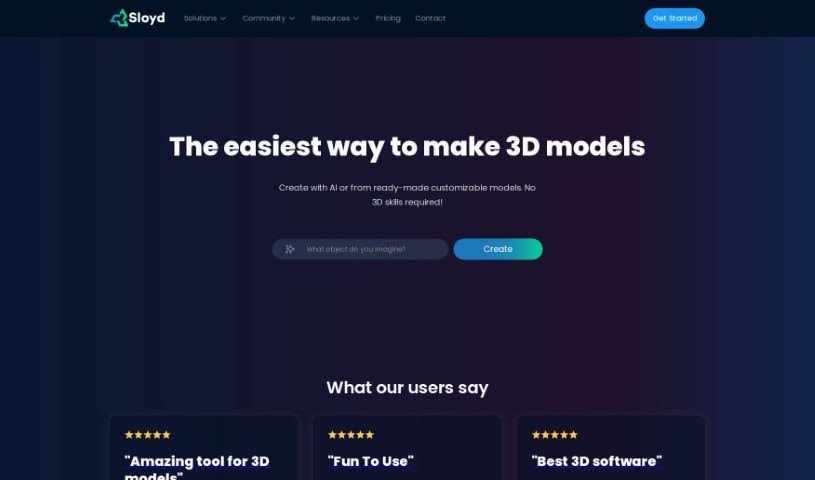
Sloyd is a really neat web app and SDK that makes 3D modeling much simpler. It lets you generate intricate 3D models in real-time using a bunch of different generators. Whether you're a pro designer or just starting out, Sloyd lets you create amazing 3D models with just a few clicks. What makes it stand out is its easy-to-use interface, the instant feedback you get as you generate models, and the fact that you can use it either through its web app or its SDK.
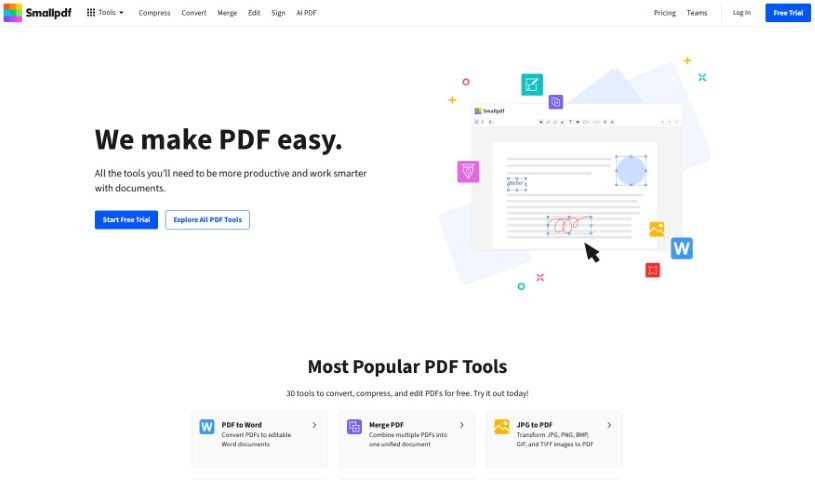
SmallPDF.com is a really useful online platform packed with tools to help you manage your PDF files. You can easily convert, compress, edit, merge, split, and even sign your PDFs right there on the site. It's designed to be super user-friendly, so whether you're an individual or running a business, you can handle your PDF tasks quickly and securely without needing any special software or tech skills. SmallPDF.com focuses on making things simple and effective, aiming to streamline how you deal with documents.
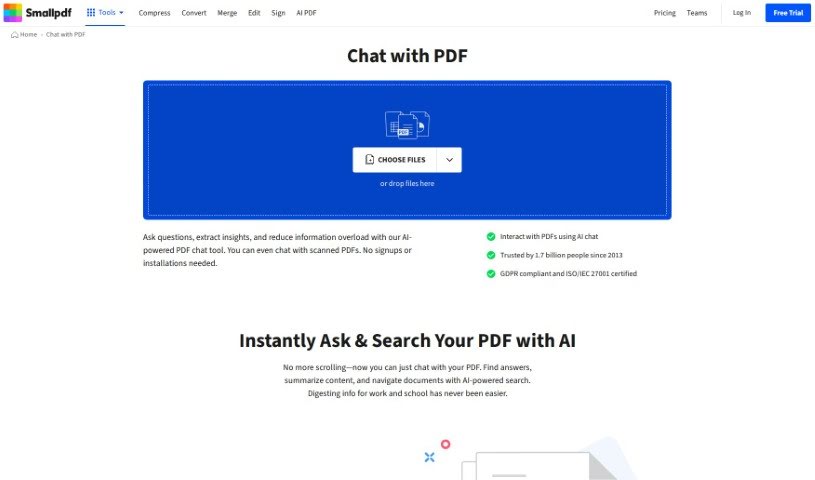
SmallPDF.com ChatPDF is a really handy feature right on the SmallPDF website that lets you actually talk to your PDF documents. It is a way to have a conversation, share your thoughts, or collaborate with others directly within your PDF files, all on the SmallPDF platform. It’s a super convenient way for anyone, whether you're working alone or as part of a team, to communicate and get work done on PDFs without needing any extra software. With ChatPDF, you can make your workflow smoother, add comments, suggest edits, and review PDF content together in a shared online space. This really helps with teamwork, makes giving feedback much simpler, and keeps your document management efficient, all within the SmallPDF system.
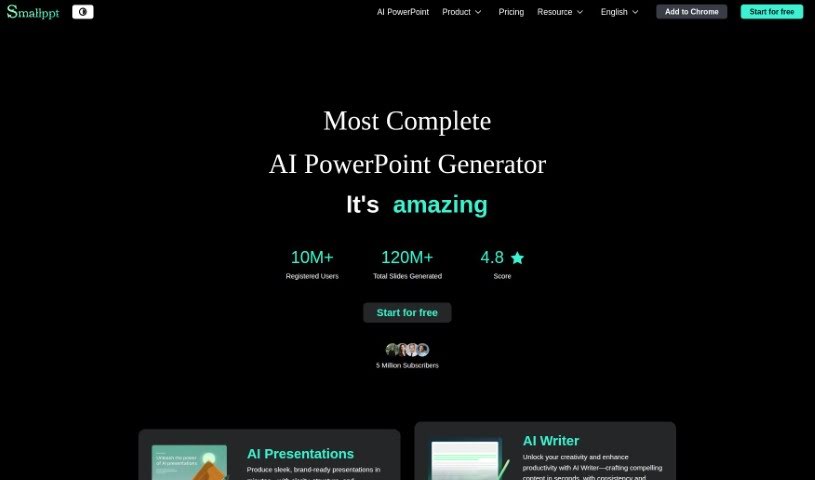
Smallppt is a handy tool that uses AI to make creating presentations and mind maps a breeze. It is your creative assistant, helping you whip up visually appealing slides and mind maps much faster. It's packed with features designed to speed up the whole design process. You can make one-click changes to layouts, add background videos and music to make your presentations pop, and it even supports a bunch of different file formats for easy sharing. Plus, Smallppt gives you great starting points for both presentations and mind maps, really sparking your creativity and making you more efficient.
The Smart CV Generator is a handy tool designed to help you create new resumes tailored specifically for different job descriptions. It's a straightforward, three-step process. First, you upload your existing resume to use as a template. Then, you simply copy and paste the job description you're interested in. The tool then works its magic, pulling out the key technologies and responsibilities mentioned. Finally, it generates a new, customized resume for you, highlighting the changes made. This really simplifies the whole process of making sure your resume perfectly matches each job you apply for.
Get weekly updates on the latest AI tools, trends, and insights delivered to your inbox
Join 25,000+ AI enthusiasts. No spam, unsubscribe anytime.