AI Tools for Web Development

Discover the best Web Development AI tools to enhance your productivity and creativity.

Page 9 of 58 • 694 total tools

Web development has really changed lately, and AI tools are a big part of that. What used to take a lot of coding and design skill can now be made much simpler with smart programs that speed things up. Today, AI-assisted development tools are changing how we build websites, making it easier for newcomers and more efficient for experienced pros.

These tools offer everything from easy design features to help with writing code, letting you create great-looking, functional sites more quickly. Developers don’t have to start from scratch or fix every single line of code manually anymore. Instead, AI can offer suggestions and even create whole parts of a website based on what you need.

Having worked in web development for years, I’ve seen firsthand how AI can make tasks simpler and more efficient. But with so many options out there, picking the right tool can feel overwhelming.

In this article, I’ll share the best AI web development tools you can find right now. Whether you want to improve your coding, automate routine jobs, or make your design process better, there’s something here for you. Let’s explore the tools that can really change your web development experience.

The best AI Web Development Tools

  1. Lovable: Great for making frontend design work smoother.
  2. Cursor: Helps with real-time code collaboration.
  3. Replit AI: Generates code snippets for web apps.
  4. Supabase: For teams to manage databases together.
  5. v0 by Vercel: Quickly creates UI kits for web projects.
  6. Replicate AI: Automates code generation for web apps.
  7. Carrd: Perfect for a single-page site to promote an event.
  8. AI Dungeon: Lets you create interactive web stories with code.
  9. Ollama: For quickly building early versions of web interfaces.
  10. Jimdo: Makes building and managing websites easy.
  11. Code Sandbox: Simplifies CSS preprocessor workflows.
  12. Tilda: Lets you create websites easily without coding.
  13. Bubble: A drag-and-drop tool for building web applications.
  14. Weights & Biases: Streamlines integrating ML models into web apps.
  15. Warp Terminal: Helps deploy web apps quickly.

How do AI web development tools work?

AI web development tools use smart algorithms to handle different parts of designing and building websites. These tools often use large language models, much like AI writing software, to look at coding patterns and make things more efficient. They offer suggestions, code pieces, or even build whole sections of code based on what you tell them.

Basically, these tools understand what you’re asking for, so you can describe what you want in simple terms. For example, you could say, “Create a navigation bar,” and the AI will generate the HTML, CSS, or JavaScript code needed. This makes web development more accessible, even if you don’t have a lot of programming experience.

Many AI web development platforms connect with popular coding environments and content management systems. This means they can improve tools like WordPress, Wix, or GitHub by offering smart code completions or finding errors as you type. With these connections, users can really smooth out their development process.

The data these AI systems learn from usually includes tons of source code, guides, and content created by users on sites like GitHub. This helps them learn different coding styles and the best ways to do things. Their effectiveness comes from spotting patterns and suggesting the best solutions based on what the user needs.

In short, AI web development tools make coding simpler, letting developers focus on creativity and solving problems instead of getting stuck on syntax. As technology keeps changing, these tools are expected to get even better, likely changing how web developers work.

Our best AI web development tools at a glance

RankNameBest forPlans and PricingRating
1LovableMaking frontend design work smoother.N/A4.84 (43 reviews)
2CursorReal-time collaboration on code projects.Paid plans start at $20/Month.4.83 (6 reviews)
3Replit AIGenerating code snippets for web apps.N/A4.70 (44 reviews)
4SupabaseCollaborative database management for dev teamsN/A5.00 (32 reviews)
5v0 by VercelQuickly creating UI kits for web projects.N/A4.73 (11 reviews)
6Replicate AIAutomating code generation for web apps.N/A4.82 (11 reviews)
7CarrdA single-page site for event promotion.Paid plans start at $19/year.4.72 (29 reviews)
8AI DungeonCreating interactive web story experiences.N/A4.54 (39 reviews)
9OllamaRapid prototyping of web interfaces.N/A4.63 (8 reviews)
10JimdoBuilding and maintaining websites easily.N/A4.64 (11 reviews)
11CodeSandboxSimplifying CSS preprocessor workflows.N/A4.45 (11 reviews)
12TildaEffortless website creation without coding.N/A4.75 (20 reviews)
13BubbleA drag-and-drop web applications builder.N/A4.73 (11 reviews)
14Weights & BiasesStreamlining ML model integration in web apps.N/A4.50 (12 reviews)
15Warp TerminalDeploying web apps swiftly.N/A4.79 (28 reviews)
Screenshot of Cerebras-GPT

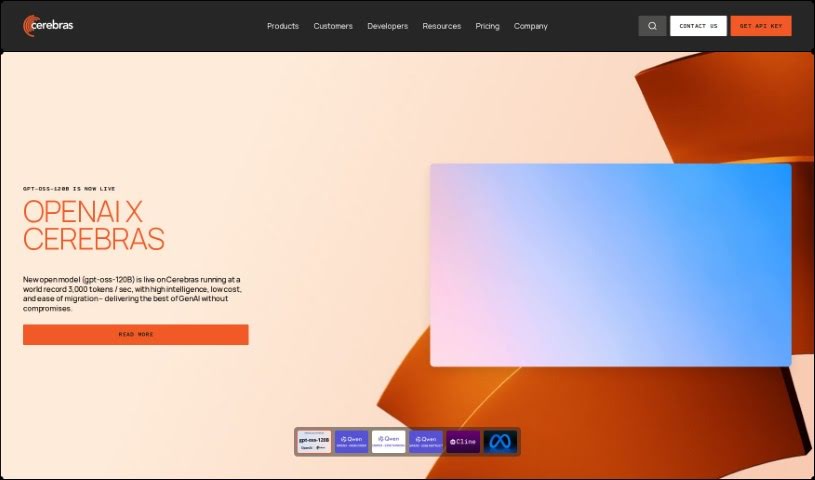
Cerebras-GPT

Freemium

Cerebras-GPT is a really advanced piece of technology. It uses Cerebras' unique Wafer Scale Cluster system, which lets you train AI models with trillions of parameters – that's the cutting edge for Large Language Models (LLMs) – all on a single AI accelerator. Normally, working with models this massive would mean using thousands of GPUs and needing a whole team of hardware experts. But with Cerebras-GPT, you can tackle models like the Llama 3.1-405B and see incredible performance. Think super-fast speeds and setting new records in developing these frontier models. Essentially, Cerebras-GPT opens up exciting new paths for training large-scale language models efficiently and effectively in the AI world.

Web Development View Tool →
Screenshot of Cerebrium AI

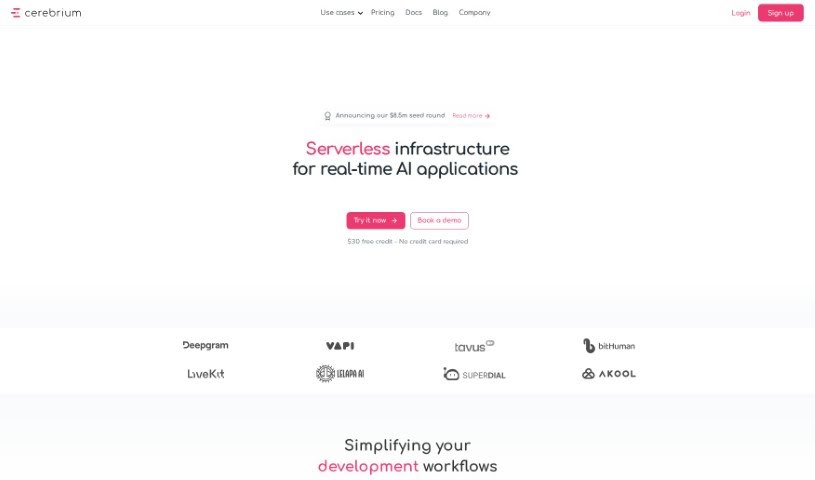
Cerebrium AI

Freemium

Cerebrium AI is a powerful platform designed to give developers the computing power they need for machine learning projects. It’s built to be scalable, meaning it can grow with your needs, whether you're just starting out as a hobbyist or you're part of a team managing larger ML applications. What's really neat is how they handle pricing: you only pay for the exact compute resources you use, down to the millisecond. No hidden fees, no surprises – just straightforward, pay-as-you-go pricing. This approach helps ensure your applications run fast and cost-effectively. Cerebrium AI offers services to speed up your pipelines for quicker inference, streamline your workflow, and keep latency low so your applications are responsive in real-time. Plus, they really focus on reliability, aiming for 99.999% uptime, and they're SOC 2 compliant, which means your data is handled securely. You also get handy features like real-time logging to spot issues fast, tools to track your spending, and observability features to keep an eye on your application's health. They offer a range of GPU options from different cloud providers, and the platform handles autoscaling automatically to keep your applications running smoothly without any hiccups.

Web Development View Tool →
Screenshot of Chariot AI

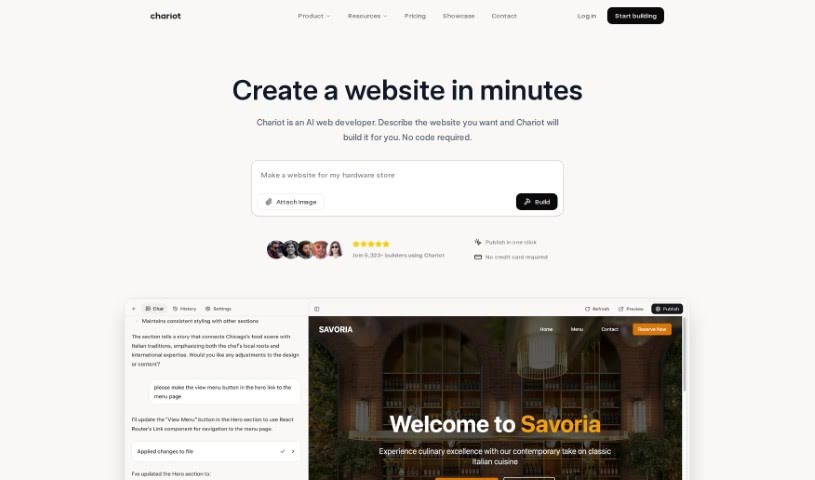
Chariot AI

Freemium

Chariot AI is a handy API tool built specifically for developers. It makes it super easy to add natural language capabilities right into your own applications. Whether you're working with models like GPT 3.5 or GPT-4, Chariot AI really smooths out the process of building and integrating language models into whatever you're creating. It offers a bunch of useful features, like setting up your models, turning text and files into embeddings (which is basically a way for computers to understand them), getting responses in real-time (streaming completions), managing conversations, and automatically breaking down large pieces of text (chunking).

Web Development View Tool →
Screenshot of Chat Booper

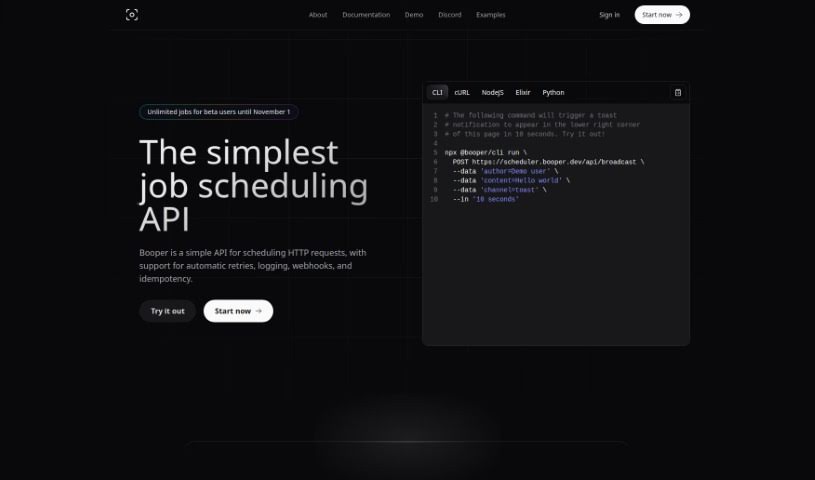
Chat Booper

Freemium

Chat Booper is a neat AI tool that lets you put a custom chat widget right on your website. It's designed to connect your website visitors directly with your Discord server. Getting started is pretty straightforward: you'll need to link it to your Discord server, add the Booper bot, pick a specific channel for conversations, and then bring Booper's React library into your own application. The chat widget itself is really easy to use and integrate. You can tweak its look to match your site, use emoji reactions to make chats more lively, and it lets you scroll through past messages, send and receive new ones, and refresh the whole chat view. While it's built specifically for React right now, it's a super convenient way for website owners to chat live with their users directly from Discord. It really makes communication between your website and Discord servers a breeze, without any complicated setup.

Web Development View Tool →
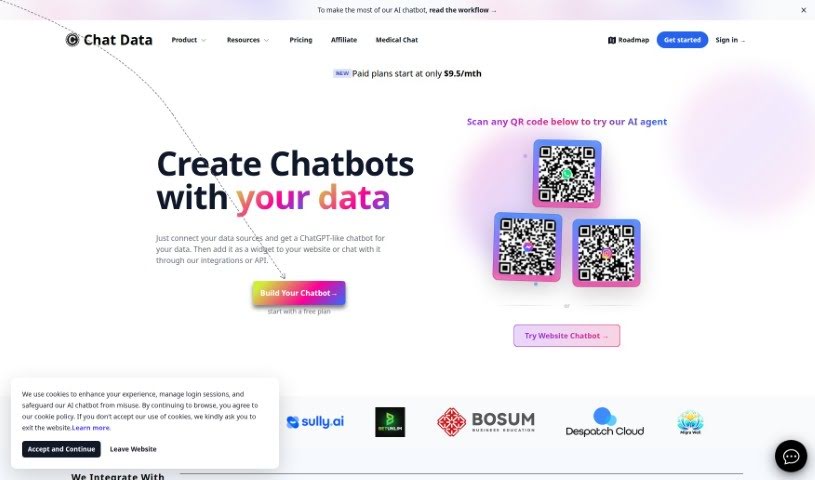
Screenshot of Chat Data

Chat Data

Freemium

Chat Data is a platform built for creating and integrating AI chatbots. It lets you build custom chatbots that can offer 24/7 customer support, act as specialized medical assistants, speak multiple languages, and keep your data private. You can train these chatbots using all sorts of data formats, and they keep your conversation history safe right in your browser, using strong encryption methods.

Web Development View Tool →
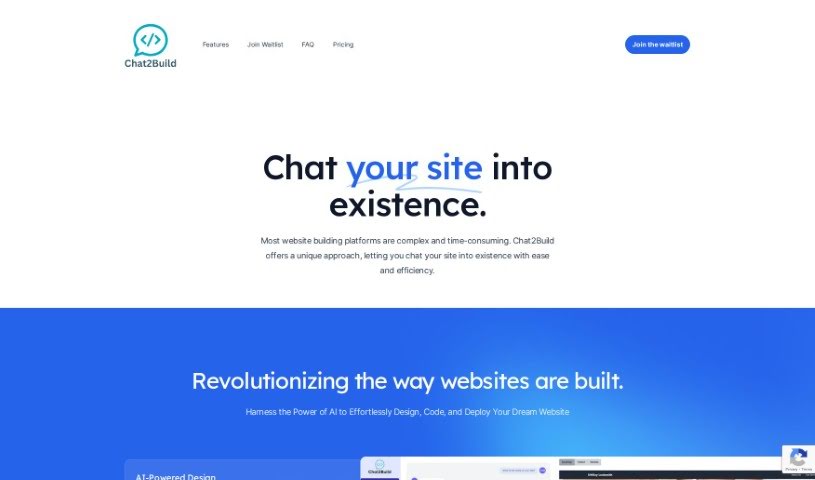
Screenshot of Chat2Build

Chat2Build

Freemium

Chat2Build is a really neat web app that lets you chat with AI to build and design websites without needing to know any code. It's pretty cool because the platform handles all the website creation, hosting, and even deployment to Netlify for you automatically. Plus, you can easily hop back into the Chat2Build web app anytime to tweak or update your site. They offer personalized design options, several pricing plans (including a free basic one), and lots of ways to customize your site. If you ever get stuck or have questions, their support team is there to help via their help center, email, or live chat.

Web Development View Tool →
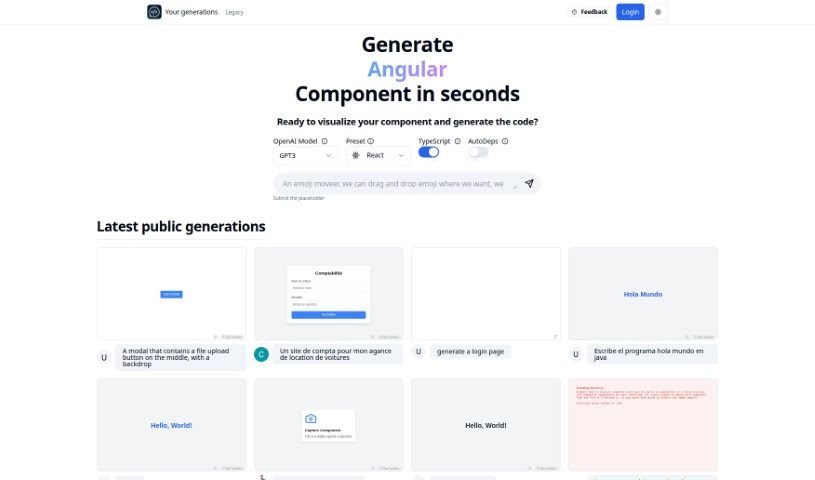
Screenshot of Chat2Code

Chat2Code

Freemium

Chat2Code is a really neat platform designed to make coding, especially for React components, a whole lot better. It uses AI to help you quickly create, run, and update React components right away. It is a tool that smooths out the coding process, making it super accessible whether you're just starting out or you're a seasoned pro. It's got this user-friendly setup and works efficiently. Some of its standout features include an OpenAI Model Preset that works with TypeScript and a handy AutoDeps function. This means you get smart code suggestions, and it automatically pulls in the libraries you need. Plus, you can easily share what you make, which is great for working with others. Chat2Code does more than just generate basic looks; it actually lets you interact with the components it creates, so they're fully working and ready to be dropped into your bigger projects. You can even ask it to add libraries like Zustand or usehooks-ts, which really boosts its capabilities and makes things even more functional.

Web Development View Tool →
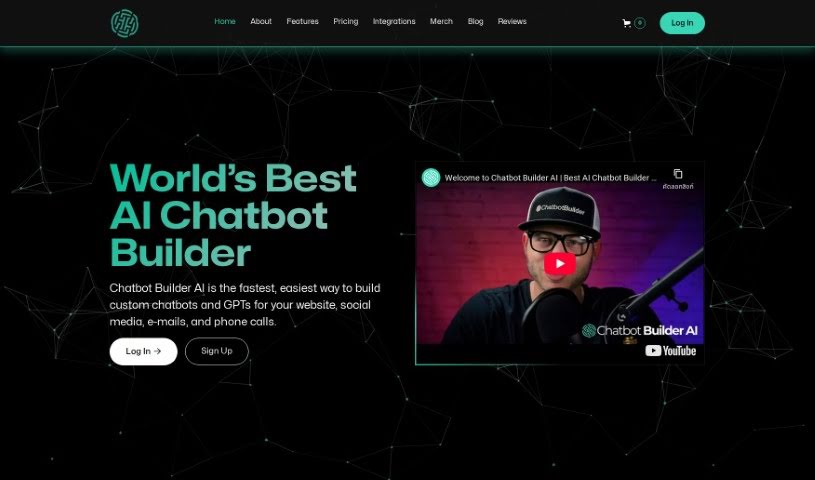
Screenshot of Chatbot Builder AI

Chatbot Builder AI

Freemium

Chatbot Builder AI is your go-to platform for creating smart, data-driven chatbots for your website. What's really neat is that you don't need to be a coding wizard to build them – they're super customizable and use OpenAI's ChatGPT to make conversations feel natural and dynamic. This tool comes packed with helpful features like analytics to see how your bot is doing, support for messaging across different channels, ways to automate community management, and tools to handle customer support and sales/marketing tasks instantly. You can easily connect your chatbot to places like Facebook, Instagram, Telegram, email, text messages, and even business phone calls. For early birds, there's a transparent pricing plan at $49 a month, which covers unlimited contacts and messages, plus a 7-day free trial to get you started. And don't worry, they offer a 100% satisfaction guarantee.

Web Development View Tool →
Screenshot of ChatCody

ChatCody

Freemium

ChatCody is a handy tool that works right within your GitHub workflow. Its main goal is to make you more productive and simplify how you develop software. It is your dedicated AI engineer, always on call, ready to automate tasks, improve your workflows, and even contribute code snippets. This means you can spend less time on the routine stuff and more time on the really important development work. ChatCody integrates smoothly with GitHub, helps you resolve issues interactively, offers AI-powered code reviews, and makes pull request conversations more dynamic. It's designed to speed up your development, keep your code private and secure, and generally make coding a better experience. Plus, they offer straightforward pricing, including a free option with some limitations so you can try it out before you commit.

Web Development View Tool →
Screenshot of Chatcraft

Chatcraft

Freemium

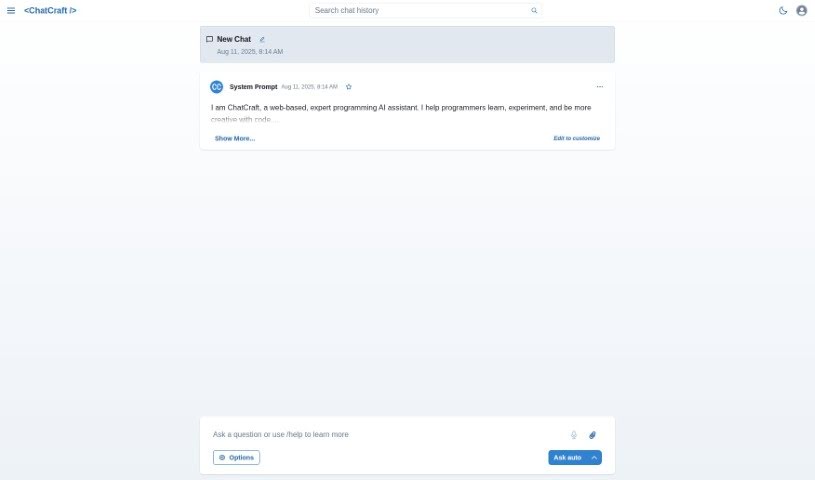
Chatcraft is a handy web-based tool built to help out with all sorts of software development jobs. It is your digital assistant for coding. It's got some neat features, like keeping your API keys safe and stored offline, making it easy to chat about your projects, and offering support for development tasks. All of this is designed to help you get more done, faster.

Web Development View Tool →
Screenshot of Chatgpt.js

Chatgpt.js

Freemium

Chatgpt.js is a handy JavaScript library that makes it super simple to work with the ChatGPT interface directly. It's packed with features, designed in an organized, object-oriented way, and it's really easy to pick up and use, all while being lightweight. You can bring this library into your projects in a few different ways, depending on your setup – whether you're using ES6, Greasemonkey, Chrome extensions, or npm. It’s built for flexibility, letting you do things like easily grab the last response with `chatgpt.getLastResponse()`, get the last reply using `chatgpt.getLastReply()`, or even access the last reply via `chatgpt.response.getLast()` or `chatgpt.get('reply', 'last')`.

Web Development View Tool →
Screenshot of Chatling

Chatling

Freemium

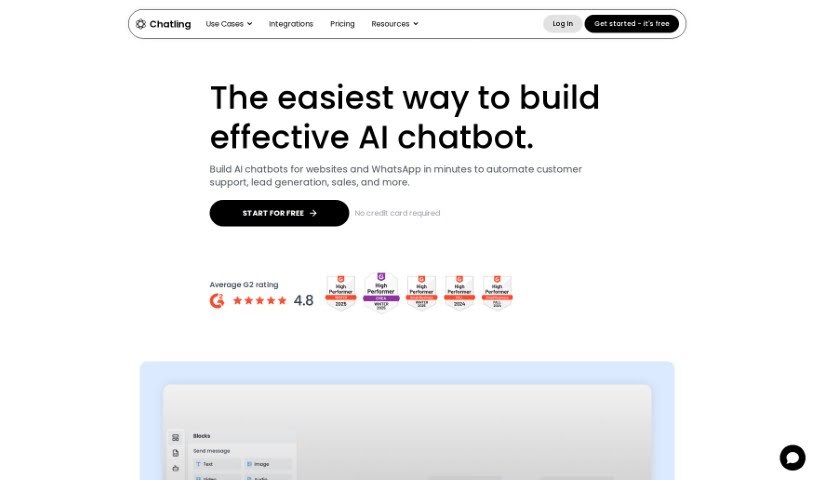
Chatling is a platform designed to help businesses build their own AI chatbots without needing any coding skills. It is a way to easily create custom AI assistants. These chatbots can be super helpful for things like customer support, generating leads, or answering questions from your knowledge base. Ultimately, they're all about making customers happier and boosting sales. The process is pretty straightforward: you give the chatbot data to learn from, tweak its look to match your brand, pop it onto your website, and then check out the conversations to see what you can learn. Over 2,000 businesses already trust Chatling, and you can even start for free – no credit card needed!

Web Development View Tool →

Stay Updated with AI Tools

Get weekly updates on the latest AI tools, trends, and insights delivered to your inbox

Join 25,000+ AI enthusiasts. No spam, unsubscribe anytime.