AI Tools for Web Development

Discover the best Web Development AI tools to enhance your productivity and creativity.

Page 10 of 58 • 694 total tools

Web development has really changed lately, and AI tools are a big part of that. What used to take a lot of coding and design skill can now be made much simpler with smart programs that speed things up. Today, AI-assisted development tools are changing how we build websites, making it easier for newcomers and more efficient for experienced pros.

These tools offer everything from easy design features to help with writing code, letting you create great-looking, functional sites more quickly. Developers don’t have to start from scratch or fix every single line of code manually anymore. Instead, AI can offer suggestions and even create whole parts of a website based on what you need.

Having worked in web development for years, I’ve seen firsthand how AI can make tasks simpler and more efficient. But with so many options out there, picking the right tool can feel overwhelming.

In this article, I’ll share the best AI web development tools you can find right now. Whether you want to improve your coding, automate routine jobs, or make your design process better, there’s something here for you. Let’s explore the tools that can really change your web development experience.

The best AI Web Development Tools

  1. Lovable: Great for making frontend design work smoother.
  2. Cursor: Helps with real-time code collaboration.
  3. Replit AI: Generates code snippets for web apps.
  4. Supabase: For teams to manage databases together.
  5. v0 by Vercel: Quickly creates UI kits for web projects.
  6. Replicate AI: Automates code generation for web apps.
  7. Carrd: Perfect for a single-page site to promote an event.
  8. AI Dungeon: Lets you create interactive web stories with code.
  9. Ollama: For quickly building early versions of web interfaces.
  10. Jimdo: Makes building and managing websites easy.
  11. Code Sandbox: Simplifies CSS preprocessor workflows.
  12. Tilda: Lets you create websites easily without coding.
  13. Bubble: A drag-and-drop tool for building web applications.
  14. Weights & Biases: Streamlines integrating ML models into web apps.
  15. Warp Terminal: Helps deploy web apps quickly.

How do AI web development tools work?

AI web development tools use smart algorithms to handle different parts of designing and building websites. These tools often use large language models, much like AI writing software, to look at coding patterns and make things more efficient. They offer suggestions, code pieces, or even build whole sections of code based on what you tell them.

Basically, these tools understand what you’re asking for, so you can describe what you want in simple terms. For example, you could say, “Create a navigation bar,” and the AI will generate the HTML, CSS, or JavaScript code needed. This makes web development more accessible, even if you don’t have a lot of programming experience.

Many AI web development platforms connect with popular coding environments and content management systems. This means they can improve tools like WordPress, Wix, or GitHub by offering smart code completions or finding errors as you type. With these connections, users can really smooth out their development process.

The data these AI systems learn from usually includes tons of source code, guides, and content created by users on sites like GitHub. This helps them learn different coding styles and the best ways to do things. Their effectiveness comes from spotting patterns and suggesting the best solutions based on what the user needs.

In short, AI web development tools make coding simpler, letting developers focus on creativity and solving problems instead of getting stuck on syntax. As technology keeps changing, these tools are expected to get even better, likely changing how web developers work.

Our best AI web development tools at a glance

RankNameBest forPlans and PricingRating
1LovableMaking frontend design work smoother.N/A4.84 (43 reviews)
2CursorReal-time collaboration on code projects.Paid plans start at $20/Month.4.83 (6 reviews)
3Replit AIGenerating code snippets for web apps.N/A4.70 (44 reviews)
4SupabaseCollaborative database management for dev teamsN/A5.00 (32 reviews)
5v0 by VercelQuickly creating UI kits for web projects.N/A4.73 (11 reviews)
6Replicate AIAutomating code generation for web apps.N/A4.82 (11 reviews)
7CarrdA single-page site for event promotion.Paid plans start at $19/year.4.72 (29 reviews)
8AI DungeonCreating interactive web story experiences.N/A4.54 (39 reviews)
9OllamaRapid prototyping of web interfaces.N/A4.63 (8 reviews)
10JimdoBuilding and maintaining websites easily.N/A4.64 (11 reviews)
11CodeSandboxSimplifying CSS preprocessor workflows.N/A4.45 (11 reviews)
12TildaEffortless website creation without coding.N/A4.75 (20 reviews)
13BubbleA drag-and-drop web applications builder.N/A4.73 (11 reviews)
14Weights & BiasesStreamlining ML model integration in web apps.N/A4.50 (12 reviews)
15Warp TerminalDeploying web apps swiftly.N/A4.79 (28 reviews)
Screenshot of Chatx

Chatx

Freemium

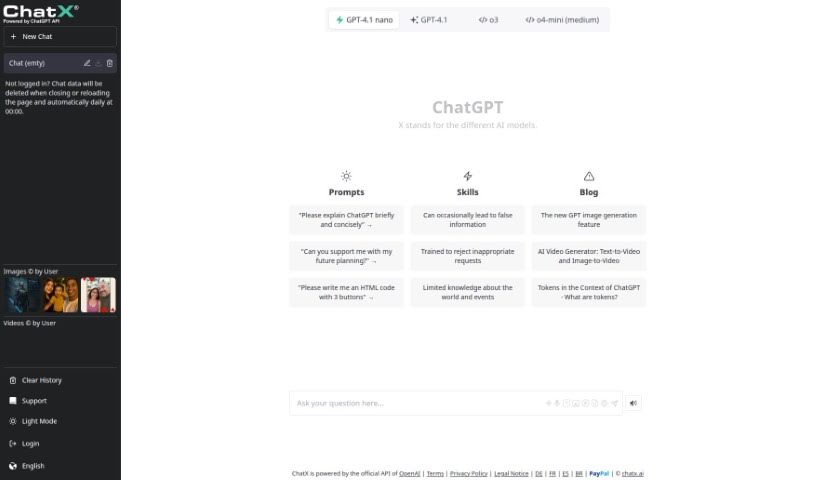
Chatx is a central hub for all sorts of AI tools. It's a place where you can find handy AI prompts, whether you're looking to generate text with ChatGPT, create stunning visuals with MidJourney, or even brainstorm gift ideas. Essentially, it's a free marketplace designed to make Generative AI Prompts super accessible for your projects. Chatx really wants to help you tap into the incredible power of AI, offering tools that work with popular platforms like ChatGPT, DALL·E, Stable Diffusion, and Midjourney. They provide the resources you need to explore and effectively use artificial intelligence for all sorts of different things. The platform makes it simple to find just the right AI prompts, whether you're a beginner or an experienced user looking to boost your projects with AI-generated content.

Web Development View Tool →
Screenshot of Checksum

Checksum

Freemium

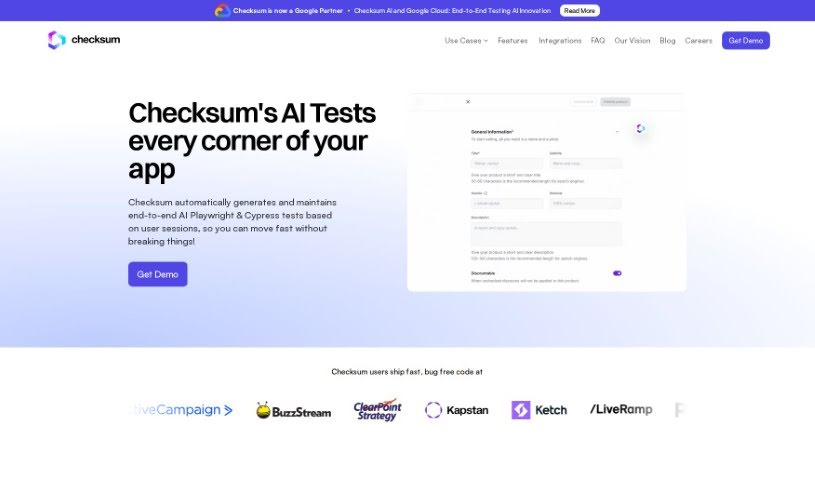
Checksum is a tool designed to help developers and quality assurance pros boost the test coverage for their web applications. It cleverly combines real user sessions with machine learning to build end-to-end tests that mirror actual user interactions and behaviors. Plus, Checksum makes it a breeze to generate and keep these tests up-to-date, especially when you're working with popular frameworks like Playwright and Cypress. By using Checksum, teams can really simplify their testing process and make sure their web apps are thoroughly covered.

Web Development View Tool →
Screenshot of ChessGPT

ChessGPT

Freemium

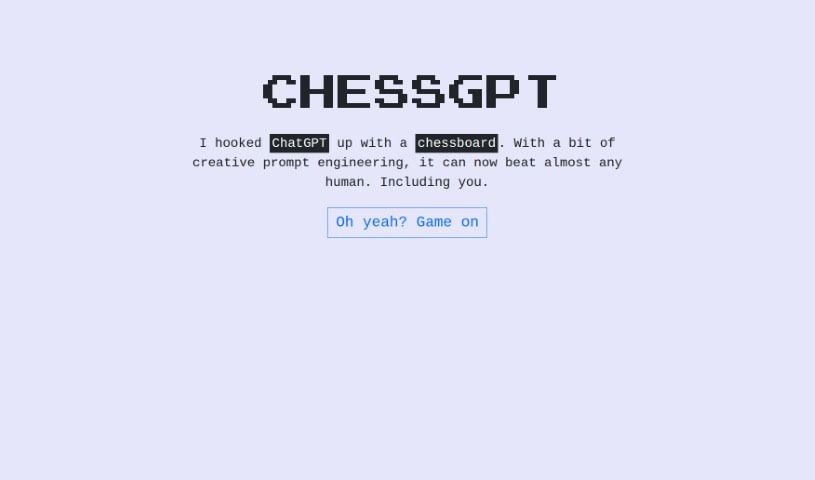
ChessGPT is a really smart AI tool built for anyone who loves chess, whether you're just starting out or you've been playing for years. It's designed to give you personalized advice, break down your games, suggest the best moves, and even offer custom training to help you get better. Plus, you can dive into a huge collection of classic chess games to learn from, play against the AI at various skill levels, and chat about your games with other chess fans.

Web Development View Tool →
Screenshot of Choicechaser

Choicechaser

Freemium

Choicechaser is a handy tool for anyone looking to build a Minimum Viable Product (MVP) or other custom software. It's especially useful for small business owners who need to hire a development and design agency for various tasks. Maybe you're having trouble with your current agency, thinking about moving your business from a platform like Shopify, or need custom integrations built for your Shopify store? Choicechaser can help you find the right fit. For more insights, you might want to check out these communities:

Web Development View Tool →
Screenshot of Cloudflare

Cloudflare

Freemium

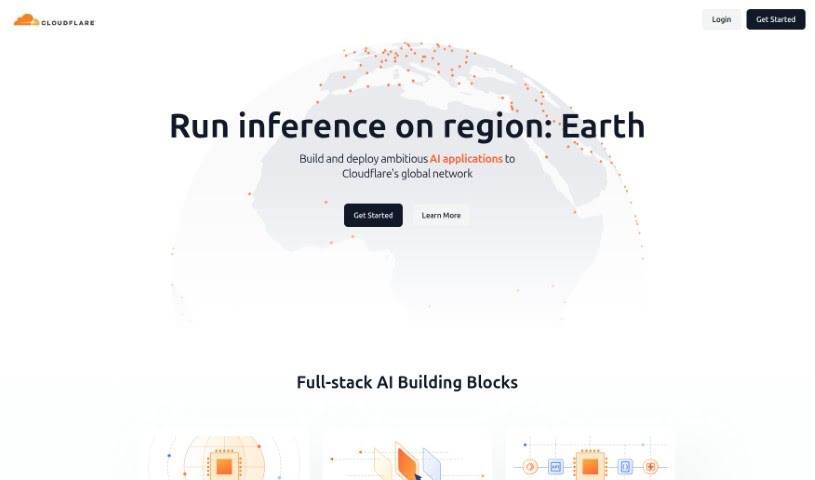
Cloudflare + AI is a tool that lets you run fast, low-latency AI inference tasks using pre-trained machine learning models right on Cloudflare Workers. This makes it easier to build and deploy advanced AI applications across Cloudflare's global network, which is known for its wide availability and scalability. You can use various full-stack AI components, like serverless AI on GPUs, a selection of popular models, and the ability to run AI models from Workers, Pages, or anywhere via its REST API. Cloudflare + AI also helps improve reliability and scalability with features like caching, rate limiting, and analytics through its AI Gateway. Plus, you can create and store embeddings in a globally distributed vector database called Vectorize, which is great for efficient searches on your data when working with machine learning models. The tool focuses on simplicity and quick deployment, offering templates from a curated list of pre-built models. It supports many tasks, including image classification, sentiment analysis, speech recognition, text generation, and translation. With Workers AI and Vectorize, you can run AI inference tasks on Pages, popular frameworks, or any setup using an API with just a little code. Big names in AI like Meta, Nvidia, Microsoft, Hugging Face, and Databricks trust Cloudflare + AI. Its main goal is to help you build AI infrastructures that are dependable, secure, and cost-effective, without any surprise bills. It also offers affordable storage for training models and AI assets with R2, making it cost-effective to set up multi-cloud environments for training large language models.

Web Development View Tool →
Screenshot of Coconaut

Coconaut

Freemium

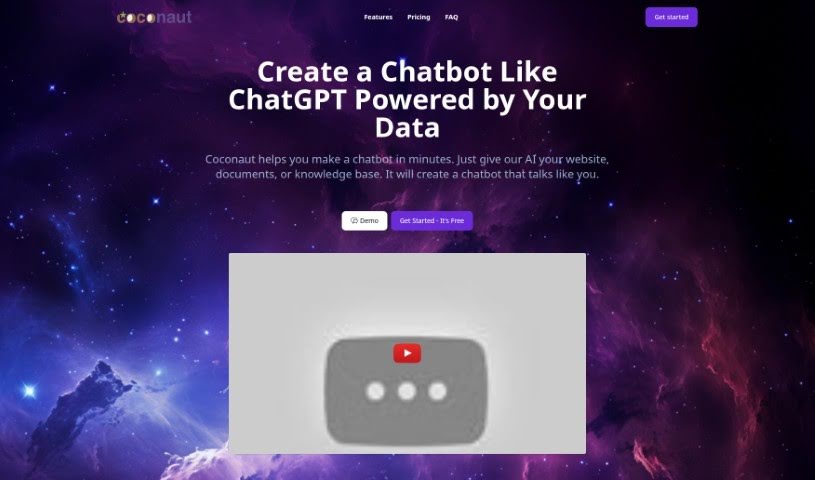
Coconaut is a platform designed to help you build chatbots really fast, using information you already have. Think of your website, any documents you've got, or your existing knowledge bases – Coconaut can use all of that. The chatbots you create with it will sound just like the data you fed them, making them feel really authentic to your brand. People seem to like Coconaut a lot because it's secure, super easy to use, and you can specifically train your chatbot on your own unique datasets. It's built to fit right into your website, and it runs on ChatGPT. Plus, you get to tweak things like the chatbot's prompts and even choose which AI model it uses.

Web Development View Tool →
Screenshot of Codara

Codara

Freemium

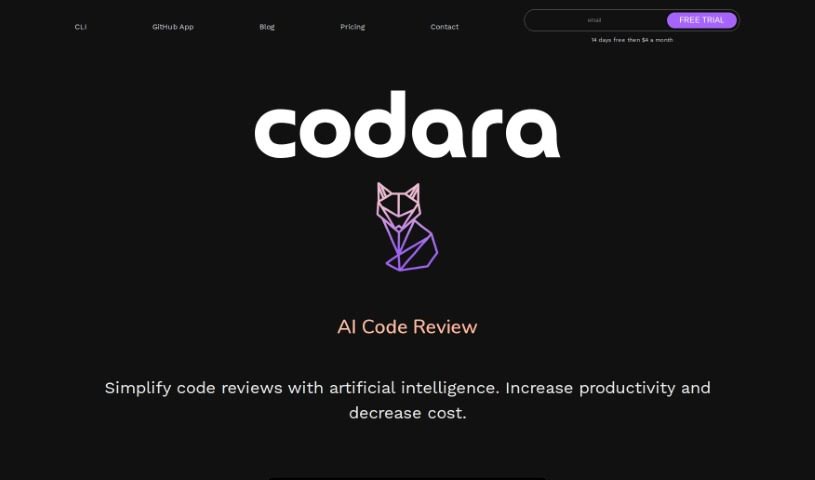
Codara is an AI-powered tool designed to make code reviews much smoother and boost your team's productivity. It gives you detailed, real-time feedback right on your code, making it easier for everyone to collaborate. Plus, it has a neat feature that diagnoses your code, suggesting ways to fix errors and warnings. Setting up Codara is a breeze because it integrates right into your existing development setup with its command-line interface (CLI) tool.

Web Development View Tool →
Screenshot of Code Converter

Code Converter

Freemium

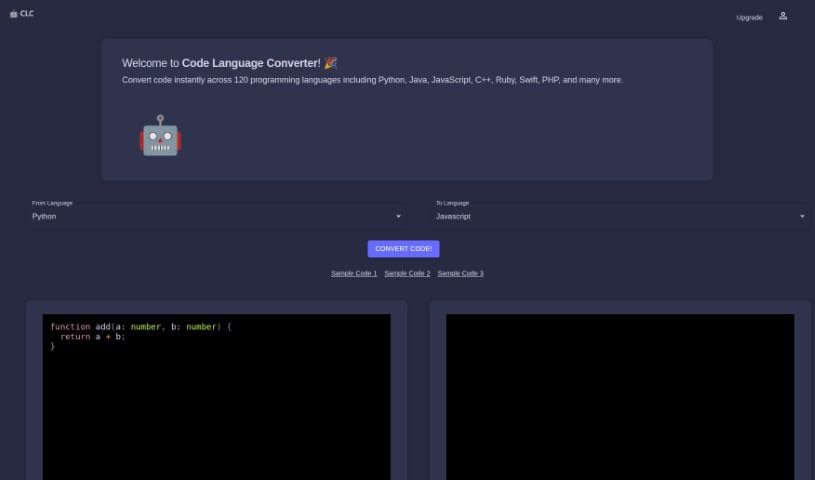
The Code Language Converter is your go-to online assistant for switching code between different programming languages. It uses artificial intelligence to make this process much simpler, especially if you're juggling several languages. Just paste your code snippet into the converter, pick the language you need, and voilà – you get the converted code. While the AI is pretty good, it's always a smart move to have a human double-check the results to make sure everything's up to snuff. What makes it stand out? It converts code super fast, has a really easy-to-use interface, uses AI for translations, supports a bunch of different programming languages, and you can even sign up to get credits for your conversions.

Web Development View Tool →
Screenshot of Code Fundi

Code Fundi

Freemium

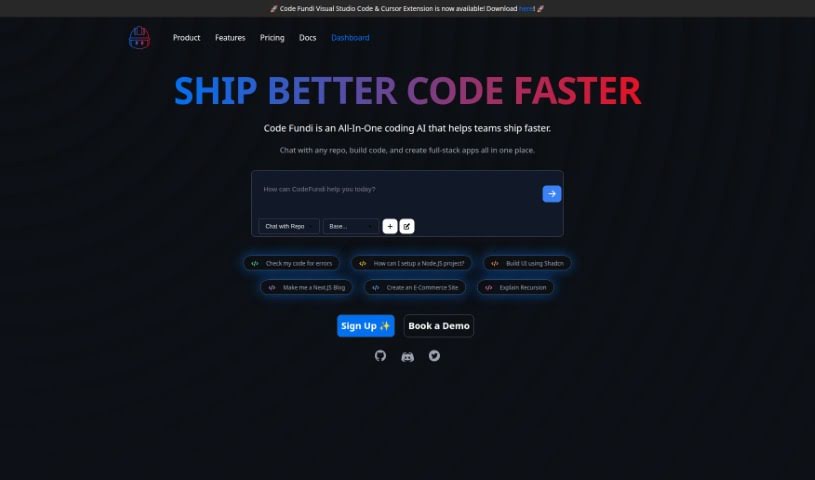
Code Fundi is an AI-powered tool designed to act as your coding assistant, helping developers write code more efficiently. It's particularly useful for tasks like writing, debugging, and generating code directly within your code editor, especially as a Visual Studio Code Extension. Whether you're a student just starting out, an experienced developer, or a business looking to speed up your coding processes and improve the quality of your code, Code Fundi can be a real asset. It offers features such as real-time error debugging, the ability to generate code for many different programming languages, personalized explanations for your code snippets, and tools to create tests for detecting errors.

Web Development View Tool →
Screenshot of Code Generator for Arduino

Code Generator for Arduino

Freemium

The Arduino Code Generator is a neat software tool that uses AI to automatically create coding scripts for Arduino boards. It really simplifies the whole coding process, generating reliable code that works right away, just from your input. The code it produces follows current standards, and you can even check it over before uploading it to your hardware. It's a great tool for anyone, whether you're just starting out with Arduino or you're a seasoned developer, thanks to its easy-to-use interface and dependable code generation. While it handles the heavy lifting of code creation, it's still a good idea to look through the code it generates. This helps you understand it better, which is super useful if you want to tweak it or if something goes wrong.

Web Development View Tool →
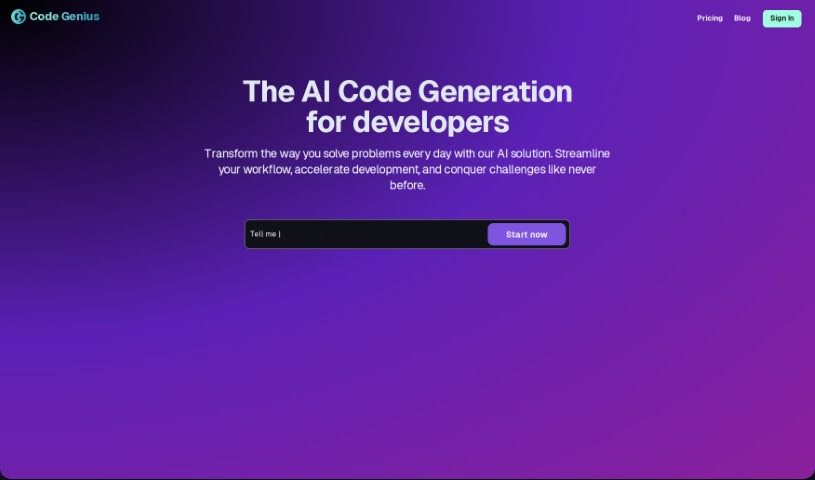
Screenshot of Code Genius

Code Genius

Freemium

Code Genius is a really neat tool designed to make coding much smoother for developers. It gives you instant feedback on your code, offers smart suggestions, helps you optimize what you've written, automatically creates unit tests, and even generates documentation. It is a helpful sidekick that helps you write better code and work more efficiently. What makes it stand out is how quickly it spots errors, how its smart suggestions can actually improve your coding skills, and its collaboration features, which are great for teams. While it doesn't focus on one specific programming language, it works across different platforms and is excellent at helping you solve problems.

Web Development View Tool →
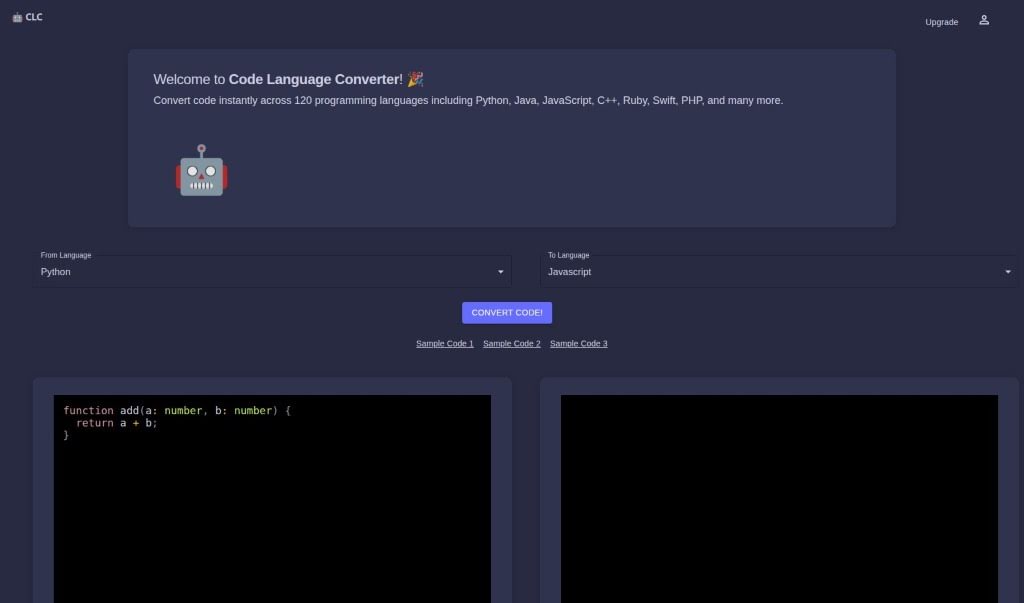
Screenshot of Code Language Converter

Code Language Converter

Freemium

A Code Language Converter is essentially an AI-powered tool built to help developers switch code snippets from one programming language to another. It is a translator for your code. It's designed to be quick and accurate, supporting a wide range of languages. You can even paste your own code directly into it for conversion, and it often provides sample code to get you started. While it's a really helpful assistant for developers, it's important to remember it's not perfect – human oversight is still key to making sure the converted code is spot on. For instance, it's great at converting code snippets into TypeScript and can efficiently handle PHP code.

Web Development View Tool →

Stay Updated with AI Tools

Get weekly updates on the latest AI tools, trends, and insights delivered to your inbox

Join 25,000+ AI enthusiasts. No spam, unsubscribe anytime.