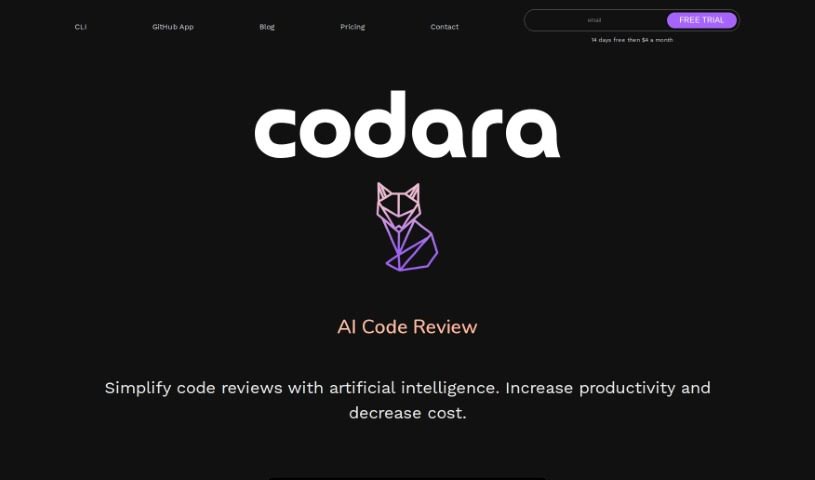
Screenshot of Codara

Codara

Discover what Codara is and how to make the most of it in 2025. We'll dive into its features, compare it to other software development tools, and show you exactly how to integrate it into your workflow.

Screenshot

What is Codara?

Codara is an AI-powered tool designed to make code reviews much smoother and boost your team’s productivity. It gives you detailed, real-time feedback right on your code, making it easier for everyone to collaborate. Plus, it has a neat feature that diagnoses your code, suggesting ways to fix errors and warnings. Setting up Codara is a breeze because it integrates right into your existing development setup with its command-line interface (CLI) tool.

This tool really helps with debugging. It can spot code errors and even suggest how to fix them. It’s smart enough to review both code you’ve staged and code you haven’t committed yet, as long as it’s within your current branch. Codara also saves your reviews locally, which means you can tweak the review criteria to match your team’s specific standards. And because all review details are saved on your machine, your data stays private and secure. It’s built to handle even the biggest projects without slowing down.

So, to sum it up, Codara is a really flexible tool. It brings AI-powered code reviews to your workflow, making the whole process more efficient with simpler reviews, instant feedback, and better team collaboration, all while keeping your data safe and scaling up as needed.

Who created Codara?

Codara was developed by an anonymous founder and first launched on January 3, 2024. It’s an AI tool focused on code reviews, aiming to simplify the process, boost productivity, and offer features like in-depth code feedback, team collaboration, and suggestions for fixing errors. The tool integrates smoothly into development environments, prioritizes data privacy, and is designed to scale for large projects.

What is Codara used for?

  • Making the development process run more smoothly
  • Simplifying how code reviews are done
  • Boosting overall productivity
  • Giving detailed, real-time feedback on code
  • Helping teams work together more effectively
  • Sharing knowledge across the team
  • Diagnosing code issues and suggesting fixes
  • Reviewing code that’s already staged for commit
  • Reviewing code that hasn’t been staged yet
  • Saving reviews and diagnoses locally for later reference

Who is Codara for?

  • Software developers
  • Programmers
  • Web Developers
  • IT professionals

How to use Codara?

To get the most out of Codara, just follow these simple steps:

  1. Installation:
    • First, make sure you have Python 3 and git installed on your system.
    • Then, open your terminal or command prompt and run pip install codara to install the tool.
  2. Integration:
    • Codara is designed to fit right into your development environment. Its CLI tool makes setup quick and reviews easy to start.
  3. Feedback and Reviews:
    • You’ll get detailed, real-time feedback on your code, which is super helpful for finding and fixing errors, and for making your code better.
    • You can also customize what Codara looks for in reviews, setting your own team’s standards for style, complexity, and performance.
  4. Code Diagnosis:
    • Use Codara’s diagnostic feature to get suggestions for fixing errors and warnings. It really simplifies the debugging process.
  5. Data Privacy and Security:
    • Codara takes your data privacy seriously. All review details are saved locally, so your code’s confidentiality and security are protected.
  6. Scalability and Performance:
    • Codara is built to handle large projects, so you can rely on its consistent performance no matter how big your codebase gets.
  7. Subscription:
    • Once you’re subscribed, you get access to advanced AI analysis, unlimited reviews, all the diagnostic features, and our special AI models. It costs $24 per month after a 3-day free trial.
  8. Collaboration:
    • Codara has a team-focused approach that really helps foster collaboration and knowledge sharing during code reviews.

By following these steps, you’ll be able to use Codara effectively to make your development process smoother, boost your productivity, and improve the overall quality of your code.

Related AI Tools

Discover more tools in similar categories that might interest you

Stay Updated with AI Tools

Get weekly updates on the latest AI tools, trends, and insights delivered to your inbox

Join 25,000+ AI enthusiasts. No spam, unsubscribe anytime.