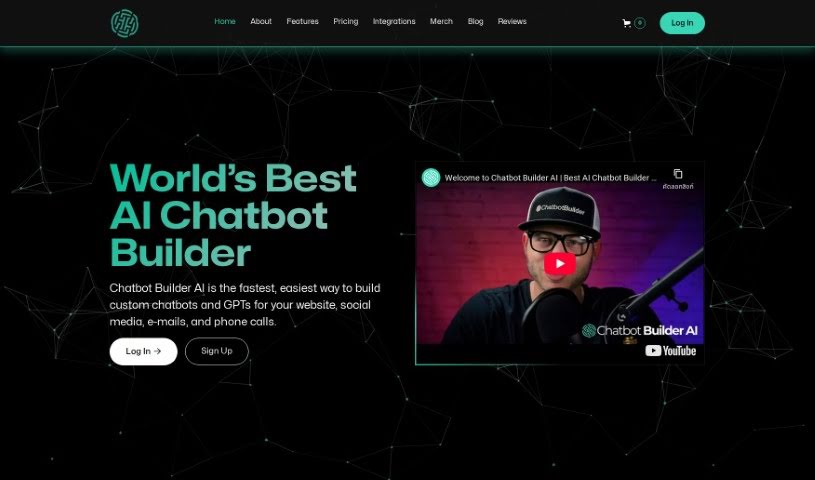
What is Chatbot Builder AI?
Chatbot Builder AI is your go-to platform for creating smart, data-driven chatbots for your website. What’s really neat is that you don’t need to be a coding wizard to build them – they’re super customizable and use OpenAI’s ChatGPT to make conversations feel natural and dynamic. This tool comes packed with helpful features like analytics to see how your bot is doing, support for messaging across different channels, ways to automate community management, and tools to handle customer support and sales/marketing tasks instantly. You can easily connect your chatbot to places like Facebook, Instagram, Telegram, email, text messages, and even business phone calls. For early birds, there’s a transparent pricing plan at $49 a month, which covers unlimited contacts and messages, plus a 7-day free trial to get you started. And don’t worry, they offer a 100% satisfaction guarantee.
Who created Chatbot Builder AI?
Chatbot Builder AI was actually created by ChatbotBuilder.ai, and they launched it on June 18, 2024. ChatbotBuilder.ai is a company that’s really focused on delivering top-notch AI chatbot solutions. They put a lot of emphasis on quality, making sure their customer support is excellent, and always looking for ways to improve. Transparency, working together, and fostering innovation are big priorities for their team as they develop these advanced AI chatbot solutions.
What is Chatbot Builder AI used for?
Chatbot Builder AI is incredibly versatile. You can use it to:
- Create customizable chatbots that really fit your brand.
- Build data-driven chatbots specifically for your website.
- Customize chatbots without needing complex coding, making it accessible for everyone.
- Integrate your chatbots seamlessly with platforms like Facebook, Instagram, Telegram, email, text messaging, and even business phone calls.
- Engage, assist, and delight your users with interactions that feel intelligent and dynamic.
- Automate community management tasks and provide instant customer support.
- Facilitate sales and marketing automation by using data-driven insights from your chatbots.
- Set up prompt chaining flow builders for more advanced and creative possibilities.
- Connect with other tools using Zapier, Pabbly & Make integrations for seamless cross-channel customer engagement.
- Personalize your chatbots by feeding them your own business data.
- Take advantage of a 7-day free trial, transparent pricing, and a 100% satisfaction guarantee.
- Keep an eye on performance with built-in analytics.
- Enjoy no-code development for ease of use.
- Streamline automated community management.
- Offer instant customer support.
- Boost your sales and marketing automation efforts.
- Make your chatbots truly personalized with business data.
- Achieve cross-channel customer engagement.
- Explore prompt chaining flow builders for unique capabilities.
- Power your support calls with ChatGPT-powered support calls.
Who is Chatbot Builder AI for?
This tool is a great fit for a wide range of professionals and businesses, including:
- Marketing professionals
- Sales professionals
- Customer service representatives
- Marketers
- Business owners
- Agencies
- Developers
How to use Chatbot Builder AI?
Getting started with Chatbot Builder AI is pretty straightforward. Here’s a simple step-by-step guide:
- Sign Up and Log In: First, head over to the Chatbot Builder website. You’ll need to sign up for an account, and then you can log in to start exploring the platform.
- Explore Chatbot Creation: Once you’re in, look for the “Build New Bot” option. This is where you’ll begin creating your chatbot. Take some time to customize it so it perfectly matches your business needs.
- Integration: Next, you’ll want to integrate your new chatbot. You can connect it to various platforms like Facebook, Instagram, Telegram, email, and text messaging.
- Customization: Make your chatbot even more effective by personalizing it. You can use your own business data to ensure the conversations it has are more relevant to your customers.
- Analytics: Keep track of how well your chatbot is performing. The platform provides analytics tools that you can use to monitor its performance and find ways to improve it over time.
- Sales and Marketing Automation: Take advantage of the data-driven chatbots to really boost customer engagement and make your business operations run more smoothly.
- Early Adopter Program: If you’re looking for extra perks, consider joining the early adopter program. It often comes with benefits like a fixed monthly rate, unlimited contacts, and that handy 7-day free trial.
- Trial Period: Definitely make the most of the 7-day free trial. It’s a great way to explore all the features without needing to provide a credit card upfront.
- Resources and Support: Don’t forget to check out the resources and templates that Chatbot Builder provides. They can really help you build your chatbot more efficiently.
- Launch and Monitor: Once you’re happy with it, deploy your chatbot! Then, keep an eye on its performance using the powerful analytics tools that Chatbot Builder offers.
By following these steps, you’ll be well on your way to effectively using Chatbot Builder to create smart, dynamic chatbots that are tailored precisely to your business’s unique requirements.