AI Tools for Web Development

Discover the best Web Development AI tools to enhance your productivity and creativity.

Page 8 of 58 • 694 total tools

Web development has really changed lately, and AI tools are a big part of that. What used to take a lot of coding and design skill can now be made much simpler with smart programs that speed things up. Today, AI-assisted development tools are changing how we build websites, making it easier for newcomers and more efficient for experienced pros.

These tools offer everything from easy design features to help with writing code, letting you create great-looking, functional sites more quickly. Developers don’t have to start from scratch or fix every single line of code manually anymore. Instead, AI can offer suggestions and even create whole parts of a website based on what you need.

Having worked in web development for years, I’ve seen firsthand how AI can make tasks simpler and more efficient. But with so many options out there, picking the right tool can feel overwhelming.

In this article, I’ll share the best AI web development tools you can find right now. Whether you want to improve your coding, automate routine jobs, or make your design process better, there’s something here for you. Let’s explore the tools that can really change your web development experience.

The best AI Web Development Tools

  1. Lovable: Great for making frontend design work smoother.
  2. Cursor: Helps with real-time code collaboration.
  3. Replit AI: Generates code snippets for web apps.
  4. Supabase: For teams to manage databases together.
  5. v0 by Vercel: Quickly creates UI kits for web projects.
  6. Replicate AI: Automates code generation for web apps.
  7. Carrd: Perfect for a single-page site to promote an event.
  8. AI Dungeon: Lets you create interactive web stories with code.
  9. Ollama: For quickly building early versions of web interfaces.
  10. Jimdo: Makes building and managing websites easy.
  11. Code Sandbox: Simplifies CSS preprocessor workflows.
  12. Tilda: Lets you create websites easily without coding.
  13. Bubble: A drag-and-drop tool for building web applications.
  14. Weights & Biases: Streamlines integrating ML models into web apps.
  15. Warp Terminal: Helps deploy web apps quickly.

How do AI web development tools work?

AI web development tools use smart algorithms to handle different parts of designing and building websites. These tools often use large language models, much like AI writing software, to look at coding patterns and make things more efficient. They offer suggestions, code pieces, or even build whole sections of code based on what you tell them.

Basically, these tools understand what you’re asking for, so you can describe what you want in simple terms. For example, you could say, “Create a navigation bar,” and the AI will generate the HTML, CSS, or JavaScript code needed. This makes web development more accessible, even if you don’t have a lot of programming experience.

Many AI web development platforms connect with popular coding environments and content management systems. This means they can improve tools like WordPress, Wix, or GitHub by offering smart code completions or finding errors as you type. With these connections, users can really smooth out their development process.

The data these AI systems learn from usually includes tons of source code, guides, and content created by users on sites like GitHub. This helps them learn different coding styles and the best ways to do things. Their effectiveness comes from spotting patterns and suggesting the best solutions based on what the user needs.

In short, AI web development tools make coding simpler, letting developers focus on creativity and solving problems instead of getting stuck on syntax. As technology keeps changing, these tools are expected to get even better, likely changing how web developers work.

Our best AI web development tools at a glance

RankNameBest forPlans and PricingRating
1LovableMaking frontend design work smoother.N/A4.84 (43 reviews)
2CursorReal-time collaboration on code projects.Paid plans start at $20/Month.4.83 (6 reviews)
3Replit AIGenerating code snippets for web apps.N/A4.70 (44 reviews)
4SupabaseCollaborative database management for dev teamsN/A5.00 (32 reviews)
5v0 by VercelQuickly creating UI kits for web projects.N/A4.73 (11 reviews)
6Replicate AIAutomating code generation for web apps.N/A4.82 (11 reviews)
7CarrdA single-page site for event promotion.Paid plans start at $19/year.4.72 (29 reviews)
8AI DungeonCreating interactive web story experiences.N/A4.54 (39 reviews)
9OllamaRapid prototyping of web interfaces.N/A4.63 (8 reviews)
10JimdoBuilding and maintaining websites easily.N/A4.64 (11 reviews)
11CodeSandboxSimplifying CSS preprocessor workflows.N/A4.45 (11 reviews)
12TildaEffortless website creation without coding.N/A4.75 (20 reviews)
13BubbleA drag-and-drop web applications builder.N/A4.73 (11 reviews)
14Weights & BiasesStreamlining ML model integration in web apps.N/A4.50 (12 reviews)
15Warp TerminalDeploying web apps swiftly.N/A4.79 (28 reviews)
Screenshot of Builder.io

Builder.io

Freemium

Builder.io is a Visual Headless CMS platform that really changes how we manage content and create digital experiences. It offers a flexible, easy-to-use interface, making it simple for developers, marketers, and product managers to work together smoothly. This platform speeds up web development, cutting down on the need for endless tickets and getting content out faster. Builder.io plays nicely with lots of frameworks like React, Next.js, and Angular, and it even supports open-source projects like Mitosis and Qwik. Its main goal is to boost productivity and help create really well-made digital experiences.

Web Development View Tool →
Screenshot of BuildShip

BuildShip

Freemium

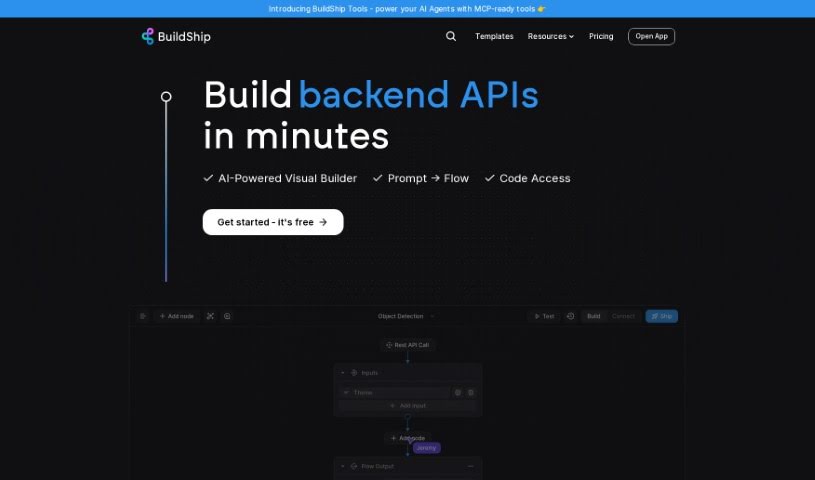
BuildShip is a really neat low-code visual tool that lets you build all sorts of backend stuff for your applications – think workflows, APIs, scheduled jobs, and cloud functions. What's cool is that it's powered by AI, so you can actually create these backend components without needing to be a coding wizard. BuildShip lets you connect pre-built blocks, or if something isn't there, you can just describe what you need, and the AI can create a custom node for you. This means you don't have to wait around for integrations to be built. You can even mix and match different AI models and tools within your workflows, grab templates for tricky use cases, and use handy features like version control and advanced dev tools. Basically, BuildShip makes building backend components a whole lot simpler and faster, all through a visual interface with AI helping out.

Web Development View Tool →
Screenshot of Butterfish Shell

Butterfish Shell

Freemium

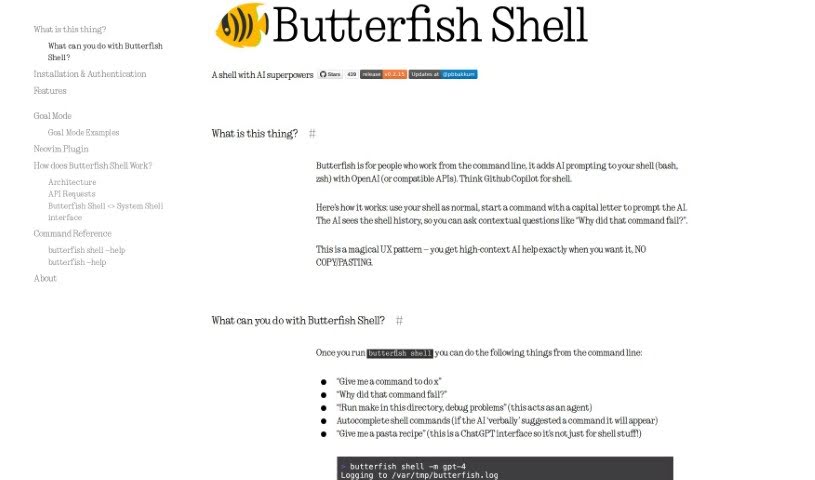
Butterfish Shell is a command-line tool that cleverly integrates AI prompting, specifically using OpenAI's technology, right into your bash and zsh shells. It is having a smart assistant built directly into your command line. It offers context-aware help, suggests commands, and lets you have high-context AI conversations without ever leaving your terminal.

Web Development View Tool →
Screenshot of Butternut AI

Butternut AI

Freemium

People are calling Butternut AI a real game-changer! It's a platform designed to save you both time and money. It is your go-to for efficient solutions, whether you need to hire Webflow developers, whip up some website copy, manage images, or get help with SEO. Users have shared that they've seen significant cost savings and much quicker turnaround times compared to working with traditional agencies. In fact, one person mentioned they were up and running within minutes of finding Butternut AI. All in all, Butternut AI seems to offer genuinely useful and effective services for a variety of business needs, which is why so many people are choosing it when they want efficient, cost-effective solutions.

Web Development View Tool →
Screenshot of Buzzy

Buzzy

Freemium

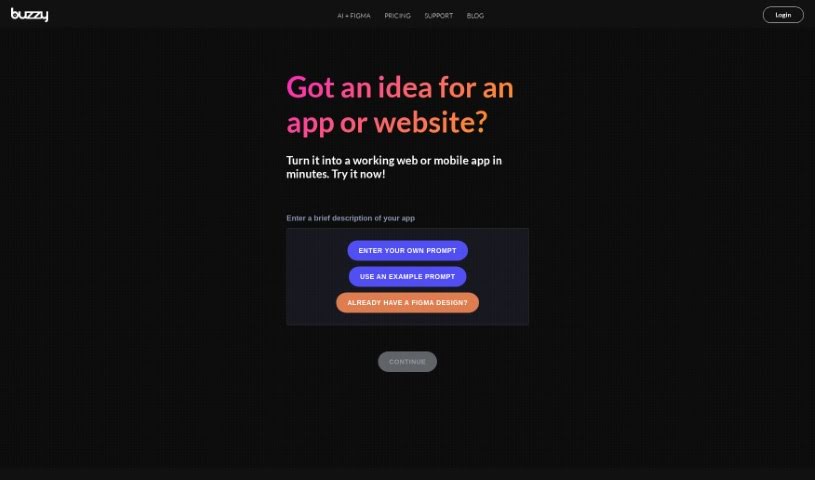
Buzzy is a really neat platform that makes building apps much simpler. It uses AI to turn your app and website ideas into reality, so you don't need to get bogged down in complicated coding. You can take a concept and have it become a high-quality Figma design or even a fully working web or mobile app in just minutes. It's pretty cool because AI experts and industry pros back it. This means creators and founders who aren't tech wizards can quickly test their minimum viable products (MVPs) and get real products out to market. Buzzy offers things like AI-driven app creation, turning Figma designs into apps, fast MVP testing, a supportive community, and even some special deals for early users.

Web Development View Tool →
Screenshot of C3 AI

C3 AI

Freemium

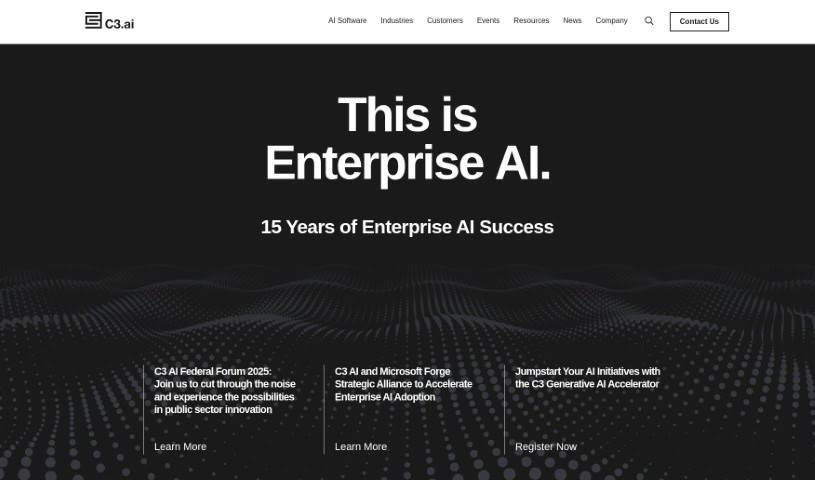
C3 AI is a company that provides advanced Artificial Intelligence (AI) applications specifically built for businesses. They are a one-stop shop for enterprise AI. They offer a comprehensive platform where you can develop and run AI applications, and they already have over 40 pre-built ones ready to go. These applications are designed to tackle really important challenges across a bunch of different industries – from manufacturing and financial services to government, utilities, and the oil and gas sector. Essentially, C3 AI's platform makes it much faster to build, launch, and manage AI tools. These can be things like applications to help detect money laundering, improve customer relationship management (CRM), offer decision support, or even forecast demand. Plus, their Generative AI acts like a central hub for all your company's knowledge, giving you deeper insights and sparking new ideas. It's built to work smoothly with all the major enterprise systems you might already be using.

Web Development View Tool →
Screenshot of Calcish

Calcish

Freemium

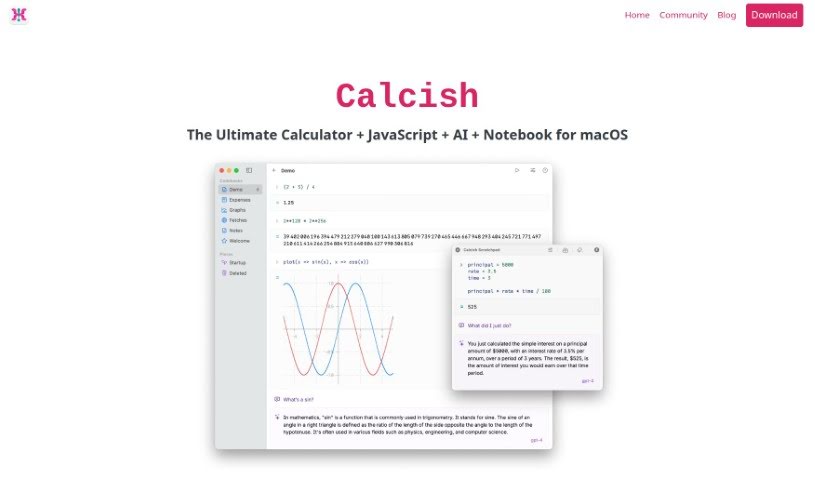
Calcish is a really handy tool built for macOS users. It is a calculator that also lets you write JavaScript scripts and has AI smarts built right in. It's designed with a clean, notebook-like interface, making it super easy to jump into quick calculations, run your code, or even chat with AI models, whether they're on your computer or out on the web. What makes Calcish stand out are its special features: it handles really big numbers with precision, works with fractions, can do vector and matrix math, handles currency calculations exactly, and even has a special advanced math mode. It's also quite beginner-friendly, with great documentation to help you out. Plus, you can connect with popular AI models like OpenAI's GPT-4 and GPT-3.5, Cohere, and TextSynth.

Web Development View Tool →
Screenshot of Camel AI

Camel AI

Freemium

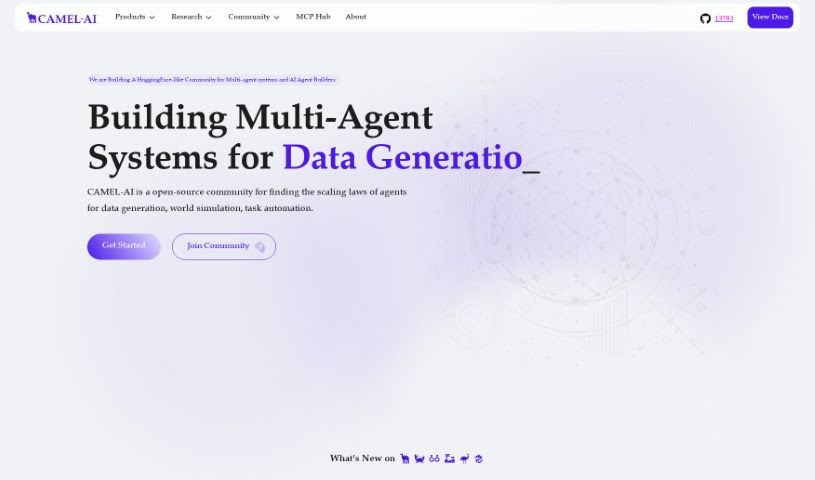
Camel AI is the very first framework built around Large Language Models (LLMs) that uses multiple agents working together. It's also an open-source community focused on understanding how these agents scale. Essentially, it's designed for building systems where several AI agents collaborate to generate data, automate tasks, or even simulate entire worlds. This makes Camel AI particularly handy if you need to create synthetic data, which is super useful for training and fine-tuning chatbots or customer service agents. The framework really lets you dive into studying agents that can act and communicate autonomously. For instance, it can be used for tasks like generating phishing emails or even developing cyber bugs. What's really key to Camel AI is its approach to prompt engineering, especially how it handles the initial 'inception prompting' process.

Web Development View Tool →
Screenshot of Carbonate

Carbonate

Freemium

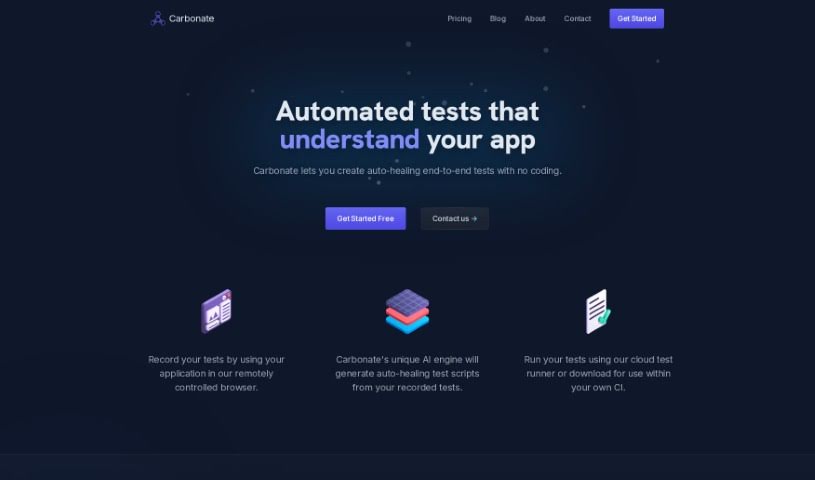
Carbonate is an AI-powered tool that automates end-to-end testing, fitting right into your existing testing framework. What's neat about it is you can write your tests using plain English. The first time you run them, Carbonate turns these English instructions into actual test scripts. If the HTML on your pages changes later, Carbonate smartly creates new test scripts to keep up. It's pretty good at figuring out if a change is a real UI modification or just a minor rendering difference, which helps keep your tests reliable. Carbonate also makes setup a breeze with SDKs for PHP, Node, and Python, meaning you don't have to alter your current testing tools. To speed things up, it uses test scripts it's already saved locally, giving you more flexibility in how you run them. Plus, you can commit these test scripts to your code repositories for added reliability. For pages that load content dynamically, Carbonate keeps an eye on how the page loads during tests to handle them smoothly. Ultimately, Carbonate aims to make your development process more efficient and stable by automating testing, cutting down on manual work, and catching more bugs.

Web Development View Tool →
Screenshot of Carrd

Carrd

Freemium

Carrd is a really straightforward platform for building beautiful, responsive one-page websites. It is your go-to tool for creating simple yet effective online presences, whether that's for a personal profile, a landing page to capture email addresses, or even for slightly more involved projects. What's great is how easy it is to customize everything; you can pick from a bunch of templates or just start from scratch on a blank canvas. Carrd automatically makes sure your site looks fantastic on any device, from your phone to a big desktop screen. The best part? You can build up to three sites with all the core features for free. If you need more power, like using your own domain name, adding advanced forms, or integrating Google Analytics, their Pro subscription starts at a super affordable $19 a year. You can even try it out for 7 days without needing to sign up first.

Web Development View Tool →
Screenshot of CeoBEE

CeoBEE

Freemium

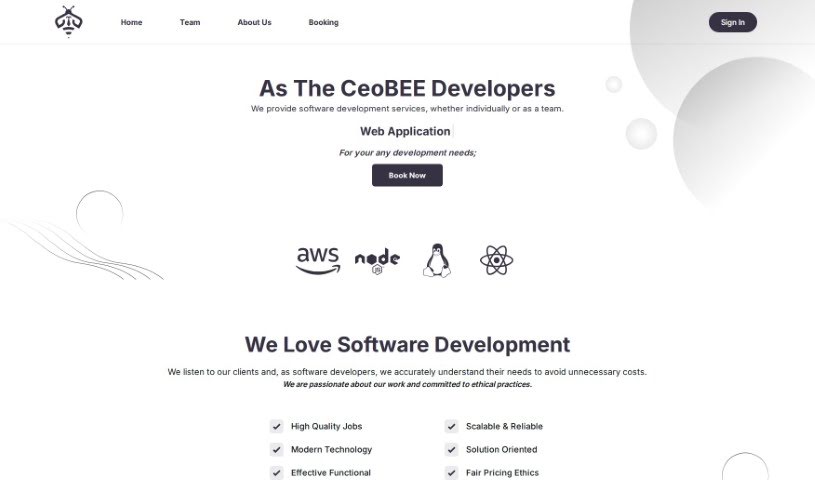
CeoBEE is a software development company, aptly named CeoBEE Developers. It's made up of a really dynamic team of seasoned developers who've been in the game for over 12 years. They're genuinely passionate about technology and are dedicated to helping entrepreneurs bring their brilliant ideas to life. CeoBEE offers complete software solutions, providing support every step of the way, and they've got serious expertise when it comes to scaling projects and tackling tricky technical challenges. At its heart, CeoBEE Developers focuses on coding with genuine love and dedication, aiming to see their products truly succeed in the market. Their main goal is to empower businesses and entrepreneurs by delivering high-quality, scalable software. Their vision? To be the go-to partner for any business looking to turn their ideas into successful software products.

Web Development View Tool →
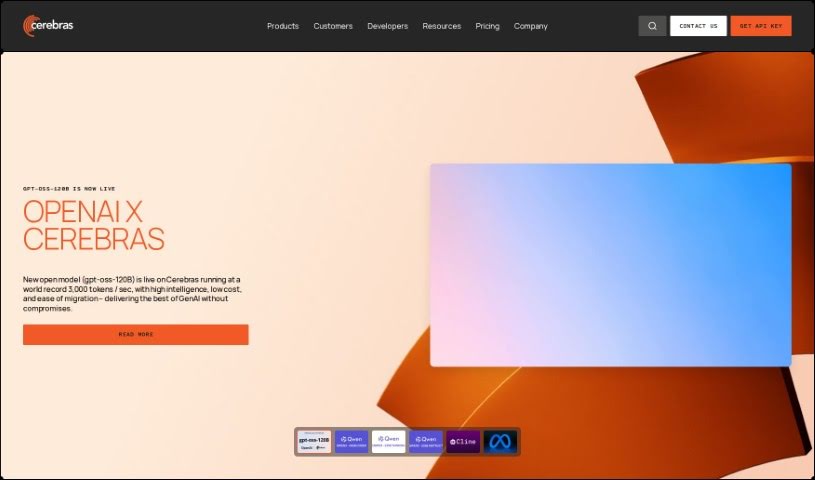
Screenshot of Cerebras

Cerebras

Freemium

Cerebras is a company that's really pushing the envelope in AI technology. They specialize in creating advanced computing solutions designed to speed up AI training and the development of AI models. Their main products, like the Condor Galaxy 1 and Andromeda AI Supercomputers – these are incredibly powerful machines built for big AI projects. They're especially good at handling tasks that require a ton of computing power, such is training massive language models (LLMs) or running high-performance computing applications. Cerebras also offers the CS-2 system and a variety of software tools that let you build your own custom AI models. You can use these across different fields, from healthcare and energy to government and finance. They back up their claims with customer stories, technical guides, and a clear dedication to advancing AI research, which really shows they're serious about being leaders in generative AI. Plus, they get involved in open-source projects, offer support for developers, and host events like Cerebras AI Day to share the newest AI methods and discoveries.

Web Development View Tool →

Stay Updated with AI Tools

Get weekly updates on the latest AI tools, trends, and insights delivered to your inbox

Join 25,000+ AI enthusiasts. No spam, unsubscribe anytime.