AI Tools for Video Enhancer & Upscalers

Discover the best Video Enhancer & Upscalers AI tools to enhance your productivity and creativity.

Page 1 of 2 • 15 total tools
Screenshot of Ai4Video

Ai4Video

Freemium

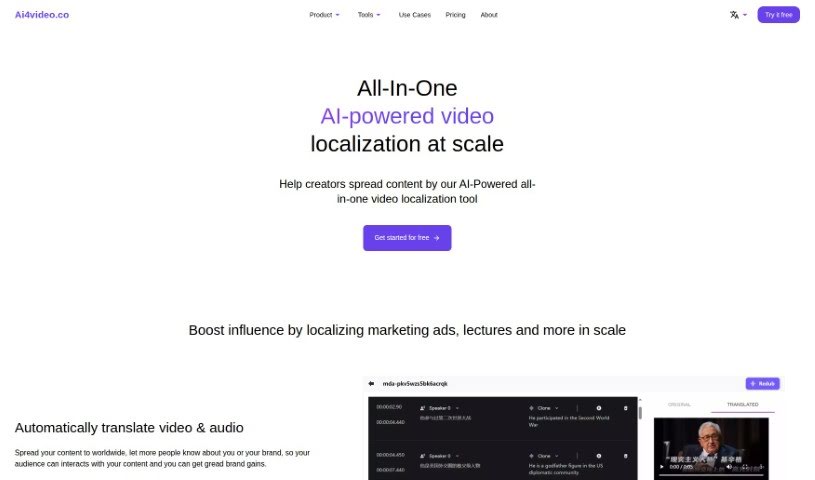
Ai4Video is a comprehensive, AI-driven platform designed to make video localization simple and effective. It is your all-in-one solution for adapting video content for a global audience. It offers a wide range of features, including translating your videos, dubbing them with realistic speaker voices, and even cloning the original speaker's voice. Beyond that, it helps you adjust content to fit different languages, upscale your videos to stunning 4K quality, add color to black and white footage, remove unwanted elements with inpainting, and edit backgrounds. It supports translation into many different languages and has smart tools that can identify things like animals, plants, currencies, and landmarks within your images. The AI Rewriter feature is particularly neat, as it can tweak your content to match the natural flow and timing of different languages. Ai4Video also handles audio-to-text translation, which really smooths out the whole localization process. You can even try it out with a free trial, and if you need help, their support team is available via email at [[email protected]](/cdn-cgi/l/email-protection#0f7c7a7f7f607d7b4f6e663b79666b6a60216c60).
Video Generation View Tool →
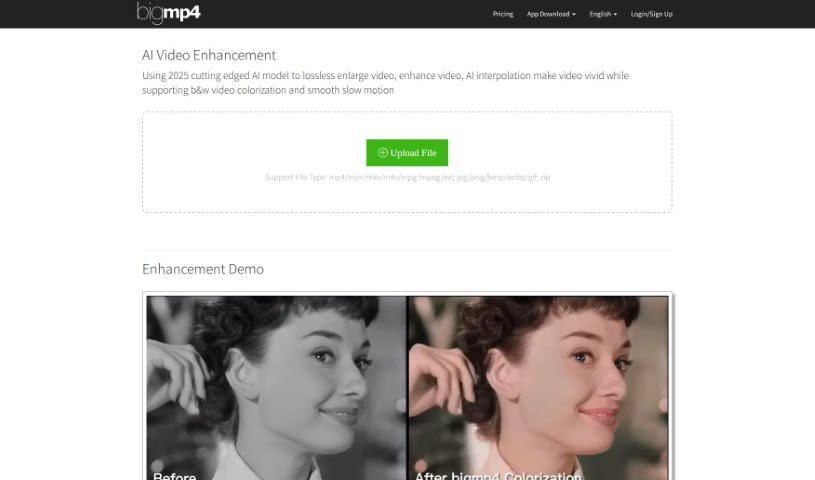
Screenshot of Bigmp4

Bigmp4

Freemium

Bigmp4 is a really neat tool that uses advanced AI to make your videos look better. It's packed with several cool features designed to boost video quality:

Video Generation View Tool →
Screenshot of Casablanca

Casablanca

Freemium

Casablanca is a software solution designed to make your video calls feel more natural and authentic. It's all about creating genuine interactions, making sure you have real eye contact, and ensuring your facial movements look natural. How does it do this? It uses something called GAN technology, which stands for Generative Adversarial Networks. This tech helps create digital eye contact in real-time. Basically, it keeps your gaze focused on the person you're talking to on the other side of the camera and aligns your head just right for that perfect, natural eye contact.

Video Generation View Tool →
Screenshot of Free AI Video Upscaler

Free AI Video Upscaler

Freemium

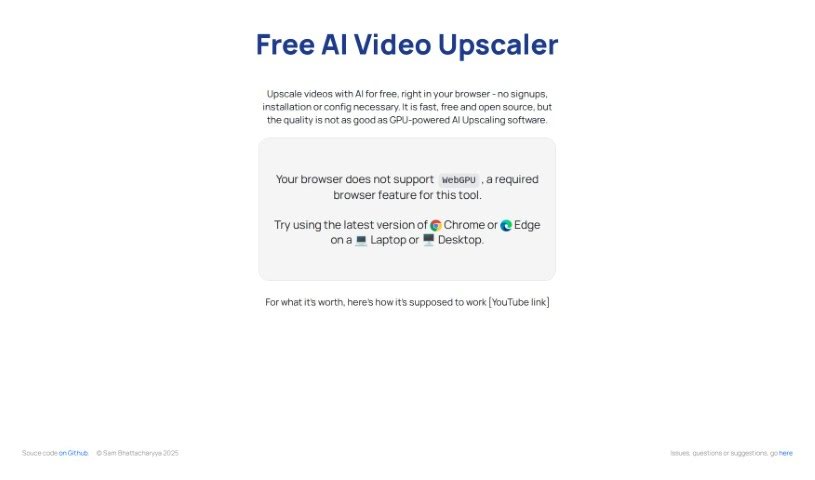
The Free AI Video Upscaler is a handy online tool powered by artificial intelligence. It's designed specifically to boost the quality of animated videos, and the best part? You don't need to sign up, install anything, or fiddle with complicated settings. It all happens right in your web browser! It's pretty versatile, too, handling animated, real-life, and even 3D videos. You get to pick from different upscaling settings – small, medium, or large – and even choose where the final, improved video will be saved before you start. Just a heads-up, it works best with browsers that support WebGPU, like the latest versions of Chrome or Edge. Because it needs a bit of processing power, it's best used on a laptop or desktop computer. Oh, and if you're technically inclined, the source code is available on Github, so you can even tweak it or suggest improvements!

Video Generation View Tool →
Screenshot of Idatapp

Idatapp

Freemium

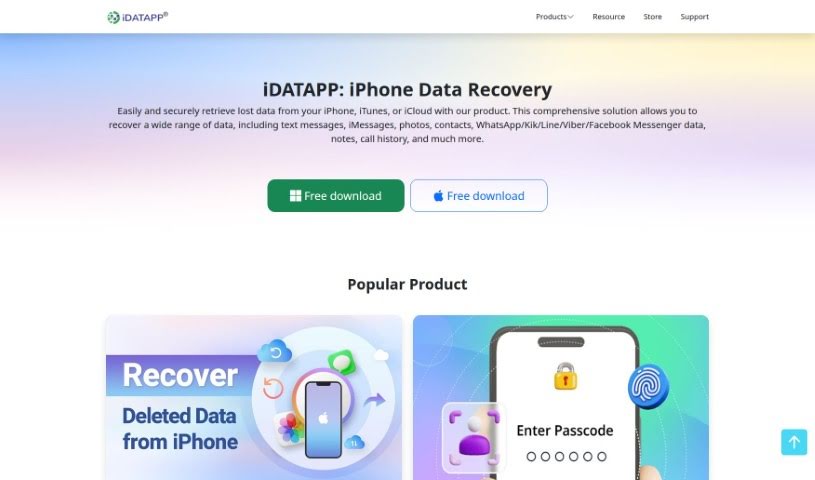
Idatapp is a software solution built to handle high-quality video conversions. It aims for professional precision while remaining easy enough for anyone to use, no matter their experience level. What's really neat is that it works across different platforms – you can use it on your phone (both iOS and Android) or on your computer (PC). Beyond just video conversion, it also offers handy tools like data recovery and system repair, making it quite versatile for all sorts of multimedia tasks. A key part of how it works is using AI technology to make the video conversion process better and improve the overall quality of the output.

Video Generation View Tool →
Screenshot of iMyFone

iMyFone

Freemium

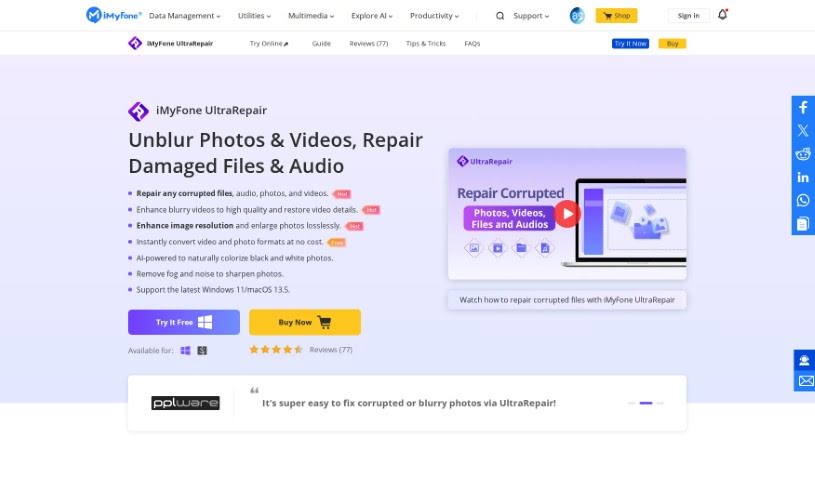
IMyFone is a software company that develops a range of tools designed to help you repair and recover files. They offer solutions for both Windows and Mac users, with specific system requirements clearly outlined for each operating system. iMyFone's products are great for improving image quality, fixing various image formats like PNG, RAW, TIFF, and CRW, and they support a wide array of image, video, and document file types, including JPEG, JPG, PNG, GIF, MP4, MOV, PDF, DOCX, and PPTX. What's really helpful is that their software is designed to be user-friendly, often including features like batch processing, which lets you work on multiple files at once, and the ability to add a sample file to help with the repair process.

Video Generation View Tool →
Screenshot of Nvidia Maxine

Nvidia Maxine

Freemium

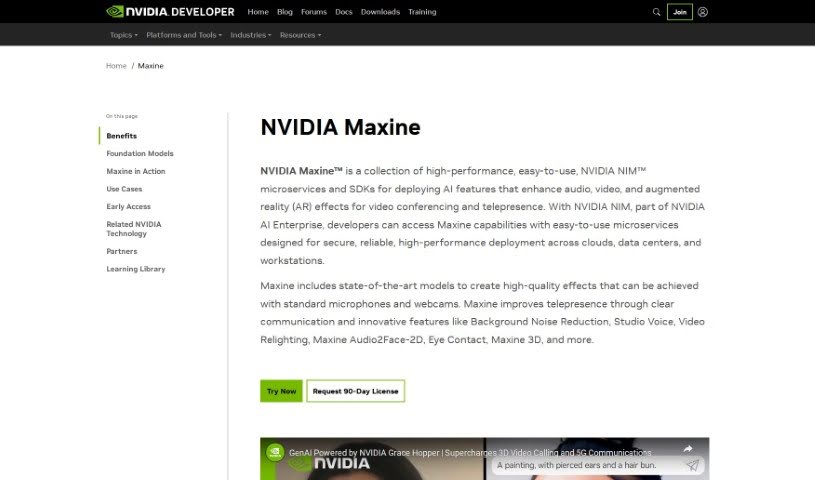
Nvidia Maxine is essentially an AI platform designed specifically for video conferencing and streaming. It is a smart assistant for your video calls. It uses AI to make your video calls better by cutting out background noise, improving video quality, and even letting you use virtual backgrounds without needing a green screen. Nvidia Maxine also includes neat features like making sure your face is aligned correctly, correcting your gaze as if you're looking directly at the camera, and using super-resolution to sharpen your image. The whole idea is to make video communication more engaging and efficient. It brings these advanced AI capabilities to both everyday users and businesses, aiming to boost the overall quality of video communication.

Video Generation View Tool →
Screenshot of Pixop

Pixop

Freemium

Pixop is a service designed to make video enhancement and upscaling straightforward and accessible for everyone. Founded by Morten and Jon, Pixop harnesses the power of AI, machine learning, and cloud computing to automate the entire video enhancement process. Essentially, it's built to boost the quality and resolution of your videos, making them look great whether for personal projects or professional broadcast media. The platform itself is really user-friendly, using artificial intelligence and machine learning to instantly improve your video quality.

Video Generation View Tool →
Screenshot of Real Life 3D

Real Life 3D

Freemium

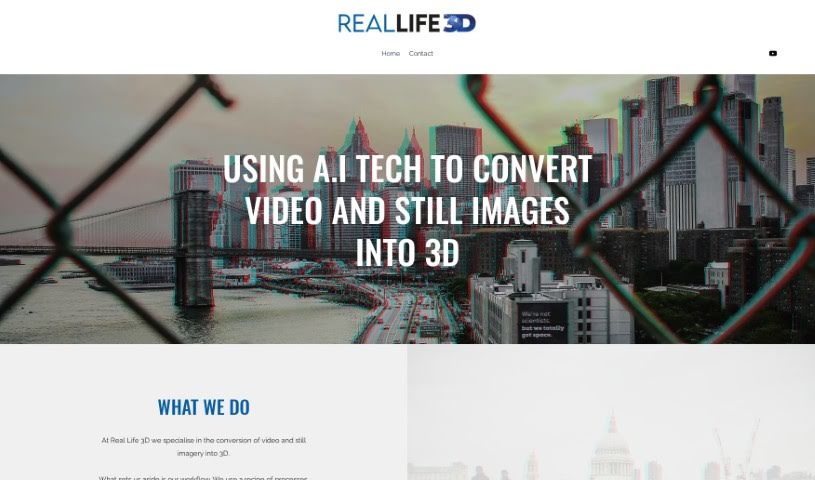
Real Life 3D is a service that turns your regular 2D videos and photos into immersive 3D experiences. It is a way to make your content pop, ready for VR headsets and platforms like YouTube VR and Oculus. They use smart AI technology to quickly process your footage, frame by frame. This means creating 3D conversions doesn't have to cost a fortune like big movie productions. Their main goal? To make stories more engaging by adding a real sense of depth, whether you're sharing travel memories, news reports, or historical moments. Real Life 3D is really trying to change how we tell stories visually, offering a fresh perspective on important events.

Video Generation View Tool →
Screenshot of TensorPix

TensorPix

Freemium

TensorPix is a really handy online tool powered by AI that's designed to make your videos and images look much better. It can upscale videos all the way to 4K, boost the overall quality of your footage, and even improve image quality using smart AI filters. What's great is that you can use TensorPix right from your web browser – no installation needed! This makes it super convenient and easy for anyone working with digital content. Its image enhancement capabilities are just as impressive as its video features, and again, you can access it all through your browser without any downloads. People often mention how fast TensorPix is and how efficiently it handles processing, often beating out other tools in speed. It's also known for being user-friendly, delivering great results, and being a real asset for freelancers who need to upscale videos, enhance images, or improve their web graphics.

Video Generation View Tool →
Screenshot of Topaz Labs Video AI

Topaz Labs Video AI

Freemium

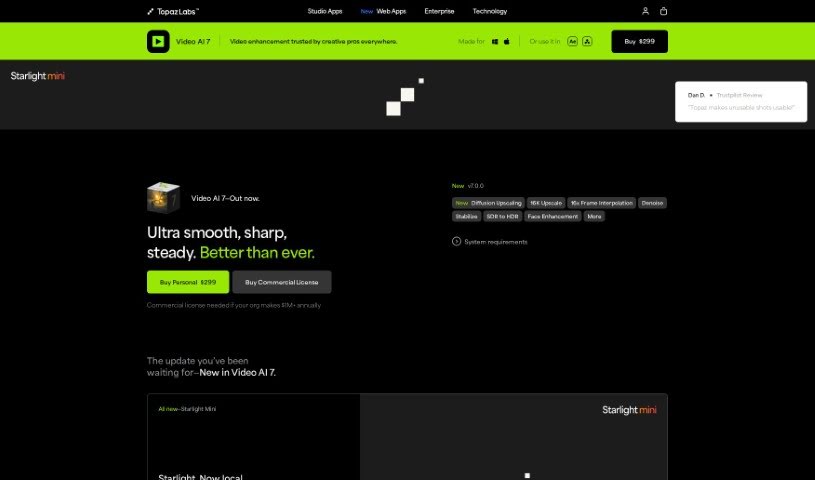
Topaz Labs Video AI is a really impressive tool that can instantly upscale your videos to 16K resolution. What's great about it is that it achieves this high-quality upscaling without losing any visual detail. This software doesn't just boost resolution; it also cleverly fixes artifacts that often pop up with older upscaling methods, all with a single click. You can easily get your videos looking sharp at 4K, 8K, and even all the way up to 16K, with amazing visual quality. Video AI also includes special models like Aion AI, which is fantastic for achieving ultimate slow-motion effects, and Chronos AI, perfect for smooth frame rate conversions up to 120fps. It fits right into your existing workflow, working directly on your Mac or PC either as a standalone program or as a plugin for even more efficiency.

Video Generation View Tool →
Screenshot of Video Repair By Onerecovery

Video Repair By Onerecovery

Freemium

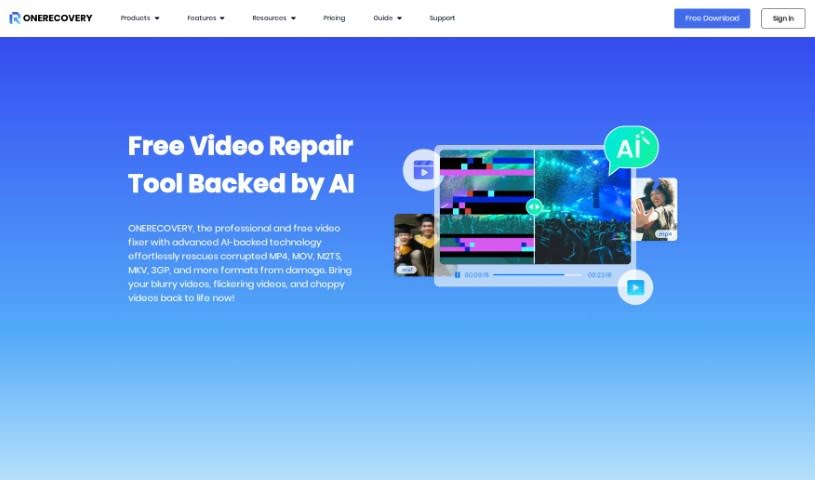
"Video Repair By Onerecovery" is a smart tool that uses AI to fix and improve videos that are damaged, corrupted, or blurry. You know, the kind of problems that happen from things like bad file transfers, recording mistakes, computer crashes, or even viruses. It's pretty versatile, handling lots of video formats like MP4, MOV, M2TS, and MKV. Plus, it works with videos from all sorts of devices – cameras, drones, phones, computers, you name it.

Video Generation View Tool →
Previous 1 of 2 Next

Stay Updated with AI Tools

Get weekly updates on the latest AI tools, trends, and insights delivered to your inbox

Join 25,000+ AI enthusiasts. No spam, unsubscribe anytime.