AI Tools for Text To Video

Discover the best Text To Video AI tools to enhance your productivity and creativity.

Page 3 of 7 • 73 total tools

Making engaging video content from text has never been easier, thanks to AI advancements. The world of text-to-video tools is changing fast, letting anyone turn scripts, articles, or even social media posts into eye-catching visuals. You no longer need complex software or tons of experience to edit videos.

Now, many platforms can turn your written words into stunning videos with just a few clicks. Whether you want to boost marketing campaigns or create educational material, the right AI tool can save you time and effort.

After researching and testing several options, I’ve put together a list of the best AI tools for text-to-video creation. Each platform offers unique features, making it simple to produce quality videos that connect with your audience.

With so many tools available today, it’s important to know which ones really deliver. Let’s look at the options that can help you improve your video content.

The Best AI Text To Video Tools

  1. Wondershare: Turns scripts into engaging videos.
  2. Invideo AI: Transforms articles into engaging videos.
  3. PixVerse AI: Turns words into captivating videos.
  4. HeyGen: Transforms text into engaging videos.
  5. Synthesia: Transforms scripts into engaging videos.
  6. Napkin AI: Turns scripts into engaging videos.
  7. Fliki: Converts articles into dynamic videos.
  8. Clipfly AI: Transforms text into engaging videos.
  9. Sora: Creates engaging video content quickly.
  10. DeepBrain AI: Turns articles into engaging videos.
  11. Mootion: Animates text prompts into engaging videos.
  12. Typeframes: Transforms tweets into engaging videos.
  13. Steve.ai: For blog-to-video conversion.
  14. Invideo AI AI Text to Video: For social media content creation.
  15. Vidnoz AI Text to Video: For creating engaging social media content.

How Do AI Text to Video Tools Work?

When you look into AI text-to-video tools, you’ll find many platforms that can turn written content into engaging video presentations. The real magic behind these tools is how they analyze your text and generate visual elements that match your story. Most of these tools use advanced neural networks and machine learning to understand the text and create corresponding visuals.

At the heart of these AI systems are huge datasets filled with images, video clips, and animations. These datasets help the models recognize different themes, tones, and keywords in the text. As the AI processes your input, it picks out suitable visuals, transitions, and even voiceovers to fit the mood and message of your script.

The process usually involves a few key steps. First, the AI breaks your text into meaningful parts, identifying the main points and context. Then, it matches these parts with relevant visuals from its library. Some platforms even let you customize the output further, letting you add music, graphics, and effects for a more polished final video.

AI text-to-video technology has been developing quickly. Many solutions now include natural language understanding to make the output even better. This means the tools can grasp subtle meanings, tone changes, and even humor, allowing them to produce videos that truly connect with audiences.

While these tools offer impressive features, the final product often benefits from a human touch. Creators can refine the AI-generated content, adding a personal feel that viewers respond to more positively. By combining AI capabilities with human creativity, you can really boost how effective your video storytelling is.

Overall, AI text-to-video tools are an exciting new area in content creation. They offer users a way to quickly turn ideas into visually compelling stories. As the technology keeps improving, we can expect even better video quality, more customization options, and enhanced storytelling abilities.

Our Best AI Text to Video Tools at a Glance

RankNameBest ForPlans and PricingRating
1WondershareTurning scripts into engaging videos.N/A4.36 (11 reviews)
2Invideo AITransforming articles into engaging videos.N/A4.35 (23 reviews)
3PixVerse AITurning words into captivating videos.N/A4.82 (11 reviews)
4HeyGenTransforming text into engaging videos.N/A4.77 (53 reviews)
5SynthesiaTransforming scripts into engaging videos.Paid plans start at $29/month.4.74 (46 reviews)
6Napkin AITurning scripts into engaging videos.N/A4.42 (12 reviews)
7FlikiConverting articles into dynamic videos.Paid plans start at $21/month.4.79 (29 reviews)
8Clipfly AITransforming text into engaging videos.Paid plans start at $NaN/year.4.73 (11 reviews)
9SoraCreating engaging video content quickly.N/A4.76 (29 reviews)
10DeepBrain AITransforming articles into engaging videos.N/A4.82 (11 reviews)
11MootionAnimating text prompts into engaging videos.N/A4.20 (5 reviews)
12TypeframesTransforming tweets into engaging videos.N/A4.73 (11 reviews)
13Steve.aiBlog-to-video conversion.Paid plans start at Free/.4.69 (16 reviews)
14Invideo AI AI Text to VideoSocial media content creation.N/A4.73 (11 reviews)
15Vidnoz AI Text to VideoCreating engaging social media content.N/A4.78 (36 reviews)
Screenshot of Invideo AI

Invideo AI

Freemium

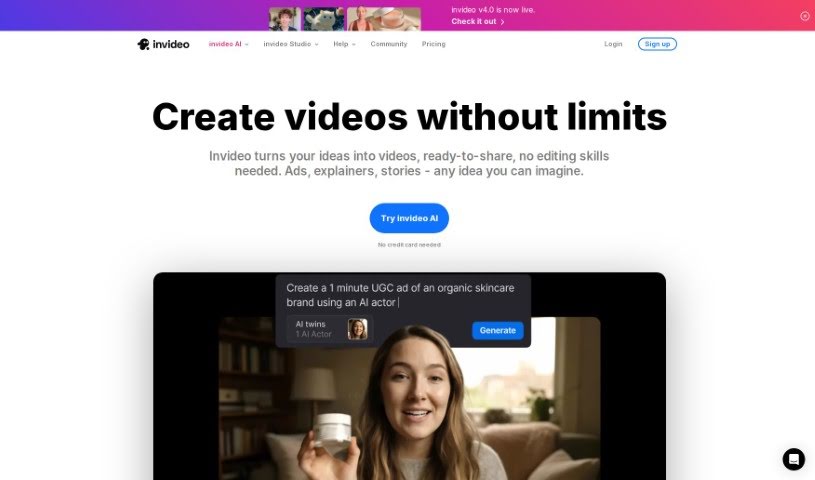
InVideo AI is a really neat tool that helps you turn your ideas into professional-looking videos, and it does it all with the help of artificial intelligence. You give InVideo AI a prompt or just an idea, and its smart AI handles the heavy lifting to create engaging, visually appealing videos. It's pretty impressive how it works!

Video Generation View Tool →
Screenshot of Invideo AI AI Text to Video

Invideo AI AI Text to Video

Freemium

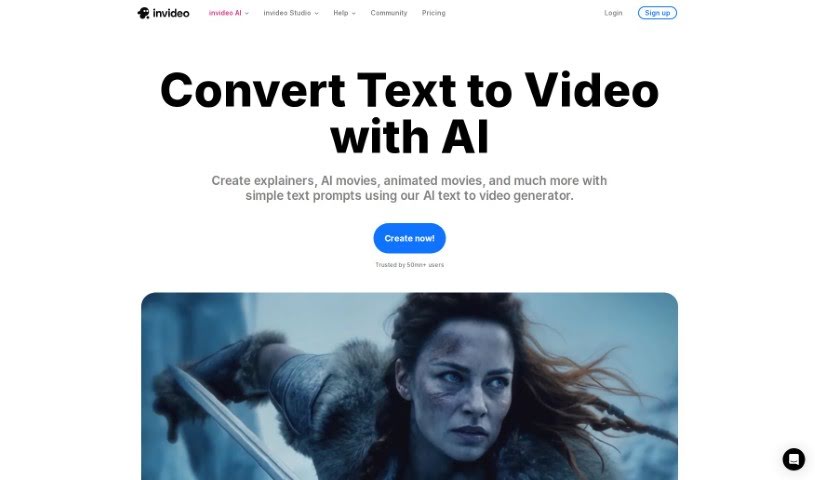
AI Text to Video is a really neat technology that uses artificial intelligence to turn your written content into videos, and it does it pretty quickly and efficiently. With these AI-powered tools, you can create videos on all sorts of subjects – think travel, finance, health, education, even motivational talks or commentaries. You just type in what you want, and the AI handles the heavy lifting of converting that text into engaging video content. This is super helpful if you're looking to make videos for platforms like YouTube, Instagram, TikTok, or any other social media. It's a smooth, modern way to bring your stories and ideas to life with dynamic visuals.

Video Generation View Tool →
Screenshot of Kapwing AI Text to Video

Kapwing AI Text to Video

Freemium

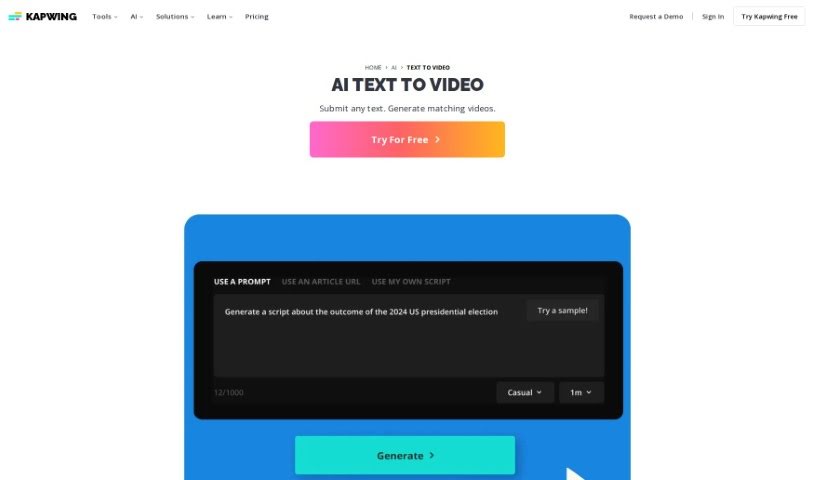
Kapwing's AI Text to Video tool is a neat way to turn your documents, essays, scripts, or blog posts into short, engaging video summaries, all thanks to artificial intelligence. Just pop your text into the platform, and it'll whip up a professional-looking video for you. Think stock footage, background music, text overlays, subtitles, and smooth transitions – it handles all that automatically. You can even just copy and paste your text, and poof, instant video! Plus, you're not stuck with what the AI creates. You can tweak it right there on the platform. Want to add a voiceover? Apply filters or effects? Translate it into another language? You've got full creative control to make the video exactly how you envision it.

Video Generation View Tool →
Screenshot of LingoSync

LingoSync

Freemium

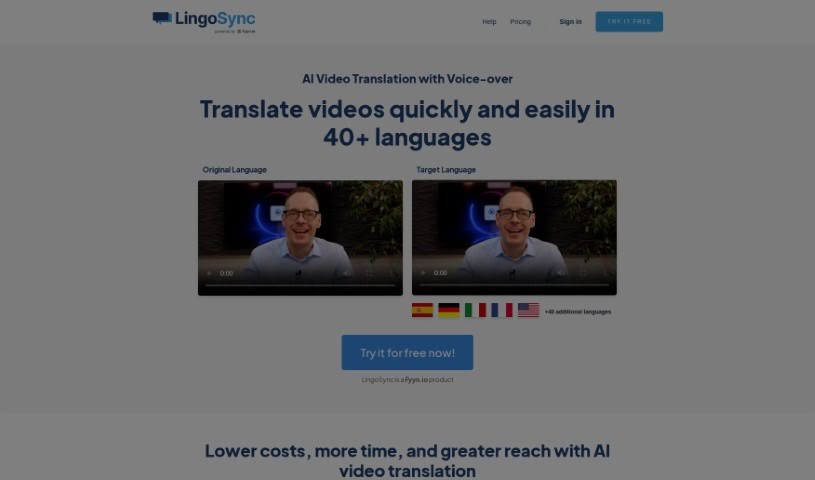
LingoSync is an AI-powered tool that translates your videos into over 40 languages, making it super easy to reach a global audience. You can pick from more than 220 different voices, tweak the translated text, and make sure the spoken words sync up perfectly with your video. It’s a real cost-saver because you won’t need extra staff for translation. Plus, it’s incredibly fast – just one click and your video is translated! This means you can inspire people all over the world. The process is simple: upload your video, select the language you want, and download the perfectly translated version in just three steps. LingoSync is designed for beginners, it’s secure, and it gives you lots of control, like choosing voices and adjusting the speaking speed.

Video Generation View Tool →
Screenshot of Lude

Lude

Freemium

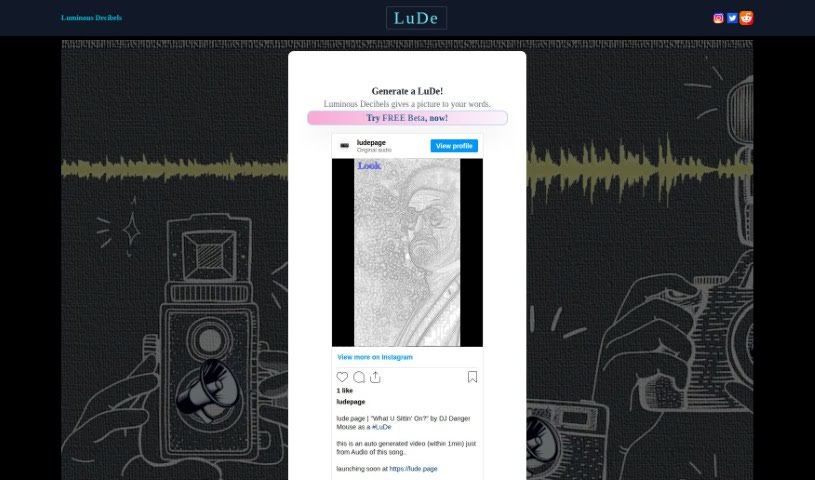
LuDe is an AI tool built for making short videos, especially those lyrical ones you see on YouTube Shorts or Instagram Reels. You can give it an audio file or just type in some text, and it'll create the video for you. Right now, LuDe is in beta, but it already has some neat features. You can pick different backgrounds, tweak the script, and use something called 'Luminate' processing to generate visuals based on what you input. If you want to upload audio, LuDe accepts files like wav, mp3, m4a, aac, and flac, with a maximum file size of 64MB. It also lets you edit scripts, trim longer audio clips down to 30 seconds, and basically create those short, catchy videos you're used to seeing on Instagram Reels. They even have a demo video to walk you through how it all works.

Video Generation View Tool →
Screenshot of Make A Video

Make A Video

Freemium

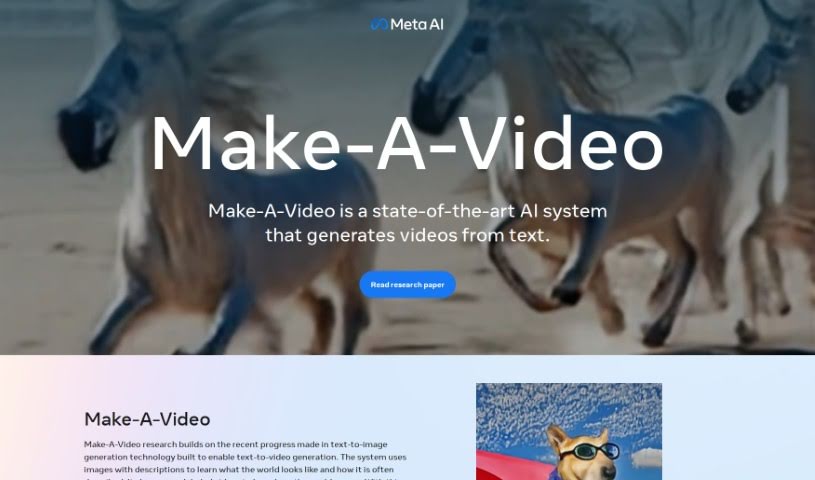
Make-A-Video is a really cool system that can create unique, imaginative videos from simple text descriptions and even still images. It is a way to bring your words to life visually. It uses advanced text-to-image technology, but instead of just making a picture, it generates actual video. The goal here is to let anyone create fun videos with just a few words. You can take a single picture and add motion to it, create different versions of a video you've already made, or just generally boost your creative video projects. This technology comes from Meta AI, and they're serious about making sure it's used responsibly and safely. To be clear, any video you make with Make-A-Video will have a watermark so everyone knows it's AI-generated.

Video Generation View Tool →
Screenshot of Mootion

Mootion

Freemium

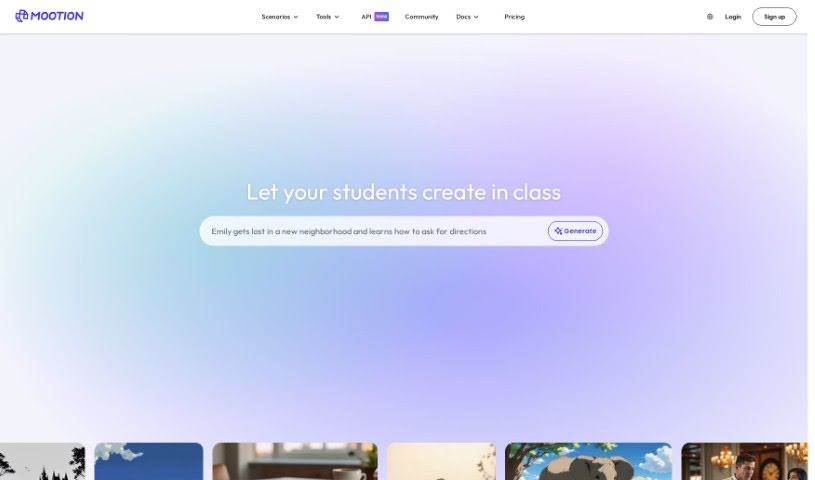
Mootion is a platform built to spark creativity in 3D modeling and video creation. It offers a variety of features that make the process much simpler, whether you're a seasoned pro or just starting out. You can easily create 3D animations, lively videos, and much more using tools like 'Text-to-Motion', 'Motion-to-Video', and 'Video-to-Motion'. Because it's powered by AI, Mootion makes digital content creation accessible to a much wider audience.

Video Generation View Tool →
Screenshot of Morph Studio

Morph Studio

Freemium

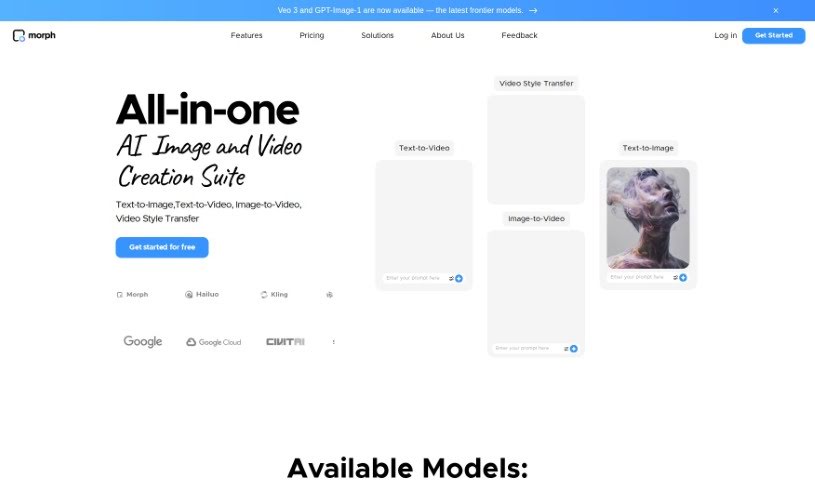
Morph Studio is an AI tool designed to make creating videos from text inputs much simpler. It uses Text-to-Video AI to help you bring your creative ideas to life just by writing prompts. Essentially, this tool turns your written words into video content, offering a really unique and fresh way to create. You can actually try out a beta version of Morph Studio right now through Discord to see what it can do. It's perfect for anyone who prefers writing things out or doesn't have much video editing experience, as it really simplifies the whole process of making engaging videos.

Video Generation View Tool →
Screenshot of Napkin AI

Napkin AI

Freemium

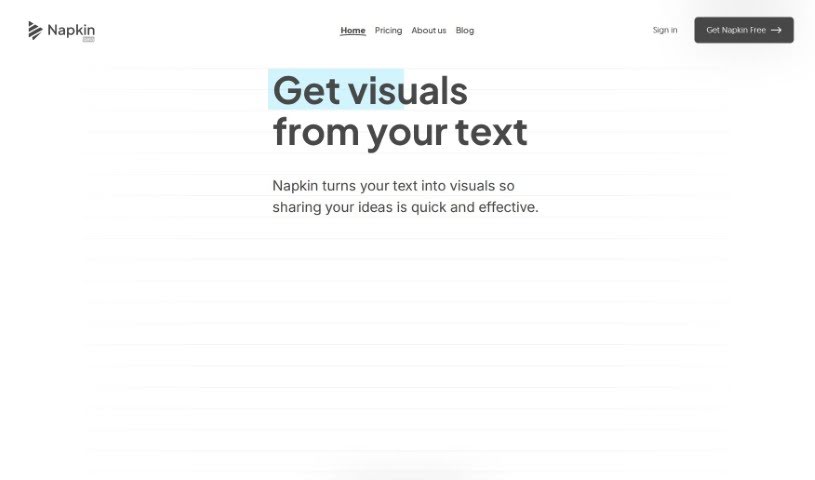
Napkin AI is a document editor that uses AI to help you create content that's both engaging and visually appealing. It really simplifies things by letting you easily add visual elements like icons, charts, diagrams, and even short recorded videos right into your documents. Plus, it offers features like noise reduction to make your stories clearer, lets you share documents collaboratively, and can even suggest visuals based on what your content is about. Essentially, Napkin AI aims to boost how engaging and visually attractive your documents are for everyone, no matter their skill level, making visual communication much more straightforward without needing design expertise.

Video Generation View Tool →
Screenshot of NVIDIA VideoLDM

NVIDIA VideoLDM

Freemium

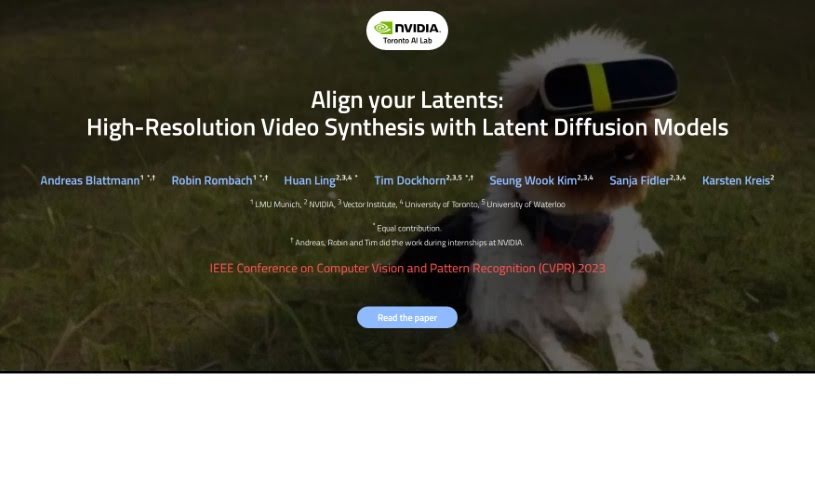
Video Latent Diffusion Models (Video LDMs) is a smart way to create high-resolution videos without needing a super-powerful computer. They build on the idea of Latent Diffusion Models (LDMs) by first compressing videos into a smaller, more manageable 'latent space.' Then, they work with a sequence of these compressed video frames. Essentially, they extend existing image LDMs by adding special layers that understand how things change over time, using things like temporal attention and 3D convolutions. This helps them generate videos that look consistent and flow naturally. The process usually starts by creating a few key frames, which are then expanded to fill in the gaps and create a full, high-quality video. We're seeing Video LDMs used in all sorts of cool ways, from creating realistic driving scenes for simulations to making unique creative content just by typing in a description. They're really pushing the boundaries, showing top-notch performance in generating longer, high-resolution videos and allowing for personalized text-to-video creation.

Video Generation View Tool →
Screenshot of OI Avatar

OI Avatar

Freemium

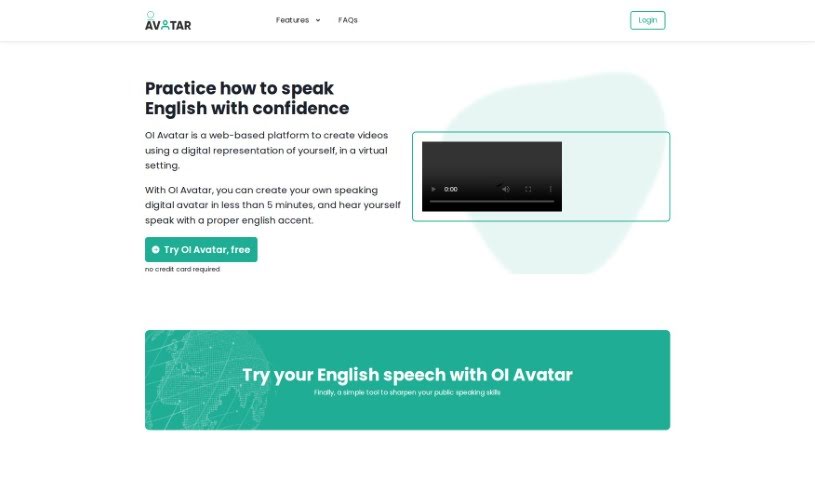
OI Avatar is a neat web-based platform that uses AI to help you create videos with digital avatars. You can even generate your own speaking avatar with an English accent in less than five minutes! It's built for quick, self-guided learning, and people are already using it for everything from language practice to general video creation, both for themselves and for their businesses. Right now, it's free to use during its beta phase. It supports English, and you can choose whether your avatar sounds British or American. You can also upload your own background images as PDFs. It works on most browsers like Chrome, Firefox, Safari, and Edge. The whole video generation process usually takes about 5 minutes, after which you'll get a link to download your video.

Video Generation View Tool →

Stay Updated with AI Tools

Get weekly updates on the latest AI tools, trends, and insights delivered to your inbox

Join 25,000+ AI enthusiasts. No spam, unsubscribe anytime.