AI Content Writing Tools

AI Tools for Content Writing

Discover the best Content Writing AI tools to enhance your productivity and creativity.

Page 9 of 25 • 297 total tools
Screenshot of Flapper.ai

Flapper.ai

Freemium

Flapper.ai is an online platform designed to speed up content creation for sales and marketing. It offers over 30 AI-powered templates for producing sales copy, social media posts, ad copy, articles, and more. The platform claims users can create content up to 10 times faster, covering needs from Google Ad titles to email copywriting and blog posts. A dashboard lets you manage your content, and advanced multi-step templates support more complex workflows.

Content Writing View Tool →
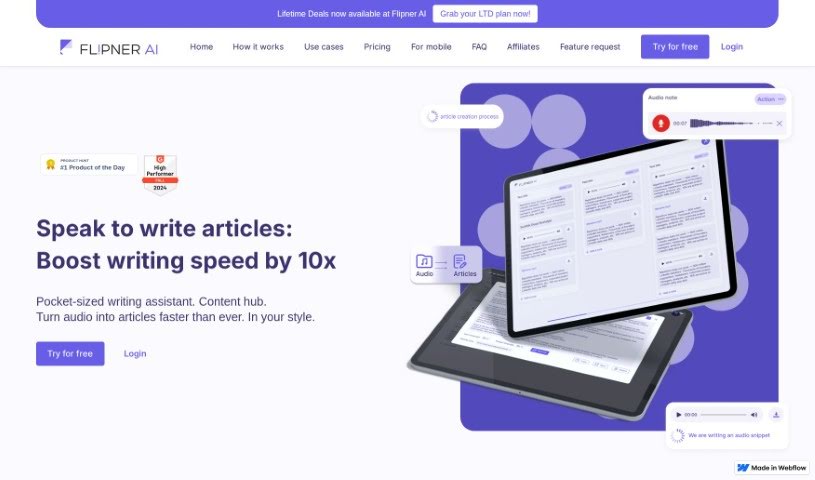
Screenshot of Flipner

Flipner

Freemium

Flipner is an app that helps people write articles faster by turning spoken words into written content. It converts speech into full articles — potentially making the writing process up to 10 times quicker than typing — and lets you save snippets of text to access whenever and wherever you need them. It can be used for blogs, social media posts, and marketing content.

Content Writing View Tool →
Screenshot of Fluxy AI

Fluxy AI

Freemium

Fluxy AI is a platform offering a suite of AI tools for content creation, screen recording, daily journaling, and newsletter design. Key features include customizable AI personas, creativity adjustment sliders, and fast response generation. The platform aims to save time and money across a range of writing tasks.

Content Writing View Tool →
Screenshot of Fordi Ai

Fordi Ai

Freemium

Fordi AI Copilot is an AI-powered assistant built for content creators, marketers, and businesses. It uses machine learning to generate natural-sounding text, review existing content, and offer feedback as you write. It supports drafting blog posts, crafting social media updates, and putting together more complex documents.

Content Writing View Tool →
Screenshot of Frank AI

Frank AI

Freemium

Frank AI is an AI-powered search and content creation engine. It is completely ad-free and offers an integrated experience that combines search and creation tools in one place. It works on any device and runs on a simple subscription model designed to support productivity and creativity.

Content Writing View Tool →
Screenshot of Frontitude

Frontitude

Freemium

Frontitude is a copy assistant built for product design work, with a focus on data privacy and security. It suggests copy inspired by well-known products, tailors writing to your audience, matches your words with your designs, and keeps all your copy in one place for reuse. Suggestions account for your business goals and design needs while respecting character limits. The tool currently supports English only, with more languages planned. It is free during its Beta phase and, by applying UX writing best practices, is designed to help you write copy up to ten times faster. Limitations: it works only with Figma, does not yet support multiple languages, relies on user feedback, and requires sign-in.

Content Writing View Tool →
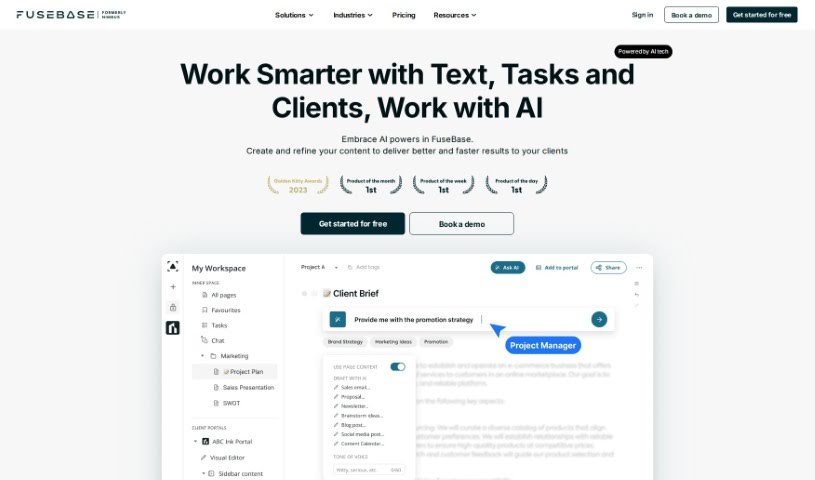
Screenshot of FuseBase

FuseBase

Freemium

FuseBase AI is an assistant embedded directly in your workspace. It generates and improves content, brainstorms project ideas, turns team discussions into actionable tasks, and delivers recommendations tailored to your skills and knowledge. It can draft emails and blog posts, polish writing, and adjust tone for different audiences.

Content Writing View Tool →
Screenshot of G Tech Group Peter Ai

G Tech Group Peter Ai

Freemium

Peter AI is an AI assistant developed by GtechGroup, built to make content creation more efficient. The platform offers over 30 different AI tools covering a range of content tasks, including text generation and image generation. A free trial is available, and signing up doesn't require a credit card.

Content Writing View Tool →
Screenshot of Geleza

Geleza

Freemium

Geleza is a SaaS platform that uses artificial intelligence to automate content creation. It produces written content across a wide range of topics, including blog posts, articles, social media captions, and product descriptions. The interface is user-friendly and allows you to customize generated content to your needs.

Content Writing View Tool →
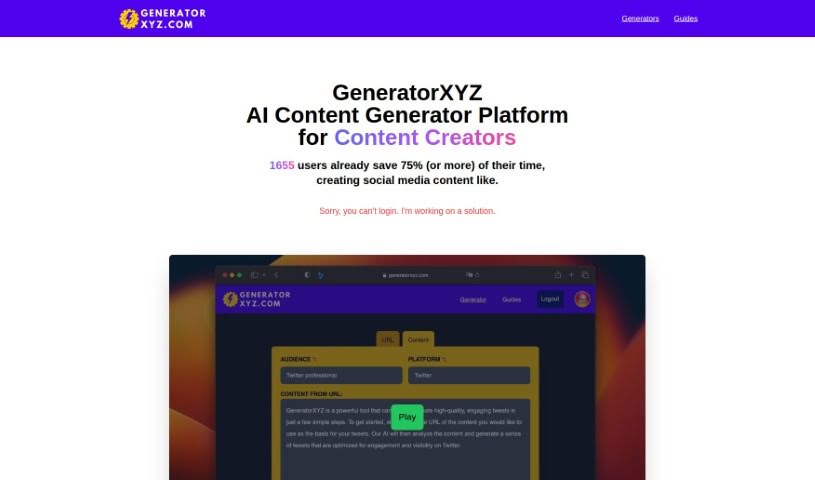
Screenshot of Generator XYZ

Generator XYZ

Freemium

GeneratorXYZ is an AI-powered platform built for content creators. It offers a set of tools designed to speed up content creation, including an SEO Title Tag & Meta Description Improver, a Social Media Content Generator, and a Summary Generator. The goal is to help you create social media posts and summaries quickly.

Content Writing View Tool →
Screenshot of Gerwin AI

Gerwin AI

Freemium

Gerwin AI is a platform that helps professionals and businesses create copy quickly using artificial intelligence. It generates unique content for a range of formats, including social media posts, articles, and longer pieces like longreads. New users receive a bonus of 10,000 characters, and the platform includes video tutorials and a Help Center to help you integrate AI-generated content into your marketing. The goal is to boost your brand's presence, both online and on social media.

Content Writing View Tool →
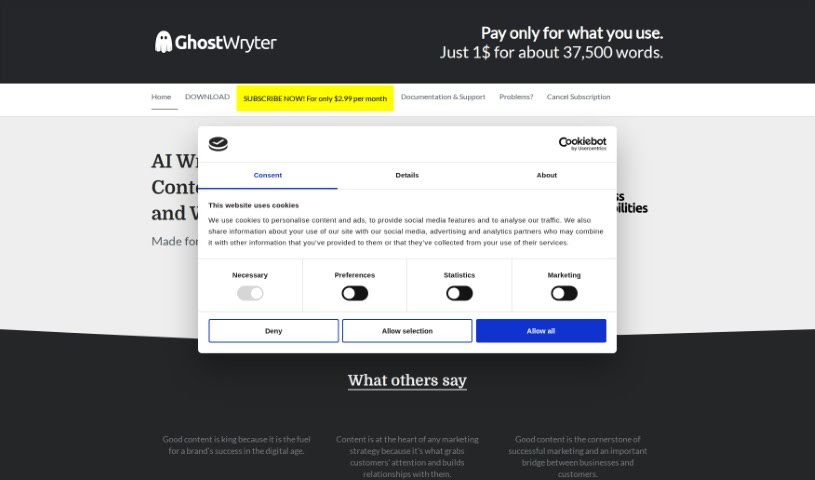
Screenshot of GhostWryter

GhostWryter

Freemium

GhostWryter is an AI writing assistant that works inside Google Docs. It uses OpenAI models to help you create SEO content, blog posts, and marketing materials quickly and affordably. Pricing is pay-as-you-go: you only pay for the words you generate — roughly 37,500 words for $1.

Content Writing View Tool →

About Content Writing tools

Staring at a blinking cursor while trying to hit a tight deadline is a special kind of frustration. Whether you need to draft website copy, write an article, polish an email newsletter, or craft social posts, keeping up with constant demands for fresh text drains your energy fast. It’s easy to get stuck wrestling with an intro paragraph for an hour.

The writing tools in this section act like versatile editorial assistants. They help you outline ideas, rephrase awkward sentences, and turn rough notes into clean, polished prose without replacing your creative voice.

From Blank Page to Polished Draft

Getting past the initial blank page is often the toughest hurdle. When you have a topic in mind but aren’t sure how to structure it, AI writing assistants suggest logical outlines and key talking points. Instead of starting from scratch, you get a clean framework to build on with your own experience and research. If you hit a wall mid-draft, ask the tool for alternative paragraph angles or transitions to keep your momentum going.

Self-editing your own work is notoriously difficult because your brain automatically fills in missing words and skips over awkward phrasing. AI editing tools scan your drafts for clunky sentence structures, passive phrasing, and repetitive word choices. They offer quick rephrasing options, helping you adjust your tone to match a specific audience—whether that means keeping things formal for a business report or making an article light and conversational.

Writing for different platforms usually means adjusting your voice and format. A detailed guide needs to sound quite different from a punchy social update or a direct sales email. Modern writing tools help adapt your core message across formats without losing the main point. You can paste in a rough report draft and generate quick email updates or summary notes in seconds.

Useful Features for Writers:

  • Tone and style controls: Settings that let you adjust formality, emotion, and reading level to match your target audience.
  • In-line editing and rephrasing: Tools that let you rewrite, expand, or condense specific sentences directly inside your document editor.
  • Context-aware suggestions: Software that understands long documents so suggestions stay relevant to your overall topic.
  • Plagiarism and originality checks: Built-in scanning tools that verify original text and catch accidental overlap with existing online sources.
  • Format templates: Pre-built frameworks for specific content types, including email newsletters, landing pages, and long-form guides.

Effective writing requires personal perspective, real-world examples, and your authentic human voice. Software can help arrange words and suggest cleaner phrasing, but your unique insights give content its real value. Letting smart tools handle initial outlines, grammar cleanup, and quick rephrasing simply frees up time to focus on what you actually want to say.

Browse the directory below to find the right writing assistant for your workspace.

The Best AI Content Writing Tools

  1. AISEO: for making blog content visuals pop.
  2. Tiny Wow: for generating and rewriting AI content.
  3. Writesonic: for quickly creating engaging blog posts.
  4. Writecream: for generating compelling blog post content.
  5. Essai.pro: for quickly crafting polished essays on any topic.
  6. Sudowrite: for enhancing and structuring creative content.
  7. Aiktp: for making content work better for SEO.
  8. Seo Review Tools: for improving content to rank higher.
  9. Tool Baz AI Text Generator: for writing blog posts and articles.
  10. Toolsaday: for rephrasing content.
  11. Neuron Writer: for easily structuring and optimizing articles.
  12. Rytr: for an AI blog creation tool.
  13. Typli.ai: for generating persuasive blog articles.
  14. SEO Writing AI: for easy blog post creation.
  15. Ahrefs AI Paragraph Generator: for crafting engaging blog post sections.

New tools, in your inbox.

Weekly picks of the best AI tools we've researched and added — no spam, unsubscribe anytime.

Join 25,000+ AI enthusiasts. No spam, unsubscribe anytime.