AI Tools for Software Development

Discover the best Software Development AI tools to enhance your productivity and creativity.

Page 8 of 25 β€’ 294 total tools
Screenshot of Dataloop

Dataloop

Freemium

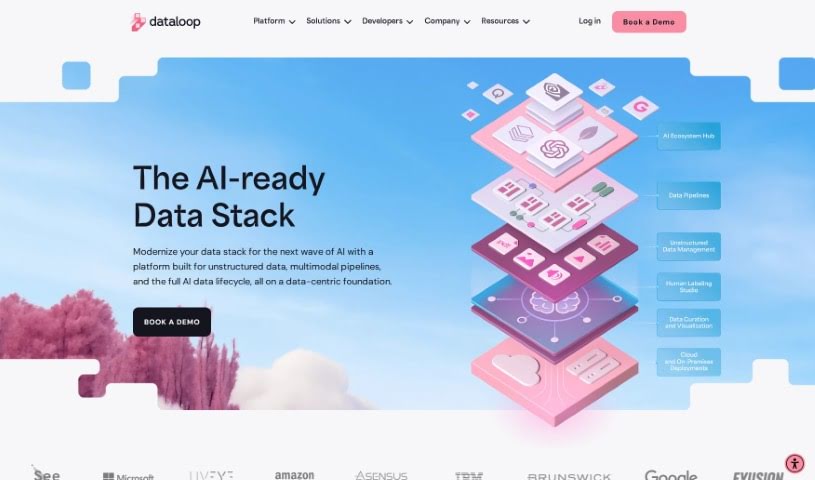
Dataloop is an AI development platform designed to make building AI accessible, intuitive, and collaborative for everyone, whether you're a data scientist, managing models, or working as an engineer. It brings together data models, applications, and human expertise, ensuring that human input is always at the heart of AI development and application. Dataloop tackles common challenges like complex data, tight deadlines, and repetitive manual work by simplifying how you manage data, speeding up the AI development process, and automating those time-consuming tasks. The platform really champions a data-centric approach and encourages teamwork between data specialists and developers to really boost innovation and creativity in AI.

Web Development View Tool β†’
Screenshot of Datature

Datature

Freemium

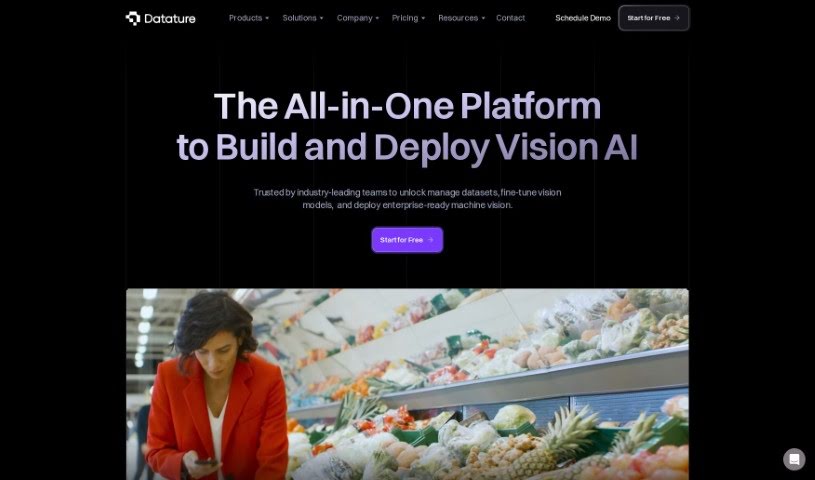
Datature is a platform built to make creating computer vision applications much simpler for teams and businesses. It is your all-in-one toolkit. It helps you manage your data efficiently, offers flexible tools for labeling images and videos, lets you train models using algorithms you can customize, automatically fine-tunes settings for the best results, and makes deploying your finished applications a breeze. Plus, it’s great for teamwork! Your team can collaborate on projects, keep track of different versions, and generally get more done together.

Web Development View Tool β†’
Screenshot of DepsHub

DepsHub

Freemium

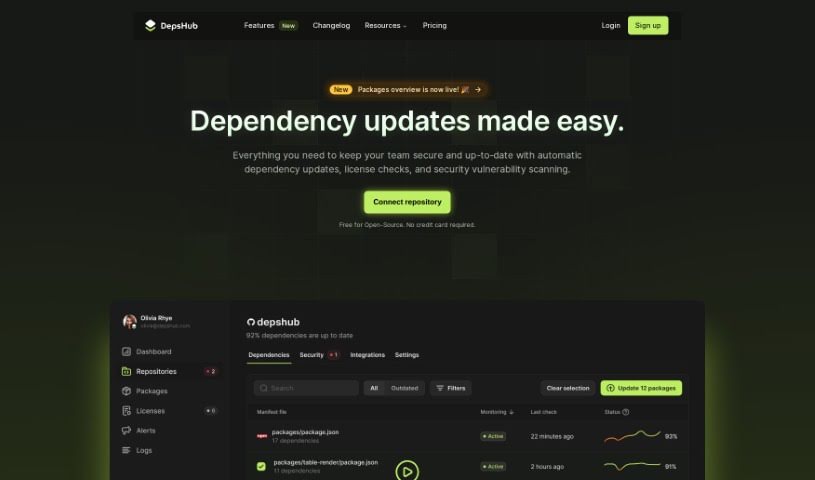
DepsHub is a handy tool designed to save you time by making it much simpler to keep track of and update your software dependencies. It works with a bunch of different languages and frameworks, like Javascript, Python, Go, PHP, Java, Swift, Ruby, Docker, C#, and C++. Plus, they're adding support for even more soon!

Web Development View Tool β†’
Screenshot of Dev Radar

Dev Radar

Freemium

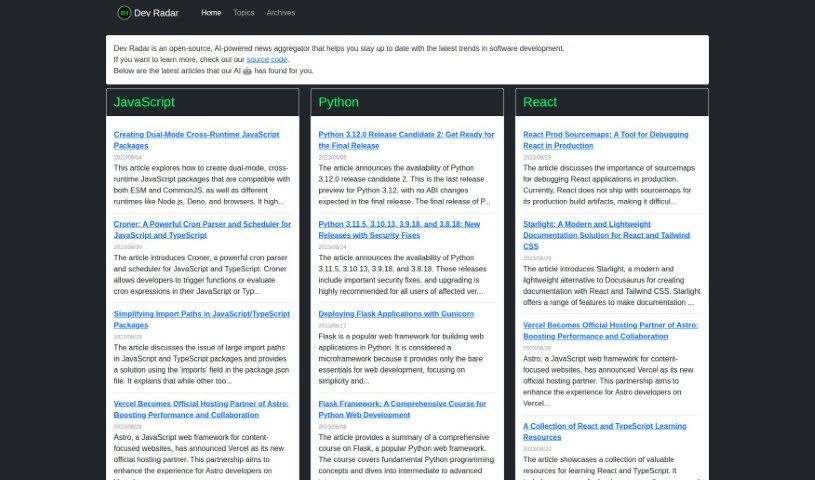
Dev Radar is a neat, open-source tool that uses AI to gather news for developers. It is a smart news aggregator focused specifically on software development. It's designed to keep you in the loop about all the latest trends. What's cool is how it scans the web for articles on popular programming languages like JavaScript, Python, Rust, and React, plus a whole lot more. The AI helps sort these articles by topic and language, making it super easy to find what you're looking for on their website. But it's not just about code; Dev Radar also covers important stuff like development methodologies, what's new in open-source, and the latest tech. By pulling together useful articles from all over, Dev Radar really helps developers save time and effort. It means you can stay up-to-date on industry trends without having to dig through countless sources yourself, going beyond just the programming languages themselves.

Web Development View Tool β†’
Screenshot of Devassistant

Devassistant

Freemium

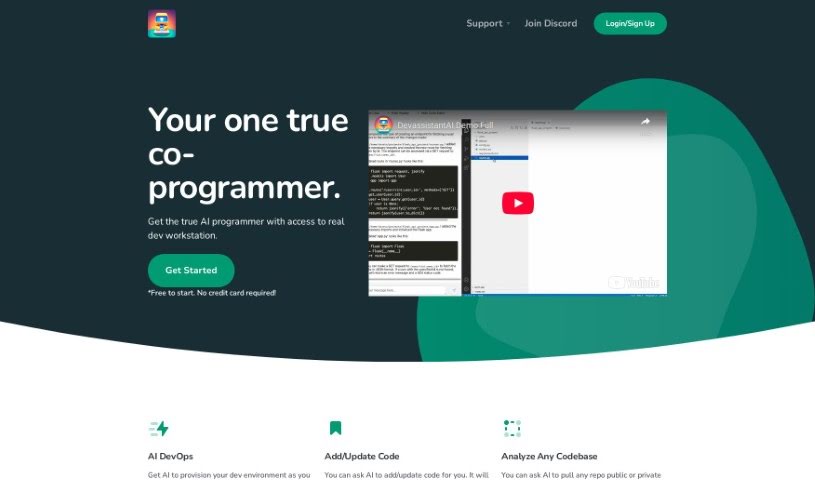
Devassistant is an AI tool built to help developers with all sorts of programming tasks. It is having a co-programmer right there with you, powered by GPT-4. It includes a command line and a code editor, making it easy to interact with. With Devassistant, you can set up your own custom workflows, automate repetitive tasks, dive deep into analyzing your codebases, ask questions about your code, make changes to it, and even see code side-by-side in a cloud-based VS Code editor. It also helps with automating DevOps tasks and setting up your developer environment. They offer different pricing plans that include things like GPT-4 credits, VCPUs, memory, and storage. Basically, you can talk to the AI co-programmer directly through the tool's command line and code editor, which really helps streamline how you code and get things done.

Web Development View Tool β†’
Screenshot of Devprompt

Devprompt

Freemium

DevPromptAi is an AI-powered application designed to really boost how efficient software developers are. It is a smart assistant that helps developers create, reuse, and share prompts for all those common software engineering tasks. It offers intelligent suggestions and recommendations, making it smoother for developers to create and update their code. Plus, it's got AI-powered debugging support to help find and fix bugs much more efficiently. It also provides clear explanations and documentation for tricky code snippets and algorithms, which is a huge help for understanding and documenting your code properly.

Web Development View Tool β†’
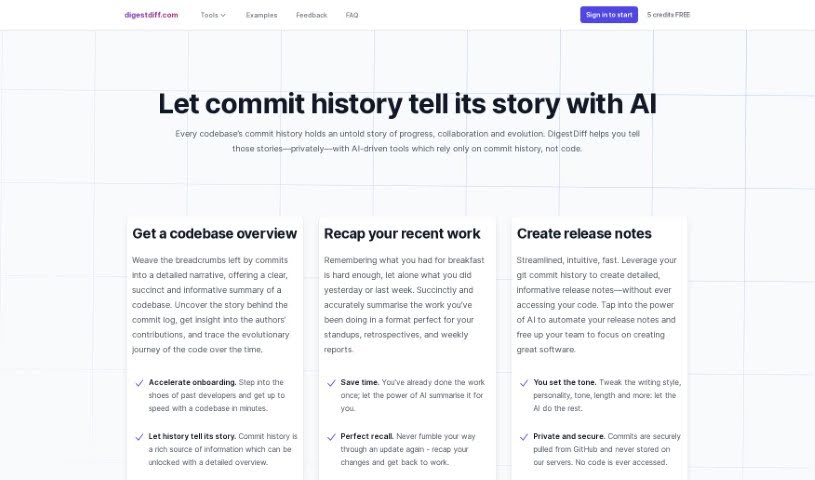
Screenshot of Digest Diff

Digest Diff

Freemium

Digest Diff is a smart assistant for your code's history. It's an AI-powered tool that dives into your codebase's commit history – all the changes, updates, and who made them. What's really neat is that it figures out what's going on, like tracking progress, how people are collaborating, and how the code itself has grown over time, all without ever needing to look at the actual code. This makes it super handy for things like writing release notes, helping new team members get up to speed quickly, and giving you a clear picture of your code's journey.

Web Development View Tool β†’
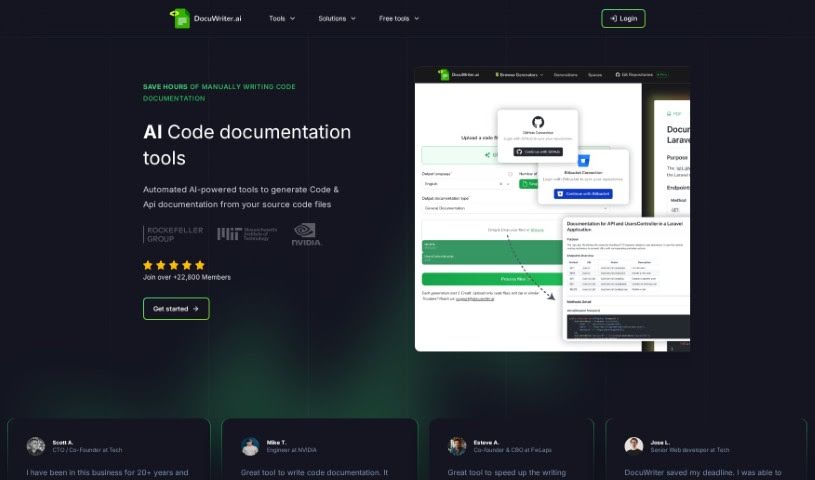
Screenshot of Docuwriter.ai

Docuwriter.ai

Freemium

DocuWriter.ai is a smart tool that uses AI to handle your code documentation. It's designed to automatically create thorough and accurate documentation right from your source code files, all with just a click. This tool works with all the programming languages you likely use, generates documentation in Markdown format, and makes it super easy to export. You've got two main pricing options: the Professional plan for $29 a month, or the Agency plan for $99 a month. These plans offer different limits on code generations and include extra perks like options to export your documentation and priority support. Plus, you can try it out with a trial period before you decide to subscribe. DocuWriter.ai really aims to make teamwork smoother by helping everyone understand the code better and improving overall software quality through this automated documentation. It also provides unlimited history generations, which is a big help for keeping software projects on track over time.

Web Development View Tool β†’
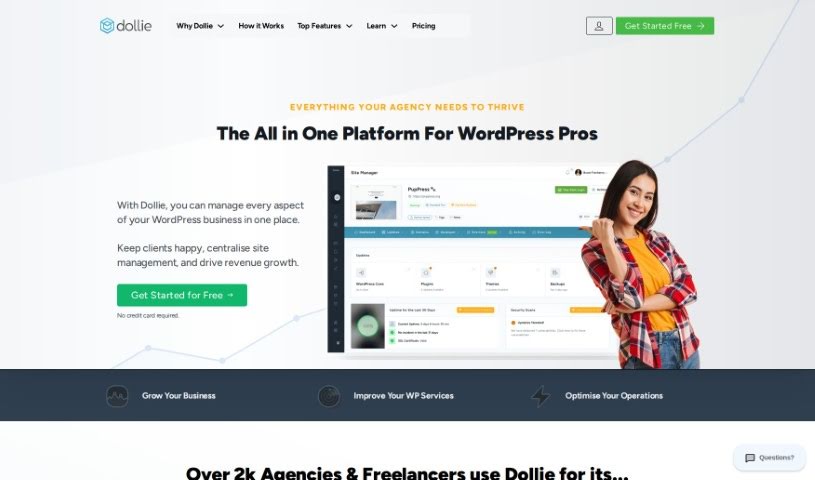
Screenshot of Dollie

Dollie

Freemium

Dollie is a WordPress Growth Platform designed to make WordPress professionals more productive. It offers solutions for managing WordPress sites, cloud hosting, and custom client dashboards, all within your own private cloud. Founded back in 2018, Dollie started by focusing on white-label platforms that businesses could brand as their own. Over time, it's grown into a complete platform that helps cut down on the costs and hassle of managing, building, and maintaining WordPress sites, especially when you're dealing with many of them.

Web Development View Tool β†’
Screenshot of Dosu

Dosu

Freemium

Dosu is your AI coding buddy, built specifically to help engineers keep their codebases in top shape. It's designed to make the often tedious work of code maintenance much smoother. How? By answering your questions, helping you sort through issues, and keeping your documentation up-to-date. This means you, the engineer, can spend more time on the creative, value-adding parts of your job. Dosu is always on, ready to help in your native language, and it's pretty good at solving problems on the spot. It diligently tracks open issues, works to resolve them, and makes sure everyone sticks to the best coding practices. Plus, it's a big help with documentation, nudging you when it's time to update things or even helping you write new documentation from scratch. You can even ask it for help or clarification on external code while you're in the middle of coding.

Web Development View Tool β†’
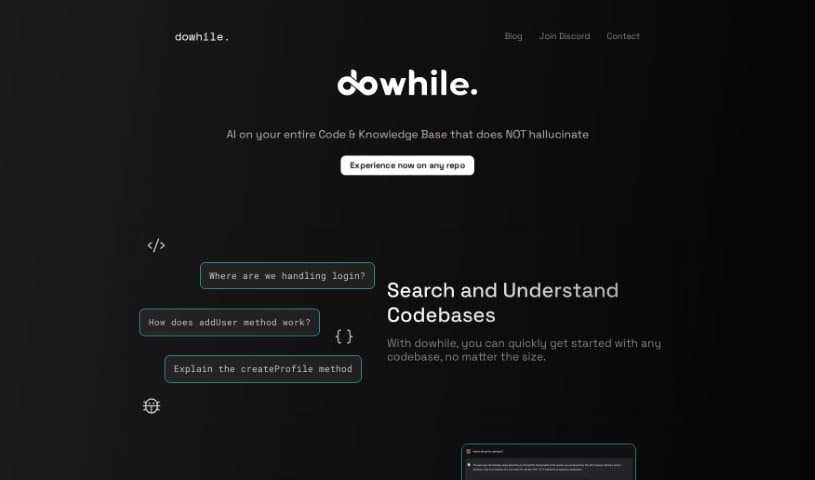
Screenshot of DoWhile AI

DoWhile AI

Freemium

DoWhile AI is a super-smart assistant for developers. It's designed to help you quickly search through and understand codebases, even really big or unfamiliar ones, without needing to install anything or dig through tons of documentation. It makes navigating new code super fast, supports popular languages like JavaScript and Python, and really makes it easier to jump into open-source projects. You can even integrate libraries without a hassle – no lengthy guides needed. Since it's browser-based, there's nothing to install, making it super accessible. They also have a waitlist feature to help manage connections and meetings with the team, which is a nice touch. Plus, it's a fantastic way to boost your coding skills by really getting to grips with different codebases and contributing to them. DoWhile AI also keeps you in the loop with a blog and active social media communities on platforms like Discord, LinkedIn, and Twitter, all aimed at building a collaborative coding environment.

Web Development View Tool β†’
Screenshot of Driver Ai

Driver Ai

Freemium

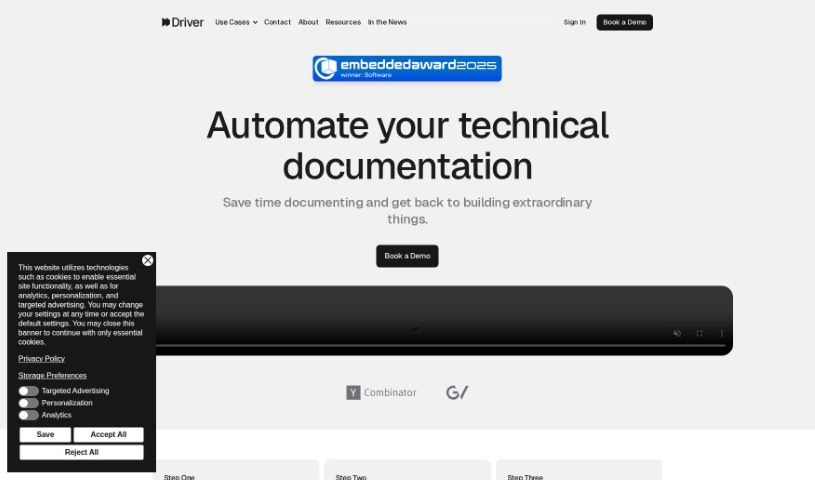
Driver AI is a tool built to make finding new technology easier and to simplify how we manage complicated tech setups. It creates interactive guides, explained using detailed modeling systems, so both tech experts and folks less familiar with code can get a handle on codebases much faster. The goal here is to speed up how we explore code, which means projects get finished quicker and new features roll out sooner. Driver AI can really help out different people in a company, like product managers, software engineers, and field application engineers, by giving them clear explanations of code and helping them decide whether to build something new or buy an existing solution. It's worth noting, though, that while Driver AI offers some big advantages, it does have a couple of drawbacks, like being quite expensive and having a steep learning curve.

Web Development View Tool β†’

Stay Updated with AI Tools

Get weekly updates on the latest AI tools, trends, and insights delivered to your inbox

Join 25,000+ AI enthusiasts. No spam, unsubscribe anytime.