AI Tools for Software Development

Discover the best Software Development AI tools to enhance your productivity and creativity.

Page 7 of 25 β€’ 294 total tools
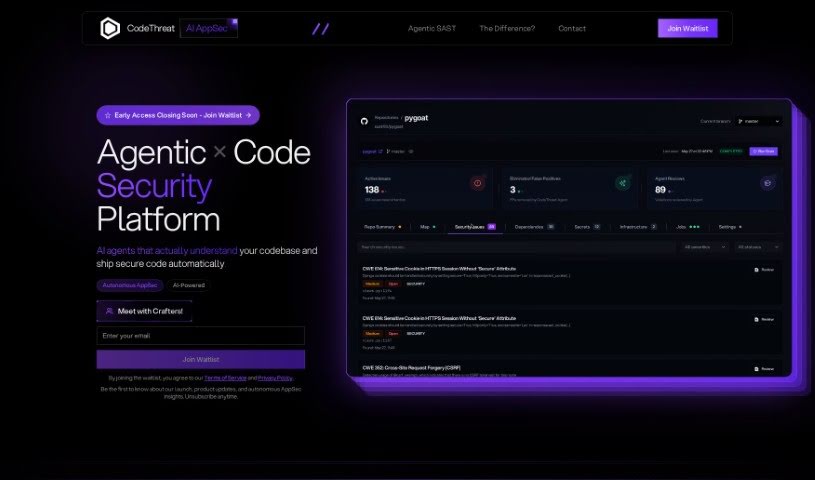
Screenshot of CodeThreat

CodeThreat

Freemium

CodeThreat is an AI-powered SAST (Static Application Security Testing) solution. It is a smart assistant that deeply analyzes your code to find and fix security weaknesses before they become problems. It's designed to make your codebases more secure. What makes CodeThreat stand out are features like its highly accurate code analysis, the ability to create your own security rules, flexible ways to host it, and a really easy-to-use interface. The whole idea behind CodeThreat is to make secure coding simpler. It gives developers the latest technology and security measures tailored to their needs, helping them guard against both common and tricky threats. Plus, CodeThreat really focuses on being precise with its taint analysis, which means fewer false alarms and more actionable insights to boost your code's security. They've also made sure the platform is user-friendly and feels natural for developers, so anyone, no matter their technical background, can get on board with secure coding.
Web Development View Tool β†’
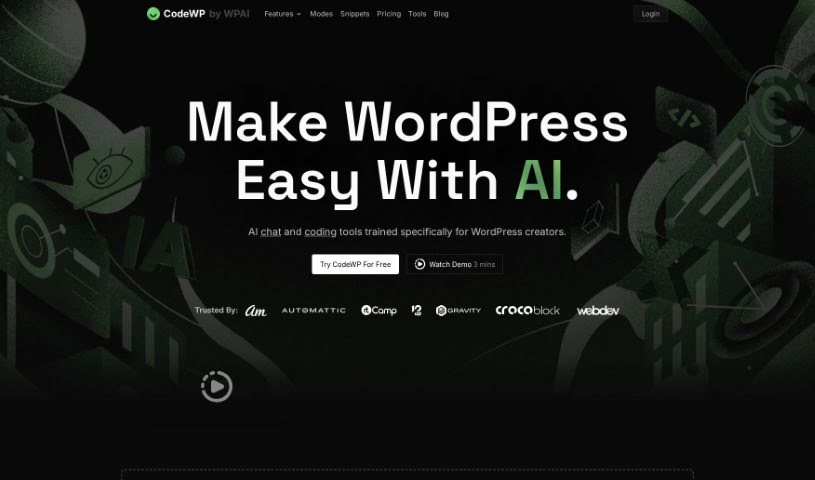
Screenshot of CodeWP

CodeWP

Freemium

CodeWP is a really neat platform built to make WordPress development smoother, especially for creators. It uses AI specifically designed for WordPress, offering chat and coding help right when you need it. It is having a coding assistant that can analyze your code in real-time, suggesting improvements and spotting errors. The goal here is to make coding less of a headache and more enjoyable for everyone, whether you're just starting out or you're a seasoned pro. Plus, CodeWP has a bunch of other AI tools to help you create content, design your site, and optimize it for search engines, so you can build websites that look great and perform well.

Web Development View Tool β†’
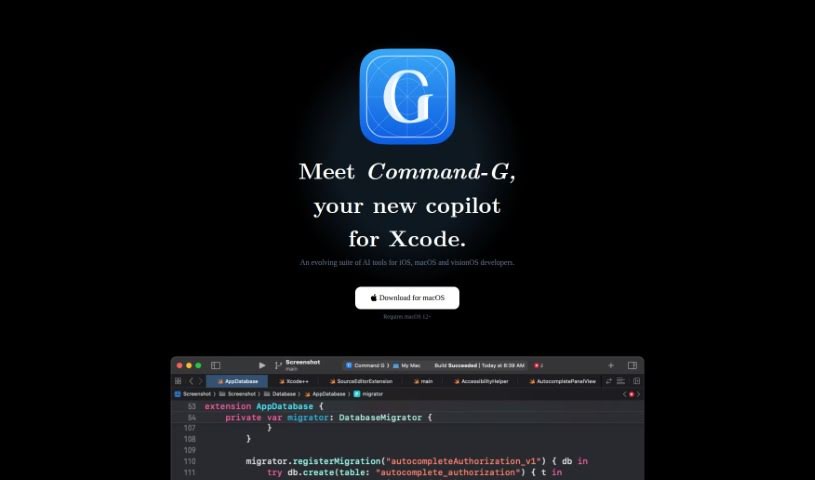
Screenshot of Command-G

Command-G

Freemium

Command-G is a really handy tool built to be a flexible Xcode copilot, especially for developers working with iOS, macOS, and visionOS. Its main goal? To make your workflow much smoother and more efficient. It does this by offering cool features like code auto-completion right as you type, and it even integrates with ChatGPT. This means you can have context-aware conversations with the AI while you're coding, which is a huge help. The auto-complete feature, powered by Codeium, predicts and suggests code snippets, speeding things up considerably. Plus, by letting you easily pop code into your ChatGPT conversations, it makes communication clearer and keeps your workflow humming along. What's also great is that Command-G takes your personal security and privacy seriously. It doesn't let servers access your code or messages, and it avoids tracking your app usage with telemetry. You'll find a few different license options available, like a trial, an early adopter deal, and an individual developer license, each with its own set of features and terms. The person behind Command-G is Olivier Truong, who has a solid background in iOS development and has contributed to well-known projects at places like Stripe and Facebook Messenger. Command-G runs on macOS 12 or newer, and if you're not happy with it, they offer a full refund within 30 days of your purchase.

Web Development View Tool β†’
Screenshot of Conektto

Conektto

Freemium

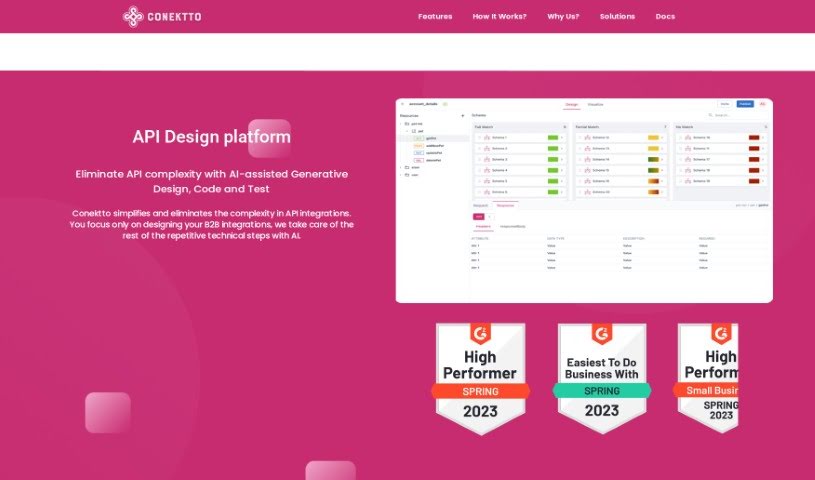
Conektto is a platform built to make building and testing APIs much simpler and smoother. It offers a bunch of helpful features, including an API design studio, generative AI specifically for software engineering tasks, an API test harness, tools for the entire enterprise API Software Development Lifecycle (SDLC), and a hybrid API orchestrator. Essentially, Conektto aims to cut through API complexity. It uses AI to help with design, code generation, and testing, making API development more efficient and encouraging teamwork. This is great for product managers, architects, developers, testers, and DevOps professionals. The platform leverages artificial intelligence to automate the technical parts of API development. You can choose from a free plan or paid subscriptions, which give you access to things like unlimited API designs, data provider API designs, and aggregate API designs. People who use Conektto have said good things about it, praising how efficient and effective it is, how well it supports collaboration, and its ability to simplify complex APIs while speeding up development teams.

Web Development View Tool β†’
Screenshot of Contember

Contember

Freemium

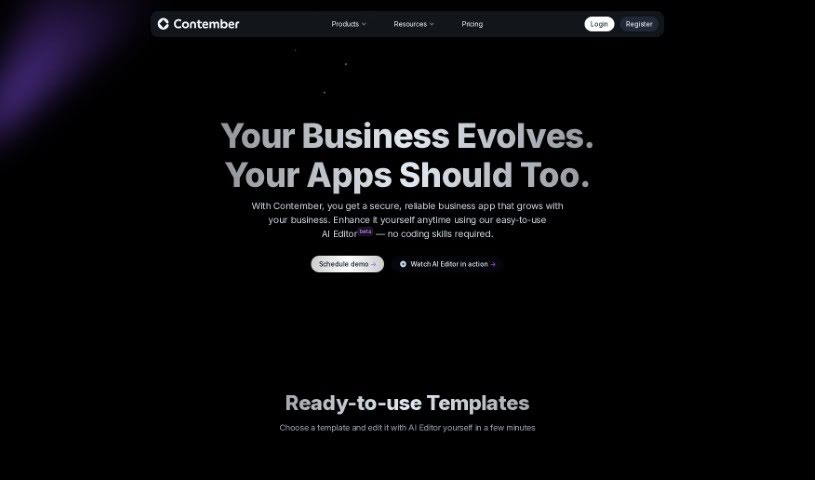
Contember is your AI sidekick for building web app backends, super fast. It gives you a flexible TypeScript codebase that you can tweak and expand however you need, with no real limits. Plus, there's this cool thing called Contember Studio. It uses AI to take your raw app ideas and turn them into something you can actually deploy, often in just minutes. It's all built on an open-source framework, too, which means it handles everything as code, making development much smoother.

Web Development View Tool β†’
Screenshot of Continue.dev

Continue.dev

Freemium

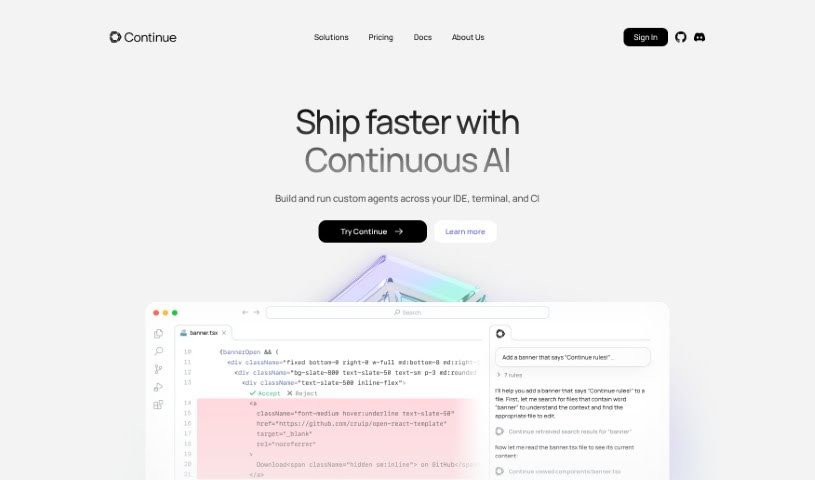
Continue.dev is an open-source autopilot tool designed to help software developers. It brings the power of ChatGPT right into your Visual Studio Code (VS Code) environment, making it super easy to generate, refactor, and understand code. One of its coolest features is how it can answer your coding questions. If you highlight a piece of code, Continue can offer different ways to tackle a problem, giving you new perspectives. Plus, you can edit code just by telling it what to do in plain English – think of it as giving instructions to refactor code exactly how you need it. It can even create entire files from scratch, whether you need a Python script, a React component, or an SQL query. Want to keep up with what's new? You can sign up for Continue's newsletter or join their Discord community.

Web Development View Tool β†’
Screenshot of ContractReader

ContractReader

Freemium

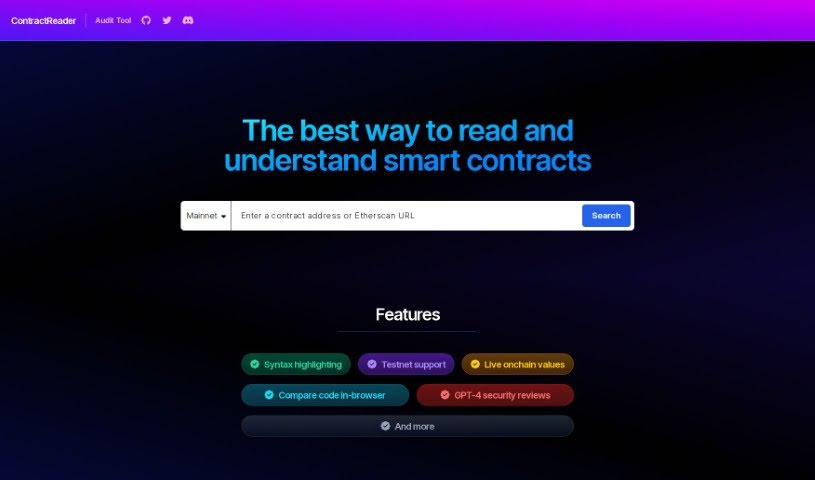
ContractReader is a really handy audit tool designed to make understanding smart contracts much simpler. It offers a bunch of useful features, like syntax highlighting to make code easier to read, support for testnets, live onchain values, and even in-browser code comparison. Plus, it includes GPT-4 security reviews for an extra layer of analysis. You can just pop in a contract address or an Etherscan URL, and ContractReader will give you all the details. It works with lots of different networks, including Mainnet, Goerli, Sepolia, Optimism, Polygon, Arbitrum One, BNB Smart Chain, and Base, so it's pretty versatile. What really sets it apart, though, is its use of GPT-4 for in-depth security checks on smart contracts.

Web Development View Tool β†’
Screenshot of CookieChimp

CookieChimp

Freemium

CookieChimp is a smart platform that helps you manage cookies. It uses AI to automatically fill in cookie details and generate your cookie policy. You also get tools for managing user consent, real-time analytics, and options to customize the look and feel to match your brand. The main idea is to make getting user consent simple. It provides an easy-to-use widget so visitors can control their cookie preferences. This helps you stay compliant with privacy rules and gives your visitors the transparency and control they expect.

Web Development View Tool β†’
Screenshot of Copilotchat

Copilotchat

Freemium

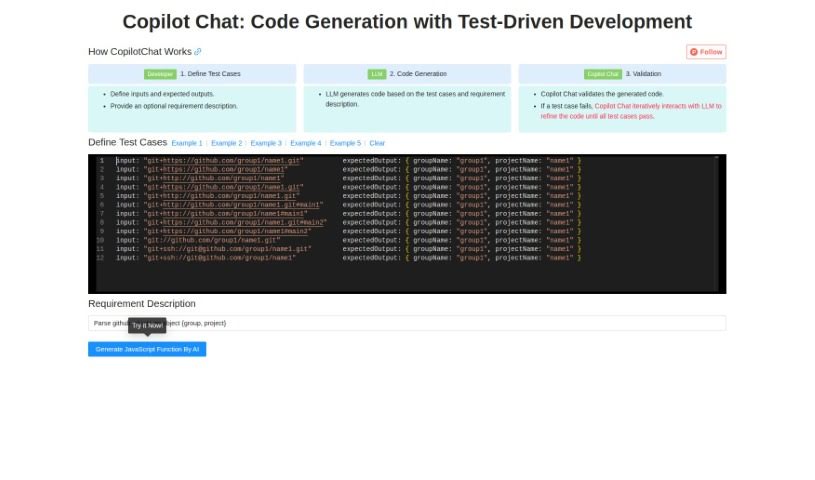
Copilotchat is your AI coding assistant, specifically designed to make writing code much simpler, especially when you're following a Test-Driven Development (TDD) approach. It works in a straightforward, three-step process: first, you define your test cases; then, the AI engine, which is a type of Large Language Model (LLM), generates the code; and finally, it checks that code against your tests to make sure it's solid and accurate. This whole system is built to help developers work faster, cut down on coding mistakes, solve problems more quickly, and ultimately produce better quality code. Some of its standout features include the ability to code collaboratively, automatically validate your code, and it all comes in a really easy-to-use interface. Essentially, it uses AI to speed up how you write code, based on the test cases and descriptions you give it.

Web Development View Tool β†’
Screenshot of Corgea

Corgea

Freemium

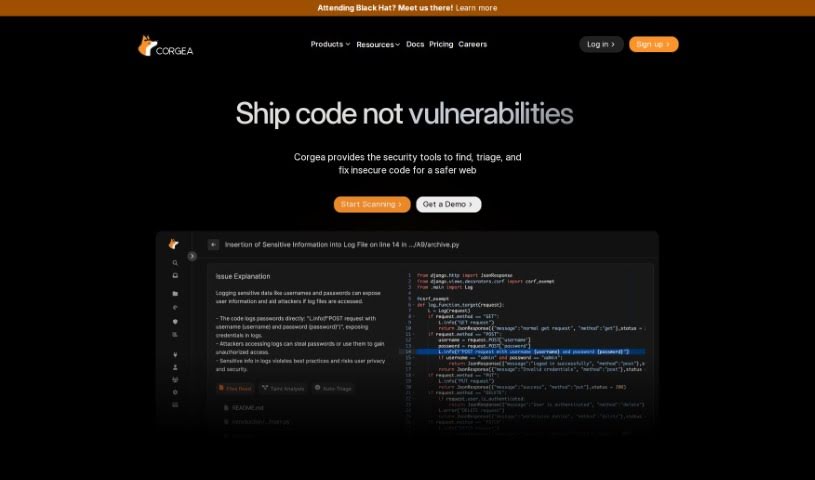
Corgea is a really smart platform built to completely change how security teams deal with vulnerable code. It uses AI to help engineers fix code quickly and easily, cutting down on the need for lots of manual checks. Plus, it connects right up with popular places like GitHub, GitLab, and Bitbucket, which makes it super easy for developers to use. You can even sign up for free and start making your code more secure right away, saving a ton of time and resources. It is a way to save hours, boost efficiency, give your engineers more time for important work, get fixes done faster, and enjoy a user-friendly setup that works with many different coding languages. Corgea really offers a flexible way to manage security patches in today's fast-moving digital world.

Web Development View Tool β†’
Screenshot of Cosine AI

Cosine AI

Freemium

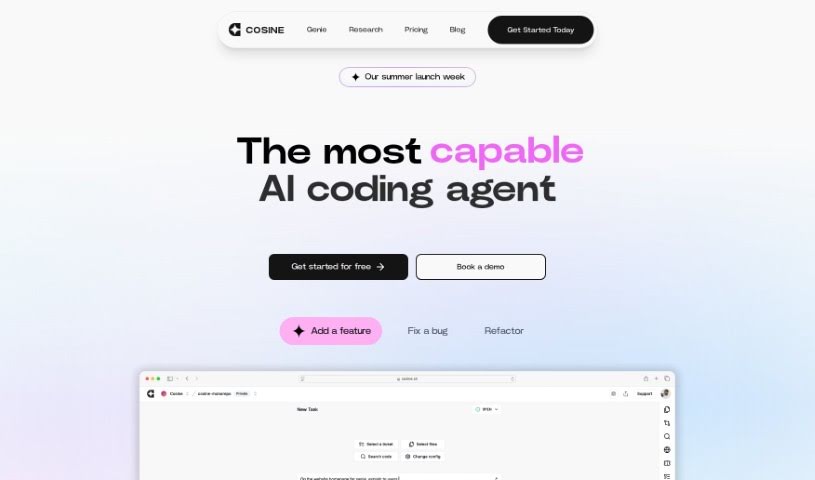
Cosine AI is designed to give you a truly superhuman grasp of code. It achieves this by using semantic indexing, building codebase graphs, creating embeddings, and employing a custom model that's been trained on actual developer tasks. It's much more than just a simple wrapper model; Cosine AI offers a deep understanding of your code and can effectively mimic your team's unique coding style.

Web Development View Tool β†’
Screenshot of CostGPT AI

CostGPT AI

Freemium

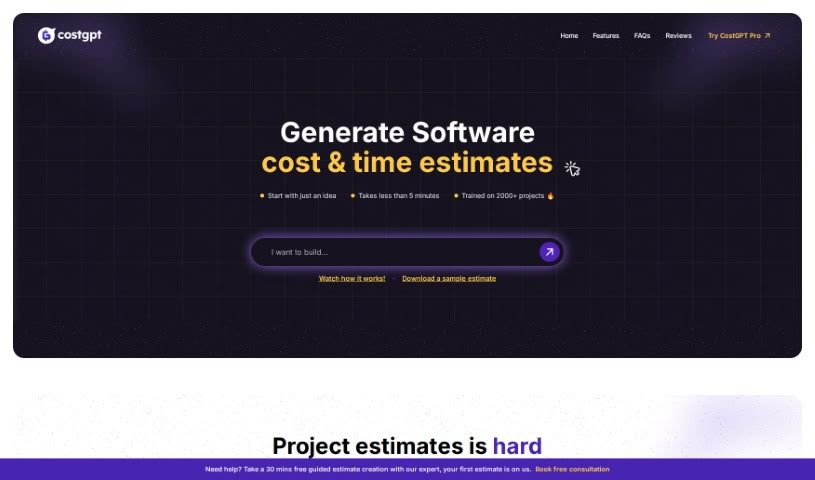
CostGPT is a smart tool designed to help estimate the costs and time involved in software development projects. It is an AI-powered assistant from Codebuddy that takes your software idea, or even a link to a similar project, and figures out what it might take to build. It doesn't just give you a number, though; it also suggests a suitable tech stack and lists the features you'd likely need. Just a heads-up: it's best not to share any sensitive or private information with CostGPT, as it's not built for that. It's made for everyone, whether you're a tech whiz or just starting out, but remember that any estimate is just that – an estimate. Software development can be tricky, and predictions always have some wiggle room.

Web Development View Tool β†’

Stay Updated with AI Tools

Get weekly updates on the latest AI tools, trends, and insights delivered to your inbox

Join 25,000+ AI enthusiasts. No spam, unsubscribe anytime.