AI Tools for Meetings

Discover the best Meetings AI tools to enhance your productivity and creativity.

Page 9 of 11 • 127 total tools

In today’s busy work world, meetings are both necessary and, let’s be honest, sometimes overwhelming. Between tricky scheduling and the sheer effort of taking notes, challenges can pile up fast. Wouldn’t it be amazing if something could just handle those things for you?

That’s where AI meeting assistants come in. This category has really grown up over the last few years. They’re not just for taking notes or managing calendars anymore. Now, they can give you smart summaries, track your action items, and even suggest topics for your agenda based on what you need.

I’ve spent time digging into and testing a bunch of these AI meeting assistants to see how they compare. This guide points out the best ones you can get right now, showing off what they do and what makes them special.

Whether you want to make your meetings smoother, get more done, or just cut down on the chaos, there’s an AI meeting assistant here that’ll likely be a great fit. Let’s check out the options that can really change your meeting experience.

The Best AI Meetings Assistants

  1. Zoom: Helps you schedule meetings easily and take notes.
  2. Otter.ai: Makes taking meeting notes simple and effortless.
  3. Fireflies AI: Streamlines meeting notes and tasks.
  4. Fathom AI: For efficient meeting notes and key highlights.
  5. Cal.ai: Automates the process of scheduling meetings.
  6. Motion: Offers an automated system for scheduling meetings.
  7. Tldv: Helps streamline meeting summaries and follow-ups.
  8. Reclaim AI: Automatically schedules breaks during meetings.
  9. Crystal Knows: Makes meeting prep easier with personality insights.
  10. Supernormal: Helps you get the most out of your meetings without much effort.
  11. Jamie AI: Effortlessly summarizes what was discussed in meetings.
  12. Blu Dot: Streamlines meeting scheduling and follow-ups.
  13. MeetGeek: Provides streamlined meeting notes and insights.
  14. Voicenotes: Efficiently captures meeting notes and action items.
  15. Bubbles Notetaker: Streamlines meeting transcriptions and tasks.

How Do AI Meeting Assistants Work?

AI meeting assistants have become super popular, using advanced tech to make meetings run more smoothly. Basically, these tools use natural language processing (NLP) to understand what’s being said or written. When you talk or type into the platform, the AI analyzes it right away, helping to pull out important details or action items from the conversation.

A big part of what AI meeting assistants do is automatically transcribe conversations. This feature records what’s said, so you don’t miss any key points. Having accurate transcripts means you can focus on the discussion itself instead of worrying about writing everything down. Plus, you can always look back at the transcripts later, which really helps with productivity and keeping communication on track.

Beyond just transcribing, AI meeting assistants can also summarize your meetings. After the session wraps up, they can create short overviews that highlight the main topics and decisions. This is a lifesaver for busy professionals who don’t have time to read through long notes. These summaries help make sure everyone involved is on the same page about what was decided.

What’s more, many AI meeting assistants connect with your calendar apps. This lets them schedule and manage meetings smoothly, sending out invitations and reminders to everyone. By handling the logistics, these tools help avoid scheduling conflicts and simplify the whole process.

The technology behind AI meeting assistants mostly relies on machine learning algorithms. These are trained on tons of data from conversations and meeting notes. By spotting patterns in language and context, the AI gets really good at understanding different speech styles. This extensive training helps the assistant work well across all sorts of topics and ways of talking in meetings.

If you’re looking to make your meetings better, AI meeting assistants offer some really exciting possibilities. They don’t just save you time; they also help people engage more during discussions. As technology keeps advancing, we can expect these tools to get even smarter, further changing how we run meetings in the future.

Our Best AI Meetings Assistants at a Glance

RankNameBest forPlans and PricingRating
1ZoomScheduling meetings and taking notes easily.Paid plans start at $15.99/month.4.73 (11 reviews)
2Otter.aiTaking meeting notes effortlessly.Paid plans start at $13.59/month.4.73 (11 reviews)
3Fireflies AIStreamlining meeting notes and tasks.Paid plans start at $10/month.4.67 (12 reviews)
4Fathom AIEfficient meeting notes and highlights.Paid plans start at $19/month.4.33 (24 reviews)
5Cal.aiAutomating meeting scheduling.Paid plans start at $15/month.4.33 (6 reviews)
6MotionAutomated meeting scheduling system.N/A4.18 (11 reviews)
7TldvStreamlining meeting summaries and follow-ups.N/A4.31 (13 reviews)
8Reclaim AIAuto-scheduling breaks in meetings.Paid plans start at $10/month.4.25 (12 reviews)
9Crystal KnowsStreamlining meeting prep with personality insights.N/A4.50 (24 reviews)
10SupernormalOptimizing meeting efficiency.Paid plans start at $18/month.4.79 (19 reviews)
11Jamie AIEffortlessly summarizing meeting discussions.N/A4.33 (15 reviews)
12Blu DotStreamlining meeting scheduling and follow-ups.N/A4.60 (25 reviews)
13MeetGeekStreamlined meeting notes and insights.Paid plans start at Free/N/A.5.00 (30 reviews)
14VoicenotesEfficient meeting notes and action items.N/A4.64 (11 reviews)
15Bubbles NotetakerStreamlining meeting transcriptions and tasks.Paid plans start at $Free/month.4.64 (11 reviews)
Screenshot of Sixty AI

Sixty AI

Freemium

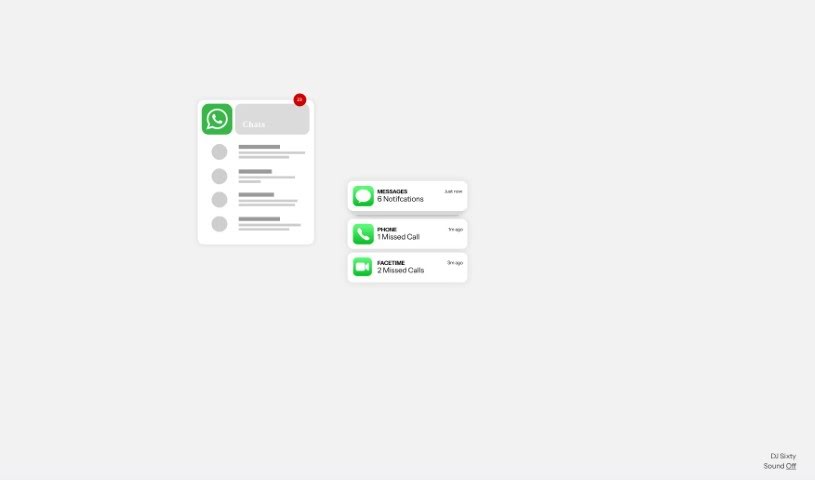
Sixty AI is your personal assistant, designed to give you back your time. It's an AI tool that handles those everyday tasks that really eat into your day, the ones that artificial intelligence can easily manage. We're talking about things like clearing out your inbox, scheduling meetings, putting together agendas, and getting you prepped with briefings. Sixty AI also offers some neat features to keep you connected and on top of things without all the fuss. You can get personalized snapshots of your day, week, or weekend schedule, filter your emails so the important stuff stands out, and get instant alerts if your schedule changes last minute. Plus, it'll remind you about birthdays or other important milestones for people in your network, even helping you send a quick greeting or gift. Essentially, it lets you stay engaged and connected, freeing you up to focus on what truly matters.

Screenshot of Slated

Slated

Freemium

Slated is a smart tool designed to automate team meeting scheduling and take notes for you. Its main goal is to make scheduling easier, help teams focus more, and generally boost happiness. It is your personal assistant for team coordination. It comes with handy features like one-click scheduling, AI that helps with note-taking, smart links for scheduling, personalized calendars, and ways to manage your focus time. Right now, Slated is in a private beta, meaning it's still being tested and refined.

Screenshot of Sortmythoughts

Sortmythoughts

Freemium

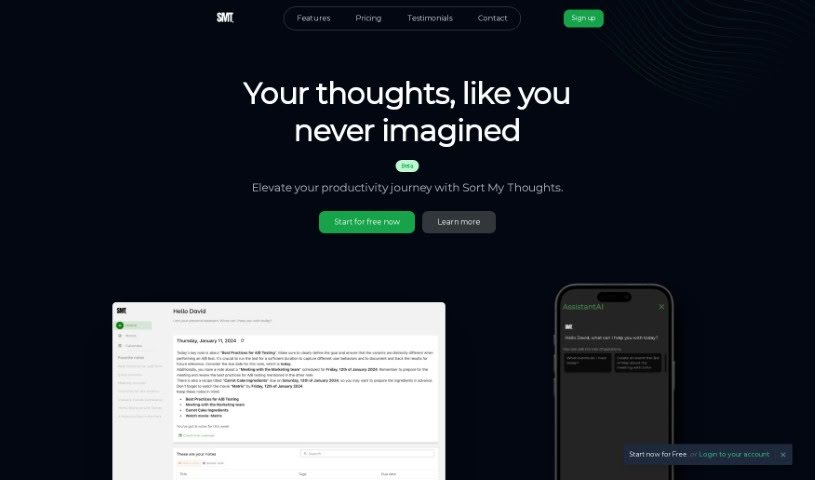
SortMyThoughts is a handy productivity tool that uses artificial intelligence to help you get organized. It is your personal assistant and scheduler, all rolled into one. It lets you take notes with all sorts of formatting options, tag them, color-code them, and it has a really powerful search function. Plus, you get smart notifications, your notes sync across all your devices, and you can even export them to PDF. What's neat is that SortMyThoughts learns how you work. It can give you daily summaries, suggest tasks based on what you've written, and fine-tune reminders and suggestions to make you more productive. You can really express yourself with its rich syntax, and it makes organizing and scheduling tasks a breeze.

Screenshot of SoWork

SoWork

Freemium

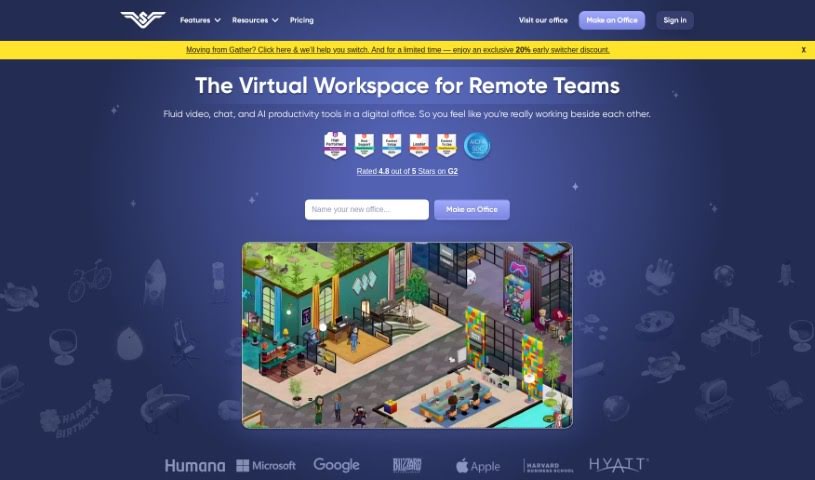
SoWork is a virtual workplace tool built to help remote teams work more efficiently, be more productive, and collaborate better. It is a 'Smart Virtual Office' where your team can interact in real-time, which really helps boost engagement and get more done. It comes with some great features like high-definition video and recording, screen sharing, AI-powered meeting summaries, easy meeting scheduling, customizable office spaces, and even avatar creation. You can really make the digital office your own using SoWork's MapMaker tool, creating a space that fits your team's culture and makes collaboration smoother.

Screenshot of Spellar AI

Spellar AI

Freemium

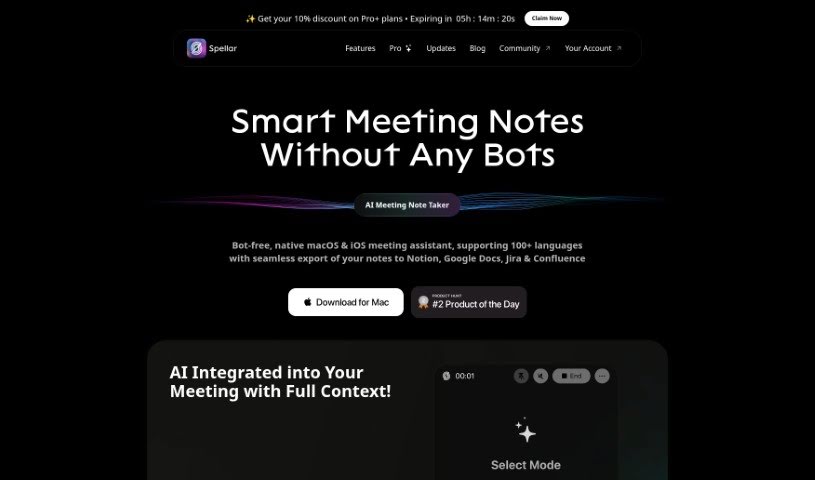
Spellar AI is essentially an AI-powered speaking coach, designed to give you personalized feedback that can really help you speak more clearly and feel more confident. It is a helpful assistant that listens in and offers constructive advice. It comes with some neat features, like detailed analytics to show you where you can improve, extended storage for your audio recordings, and a really advanced AI Meeting Copilot if you go for the Pro version. What's great is that Spellar AI works with over 50 languages, and they take data security very seriously. They use encryption and strong cybersecurity measures to keep your information safe. When it comes to payments, they use trusted platforms like Setapp, the Mac App Store, and Stripe, so your financial details are handled securely. Your user data is stored on encrypted servers, and access is strictly controlled. Plus, for extra peace of mind, you can even set up automatic deletion for your audio files.

Screenshot of Spinach AI

Spinach AI

Freemium

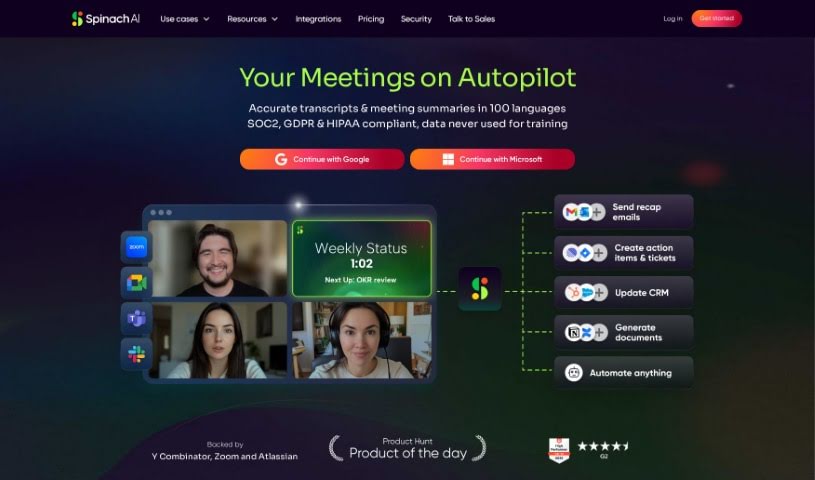
Spinach AI is your team's dedicated AI meeting assistant, acting much like a scrum master for development teams. It actively joins your meetings, carefully summarizing important discussions and decisions. Plus, it suggests clear action items to keep everyone on track. Spinach AI plays nicely with tools you already use, like Slack and Jira, making it easy to share meeting notes and even create tickets directly from your conversations.

Screenshot of Stormz

Stormz

Freemium

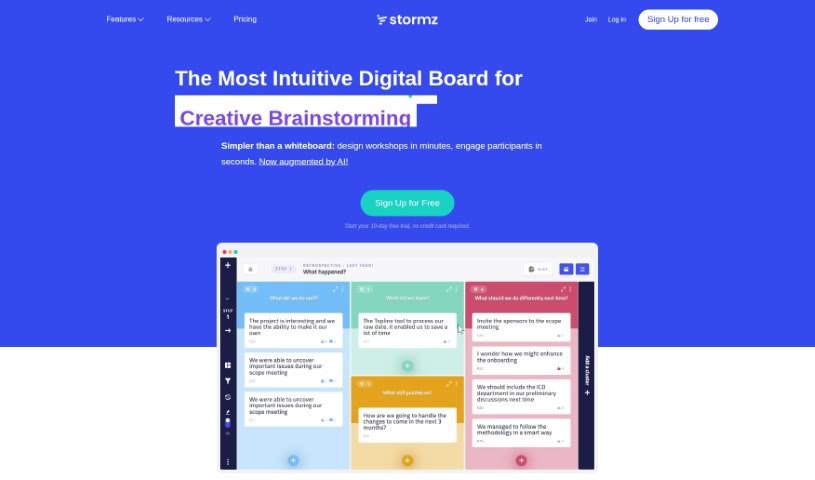
Stormz is a digital collaboration platform built to make remote workshops and brainstorming sessions really smooth. Alexandre Eisenchteter co-created it with the goal of offering a professional tool for remote teamwork. What's great about Stormz is how easy it is to use, how flexible it is, and how accessible it makes things for everyone, whether you're meeting in person, in a hybrid setup, or fully remote, no matter the group size. Stormz comes with features like AI help, ways to group ideas together, live polls and quizzes, custom thought paths, and even automatic idea generation. People seem to really like its straightforward interface, how smoothly it helps run sessions, and that it keeps participants engaged. Plus, Stormz cares about sustainability; they support positive environmental initiatives, protect your privacy, and promote remote work as a way to cut down on carbon emissions compared to traditional in-person meetings.

Screenshot of Supernormal

Supernormal

Freemium

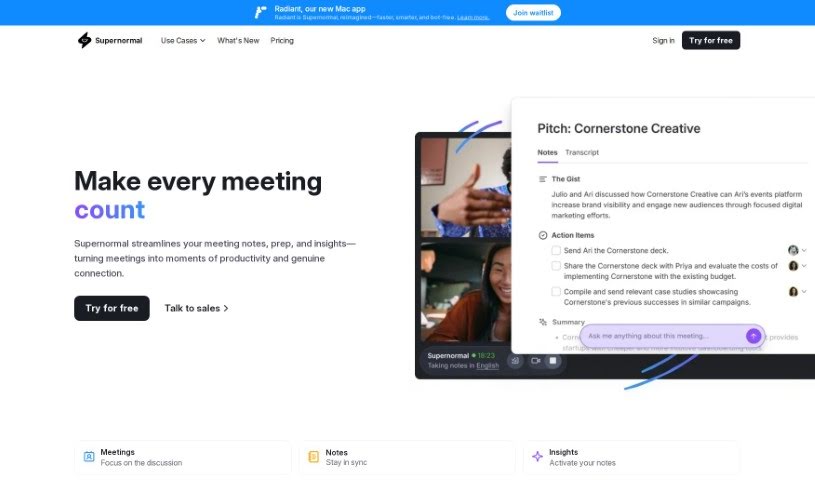
Supernormal is an AI tool built to make meetings run more smoothly. It automatically transcribes and formats your meeting notes, and it works directly with Google Meet. This means you can save a ton of time and keep everything organized, even during busy meetings. Supernormal offers a few key features to help with this: you can get AI-generated agendas to plan your meetings efficiently, it connects easily with the tools you already use, and all your meeting notes are kept in one central spot. Plus, it helps you track action items, lets you create your own note templates, and makes sharing notes a breeze. When it comes to pricing, they have options for individuals, teams, and even larger enterprises, with different storage limits. They also integrate with popular platforms like Workable, Hubspot, Salesforce, and Pipedrive. Security is a big focus for Supernormal, with enterprise-grade practices like SOC 2 certification, data encryption both when it's being sent and when it's stored, strict access controls, and secure automatic backups.

Screenshot of Superpowered

Superpowered

Freemium

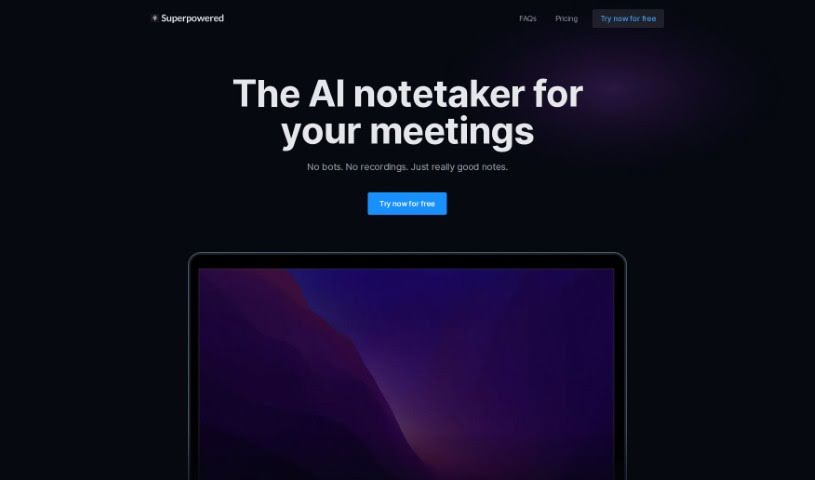
Superpowered is an AI assistant built to make taking notes during meetings super easy. It can transcribe meetings live, meaning you don't need to record anything, which is great for privacy and efficiency. Plus, it has cool features like AI Templates and AI Chat that really boost how accurate your notes are. It is your perfect meeting memory! It works with all sorts of meeting platforms, understands many languages, and connects smoothly with popular tools like Slack, Notion, and Google Drive. Over 15,000 companies already trust Superpowered, and they're serious about security and privacy, holding SOC-2 Type II and GDPR compliance. You can even try it out with a free plan, so there's something for everyone.

Screenshot of Tabletalk

Tabletalk

Freemium

TableTalk is a really neat AI tool built to make communication and teamwork much smoother for companies. It is your all-in-one hub for staying connected. It offers virtual meetings with top-notch video conferencing, plus easy ways to share your screen and files. What's cool is that it also transcribes your meetings automatically, turning spoken words into text. On top of that, it has a system for managing tasks – you can create them, assign them, and keep track of progress. And there's an AI assistant ready to answer your questions or even help draft meeting agendas. Security is a big deal too; they use end-to-end encryption and secure storage to keep everything you share safe.

Screenshot of Teameet

Teameet

Freemium

Teameet is a smart online meeting tool, brought to you by HiThink Financial Services Inc. It is your AI assistant for meetings. It's packed with features designed to make your conversations smoother, no matter who you're talking to or where they are. You get real-time translation, which is a game-changer for teams spread across different countries or speaking different languages. Plus, there's video conferencing, screen sharing so you can show what you mean, and live captioning to help everyone follow along, especially those who are hearing-impaired. You can also record your meetings in the cloud and get transcriptions afterward. It's completely free to use, making it super accessible for everyone.

Screenshot of Teno Chat

Teno Chat

Freemium

Teno Chat is a smart Discord bot designed to help run your Discord meetings smoothly. It is your go-to assistant for managing tasks, keeping track of who's attending, answering questions on the fly, and generally making things easier with simple commands. Deab Labs developed Teno Chat with the goal of making meetings more efficient, automating repetitive jobs, and improving overall meeting results. Plus, they've put a strong emphasis on privacy, with a dedicated policy to back it up.

Stay Updated with AI Tools

Get weekly updates on the latest AI tools, trends, and insights delivered to your inbox

Join 25,000+ AI enthusiasts. No spam, unsubscribe anytime.