AI Tools for Meetings

Discover the best Meetings AI tools to enhance your productivity and creativity.

Page 10 of 11 • 127 total tools

In today’s busy work world, meetings are both necessary and, let’s be honest, sometimes overwhelming. Between tricky scheduling and the sheer effort of taking notes, challenges can pile up fast. Wouldn’t it be amazing if something could just handle those things for you?

That’s where AI meeting assistants come in. This category has really grown up over the last few years. They’re not just for taking notes or managing calendars anymore. Now, they can give you smart summaries, track your action items, and even suggest topics for your agenda based on what you need.

I’ve spent time digging into and testing a bunch of these AI meeting assistants to see how they compare. This guide points out the best ones you can get right now, showing off what they do and what makes them special.

Whether you want to make your meetings smoother, get more done, or just cut down on the chaos, there’s an AI meeting assistant here that’ll likely be a great fit. Let’s check out the options that can really change your meeting experience.

The Best AI Meetings Assistants

  1. Zoom: Helps you schedule meetings easily and take notes.
  2. Otter.ai: Makes taking meeting notes simple and effortless.
  3. Fireflies AI: Streamlines meeting notes and tasks.
  4. Fathom AI: For efficient meeting notes and key highlights.
  5. Cal.ai: Automates the process of scheduling meetings.
  6. Motion: Offers an automated system for scheduling meetings.
  7. Tldv: Helps streamline meeting summaries and follow-ups.
  8. Reclaim AI: Automatically schedules breaks during meetings.
  9. Crystal Knows: Makes meeting prep easier with personality insights.
  10. Supernormal: Helps you get the most out of your meetings without much effort.
  11. Jamie AI: Effortlessly summarizes what was discussed in meetings.
  12. Blu Dot: Streamlines meeting scheduling and follow-ups.
  13. MeetGeek: Provides streamlined meeting notes and insights.
  14. Voicenotes: Efficiently captures meeting notes and action items.
  15. Bubbles Notetaker: Streamlines meeting transcriptions and tasks.

How Do AI Meeting Assistants Work?

AI meeting assistants have become super popular, using advanced tech to make meetings run more smoothly. Basically, these tools use natural language processing (NLP) to understand what’s being said or written. When you talk or type into the platform, the AI analyzes it right away, helping to pull out important details or action items from the conversation.

A big part of what AI meeting assistants do is automatically transcribe conversations. This feature records what’s said, so you don’t miss any key points. Having accurate transcripts means you can focus on the discussion itself instead of worrying about writing everything down. Plus, you can always look back at the transcripts later, which really helps with productivity and keeping communication on track.

Beyond just transcribing, AI meeting assistants can also summarize your meetings. After the session wraps up, they can create short overviews that highlight the main topics and decisions. This is a lifesaver for busy professionals who don’t have time to read through long notes. These summaries help make sure everyone involved is on the same page about what was decided.

What’s more, many AI meeting assistants connect with your calendar apps. This lets them schedule and manage meetings smoothly, sending out invitations and reminders to everyone. By handling the logistics, these tools help avoid scheduling conflicts and simplify the whole process.

The technology behind AI meeting assistants mostly relies on machine learning algorithms. These are trained on tons of data from conversations and meeting notes. By spotting patterns in language and context, the AI gets really good at understanding different speech styles. This extensive training helps the assistant work well across all sorts of topics and ways of talking in meetings.

If you’re looking to make your meetings better, AI meeting assistants offer some really exciting possibilities. They don’t just save you time; they also help people engage more during discussions. As technology keeps advancing, we can expect these tools to get even smarter, further changing how we run meetings in the future.

Our Best AI Meetings Assistants at a Glance

RankNameBest forPlans and PricingRating
1ZoomScheduling meetings and taking notes easily.Paid plans start at $15.99/month.4.73 (11 reviews)
2Otter.aiTaking meeting notes effortlessly.Paid plans start at $13.59/month.4.73 (11 reviews)
3Fireflies AIStreamlining meeting notes and tasks.Paid plans start at $10/month.4.67 (12 reviews)
4Fathom AIEfficient meeting notes and highlights.Paid plans start at $19/month.4.33 (24 reviews)
5Cal.aiAutomating meeting scheduling.Paid plans start at $15/month.4.33 (6 reviews)
6MotionAutomated meeting scheduling system.N/A4.18 (11 reviews)
7TldvStreamlining meeting summaries and follow-ups.N/A4.31 (13 reviews)
8Reclaim AIAuto-scheduling breaks in meetings.Paid plans start at $10/month.4.25 (12 reviews)
9Crystal KnowsStreamlining meeting prep with personality insights.N/A4.50 (24 reviews)
10SupernormalOptimizing meeting efficiency.Paid plans start at $18/month.4.79 (19 reviews)
11Jamie AIEffortlessly summarizing meeting discussions.N/A4.33 (15 reviews)
12Blu DotStreamlining meeting scheduling and follow-ups.N/A4.60 (25 reviews)
13MeetGeekStreamlined meeting notes and insights.Paid plans start at Free/N/A.5.00 (30 reviews)
14VoicenotesEfficient meeting notes and action items.N/A4.64 (11 reviews)
15Bubbles NotetakerStreamlining meeting transcriptions and tasks.Paid plans start at $Free/month.4.64 (11 reviews)
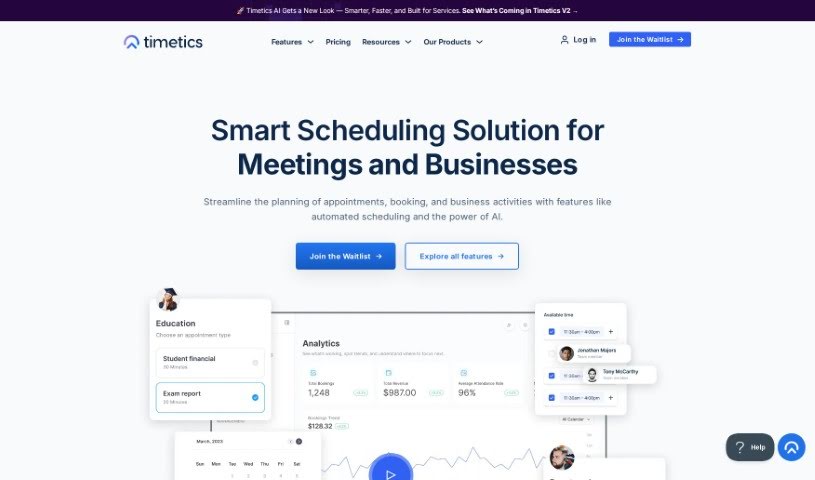
Screenshot of Timetics.ai

Timetics.ai

Freemium

Timetics.ai is a smart scheduling tool that uses AI to help manage both online and in-person meetings and events. It is your go-to assistant for making planning easier and boosting productivity. It can suggest the best times for meetings, help you arrange seating for events, manage your entire event from start to finish, and even handle secure payments. Plus, its AI can learn from your past bookings to offer personalized recommendations. It's a great fit for all sorts of businesses, from professional services and coaching to legal firms, gyms, and yoga studios. They also offer flexible pricing plans to suit different team sizes and budgets.

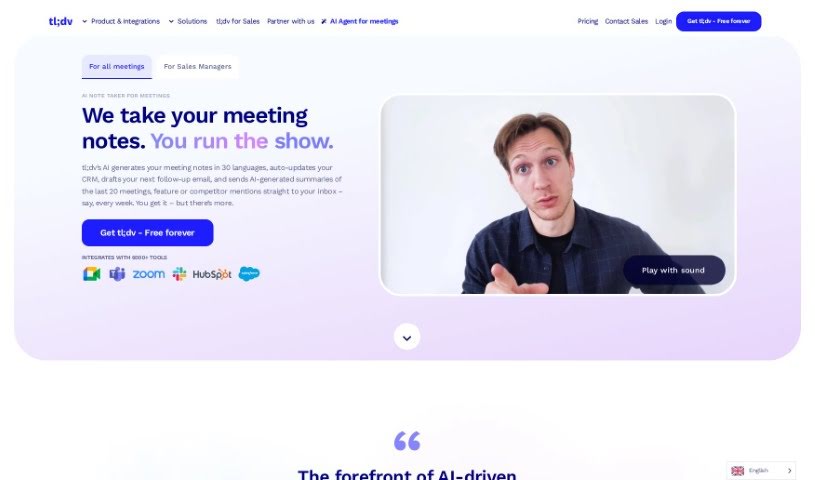
Screenshot of Tldv

Tldv

Freemium

Tldv is a smart meeting software powered by GPT technology. It's designed to make your online meetings, presentations, and webinars much more productive and collaborative. It is your AI assistant for virtual get-togethers. It automatically transcribes conversations as they happen, lets you easily highlight the most important bits, and makes sharing recordings and notes with everyone a breeze. The goal here is to really change how we do virtual meetings, making them more accurate, productive, and ensuring everyone's on the same page. Plus, Tldv has a really easy-to-use interface, so finding your recordings, transcripts, and key highlights is simple. You can even try it out for free to see how much it can improve your online meetings, teamwork, and overall productivity.

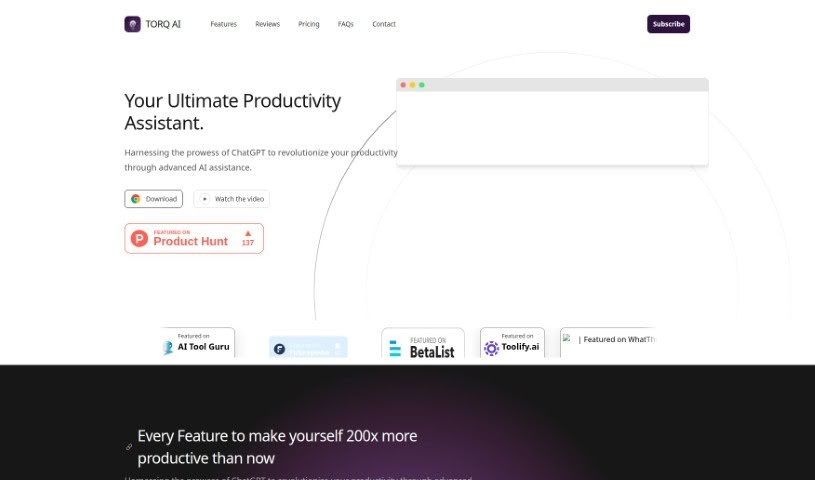
Screenshot of Torq AI

Torq AI

Freemium

Torq AI is your go-to tool for making your workday smoother and tasks easier, all thanks to smart automation. It's designed to be the ultimate productivity assistant, fitting right into your workflow to help you manage your time better, automate those repetitive jobs, and give you smart insights so you can work more efficiently. This platform uses advanced artificial intelligence to tailor the experience just for you, learning your habits and preferences to adapt to your unique way of working. Whether you're a professional looking to get more done, a student trying to keep your study schedule on track, or anyone wanting to reach their goals with a bit more ease and accuracy, Torq AI can help.

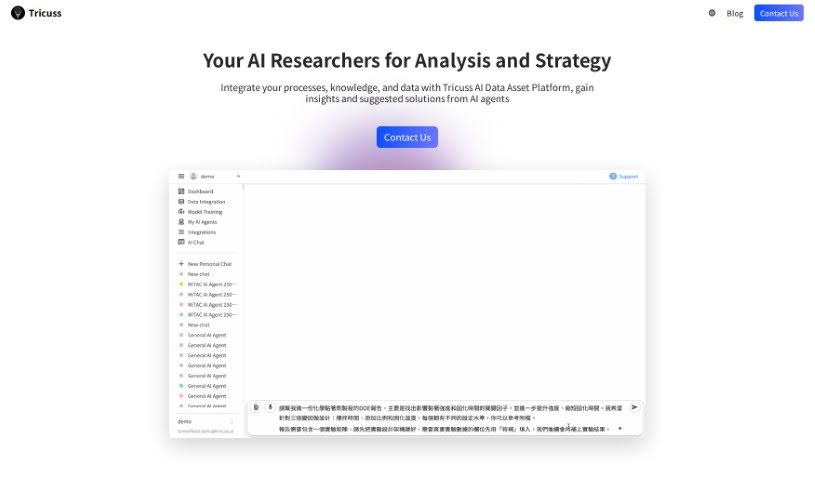
Screenshot of Tricuss

Tricuss

Freemium

Tricuss is a neat tool that gives you your own AI assistant, powered by GPT. It is a personal helper designed to catch events mentioned in your messages and automatically pop them onto your calendar. You can send messages straight to Tricuss, and its AI assistant will read through them, pull out all the important event details, and let you confirm them before adding them to your calendar. It's a really smooth process.

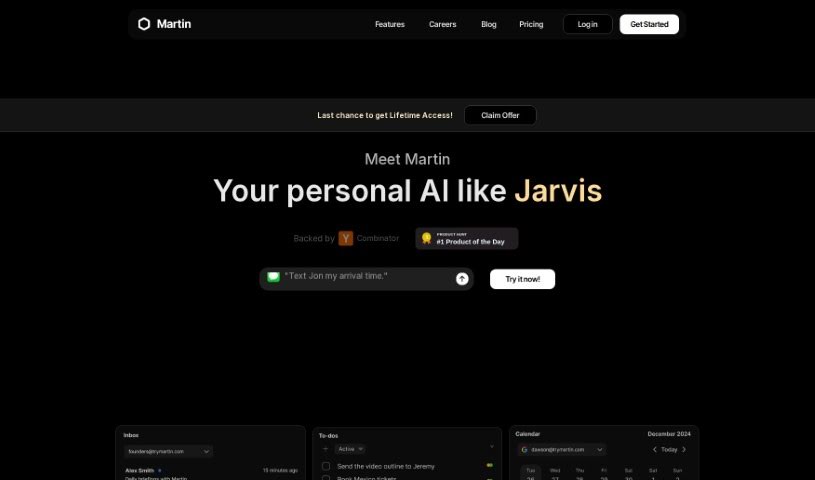
Screenshot of Try Martin

Try Martin

Freemium

Try Martin is your personal AI voice assistant, built to make talking with technology feel more natural and human. It's designed to really improve how we interact through voice, using smart language understanding and generation. By tapping into powerful AI models like GPT-4 and Claude-3, Martin can remember things long-term, proactively handle tasks for you, and connect with your other tools – like your email, calendar, and even SMS. People seem to really like Martin because it's straightforward to use, you can customize it a lot, and it's great at keeping your tasks organized. Essentially, it's a voice assistant that puts you, the user, first, aiming to make any voice-based conversation better.

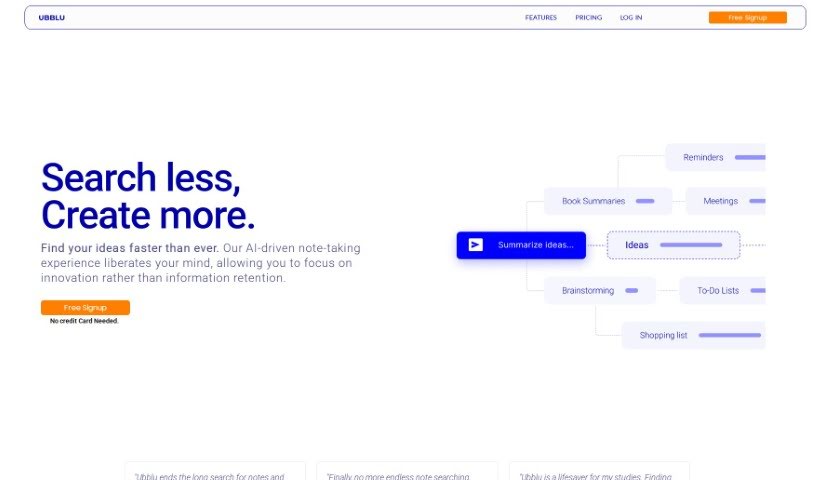
Screenshot of Ubblu

Ubblu

Freemium

Ubblu is a tool designed to help teams work better together, especially in leadership roles. It aims to boost productivity and make it easier to find the ideas you've captured. It is your smart assistant for team alignment and knowledge management. It offers features like AI-powered note-taking, letting you create unlimited notes and cards. You also get advanced search to find things quickly, plus handy organization tools like folders and tags. Currently, there's a free version, with paid plans expected to start around $4.99 and more advanced options at $10.99. Ubblu really stresses how important it is to build solid processes, celebrate your team's successes, and keep everyone aligned to ensure the team thrives.

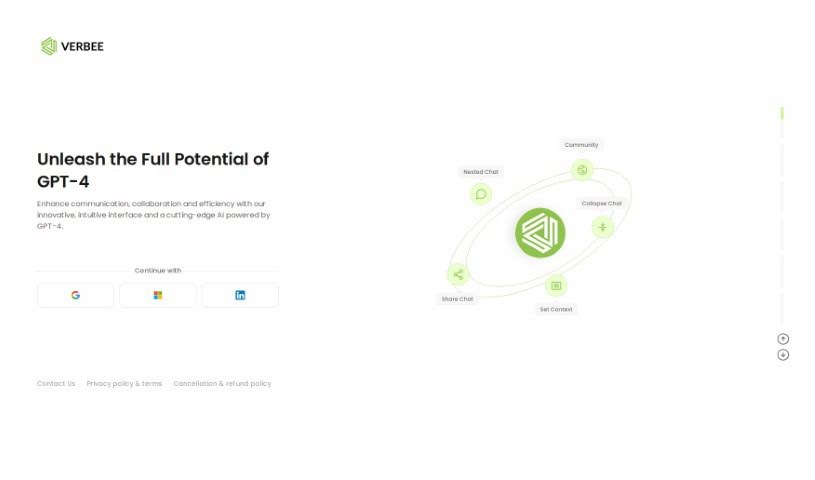
Screenshot of Verbee

Verbee

Freemium

Verbee is an AI-powered tool designed to help teams communicate and collaborate more effectively, making your workflow smoother and boosting overall productivity. It uses GPT-4 technology, giving it a really intuitive interface. You can ask follow-up questions within a chat, and you can even tailor chats to fit exactly what you need. Plus, Verbee's pricing is based on how much you use it, so you're not locked into expensive subscriptions – you just pay for what you actually use.

Screenshot of Villa Rocks

Villa Rocks

Freemium

Villa Rocks is a virtual reality (VR) space designed for teams to collaborate. It lets you hold meetings, conferences, and exhibitions all within these immersive virtual environments. You can even create your own custom virtual worlds! Each 'villa' can host up to 100 people at once, and for bigger events, it can scale up to thousands. The main idea behind Villa Rocks is to boost team spirit, make everyone more productive, and improve company culture, especially for those working remotely. It's a way to combat that feeling of burnout that can come with remote work by offering a more engaging and interactive way to connect.

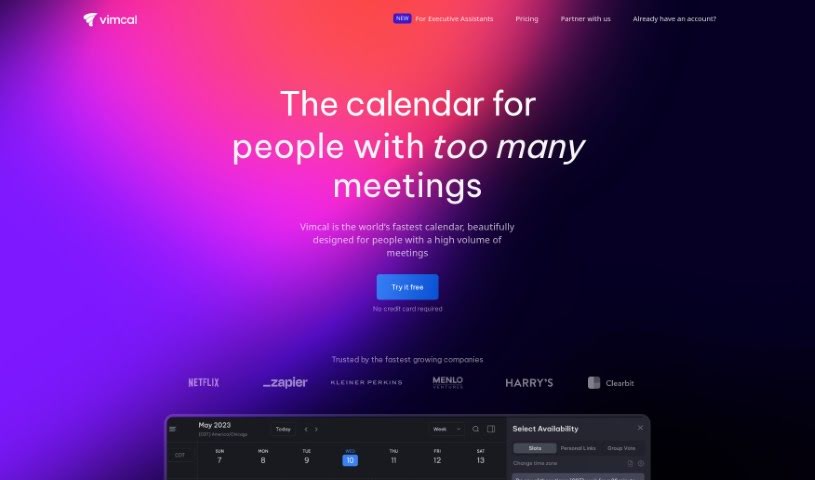
Screenshot of Vimcal

Vimcal

Freemium

Vimcal is a really fast and efficient calendar tool built to boost productivity, especially for busy folks and teams. It's packed with features that make managing your schedule a breeze. You can color-code your events to keep things organized, see all your different calendars in one place, and even integrate social profiles. Plus, it lets you create events using natural language – just type what you need! There's also a 'Do Not Disturb' mode, which is great for those times you really need to focus without interruptions. Vimcal helps you save time with its AI scheduling assistant, makes managing different time zones super simple, and connects smoothly with your Google or Outlook/Exchange accounts. It's earned a lot of praise from industry pros and users alike for how well it streamlines scheduling and generally makes people more productive.

Screenshot of Virtual Sapiens

Virtual Sapiens

Freemium

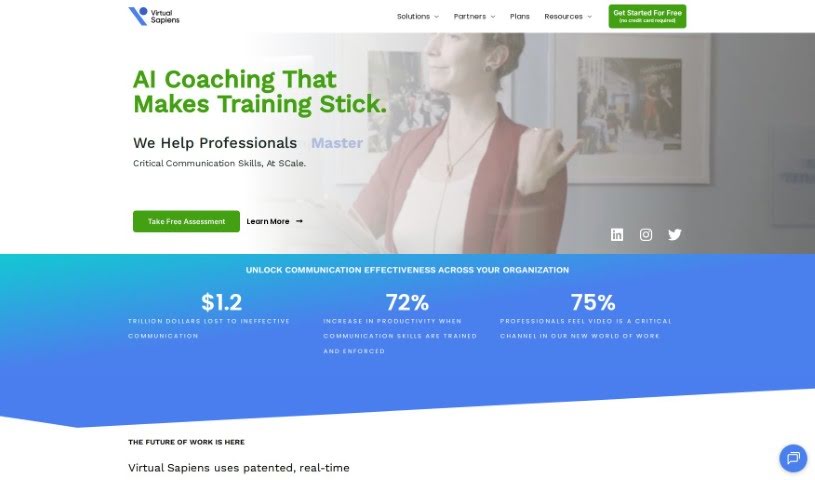
Virtual Sapiens is a platform designed to really change how professionals approach video meetings, specifically by helping them get better at nonverbal communication. It bridges the gap between what you intend to say and how your audience actually perceives it. Virtual Sapiens uses smart AI insights to give you practical advice. You can get a Virtual Presence Assessment, earn a Certification, and use an innovative In-Call Sidekick Coach to boost your video presence. It's built for various uses, like team leadership, improving your own performance, getting better at interviews, talent acquisition, and even coaching on a large scale. Ultimately, Virtual Sapiens wants to make video interactions feel more human and work better for everyone, offering tools to help teams and entire organizations upskill, and also to support coaching at scale.

Screenshot of Voicenotes

Voicenotes

Freemium

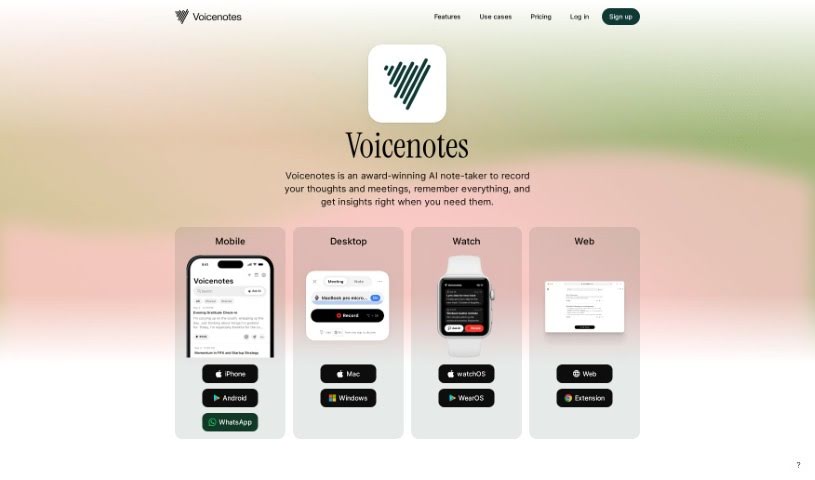
Voicenotes is a handy digital tool built for capturing and keeping all sorts of notes – think fleeting thoughts, brilliant ideas, precious family moments, or even important lectures. What's really neat is that it can take these recordings and turn them into summaries, blog posts, tweets, and to-do lists. Plus, it's got this smart AI that you can chat with; you can ask it questions or get its feedback. Voicenotes really cares about keeping your data safe and private, storing your voice records securely and making sure your privacy is protected.

Screenshot of Voyp

Voyp

Freemium

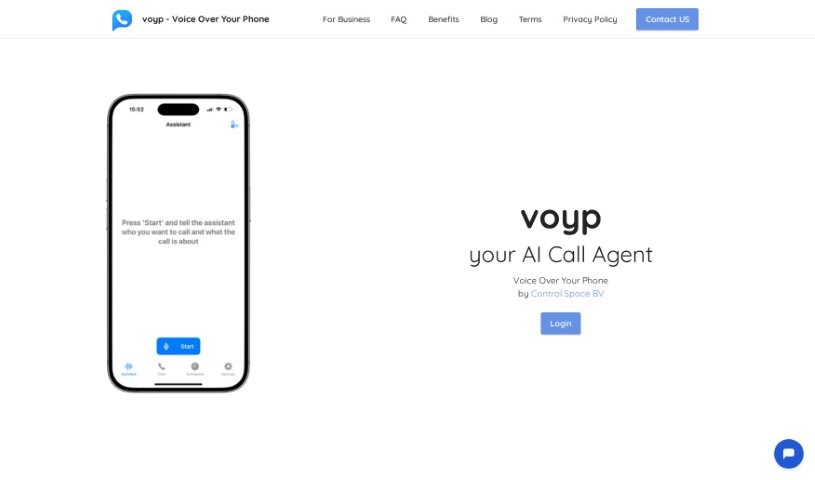
VOYP, which stands for "Voice Over Your Phone," is an AI-powered app designed to make booking appointments and reservations much simpler. You can talk to the app using your voice or type messages on your phone, and a smart AI assistant handles everything else. This is a real game-changer for people who have trouble with phone calls, whether it's due to speech impairments, social anxiety, or other challenges. It gives them more independence and makes life a lot more convenient.

Stay Updated with AI Tools

Get weekly updates on the latest AI tools, trends, and insights delivered to your inbox

Join 25,000+ AI enthusiasts. No spam, unsubscribe anytime.