AI Tools for Meetings

Discover the best Meetings AI tools to enhance your productivity and creativity.

Page 11 of 11 • 127 total tools

In today’s busy work world, meetings are both necessary and, let’s be honest, sometimes overwhelming. Between tricky scheduling and the sheer effort of taking notes, challenges can pile up fast. Wouldn’t it be amazing if something could just handle those things for you?

That’s where AI meeting assistants come in. This category has really grown up over the last few years. They’re not just for taking notes or managing calendars anymore. Now, they can give you smart summaries, track your action items, and even suggest topics for your agenda based on what you need.

I’ve spent time digging into and testing a bunch of these AI meeting assistants to see how they compare. This guide points out the best ones you can get right now, showing off what they do and what makes them special.

Whether you want to make your meetings smoother, get more done, or just cut down on the chaos, there’s an AI meeting assistant here that’ll likely be a great fit. Let’s check out the options that can really change your meeting experience.

The Best AI Meetings Assistants

  1. Zoom: Helps you schedule meetings easily and take notes.
  2. Otter.ai: Makes taking meeting notes simple and effortless.
  3. Fireflies AI: Streamlines meeting notes and tasks.
  4. Fathom AI: For efficient meeting notes and key highlights.
  5. Cal.ai: Automates the process of scheduling meetings.
  6. Motion: Offers an automated system for scheduling meetings.
  7. Tldv: Helps streamline meeting summaries and follow-ups.
  8. Reclaim AI: Automatically schedules breaks during meetings.
  9. Crystal Knows: Makes meeting prep easier with personality insights.
  10. Supernormal: Helps you get the most out of your meetings without much effort.
  11. Jamie AI: Effortlessly summarizes what was discussed in meetings.
  12. Blu Dot: Streamlines meeting scheduling and follow-ups.
  13. MeetGeek: Provides streamlined meeting notes and insights.
  14. Voicenotes: Efficiently captures meeting notes and action items.
  15. Bubbles Notetaker: Streamlines meeting transcriptions and tasks.

How Do AI Meeting Assistants Work?

AI meeting assistants have become super popular, using advanced tech to make meetings run more smoothly. Basically, these tools use natural language processing (NLP) to understand what’s being said or written. When you talk or type into the platform, the AI analyzes it right away, helping to pull out important details or action items from the conversation.

A big part of what AI meeting assistants do is automatically transcribe conversations. This feature records what’s said, so you don’t miss any key points. Having accurate transcripts means you can focus on the discussion itself instead of worrying about writing everything down. Plus, you can always look back at the transcripts later, which really helps with productivity and keeping communication on track.

Beyond just transcribing, AI meeting assistants can also summarize your meetings. After the session wraps up, they can create short overviews that highlight the main topics and decisions. This is a lifesaver for busy professionals who don’t have time to read through long notes. These summaries help make sure everyone involved is on the same page about what was decided.

What’s more, many AI meeting assistants connect with your calendar apps. This lets them schedule and manage meetings smoothly, sending out invitations and reminders to everyone. By handling the logistics, these tools help avoid scheduling conflicts and simplify the whole process.

The technology behind AI meeting assistants mostly relies on machine learning algorithms. These are trained on tons of data from conversations and meeting notes. By spotting patterns in language and context, the AI gets really good at understanding different speech styles. This extensive training helps the assistant work well across all sorts of topics and ways of talking in meetings.

If you’re looking to make your meetings better, AI meeting assistants offer some really exciting possibilities. They don’t just save you time; they also help people engage more during discussions. As technology keeps advancing, we can expect these tools to get even smarter, further changing how we run meetings in the future.

Our Best AI Meetings Assistants at a Glance

RankNameBest forPlans and PricingRating
1ZoomScheduling meetings and taking notes easily.Paid plans start at $15.99/month.4.73 (11 reviews)
2Otter.aiTaking meeting notes effortlessly.Paid plans start at $13.59/month.4.73 (11 reviews)
3Fireflies AIStreamlining meeting notes and tasks.Paid plans start at $10/month.4.67 (12 reviews)
4Fathom AIEfficient meeting notes and highlights.Paid plans start at $19/month.4.33 (24 reviews)
5Cal.aiAutomating meeting scheduling.Paid plans start at $15/month.4.33 (6 reviews)
6MotionAutomated meeting scheduling system.N/A4.18 (11 reviews)
7TldvStreamlining meeting summaries and follow-ups.N/A4.31 (13 reviews)
8Reclaim AIAuto-scheduling breaks in meetings.Paid plans start at $10/month.4.25 (12 reviews)
9Crystal KnowsStreamlining meeting prep with personality insights.N/A4.50 (24 reviews)
10SupernormalOptimizing meeting efficiency.Paid plans start at $18/month.4.79 (19 reviews)
11Jamie AIEffortlessly summarizing meeting discussions.N/A4.33 (15 reviews)
12Blu DotStreamlining meeting scheduling and follow-ups.N/A4.60 (25 reviews)
13MeetGeekStreamlined meeting notes and insights.Paid plans start at Free/N/A.5.00 (30 reviews)
14VoicenotesEfficient meeting notes and action items.N/A4.64 (11 reviews)
15Bubbles NotetakerStreamlining meeting transcriptions and tasks.Paid plans start at $Free/month.4.64 (11 reviews)
Screenshot of Waitroom

Waitroom

Freemium

Waitroom is an online platform built for structured micro-meetings, aiming to really boost how teams communicate and get things done. It comes packed with features like different meeting formats, emoji reactions for quick feedback, screen sharing, and seamless integration with Slack and Google Calendar. Plus, it can handle quite a crowd – up to 2,000 participants! The whole idea is to fight meeting fatigue by keeping things focused and timed using a clever queue and timer system. Waitroom also has a handy AI meeting assistant called Summa, which helps make meetings more efficient by providing AI summaries and transcripts. You can hop on through your browser or use the mobile app, which makes it super convenient for everyone.

Screenshot of WorkGPT

WorkGPT

Freemium

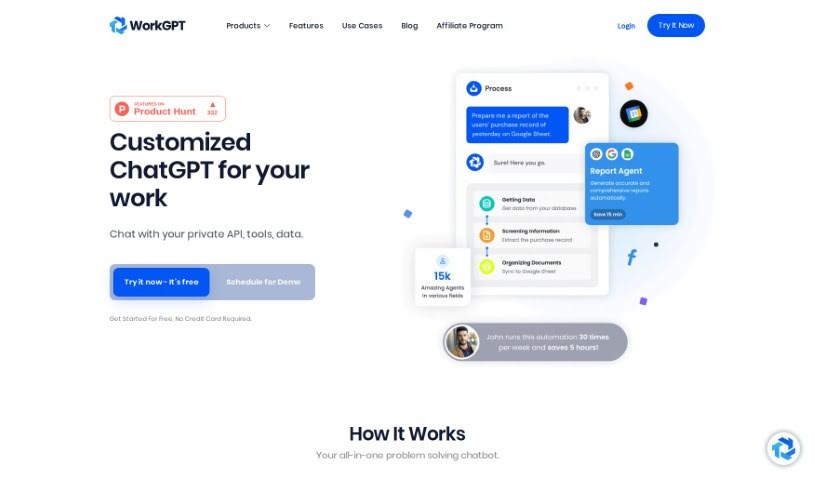
WorkGPT isn't actually about physical fitness tools. It seems there was a mix-up! WorkGPT is actually a specialized chatbot designed to help with work-related tasks. It is your AI assistant for interacting with private APIs and your own data. It's built to help you get things done and make your workflow much smoother, all without needing to write any code.

Screenshot of Workki AI

Workki AI

Freemium

Workki AI is your smart virtual assistant, designed to really boost your productivity and make managing tasks a breeze. It can handle things like scheduling your meetings, drafting emails, and it connects smoothly with your email accounts like Gmail and Outlook. Plus, you can just talk to it naturally to get things done. Need a chart or a graph? Workki AI can whip one up for you. It also helps you set reminders and manage your events. It's built for all sorts of people, whether you're writing professional emails, digging into market research, or analyzing data to find new customers. And don't worry about needing help during the week – their customer support is available even on weekends. Ultimately, Workki AI is all about making you more efficient, saving you precious time, and smoothing out your workflow, whether you're working solo or as part of a business.

Screenshot of Wudpecker

Wudpecker

Freemium

Wudpecker is an AI tool designed specifically for meetings, helping you keep track of all your meeting knowledge efficiently. It is your smart meeting assistant. It can give you summaries and transcripts powered by ChatGPT, and it's pretty amazing because it supports over 100 languages. Plus, it's smart enough to recognize different speakers and even different languages within the same meeting. Need to share what happened? Wudpecker makes it easy to share recordings, which really helps with collaboration. It’s built to be user-friendly, secure, and it takes data privacy seriously. They use encryption and follow industry standards to keep your information safe. You can also really personalize your meeting notes. You get to decide how they're structured, what details are captured, and even specify vocabulary or format notes into tables. Wudpecker is GDPR compliant, which means your data is protected with strong encryption standards. All recordings are stored securely on EU servers, giving you peace of mind and control over your data. People who use Wudpecker often mention how great it is for summarizing meetings, catching those important details, saving a ton of time, and just making everything more efficient.

Screenshot of Xembly

Xembly

Freemium

Xembly is an AI-powered platform designed to completely change how we think about corporate productivity and workflow efficiency. It is your personal AI executive assistant, named Xena. Xena is here to make things like scheduling, managing your calendar, summarizing meetings, and keeping track of tasks much smoother. It connects with the apps you already use, so it can automate tasks efficiently, help your team communicate better, and make your meetings more productive. Plus, Xembly takes security and privacy seriously. It's compliant with SOC 2, GDPR, CCPA, and Privacy Shield, so your data is safe. Ultimately, Xembly is built to help your team get more done by saving time, improving how tasks are completed, and boosting overall efficiency.

Screenshot of Zoom

Zoom

Freemium

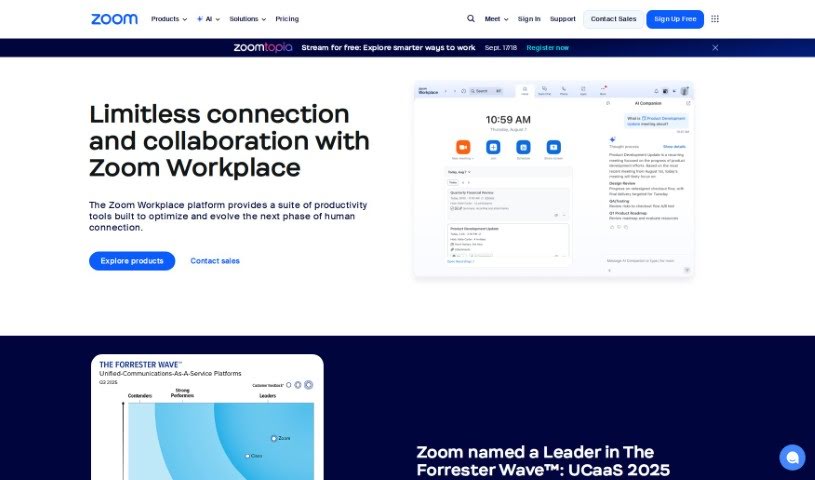
Zoom is a really popular video conferencing tool that lets people host virtual meetings, webinars, and conference calls. You can share your screen, send chat messages, and even record your sessions. It's super easy to join a Zoom meeting, whether you use a web browser or the dedicated app, which means you can hop on from pretty much any device. Zoom became a go-to because it's so user-friendly, offers great video and audio quality, and can handle a lot of people at once. Businesses, schools, and individuals all use it for working together and staying in touch when they're not in the same place. Plus, Zoom has neat features like virtual backgrounds, breakout rooms for smaller group chats, and the ability to schedule meetings ahead of time, all of which make the meeting experience even better.

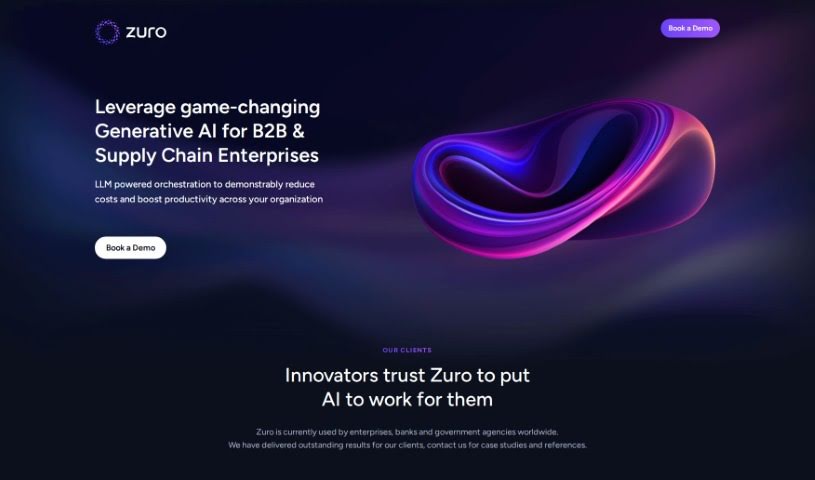
Screenshot of Zuro

Zuro

Freemium

Zuro is an AI tool designed to help distributed teams work better together. It is a smart assistant that makes collaboration smoother, no matter where your team members are. It can recall information, help you create content, and even schedule meetings and calls, effectively closing those gaps that distance and logistics can create. You can connect Zuro to Slack and Microsoft Teams, which is super handy for creating content that matches your brand's voice, much faster. Need ideas for email subject lines or blog posts? Zuro can help with that too. The more you use it, the smarter it gets. It can also help you visualize data with charts and diagrams, and it takes care of routine tasks like sending reminders, managing daily standups, and handling lead management.

Previous 11 of 11 Next

Stay Updated with AI Tools

Get weekly updates on the latest AI tools, trends, and insights delivered to your inbox

Join 25,000+ AI enthusiasts. No spam, unsubscribe anytime.