AI Tools for Image Generation

Discover the best Image Generation AI tools to enhance your productivity and creativity.

Page 25 of 36 • 429 total tools

In the fast-paced world of digital creativity, AI image generators have become real game-changers. You no longer need advanced skills or expensive software to create amazing visuals. Now, with just a few clicks, you can conjure breathtaking artwork, realistic portraits, or imaginative landscapes using simple text prompts.

This technology has really grown in sophistication. It’s gone from being just simple tools to powerful creative partners. What started as a novelty is now an essential asset for artists, marketers, and anyone looking to improve their visual storytelling.

I’ve spent time exploring various AI image generators to see which ones really stand out in a crowded market. Whether you need something that excels in realism or something that plays with abstraction, there’s a tool for every creative need.

If you’re looking to elevate your visuals and make your design process smoother, let’s dive into the top AI image generators making waves right now. Your next masterpiece might just be a prompt away.

The Best AI Image Generators

  1. Leonardo AI: Perfect for custom artwork for product listings.
  2. Photoroom: Great for creating unique branding backgrounds.
  3. Pixlr: Ideal for making unique visuals for marketing.
  4. Midjourney: Excellent for artistic concept visualization.
  5. Tensor.art: Use it for unique artwork creation from sketches.
  6. PixAI: Best for creating custom anime characters.
  7. Freepik Pikaso: Transforms sketches into art in real-time.
  8. Adobe Firefly: Use it for custom social media graphics.
  9. Luma AI: Craft 3D imagery with dynamic effects.
  10. Recraft: Easily generate brand-consistent visuals.
  11. Microsoft Designer: Create unique visuals for your projects.
  12. Artguru AI: Turn selfies into anime art.
  13. Deep AI Text to Image: Visualize concepts artistically.
  14. Topaz Labs: Enhance AI-generated images for better clarity.
  15. Freepik AI Image Generator: Make custom illustrations for marketing content.

How Do AI Image Generators Work?

When you search online for AI image generators, you’ll find tons of tools, and many claim to do similar things. This often happens because they use the same core models, like diffusion models or generative adversarial networks (GANs). Most tools simply act as user-friendly interfaces for these complex algorithms, adding helpful features while often hiding the technical details behind marketing language.

At their heart, AI image generators work with detailed prompts that users provide. Once you enter a prompt, the model processes it and generates images. It does this by predicting pixel values based on patterns it learned from massive datasets. These datasets usually include millions of images, covering all sorts of styles, subjects, and artistic influences. This allows the models to produce very varied and detailed results.

Training an image generation model involves analyzing countless images and their text descriptions. This helps the models understand how words relate to visual features. The outcome is a sophisticated network that can create visually coherent images reflecting the nuances of your prompt, whether you’re aiming for a realistic scene or an abstract idea.

Many popular applications now include these image generation capabilities, improving creative tools like Adobe Photoshop and Canva. These companies often partner with major AI developers, using powerful existing models instead of building their own. This means users can easily create custom visuals without needing deep technical knowledge.

If you’re keen to experiment yourself, various platforms offer intuitive interfaces for crafting unique images. Some even let you adjust the style and content, giving artistically inclined individuals the freedom to innovate without starting from scratch.

So, in short, AI image generators combine advanced algorithms with huge datasets to turn text prompts into compelling visuals. As these technologies keep developing, their ability to produce impressive artwork only grows, encouraging both creativity and exploration in digital art.

Our Best AI Image Generators at a Glance

RankNameBest ForPlans and PricingRating
1Leonardo AICustom artwork for product listingsPaid plans start at $9/month.4.73 (11 reviews)
2PhotoroomCreating unique branding backgroundsPaid plans start at $7.50/month.4.74 (38 reviews)
3PixlrCreating unique visuals for marketing.Paid plans start at $0.99/month.4.73 (11 reviews)
4MidjourneyArtistic concept visualizationN/A4.73 (11 reviews)
5Tensor.artUnique artwork creation from sketches.N/A4.78 (23 reviews)
6PixAICreating custom anime charactersN/A4.80 (5 reviews)
7Freepik PikasoReal-time art transformation from sketches.N/A4.67 (21 reviews)
8Adobe FireflyCustom social media graphicsN/A4.67 (6 reviews)
9Luma AICrafting 3D imagery with dynamic effectsN/A4.76 (25 reviews)
10RecraftGenerate brand-consistent visuals easily.N/A4.67 (3 reviews)
11Microsoft DesignerGenerate unique visuals for projects.N/A4.64 (11 reviews)
12Artguru AITransform selfies into anime artN/A4.58 (12 reviews)
13Deep AI AI Text to ImageArtistic visualization of concepts.N/A4.82 (11 reviews)
14Topaz LabsEnhance AI-generated images for clarityN/A4.70 (10 reviews)
15Freepik AI Image GeneratorCustom illustrations for marketing contentN/A4.55 (11 reviews)
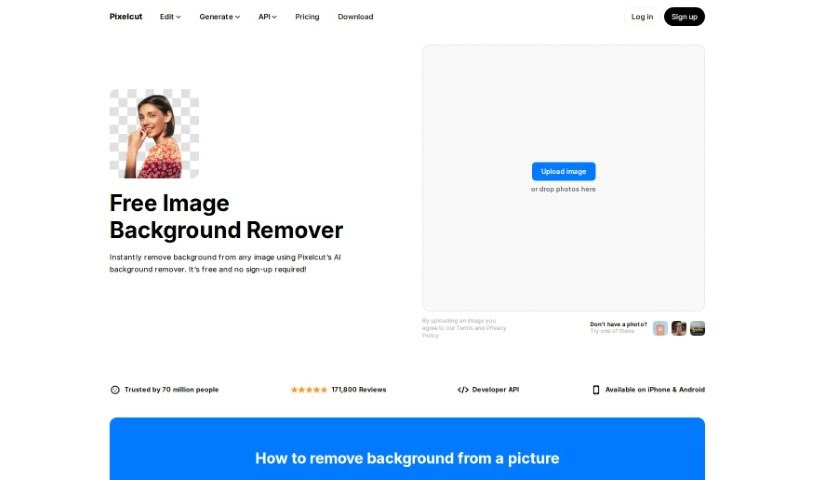
Screenshot of Pixelcut AI Background Remover

Pixelcut AI Background Remover

Freemium

Pixelcut's AI Background Remover is a really neat tool that uses artificial intelligence to automatically zap backgrounds right out of your photos. Seriously, it can do it in under 3 seconds! Pixelcut developed this clever solution to ditch the frustrating, time-consuming process of manually editing out backgrounds. It's super quick and accurate, leaving you with a perfectly transparent image. You just upload your picture, let the AI work its magic, and then save your cutout as a PNG file with no background. What's cool is you can also add a new background, like a simple white one, or pick from a bunch of pre-selected options. Whether you're a pro editor or just starting out, this tool makes background removal a breeze, ensuring great results every time. It’s all about making the process fast, easy, and efficient.

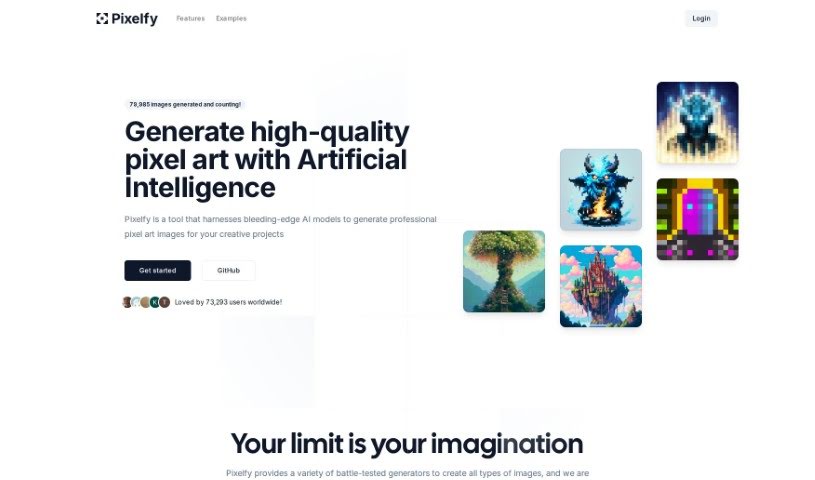
Screenshot of Pixelfy

Pixelfy

Freemium

Pixelfy is a fantastic open-source AI application that's all about creating high-quality pixel art for your creative projects. It uses some pretty advanced AI models to whip up all sorts of images – think backgrounds, characters for fantasy RPGs, 32x32 skill art, or even 16x16 pixel portraits, and so much more. You can either give it a prompt to work from or upload your own images to guide the pixel art generation. Pixelfy also lets you customize grid sizes, tweak advanced sampling controls, upload reference images, and use a handy prompt builder to make things even easier. Plus, it's known for being super user-friendly and gets new features added all the time.

Screenshot of Pixelicious

Pixelicious

Freemium

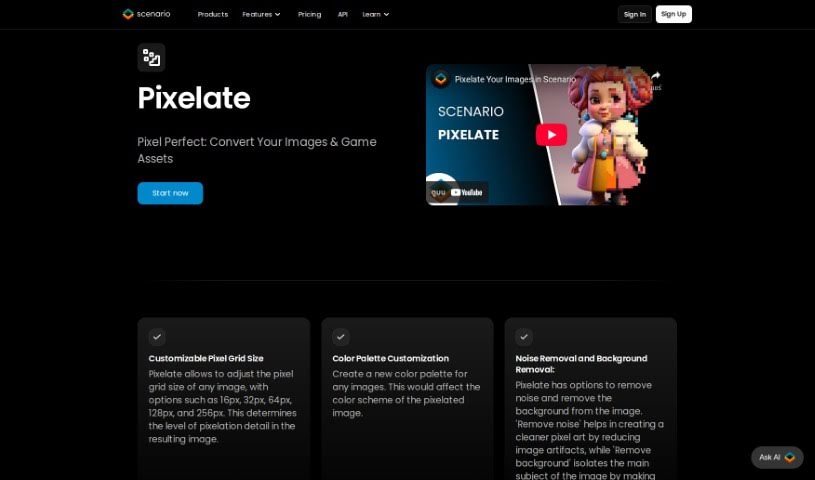
Pixelicious is a handy website packed with tools for anyone working on image editing or game development. If you've ever wanted to turn a regular image into cool pixel art, their online Image-to-Pixel Art Converter is perfect for that. Plus, it makes removing backgrounds from your pictures super simple. Beyond that, the platform offers tools to make your images look even better, all wrapped up in an interface that's really easy to get around. Once you're done, you can just download your converted or edited files to use however you like. It's a great service for game developers needing that retro look or for anyone who just wants to give their images a visual boost.

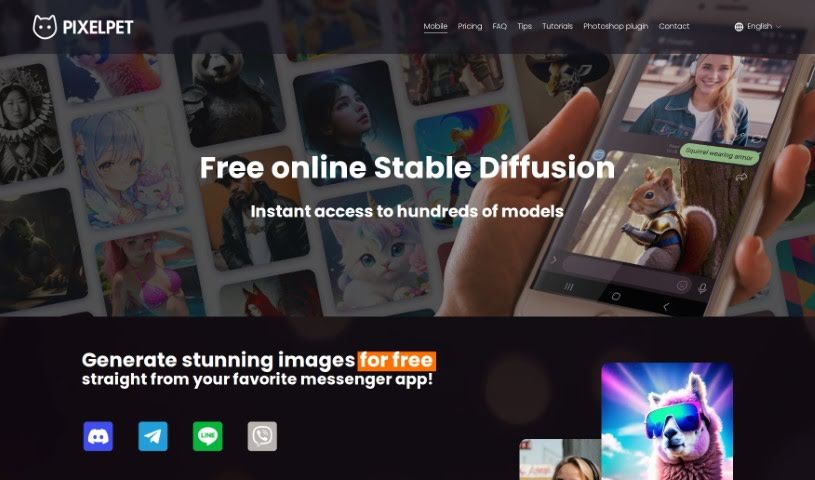
Screenshot of PixelPet

PixelPet

Freemium

PixelPet is a cloud-based AI tool that makes generating high-resolution images super easy, right within Photoshop. It's built for artists, marketers, and designers who want to speed up their creative process. You get over 20 different image generation models to play with, plus handy features like inpainting. The whole idea behind PixelPet is to let you create images quickly and efficiently, giving you more freedom to be creative with its simple interface. You can even pop it right into your Photoshop workflow using a plugin, so you don't have to leave the program you already know and love. It works on a pay-as-you-go basis, meaning you only pay for the images you generate, which is a smart way to manage costs for all sorts of creative projects.

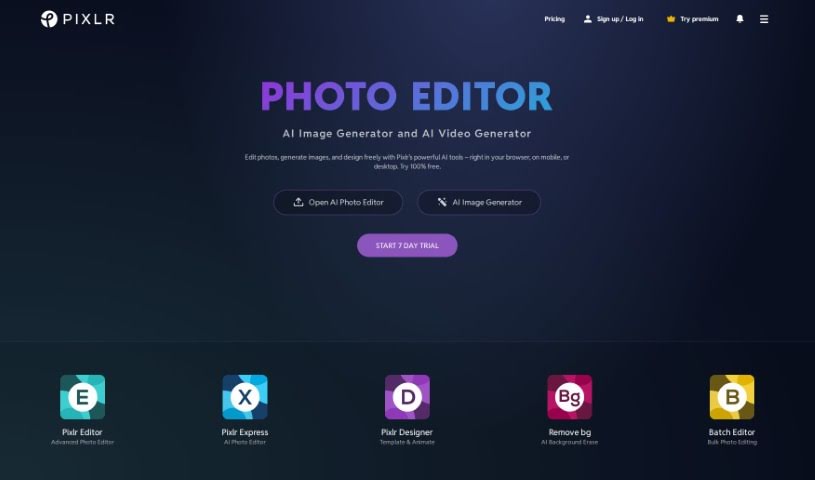
Screenshot of Pixlr

Pixlr

Freemium

Pixlr is a really popular online tool for editing images, first launched way back in 2008 by Ola Sevandersson. It started out with just basic photo editing through a web browser, but it quickly became a hit because it was so easy to use and had features that anyone could access. Over the years, Pixlr has brought in AI technology to make creating things even better for users, helping them work faster and more simply. Based in Singapore, Pixlr's goal is to make photo editing accessible to everyone, no matter their skill level, by offering tools that are both easy to use and powerful. Millions of people around the world use Pixlr's apps, which offer a wide range of editing, animation, and design features, all supported by professionally designed elements and templates.

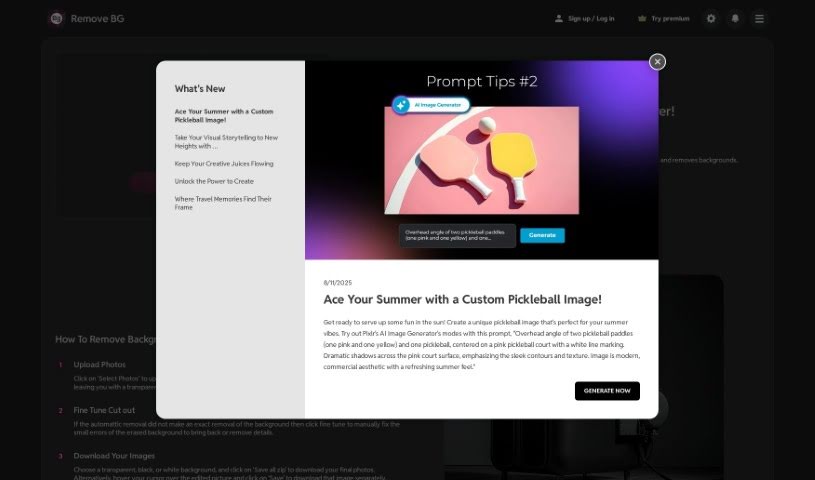
Screenshot of Pixlr AI Background Remover

Pixlr AI Background Remover

Freemium

Pixlr's AI Background Remover is a really neat tool that uses artificial intelligence to automatically take out backgrounds from your photos. It's built with smart machine learning that can tell the difference between the main subject in your picture and whatever's behind it. This means you can easily grab just the object you want. It makes editing so much simpler because you don't have to mess around with manual selections or complicated software. It's a real time-saver! This handy tool is especially great for graphic designers, photographers, and anyone creating content who needs to quickly and easily remove backgrounds for things like product shots, digital art, or just making graphics look better.

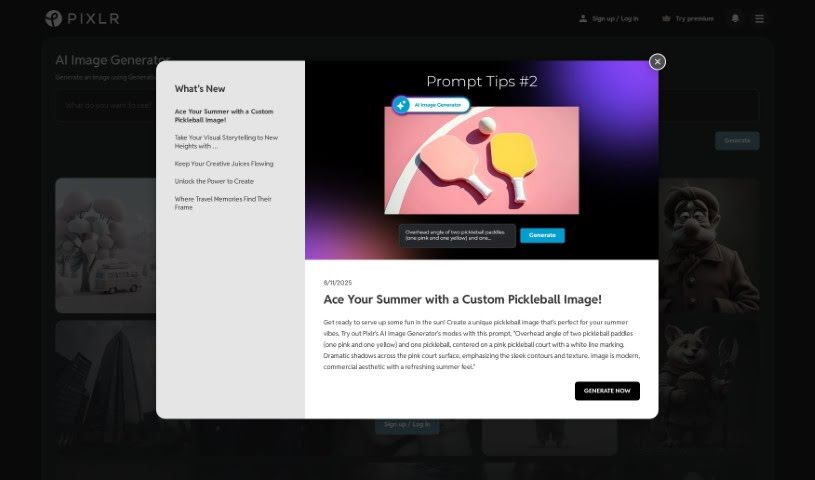
Screenshot of Pixlr AI Image Generator

Pixlr AI Image Generator

Freemium

An AI image generator is essentially a smart tool that uses artificial intelligence to create or generate images. It like a digital artist powered by AI. These generators use sophisticated algorithms, often involving deep learning or neural networks, to automatically produce visual content. You, is the user, can guide this process by providing specific instructions, like telling it what style you want, what colors to use, or simply typing in keywords that describe your idea. AI image generators are super handy for all sorts of things – graphic design, creating digital art, making content for social media, and much more. They offer a really convenient way to quickly come up with unique, custom visuals without needing to be a seasoned designer yourself. All in all, these AI tools are a fantastic way to generate all kinds of creative images efficiently.

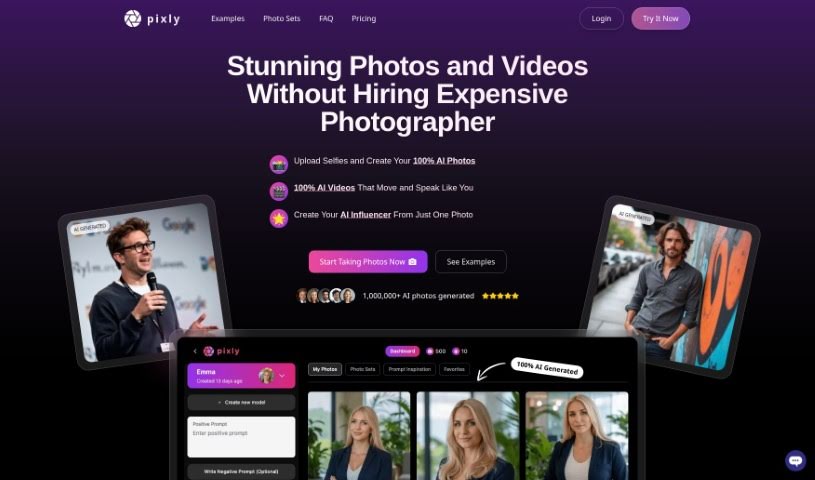
Screenshot of Pixly.app

Pixly.app

Freemium

Pixly.app is an AI tool designed specifically for creating professional, photo-realistic images. It lets you upload your own photos, like selfies, to train a personalized AI character. This character can then generate a variety of photo styles based on what you prefer. You can even specify details like clothing and hairstyles for your AI character to produce high-quality results. Pixly.app also prioritizes data safety and privacy, offers some free photo generation options, and has different pricing plans to suit everyone's needs. Plus, it includes advanced features such as custom model training and generating images with even better resolution.

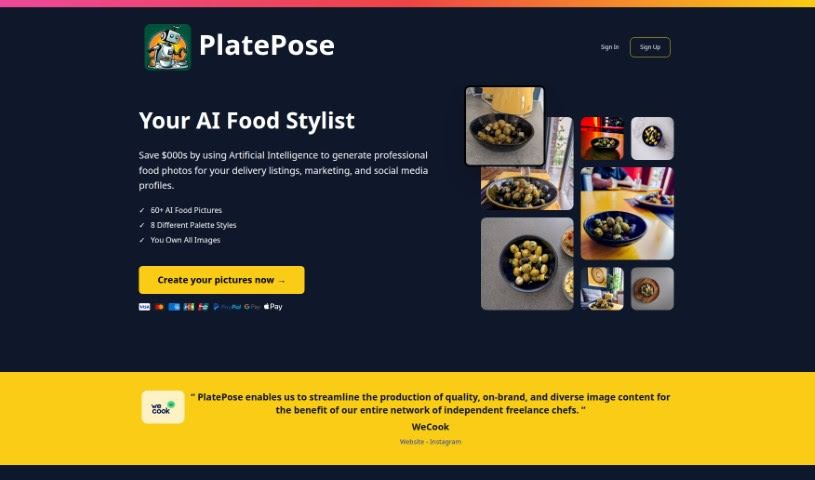
Screenshot of PlatePose

PlatePose

Freemium

PlatePose is a platform that uses artificial intelligence to create unique food images, perfect for sharing on social media. You just upload 10 to 20 photos of a dish, and the AI model learns from them to generate over 50 different images for you to use. The whole process is pretty straightforward: upload your pictures, let the AI train, and then pick the images you like best to download. PlatePose's goal is to make food look amazing with AI-generated, professional-quality photos. It’s a cost-effective way for anyone to create eye-catching food images, whether for delivery services, marketing materials, or your social media feeds. It offers a quick and easy way to keep your delivery service or social media looking consistent and stylish, while also adding a touch of variety without much effort.

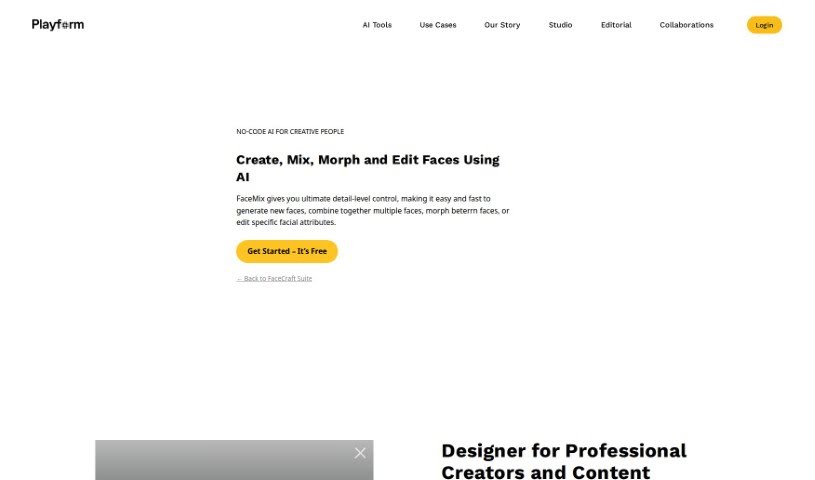
Screenshot of Playform

Playform

Freemium

Playform's FaceMix is a really neat AI tool that lets you create, edit, and blend faces with a lot of control. You can work with all sorts of faces – think illustrated ones, real photos, or even 3D models. It's pretty cool because you can tweak different facial features like age, makeup, and expressions. Plus, you can even blend up to four images together to make entirely new faces. If you're into making videos, FaceMix can create face morphing videos, and it's also handy for 3D modeling work. It's designed to be super easy to use, completely free, and you can use it as much as you want. Your creations are private by default, but you always have the option to share them with the community if you feel like it.

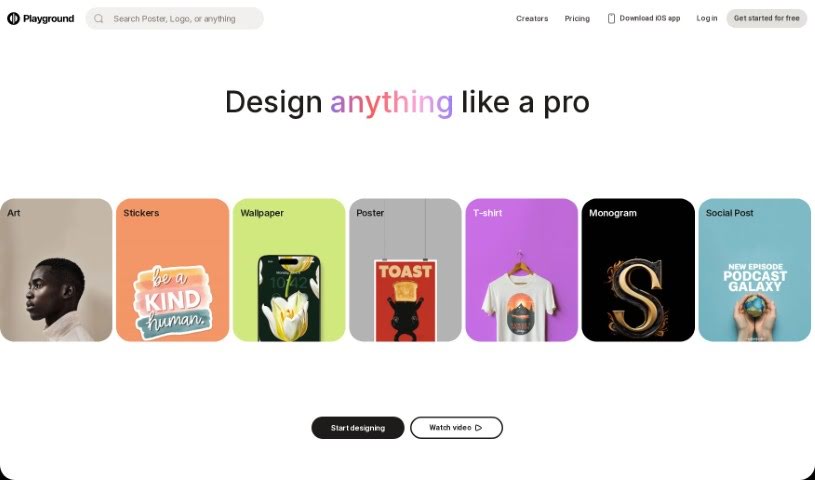
Screenshot of Playground

Playground

Freemium

Playground AI is an online tool that lets you create all sorts of images using artificial intelligence. It is your go-to spot for generating art, social media posts, presentations, posters, videos, logos, and much more. What's great about it is that it's really user-friendly, so you don't need to be a design expert to make cool stuff. It's built using technologies like Stable Diffusion, Tailwind CSS, React, Next.js, Node.js, and Emotion, all working together to help you create images easily.

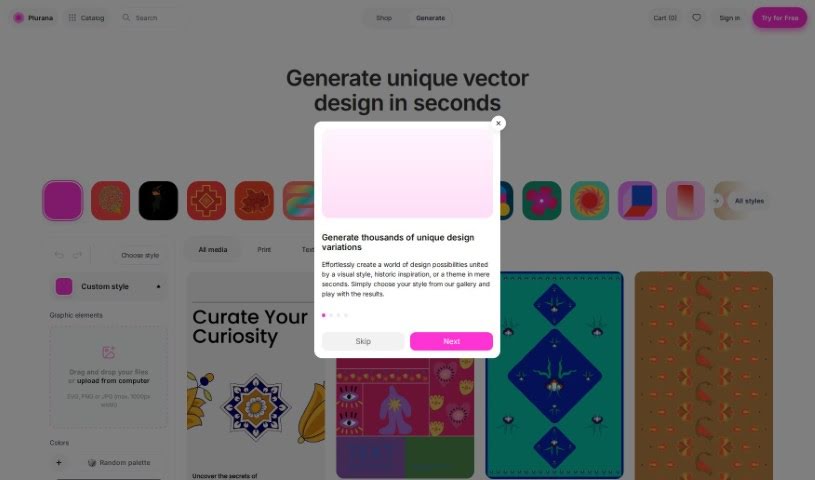
Screenshot of Plurana

Plurana

Freemium

Plurana is a really neat tool that lets you create vector designs, specifically high-quality SVGs. It is a generative design assistant for things like patterns, prints, and graphics for your social media. What's cool is that it can generate random design ideas, draw inspiration from cultural heritage for some truly unique looks, and you can even upload your own images to mix in. Plus, it works perfectly with Figma, which is a huge plus if you're already using that popular design software. The designs you make here really feel inspired by different cultures, giving them a special touch.

Stay Updated with AI Tools

Get weekly updates on the latest AI tools, trends, and insights delivered to your inbox

Join 25,000+ AI enthusiasts. No spam, unsubscribe anytime.