AI Tools for Image Generation

Discover the best Image Generation AI tools to enhance your productivity and creativity.

Page 24 of 36 • 429 total tools

In the fast-paced world of digital creativity, AI image generators have become real game-changers. You no longer need advanced skills or expensive software to create amazing visuals. Now, with just a few clicks, you can conjure breathtaking artwork, realistic portraits, or imaginative landscapes using simple text prompts.

This technology has really grown in sophistication. It’s gone from being just simple tools to powerful creative partners. What started as a novelty is now an essential asset for artists, marketers, and anyone looking to improve their visual storytelling.

I’ve spent time exploring various AI image generators to see which ones really stand out in a crowded market. Whether you need something that excels in realism or something that plays with abstraction, there’s a tool for every creative need.

If you’re looking to elevate your visuals and make your design process smoother, let’s dive into the top AI image generators making waves right now. Your next masterpiece might just be a prompt away.

The Best AI Image Generators

  1. Leonardo AI: Perfect for custom artwork for product listings.
  2. Photoroom: Great for creating unique branding backgrounds.
  3. Pixlr: Ideal for making unique visuals for marketing.
  4. Midjourney: Excellent for artistic concept visualization.
  5. Tensor.art: Use it for unique artwork creation from sketches.
  6. PixAI: Best for creating custom anime characters.
  7. Freepik Pikaso: Transforms sketches into art in real-time.
  8. Adobe Firefly: Use it for custom social media graphics.
  9. Luma AI: Craft 3D imagery with dynamic effects.
  10. Recraft: Easily generate brand-consistent visuals.
  11. Microsoft Designer: Create unique visuals for your projects.
  12. Artguru AI: Turn selfies into anime art.
  13. Deep AI Text to Image: Visualize concepts artistically.
  14. Topaz Labs: Enhance AI-generated images for better clarity.
  15. Freepik AI Image Generator: Make custom illustrations for marketing content.

How Do AI Image Generators Work?

When you search online for AI image generators, you’ll find tons of tools, and many claim to do similar things. This often happens because they use the same core models, like diffusion models or generative adversarial networks (GANs). Most tools simply act as user-friendly interfaces for these complex algorithms, adding helpful features while often hiding the technical details behind marketing language.

At their heart, AI image generators work with detailed prompts that users provide. Once you enter a prompt, the model processes it and generates images. It does this by predicting pixel values based on patterns it learned from massive datasets. These datasets usually include millions of images, covering all sorts of styles, subjects, and artistic influences. This allows the models to produce very varied and detailed results.

Training an image generation model involves analyzing countless images and their text descriptions. This helps the models understand how words relate to visual features. The outcome is a sophisticated network that can create visually coherent images reflecting the nuances of your prompt, whether you’re aiming for a realistic scene or an abstract idea.

Many popular applications now include these image generation capabilities, improving creative tools like Adobe Photoshop and Canva. These companies often partner with major AI developers, using powerful existing models instead of building their own. This means users can easily create custom visuals without needing deep technical knowledge.

If you’re keen to experiment yourself, various platforms offer intuitive interfaces for crafting unique images. Some even let you adjust the style and content, giving artistically inclined individuals the freedom to innovate without starting from scratch.

So, in short, AI image generators combine advanced algorithms with huge datasets to turn text prompts into compelling visuals. As these technologies keep developing, their ability to produce impressive artwork only grows, encouraging both creativity and exploration in digital art.

Our Best AI Image Generators at a Glance

RankNameBest ForPlans and PricingRating
1Leonardo AICustom artwork for product listingsPaid plans start at $9/month.4.73 (11 reviews)
2PhotoroomCreating unique branding backgroundsPaid plans start at $7.50/month.4.74 (38 reviews)
3PixlrCreating unique visuals for marketing.Paid plans start at $0.99/month.4.73 (11 reviews)
4MidjourneyArtistic concept visualizationN/A4.73 (11 reviews)
5Tensor.artUnique artwork creation from sketches.N/A4.78 (23 reviews)
6PixAICreating custom anime charactersN/A4.80 (5 reviews)
7Freepik PikasoReal-time art transformation from sketches.N/A4.67 (21 reviews)
8Adobe FireflyCustom social media graphicsN/A4.67 (6 reviews)
9Luma AICrafting 3D imagery with dynamic effectsN/A4.76 (25 reviews)
10RecraftGenerate brand-consistent visuals easily.N/A4.67 (3 reviews)
11Microsoft DesignerGenerate unique visuals for projects.N/A4.64 (11 reviews)
12Artguru AITransform selfies into anime artN/A4.58 (12 reviews)
13Deep AI AI Text to ImageArtistic visualization of concepts.N/A4.82 (11 reviews)
14Topaz LabsEnhance AI-generated images for clarityN/A4.70 (10 reviews)
15Freepik AI Image GeneratorCustom illustrations for marketing contentN/A4.55 (11 reviews)
Screenshot of Photo-To-Anime.com

Photo-To-Anime.com

Freemium

Photo-To-Anime.com is a really neat online tool that lets you turn your regular photos into cool anime-style art. You can also create anime images just by typing in a description! What's great is that all this happens right on your own device. This means your photos never get uploaded to the cloud, keeping your privacy totally secure. It's super easy to use, too – you don't need any special tech knowledge or artistic talent to make awesome anime creations. Plus, it's completely free, and you don't even need to sign up for an account. It’s a fun way to play with AI and bring your photos to life in an animated style.

Screenshot of Photoai.me

Photoai.me

Freemium

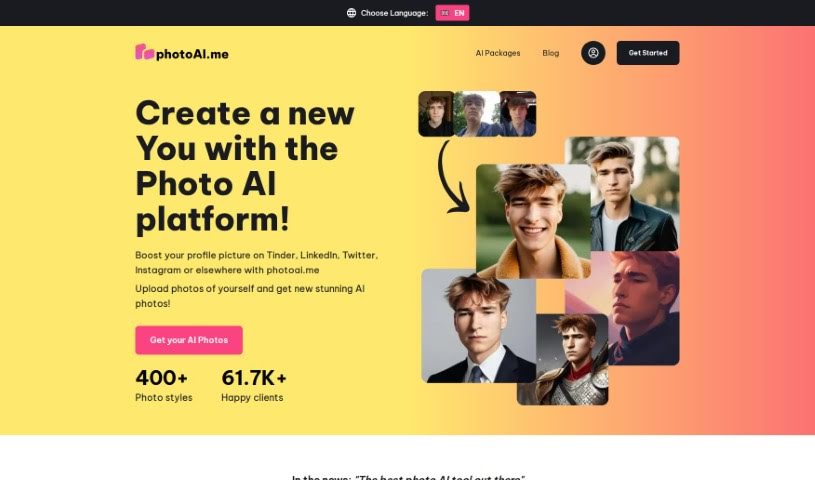
Photoai.me is a really neat AI platform. It uses smart artificial intelligence to create unique, personalized AI photos just for you. It is a way to turn your everyday pictures into something truly special, with lots of different style packages for AI editing. It's super easy to update your profile pictures for sites like Tinder, LinkedIn, and Instagram. You just upload your photos, pick the style you like, and download the finished pictures. They take your privacy seriously, keeping your info safe on their servers. For the best results, they suggest uploading at least 20 close-up photos of yourself. Paying for the service is secure, handled by Stripe, and they accept various payment methods like credit cards, debit cards, and other popular online options depending on where you are.

Screenshot of PhotoKit

PhotoKit

Freemium

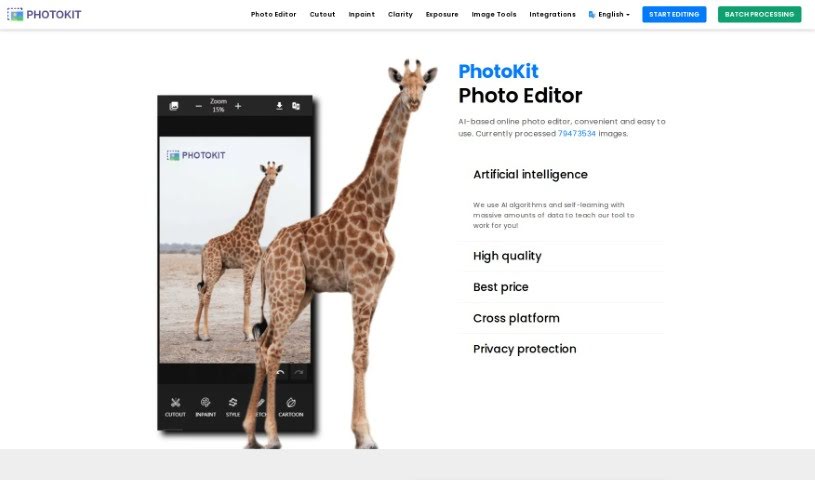
PhotoKit is an online photo editor that uses AI to make editing your pictures super simple. It is your go-to tool for all sorts of photo tasks. You can use it to enhance your photos, touch up portraits, easily remove backgrounds, add cool effects, and even create collages. It's designed to be really user-friendly, and the best part? You can access it on pretty much any device – Mac, Windows, Linux, or your phone. Plus, PhotoKit has handy batch processing tools. This means you can resize, crop, compress, convert, or apply filters to a whole bunch of images all at once. It really speeds things up! The AI behind PhotoKit is also great at improving image quality and making the whole editing process smoother.

Screenshot of Photoroom

Photoroom

Freemium

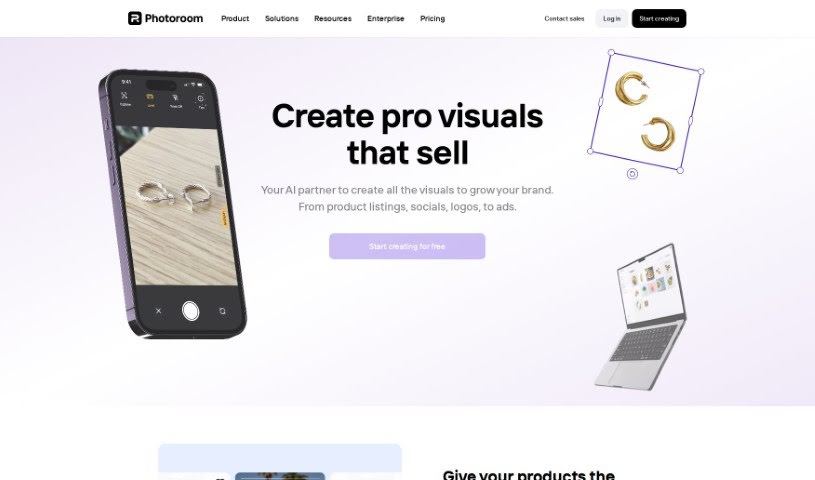
Photoroom offers a really neat tool that lets you create an endless supply of unique image backgrounds. It uses stable diffusion, meaning you can describe exactly what you want, and it'll generate backgrounds that match your vision perfectly. It is having a personal background artist on demand!

Screenshot of Phraser

Phraser

Freemium

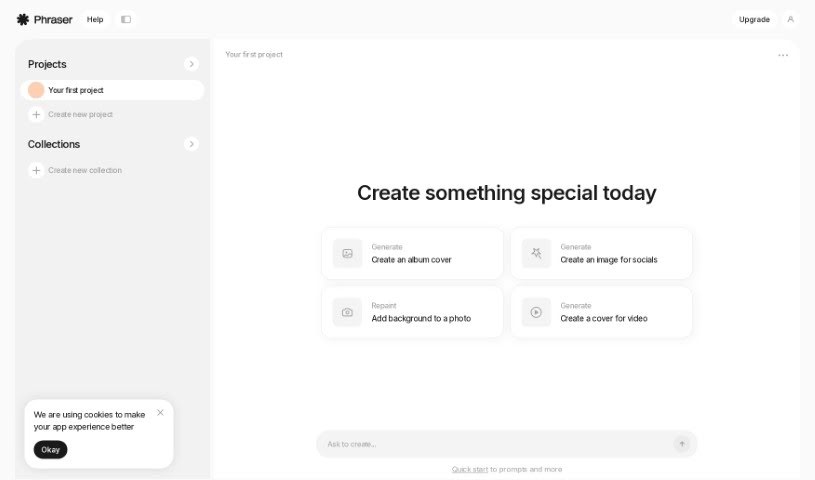
Phraser is your go-to creative assistant for digital content. It's a tool designed to help you whip up all sorts of visuals, whether you need a cool album cover, eye-catching social media images, or even a professional-looking video cover. Essentially, Phraser aims to make generating visually appealing content for any purpose a breeze.

Screenshot of Picfinder.ai

Picfinder.ai

Freemium

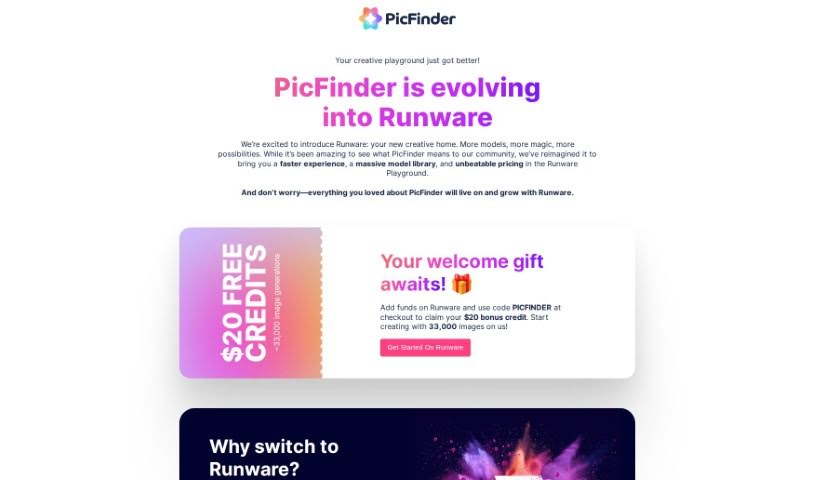
PicFinder.ai is a really neat online tool that completely changes how we search for and identify images. It uses smart AI technology to help you find and recognize images based on what's actually in them. You can search for specific things, faces, landmarks, or even colors, and PicFinder.AI will give you accurate, relevant results. It's great for things like finding products for e-commerce, looking up travel spots, or even for social media and security uses thanks to its facial recognition. Designers and artists can also use its color search to find inspiration. What makes PicFinder.AI stand out is how easy it is to use, combined with powerful AI that really nails the search results you need.

Screenshot of Pictorial

Pictorial

Freemium

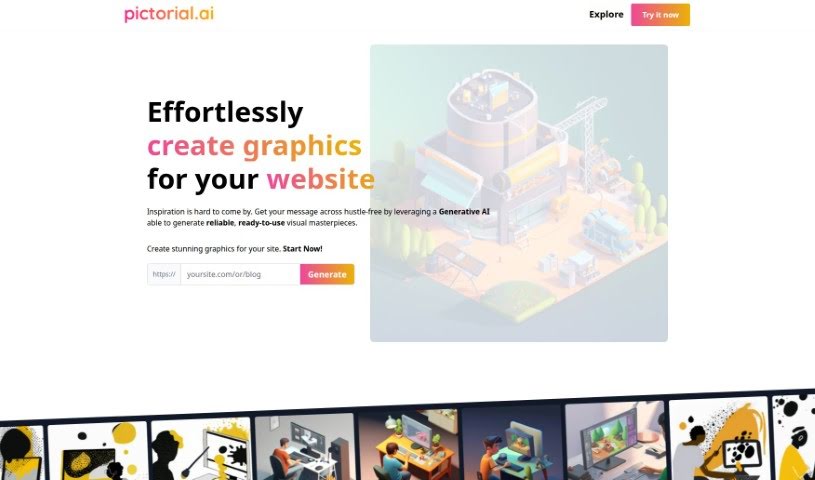
Pictorial is a really neat tool that helps you create graphics for your website or blog without any fuss, all thanks to Generative AI. You just give it the web address (URL) for your site, and the AI gets to work, creating high-quality images based on what's already there. The whole idea is to make your website or blog look much better visually, and you don't need to be a designer or know fancy prompt engineering to do it. They're calling it the first AI-powered visual generator specifically for businesses, and it gives you lots of ways to make professional, eye-catching designs.

Screenshot of Picurious AI

Picurious AI

Freemium

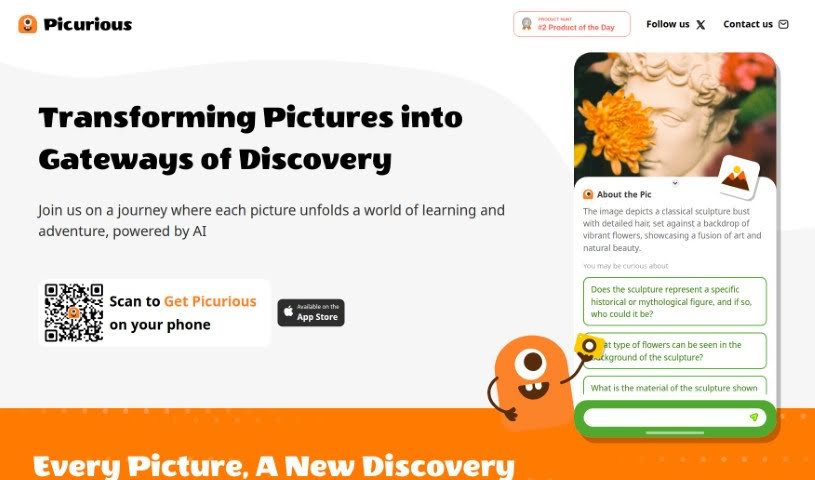
Picurious AI is a way to turn your pictures into starting points for learning and discovery. It's like a guided adventure where each image opens up new knowledge, all thanks to AI. You can dive into all sorts of subjects – from math puzzles and the wonders of nature to landscape architecture, art, vehicles, and the fascinating worlds of animals and plants. Picurious AI sparks your curiosity with AI-generated questions, helping you figure out things like how to care for plants, identify different birds, recognize architectural styles, learn about rare flowers, trace the origins of coffee beans, understand what sunlight flowers need, get wine suggestions, or even discover iconic chair designers.

Screenshot of Pincel

Pincel

Freemium

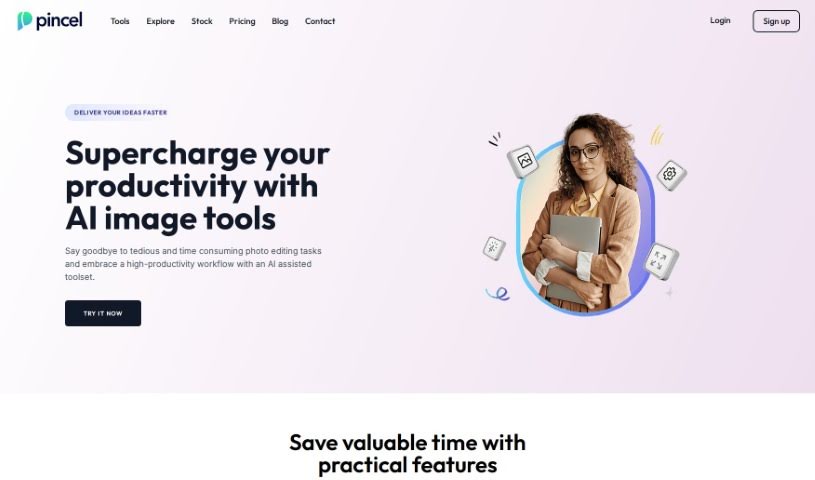
It seems there might be a slight misunderstanding, as the term "Pincel" or a specific subject by that name isn't directly mentioned in the files I have access to. Without more context about what "Pincel" refers to, or the specific area you're interested in, it's a bit tricky for me to dive into the details. If you could share a bit more information – perhaps what Pincel is used for or the context you're thinking of – I'd be happy to put together a more detailed overview for you. Just let me know!

Screenshot of Piratediffusion

Piratediffusion

Freemium

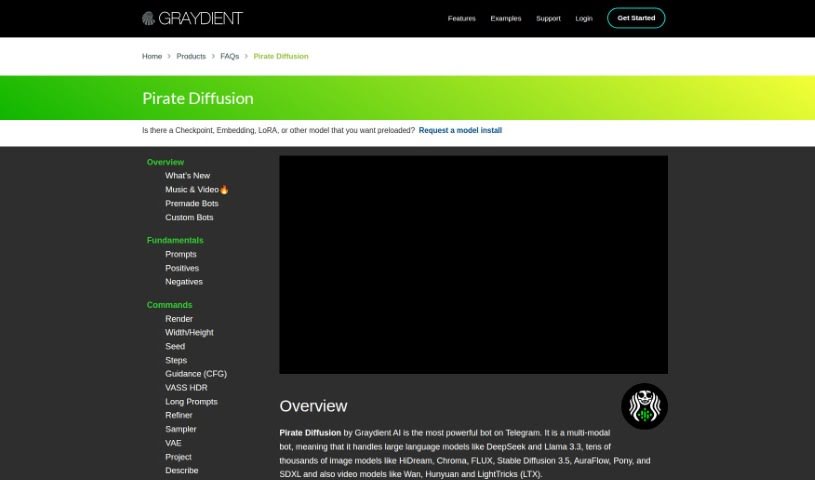
PirateDiffusion, now known as Graydient AI, is a really cool Telegram bot that lets you generate amazing images. What's neat is you don't need special tokens or credits to use it! You can also create your own themed bots and join groups. The name "Pirate Diffusion" actually came about because the Stable Diffusion 1.5 model was leaked back in October 2022. Graydient AI then open-sourced it, and they initially operated under the "Pirate Diffusion" name, which really helped them build a big following. They've since rebranded to "Graydient." The platform keeps getting better with features like custom bots that remember conversations, improved ways to track your renders, and new bot options.

Screenshot of PixAI

PixAI

Freemium

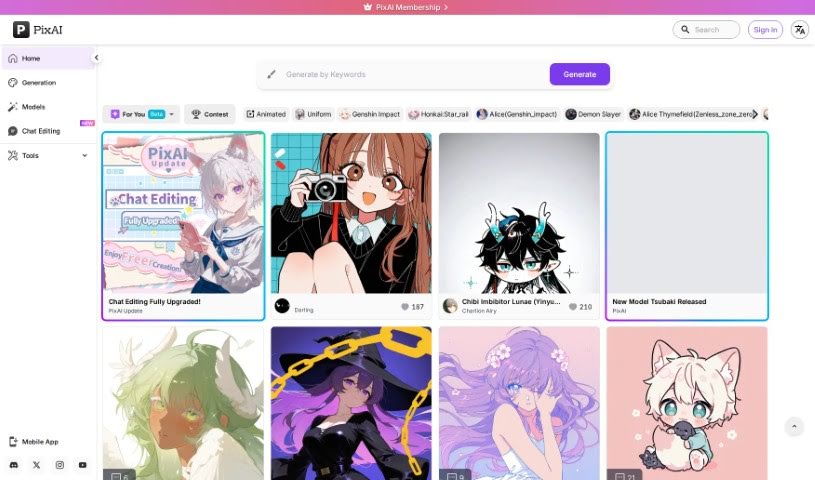
PixAI is a really cool platform that gives you a free AI art generator. It's perfect for creating Anime Fanart, letting you bring any pose, style, or scene you can imagine to life. You can generate top-notch Anime, Realistic, and Fantasy Art using a variety of AI art models. Plus, it's packed with advanced features like image-to-image generation, ControlNet for precise control, inpainting to fix or change parts of an image, and Hires fix for sharper details. You can even use reference images to get exactly the look you want, picturing your favorite anime characters in specific poses and then crafting unique anime, waifu, realistic, or fantasy art. Basically, PixAI is a feature-rich, character-rich, and totally free way to make anime art, helping you unleash your creativity and make your anime dreams a reality.

Screenshot of PixelBin

PixelBin

Freemium

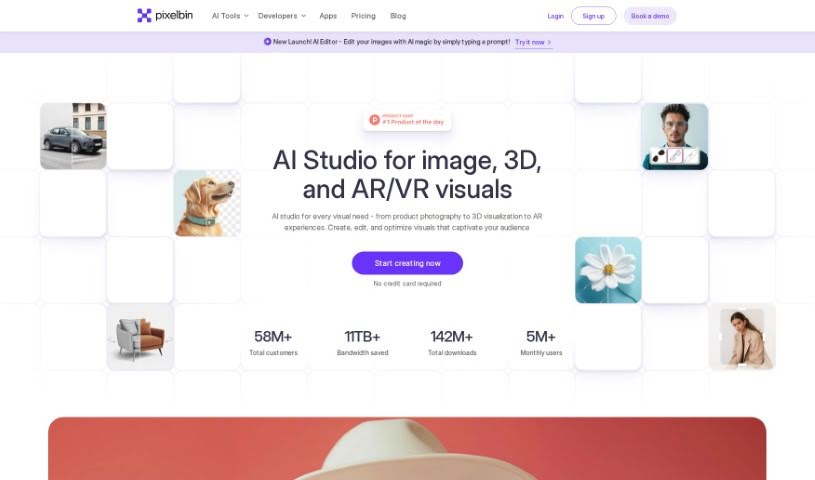
PixelBin is a smart tool that helps you optimize your images using AI. It's packed with features designed to make image management a breeze. You can upload many images at once, and it optimizes them in real-time. It is a central hub for all your images, complete with a Content Delivery Network (CDN) to make your pages load faster. It even delivers images that look great on any device, supports custom workflows you define, and can work with external storage. Plus, developers will appreciate its SDK integration. PixelBin can transform your images in seconds, supports various formats, and handles automated, real-time changes. It comes with thorough documentation and aims for a great user experience, offering scalability and strong image transformations. You get compression that doesn't sacrifice quality, responsive delivery, and it even helps keep your images consistent.

Stay Updated with AI Tools

Get weekly updates on the latest AI tools, trends, and insights delivered to your inbox

Join 25,000+ AI enthusiasts. No spam, unsubscribe anytime.