AI Tools for Image Generation

Discover the best Image Generation AI tools to enhance your productivity and creativity.

Page 23 of 36 • 429 total tools

In the fast-paced world of digital creativity, AI image generators have become real game-changers. You no longer need advanced skills or expensive software to create amazing visuals. Now, with just a few clicks, you can conjure breathtaking artwork, realistic portraits, or imaginative landscapes using simple text prompts.

This technology has really grown in sophistication. It’s gone from being just simple tools to powerful creative partners. What started as a novelty is now an essential asset for artists, marketers, and anyone looking to improve their visual storytelling.

I’ve spent time exploring various AI image generators to see which ones really stand out in a crowded market. Whether you need something that excels in realism or something that plays with abstraction, there’s a tool for every creative need.

If you’re looking to elevate your visuals and make your design process smoother, let’s dive into the top AI image generators making waves right now. Your next masterpiece might just be a prompt away.

The Best AI Image Generators

  1. Leonardo AI: Perfect for custom artwork for product listings.
  2. Photoroom: Great for creating unique branding backgrounds.
  3. Pixlr: Ideal for making unique visuals for marketing.
  4. Midjourney: Excellent for artistic concept visualization.
  5. Tensor.art: Use it for unique artwork creation from sketches.
  6. PixAI: Best for creating custom anime characters.
  7. Freepik Pikaso: Transforms sketches into art in real-time.
  8. Adobe Firefly: Use it for custom social media graphics.
  9. Luma AI: Craft 3D imagery with dynamic effects.
  10. Recraft: Easily generate brand-consistent visuals.
  11. Microsoft Designer: Create unique visuals for your projects.
  12. Artguru AI: Turn selfies into anime art.
  13. Deep AI Text to Image: Visualize concepts artistically.
  14. Topaz Labs: Enhance AI-generated images for better clarity.
  15. Freepik AI Image Generator: Make custom illustrations for marketing content.

How Do AI Image Generators Work?

When you search online for AI image generators, you’ll find tons of tools, and many claim to do similar things. This often happens because they use the same core models, like diffusion models or generative adversarial networks (GANs). Most tools simply act as user-friendly interfaces for these complex algorithms, adding helpful features while often hiding the technical details behind marketing language.

At their heart, AI image generators work with detailed prompts that users provide. Once you enter a prompt, the model processes it and generates images. It does this by predicting pixel values based on patterns it learned from massive datasets. These datasets usually include millions of images, covering all sorts of styles, subjects, and artistic influences. This allows the models to produce very varied and detailed results.

Training an image generation model involves analyzing countless images and their text descriptions. This helps the models understand how words relate to visual features. The outcome is a sophisticated network that can create visually coherent images reflecting the nuances of your prompt, whether you’re aiming for a realistic scene or an abstract idea.

Many popular applications now include these image generation capabilities, improving creative tools like Adobe Photoshop and Canva. These companies often partner with major AI developers, using powerful existing models instead of building their own. This means users can easily create custom visuals without needing deep technical knowledge.

If you’re keen to experiment yourself, various platforms offer intuitive interfaces for crafting unique images. Some even let you adjust the style and content, giving artistically inclined individuals the freedom to innovate without starting from scratch.

So, in short, AI image generators combine advanced algorithms with huge datasets to turn text prompts into compelling visuals. As these technologies keep developing, their ability to produce impressive artwork only grows, encouraging both creativity and exploration in digital art.

Our Best AI Image Generators at a Glance

RankNameBest ForPlans and PricingRating
1Leonardo AICustom artwork for product listingsPaid plans start at $9/month.4.73 (11 reviews)
2PhotoroomCreating unique branding backgroundsPaid plans start at $7.50/month.4.74 (38 reviews)
3PixlrCreating unique visuals for marketing.Paid plans start at $0.99/month.4.73 (11 reviews)
4MidjourneyArtistic concept visualizationN/A4.73 (11 reviews)
5Tensor.artUnique artwork creation from sketches.N/A4.78 (23 reviews)
6PixAICreating custom anime charactersN/A4.80 (5 reviews)
7Freepik PikasoReal-time art transformation from sketches.N/A4.67 (21 reviews)
8Adobe FireflyCustom social media graphicsN/A4.67 (6 reviews)
9Luma AICrafting 3D imagery with dynamic effectsN/A4.76 (25 reviews)
10RecraftGenerate brand-consistent visuals easily.N/A4.67 (3 reviews)
11Microsoft DesignerGenerate unique visuals for projects.N/A4.64 (11 reviews)
12Artguru AITransform selfies into anime artN/A4.58 (12 reviews)
13Deep AI AI Text to ImageArtistic visualization of concepts.N/A4.82 (11 reviews)
14Topaz LabsEnhance AI-generated images for clarityN/A4.70 (10 reviews)
15Freepik AI Image GeneratorCustom illustrations for marketing contentN/A4.55 (11 reviews)
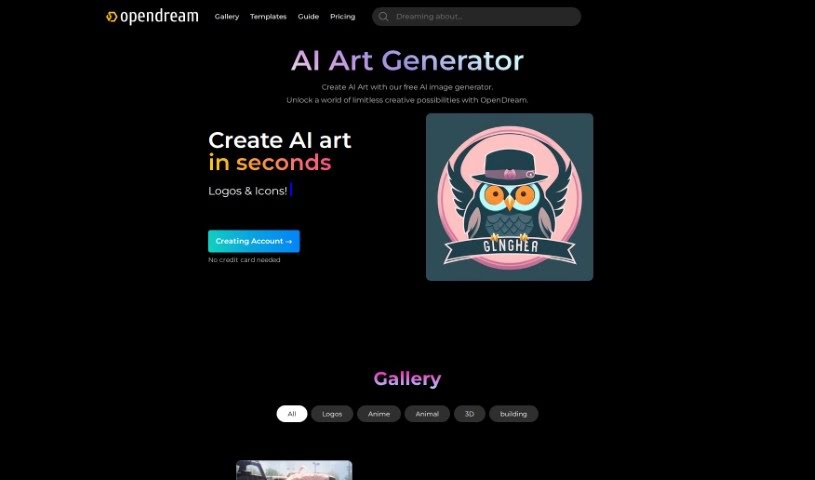
Screenshot of OpenDream

OpenDream

Freemium

OpenDream is a fantastic online platform that gives you a Free AI Art Generator to create truly stunning artwork. It's built to be super easy to use, even if you're new to this. You'll find cool features like an AI Anime Generator, an AI Girl Generator, and lots of customizable templates that let you whip up art in just minutes. You can hop onto the platform right from your web browser and play around with different image generation models. Think Dreamlike Photoreal 2.0 for realistic looks, Dreamlike Anime 1.0 for that anime vibe, Stable Diffusion 2.1 for solid results, and Deliberate for even more options. Basically, OpenDream is here to spark your creativity and make the whole art-making process smooth and enjoyable for everyone, no matter your skill level.

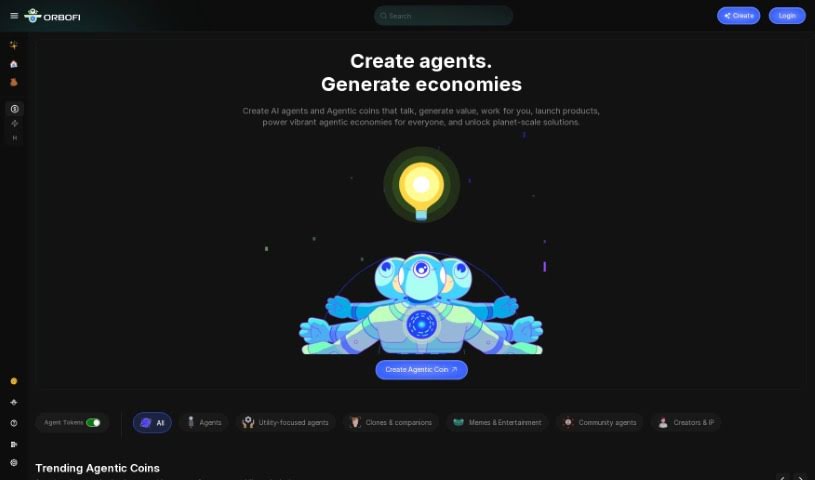
Screenshot of Orbofi

Orbofi

Freemium

Orbofi is a modern platform designed specifically for creatives, game developers, and media professionals who want to harness the power of artificial intelligence. It is your go-to place for easily creating high-quality, AI-generated images and assets. These are perfect for everything from game development and media projects to crafting AI-powered Non-Fungible Tokens (NFTs). What's really neat is that Orbofi offers a user-friendly interface, making it simple for you to actually profit from the AI creations you make, opening up new ways to earn money in the digital world. Plus, Orbofi gives you the tools to customize AI models, so you can create outputs that are truly your own and stand out in the market. It's all about blending creation with making money, empowering you in the fast-growing field of AI-driven digital assets.

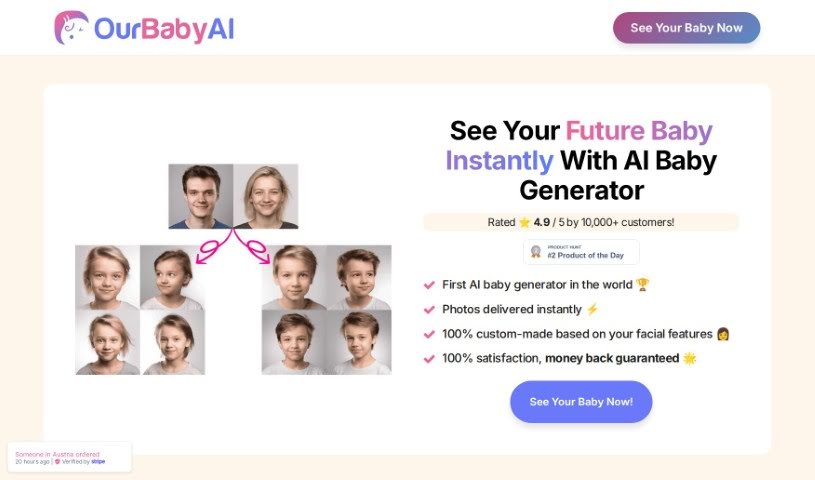
Screenshot of OurBabyAI

OurBabyAI

Freemium

OurBabyAI is a really cool service that uses advanced AI to create fascinating images of your future child. Just upload photos of both parents, and you can get a peek at what your little one might look like! It's actually the first AI baby photo generator out there. What's neat is that it shows you your potential child from babyhood all the way to old age, making it a fun and personal way to imagine your family's future. It makes imagining your future child engaging and enjoyable, without any of the actual baby-care work!

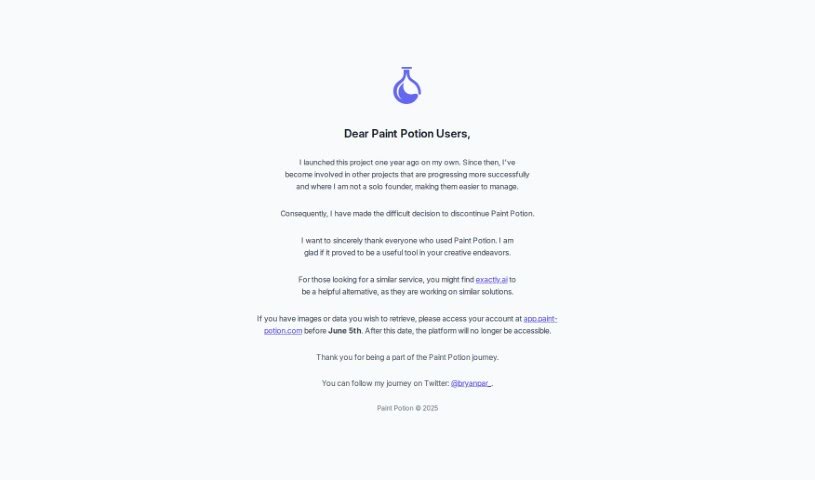
Screenshot of Paint Potion

Paint Potion

Freemium

Paint Potion is a smart AI design tool that's really good at creating unique vector illustrations that all have a consistent style. You just give it a prompt, and it whips up four different designs in under 30 seconds. If you're not quite happy with a design, you can easily regenerate illustrations to refine them. Plus, you can export your creations as either SVG (Scalable Vector Graphics) or PNG files. What's really great is that any image you make with Paint Potion is completely yours. You get full rights to use it however you like, for personal projects or commercial ventures. It's built for everyone, from professional web agencies to individual designers, offering a super fast and efficient way to get vector designs without needing any special artistic skills.

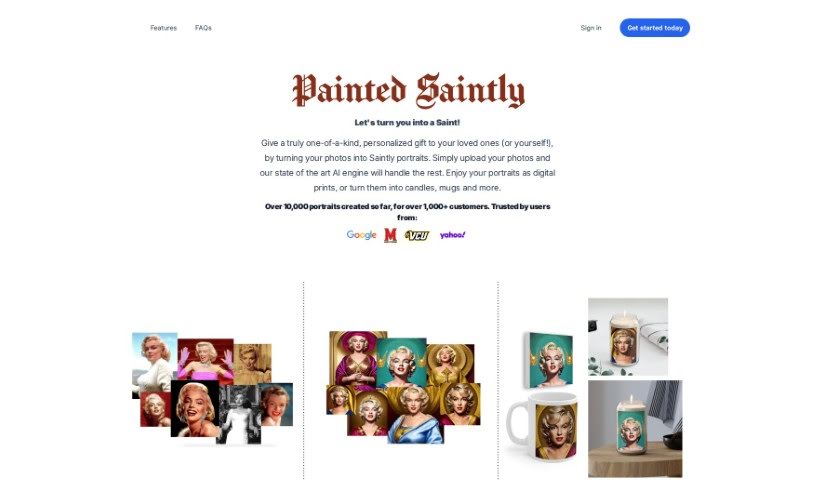
Screenshot of Painted Saintly

Painted Saintly

Freemium

Painted Saintly is a really cool service that turns your photos into unique, saintly portraits using some innovative AI technology. You just upload high-quality images, start a project for $9.99, and in about 30 minutes, you'll get 30 custom saint-like portraits. They take your privacy seriously, keeping your data safe and using Stripe for all payments. The portraits are made just for you with a special AI model trained on your own pictures, and you get to keep the copyright to them. Plus, you can even order personalized merchandise like candles, mugs, and canvas prints featuring your new AI-generated portraits.

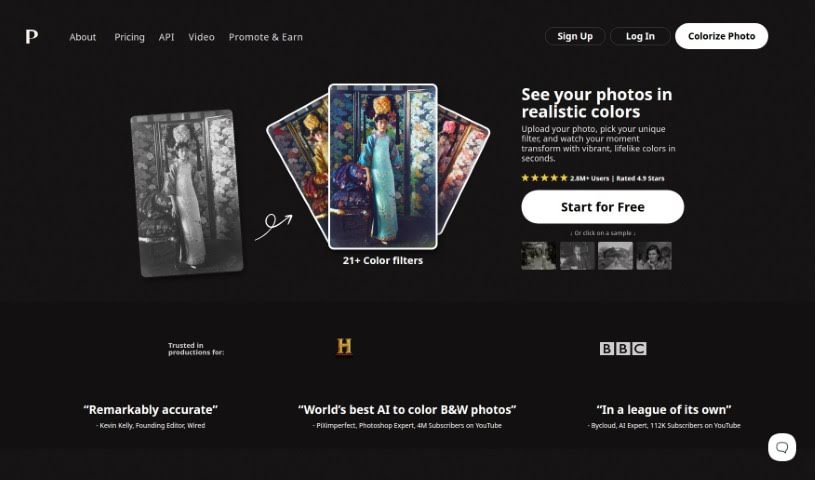
Screenshot of Palette.fm

Palette.fm

Freemium

Palette.fm is a really neat AI tool that lets you add color to old black-and-white photos, jazz up artworks, or give modern images a fresh look. It's super easy to use – you don't even need to sign up, and uploading your photos is a breeze. They offer different styles and plans to fit what you need. What makes Palette.fm stand out are its advanced algorithms and machine learning. This means it's great at getting the colors right, especially for skin tones. It handles details and tricky lighting really well, which is key to making images look vibrant and real. Whether you're a pro at colorizing or just trying it out for fun, Palette.fm is a versatile and efficient way to bring your images to life with realistic colors.

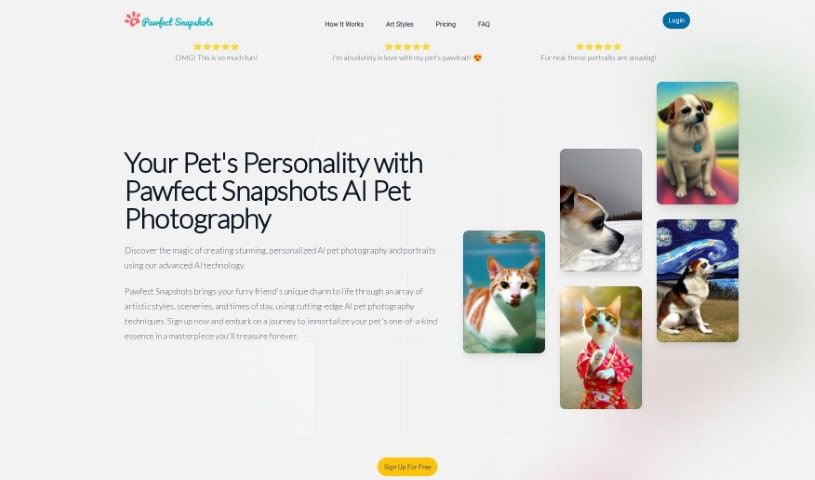
Screenshot of Pawfect Snapshots

Pawfect Snapshots

Freemium

Pawfect Snapshots is a neat AI tool designed to create one-of-a-kind portraits of your pets. It's pretty straightforward to use: you start by signing up for a free account. Then, you'll upload about 5 to 10 really good photos of your pet. You get to pick the artistic style you like, the background scenery, and even the time of day for the portrait. Alternatively, you can just type in your own custom prompts to guide the AI. Once you've done that, the AI gets to work, crafting unique portraits that really capture your pet's personality and your chosen style. The best part? You own all the rights to the images it creates, with absolutely no limits on how you use them, whether it's for your personal enjoyment or for commercial projects. The tool uses something called FurTokens to manage the computer power needed for generating images. When you first sign up, you get 30 free tokens to get you started.

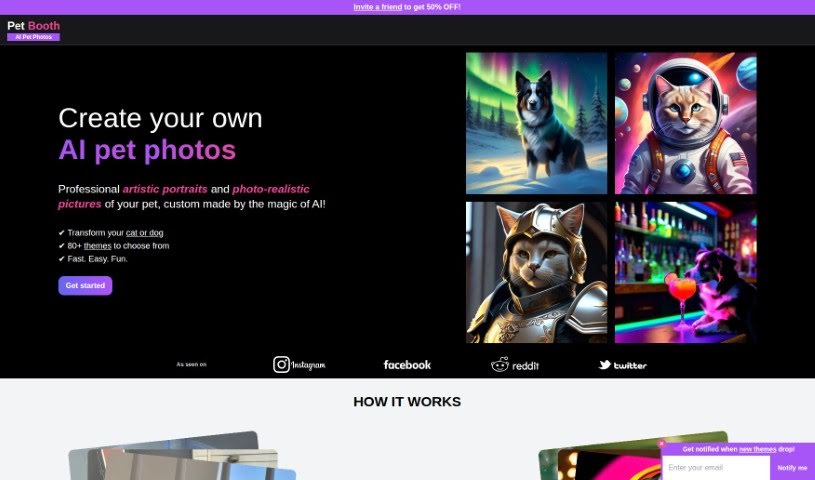
Screenshot of Pet Booth

Pet Booth

Freemium

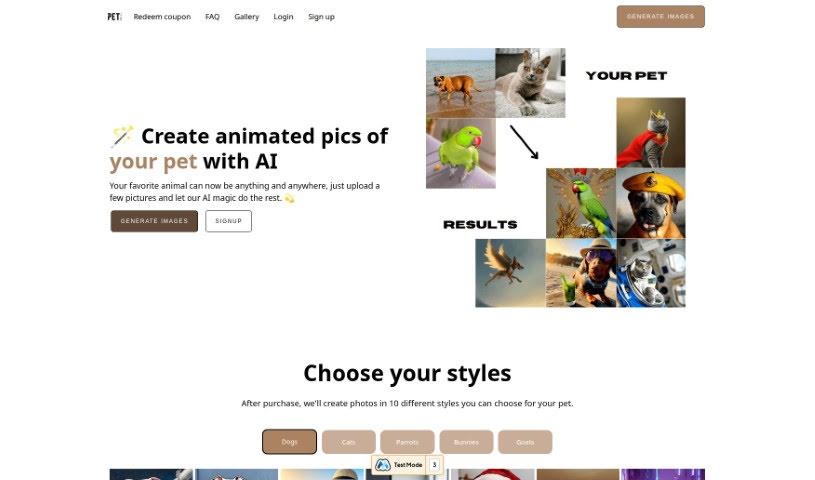
Pet Booth is a really fun, special photo booth service designed just for pets! It lets pet parents capture all sorts of memorable and playful moments with their furry best friends. The booth itself is built with pets in mind, making sure it's a comfy and safe spot for them to strike a pose. You can even customize the backgrounds and props, which makes for a super interactive and enjoyable experience for both the pets and their humans. It's absolutely perfect for any pet-centric events, parties, or just when you want to create some lasting memories with your beloved companions. Basically, Pet Booth aims to bring together the joy of taking pictures with the deep love we have for our pets, offering a creative way to celebrate that special bond.

Screenshot of Petalica Paint

Petalica Paint

Freemium

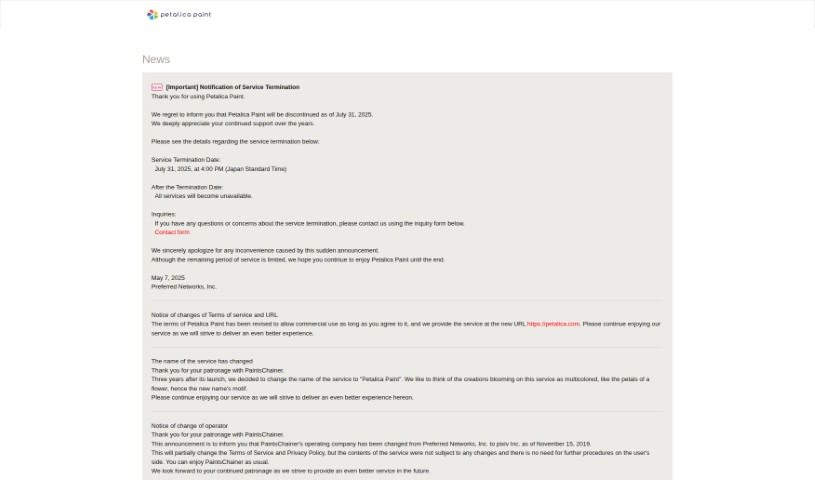
Petalica Paint is a neat AI tool that automatically adds color to your images, especially sketches. Preferred Networks developed it. You can upload a sketch, and Petalica Paint will color it for you. Want to guide the colors? You can add color hints to influence the final look. Plus, there's a handy SketchSimplification feature to help clean up your sketch lines. It offers three distinct colorization styles: 'Tanpopo', 'Satsuki', and 'Canna'. You can even use it directly within Pixiv Sketch, and it's available for commercial use, provided you follow their terms of service. The 'Canna' style, in particular, is great for its shading and lighting effects.

Screenshot of PetPic

PetPic

Freemium

PetPic is a neat AI tool that lets you create one-of-a-kind pictures of your pets. You just need to upload between 10 and 30 photos of your furry (or scaly, or feathery!) friend. The AI then works its magic, turning those photos into images in all sorts of fun styles. Think astronaut pets, Banksy-style graffiti pets, beach vacation pets, or even Christmas-themed ones! They also offer Cyberpunk, Fantasy, and many other creative looks. The whole process usually takes up to 24 hours, and they're good about privacy – the AI model used for your images is deleted within 60 days after everything's generated. If you're wondering about payments, PetPic.ai uses Stripe, so it's all secure. Once your pet's artwork is ready, you're free to use it wherever you like – pop it on your social media, your website, or anywhere else you can imagine! The platform also makes sure your data is kept private and offers help through FAQs and other contact methods if you need them.

Screenshot of Phase

Phase

Freemium

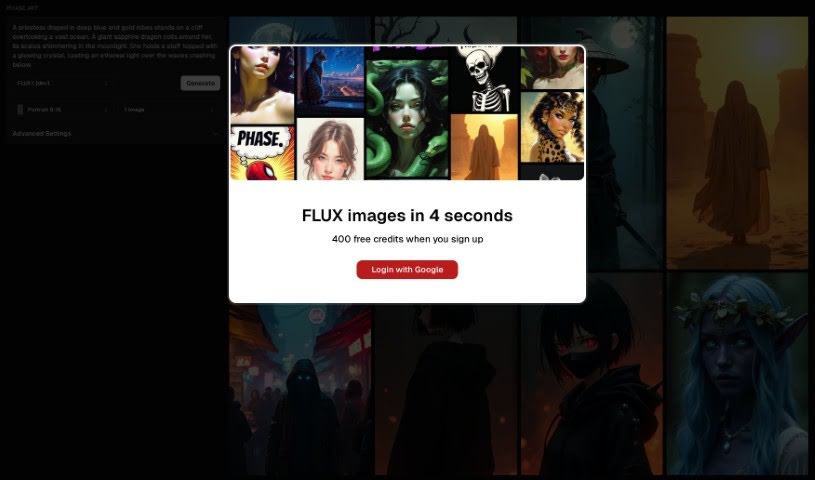
Phase is a really neat tool that uses AI to help you create art. It is a partner that assists you in guiding and collaborating with artificial intelligence. It comes packed with some cool features, like stable diffusion for generating images, image-to-image generation using frames, inpainting to refine specific areas, a handy built-in prompt-helper, and even free drawing so you can directly guide the AI's output. Plus, it makes it super easy to look back at your prompt history. Right now, phase.art works best on desktop computers, but they're actively working on making it mobile-friendly for the future.

Screenshot of Photo AI

Photo AI

Freemium

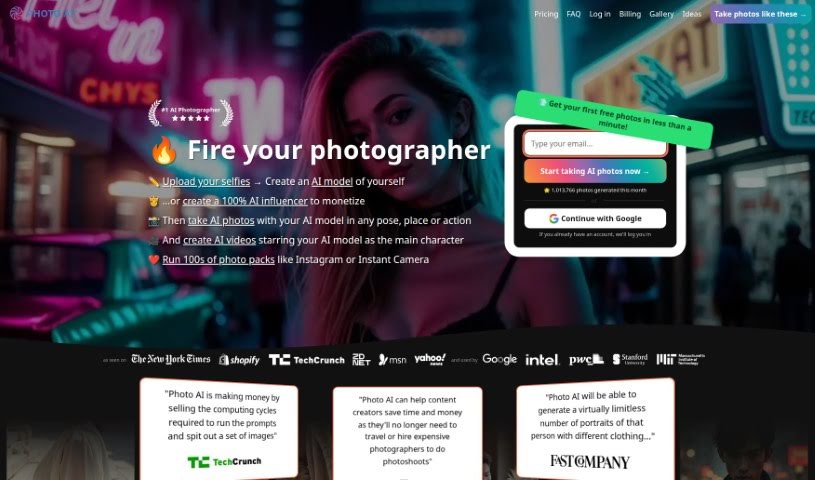
Photo AI is a really neat platform that lets you create impressive, lifelike photos using AI. You don't need any fancy camera gear at all! Just upload your selfies, and the platform quickly turns them into photorealistic AI characters. You can then easily try out different poses, settings, and actions. Photo AI also has fun themed packs, like AI Yearbook and Naughty Halloween, plus cool features like virtually trying on clothes and hairstyles. There's even a Sketch2Imageâ„¢ tool for designing unique fashion looks. Basically, Photo AI makes AI photography super accessible and user-friendly, whether you're into fashion or just looking for new ways to create content.

Stay Updated with AI Tools

Get weekly updates on the latest AI tools, trends, and insights delivered to your inbox

Join 25,000+ AI enthusiasts. No spam, unsubscribe anytime.