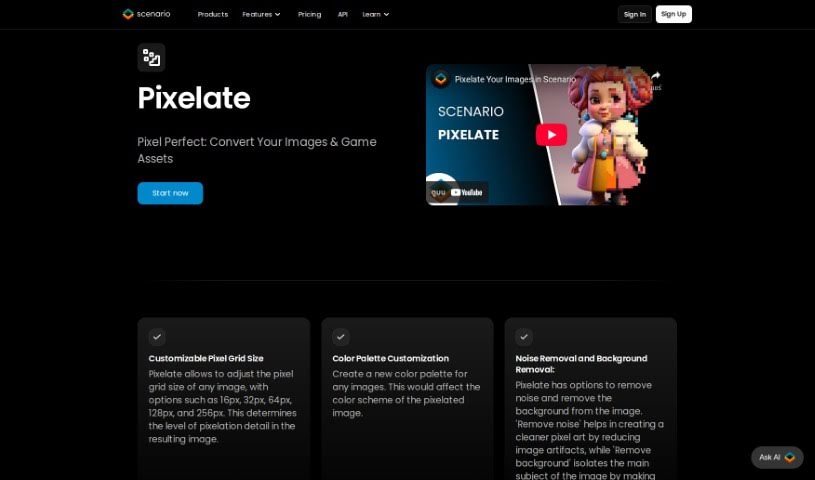
Screenshot of Pixelicious

Pixelicious

Discover what Pixelicious is and how to make the most of its image editing and pixel art conversion tools in 2025. We'll cover its features and how it stacks up against other image generators.

Screenshot

What is Pixelicious?

Pixelicious is a handy website packed with tools for anyone working on image editing or game development. If you’ve ever wanted to turn a regular image into cool pixel art, their online Image-to-Pixel Art Converter is perfect for that. Plus, it makes removing backgrounds from your pictures super simple. Beyond that, the platform offers tools to make your images look even better, all wrapped up in an interface that’s really easy to get around. Once you’re done, you can just download your converted or edited files to use however you like. It’s a great service for game developers needing that retro look or for anyone who just wants to give their images a visual boost.

Who created Pixelicious?

According to the information available, Pixelicious was created by Hugo. He’s the founder behind the website, which offers a variety of tools for image editing and game development. Think of things like that Image-to-Pixel Art Converter we mentioned, or the easy background removal feature. Hugo’s goal was to give users a straightforward platform where they could create pixel art and enhance their images without a fuss.

What is Pixelicious used for?

Pixelicious is a versatile tool that can help you with several things:

  • Removing backgrounds from your images.
  • Navigating through its features thanks to a user-friendly interface.
  • Converting images into pixel art, which is fantastic for game development projects.
  • Enhancing image quality and appearance using a range of editing tools.
  • Making it easy to download your converted or edited files for whatever you need them for.
  • It’s also great for general image editing, whether you’re a game developer or just looking for visual improvements.
  • You can create stunning visuals for all sorts of projects.
  • The tool accessibility and ease of use are big pluses.
  • It’s perfect for retro art creation.
  • And of course, for online image conversion and enhancement in general.

Who is Pixelicious for?

This tool is particularly useful for:

  • Game developers who need to create pixel art or edit game assets.
  • Image Editors looking for quick and easy ways to enhance photos or create specific visual styles.

How to use Pixelicious?

Ready to dive in and use Pixelicious for your image editing or game development needs? It’s pretty straightforward:

  1. Head over to the Pixelicious Website: First things first, navigate to the Pixelicious site to get access to all their image editing and game development tools.
  2. Upload Your Image: You’ll see a clear spot on the website to upload the image you want to work with. Just click and select it.
  3. Pick Your Conversion Type: Decide what you want to do. You can choose to turn your image into pixel art or remove its background, for example.
  4. Edit Your Image: Once you’ve uploaded and chosen your conversion, use the editing tools available to tweak the quality and look of your image until it’s just right.
  5. Preview and Adjust: Take a look at a preview of your changes. If anything needs a little more tweaking, now’s the time to make those adjustments.
  6. Download Your Image: When you’re happy with how everything looks, you can easily download the converted or edited image. It’s ready for you to use in your projects!
  7. Check Out More Features: Don’t forget to explore the other great things Pixelicious offers, like its super user-friendly interface, how easy it is to navigate, and how accessible all the tools are.

Pixelicious really does offer a solid set of tools, including that handy Pixel Art Converter, the Background Removal feature, and Image Enhancement options. They’re all there to help you create fantastic visuals, whether for your game development projects or just for general image editing. With its easy-to-use interface and simple download process, Pixelicious makes working on your images efficient and enjoyable.

Related AI Tools

Discover more tools in similar categories that might interest you

123RF AI Image Generator

Creative Image Generation
Learn More

Stay Updated with AI Tools

Get weekly updates on the latest AI tools, trends, and insights delivered to your inbox

Join 25,000+ AI enthusiasts. No spam, unsubscribe anytime.