AI Tools for Creative

Discover the best Creative AI tools to enhance your productivity and creativity.

Page 109 of 114 • 1360 total tools

Creativity today is changing fast, and AI is becoming a super helpful partner. Whether it’s creating amazing visuals or writing music, AI creative tools are making the art process more accessible and exciting. But with so many options out there, finding the right one for your creative needs can feel a bit overwhelming.

Things have really changed in just a few years. AI tools aren’t just for special uses anymore; they’re smoothly fitting into our everyday creative work. These new technologies can make your projects better, save you time, and even lead you to explore artistic ideas you hadn’t considered before.

I’ve spent a good amount of time exploring the world of AI creative tools, looking into everything from graphic design apps to music software. Since I love seeing how technology and creativity come together, I wanted to share what I found about the best tools available right now.

So, whether you want to make eye-catching visuals or come up with fresh concepts, there’s a tool out there just for you. Let’s dive into the best AI creative tools that can take your artistic projects to the next level and change how you create.

The best AI Creative Tools

  1. Canva for designing social media posts
  2. Character AI for brainstorming story ideas and concepts.
  3. Janitor AI for quickly crafting unique story ideas.
  4. Remove.bg for instantly removing backgrounds from design projects
  5. Leonardo AI for generating dynamic artwork for designers
  6. Photopea for designing stunning graphics and illustrations.
  7. Photoroom for improving photos for creative projects
  8. Pixelcut for designing eye-catching product ads
  9. Pixlr for designing great graphics with ease
  10. Midjourney for visual storytelling through art prompts.
  11. AI Face Swap for creating unique memes for social media.
  12. Cutout.pro for creating dynamic backgrounds for art
  13. Remaker for AI-powered image creation for unique designs.
  14. Ideogram for logo design and customization.
  15. Openart for experimenting with unique artistic styles

How do AI creative tools work?

AI creative tools work by using advanced algorithms that learn from all sorts of data. They look at patterns in creative works—like art, music, or writing—which helps them copy styles and create new, original pieces. It’s a bit like how human artists get inspired by different things they see or hear.

At their core, these tools often use neural networks. These are specially built to understand and interpret human creativity. The networks are trained on huge amounts of data, including works from many different styles and formats, so they can learn and adapt to various approaches.

When you give a prompt—like a topic for a story, a theme for a painting, or a music genre—these AI tools use the patterns they’ve learned to generate fitting responses. They essentially guess which elements should go together to make content that feels cohesive and engaging.

What’s really interesting is that AI creative tools don’t just repeat what they’ve learned; they can actually be innovative. By blending styles or drawing from less common influences, they can produce work that surprises and inspires, offering a fresh take even on familiar subjects.

As technology keeps advancing, these creative tools are getting more capable. This means we can have richer interactions, with users and AI working together more smoothly. Often, this leads to amazing artistic creations that combine human ideas with computer power.

If you’re curious about the technical side of these tools, looking into neural networks and creative AI applications can offer more insight into how they bring artistic ideas to life.

Our best AI creative tools at a glance

RankNameBest forPlans and PricingRating
1CanvaSocial media post designN/A4.73 (11 reviews)
2Character AIGBrainstorming story ideas and concepts.N/A4.64 (11 reviews)
3JanitorAICrafting unique story ideas quickly.N/A0.00 (11 reviews)
4Remove.bgInstant background removal for design projectsPaid plans start at $0.2/image.4.82 (11 reviews)
5Leonardo AIDynamic artwork generation for designersPaid plans start at $9/month.4.73 (11 reviews)
6PhotopeaDesign stunning graphics and illustrations.N/A4.67 (12 reviews)
7PhotoroomEnhancing creative project photosPaid plans start at $7.50/month.4.74 (38 reviews)
8PixelcutDesigning eye-catching product adsN/A4.64 (11 reviews)
9PixlrDesigning stunning graphics effortlesslyPaid plans start at $0.99/month.4.73 (11 reviews)
10MidjourneyVisual storytelling through art prompts.N/A4.73 (11 reviews)
11AI Face SwapCrafting unique memes for social media.N/A4.70 (10 reviews)
12Cutout.proDynamic background creation for artistryN/A4.46 (13 reviews)
13RemakerAI-powered image creation for unique designs.N/A4.69 (13 reviews)
14IdeogramLogo design and customization.N/A4.85 (26 reviews)
15OpenartExperiment with unique artistic stylesPaid plans start at $84/year.4.25 (8 reviews)
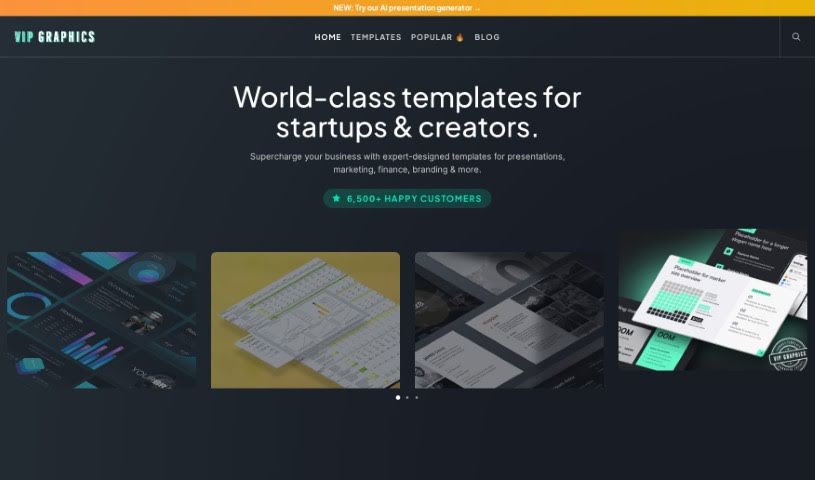
Screenshot of VIP Graphics

VIP Graphics

Freemium

VIP Graphics is your go-to design partner. It's a service that helps all sorts of clients get creative solutions for their branding and marketing. They likely offer everything from designing your logo and overall brand look to creating advertising materials, website graphics, and much more. The team behind VIP Graphics probably includes experienced designers who really dig into understanding your vision to create visuals that grab attention and get your message across clearly. Their aim is to provide fresh, custom design ideas that help businesses build a stronger brand identity and really stand out from the crowd.

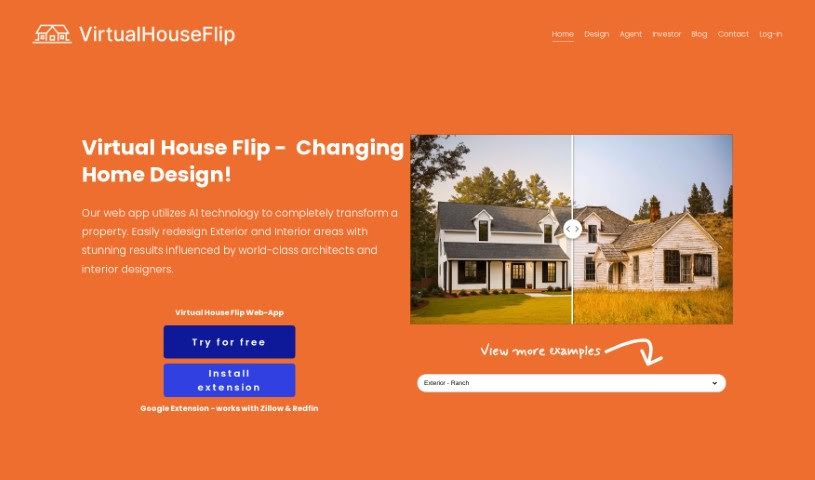
Screenshot of Virtual House Flip

Virtual House Flip

Freemium

Virtual House Flip is a really neat web app that uses AI to help you reimagine your home's interior and exterior. It is a digital tool that lets you easily redesign your living spaces, with a little help from experienced architects and interior designers. It's also a fun way to share your design ideas with friends and family through a photo gallery, where you can keep all your favorite concepts safe.

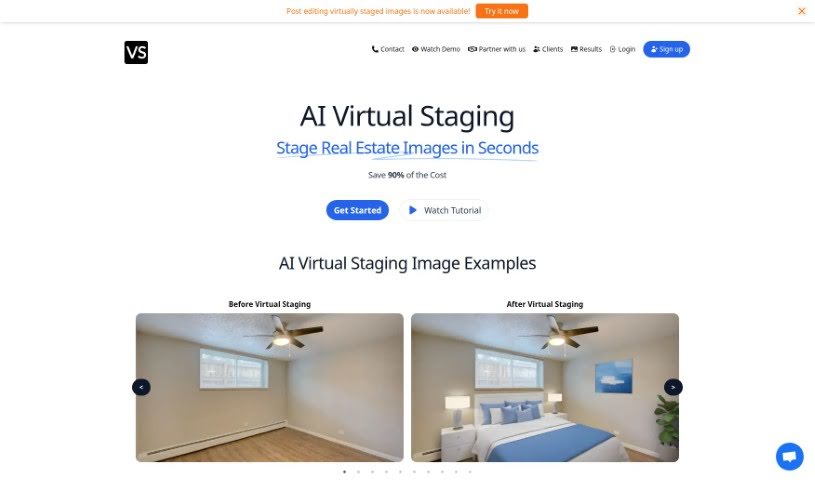
Screenshot of Virtual Staging Art

Virtual Staging Art

Freemium

Virtual Staging Art is a really smart tool that lets you quickly stage real estate photos. You just upload high-quality pictures of empty rooms, pick out the furniture styles you like, and the AI does the rest. It's pretty amazing how fast it generates these staged images – it can save you up to 90% of the cost you'd normally spend on physical staging or having someone manually edit photos in programs like Photoshop. You can easily send in your images and then tweak the staging as many times as you need until it looks just right. Real estate pros trust Virtual Staging Art because it's a budget-friendly and time-saving way to make properties look their absolute best for potential buyers.

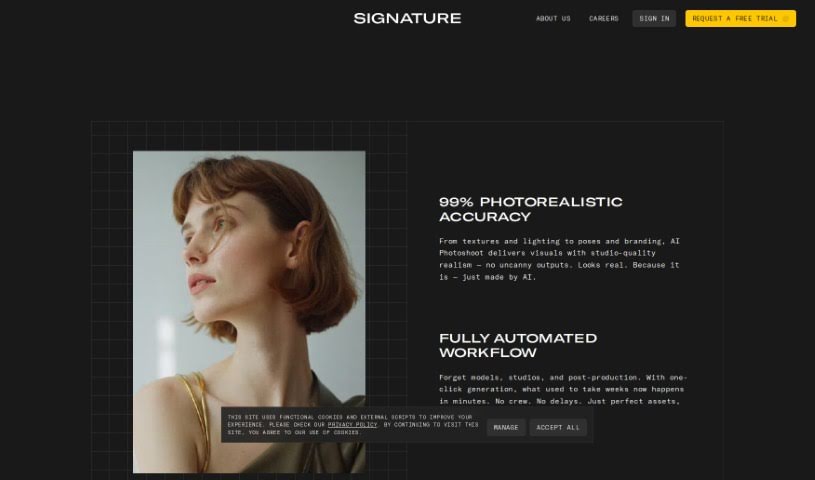
Screenshot of Visio Studio By Gaspard+Bruno

Visio Studio By Gaspard+Bruno

Freemium

Visio Studio, brought to you by Gaspard+Bruno, is a sophisticated tool for capturing, removing backgrounds from, and editing images. It's built for both pros and hobbyists alike. This tool really lets you create amazing images. You get precise control when you're taking pictures, background removal is a breeze, and it comes packed with a full suite of editing tools to make your images shine. Plus, it handles batch processing, which is a huge time-saver and keeps your results consistent. The Gaspard+Bruno team, known for their dedication to quality and new ideas in image processing, keeps Visio Studio updated with the latest tech. No matter if you're a visual arts pro or just love tweaking photos, Visio Studio has something valuable for all your creative work.

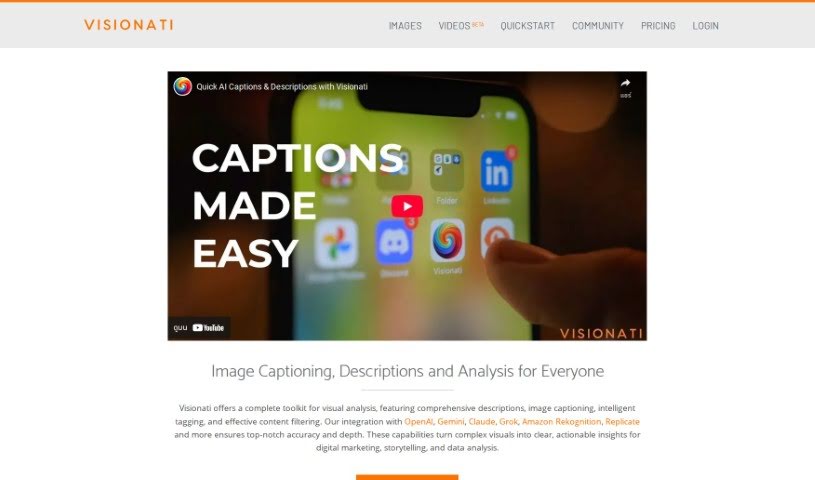
Screenshot of Visionati

Visionati

Freemium

Visionati is your AI-powered visual detective. It's designed to take complicated images and break them down into simple, useful information you can actually act on. It excels at giving you detailed descriptions, creating captions, intelligently tagging what's in the image, and even filtering content. What's really neat is how it works with other big names like OpenAI, Gemini, Amazon Recognition, and Replicate. This integration means you get super accurate and in-depth analysis every time. If you're a developer, you can use the Visionati API to get custom analysis and descriptions, essentially giving your own apps a smarter way to understand images.

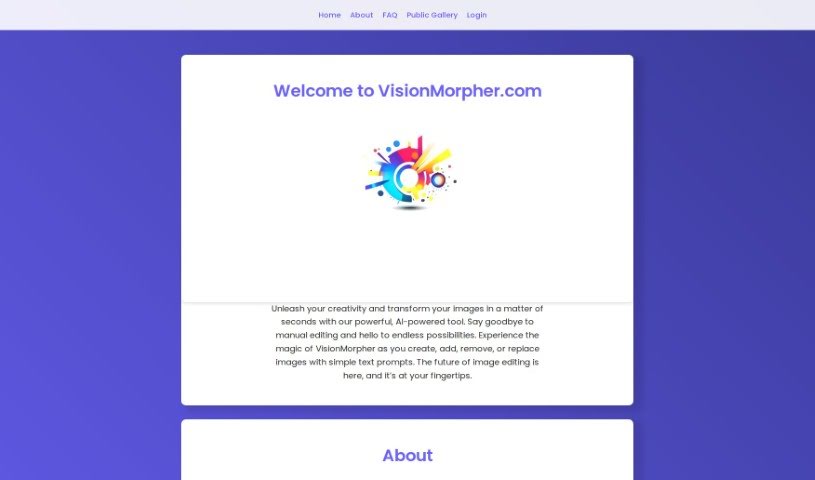
Screenshot of VisionMorpher

VisionMorpher

Freemium

VisionMorpher is an AI tool that's really changing the game for image editing. It lets you easily enhance and transform your pictures using generative image filling and simple text prompts. It is a way to create, add, remove, or swap out images without any of the usual manual editing hassle. The goal here is to make editing simpler, deliver professional-looking results, and open up a world of creative possibilities. Just a heads-up: it's a good idea to be thoughtful with your prompts to avoid unexpected results, as the tool isn't responsible for those. Also, any images you generate get saved for you, which is handy. As for refunds on credit packs, they're generally only offered if there's a server issue or a mistake on VisionMorpher's end. Right now, the tool handles images up to 512x512px, but they're planning to increase that size limit down the road.

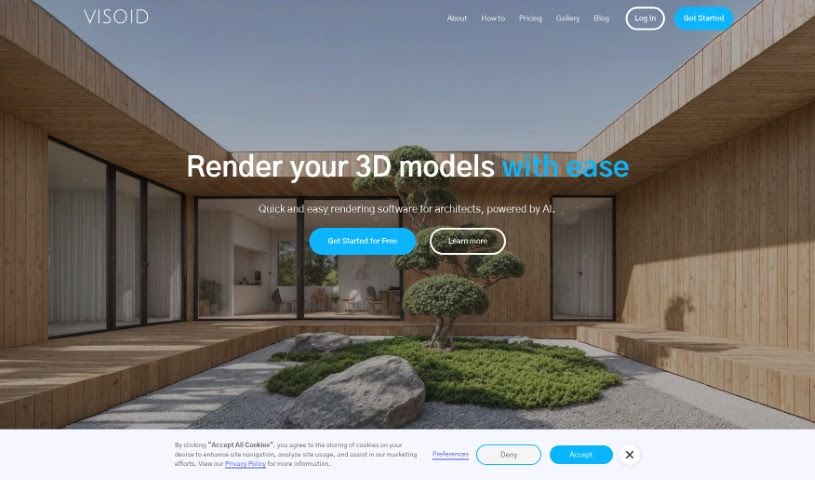
Screenshot of Visoid

Visoid

Freemium

Visoid is a smart tool that uses AI to help create architectural visualizations. It runs on cloud servers, which means you can quickly generate really high-quality 3D rendered images specifically for architectural projects without needing powerful local hardware. It is a way to speed up the usual visualization process. It automates a lot of the tedious work, like setting up scenes, arranging lighting, and handling textures, all thanks to its trained AI model. You can easily tweak your visualizations too – just a few clicks can change the environment, the mood, the colors, or the overall style of your project. Visoid offers different ways to access it, with a Free version, a Pro version, a Premium version, and a Team version. Plus, it plays nicely with other 3D applications you might already use, like Twinmotion, Enscape, Sketchup, and Revit, making it useful for more than just architecture.

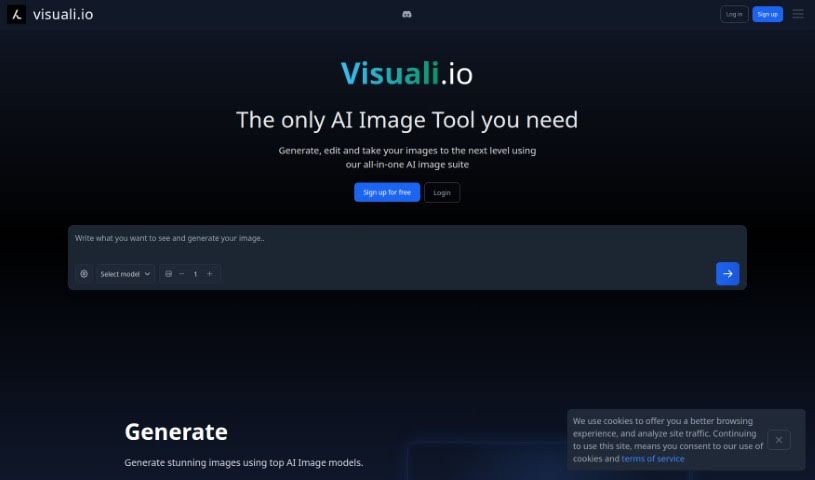
Screenshot of Visuali

Visuali

Freemium

Visuali is an AI-powered platform designed to make turning your text ideas into amazing visuals super simple. It's really easy to get started – you can sign up for an account or even try it out right away. Visuali comes packed with cool features like tools for editing images with layers, a prompt helper to spark your creativity, customizable styles, and the ability to animate your images, increase their resolution, and generate variations. It's perfect for artists, designers, or anyone who wants to use AI to bring their visual ideas to life. Plus, all your creative projects and edited images are saved in the cloud, so you can access them from anywhere. It’s a really versatile tool for all sorts of visual design needs.

Screenshot of VisualizeAI

VisualizeAI

Freemium

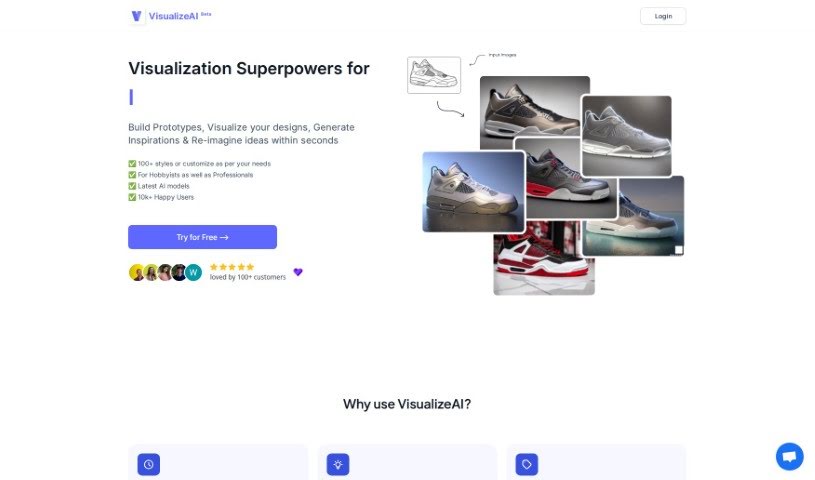
VisualizeAI is a design visualization tool that really helps you quickly create visualizations and explore all sorts of design possibilities. It is your go-to for building prototypes, seeing your designs come to life, sparking new inspirations, and even reimagining your ideas in just seconds. What's cool is that VisualizeAI gives you access to over 100 different styles you can pick from, or you can tweak them to perfectly match what you're looking for. It's powered by the latest AI models, and already, over 10,000 happy users are making the most of it. With VisualizeAI, you can brainstorm more styles, save your visualizations to look at later, really boost your interior designs, turn simple Sketchup views into polished renders, and transform rough sketches into detailed visuals for deeper design exploration. Using it is pretty straightforward: you just pick what you want to do, upload an image (like a sketch or a photo), tell it what style and colors you want, and bam – you get your output in seconds. Whether you're just dabbling in design as a hobby or you're a seasoned professional, VisualizeAI has something for everyone, no matter your design needs.

Screenshot of Visualizee.ai

Visualizee.ai

Freemium

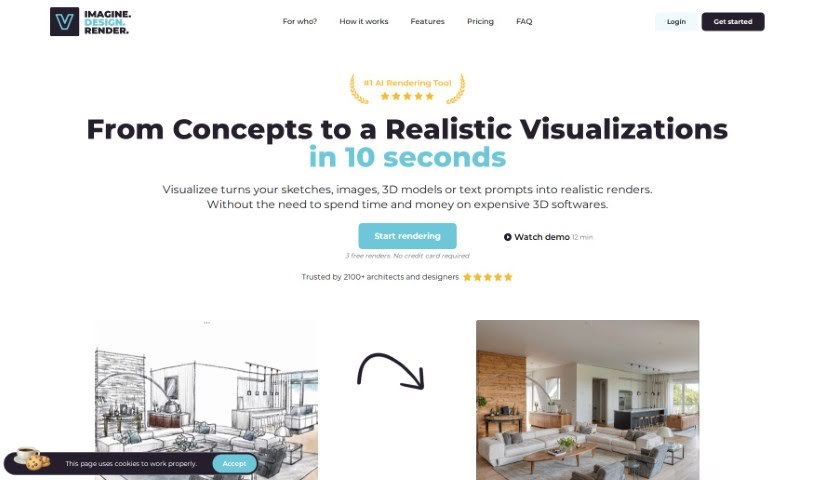
Visualizee.ai is a really powerful tool that makes it super easy to turn your initial sketches into stunning, photorealistic images. It can also take low-detail models and transform them into high-resolution, detailed renders without any fuss. Plus, it's great at seamlessly filling in any missing parts of your images using advanced inpainting technology. You can even take your 3D models and create breathtaking renders with dynamic lighting and realistic textures. And if you need to boost image resolution, it does that too, all while keeping the detail sharp thanks to its advanced upscaling technology. The whole idea behind the tool is to be user-friendly, so you can generate renders quickly and without a hassle. People who've used it often mention how effective and simple it is, making it a must-have for architects and designers.

Screenshot of Visuals For Visionaries

Visuals For Visionaries

Freemium

"Visuals for Visionaries" is an AI tool built to help you create visual content. It uses artificial intelligence to generate visual assets in real-time. It's really designed for people and teams working in graphic design, marketing, and content creation. You'll find features like AI-generated images, the ability to create collections, download your work, use advanced visual prompting, edit images, get commercial licenses for your images, collaborate with your team, and receive priority support. It's easy to use, works for many different industries, and is set up to be found easily on search engines. Basically, it's a great way to make your design work smoother and get more done.

Screenshot of Vizcom

Vizcom

Freemium

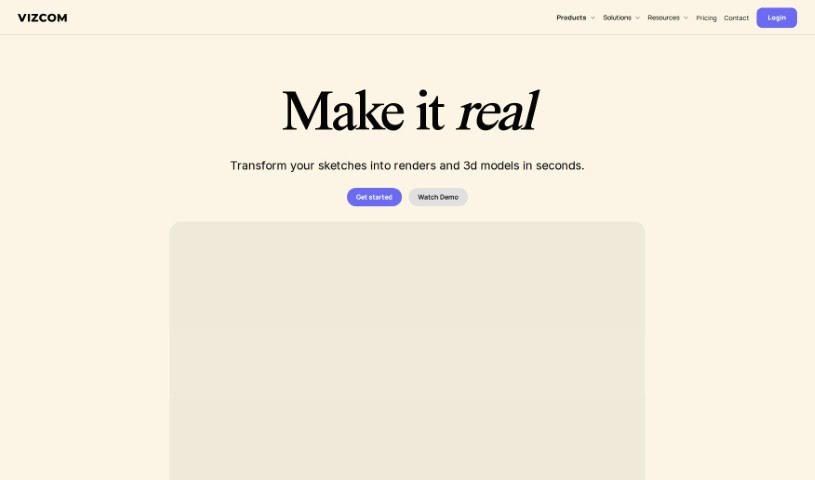
Vizcom is a really neat tool for product visualization, made specifically for people in design and creative fields. It helps you bring your design ideas to life super fast, offering high-quality photorealism, a way to discover new creative directions, and the control you need. You can sketch, bring in 3D models, play with different rendering styles, use drawing tools, and so much more – it really opens up endless design possibilities. Plus, they take security seriously, using top-notch encryption and data protection. Vizcom also makes it easy to work with others through shared workspaces and by connecting you with a community of fellow designers.

Stay Updated with AI Tools

Get weekly updates on the latest AI tools, trends, and insights delivered to your inbox

Join 25,000+ AI enthusiasts. No spam, unsubscribe anytime.