AI Tools for Video Generation

Discover the best Video Generation AI tools to enhance your productivity and creativity.

Page 17 of 28 β€’ 333 total tools
Screenshot of Otheryou

Otheryou

Freemium

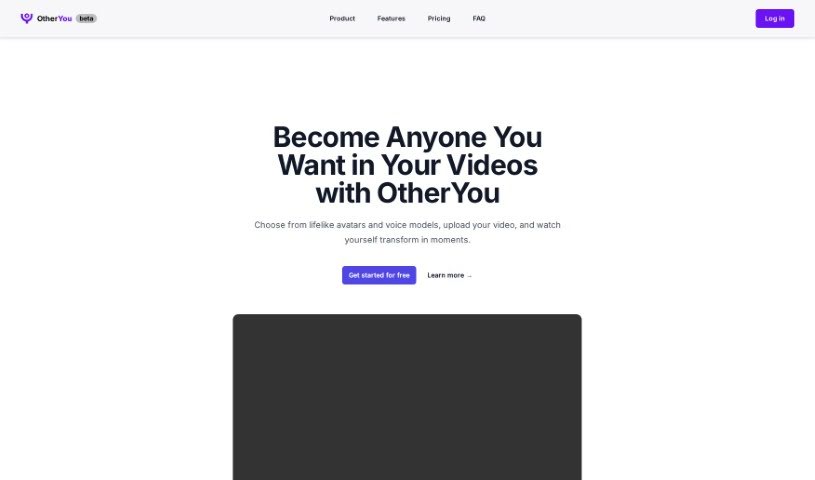
OtherYou is a really neat AI tool that can completely change your video content. It lets you swap out faces and voices, replacing them with lifelike avatars and voice models. It's super easy to use: just upload your video, pick the avatars and voices you like, and watch your video transform in just a few moments. You get features like face swapping, voice changing, and even the ability to create your own custom avatars, making video editing feel accessible and straightforward for everyone.

Video Generation View Tool β†’
Screenshot of Pictory

Pictory

Freemium

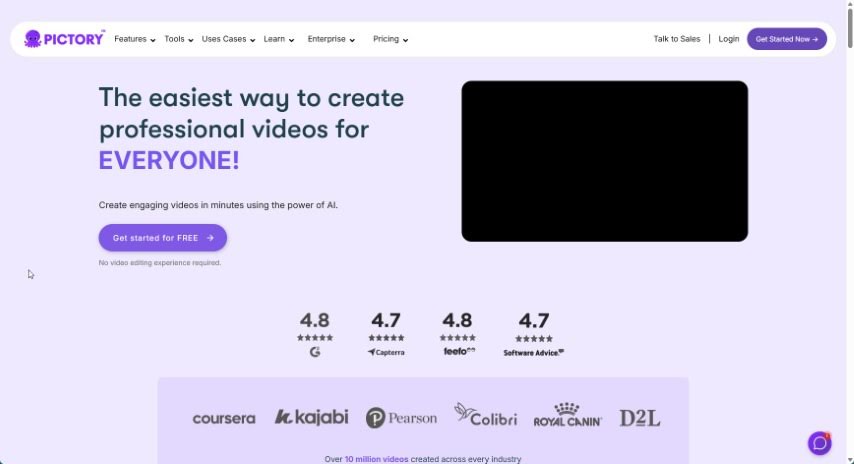
Pictory is a really handy platform that helps you create professional-looking videos. You can start with just a script, or it can automatically turn your blog posts into engaging videos. It's also great for pulling out the best moments from longer recordings, perfect for social media. Plus, you can easily add captions to boost how many people see your videos and keep them watching longer. If you work with others, Pictory makes collaboration simple, and they even offer support for non-profits. To help you get the most out of it, Pictory offers courses like "YouTube Mastery" and "Video Marketing Made Easy," which are designed to help you grow your YouTube channel and get better at video marketing. They've also recently introduced Pictory GPT for Videos and Pictory AI, which are fantastic for turning long content into short, shareable social videos.

Video Generation View Tool β†’
Screenshot of Pixop

Pixop

Freemium

Pixop is a service designed to make video enhancement and upscaling straightforward and accessible for everyone. Founded by Morten and Jon, Pixop harnesses the power of AI, machine learning, and cloud computing to automate the entire video enhancement process. Essentially, it's built to boost the quality and resolution of your videos, making them look great whether for personal projects or professional broadcast media. The platform itself is really user-friendly, using artificial intelligence and machine learning to instantly improve your video quality.

Video Generation View Tool β†’
Screenshot of PixVerse AI

PixVerse AI

Freemium

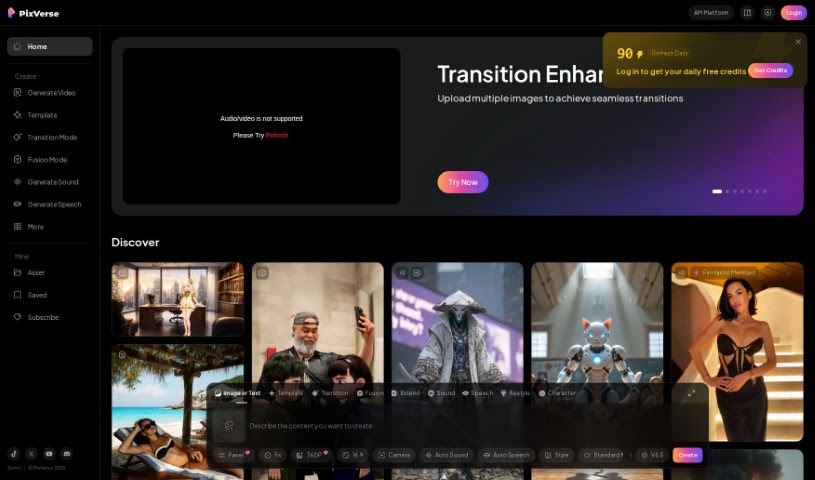
PixVerse is a really cool generative AI tool that lets you make amazing videos just by typing in what you want. It is a way to bring your ideas to life with video. This neat tool, created by the PixVerse team, works right through Discord. You just hop into one of their special 'generate-room' spaces, type `/create`, and off you go! It's pretty straightforward. What's great is you can pick the look you're going for – maybe something super realistic or a cool anime style. You can also tweak things like the video's shape (aspect ratio) or add 'negative prompts' if there's something you definitely don't want in the video. Basically, PixVerse makes it easy for anyone to get creative and produce good-looking videos without a lot of fuss.

Video Generation View Tool β†’
Screenshot of Plask Motion

Plask Motion

Freemium

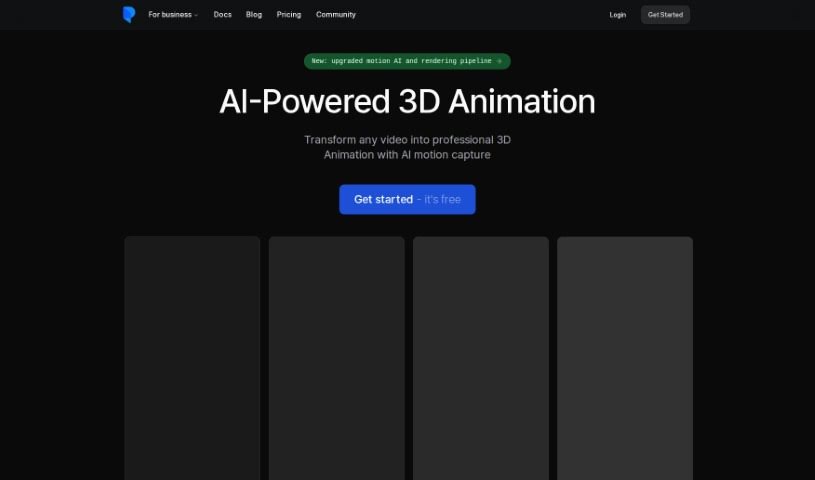
Plask Motion is an AI-powered toolkit designed to speed up 3D animation and make workflows much smoother. It's built for everyone, whether you're a seasoned pro or just starting out, helping you create impressive 3D animations quickly. You'll find features like motion integration, outsourcing services if you need an extra hand, and helpful community tutorials to guide you. Many creators in gaming, film, and virtual reality rely on Plask Motion because it really simplifies motion capture and animation, cutting down on jitter and boosting efficiency. No matter if you're working in game development, media, entertainment, or any creative field, Plask Motion can help you innovate and really let your creativity shine.

Video Generation View Tool β†’
Screenshot of Playplay

Playplay

Freemium

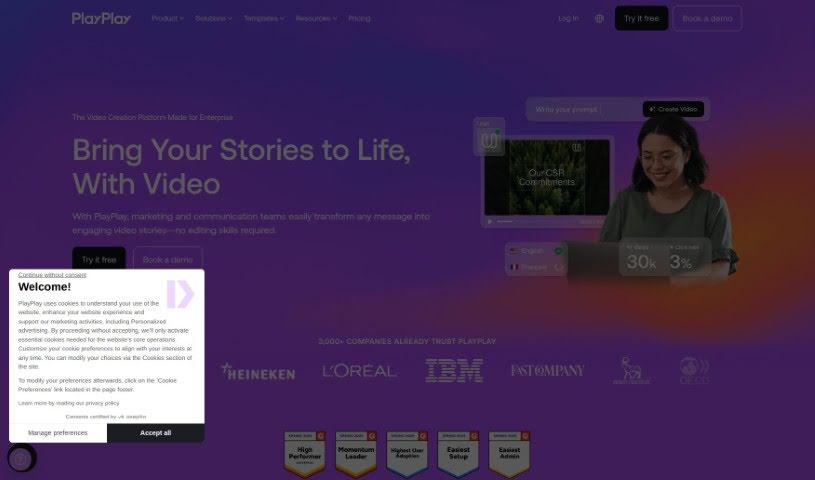
PlayPlay is a video creation platform built specifically for businesses. It is your go-to tool if you're in marketing or communications and need to turn your messages into engaging video stories, even if you've never edited a video before. It comes with all sorts of trendy animations, a huge library of Getty Images to pull from, and handy features like auto-branded videos to keep your company's look consistent. Plus, it's got solid data protection, makes collaboration easy, and offers plenty of ways to customize your videos. It's pretty popular, too – over 3,000 companies trust it, and you can try it out for free for a whole week. Whether you need a TikTok video, a LinkedIn post, a tutorial, a podcast clip, an ad, a product demo, or a recruitment video, PlayPlay can help. It even has an AI video creation feature to speed things up, supports teamwork in big organizations, and is great for social media marketing, corporate comms, internal updates, and general content marketing.

Video Generation View Tool β†’
Screenshot of Polymorf

Polymorf

Freemium

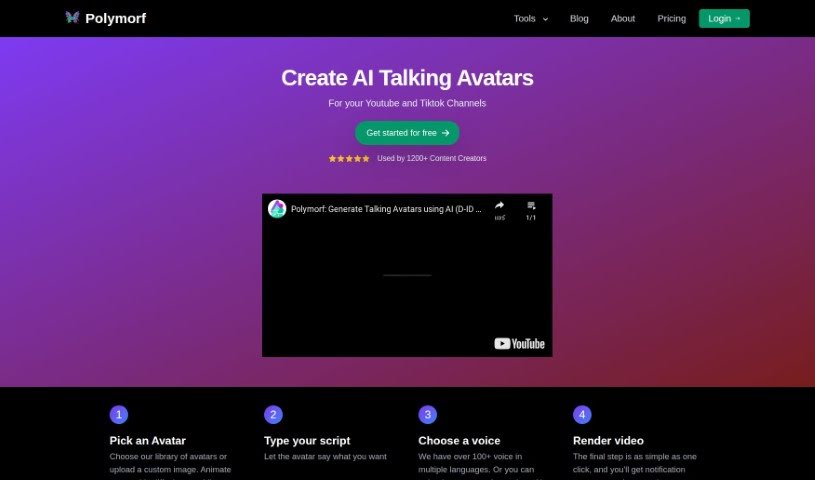
Polymorf is a Text-to-Video Avatar generator developed by Yomu Labs Inc, a company based in Montreal, Canada. It's designed to help you create talking head animations easily. You can pick from a selection of avatars or upload your own image, then simply type in your text or upload custom audio. The tool then generates a video of an avatar speaking your words. It's especially great for making short videos for platforms like TikTok or YouTube Shorts. You can even animate still images to make them look like they're talking.

Video Generation View Tool β†’
Screenshot of Powder

Powder

Freemium

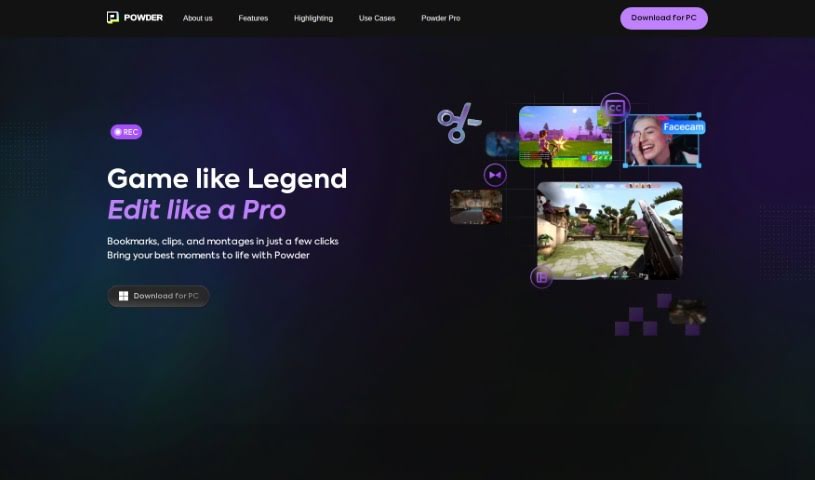
From what I've gathered, Powder is a handy tool built for gamers. It uses AI to help you turn those super long gaming streams into short, shareable clips for social media. It is an automatic clip generator that polishes your best moments so they're ready to share in just a few clicks. With Powder, you can record your gaming sessions, easily grab those standout moments, edit your game clips and montages, and even analyze your content without any limits. It's a PC app that works exclusively on Windows. You get features like screen recording, automatic clip creation for popular games, and smart AI video editing tools.

Video Generation View Tool β†’
Screenshot of Powerhour

Powerhour

Freemium

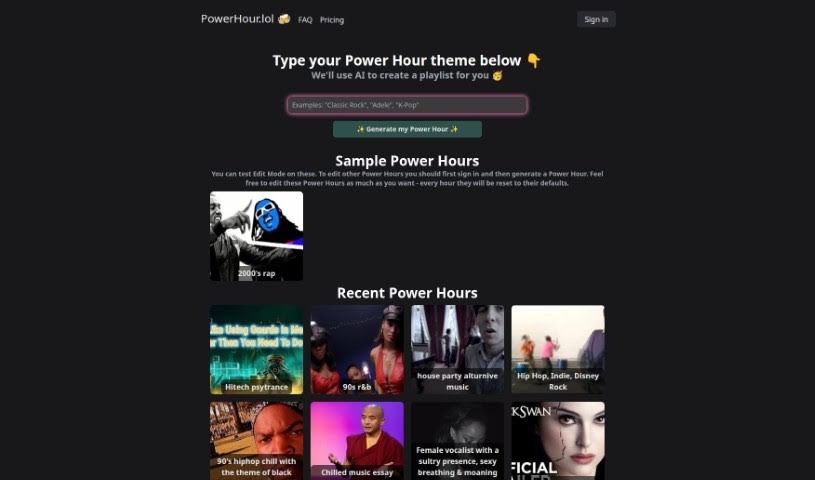
Power Hour is a really neat AI tool that lets you put together hour-long video playlists, kind of like a custom mixtape but with videos! You can easily tweak these playlists right in the tool's simple web interface. It's designed so you can watch your Video Power Hours yourself or share them with friends. Want to create your own theme? Just type in what you're looking for, and the AI will whip up a playlist for you. They've got themes for all sorts of tastes – think music genres like rap, rock, and pop, or specific interests like movies, sports, and even AI. Plus, you'll find themes covering nature, art, and culture. PowerHour.lol really focuses on making things easy, so you can create, edit, and share your Video Power Hours for free without any hassle.

Video Generation View Tool β†’
Screenshot of Prequel

Prequel

Freemium

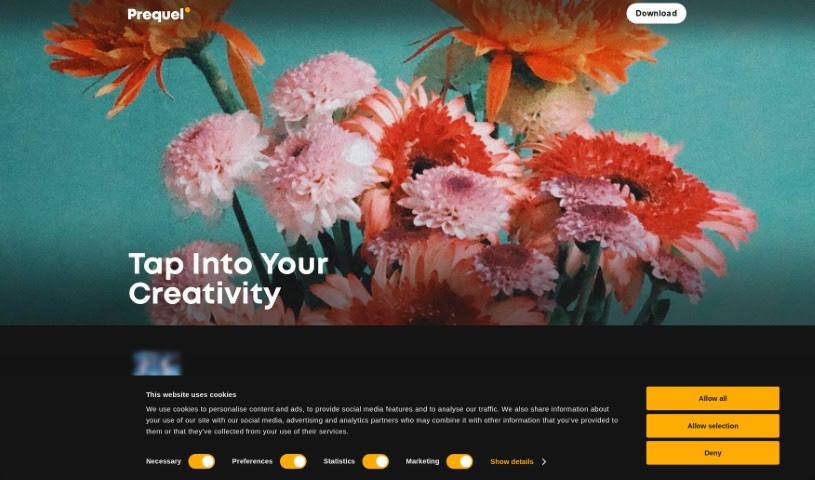
Prequel is a really versatile photo and video editing app packed with tools for creative folks. You've got over 800 effects to play with, including cool D3D and AR objects. Plus, it uses AI to transform your photos, offers retouching tools to make you look your best, color filters to set the mood, and advanced editing options for that perfect image refinement. If you're making videos, there are templates ready to go with intros, outros, and background music. Basically, Prequel helps you create unique, polished content without a huge learning curve.

Video Generation View Tool β†’
Screenshot of Puppetry

Puppetry

Freemium

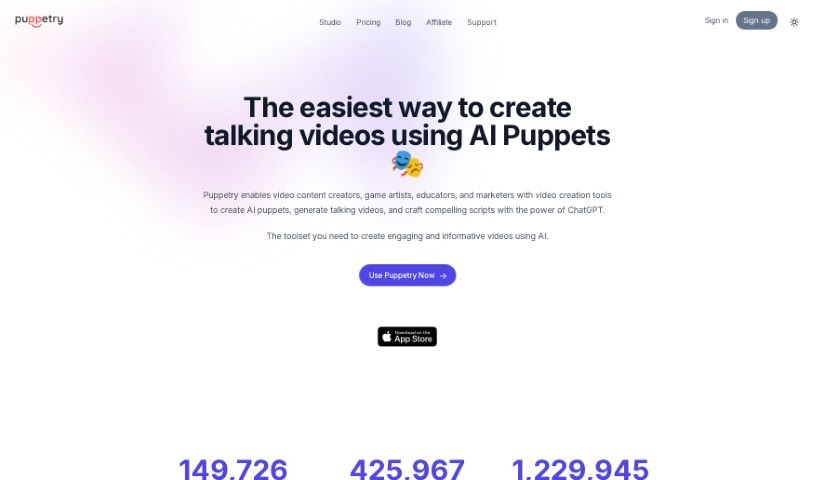
Puppetry is a comprehensive toolkit designed to make the tricky job of face animation much simpler. It uses advanced technology to create lifelike, animated faces from just a simple script, meaning you don't have to worry about complicated manual adjustments anymore. The Puppetry App itself is a straightforward way to animate faces and produce animation videos, game assets, Instagram posts, mock storyboards, and a whole lot more. You can even integrate it with Canva, use it with over 30 languages, generate videos with AI voices, and pick from a variety of voice styles for your avatars.

Video Generation View Tool β†’
Screenshot of Quickvideo

Quickvideo

Freemium

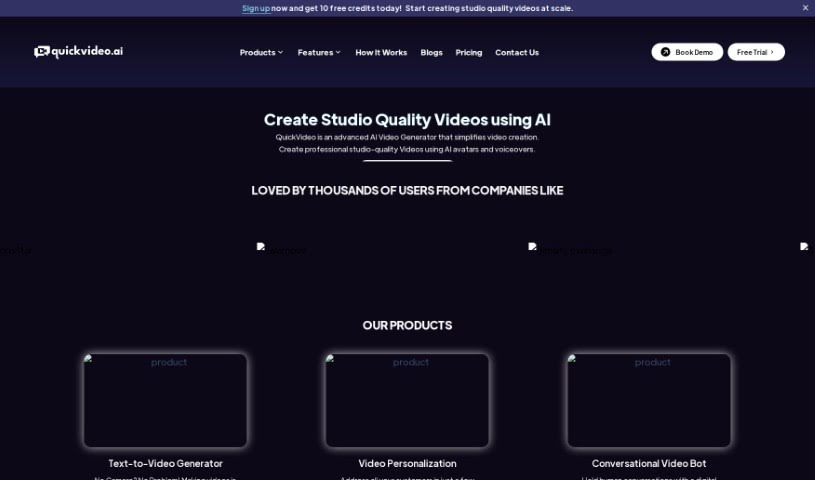
QuickVideo is a smart AI Video Generator that really makes creating videos simple. It produces professional, studio-quality videos using AI avatars and voiceovers. You can either type in your script or even clone an existing audio file to make your video. This tool lets you personalize your videos, which is great for business needs like creating onboarding messages. Plus, it can handle automated, human-like conversations with your customers, helping to boost engagement and keep them around longer. QuickVideo is designed to be easy to use, works well even with limited data and storage, and you can use it on all sorts of platforms. It really uses AI features like avatars, voiceovers, and script generators to speed up the video production process.

Video Generation View Tool β†’

Stay Updated with AI Tools

Get weekly updates on the latest AI tools, trends, and insights delivered to your inbox

Join 25,000+ AI enthusiasts. No spam, unsubscribe anytime.