What is Quickvideo?
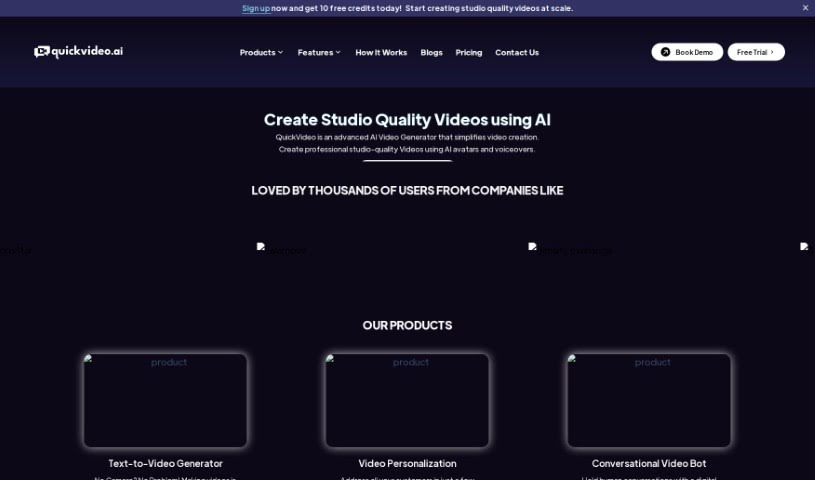
QuickVideo is a smart AI Video Generator that really makes creating videos simple. It produces professional, studio-quality videos using AI avatars and voiceovers. You can either type in your script or even clone an existing audio file to make your video. This tool lets you personalize your videos, which is great for business needs like creating onboarding messages. Plus, it can handle automated, human-like conversations with your customers, helping to boost engagement and keep them around longer. QuickVideo is designed to be easy to use, works well even with limited data and storage, and you can use it on all sorts of platforms. It really uses AI features like avatars, voiceovers, and script generators to speed up the video production process.
Who created Quickvideo?
Quickvideo was developed by an unnamed founder and first launched on April 5, 2023. The company offers a platform that uses AI to power a conversational video chatbot, allowing users to create studio-quality videos. Key features include generating video from text, personalizing videos, and using AI avatars. It’s built to offer personalized video experiences, improve how you connect with customers, and provide real-time video responses across different platforms.
What is Quickvideo used for?
- It helps boost customer engagement.
- It automates video production.
- It’s great for creating onboarding messages.
- It can guide potential customers through the sales process.
- It helps handle service questions or support requests.
- It enables personalized video experiences.
- It improves customer retention.
- It’s useful for creating lead guidance videos.
- It facilitates human-like automated conversations.
- It acts as a self-learning video bot.
- It’s a conversational video bot designed for better engagement.
- It provides real-time video responses.
- It’s a user-friendly tool, perfect for beginners.
- It can be used across various platforms.
- It’s designed for applications that use little data and storage.
- It’s useful for onboarding messages.
- It offers an option for a standalone greeting message.
- It’s a tool for video personalization.
- It generates videos that can be scaled easily.
- It has strong natural language understanding capabilities.
- It delivers instant real-time video.
- It’s efficient with data and bandwidth.
- It can be embedded using a short code snippet.
Who is Quickvideo for?
- Marketing professionals
- Sales professionals
- Customer service professionals
- Content creators
- Business owners
- Beginners in video creation
- Lead generation efforts
- Customer Service departments
- Customer support teams
- Sales teams
- Marketing departments
- Business application solutions
- Creating lead guidance videos
- Developing onboarding messages
- Automated video production
- Conducting human-like automated conversations
- Providing a standalone greeting message option
- Video personalization tools
- Generating scalable videos
- Utilizing robust natural language understanding
- Implementing website scraper models
- Facilitating interactive customer conversations
- Supporting service queries
- Creating human-like video chatbots
- Guiding sales funnels
- Improving customer engagement
- Enhancing customer retention
- Delivering instant real-time video
- Operating efficiently with low data/bandwidth needs
- Embedding via short code snippets
- Optimizing pretrained bots
- Providing pro tip notifications
- Ensuring cross-device compatibility
- Creating hyper-personalized video content
- Developing self-learning video bots
- Offering multiple voice options
- Supporting multiple language options
- Enabling instant publishing of video chatbots
- Allowing voice and language choice
- Operating with no camera required
- Crafting tailored video narratives
- Eliminating video rendering time
- Offering a trial version
- Connecting directly to platforms
- Speaking to customers anywhere
- Activating instant conversational video bots
How to use Quickvideo?
To get the most out of QuickVideo, just follow these simple steps:
- First, sign up or log in to your QuickVideo account.
- Next, pick an avatar and the video format you want to start creating your video.
- Then, type in your script, or if you prefer, you can clone an existing audio file using the text-to-video generator.
- After that, review your video and import it so you can publish it on different channels.
- Choose from the AI voices available to use multilingual options and select the right accents.
- You can use the conversational video bot feature to have automated, human-like chats with your customers.
- Make your videos more personal by tailoring them to different customer needs and situations using the video personalization tool.
- Take advantage of the tool for various business needs, like creating onboarding messages, guiding leads, and supporting service queries.
- You can easily embed QuickVideo on different platforms, such as websites, mobile apps, and kiosks, by using a short code snippet.
- Finally, enjoy the real-time responses and the minimal data and storage use thanks to the platform’s efficient AI technologies.
QuickVideo really makes video creation easier with its advanced AI features. It helps you produce professional-quality videos while also giving you customization options and enabling real-time customer engagement.