AI Tools for Programming

Discover the best Programming AI tools to enhance your productivity and creativity.

Page 5 of 14 • 161 total tools

Coding has always been a bit of a challenge, but with the rise of AI programming tools, things are changing fast. These tools can help simplify coding tasks, find and fix bugs, and even generate code for you. They’re really changing how developers work. No matter if you’re a pro or just starting out, the right AI tools can seriously boost how much you get done.

But, as more developers start using these AI features, it’s clear that not all tools are created equal. The market is packed with options, from tools that help you complete code as you type to smart systems that generate documentation. Each one has its own pros and cons. Figuring out the best one for your own work can feel a bit overwhelming, especially since new tools and features are popping up so quickly.

To help you sort through everything, I’ve spent time testing and checking out the most promising AI programming tools out there. You’ll find a selection that not only makes your coding more efficient but also helps you take on challenges with more confidence. Whether you need a hand with debugging or want to automate tasks you do over and over, there’s an AI tool that’s perfect for you.

In today’s world, where every minute counts, using these tools can make a huge difference in hitting deadlines and moving projects forward. Come along as we look at the best AI programming tools designed to really ramp up your coding experience.

The best AI Programming Tools

  1. Code Sandbox: Great for a code compilation environment.
  2. Warp Terminal: Helps streamline devops automation.
  3. ZZZ Code AI: Offers tools for code conversion and evaluation.
  4. Sourcegraph Cody: Provides intelligent code completion right in your IDEs.
  5. Code Rabbit: Enhances code quality through automation.
  6. Aider Chat: Offers improved pair programming with AI.
  7. Code Convert AI: Quickly converts code between multiple languages.
  8. Promptmetheus: Streamlines code generation prompts.
  9. JetBrains: Streamlines coding with smart suggestions.
  10. Gpt4V Online: Explains code using image analysis.
  11. Inngest: Streamlines error handling in workflows.
  12. HTTPie: Makes cli http requests for API development easier.
  13. Snappify: Helps you easily visualize and compare code snippets.
  14. Build Ship: Streamlines API development for apps.
  15. Peak U: Offers quick bug fixes across many languages.

How do AI programming tools work?

AI programming tools use the same basic technology as AI writing software: large language models, or LLMs. These tools are built to help developers by suggesting code, assisting with debugging, and even writing entire functions based on what you tell them. Most of these tools connect to established LLM providers through APIs, which lets them offer their services fast without needing to build complicated models themselves.

When you use these tools, you usually describe the coding task or ask a specific question. The AI figures out what you need and then predicts the code or solution that best matches, drawing from a massive amount of programming knowledge. This includes sample code, libraries, and coding best practices learned from all the programming resources available online.

AI programming tools are showing up more and more in popular development environments, like Visual Studio Code and JetBrains IDEs. These platforms give you code suggestions as you type, offering developers insights while they’re writing. By teaming up with LLM creators, these applications provide extra features designed to improve the coding experience, cutting down on the need for extensive in-house research and development.

The training process LLMs go through is key to how effective these tools are. They study huge amounts of code, documentation, and programming texts to learn coding language patterns and conventions. This deep training helps them understand context and what you’re trying to do, making their suggestions more relevant to the task at hand.

So, to sum it up, AI programming tools use LLMs to make coding simpler. While they won’t replace human programmers, they’re great assistants that boost productivity and accuracy. As they keep getting better, these tools will continue to shape how we program, giving developers new ways to create and innovate.

Our best AI programming tools at a glance

RankNameBest forPlans and PricingRating
1CodeSandboxcode compilation environmentN/A4.45 (11 reviews)
2Warp Terminalstreamlining devops automationN/A4.79 (28 reviews)
3ZZZ Code AIcode conversion and evaluation toolsN/A4.17 (6 reviews)
4Sourcegraph Codyintelligent code completion in idesN/A4.70 (10 reviews)
5CodeRabbitenhancing code quality with automationN/A4.73 (37 reviews)
6Aider Chatenhanced pair programming with ai.N/A3.59 (22 reviews)
7CodeConvert AIquickly convert code in multiple languagesN/A3.60 (5 reviews)
8Promptmetheusstreamline code generation promptsN/A4.17 (6 reviews)
9JetBrainsstreamlining code with smart suggestionsPaid plans start at $8.33/month.3.63 (8 reviews)
10Gpt4V Onlinecode explanation through image analysisPaid plans start at $8/month.4.40 (10 reviews)
11Inngeststreamline error handling in workflows.N/A4.69 (13 reviews)
12HTTPiecli http requests for api developmentN/A4.73 (22 reviews)
13Snappifyvisualize and compare code snippets easily.Paid plans start at $5/month.4.18 (11 reviews)
14BuildShipstreamlined api development for appsN/A4.20 (5 reviews)
15PeakUquick bug fixes across multiple languages.N/A4.20 (5 reviews)
Screenshot of Corgea

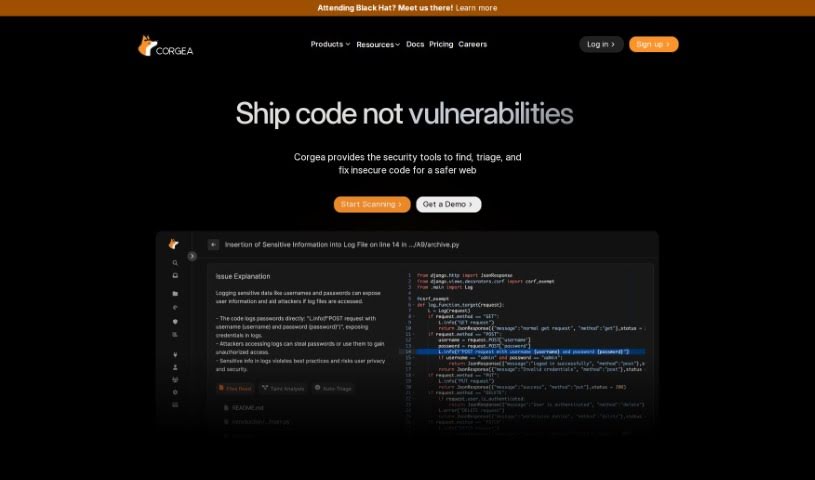
Corgea

Freemium

Corgea is a really smart platform built to completely change how security teams deal with vulnerable code. It uses AI to help engineers fix code quickly and easily, cutting down on the need for lots of manual checks. Plus, it connects right up with popular places like GitHub, GitLab, and Bitbucket, which makes it super easy for developers to use. You can even sign up for free and start making your code more secure right away, saving a ton of time and resources. It is a way to save hours, boost efficiency, give your engineers more time for important work, get fixes done faster, and enjoy a user-friendly setup that works with many different coding languages. Corgea really offers a flexible way to manage security patches in today's fast-moving digital world.

Web Development View Tool →
Screenshot of Cosine AI

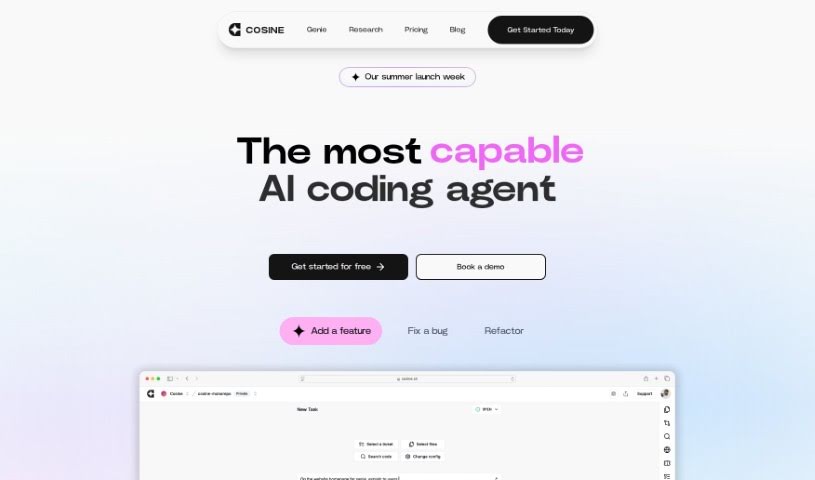
Cosine AI

Freemium

Cosine AI is designed to give you a truly superhuman grasp of code. It achieves this by using semantic indexing, building codebase graphs, creating embeddings, and employing a custom model that's been trained on actual developer tasks. It's much more than just a simple wrapper model; Cosine AI offers a deep understanding of your code and can effectively mimic your team's unique coding style.

Web Development View Tool →
Screenshot of DepsHub

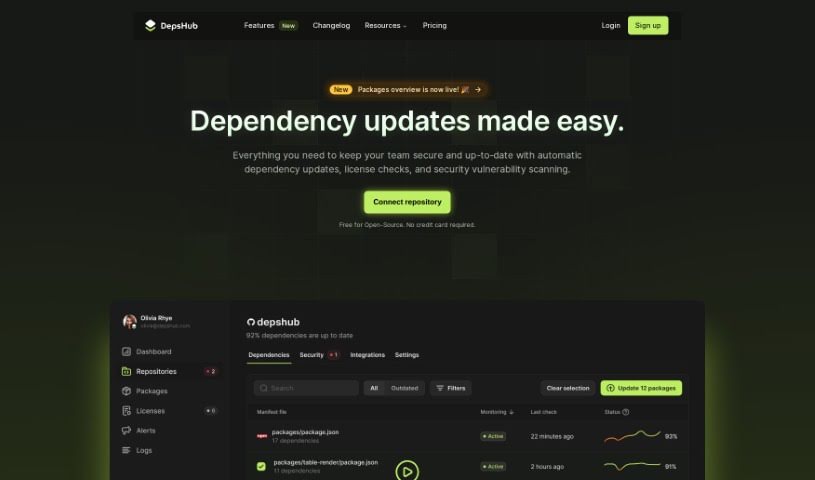
DepsHub

Freemium

DepsHub is a handy tool designed to save you time by making it much simpler to keep track of and update your software dependencies. It works with a bunch of different languages and frameworks, like Javascript, Python, Go, PHP, Java, Swift, Ruby, Docker, C#, and C++. Plus, they're adding support for even more soon!

Web Development View Tool →
Screenshot of Dev Radar

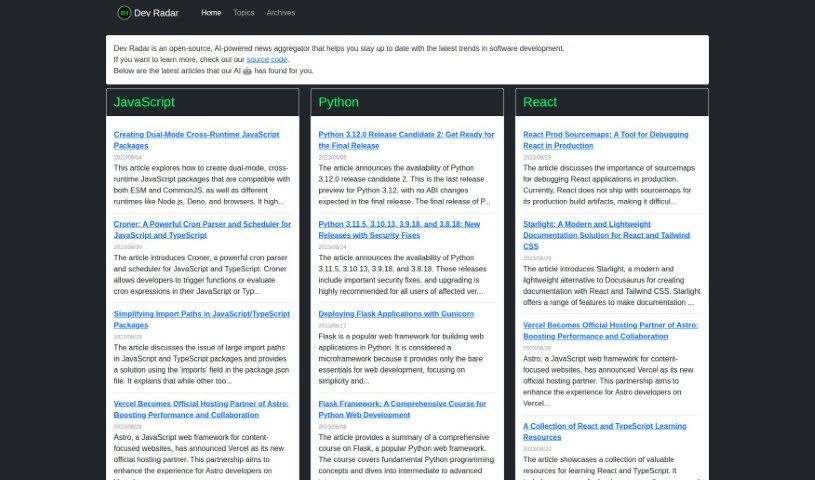
Dev Radar

Freemium

Dev Radar is a neat, open-source tool that uses AI to gather news for developers. It is a smart news aggregator focused specifically on software development. It's designed to keep you in the loop about all the latest trends. What's cool is how it scans the web for articles on popular programming languages like JavaScript, Python, Rust, and React, plus a whole lot more. The AI helps sort these articles by topic and language, making it super easy to find what you're looking for on their website. But it's not just about code; Dev Radar also covers important stuff like development methodologies, what's new in open-source, and the latest tech. By pulling together useful articles from all over, Dev Radar really helps developers save time and effort. It means you can stay up-to-date on industry trends without having to dig through countless sources yourself, going beyond just the programming languages themselves.

Web Development View Tool →
Screenshot of Devassistant

Devassistant

Freemium

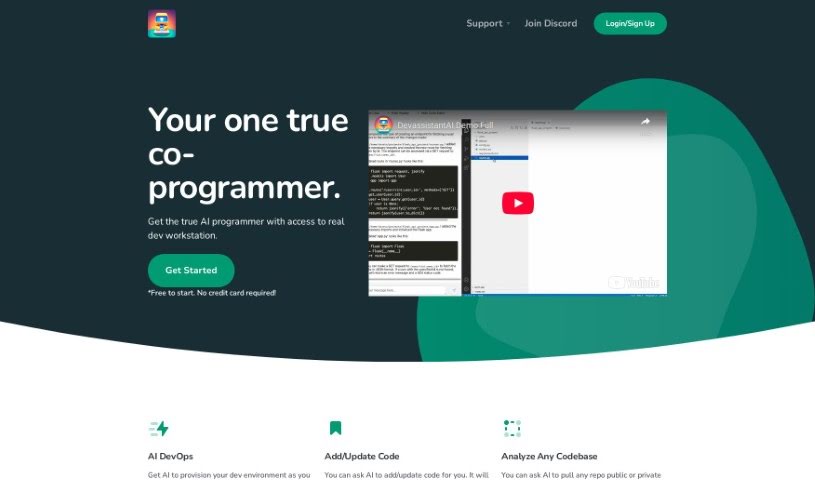
Devassistant is an AI tool built to help developers with all sorts of programming tasks. It is having a co-programmer right there with you, powered by GPT-4. It includes a command line and a code editor, making it easy to interact with. With Devassistant, you can set up your own custom workflows, automate repetitive tasks, dive deep into analyzing your codebases, ask questions about your code, make changes to it, and even see code side-by-side in a cloud-based VS Code editor. It also helps with automating DevOps tasks and setting up your developer environment. They offer different pricing plans that include things like GPT-4 credits, VCPUs, memory, and storage. Basically, you can talk to the AI co-programmer directly through the tool's command line and code editor, which really helps streamline how you code and get things done.

Web Development View Tool →
Screenshot of Devprompt

Devprompt

Freemium

DevPromptAi is an AI-powered application designed to really boost how efficient software developers are. It is a smart assistant that helps developers create, reuse, and share prompts for all those common software engineering tasks. It offers intelligent suggestions and recommendations, making it smoother for developers to create and update their code. Plus, it's got AI-powered debugging support to help find and fix bugs much more efficiently. It also provides clear explanations and documentation for tricky code snippets and algorithms, which is a huge help for understanding and documenting your code properly.

Web Development View Tool →
Screenshot of Digest Diff

Digest Diff

Freemium

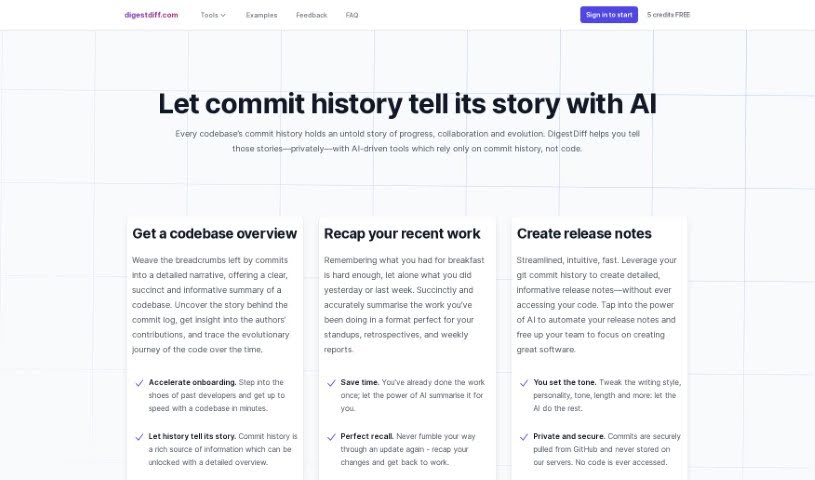
Digest Diff is a smart assistant for your code's history. It's an AI-powered tool that dives into your codebase's commit history – all the changes, updates, and who made them. What's really neat is that it figures out what's going on, like tracking progress, how people are collaborating, and how the code itself has grown over time, all without ever needing to look at the actual code. This makes it super handy for things like writing release notes, helping new team members get up to speed quickly, and giving you a clear picture of your code's journey.

Web Development View Tool →
Screenshot of Docuwriter.ai

Docuwriter.ai

Freemium

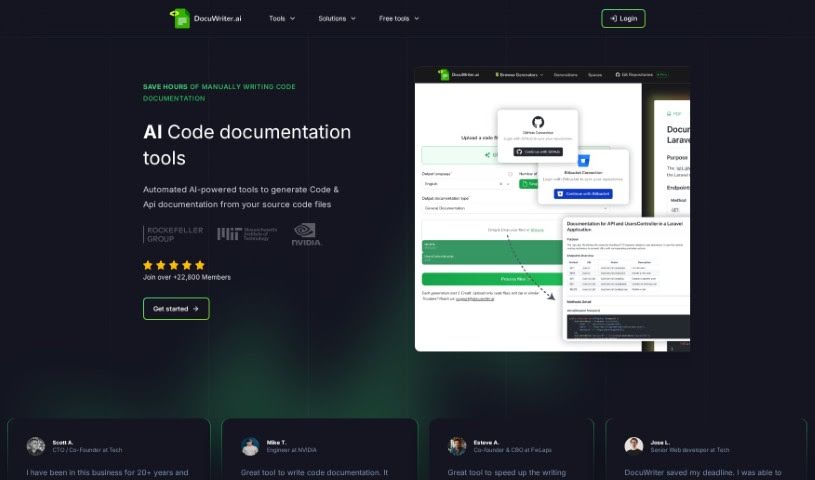
DocuWriter.ai is a smart tool that uses AI to handle your code documentation. It's designed to automatically create thorough and accurate documentation right from your source code files, all with just a click. This tool works with all the programming languages you likely use, generates documentation in Markdown format, and makes it super easy to export. You've got two main pricing options: the Professional plan for $29 a month, or the Agency plan for $99 a month. These plans offer different limits on code generations and include extra perks like options to export your documentation and priority support. Plus, you can try it out with a trial period before you decide to subscribe. DocuWriter.ai really aims to make teamwork smoother by helping everyone understand the code better and improving overall software quality through this automated documentation. It also provides unlimited history generations, which is a big help for keeping software projects on track over time.

Web Development View Tool →
Screenshot of Dosu

Dosu

Freemium

Dosu is your AI coding buddy, built specifically to help engineers keep their codebases in top shape. It's designed to make the often tedious work of code maintenance much smoother. How? By answering your questions, helping you sort through issues, and keeping your documentation up-to-date. This means you, the engineer, can spend more time on the creative, value-adding parts of your job. Dosu is always on, ready to help in your native language, and it's pretty good at solving problems on the spot. It diligently tracks open issues, works to resolve them, and makes sure everyone sticks to the best coding practices. Plus, it's a big help with documentation, nudging you when it's time to update things or even helping you write new documentation from scratch. You can even ask it for help or clarification on external code while you're in the middle of coding.

Web Development View Tool →
Screenshot of DoWhile AI

DoWhile AI

Freemium

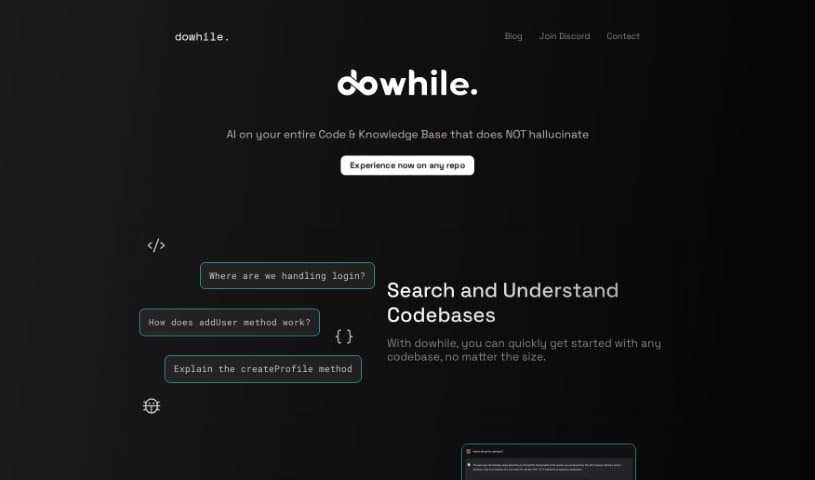
DoWhile AI is a super-smart assistant for developers. It's designed to help you quickly search through and understand codebases, even really big or unfamiliar ones, without needing to install anything or dig through tons of documentation. It makes navigating new code super fast, supports popular languages like JavaScript and Python, and really makes it easier to jump into open-source projects. You can even integrate libraries without a hassle – no lengthy guides needed. Since it's browser-based, there's nothing to install, making it super accessible. They also have a waitlist feature to help manage connections and meetings with the team, which is a nice touch. Plus, it's a fantastic way to boost your coding skills by really getting to grips with different codebases and contributing to them. DoWhile AI also keeps you in the loop with a blog and active social media communities on platforms like Discord, LinkedIn, and Twitter, all aimed at building a collaborative coding environment.

Web Development View Tool →
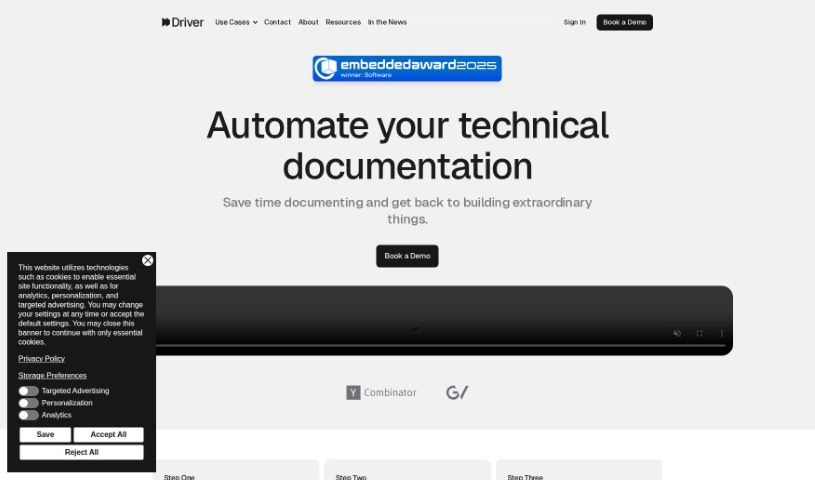
Screenshot of Driver Ai

Driver Ai

Freemium

Driver AI is a tool built to make finding new technology easier and to simplify how we manage complicated tech setups. It creates interactive guides, explained using detailed modeling systems, so both tech experts and folks less familiar with code can get a handle on codebases much faster. The goal here is to speed up how we explore code, which means projects get finished quicker and new features roll out sooner. Driver AI can really help out different people in a company, like product managers, software engineers, and field application engineers, by giving them clear explanations of code and helping them decide whether to build something new or buy an existing solution. It's worth noting, though, that while Driver AI offers some big advantages, it does have a couple of drawbacks, like being quite expensive and having a steep learning curve.

Web Development View Tool →
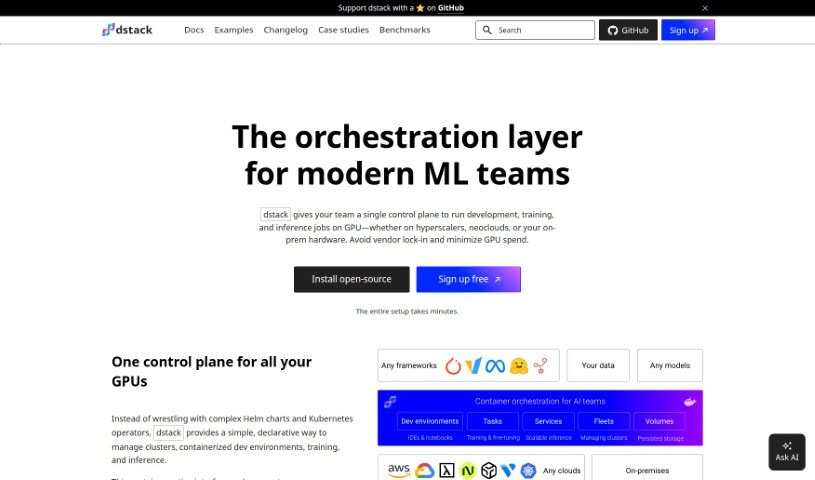
Screenshot of Dstack

Dstack

Freemium

Dstack is an open-source orchestration engine designed to make developing, training, and deploying AI models much simpler. It helps you manage your clusters, whether they're in the cloud or your own data center. It is a user-friendly hub for AI engineers. It lets you handle all your development, training, and deployment tasks without needing extra tools or waiting on the Ops team. Dstack is also built to be more lightweight and specialized for AI work than something like Kubernetes, and it plays nicely with multiple cloud providers. Plus, it's easy to add support for new cloud providers, and you can even use your on-prem servers efficiently by having Dstack manage them as a group for running containers.

Web Development View Tool →

Stay Updated with AI Tools

Get weekly updates on the latest AI tools, trends, and insights delivered to your inbox

Join 25,000+ AI enthusiasts. No spam, unsubscribe anytime.