AI Tools for PDF

Discover the best PDF AI tools to enhance your productivity and creativity.

Page 3 of 4 • 38 total tools

PDFs are great for sharing and keeping documents just as they are, but they can be a real pain to edit. Imagine how much smoother things would be if AI tools could simplify this process—helping you edit, add notes, convert, and more.

The world of PDF tools is changing fast. You no longer need a complicated software suite for simple document tasks. Today’s AI PDF tools use smart technology to make handling these files easier and more intuitive than ever.

Over the last few weeks, I’ve looked through tons of options, testing different features to find the best ones. From smooth editing to smart conversion, the top tools can really improve how you work with PDFs.

Whether you’re a professional dealing with legal papers or a student organizing study notes, these AI-powered solutions can save you time and effort. So, let’s get into the best AI PDF tools out there right now.

The best AI PDF Tools

  1. SmallPDF.com: Great for editing and organizing PDFs easily.
  2. Tenorshare: Offers AI-powered PDF summaries for research.
  3. LightPDF: Lets you edit and convert PDFs without any fuss.
  4. PDFgear: Perfect for editing and annotating your PDF documents.
  5. HiPDF: Split and merge PDFs online with ease.
  6. Ocr Best: Converts PDFs to editable text effortlessly.
  7. Go PDF: Edit and secure PDFs seamlessly.
  8. Chatdox: For efficient PDF analysis and management.
  9. Thetoolbus: Makes PDF editing for job applications simple.
  10. Map Deduce: Efficiently extracts data from PDF reports.
  11. File GPT: Easily extract insights from PDFs.
  12. Styler GPT: Converts chats to PDFs for simple sharing.
  13. Getsearchable PDF: Turns scanned documents into editable text.
  14. PDF Pals: Streamlines document analysis and data extraction.
  15. Formix PDF: Automates document merging and editing.

How do AI PDF tools work?

AI PDF tools are built to improve how we work with PDF documents, making them smarter and easier to handle. Basically, these tools use machine learning to look at the content of PDF files. This lets them do things like pull out text, convert files, edit them, and compare documents.

A key technology here is often Optical Character Recognition (OCR). It’s used to turn scanned documents into text you can edit. OCR algorithms analyze the patterns of letters and words, so the software can recognize and grab content from images.

Plus, many AI PDF tools use natural language processing (NLP) to understand and work with the text inside PDFs. This means they can summarize content, find main topics, or even sort documents based on what’s inside.

For instance, some tools can change PDFs into formats like Word or Excel very accurately. They do this by figuring out the document’s layout and content, then rebuilding it in a new format while keeping the original look.

What’s more, AI features can help with teamwork by showing changes made to a document or finding similar phrases across different files. This really speeds things up, especially when managing documents is important.

Finally, advanced AI PDF tools can connect with other apps to automate repetitive jobs. By linking to cloud services or project management tools, they can automatically update and share documents with teams, saving time and boosting productivity.

All in all, AI PDF tools change how we handle PDF files. They don’t just make basic tasks simpler; they also add smart features that greatly improve how we manage and use documents effectively.

Our best AI PDF tools at a glance

RankNameBest forPlans and PricingRating
1SmallPDF.comEditing and organizing PDFs efficientlyPaid plans start at $9/month.4.73 (11 reviews)
2TenorshareAI-driven PDF summaries for research.N/A4.64 (11 reviews)
3LightPDFEffortlessly editing and converting PDFs.N/A4.73 (30 reviews)
4PDFgearEditing and annotating PDF documents.N/A4.68 (25 reviews)
5HiPDFSplitting and merging PDFs online easily.N/A4.73 (22 reviews)
6Ocr BestEffortlessly converting PDFs to editable text.N/A4.27 (11 reviews)
7GoPDFEditing and securing PDFs seamlessly.N/A4.50 (6 reviews)
8ChatdoxEfficient PDF analysis and managementPaid plans start at $5/month.4.64 (28 reviews)
9ThetoolbusEffortless PDF editing for job applicationsN/A4.18 (11 reviews)
10MapDeduceExtracting data from PDF reports efficiently.Paid plans start at $6/month.4.67 (12 reviews)
11FileGPTExtracting insights from PDFs easily.N/A4.00 (5 reviews)
12StylerGPTConverting chats to PDFs for easy sharing.N/A3.67 (6 reviews)
13GetsearchablePDFConverting scanned documents to editable textPaid plans start at $9/month.4.64 (11 reviews)
14PDF PalsStreamlining document analysis and extractionN/A4.75 (20 reviews)
15Formix PDFAutomating document merging and editingN/A4.43 (7 reviews)
Screenshot of PDF Parser

PDF Parser

Freemium

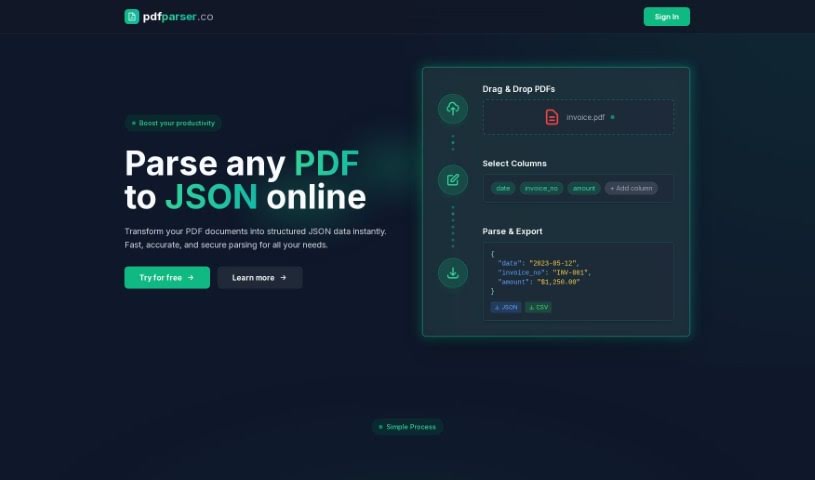
A PDF parser is a smart tool that uses AI to turn your PDF files into organized JSON data. It is a digital assistant that makes pulling out important information super simple. You just upload your PDF documents – you can even upload several at once – and tell it which specific pieces of data you're looking for. The parser then automatically finds and extracts that information for you. This means you can say goodbye to the tedious work of manually sorting through things like invoices or support tickets. It really simplifies handling PDFs and makes your work much more efficient by automating the data extraction process in just a few easy steps.

Screenshot of PDFchat

PDFchat

Freemium

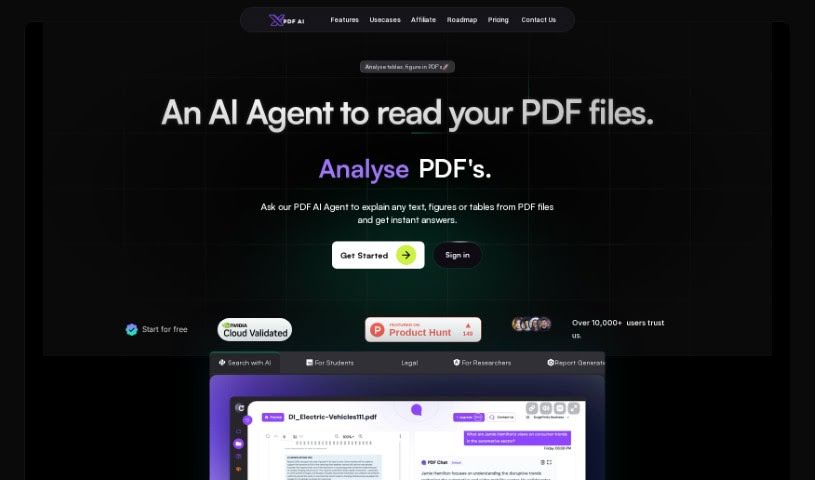
PDFchat is a really neat AI tool that completely changes how we work with documents. Basically, it lets you have a conversation with your PDFs! It's built to understand, pull out, and analyze information from PDFs, no matter what language they're in. This makes it super helpful for students, professionals, and businesses alike. Think about it: you can ask questions using your voice, it handles scanned and messy PDFs, and it can even make sense of tables. PDFchat really speeds things up by giving you quick, accurate answers straight from your documents. You just upload your file and start chatting – no more sifting through pages for hours. Some of its best features include smart chat interactions, support for all sorts of documents, quick summaries, voice commands, and analysis in many languages. It’s a genuinely useful tool for managing documents more efficiently.

Screenshot of PDFelement by Wondershare

PDFelement by Wondershare

Freemium

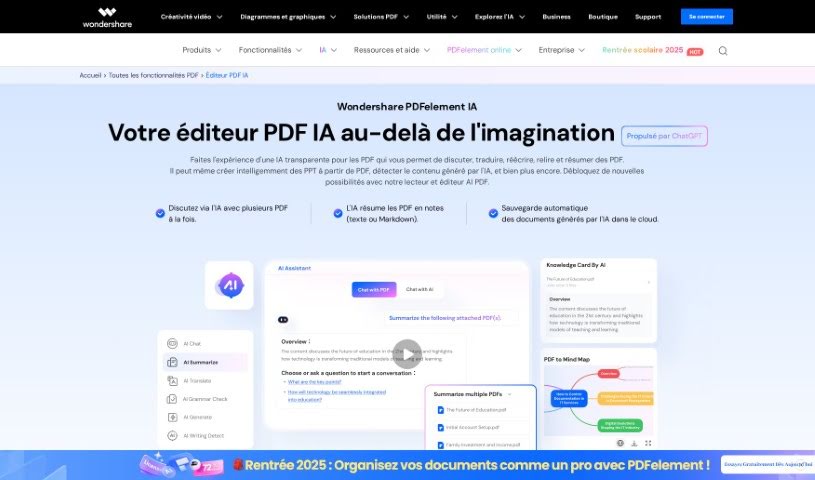
PDFelement by Wondershare is your go-to PDF editing software, built to make working with documents much smoother. It’s packed with tools that let you create, edit, convert, and share your PDFs securely. With PDFelement, you can easily tweak text, images, and even entire pages within your PDFs. Plus, you can add notes, highlights, or sign documents digitally. It also boasts advanced OCR technology, which is super handy for turning scanned documents into editable and searchable files. Need to process a bunch of files at once? PDFelement handles batch processing, and it plays nicely with popular cloud storage services too. All in all, it’s a really flexible tool for anyone, whether you're an individual or a business, who wants to manage their PDF documents efficiently.

Screenshot of PDFgear

PDFgear

Freemium

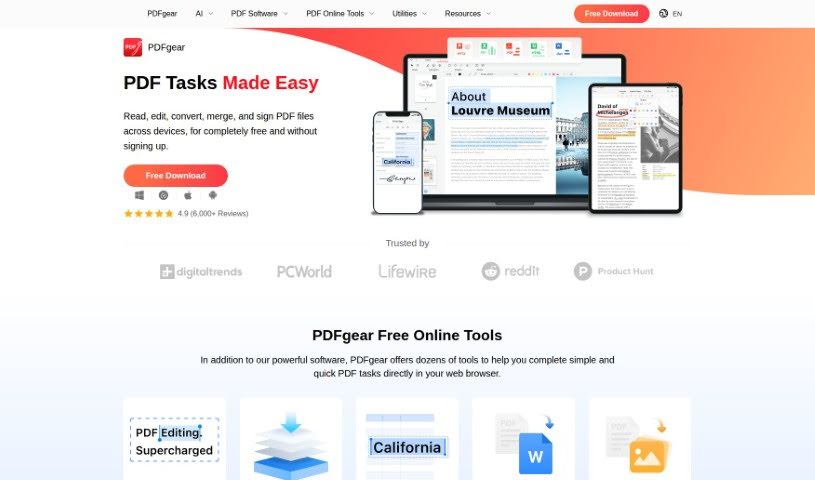
PDFgear is a really handy PDF editor that can do a lot of things. You can merge, edit, convert, and even sign your PDF documents, and you can even draw with your mouse to add ink. It also has some neat AI features, like a summarizer to quickly get the main points from a document and a smart proofreader to help improve your writing. Plus, it offers language translation, a text rewriter, and a PDF copilot that lets you chat with your documents. What makes PDFgear stand out is how easy it is to use; its natural language commands mean you can edit, annotate, or summarize PDFs without any fuss. It's a free tool available on their website, with a version specifically for Windows right now.

Screenshot of Readpal

Readpal

Freemium

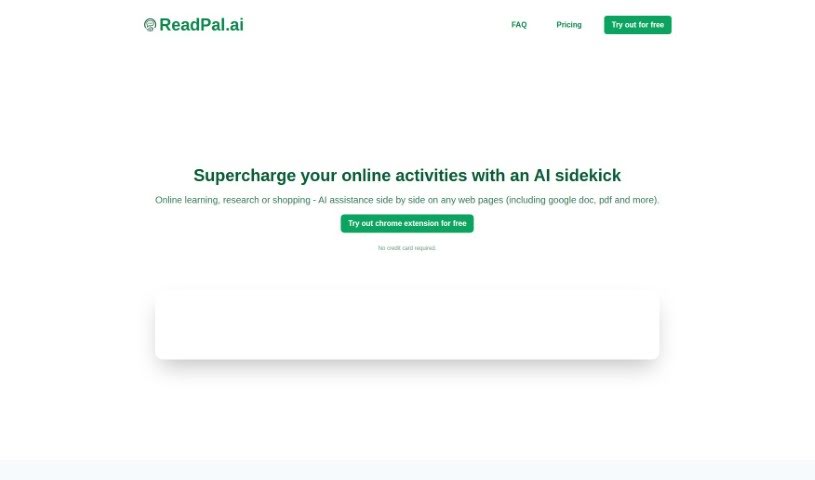
ReadPal is your smart AI sidekick for everything you do online – reading, researching, even shopping. It’s designed to give you instant explanations, quick summaries, helpful recommendations, and deeper insights into whatever you're looking at. It fits right into your workflow as a Chrome extension, so it’s there when you need it without getting in the way. You can interact with ReadPal super easily using keyboard shortcuts, right-clicking for context menus, or just clicking a prompt. And your privacy is a big deal to them; they don't store your personal data beyond what's needed for sign-in and usage stats. All your queries to AI model providers are anonymized, and your chat history stays right there on your browser. ReadPal can even switch between different AI models for different jobs and plans to train its own models down the line to make things even better. Right now, it's a Chrome-only affair, but they're looking into supporting other browsers too. It’s great for all sorts of content, like Google Docs, PDFs, and web pages, with YouTube videos coming soon. You can even try it out with 20 free queries – no credit card needed!

Screenshot of ReportPDF

ReportPDF

Freemium

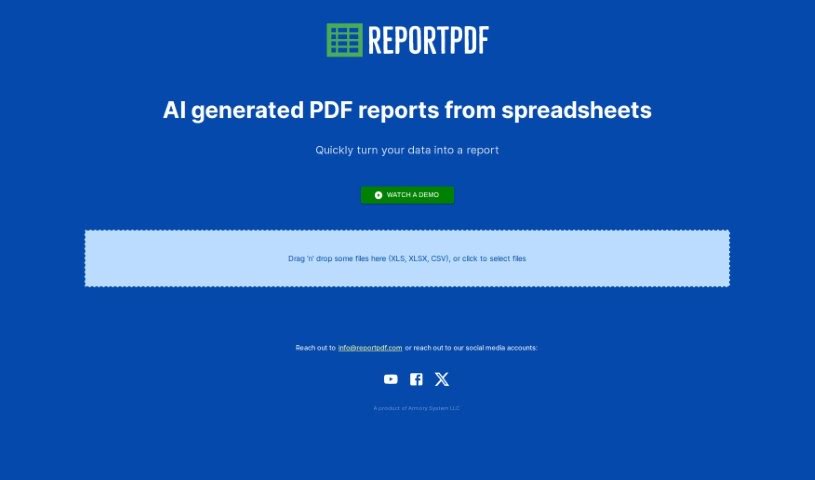
ReportPDF is a handy tool from Armory System LLC that helps you transform your data into clear, comprehensive PDF reports. It is a bridge between your raw numbers and easy-to-understand documents. You can simply drag and drop files like CSV, XLS, and XLSX right into the tool. What's really neat is its AI technology. It doesn't just convert your data; it actually helps you visualize it first, making the information much more digestible before it even becomes a PDF. Plus, it's designed to be super user-friendly, and if you ever get stuck, you can reach out to their customer support via email at [[email protected]](/cdn-cgi/l/email-protection#b2c1d7c0c4dbd1d7f2c0d7c2ddc0c6c2d6d49cd1dddf). Whether you're in finance, marketing, or any field that relies on data, ReportPDF can really help you speed up how you process and report on information.

Screenshot of Rocket Statements

Rocket Statements

Freemium

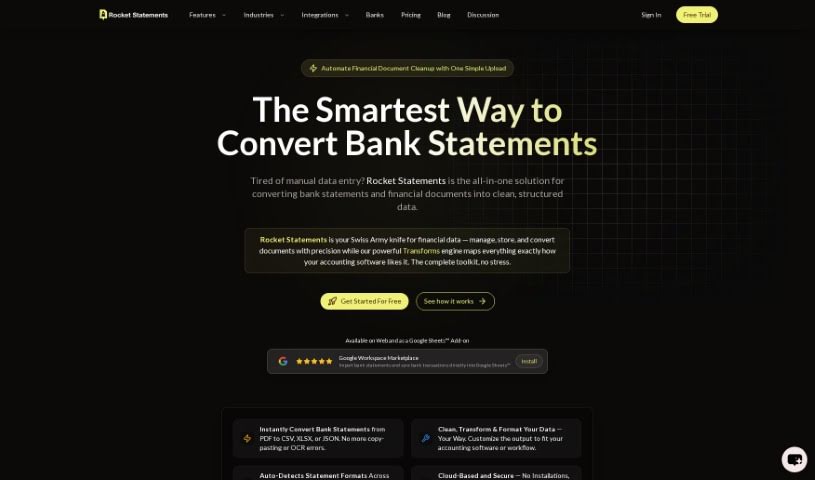
Rocket Statements is a top-tier tool designed specifically for converting bank statements. It takes your PDF bank statements and instantly transforms them into Excel, CSV, PDF, or Google Sheets. What's great about it is the clean data formatting it provides, plus you can process multiple files at once (bulk processing). It even has an AI copilot to make sure the conversions are smooth and accurate. Professionals all over the world use this tool to make their data conversion process much simpler and get rid of tedious manual data entry. Rocket Statements works with over 100 major banks globally, and they take your data security seriously, using enterprise-grade encryption protocols.

Screenshot of Sider ChatPDF

Sider ChatPDF

Freemium

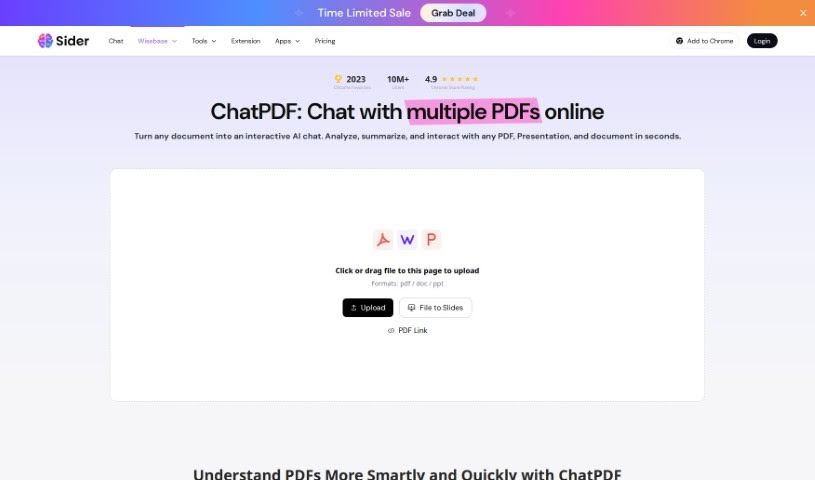
ChatPDF is your go-to digital assistant for handling PDF documents. It's built to make managing your PDFs much simpler, especially when you need to work with the content inside them. Essentially, it turns your PDFs into formats you can easily edit, like Word, Excel, or PowerPoint, and even image files. This means you get a lot more flexibility with your documents. The whole idea behind ChatPDF is to help you get more done, faster, whether you're an individual or part of a business that deals with tons of PDFs. Its easy-to-use design and various conversion options really make it a handy tool if you need to tweak or extract information from PDFs.

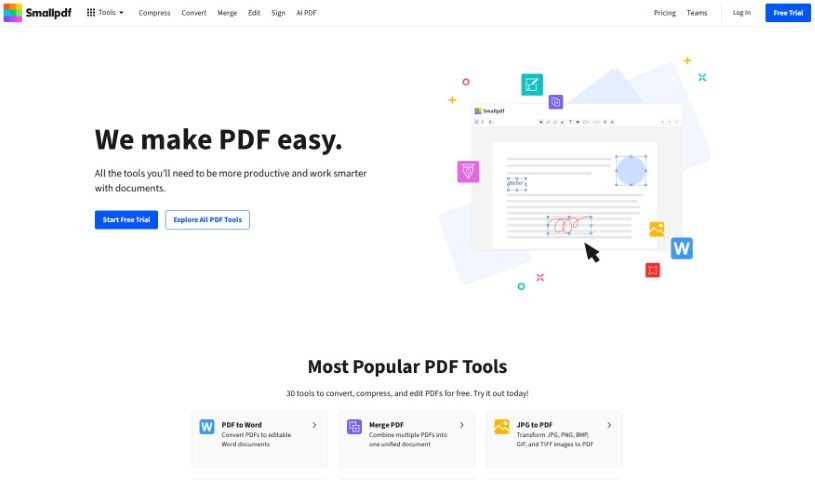
Screenshot of SmallPDF.com

SmallPDF.com

Freemium

SmallPDF.com is a really useful online platform packed with tools to help you manage your PDF files. You can easily convert, compress, edit, merge, split, and even sign your PDFs right there on the site. It's designed to be super user-friendly, so whether you're an individual or running a business, you can handle your PDF tasks quickly and securely without needing any special software or tech skills. SmallPDF.com focuses on making things simple and effective, aiming to streamline how you deal with documents.

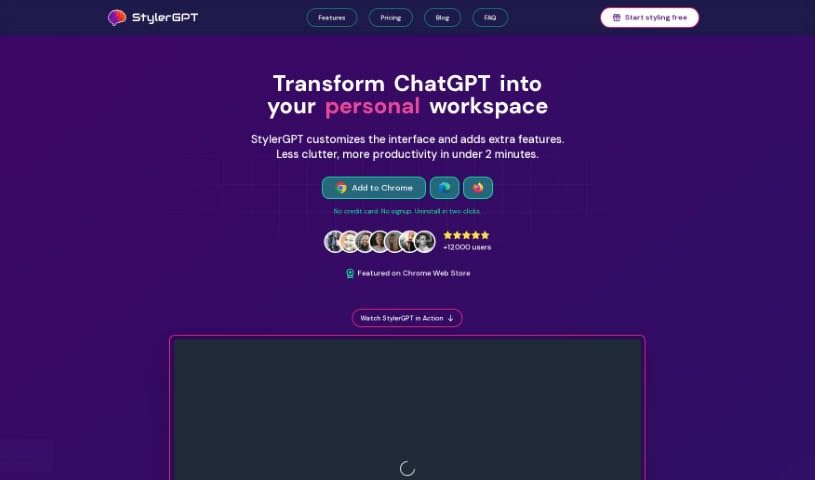
Screenshot of StylerGPT

StylerGPT

Freemium

GPT-EZ is a free Chrome extension that really spruces up your ChatGPT experience. It's designed to let you customize and personalize how ChatGPT looks and feels. What can it do? Well, it lets you tweak the interface, supports output in different languages, lets you download your chats in a bunch of formats, and even lets you share them easily with a link. It supports various languages, offers 15 color schemes to play with for the interface, and importantly, it keeps your shared conversations anonymous and private. You can grab GPT-EZ from the Chrome Web Store at no cost. Just a heads-up, it's not connected to ChatGPT or OpenAI in any official way. We're also planning to add even more cool features to GPT-EZ down the line!

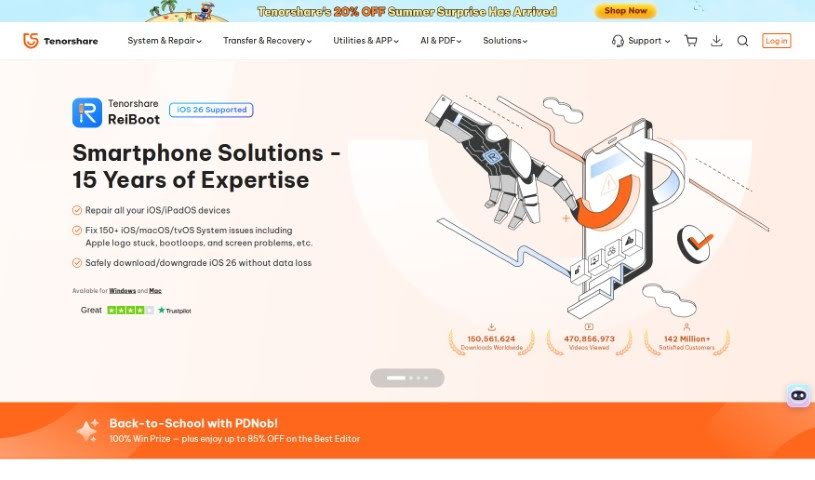
Screenshot of Tenorshare

Tenorshare

Freemium

Tenorshare is a software company that's really made a name for itself with its highly recommended iOS repair tools. Think of their software, like Tenorshare ReiBoot – it's incredibly handy for getting back lost files from your iPhone. They've picked up quite a few awards and nods for their work, even getting a shout-out from Macworld. It's impressive how many people worldwide have downloaded their products; millions of users are happy with what they offer, and satisfaction rates are really high. Essentially, Tenorshare's software is built to tackle those common iOS system glitches and provide straightforward ways to recover your data if you're an iPhone user. Plus, when you buy from them, it's a secure process. They offer a money-back guarantee, and your transactions are protected with 256-bit SSL encryption.

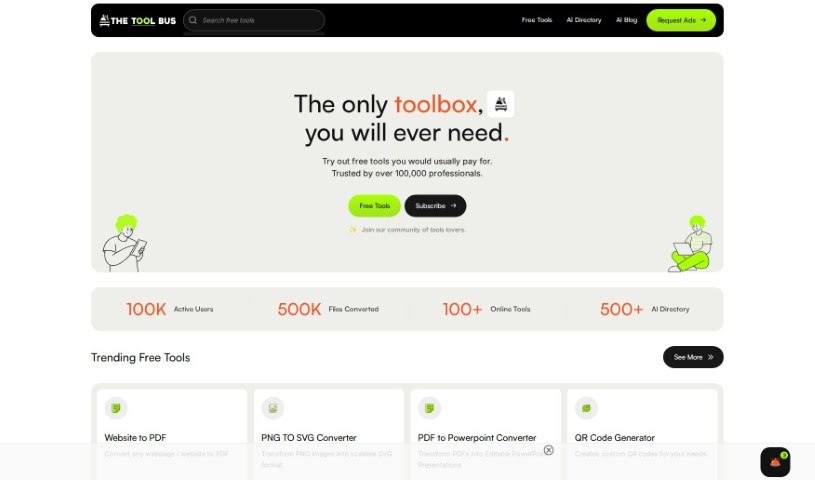
Screenshot of Thetoolbus

Thetoolbus

Freemium

Thetoolbus is a really handy platform packed with all sorts of free and AI-driven tools designed to make your digital life easier. Whether you're a job seeker, a creative professional, a student, or running a business, they've built this site to help you streamline your tasks and really shine in today's competitive landscape. They're committed to adding at least four new free tools every single month, and if you're a loyal supporter, you get early or exclusive access to even more. Plus, they really focus on providing great customer support, so if you have any questions or run into any issues, they're there to help. You'll find tools for working with PDFs, a handy cover letter generator, a QR code generator, and a whole lot more. For your peace of mind and security, any files you upload are automatically deleted after just 10 minutes.

Stay Updated with AI Tools

Get weekly updates on the latest AI tools, trends, and insights delivered to your inbox

Join 25,000+ AI enthusiasts. No spam, unsubscribe anytime.