AI Tools for Background Removal

Discover the best Background Removal AI tools to enhance your productivity and creativity.

Page 4 of 5 • 54 total tools

In today’s world, where images are everything, being able to quickly remove backgrounds from photos is a must. Whether you’re designing graphics for your brand, getting products ready for online sales, or just want cleaner social media pics, a good background remover saves you tons of time and effort.

Forget spending ages painstakingly erasing backgrounds pixel by pixel. Now, AI tools can handle this task with impressive accuracy. As the tech gets better, so many options pop up, it can be tough to pick the right one for what you need.

I’ve spent a lot of time trying out different AI background removers, checking how well they work, how fast they are, and if they’re easy to use. No matter if you need a tool for quick edits or professional-level images, there’s definitely something out there for you. In this article, I’ll share the top AI background removers that can really boost your creative process and make your projects simpler.

Let’s jump in and explore the best options available right now, so you can get back to what you do best: creating awesome visuals.

The Best AI Background Removers

  1. Remove.bg: Great for quickly removing backgrounds for online stores.
  2. Remaker: Effortlessly eliminate unwanted backgrounds.
  3. Photoroom AI Background Remover: Perfect for making product photos look better.
  4. Canva AI Background Remover: Ideal for creating product images for online stores.
  5. Pixelcut AI Background Remover: Helps enhance e-commerce product images.
  6. Removal.ai: Instantly erase backgrounds from your images.
  7. Erase.bg: Also great for enhancing e-commerce product images.
  8. Pixlr AI Background Remover: Useful for creating product images for e-commerce.
  9. PFPMaker.com: Get clean profile pictures with background removal.
  10. Clipping Magic: Easily erase image backgrounds in bulk.
  11. Cutout.Pro Remove Background: Another excellent choice for e-commerce product image enhancement.
  12. Slazzer: Also a top pick for e-commerce product image enhancement.
  13. Adobe Express AI Image Background Remover: Helps create product images for e-commerce.
  14. Retoucher: Makes it easy to edit product images for e-commerce.
  15. Headshot Pro: For seamless adjustments to your headshot backgrounds.

How Do AI Background Removers Work?

AI background removers use smart algorithms to figure out the main subjects in a picture and separate them from the background. The main technology behind this often involves machine learning models that have learned from tons of labeled images. This training helps the AI recognize patterns and tell the difference between what’s in front and what’s in the back, really well.

When you upload an image, the AI looks at different things like colors, edges, and textures. It analyzes these layers to decide what’s the main subject and what’s just the backdrop. This can involve some pretty complex calculations and advanced methods, like finding edges and separating different parts of the image.

After the AI spots the subject, it creates a mask that outlines it, leaving out the background stuff. This masking process lets the software change the image, either by getting rid of the background entirely or swapping it out for a new one. The end result? A cleaner, more professional-looking image.

AI background removers have become super popular with content creators, photographers, and marketers. They offer a fast and efficient way to remove backgrounds without needing advanced photo editing skills. By making the editing process smoother, these tools help users focus on making their visuals look better, instead of getting stuck on tedious manual work.

As technology keeps improving, these background removal tools will probably get even more accurate and faster, making them essential for anyone wanting to boost their image editing skills.

Our Top AI Background Removers at a Glance

RankNameBest ForPlans and PricingRating
1Remove.bgQuickly removing backgrounds for online stores.Paid plans start at $0.2/image.4.82 (11 reviews)
2RemakerEffortlessly eliminating unwanted backgrounds.N/A4.69 (13 reviews)
3Photoroom AI Background RemoverEnhancing product photographyN/A4.83 (6 reviews)
4Canva AI Background RemoverCreating product images for online storesN/A4.89 (63 reviews)
5Pixelcut AI Background RemoverEnhancing e-commerce product imagesN/A4.67 (6 reviews)
6Removal.aiInstantly erasing backgrounds from images.Paid plans start at $1.89/image.4.81 (36 reviews)
7Erase.bgEnhancing e-commerce product images.N/A4.77 (26 reviews)
8Pixlr AI Background RemoverCreating product images for e-commerce.N/A4.64 (88 reviews)
9PFPMaker.comClean profile pics with background removal.N/A4.00 (5 reviews)
10Clipping MagicEffortlessly erasing image backgrounds in bulk.Paid plans start at $3.99/month.4.73 (11 reviews)
11Cutout.Pro Remove BackgroundEnhancing e-commerce product imagesN/A4.73 (11 reviews)
12SlazzerEnhancing e-commerce product imagesPaid plans start at $0.12/month.4.70 (10 reviews)
13Adobe Express AI Image Background RemoverCreating product images for e-commerce.N/A4.73 (11 reviews)
14RetoucherEditing product images for ecommerce.N/A4.73 (22 reviews)
15Headshot ProSeamless headshot background adjustments.Paid plans start at $29/N/A.4.75 (24 reviews)
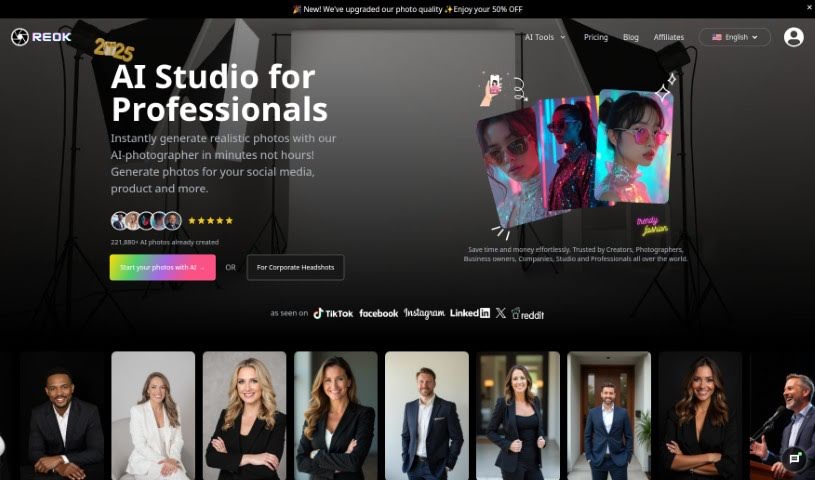
Screenshot of Reok Pro

Reok Pro

Freemium

Reok Pro is an online tool that uses powerful AI technology to help you quickly create professional headshots. Forget about traditional photo shoots; you can snap headshots in seconds! You can also customize styles and backgrounds, remove backgrounds, and boost photo quality before you post them on social media platforms like Facebook, Instagram, and TikTok. It costs 5 credits for a headshot photo, and 2 credits to remove a background or unblur an image. Plus, your designs are stored permanently in the cloud. For details on how they handle your data, it's always a good idea to check out their privacy policy. There's no subscription needed – you just buy credits as you need them for one-time use. Reok Pro really focuses on privacy and making headshot creation efficient, whether you're an individual or a business.

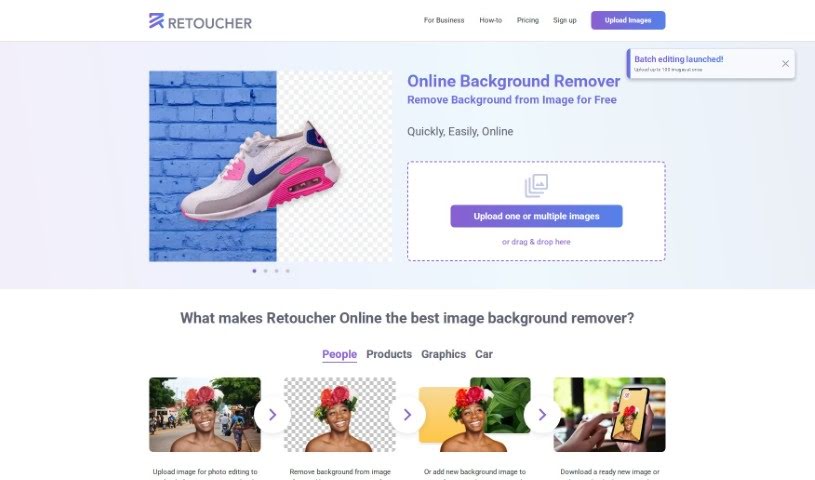
Screenshot of Retoucher

Retoucher

Freemium

Retoucher Online is a really handy tool for editing your images, especially if you need to remove backgrounds. It lets you upload pictures and get them just right for social media platforms like Instagram, Facebook, TikTok, and YouTube, or even for passport photos. You can remove backgrounds from images for free, pop in new ones, create awesome profile pictures, and then download your finished image or tweak it further right there in the Retoucher editor. The tool automatically handles the background removal, keeping your main subject front and center. This makes it super useful for all sorts of things, like making product images for online stores look their best. Retoucher Online is designed to save you both time and money, offering an easy-to-use interface with features like automatic background removal, high-quality image generation, the ability to upload multiple images at once, and even API support.

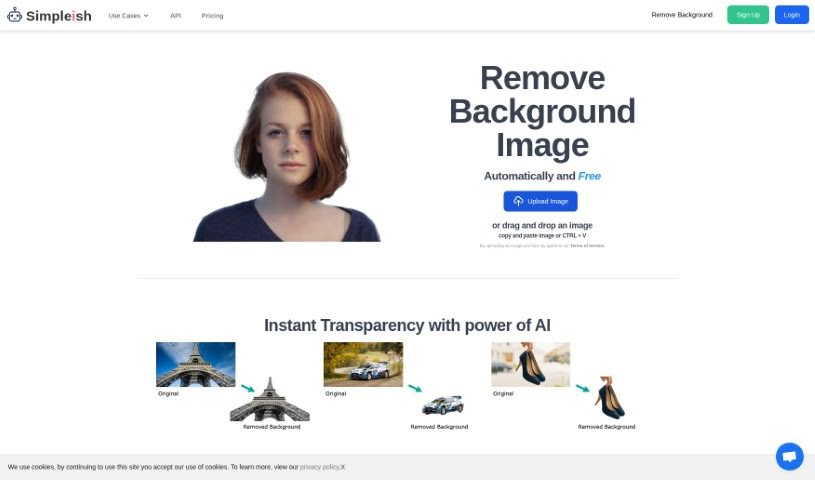
Screenshot of Simpleish

Simpleish

Freemium

Simpleish.io is a really smart tool that uses AI to help you remove backgrounds from your photos, and it does it super fast and easily. You can just upload a picture or drag and drop it right into the tool. Then, with just one click, Simpleish's clever AI figures out what to keep and what to remove, giving you a clean background. What's great about Simpleish is how simple it is to use, how much time it saves, and how easily it can fit into your current software setup thanks to its API. The goal here is to cut down your editing time a lot, so you can get your tasks done quicker and actually enjoy being creative. Simpleish.io has different pricing plans for all sorts of users – whether you're using it for yourself, for online stores, photography, marketing, news, car sales, or even if you're a developer. It's a genuinely useful tool for so many different jobs and industries.

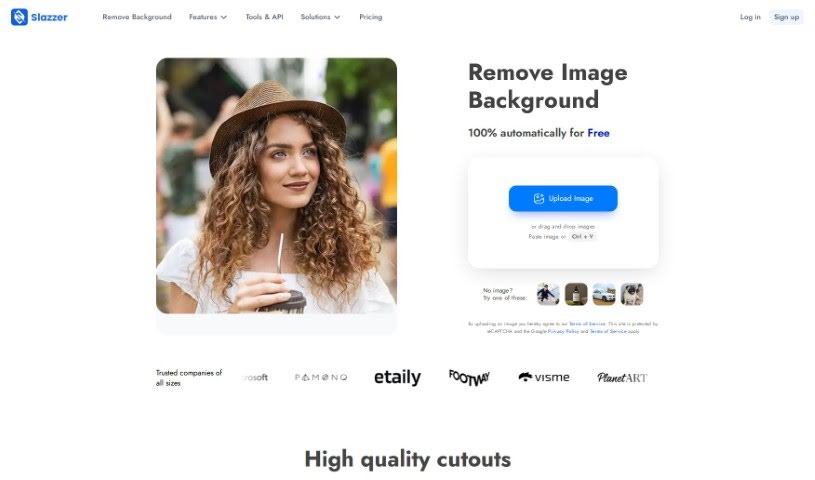
Screenshot of Slazzer

Slazzer

Freemium

Slazzer is an online tool designed to efficiently remove backgrounds from images automatically, and it does this in just about 5 seconds. You won't need to mess with manual selections or complicated editing software, making the whole process really quick and easy. The tool uses smart algorithms and AI technology to accurately spot and remove backgrounds from all sorts of images. It's straightforward to use, fast, and precise, which is great for professional photographers, graphic designers, or anyone who wants to make their photos look better for e-commerce, design projects, or social media.

Screenshot of Snapclear

Snapclear

Freemium

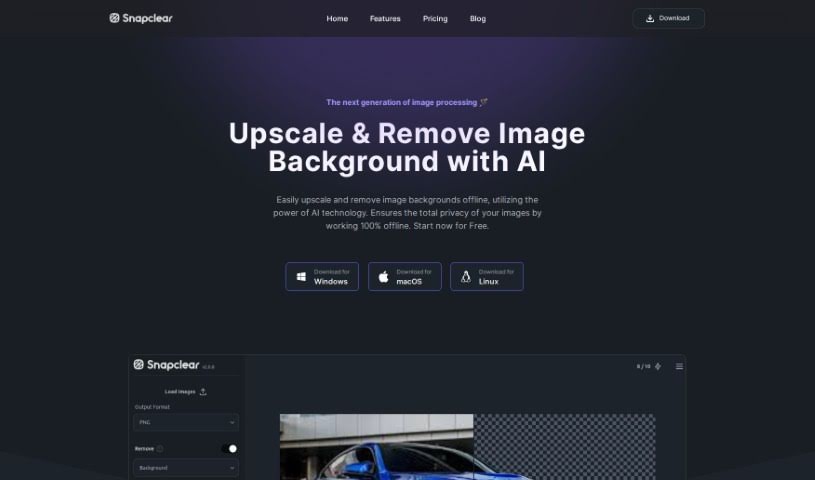
Snapclear is a desktop application that works entirely offline, using AI to automatically remove backgrounds from your images. It's a really handy tool for anyone who wants to save time and effort by letting artificial intelligence handle the tedious task of background removal. One of Snapclear's standout features is its smart cropping. The AI it uses is specially trained to accurately identify subjects in photos, which means you get precise crops perfect for things like online stores, product catalogs, or any design project. Snapclear supports a variety of image formats and, because it works 100% offline, it's available for Windows, Linux, and macOS, making background removal simple for both individuals and businesses. You can even download Snapclear for free and start enjoying automated background removal right away.

Screenshot of Stockphotos Bg Remover

Stockphotos Bg Remover

Freemium

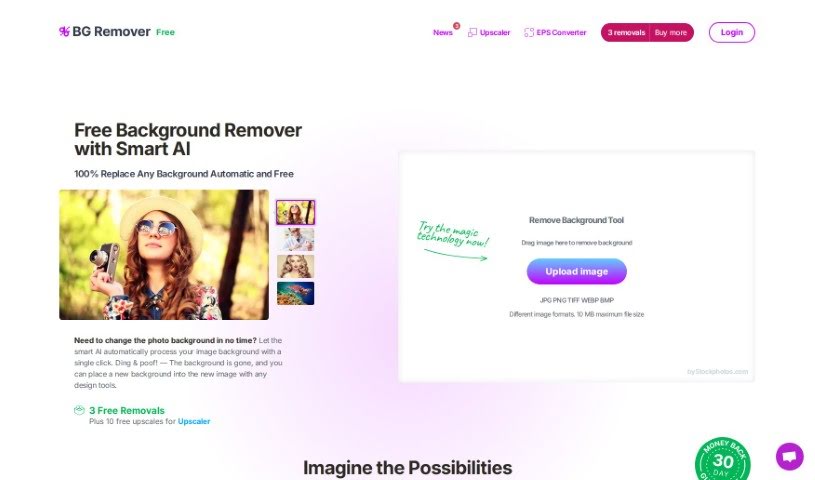
The Background Remover is a smart tool that uses Artificial Intelligence to automatically take backgrounds out of pictures. This AI-powered tool is really good at spotting objects, making edges look smooth, and getting rid of backgrounds quickly. You can use it with common image types like JPG, PNG (which keeps transparency), and BMP. If you need to handle lots of images, it even has an API connector. This lets you adjust how the tool works, like changing input and output settings, right from your own app or website. It works best when your images are clear and have well-defined edges, like logos or cartoons. It also does a great job with photos of nature. Just keep in mind, it might not handle really blurry or pixelated images as well. Plus, you can choose to add new backgrounds to your images. There's a free version that has limits on how big the images can be, but you can get higher limits if you upgrade to a premium plan.

Screenshot of Storia

Storia

Freemium

Storia is a really smart, AI-powered image editor. It offers a whole bunch of tools to make your images better, change them, or even completely transform them. You can easily get rid of or swap out objects, backgrounds, and text in your pictures, often with just a single click or a simple text description.

Screenshot of Stylized

Stylized

Freemium

Stylized is a handy tool designed to help you create beautiful product photos, even if you're just using your smartphone. It is a professional photo studio that fits right in your pocket, all powered by AI. It offers a free Basic plan and a more feature-rich Pro plan for $20 a month. With Stylized, you can easily remove backgrounds, use a virtual lightbox, and even work with advanced 3D materials. Plus, you can earn free credits by referring friends! It’s all about making professional-looking product shots accessible to everyone.

Screenshot of TextUnbox

TextUnbox

Freemium

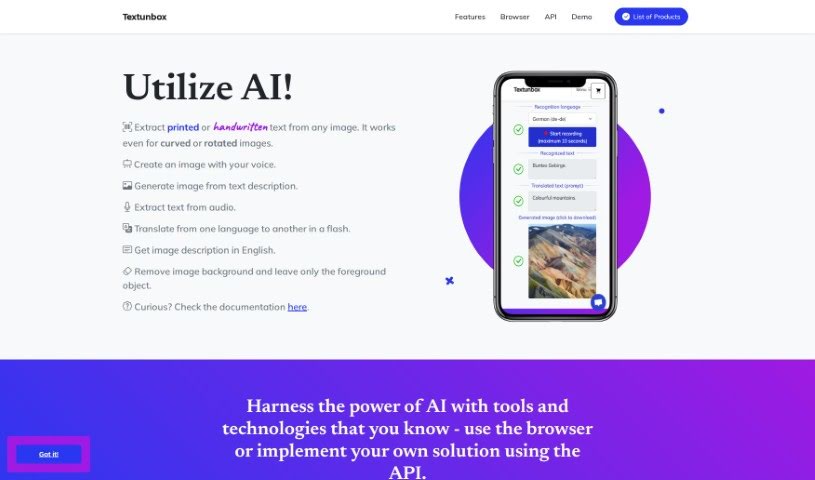
TextUnbox is a really versatile tool that uses AI to do a bunch of different things. You can use it to pull text right out of any image, whether it's printed or handwritten. It can also create images just from your descriptions, extract text from audio files, translate languages, describe what's in an image, and even remove backgrounds from pictures. It's quite the all-in-one package!

Screenshot of Thumbmachine

Thumbmachine

Freemium

Thumbmachine is an AI-powered tool built specifically for creating video thumbnails and advertising creatives. It really simplifies making visually appealing content for your videos and marketing materials, all thanks to artificial intelligence. Whether you're a content creator, a marketer, or just someone who needs eye-catching visuals, Thumbmachine makes it easy to generate high-quality designs. The platform includes features like Thumbnail Design, Text-to-Image, Background Remover, and an AI Image Creator, making it a super user-friendly option for crafting engaging and professional thumbnails and ad creatives. Plus, you can use it on pretty much any device, and it gives you access to a bunch of free background images.

Screenshot of Tracejourney

Tracejourney

Freemium

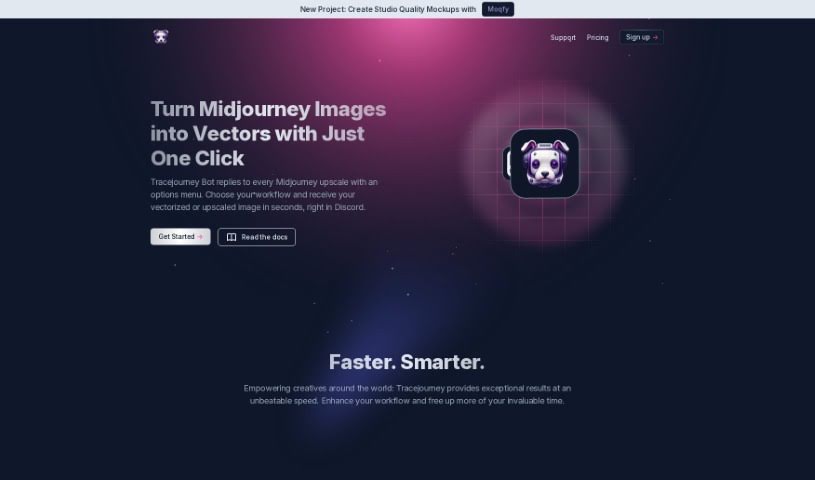
TraceJourney is a fantastic tool for making your images bigger and better. It uses really advanced AI models, running on super-fast GPU clusters, to upscale your images by up to 8 times. What's great is that it does this while keeping all the fine details and cutting down on any grainy noise. It's mostly set up to work with Discord, which makes it super easy for anyone in the creative community there to use. You can even process up to 10 images at once in batches. Plus, TraceJourney can save your images as PNG or JPEG files. It also offers handy features like removing backgrounds, adjusting brightness, contrast, color, and sharpness. Need to turn your image into a vector? It can do that too, saving it as EPS, PDF, or SVG. The team behind TraceJourney really wants to make collaboration easy, letting users set the rules when the tool joins their Discord servers.

Screenshot of Unfake

Unfake

Freemium

Unfake is a neat AI tool from Gaspard+Bruno. Basically, it takes those images with the fake transparency grid – you know, the ones that look like they have a checkerboard background but aren't really transparent? – and turns them into actual, background-less PNG files. It's pretty smart; the tool automatically zaps away that fake transparency grid, making your images render much more accurately. You just upload your image, let Unfake work its magic, and then you can download the clean, transparent PNG right away. Best of all, it's free to use! You can upload files up to 200MB, and it's all powered by technology from VISIO Studio. If you ever need to get in touch, you can email the team at [[email protected]](/cdn-cgi/l/email-protection#046c6168686b44636577746576606676716a6b2a676b69). Plus, there are handy mobile apps for both Android and iOS, a Figma plugin, and even a Chrome extension. No need to sign up either – just jump right in!

Stay Updated with AI Tools

Get weekly updates on the latest AI tools, trends, and insights delivered to your inbox

Join 25,000+ AI enthusiasts. No spam, unsubscribe anytime.