AI Tools for AI Assistants

Discover the best AI Assistants AI tools to enhance your productivity and creativity.

Page 10 of 37 • 433 total tools

We’re living in an exciting time for digital assistants, with AI technology advancing fast to change how we handle our daily tasks. These virtual helpers have come a long way from simple voice recognition; they’re now sophisticated AI companions that can schedule appointments, answer questions, and even hold conversations.

With so many options out there, picking the right AI assistant for your needs can feel a bit overwhelming. You’ve got everything from voice-activated devices to powerful mobile apps – there really is something for everyone.

I spent some time checking out the most notable AI assistants available right now. I tested their features, how easy they are to use, and what makes them unique, all to help you sort through this busy market. Whether you need help getting organized or just want someone to chat with, you’ll find a good fit here.

So, let’s jump into the world of AI assistants and see which ones really stand out in this constantly changing digital space.

The best AI Assistants

  1. Monica: Great for easy chats with AI chatbots.
  2. Sider: Perfect for personalized virtual assistant conversations.
  3. Abacus.ai: Offers smart responses for users.
  4. Yeschat: Helps with smart scheduling and reminders.
  5. You.com: Streamlines everyday tasks with AI help.
  6. Merlin AI: Simplifies daily task management.
  7. MaxAI.me: Provides personalized virtual scheduling assistance.
  8. Chatgpt Online: Good for smart scheduling and task management.
  9. Casetext: Streamlines legal document review.
  10. Hume AI: Offers personalized customer support chatbots.
  11. Tavus: Features personalized AI assistant video interactions.
  12. Chatgpt For Google: Delivers quick answers through voice search.
  13. Retell AI: Provides smart voice control for daily tasks.
  14. Runway Research: Enhances AI assistant training data.
  15. Dola AI: Streamlines group event scheduling.

How do AI assistants work?

AI assistants work using a mix of natural language processing (NLP) and machine learning. These technologies are designed to understand and respond to what you say or type. Basically, they’re programmed to figure out your commands, questions, and what you’re trying to do, so they can give you the right information or get tasks done.

These assistants really depend on pre-trained models. These models look at huge amounts of data – text, audio, even images – to spot patterns and figure out the best way to respond. This training helps them grasp context and the subtle meanings in language, making interactions smoother.

When you give a command, the assistant breaks it down. It then uses different algorithms to decide the best response or action based on what you asked for.

Plus, many AI assistants use voice recognition. This means they can turn your spoken words into text. It makes using them feel more natural, as you can just talk instead of typing out your requests.

Behind the scenes, AI assistants get better over time through ongoing learning. As you use them, they collect data and learn from your interactions, tweaking their algorithms to give more accurate answers and understand your preferences better.

AI assistants also often connect with other services and apps, which makes them even more useful. This connection lets them do things like schedule appointments, send messages, or control smart home devices, making them handy tools for everyday life.

If you’re curious to learn more about how these technologies develop, check out the latest advancements in AI and machine learning. They keep changing how we interact with technology and each other, proving to be really helpful allies for our daily tasks and decisions.

Our best AI assistants at a glance

RankNameBest forPlans and PricingRating
1MonicaEasy chats with AI chatbotsN/A4.27 (11 reviews)
2SiderPersonalized virtual assistant chatsPaid plans start at $8.3/month.4.75 (12 reviews)
3Abacus.aiSmart response generation for usersN/A4.24 (21 reviews)
4YeschatSmart scheduling and remindersN/A4.18 (11 reviews)
5You.comStreamlining everyday tasks with AI helpN/A4.71 (17 reviews)
6Merlin AIStreamlining daily task managementPaid plans start at $19/month.4.33 (12 reviews)
7MaxAI.mePersonalized virtual scheduling help.N/A4.68 (19 reviews)
8Chatgpt OnlineSmart scheduling and task managementN/A4.30 (10 reviews)
9CasetextStreamline legal document review processes.Paid plans start at $250/month.4.79 (24 reviews)
10Hume AIPersonalized customer support chatbotsN/A4.78 (23 reviews)
11TavusPersonalized AI assistant video interactionsPaid plans start at $39/mo.4.81 (26 reviews)
12Chatgpt For GoogleQuick answers via voice searchN/A4.20 (5 reviews)
13Retell AISmart voice control for daily tasksN/A4.33 (9 reviews)
14Runway ResearchEnhancing AI assistant training data.N/A4.76 (21 reviews)
15Dola AIStreamlined group event schedulingN/A4.50 (6 reviews)
Screenshot of Cosmo AI Extension

Cosmo AI Extension

Freemium

The Cosmo AI Extension is a handy, all-in-one AI assistant that works right within your Chrome browser. It is your personal AI sidekick. It lets you chat with Cosmo, create all sorts of content, draft tweets, respond to emails, get quick answers to your questions, and basically use AI wherever you are online. The whole idea is to help you save both time and money by bringing these powerful AI features directly to your browser.

Text Generation View Tool →
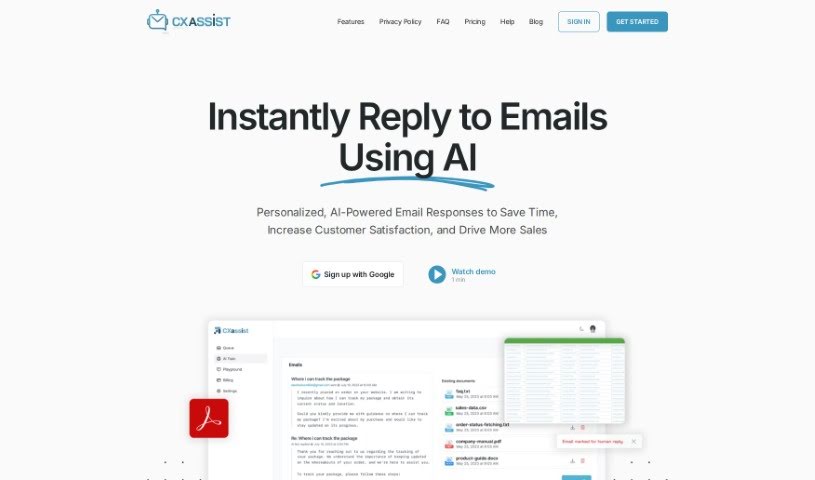
Screenshot of CX Assist

CX Assist

Freemium

CXassist is your personal AI assistant, specifically designed to help you manage your email inbox. What's really neat is that you can train it with your own business content, allowing it to send out timely and accurate replies to both potential customers and existing ones. This AI tool uses the latest technology to read and respond to emails in a way that feels genuinely human, all based on the information you provide. CXassist comes with three ready-made personas – Generalist, Support, and Sales – each offering a slightly different approach to how it handles responses. Just so you know, they do require a valid credit card for the free plan; this helps cut down on spam and fraud. Getting CXassist set up is pretty straightforward: you sign in with your Google account, give it the necessary permissions, train it with your business content, and then you can easily turn it on or off as you need. It's also great because it supports over 50 languages, lets you set specific rules for how emails are handled, and gives you analytics on every email it sends out. Plus, you can really tailor CXassist to match your brand's unique tone and voice by simply uploading a style guide. Right now, it works with Gmail accounts, and there are some limits on how many emails it can process each month, depending on your account type. If you run into any issues or have questions, you can always reach out to [[email protected]](/cdn-cgi/l/email-protection#c4b7b1b4b4abb6b084a7bca5b7b7adb7b0eaadab) for help.

Text Generation View Tool →
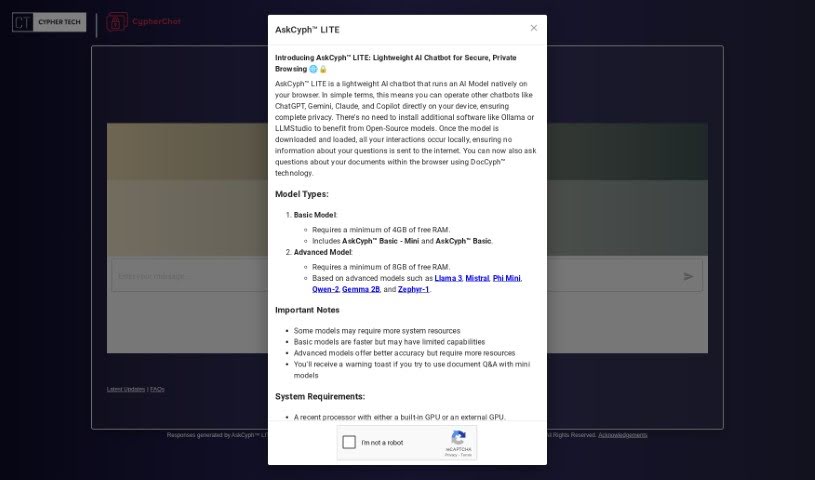
Screenshot of CypherChat

CypherChat

Freemium

Cypher Tech Inc. has developed AskCyphâ„¢ LITE, a neat little AI chatbot that lets you run an AI model right in your web browser. What's really cool about this tool is its focus on privacy and security. It means you can tap into AI capabilities without sending any of your data out over the internet. Since the AI model runs locally on your own device, your questions and what you're asking about stay private. It's still in an experimental phase, so you might occasionally get a response that isn't quite right, but the team is busy making it better.

Text Generation View Tool →
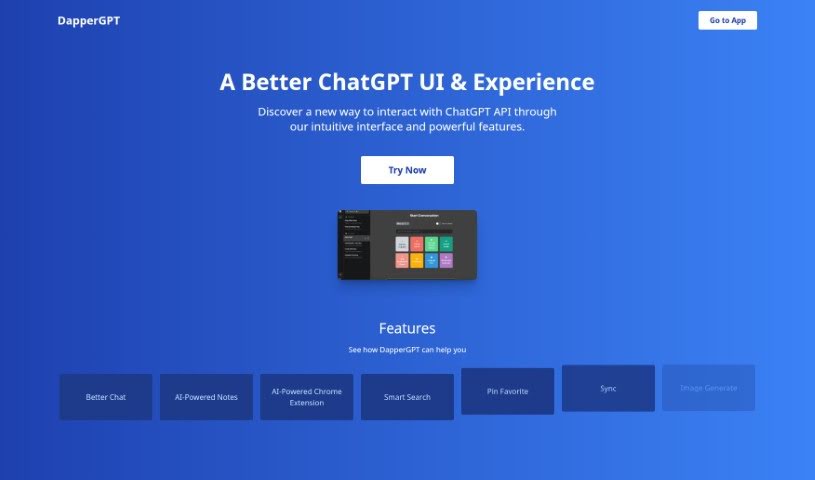
Screenshot of DapperGPT

DapperGPT

Freemium

DapperGPT is an AI tool designed to offer a much smoother, more intuitive experience than standard ChatGPT. It is an upgrade! It comes packed with features like 'Better Chat' for more engaging, dynamic conversations, AI-powered notes to quickly capture important thoughts, and a smart search function that helps you find information in a flash. You can even personalize your experience by pinning your favorite chats. Plus, it includes voice-to-text and text-to-voice capabilities, along with image generation, making communication and creativity easier than ever. It also supports character instructions, prompts, and code generation, so it's ready for all sorts of content creation tasks.

Text Generation View Tool →
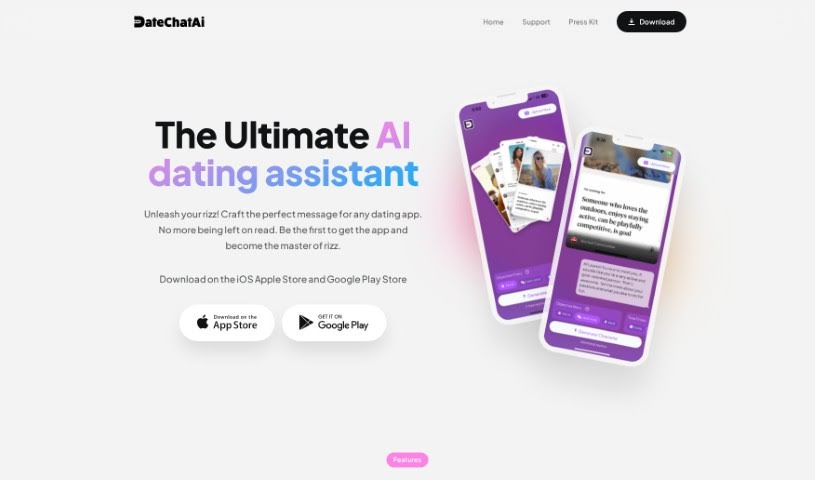
Screenshot of DateChatAI

DateChatAI

Freemium

DateChatAI is a really neat app that blends AI smarts with a bit of charm to make your dating conversations better. It uses advanced GPT technology to whip up personalized replies that are perfect for apps like Tinder and Bumble. You can get a lot out of it, like endless charisma, custom filters to set the tone and your goals, support for lots of languages, and even analysis of the conversation's mood. Basically, DateChatAI is here to help you write more engaging messages, connect with people in different languages, and generally make your online dating experience smoother.

Text Generation View Tool →
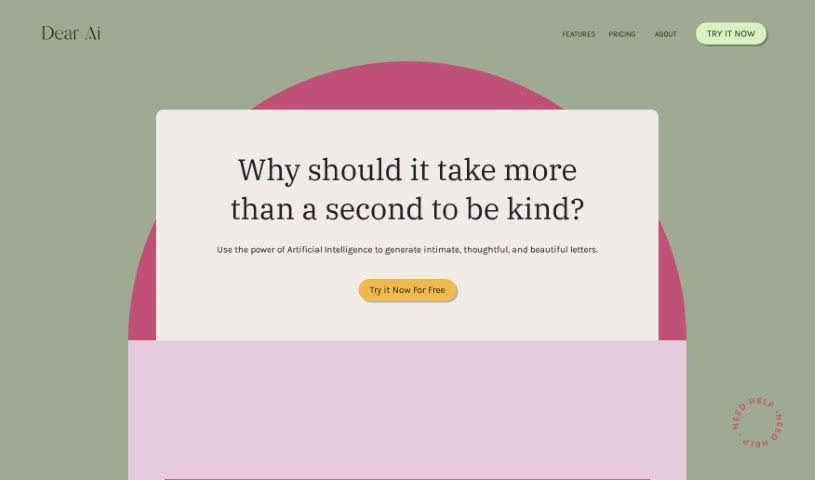
Screenshot of Dear Ai

Dear Ai

Freemium

Dear AI is your personal letter-writing assistant, powered by artificial intelligence. It's designed to help you create letters that feel personal and meaningful, no matter the occasion. It really takes the stress out of writing, letting you express yourself beautifully in just a few moments. You can even adjust the tone to match your feelings, schedule letters to go out on important dates, connect it with social media, and soon, you'll be able to get AI-generated cards with handwriting that looks just like yours. There's also an AutoPilot mode for handling your correspondence automatically. Essentially, Dear AI wants to change how we communicate, blending speed and efficiency with that all-important personal touch. It does make you wonder, though, about the balance between using technology and keeping our personal connections genuine.

Text Generation View Tool →
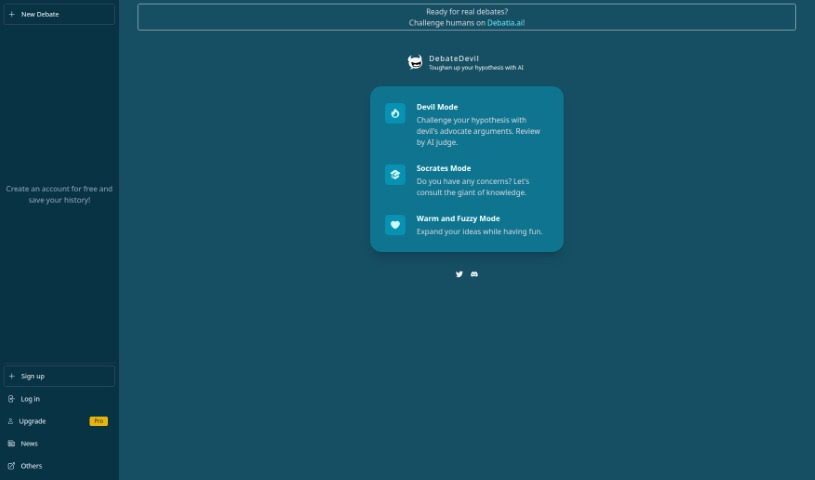
Screenshot of DebateDevil

DebateDevil

Freemium

DebateDevil is your AI partner for hashing out ideas. It's a chat platform built to help you debate by coming up with counterarguments and offering objective takes on pretty much any topic. What's cool is that it has different ways to chat:

Text Generation View Tool →
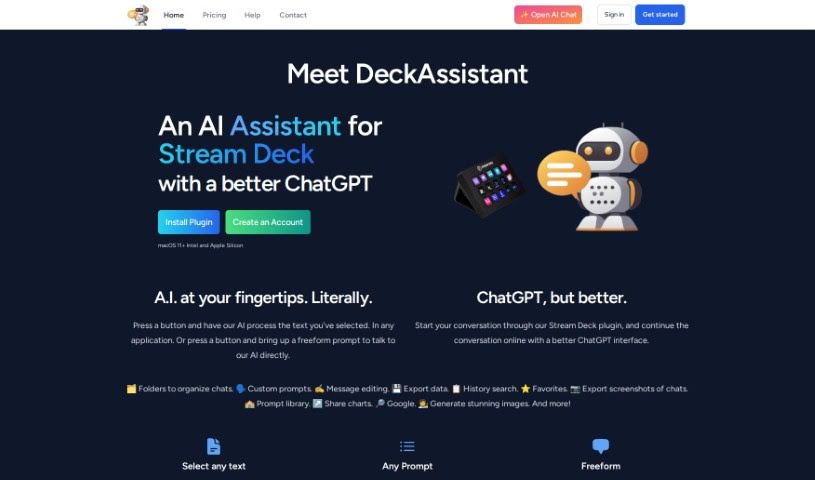
Screenshot of Deckassistant

Deckassistant

Freemium

DeckAssistant is a really neat plugin for your Stream Deck that connects you to an AI assistant. It is a way to use your Stream Deck to chat with AI. You can select text in pretty much any app you're using, hit a button on your Stream Deck, and the AI will process it for you. Plus, there's a handy freeform prompt feature that lets you ask the AI questions directly. Martijn Smit is the creative mind behind DeckAssistant, and it works on macOS 11 and newer, whether you have an Intel or Apple Silicon Mac. It leverages ChatGPT to handle text processing and answer your questions. You'll find it offers useful features like organizing your chats into folders, creating your own custom prompts, editing messages, searching through your conversation history, and even exporting your data.

Text Generation View Tool →
Screenshot of Deepchat

Deepchat

Freemium

Deep Chat is essentially a chat component that makes it easy to talk with all sorts of AI APIs. You can connect it straight to popular AI service providers, or if you prefer, you can set it up to link with your own servers. This tool is pretty neat because it lets you send and get different kinds of media – think images, audio files, GIFs, and even spreadsheets – right there in the chat. Plus, you can use Markdown to style your text and show code snippets in your messages. It even has built-in camera and microphone functions so you can snap photos or record audio without leaving the chat. To make things even smoother, Deep Chat offers real-time speech-to-text for transcribing what you say and text-to-speech for reading responses aloud. Ovidijus Parsiunas developed this tool, and it comes with plenty of customization options. You can even check out the source code on GitHub if you're curious. The goal is to make sure it can handle future AI services really well.

Text Generation View Tool →
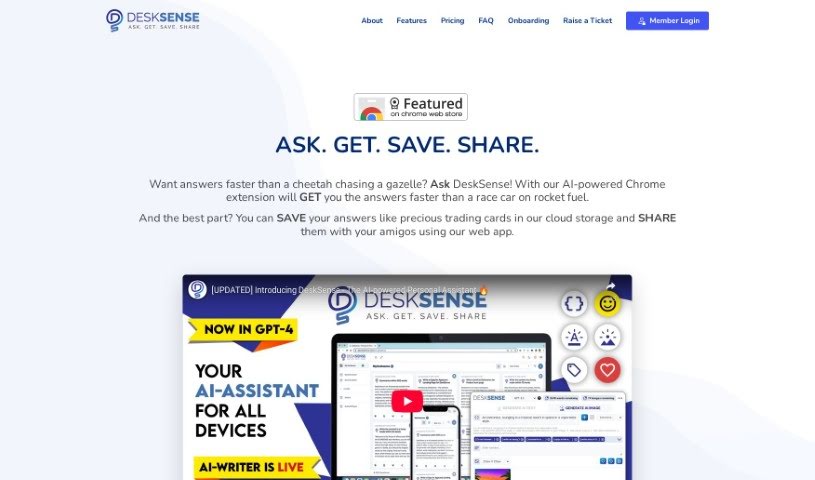
Screenshot of DeskSense

DeskSense

Freemium

DeskSense is a really handy and easy-to-use tool that acts like a helpful assistant for all sorts of things – from digging into research and creating content to figuring out problems. It can whip up content for you, boil down long pieces of information, help you organize your thoughts with content cards, and even chat with you like a helpful assistant. People seem to love how straightforward it is, with a clean look and feel, and how efficiently it helps with tasks like writing, coding, and brainstorming marketing ideas or social media posts. Plus, there's a mobile app that works really well with the web version, so you can easily use it wherever you are.

Text Generation View Tool →
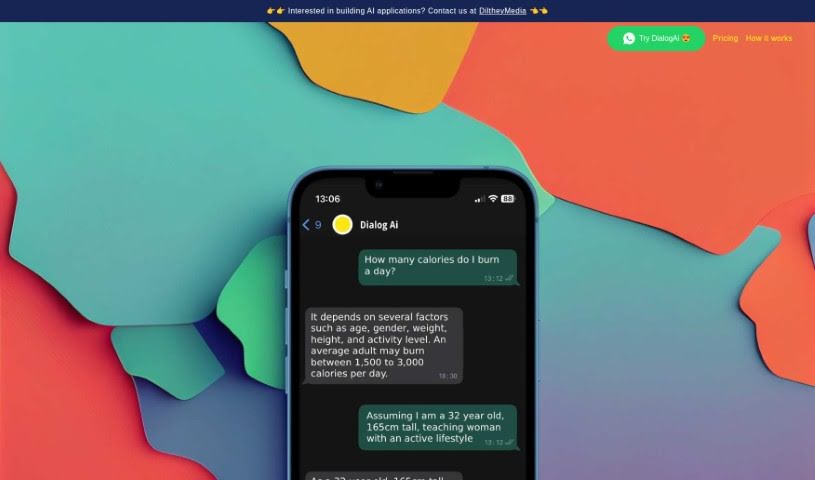
Screenshot of Dialogai

Dialogai

Freemium

DialogAi is a smart chatbot that uses AI, specifically ChatGPT technology, to give you fast, accurate answers on all sorts of topics. It's mainly designed to work through WhatsApp, making it super convenient. What's really neat is that it can transcribe voice messages for you, answer questions on everything from personal finance to health, and it remembers your conversation for up to 10 minutes. So, if you need to follow up, it's got the context. It can also take forwarded voice messages, transcribe them, and give you a summary. Plus, it helps you craft your replies. Your privacy is a big deal here; they only keep chat history for 10 minutes and never share your data with anyone else. DialogAi runs on WhatsApp and is built using create-react-app, which means it's built to scale, easy to set up, and plays nicely with WhatsApp's rules and privacy standards. It's great for making customer interactions smoother, and you can even bring in a human if a situation calls for it. Think of it for customer support in eCommerce, handling questions in education, or managing guest relations in hospitality – it really helps with customer support, keeping people engaged, and building better relationships.

Text Generation View Tool →
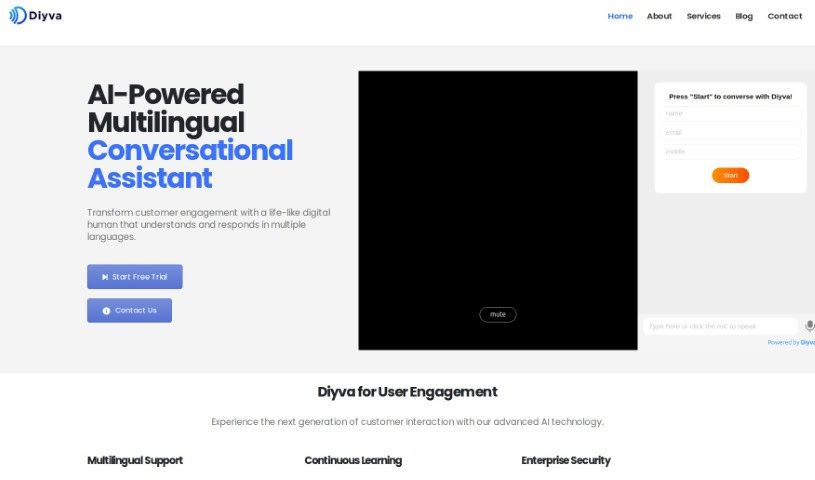
Screenshot of Diyva

Diyva

Freemium

Diyva is presented as a cutting-edge chatbot, essentially an AI-powered virtual assistant that's super easy to add to any website. What's neat is that this assistant speaks and listens, and it can be trained using any kind of documentation you have. Plus, it has a human avatar! The main goal behind Diyva is to help businesses connect better with their customers, make them happier, and ultimately sell more.

Text Generation View Tool →

Stay Updated with AI Tools

Get weekly updates on the latest AI tools, trends, and insights delivered to your inbox

Join 25,000+ AI enthusiasts. No spam, unsubscribe anytime.