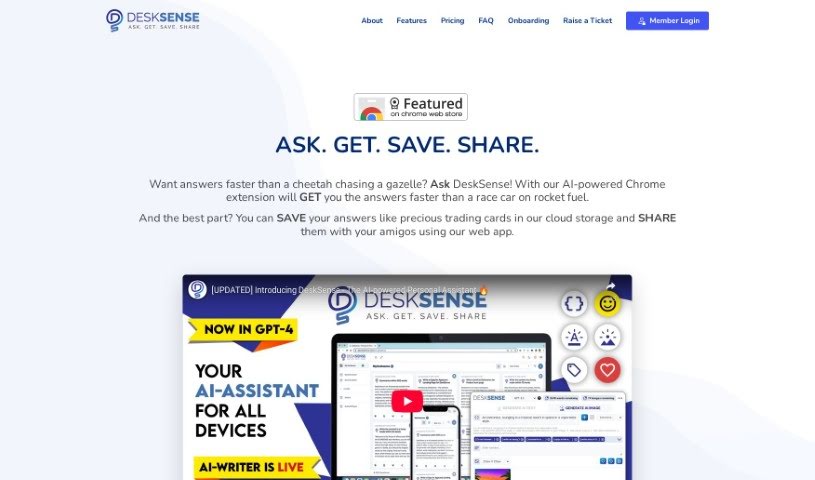
What is DeskSense?
DeskSense is a really handy and easy-to-use tool that acts like a helpful assistant for all sorts of things – from digging into research and creating content to figuring out problems. It can whip up content for you, boil down long pieces of information, help you organize your thoughts with content cards, and even chat with you like a helpful assistant. People seem to love how straightforward it is, with a clean look and feel, and how efficiently it helps with tasks like writing, coding, and brainstorming marketing ideas or social media posts. Plus, there’s a mobile app that works really well with the web version, so you can easily use it wherever you are.
Who created DeskSense?
Tina, the CEO of the company, is the one who created DeskSense. Folks who use it have really praised its AI-powered chatbot, its ability to generate content, and its social media features. It’s been called great for tasks like research, writing, and editing, making it a super useful tool for anyone wanting to boost their productivity and get more done with their content creation.
What is DeskSense used for?
- Get Instant Insights: Quickly look at text from any website and get the answers you need, right away.
- Help with Content Creation: Make your blog posts, articles, and social media updates even better with smart suggestions.
- Regenerate Answers: Make complicated information easier to grasp by regenerating and summarizing content.
- Stay Organized: Save, tag, and edit your work so it’s easier to manage and find later.
- AI Image Generation: Bring your creative ideas to life by generating artistic visuals just by typing a prompt.
- Professional Emails: Write emails that sound polished and professional without all the usual effort.
- Marketing Ideas: Come up with ideas for blog posts, articles, social media, and even video scripts.
- Coding Made Simple: Get custom code snippets to help solve your coding challenges.
- Social Media Posts: Create posts and replies that are informed by data and smart language processing.
- Better Web Browsing: Get results that are relevant to what you’re looking at online, tailored just for you.
Who is DeskSense for?
- Coders
- Social media managers
- Content creators
- Email Marketers
How to use DeskSense?
To get the most out of DeskSense, just follow these simple steps:
- Get it Installed: First, download and install the DeskSense software onto your computer. You can grab it from the official website.
- Open DeskSense: Once it’s installed, just double-click the icon on your desktop to launch the application.
- Explore the Interface: Take a moment to look around the user interface. You’ll usually find different tabs or buttons for all the various things it can do.
- Find Your Way Around: Use the navigation menu to jump to different features. This might include things like checking system status, adjusting security settings, or fine-tuning performance.
- Scan Your System: Start a system scan. This will help find any potential problems on your computer, like malware, unnecessary files, or anything slowing it down.
- Set Your Preferences: Head over to the settings menu. Here, you can customize how scans run, set them up to happen automatically, and choose how you want to be notified.
- Turn on Security: Make sure to activate the security features. This includes things like firewall settings, antivirus protection, and real-time threat detection to keep your system safe.
- Boost Performance: Use the tools designed to optimize your system. These can help speed things up, free up disk space, and generally make your computer run better.
- Keep it Updated: It’s important to update DeskSense regularly. This ensures you have the latest features, fixes, and security improvements.
- Need Help?: If you run into any issues or have questions, check out the help section in the app, or visit the DeskSense support website for assistance.
Following these steps will help you use DeskSense effectively to keep your computer running smoothly and securely.