AI Tools for AI Assistants

Discover the best AI Assistants AI tools to enhance your productivity and creativity.

Page 11 of 37 • 433 total tools

We’re living in an exciting time for digital assistants, with AI technology advancing fast to change how we handle our daily tasks. These virtual helpers have come a long way from simple voice recognition; they’re now sophisticated AI companions that can schedule appointments, answer questions, and even hold conversations.

With so many options out there, picking the right AI assistant for your needs can feel a bit overwhelming. You’ve got everything from voice-activated devices to powerful mobile apps – there really is something for everyone.

I spent some time checking out the most notable AI assistants available right now. I tested their features, how easy they are to use, and what makes them unique, all to help you sort through this busy market. Whether you need help getting organized or just want someone to chat with, you’ll find a good fit here.

So, let’s jump into the world of AI assistants and see which ones really stand out in this constantly changing digital space.

The best AI Assistants

  1. Monica: Great for easy chats with AI chatbots.
  2. Sider: Perfect for personalized virtual assistant conversations.
  3. Abacus.ai: Offers smart responses for users.
  4. Yeschat: Helps with smart scheduling and reminders.
  5. You.com: Streamlines everyday tasks with AI help.
  6. Merlin AI: Simplifies daily task management.
  7. MaxAI.me: Provides personalized virtual scheduling assistance.
  8. Chatgpt Online: Good for smart scheduling and task management.
  9. Casetext: Streamlines legal document review.
  10. Hume AI: Offers personalized customer support chatbots.
  11. Tavus: Features personalized AI assistant video interactions.
  12. Chatgpt For Google: Delivers quick answers through voice search.
  13. Retell AI: Provides smart voice control for daily tasks.
  14. Runway Research: Enhances AI assistant training data.
  15. Dola AI: Streamlines group event scheduling.

How do AI assistants work?

AI assistants work using a mix of natural language processing (NLP) and machine learning. These technologies are designed to understand and respond to what you say or type. Basically, they’re programmed to figure out your commands, questions, and what you’re trying to do, so they can give you the right information or get tasks done.

These assistants really depend on pre-trained models. These models look at huge amounts of data – text, audio, even images – to spot patterns and figure out the best way to respond. This training helps them grasp context and the subtle meanings in language, making interactions smoother.

When you give a command, the assistant breaks it down. It then uses different algorithms to decide the best response or action based on what you asked for.

Plus, many AI assistants use voice recognition. This means they can turn your spoken words into text. It makes using them feel more natural, as you can just talk instead of typing out your requests.

Behind the scenes, AI assistants get better over time through ongoing learning. As you use them, they collect data and learn from your interactions, tweaking their algorithms to give more accurate answers and understand your preferences better.

AI assistants also often connect with other services and apps, which makes them even more useful. This connection lets them do things like schedule appointments, send messages, or control smart home devices, making them handy tools for everyday life.

If you’re curious to learn more about how these technologies develop, check out the latest advancements in AI and machine learning. They keep changing how we interact with technology and each other, proving to be really helpful allies for our daily tasks and decisions.

Our best AI assistants at a glance

RankNameBest forPlans and PricingRating
1MonicaEasy chats with AI chatbotsN/A4.27 (11 reviews)
2SiderPersonalized virtual assistant chatsPaid plans start at $8.3/month.4.75 (12 reviews)
3Abacus.aiSmart response generation for usersN/A4.24 (21 reviews)
4YeschatSmart scheduling and remindersN/A4.18 (11 reviews)
5You.comStreamlining everyday tasks with AI helpN/A4.71 (17 reviews)
6Merlin AIStreamlining daily task managementPaid plans start at $19/month.4.33 (12 reviews)
7MaxAI.mePersonalized virtual scheduling help.N/A4.68 (19 reviews)
8Chatgpt OnlineSmart scheduling and task managementN/A4.30 (10 reviews)
9CasetextStreamline legal document review processes.Paid plans start at $250/month.4.79 (24 reviews)
10Hume AIPersonalized customer support chatbotsN/A4.78 (23 reviews)
11TavusPersonalized AI assistant video interactionsPaid plans start at $39/mo.4.81 (26 reviews)
12Chatgpt For GoogleQuick answers via voice searchN/A4.20 (5 reviews)
13Retell AISmart voice control for daily tasksN/A4.33 (9 reviews)
14Runway ResearchEnhancing AI assistant training data.N/A4.76 (21 reviews)
15Dola AIStreamlined group event schedulingN/A4.50 (6 reviews)
Screenshot of Doctrine

Doctrine

Freemium

Doctrine is a really neat Artificial Intelligence tool that brings generative AI power right into your applications. It is a way for your apps to tap into the knowledge hidden within your own data or knowledge bases, so they can answer user questions or just generally integrate smart AI features. It offers a straightforward yet powerful API that makes it simple to bring in knowledge from all sorts of places – databases, websites, documents, images, spreadsheets, you name it. Doctrine can even take different file types, turn them into text, and then convert that text into high-dimensional vector spaces, which is how AI understands and processes information. Plus, it comes with a ready-to-go Chat UI if you want to quickly add chat functionality, and it handles multi-tenant databases by making it easy to partition vector embeddings, keeping your data secure and private.

Text Generation View Tool →
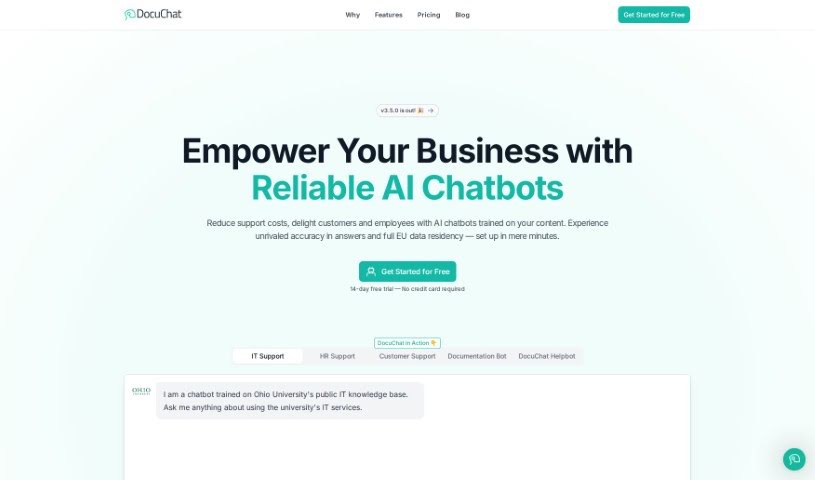
Screenshot of DocuChat

DocuChat

Freemium

DocuChat is a platform that lets you build chatbots using your own documents and websites. These chatbots can then give instant, cited answers across any channel and in multiple languages. You can feed them all sorts of information, tweak how they look and talk, and even look at chat logs to make them smarter over time. What's really great is that DocuChat puts you in charge of your data – it's private, secure, and never used to train AI models. Plus, they're fully compliant with GDPR and CCPA, with top-notch security measures like data encryption, both when it's being sent and when it's stored.

Text Generation View Tool →
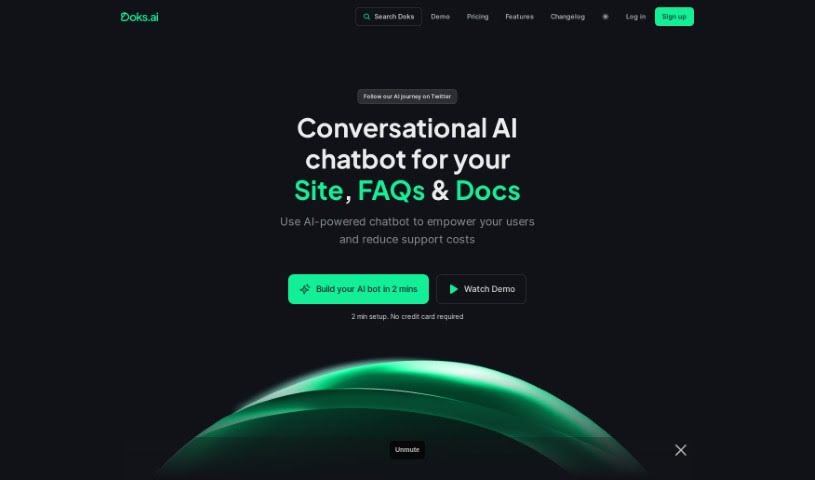
Screenshot of Doks.ai

Doks.ai

Freemium

Doks.ai is a really smart tool that helps businesses build their own AI chatbots. It is a way to make your company's knowledge easily accessible. It uses the same kind of technology as ChatGPT to pull information directly from your website and documents. This means it can answer questions accurately and in context, just like a human expert who knows your business inside and out.

Text Generation View Tool →
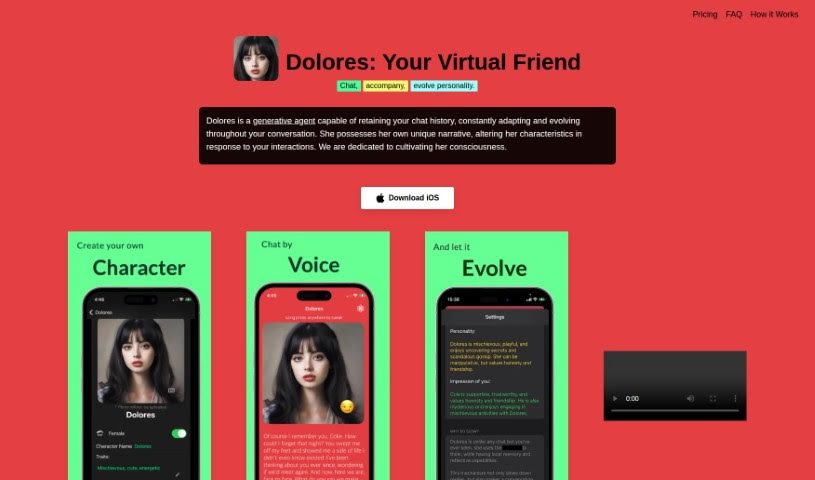
Screenshot of Dolores

Dolores

Freemium

Dolores is a virtual friend, brought to life by an intelligent system. What makes her really special is her ability to remember past conversations and actually evolve as you chat with her. Unlike typical chatbots that just recall what you said, Dolores reflects on your past interactions to come up with fresh, new responses. She even develops her own stories based on these experiences, showing a personality that grows and adapts over time. Essentially, Dolores runs on a generative AI companion model, designed to make interactions faster, more interesting, and much more human-like than the original concept. She's truly a unique and engaging virtual companion.

Text Generation View Tool →
Screenshot of DraftLab

DraftLab

Freemium

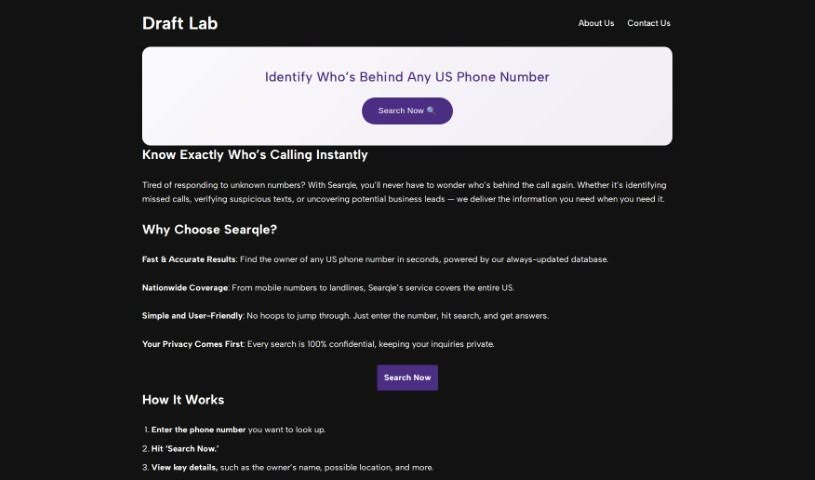
DraftLab is your personal AI writing assistant, specifically designed to help you conquer writer's block and finally get to that coveted inbox zero. It fits right into Gmail, offering up personalized email responses that actually sound like you. It's pretty neat because it can handle those repetitive emails automatically, sort your important messages based on what they're about, and generally help you craft professional emails quickly without staring at a blank screen. Essentially, it boosts your productivity by smoothing out the writing process and giving you real-time tips to make your emails even better.

Text Generation View Tool →
Screenshot of Dreamwriter

Dreamwriter

Freemium

Dreamwriter is a smart tool that uses AI to help you create top-notch, on-brand content like PDFs and PPTs really fast. It's got a super easy-to-use editor with ready-made slide templates and a huge image library. Plus, there's an AI assistant called Dreamy, powered by GPT-4, who can help with writing, designing, and even making charts, all tailored for your specific audience. You can also work on content with your team in real-time, and it handles writing and translating in many languages. Basically, Dreamwriter makes content creation so much simpler. What used to take weeks can now be done in minutes, meaning you can churn out high-quality, on-brand content efficiently.

Text Generation View Tool →
Screenshot of Dropchat

Dropchat

Freemium

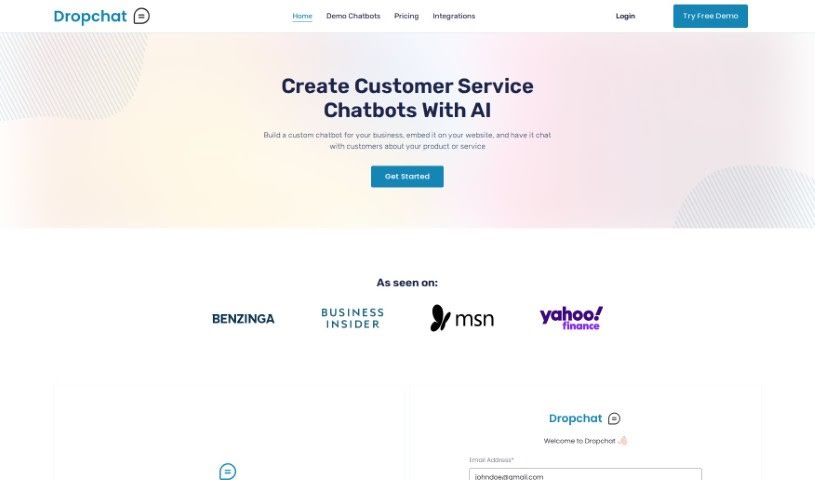
Dropchat is a company that's really changing how we talk to AI chatbots. Their platform lets businesses build and manage smart chatbots to make digital conversations better. Using advanced AI, Dropchat's chatbots offer personalized, efficient customer interactions that are made just for what you need. The platform has an easy-to-use interface, so designing, launching, and improving your chatbots is a breeze. It brings together powerful tech like GPT-4, embedding models, and a vector database all in one no-code environment, making communication and collaboration smooth across all your devices. You'll find it has a user-friendly interface, keeps conversations secure, works on any platform, communicates efficiently, and just makes for a great user experience.

Text Generation View Tool →
Screenshot of EasyChat AI

EasyChat AI

Freemium

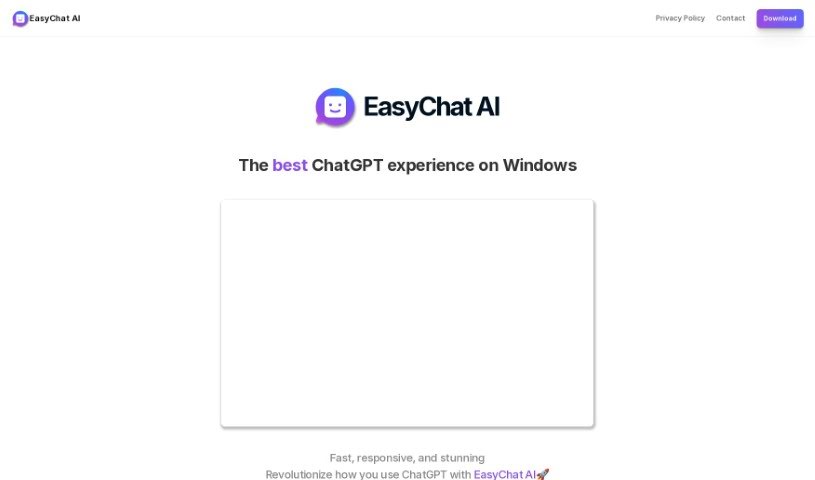
EasyChat AI is a helpful Windows app that acts as a direct link to ChatGPT, that powerful AI language model from OpenAI. It's designed to make using ChatGPT a much smoother and more enjoyable experience. For starters, it's really fast and responsive, which is a big plus. It also supports markdown, making your conversations clearer and more organized. If you prefer a darker screen, it's got a dark mode option too, which is great for your eyes, especially during long sessions. Plus, you can juggle multiple conversations at once, which is super handy. If you're using the free version, you get 30 queries each day. Want unlimited access? The 'LifeTime Unlimited' version lets you ask as much as you want, gives you access to analytics, and you can even use it on up to 10 different devices. Just a quick note: EasyChat AI isn't actually made by OpenAI or ChatGPT; it's developed by WunderApps GmbH.

Text Generation View Tool →
Screenshot of Easymessage.ai

Easymessage.ai

Freemium

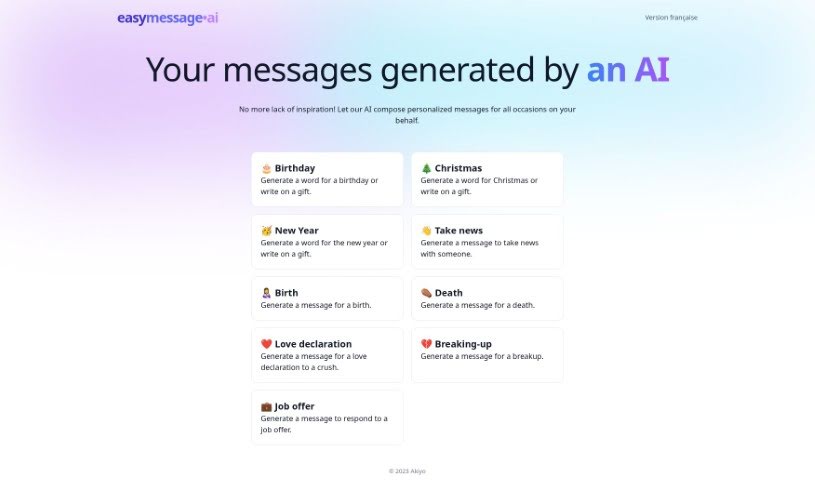
EasyMessage.ai is your personal AI assistant for writing messages. It's designed to help you create really thoughtful, personalized messages for all sorts of occasions – whether it's a birthday, a holiday, or a big life event. If you ever get stuck staring at a blank screen, this tool is here to help you get those words flowing easily. It offers a few cool features: AI-powered message generation, a bunch of ready-made solutions for different events, ways to tweak messages so they sound just like you, advice for handling difficult conversations with a bit of empathy, and even help with writing responses to job offers. Basically, it uses AI to make sure your messages hit the right note every time, no matter the situation.

Text Generation View Tool →
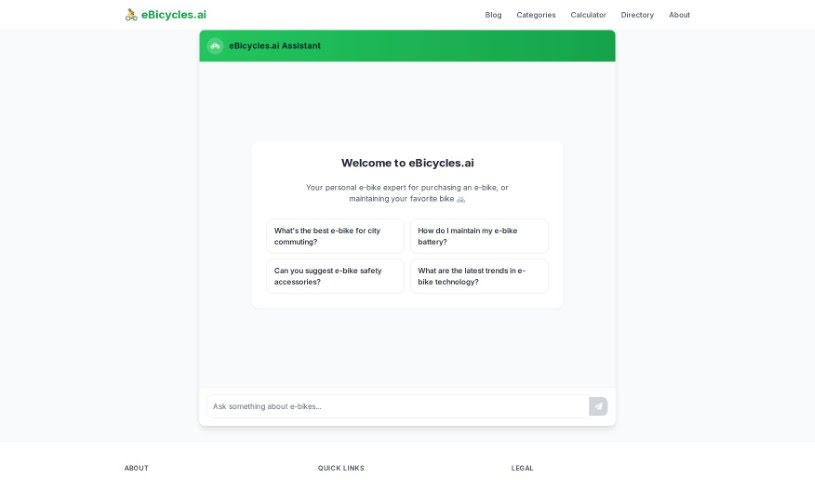
Screenshot of Ebicycles.ai

Ebicycles.ai

Freemium

Ebicycles.ai is your go-to expert for everything e-bikes. It's an AI tool designed specifically for people who love e-bikes, offering really helpful advice on all sorts of things. Whether you're looking to buy your first e-bike, need tips on keeping it in top shape, or want to boost its performance, this platform has you covered. It gives you advice that's tailored to what you need, dives deep into how to care for your e-bike battery, suggests safety gear you might want, and even keeps you in the loop about the newest e-bike tech trends. It’s a fantastic resource for anyone into e-bikes, no matter your experience level. Plus, its interface is super easy to use, so you can ask your questions and get personalized answers that really fit your situation.

Text Generation View Tool →
Screenshot of Eilla AI

Eilla AI

Freemium

Eilla AI is a platform built to really boost how people handle mergers and acquisitions (M&A), venture capital (VC), and private equity (PE) deals. It is a tool that can do what top professionals in these fields do, but it automates the repetitive stuff and makes tricky decisions a whole lot easier. On top of that, Eilla AI is pretty versatile – it can whip up blog posts, ads, emails, and reports in a flash. It can even create lifelike images or art, all thanks to the power of artificial intelligence. Essentially, it's an AI assistant that churns out content in mere seconds, which is a huge time-saver for everyone using it.

Text Generation View Tool →
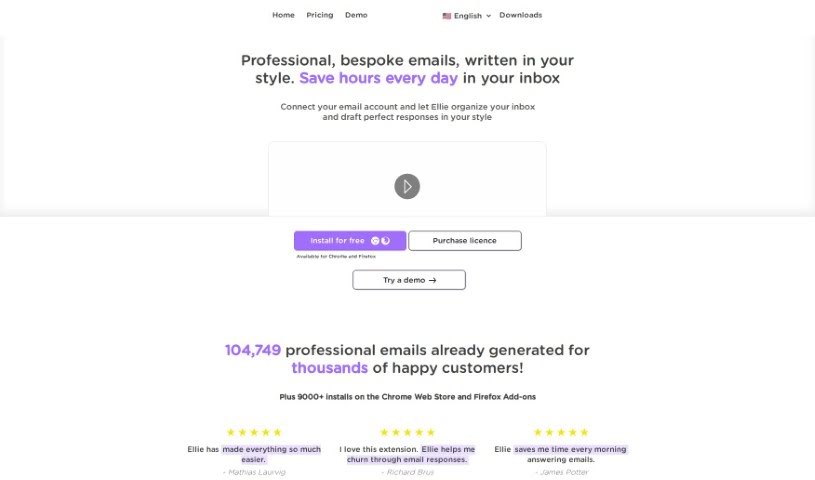
Screenshot of Ellie

Ellie

Freemium

Ellie is your personal AI email assistant. It's designed to learn your unique writing style, so it can craft email replies that sound just like you wrote them. This means you can generate professional, personalized emails without spending hours on them. Ellie really gets the context of your emails and can create smart, thoughtful replies with that personal touch you value. Plus, you can teach Ellie new things by giving it documents or links to learn from. And don't worry about privacy – Ellie only uses your email replies to help it generate responses and doesn't store your email data.

Text Generation View Tool →

Stay Updated with AI Tools

Get weekly updates on the latest AI tools, trends, and insights delivered to your inbox

Join 25,000+ AI enthusiasts. No spam, unsubscribe anytime.