AI Tools for Web Development

Discover the best Web Development AI tools to enhance your productivity and creativity.

Page 17 of 58 • 694 total tools

Web development has really changed lately, and AI tools are a big part of that. What used to take a lot of coding and design skill can now be made much simpler with smart programs that speed things up. Today, AI-assisted development tools are changing how we build websites, making it easier for newcomers and more efficient for experienced pros.

These tools offer everything from easy design features to help with writing code, letting you create great-looking, functional sites more quickly. Developers don’t have to start from scratch or fix every single line of code manually anymore. Instead, AI can offer suggestions and even create whole parts of a website based on what you need.

Having worked in web development for years, I’ve seen firsthand how AI can make tasks simpler and more efficient. But with so many options out there, picking the right tool can feel overwhelming.

In this article, I’ll share the best AI web development tools you can find right now. Whether you want to improve your coding, automate routine jobs, or make your design process better, there’s something here for you. Let’s explore the tools that can really change your web development experience.

The best AI Web Development Tools

  1. Lovable: Great for making frontend design work smoother.
  2. Cursor: Helps with real-time code collaboration.
  3. Replit AI: Generates code snippets for web apps.
  4. Supabase: For teams to manage databases together.
  5. v0 by Vercel: Quickly creates UI kits for web projects.
  6. Replicate AI: Automates code generation for web apps.
  7. Carrd: Perfect for a single-page site to promote an event.
  8. AI Dungeon: Lets you create interactive web stories with code.
  9. Ollama: For quickly building early versions of web interfaces.
  10. Jimdo: Makes building and managing websites easy.
  11. Code Sandbox: Simplifies CSS preprocessor workflows.
  12. Tilda: Lets you create websites easily without coding.
  13. Bubble: A drag-and-drop tool for building web applications.
  14. Weights & Biases: Streamlines integrating ML models into web apps.
  15. Warp Terminal: Helps deploy web apps quickly.

How do AI web development tools work?

AI web development tools use smart algorithms to handle different parts of designing and building websites. These tools often use large language models, much like AI writing software, to look at coding patterns and make things more efficient. They offer suggestions, code pieces, or even build whole sections of code based on what you tell them.

Basically, these tools understand what you’re asking for, so you can describe what you want in simple terms. For example, you could say, “Create a navigation bar,” and the AI will generate the HTML, CSS, or JavaScript code needed. This makes web development more accessible, even if you don’t have a lot of programming experience.

Many AI web development platforms connect with popular coding environments and content management systems. This means they can improve tools like WordPress, Wix, or GitHub by offering smart code completions or finding errors as you type. With these connections, users can really smooth out their development process.

The data these AI systems learn from usually includes tons of source code, guides, and content created by users on sites like GitHub. This helps them learn different coding styles and the best ways to do things. Their effectiveness comes from spotting patterns and suggesting the best solutions based on what the user needs.

In short, AI web development tools make coding simpler, letting developers focus on creativity and solving problems instead of getting stuck on syntax. As technology keeps changing, these tools are expected to get even better, likely changing how web developers work.

Our best AI web development tools at a glance

RankNameBest forPlans and PricingRating
1LovableMaking frontend design work smoother.N/A4.84 (43 reviews)
2CursorReal-time collaboration on code projects.Paid plans start at $20/Month.4.83 (6 reviews)
3Replit AIGenerating code snippets for web apps.N/A4.70 (44 reviews)
4SupabaseCollaborative database management for dev teamsN/A5.00 (32 reviews)
5v0 by VercelQuickly creating UI kits for web projects.N/A4.73 (11 reviews)
6Replicate AIAutomating code generation for web apps.N/A4.82 (11 reviews)
7CarrdA single-page site for event promotion.Paid plans start at $19/year.4.72 (29 reviews)
8AI DungeonCreating interactive web story experiences.N/A4.54 (39 reviews)
9OllamaRapid prototyping of web interfaces.N/A4.63 (8 reviews)
10JimdoBuilding and maintaining websites easily.N/A4.64 (11 reviews)
11CodeSandboxSimplifying CSS preprocessor workflows.N/A4.45 (11 reviews)
12TildaEffortless website creation without coding.N/A4.75 (20 reviews)
13BubbleA drag-and-drop web applications builder.N/A4.73 (11 reviews)
14Weights & BiasesStreamlining ML model integration in web apps.N/A4.50 (12 reviews)
15Warp TerminalDeploying web apps swiftly.N/A4.79 (28 reviews)
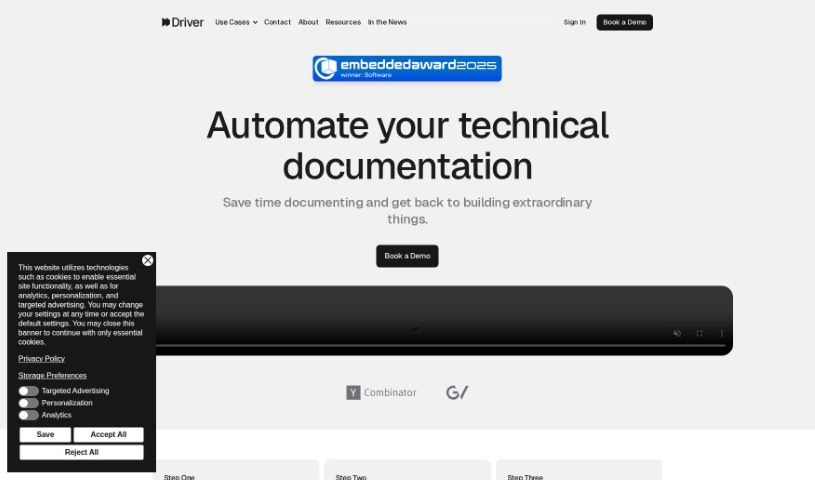
Screenshot of Driver Ai

Driver Ai

Freemium

Driver AI is a tool built to make finding new technology easier and to simplify how we manage complicated tech setups. It creates interactive guides, explained using detailed modeling systems, so both tech experts and folks less familiar with code can get a handle on codebases much faster. The goal here is to speed up how we explore code, which means projects get finished quicker and new features roll out sooner. Driver AI can really help out different people in a company, like product managers, software engineers, and field application engineers, by giving them clear explanations of code and helping them decide whether to build something new or buy an existing solution. It's worth noting, though, that while Driver AI offers some big advantages, it does have a couple of drawbacks, like being quite expensive and having a steep learning curve.

Web Development View Tool →
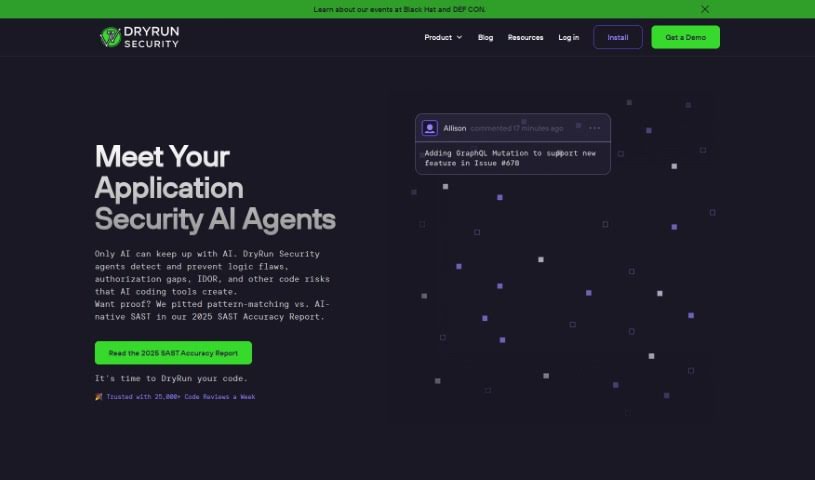
Screenshot of Dryrun Security

Dryrun Security

Freemium

Dryrun Security is your coding sidekick, built to boost your code's security right as you're writing it. It's all about giving developers a clear picture of security risks in real-time, making security testing feel less like a chore and more like a natural part of the process. This tool acts like a helpful buddy, analyzing every pull request to make sure the code changes you're making are safe and sound. It works smoothly with lots of different languages and frameworks and integrates easily as a GitHub App, so getting it set up and reviewing code is a breeze. Dryrun Security really helps developers out by giving them feedback almost instantly, keeping their code repositories safe, and generally making them more productive.

Web Development View Tool →
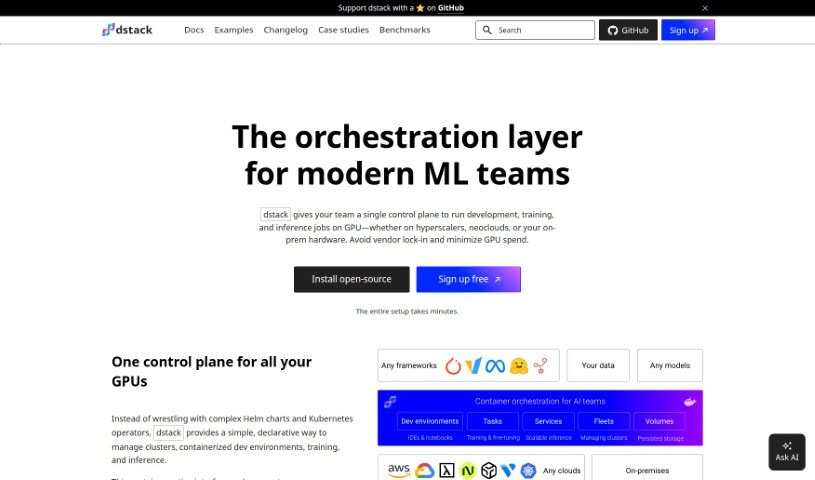
Screenshot of Dstack

Dstack

Freemium

Dstack is an open-source orchestration engine designed to make developing, training, and deploying AI models much simpler. It helps you manage your clusters, whether they're in the cloud or your own data center. It is a user-friendly hub for AI engineers. It lets you handle all your development, training, and deployment tasks without needing extra tools or waiting on the Ops team. Dstack is also built to be more lightweight and specialized for AI work than something like Kubernetes, and it plays nicely with multiple cloud providers. Plus, it's easy to add support for new cloud providers, and you can even use your on-prem servers efficiently by having Dstack manage them as a group for running containers.

Web Development View Tool →
Screenshot of Duckie Ai

Duckie Ai

Freemium

Duckie AI is a smart platform designed to manage a whole team of AI software development companions. It really helps to streamline and automate the whole software development process, giving you, the user, plenty of control and a way to give feedback along the way.

Web Development View Tool →
Screenshot of Durable

Durable

Freemium

Durable is a smart tool that uses artificial intelligence to help entrepreneurs quickly and easily build great websites. Imagine this: it can whip up a whole website in just 30 seconds! It comes with AI-written content, hand-picked images, a name generator, professional photos, and even a custom domain. Plus, you can tweak it further to make it truly yours with your logo, your own photos, and other custom touches.

Web Development View Tool →
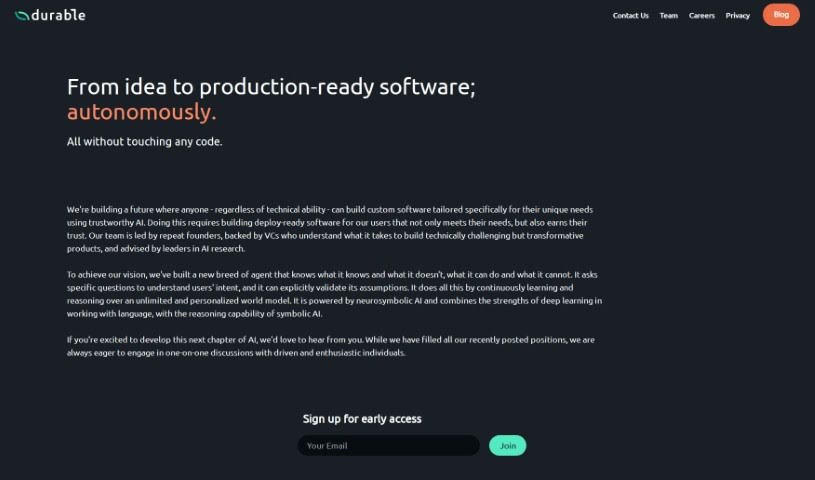
Screenshot of Durable

Durable

Freemium

Durable is a company that's all about helping people build custom software, no matter their technical background. They use generative AI to make it happen. The team behind Durable is pretty impressive, with experienced founders, venture capitalists, and leaders in AI research. Their AI tech is really interesting because it blends deep learning with symbolic AI. This combination helps them understand exactly what you're trying to do and make sure it's right. At Durable, they really value having a team with lots of enthusiasm but very little ego, which they believe helps everyone be more productive and work together better.

Web Development View Tool →
Screenshot of Eden AI

Eden AI

Freemium

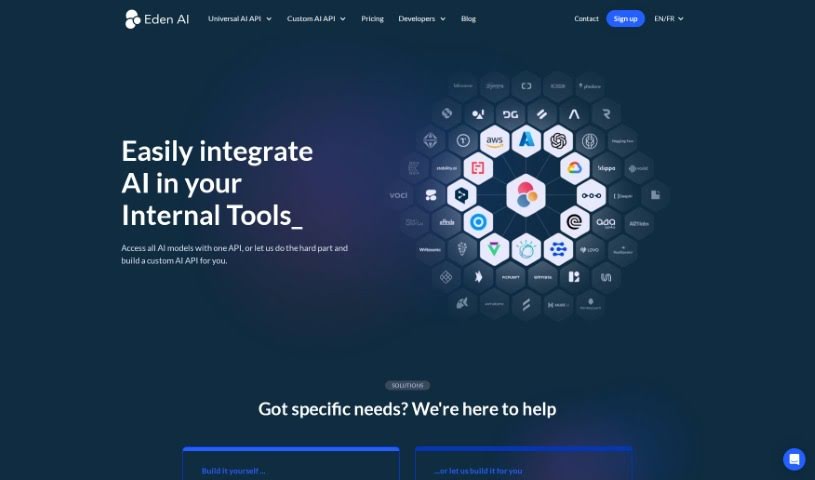
Eden AI is a forward-thinking tech company that really specializes in artificial intelligence. They're well-known for creating smart AI algorithms and software that tackle tough business challenges efficiently. Essentially, Eden AI focuses on building advanced machine learning models, tools for understanding language, and systems for computer vision, serving a variety of industries. By harnessing the power of AI, they help businesses make their operations smoother, make better decisions, and generally boost their performance. Their team of talented data scientists and engineers are constantly pushing the limits of AI technology, aiming to lead digital transformation and deliver truly impactful solutions for their clients.

Web Development View Tool →
Screenshot of Eficode

Eficode

Freemium

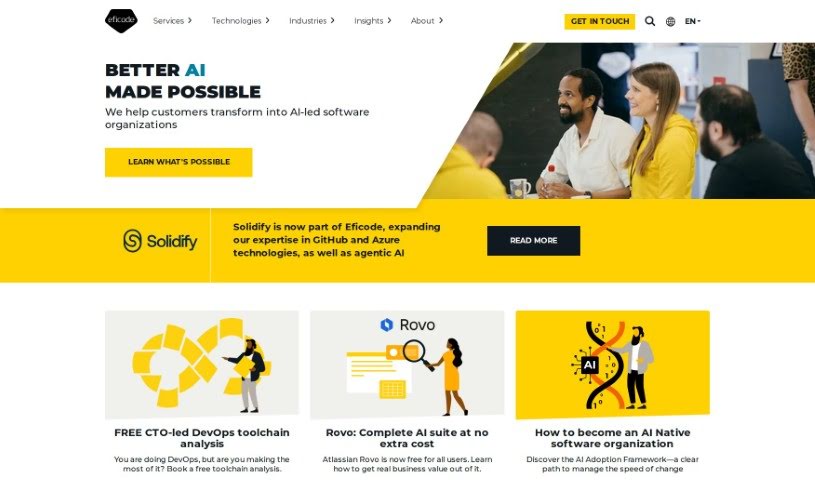
Eficode is a company that offers a really helpful Jira Support Bot, powered by AI. Its main goal is to boost your team's efficiency and make managing issues in Jira much smoother. This bot is your go-to guide for setting up workflows, customizing fields, and tackling those trickier tasks like managing permission schemes or creating dashboards. Beyond the automated help, Eficode also provides direct human support from seasoned Atlassian experts. This means you can get personalized advice that's perfectly suited to what you need.

Web Development View Tool →
Screenshot of Elegant Themes

Elegant Themes

Freemium

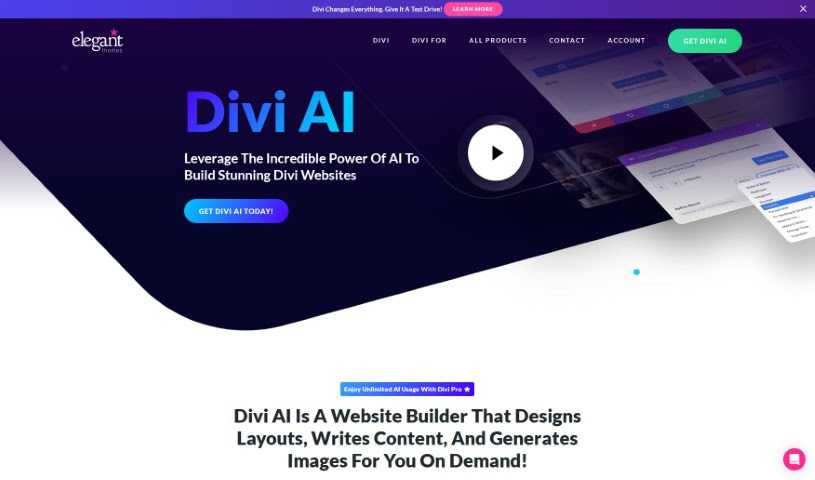
Elegant Themes is a handy tool built right into the Visual Builder. It is your assistant for all sorts of website tasks. It can help you rewrite headings, paragraphs, calls to action, and even button text. Need to make something easier to read, translate it, or just fix up grammar and spelling? It's got you covered. Plus, it can adjust the tone of your writing.

Web Development View Tool →
Screenshot of Ellipsis

Ellipsis

Freemium

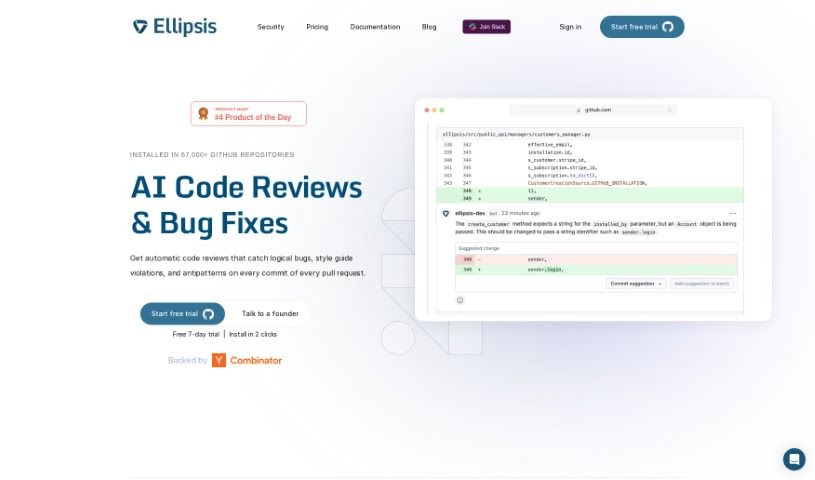
Ellipsis is your AI coding assistant, built right into your software development workflow. It's designed to act like a virtual software engineer, helping your team out with all sorts of coding tasks. It can review your code, write new code when you ask, answer questions about your source code, help implement new features, and even fix bugs. Ellipsis uses advanced Large Language Models, the same kind of tech that powers many AI chatbots, to really understand and generate code. It's particularly handy because it can review code directly within your pull requests, offering thoughtful feedback, and it can generate code snippets or even full features when you explicitly request them. Plus, Ellipsis takes security seriously – it doesn't store your source code and always asks for your permission before making any commits or pull requests.

Web Development View Tool →
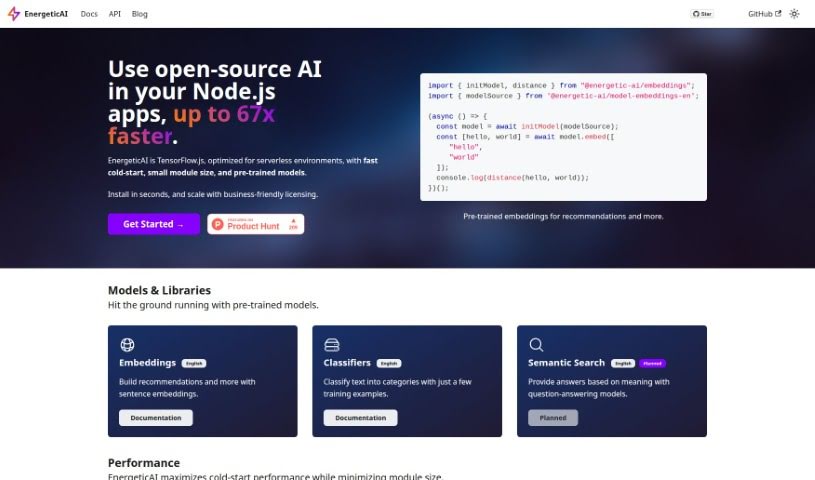
Screenshot of EnergeticAI

EnergeticAI

Freemium

EnergeticAI is an open-source artificial intelligence (AI) solution specifically designed for Node.js applications, with a particular focus on serverless environments. It really boosts TensorFlow.js capabilities, leading to much faster cold-start times, smaller module sizes, and easy access to pre-trained models. In fact, it can be up to 67 times faster at starting up compared to standard TensorFlow.js. Essentially, EnergeticAI makes it much simpler to add machine learning features to your Node.js apps, prioritizing speed and making the whole process user-friendly. To get started, you'll need Node.js version 18 or higher. It's distributed under an Apache 2.0 license, which means it's a great fit for both open-source projects and commercial ventures. The platform also comes with pre-trained models that help you build recommendation systems and classify text, even if you only have a few training examples. Plus, they're planning to add semantic search models in the future.

Web Development View Tool →
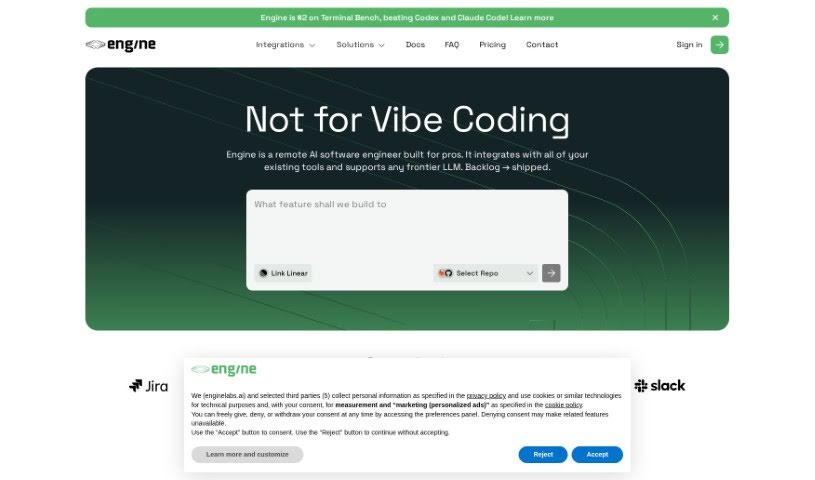
Screenshot of Enginelabs

Enginelabs

Freemium

Enginelabs is a platform that lets you build apps using everyday language, no coding or complex setup required. It's pretty neat because it handles all the backend stuff for you. Here are some of the cool things Enginelabs offers:

Web Development View Tool →

Stay Updated with AI Tools

Get weekly updates on the latest AI tools, trends, and insights delivered to your inbox

Join 25,000+ AI enthusiasts. No spam, unsubscribe anytime.