10Web
Web Development Website Builders
Learn more
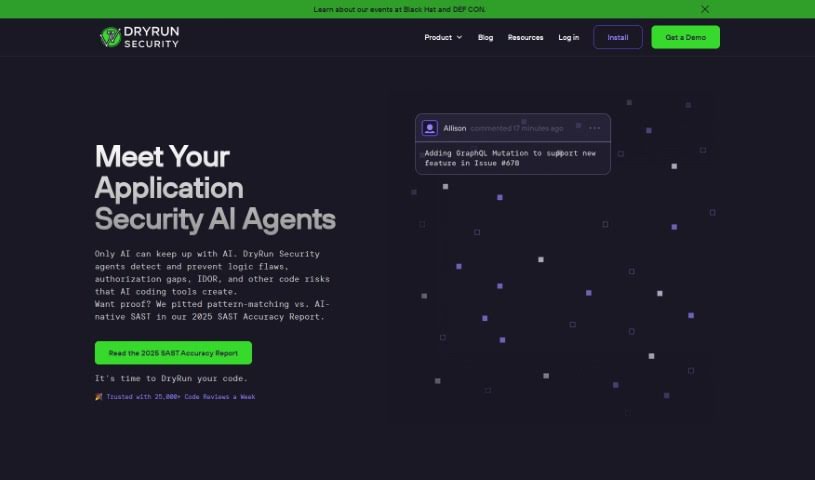
Dryrun Security is an AI-powered GitHub App that reviews pull requests for security issues as you code, delivering security context within seconds.
Dryrun Security is an AI-powered GitHub App that reviews every pull request for security issues as you code. It analyzes code changes to determine whether they are safe, making security review part of the normal development workflow rather than a separate chore. It supports a range of languages and frameworks and delivers feedback within seconds of opening a pull request.
Setup is minimal: install the GitHub App on the repositories you want to protect — installation takes about a minute — and no extra steps are required. Whenever you open a pull request, checks run automatically and you get security context before merging, usually within a few seconds.
The company was founded by James Wickett (CEO and Co-Founder) and Ken Johnson (CTO and Co-Founder). James started the company because he believes developers care about security and quality but have often been underserved by the tools the security industry provides. Ken previously led internal security code reviews at GitHub. Dryrun Security launched with the goal of automatically checking code for security issues as developers write it.
Dryrun Security provides quick security reviews on pull requests. It examines how authentication and authorization are handled and reviews sensitive code paths and functions for potential problems. The analysis is designed to produce detailed findings with fewer incorrect alerts, helping protect every code repository and speed up the development pipeline.
Dryrun Security is designed for developers and security professionals who want security context built into their normal workflow.
Related
Discover more tools in similar categories
Weekly picks of the best AI tools we've researched and added — no spam, unsubscribe anytime.
Join 25,000+ AI enthusiasts. No spam, unsubscribe anytime.