AI Tools for Voice Cloning

Discover the best Voice Cloning AI tools to enhance your productivity and creativity.

Page 4 of 6 • 62 total tools

Voice cloning technology has really taken off in recent years. It’s gone from being a niche interest to a powerful tool used in all sorts of industries. Whether you’re making content for fun, improving accessibility, or just want more personal communication, the ability to copy human voices with amazing accuracy is changing how we interact with audio.

It can feel a bit overwhelming trying to sort through all the options out there. Each tool has its own set of features, from making voices sound super lifelike to letting you tweak voice settings. So, picking the right one really depends on what you need.

As I’ve explored this new area, I’ve looked into lots of voice cloning tools. I’ve checked out what they can do, how easy they are to use, and how good the final audio sounds. If you’re a content creator needing to automate voiceovers, a developer wanting to add voice tech to your projects, or just curious about what’s possible, this guide will point you to the best choices.

Get ready to see the latest in voice cloning tech, with tips and recommendations to help you use AI effectively in your audio projects. Let’s find the perfect fit for you!

The best AI Voice Cloning Tools

  1. ElevenLabs: Great for creating personalized virtual assistants with voice cloning.
  2. Voice AI: Perfect for impersonating cartoon characters in games.
  3. Voicemaker: Ideal for building personalized virtual assistants.
  4. Kits AI: Your go-to for custom voiceovers for videos.
  5. Voice Changer: Use this to create lifelike voiceovers for media.
  6. ElevenLabs Voice Cloning: Excellent for personalized audiobook narration.
  7. Blipcut: Helps you create customized character voices for games.
  8. Vocloner: Offers multilingual voice synthesis and cloning.
  9. Vocalremove: Useful for creating custom vocal tracks for projects.
  10. Lalals: Good for mimicking celebrity voices for your tracks.
  11. Speechify Voice Cloning: Makes personalized audiobooks for users.
  12. Delphi: Lets you create personalized voice assistants.
  13. MetaVoice Studio: Ideal for creating personalized voice avatars for gaming.
  14. PlayHT Voice Cloning: Great for personalized audio content creation.
  15. Checksub: Use this for dubbing videos with realistic voice clones.

How do AI voice cloning tools work?

AI voice cloning tools use a mix of advanced machine learning and large amounts of recorded speech. These systems start with a deep learning model. This model analyzes hundreds of hours of audio to understand voice patterns, intonation, and pronunciation. This extensive training helps the AI copy specific voices really well.

After the model is trained, it can create synthetic speech. You give it text, and it turns it into spoken words that sound a lot like the target voice. It predicts waveform details and inflections on the fly to make the listening experience smooth. The better the output, the more voice samples and variety were used during training.

Many voice cloning apps have simple interfaces. You can just type or input scripts for the AI to read. This process often takes less than a minute, showing how efficient the underlying technology is. As the tech has improved, the results often sound just like real human speech.

However, there are ethical questions around AI voice cloning, especially concerning consent and how it might be misused. Companies making these tools are increasingly focused on creating guidelines for responsible use, making sure that voice likenesses are used with permission and for the right purposes.

If you’re curious about AI voice cloning, lots of platforms now offer easy-to-use options for creating voiceovers or even personalized virtual assistants. This technology has opened up new ways to create content and improve accessibility, while also showing the complexities and responsibilities that come with replicating voices in the digital world.

Our best AI voice cloning tools at a glance

RankNameBest forPlans and PricingRating
1ElevenLabspersonalized virtual assistants with voice cloningN/A4.83 (29 reviews)
2Voice AIimpersonating cartoon characters in gamesN/A4.17 (6 reviews)
3Voicemakerpersonalized virtual assistantsPaid plans start at $50/year.4.55 (11 reviews)
4Kits AIcustom voiceovers for videosN/A4.73 (11 reviews)
5Voice Changercreate lifelike voiceovers for media.N/A4.58 (19 reviews)
6ElevenLabs Voice Cloningpersonalized audiobook narrationN/A4.72 (25 reviews)
7Blipcutcreate customized character voices for games.N/A4.52 (23 reviews)
8Voclonermultilingual voice synthesis and cloning.N/A4.80 (10 reviews)
9Vocalremovecustom vocal tracks for projectsPaid plans start at $4.99/monthly.4.29 (7 reviews)
10Lalalsmimicking celebrity voices for tracks.N/A4.88 (25 reviews)
11Speechify Voice Cloningpersonalized audiobooks for usersN/A4.50 (12 reviews)
12Delphicreate personalized voice assistants.Paid plans start at $0/month.3.83 (6 reviews)
13MetaVoice Studiocreate personalized voice avatars for gaming.N/A4.64 (11 reviews)
14PlayHT Voice Cloningpersonalized audio content creationN/A4.80 (25 reviews)
15Checksubdubbing videos with realistic voice clones.Paid plans start at $18/month.4.60 (5 reviews)
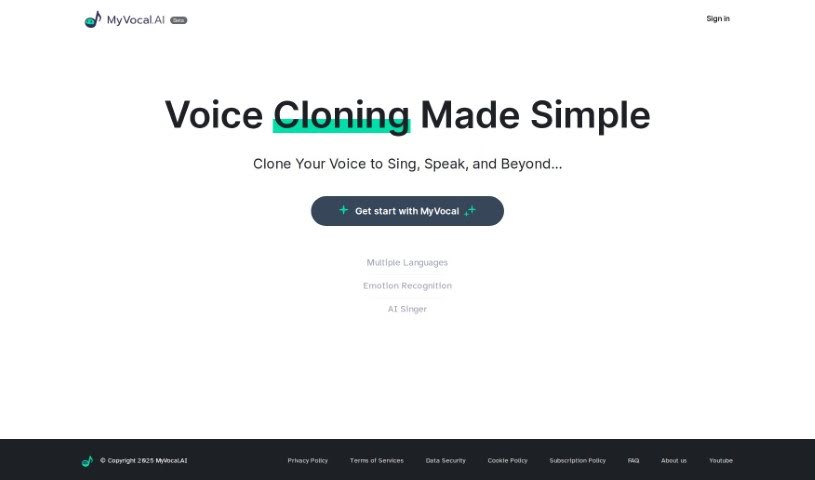
Screenshot of Myvocal.ai

Myvocal.ai

Freemium

Myvocal.ai is a really neat platform that uses AI to let you clone your voice in about 60 seconds. You can use it for singing or just speaking, and it gives you a unique AI voice to help you really stand out. The whole idea behind it is to make things super easy for creators, so you can generate music or other content without a hassle. Plus, Myvocal.ai has some handy features like Voice Templates and Text to Speech to really boost your digital presence. If you're a developer, you can easily plug it into your own projects thanks to their clear API guides. They're also serious about security and keeping your information private, aiming to help you make your audio content shine.

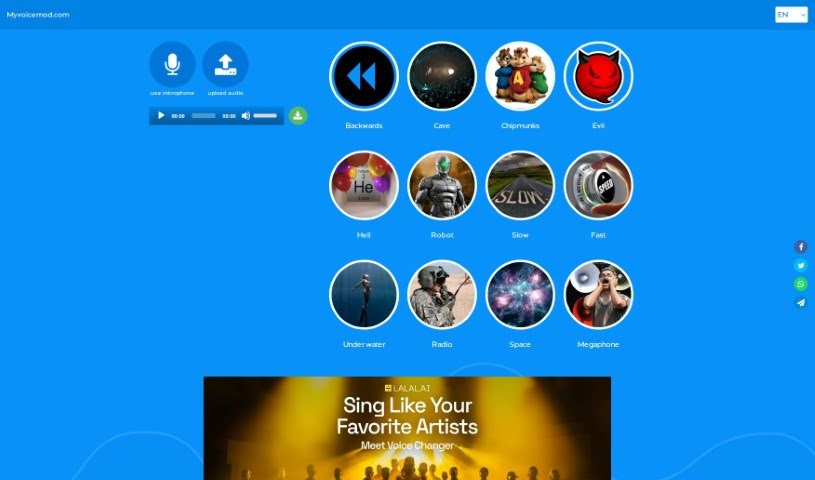
Screenshot of Myvoicemod

Myvoicemod

Freemium

Myvoicemod is a neat online tool that lets you change your voice. It is a fun voice changer you can use right in your browser for entertainment. You can play around with different voice effects – like making your voice sound robotic, like you're in a cave, or even like a chipmunk! It’s a great way to add some humor or a bit of mystery to whatever you're saying. The platform makes it super easy to morph your voice instantly, offers a bunch of cool effects to pick from, and lets you either record your voice live or upload existing audio to change. Once you're happy with it, you can just download your modified recording. It’s designed to be really user-friendly, so you can experiment with all sorts of voice changes without any hassle.

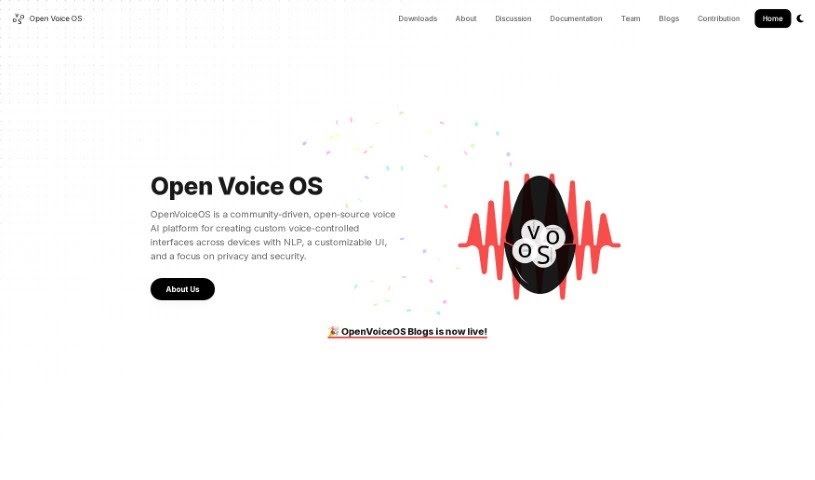
Screenshot of Open Voice Os

Open Voice Os

Freemium

OpenVoiceOS, formerly known as Open Voice Os, is a community-powered, open-source voice AI platform. It's designed to help you build your own custom voice-controlled interfaces for all sorts of devices. What's really great about OpenVoiceOS is its focus on privacy and security. It offers a user interface (UI) that you can tailor to your liking, along with natural language processing (NLP) capabilities. This means you can control smart home gadgets, play music, set reminders, and do much more, all with simple voice commands. The whole platform is built using open-source software, and they actively encourage developers from the open-source community to jump in and contribute. Essentially, OpenVoiceOS wants to lead the way in how we interact with personal assistants and smart speakers, inviting anyone interested – whether you're a software developer, data scientist, or just a tech enthusiast – to join in and help shape its future.

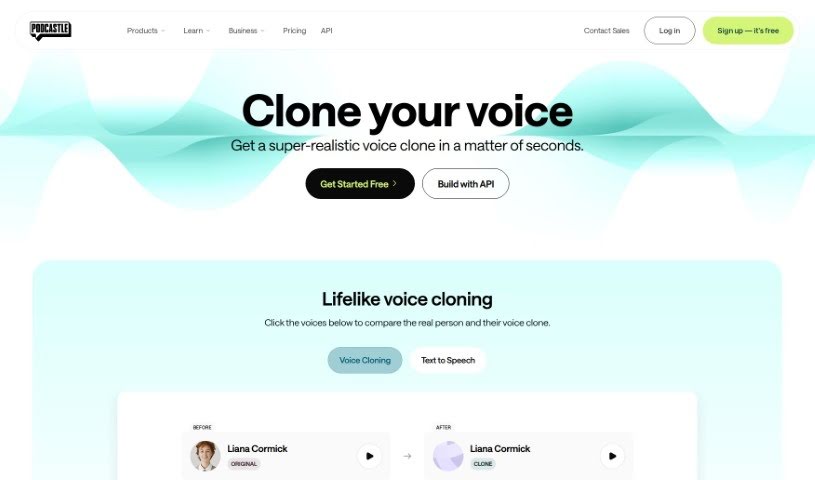
Screenshot of Podcastle AI Voice Cloning

Podcastle AI Voice Cloning

Freemium

AI Voice Cloning is a pretty neat technology that uses smart artificial intelligence to create synthetic voices that sound a lot like real human speech. It is a way to replicate voices for all sorts of creative projects or practical uses. Platforms like Podcastle are using really advanced Generative AI. They analyze voice samples to build incredibly realistic cloned voices. Usually, the process involves recording yourself speaking a few sample sentences, sending them off to be cloned, and then you can start using your new voice for content creation pretty quickly – often within just 24 hours.

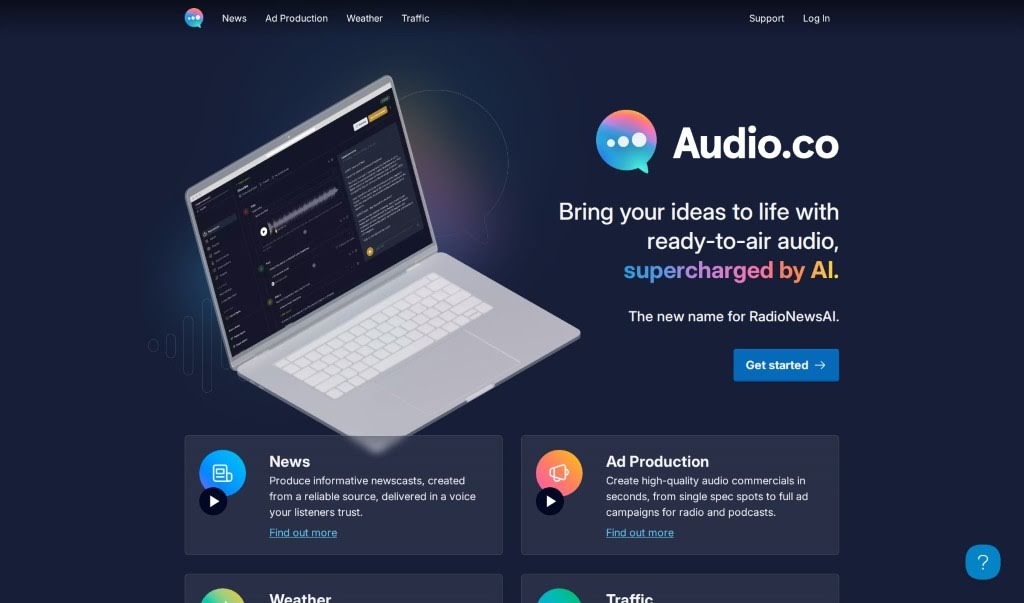
Screenshot of RadioNewsAI

RadioNewsAI

Freemium

RadioNewsAI is a platform powered by artificial intelligence, built specifically to give local radio stations incredibly realistic AI news anchors. It works by creating automated news broadcasts. How? It takes online content from places like local websites and RSS feeds and turns them into news stories. These stories are then narrated using lifelike AI-generated voices. You can bring in your own content, tweak the AI voice to your liking, set up update schedules, and even review and approve newscasts before they go live. The platform also boasts some pretty neat advanced features, like newscast formats you can customize, the ability to clone your own voice, and even train personal AI models for truly unique news broadcasts. Plus, RadioNewsAI lets you add your own sources and offers a free trial if you're curious to check it out.

Screenshot of Speakingai

Speakingai

Freemium

SpeakingAI is a really advanced text-to-speech platform. It uses some seriously cutting-edge technology to create speech that sounds incredibly natural. What's more, it can clone voices with what they call 'zero-shot' voice cloning, all thanks to sophisticated large language models. You can actually record and clone your own voice in just about 10 seconds! The system is designed to pick up on your unique tone, pitch, and modulation, which means you can then use that cloned voice for all sorts of different things. The folks behind SpeakingAI are really focused on doing AI ethically. They want to develop this generative voice AI technology responsibly, making sure it's for the good of everyone.

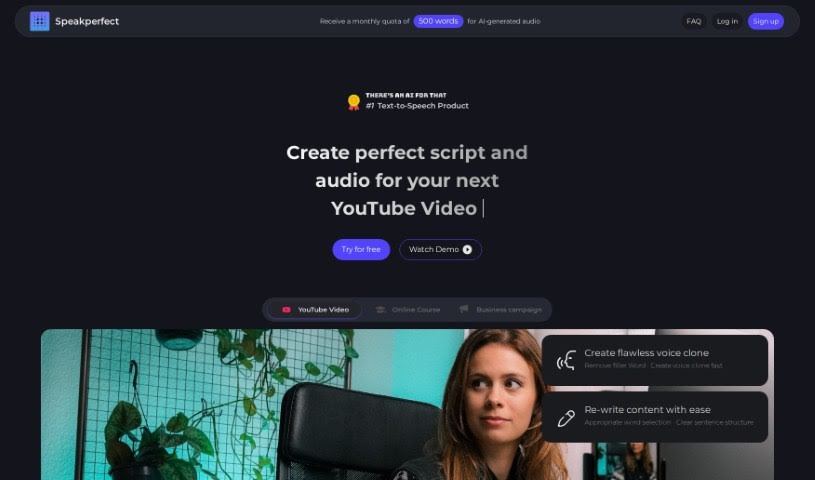
Screenshot of Speakperfect

Speakperfect

Freemium

Speakperfect is a really neat AI tool that helps you create perfect audio without any hassle. You can just talk, make mistakes even – it’s fine! The tool then takes your speech and turns it into a polished script and audio file that’s ready to go. It’s super easy to use and works for all sorts of things, whether you're making content, teaching, doing business, or working on personal projects. It’s especially great for anyone who wants top-notch audio, like content creators, teachers, trainers, businesses, and even folks who aren't native English speakers and want to sound clearer and more fluent.

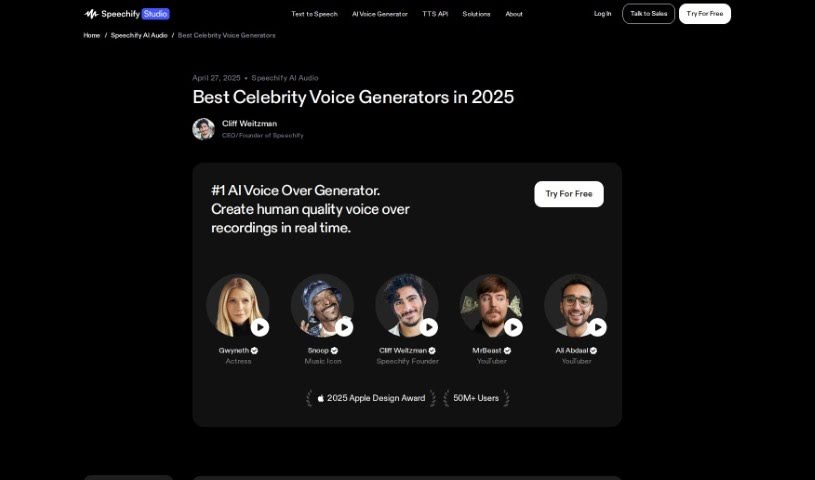
Screenshot of Speechify Celebrity Voice-Over Generator

Speechify Celebrity Voice-Over Generator

Freemium

Speechify's Celebrity Voice-Over Generator is a really cool tool that lets you create voice-overs using the voices of famous people. It's a pretty neat platform that uses advanced tech to copy celebrity voices, which can make your audio content feel really unique and engaging. You get to pick from a bunch of well-known voices to read your text, giving your projects a personal touch. It’s a fun and creative way to make your stories, presentations, audiobooks, and other projects more interesting. By mimicking how celebrities actually speak, including their speech patterns and how they emphasize words, this Voice-Over Generator opens up some exciting new possibilities for anyone creating content or just wanting to add a bit of personality to their recordings.

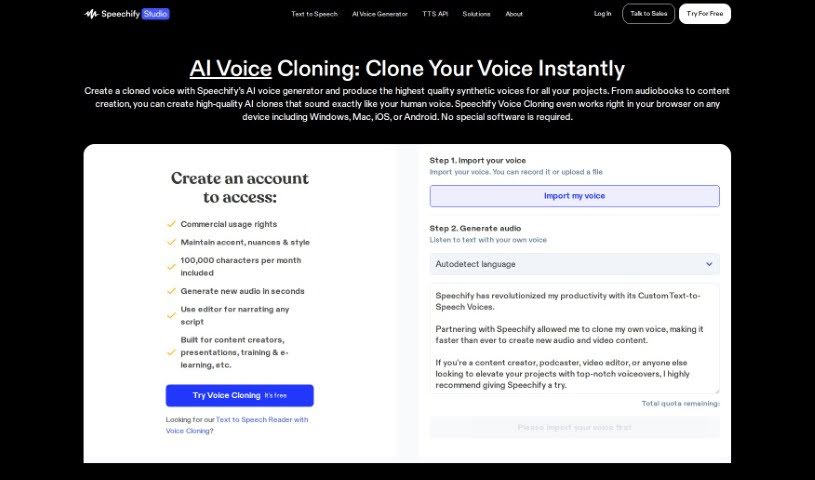
Screenshot of Speechify Voice Cloning

Speechify Voice Cloning

Freemium

Voice cloning is a fascinating technique that lets us create a synthetic version of someone's voice. It uses advanced algorithms and deep learning models to do this. To get a really realistic copy, you usually need a good amount of clear audio from the person whose voice you want to clone. This technology has all sorts of uses, from making virtual assistants sound better to creating personalized voice styles for people. You can use the generated voice for voiceovers, dubbing, audiobooks, and even if someone has lost their ability to speak. While voice cloning opens up some really exciting possibilities, it's also important to think about the ethical side, like privacy, identity theft, and how these voice recordings might be misused.

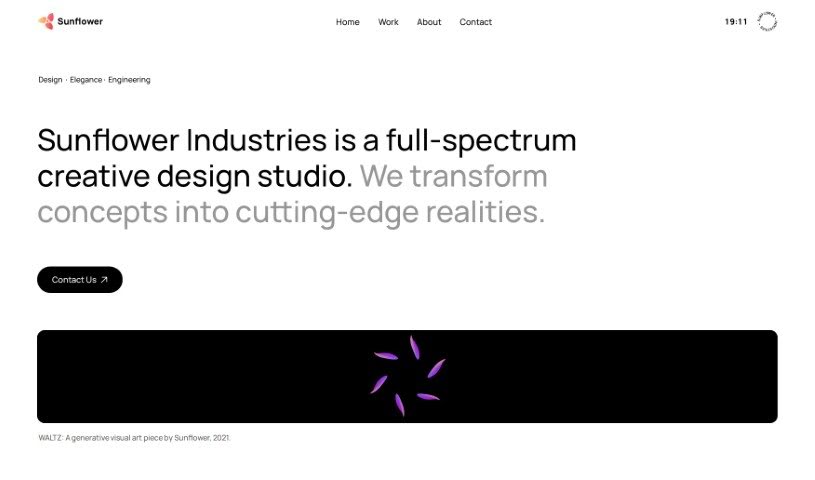
Screenshot of Sunflower Sparrow

Sunflower Sparrow

Freemium

Sunflower Sparrow is a software designed to change your vocals into AI voices, and it does this with playback that's almost in real-time. It uses smart AI algorithms and models to listen to your voice and then apply voice conversion techniques to create those AI voices. You can load your own custom models, convert voices as much as you want without limits, and even use the converted voices for commercial projects because they're royalty-free. Plus, Sunflower Sparrow works with VST and AU plugins, lets you tweak the voice's character, and even helps you create entirely new voices. Looking ahead, they plan to bring the software to Windows, offer personal voice training, and really push for ethical use of this AI tool.

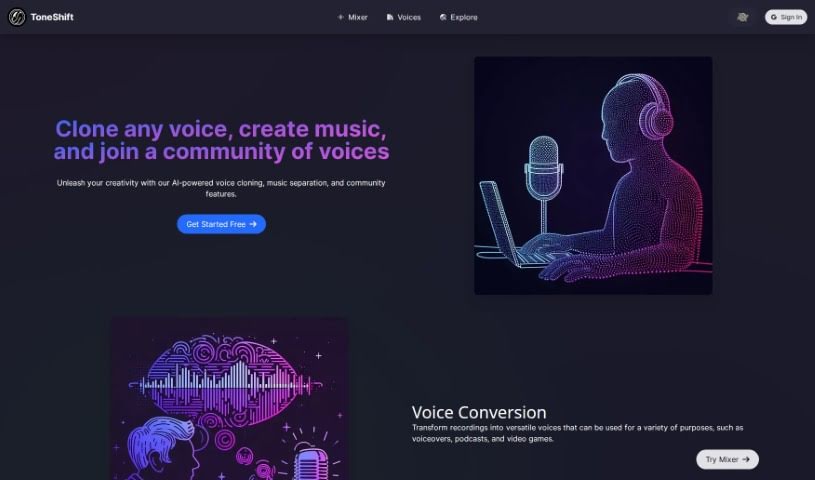
Screenshot of Toneshift

Toneshift

Freemium

ToneShift is a really neat AI tool that lets you clone voices, separate music into vocals and instrumentals, and even work with others. You can use its Voice Conversion feature to change your recordings into all sorts of voices – perfect for voiceovers, podcasts, or even video games. Plus, the Music Separation tool lets you pull out vocals and instruments from songs, so you can whip up your own unique remixes and mashups. What really makes ToneShift stand out, though, is its Voice Cloning. It lets you copy pretty much any voice you want, which is fantastic for creating unique characters or telling new stories. The platform also has a great community space where you can check out different voices, share what you've made, and team up with other users on projects. It’s a super helpful resource if you're into voice work or customizing music.

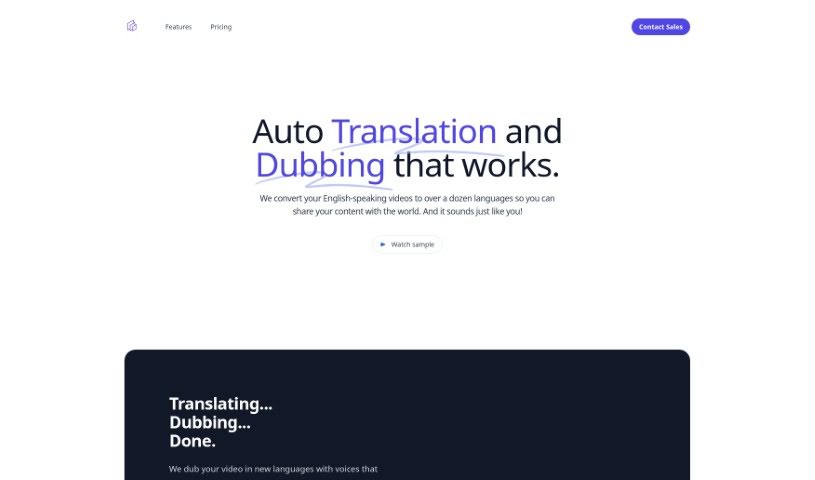
Screenshot of Translatethisvideo

Translatethisvideo

Freemium

TranslateThisVideo is a service that helps you translate your English videos into many different languages using audio translation. What's really neat is that it works hard to keep the original speaker's voice and tone intact. You get features like instant transcripts, automatic voice cloning, the ability to edit your transcripts, and it even detects pauses in speech. If you need to be super accurate, especially with technical words, you can manually fix the transcripts. It's a great tool for anyone, whether you're an individual or a company, looking to connect with a worldwide audience.

Stay Updated with AI Tools

Get weekly updates on the latest AI tools, trends, and insights delivered to your inbox

Join 25,000+ AI enthusiasts. No spam, unsubscribe anytime.