AI Tools for Video Generation

Discover the best Video Generation AI tools to enhance your productivity and creativity.

Page 10 of 28 • 333 total tools
Screenshot of Get Munch

Get Munch

Freemium

Get Munch is a platform that uses smart AI, including GPT, OCR, and NLP, to go through long videos and pull out interesting, relevant clips perfect for social media. Think TikTok, Instagram, Twitter, LinkedIn, and YouTube Shorts. It's designed to help you find the most engaging parts of your content, match it with what's trending in marketing, adjust the video's focus so it performs best on any platform, create social media posts directly from your videos, and even produce content in different languages. Plus, Get Munch can automatically edit videos, add captions, and offers ways to get the most out of your long-form video content.

Video Generation View Tool →
Screenshot of Getimg.ai AI Image to video

Getimg.ai AI Image to video

Freemium

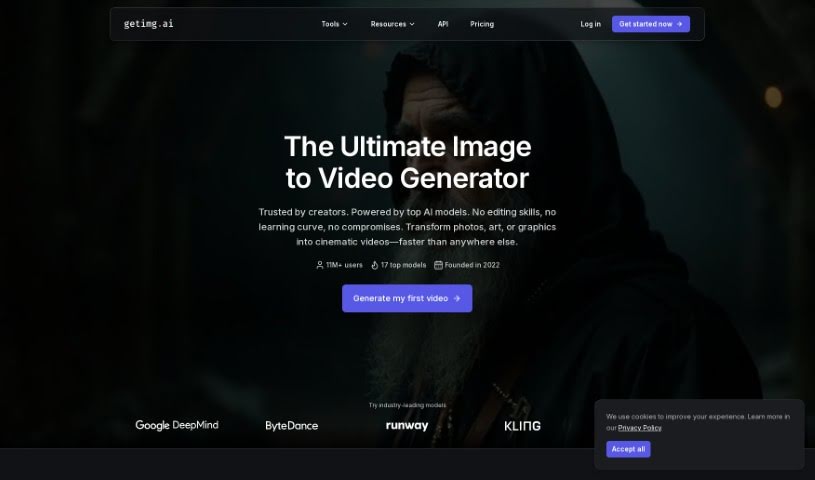
Getimg.ai offers a really neat AI tool that turns your still images into short video clips. It uses advanced AI, specifically the Runway Gen-3 model, to create smooth motion from just one picture. Instead of just flipping through images like a flipbook, this tool is smart about it. It actually generates multiple frames by understanding the context of your image and learning from patterns, which means you get coherent stories and seamless transitions. It's super versatile, too – whether you have a realistic photo or a piece of digital art in any style, it can handle it. If you're an artist, photographer, or content creator looking to add some engaging, eye-catching video to your work, this is a fantastic option.

Video Generation View Tool →
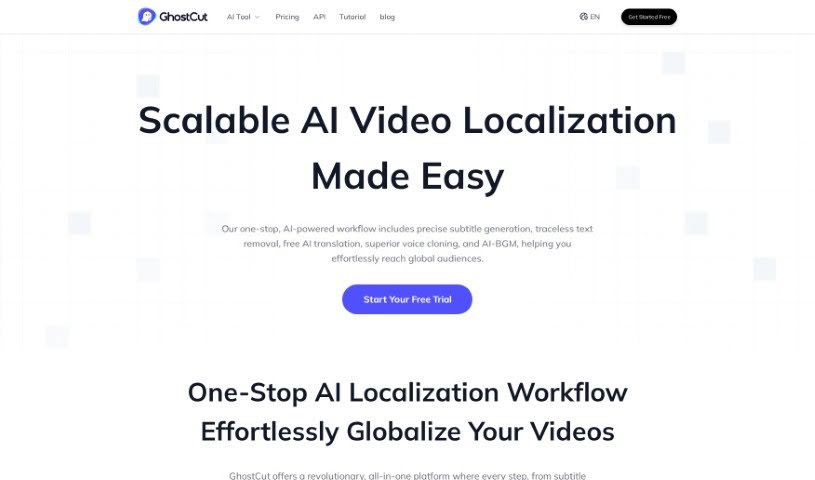
Screenshot of GhostCut

GhostCut

Freemium

GhostCut is a professional video editing tool powered by AI, designed to help creators, merchants, and Multi-Channel Networks (MCNs) with localized video marketing. It offers a suite of features aimed at making your content ready for a global audience. You can use it for video translation dubbing, translating hard subtitles, and even removing subtitles altogether. A standout feature is its 'Smart Text Removal' tool, which cleverly gets rid of hardcoded subtitles from your videos. Plus, GhostCut has a 'One-click Multi-style' option that lets you generate several different versions of the same video, each with its own unique style. This really boosts content variety and sparks creativity. What sets GhostCut apart in the video editing space is its innovative AI technology and its all-around editing capabilities. It’s great for translating and dubbing videos, creating multiple styles from just one video, and generally supporting your localized video marketing efforts.

Video Generation View Tool →
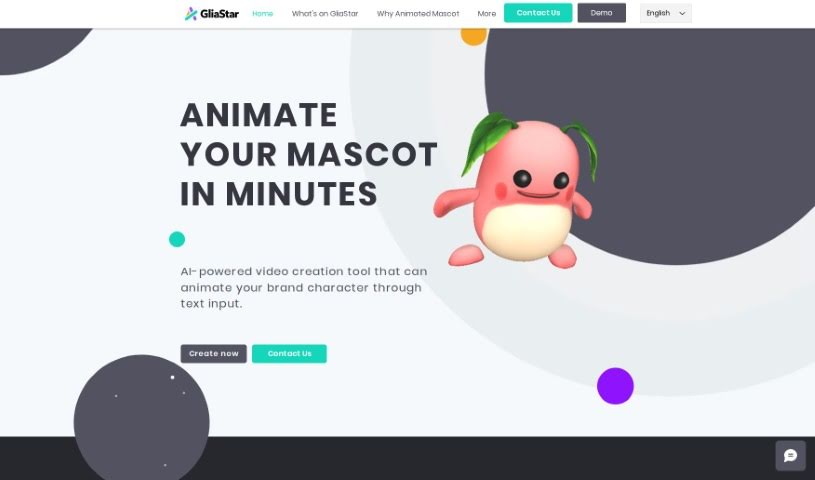
Screenshot of GliaStar

GliaStar

Freemium

GliaStar is a really neat AI tool built specifically for bringing brand mascots to life using just text. You give it your mascot's design, whether it's a flat 2D drawing or a 3D model, and GliaStar turns it into a moving, animated character. It's pretty clever!

Video Generation View Tool →
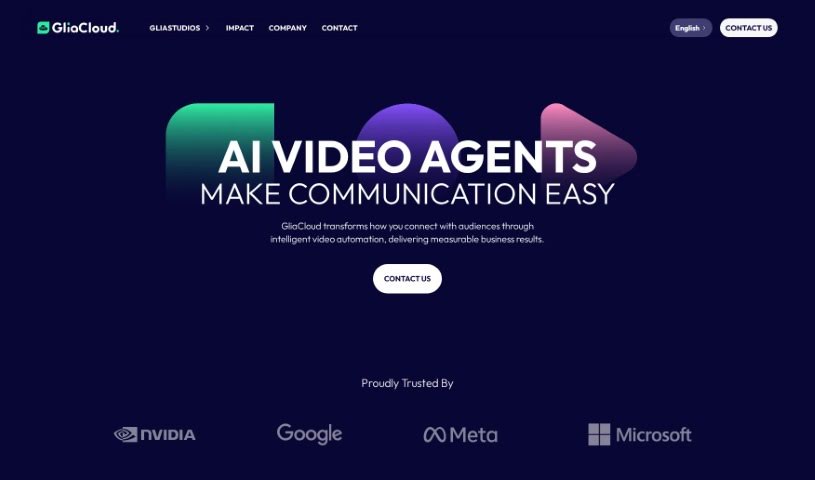
Screenshot of GliaStudio

GliaStudio

Freemium

GliaStudio is a really neat online platform that lets you create videos right in your web browser – no software installation needed! It uses AI to turn your text-based content into engaging videos super fast. Whether you've got a news article, a social media post, live event updates, or even statistical data, GliaStudio can help you transform it into a video in just minutes. This is fantastic for anyone looking to tell better digital stories, connect with a wider audience, and get people interacting with their content through easy-to-watch videos. They say it can boost your video production volume by up to 10 times and save content creators about 50% of their time. Plus, with automated features like their News Video and Marketing Video tools, teams can really ramp up their video output and make sure their content looks great and reaches viewers effectively. You'll also find helpful features like automatic text summarization, tons of media resources, options to add your own branding, and a workflow that's just plain simple to use. It’s a super versatile tool for media companies and marketing teams alike.

Video Generation View Tool →
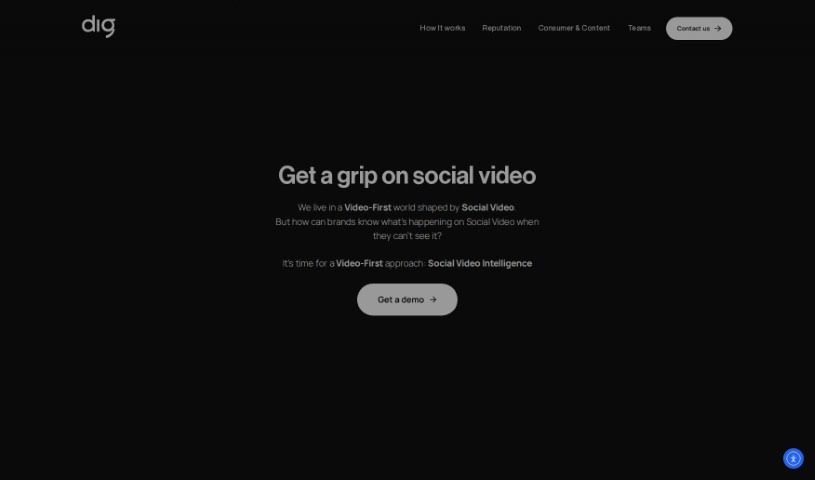
Screenshot of GlossAi

GlossAi

Freemium

GlossAi is a really smart platform designed to help you make the most of your video and audio content. It is your go-to tool for repurposing and fine-tuning everything you create. Its main goal is to boost how much people engage with your content, cut down on production costs, and save you a ton of time. It’s packed with features that make content creation a breeze. You can automatically turn long videos into shorter, shareable clips, repurpose content for all sorts of formats, and even translate it into over 200 languages. Plus, it has built-in editing tools and lets you use simple prompts to personalize content for your audience. The platform makes it super easy to share your creations everywhere – social media, emails, blogs, websites – basically, anywhere you want to reach more people. GlossAi was started in 2021 by a team of entrepreneurs who previously worked at McKinsey & Company, Intel, and the Israeli Defense Forces. They've got backing from major global venture capital firms and are really focused on using generative AI to create powerful solutions. On top of all that, GlossAi also helps protect your brand. It has a system for watching out for social video risks like misinformation, smear campaigns, and deep-fake detection, and it can even help you respond to them.

Video Generation View Tool →
Screenshot of GoEnhance

GoEnhance

Freemium

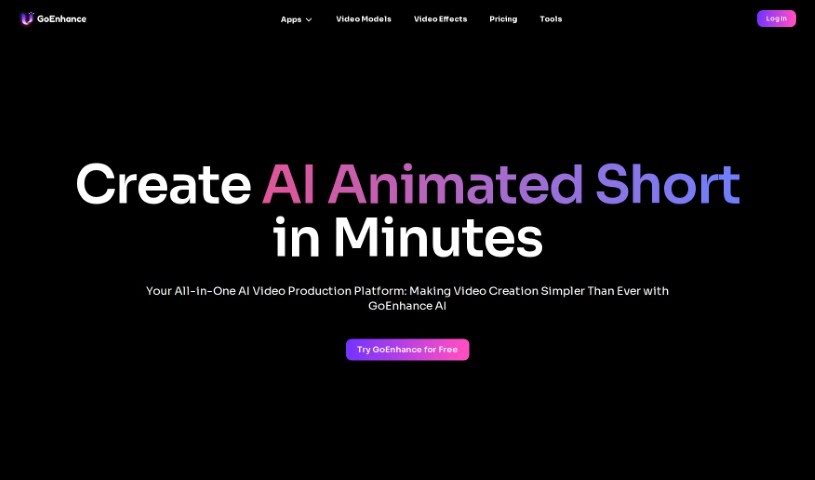
GoEnhance is a really neat AI platform that makes creating videos much simpler. It is your go-to tool for bringing your video ideas to life, fast. It’s packed with features like generating videos frame by frame, swapping faces in videos using AI, animating characters from just a single picture, and even enhancing images to show incredible detail, all thanks to advanced AI technology. It's specifically built for people like you who create content, helping you produce amazing AI-animated shorts in just minutes. In fact, millions of professional content creators, film companies, and even producers of short dramas already use GoEnhance AI to make professional-looking anime videos. If you want to learn more or give it a try yourself, you can head over to <https://app.goenhance.ai/>.

Video Generation View Tool →
Screenshot of Google Imagen Video

Google Imagen Video

Freemium

Google Imagen Video is a really neat system for creating videos from text, developed by the Google Research Brain Team. It is a way to turn your written ideas into actual video clips. It works by using a series of video diffusion models, which are basically advanced AI techniques, to generate high-definition videos based on whatever text you give it. To make sure the videos look good, Imagen Video also uses special models that improve both the quality over time (temporal) and the detail within each frame (spatial). This means the videos it creates are sharper and more lifelike. What's cool is how much control you have; it understands the world and different artistic styles really well, so you can generate all sorts of videos, even text animations, and it can even understand 3D objects. It's a pretty innovative technology that lets you make high-quality videos with a lot of creative freedom.

Video Generation View Tool →
Screenshot of Google Veo

Google Veo

Freemium

Google Veo is a platform designed for making videos that look incredibly realistic and have top-notch quality, even supporting up to 4K resolution. It gives you a lot of creative freedom with various styles and detailed camera controls. Basically, Veo lets you create visually stunning videos with smooth motion and sharp details, making them a real treat for viewers. It's built to be user-friendly, so you can easily bring your creative ideas to life and produce content that looks like it came from a professional studio.

Video Generation View Tool →
Screenshot of Google Videopoet

Google Videopoet

Freemium

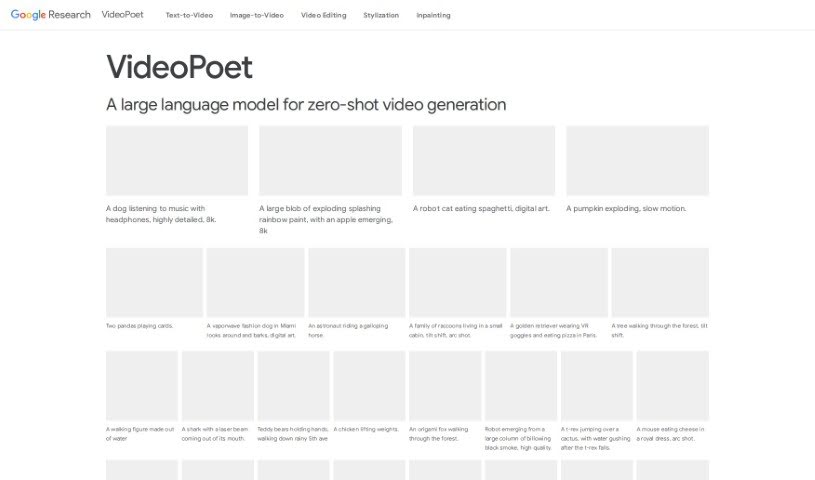
VideoPoet is a really smart way Google has developed to turn large language models, the kind that are great with text, into powerful video generators. It's built on a foundation of pre-trained MAGVIT V2 video and SoundStream audio tokenizers. These tokenizers essentially break down images, videos, and audio clips into small, discrete codes that language models can understand and work with. VideoPoet then uses its autoregressive language model to predict the next piece of video or audio in a sequence, creating new content. It's designed for multimodal learning, meaning it can handle different types of information – text, images, and video – all at once. This allows it to do cool things like generate videos from text, create images from text, and even edit existing videos while keeping them consistent over time. What's really neat is its ability to produce a wide range of high-quality motion and support videos in various formats, plus generate audio that matches what's happening visually.

Video Generation View Tool →
Screenshot of Guidde

Guidde

Freemium

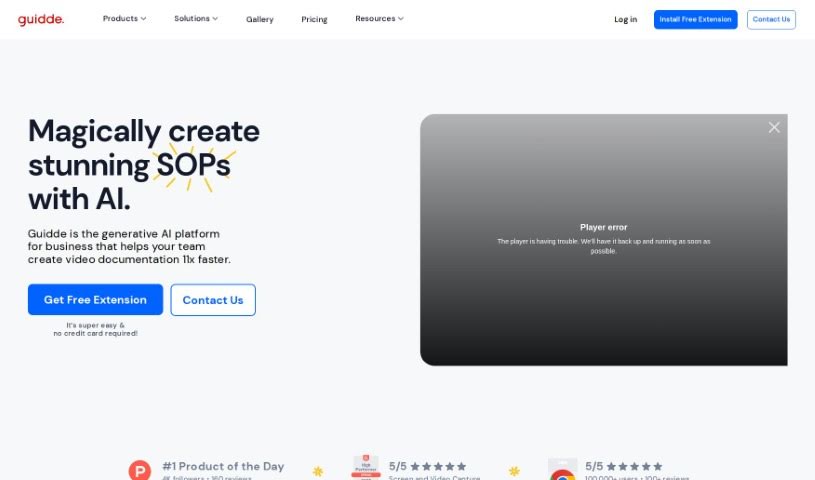
Guidde is a company focused on video documentation. They use generative AI to help people create, edit, and share how-to guides for pretty much any software or process. The best part? You don't need any design or video skills to get started. Think about how often video creation is a hassle, with different tools for each step. Guidde aims to fix that by offering one platform where anyone in your organization can efficiently create, edit, publish, and even analyze video and documentation. Users have found it really boosts their productivity – over 1,000 happy customers and $16 million raised so far. They've already generated more than 6 million minutes of video content!

Video Generation View Tool →
Screenshot of Haiper AI

Haiper AI

Freemium

Haiper AI is a sophisticated tool for creating content, using artificial intelligence to turn your text and still images into lively videos. It's packed with features like Video Repainting, which lets you change parts of existing videos, and tools to animate static images. Plus, you get advanced controls for things like AI camera movement, adjusting lighting, controlling character poses, and managing motion. Essentially, Haiper AI is designed to help individuals and businesses produce engaging, dynamic visual content that really stands out in today's digital world.

Video Generation View Tool →

Stay Updated with AI Tools

Get weekly updates on the latest AI tools, trends, and insights delivered to your inbox

Join 25,000+ AI enthusiasts. No spam, unsubscribe anytime.