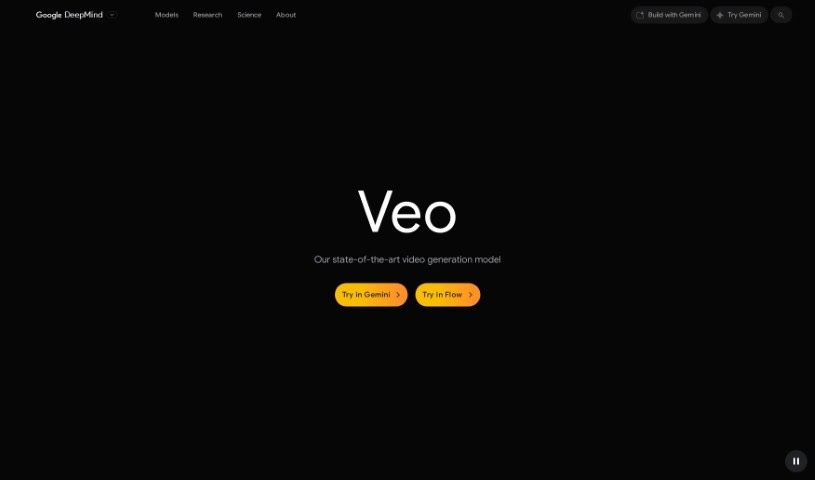
Screenshot of Google Veo

Google Veo

Discover Google Veo, a powerful video creation tool for 2025. Learn its features, how to use it, and how it stacks up against other video creation platforms.

Screenshot

What is Google Veo?

Google Veo is a platform designed for making videos that look incredibly realistic and have top-notch quality, even supporting up to 4K resolution. It gives you a lot of creative freedom with various styles and detailed camera controls. Basically, Veo lets you create visually stunning videos with smooth motion and sharp details, making them a real treat for viewers. It’s built to be user-friendly, so you can easily bring your creative ideas to life and produce content that looks like it came from a professional studio.

Who created Google Veo?

Google Veo is the result of significant research and engineering efforts from a dedicated team at Google. Key contributors include Agrim Gupta, Ali Razavi, Ankush Gupta, Dumitru Erhan, Eric Lau, Frank Belletti, Gabe Barth-Maron, Hakan Erdogan, and many other talented individuals. Their combined work made this project a reality.

Who is Google Veo for?

  • Videographers: For crafting polished, professional video content.
  • Content Creators: To produce engaging and high-quality videos for various platforms.
  • Marketing Specialists: To create compelling promotional videos and campaigns.
  • Educators: To develop clear and visually appealing educational materials.
  • Film Producers: For generating realistic motion and high-resolution footage.
  • Social Media Managers: To create eye-catching videos that boost engagement.
  • Graphic Designers: To integrate dynamic video elements into their designs.
  • Event Planners: To produce promotional or recap videos for events.
  • Real Estate Agents: To create immersive video tours of properties.
  • YouTubers: To enhance their channel with professional-looking video content.
  • Online Course Instructors: To make learning more interactive and engaging.
  • Photographers: To add motion and life to their still images.

How to use Google Veo?

Here’s a straightforward guide to getting the most out of Google Veo:

  1. Get Started with Google Veo: First, head over to the Google Veo website or open the app on your device.
  2. Log In or Sign Up: If you’ve got a Google account, just sign in. If not, creating a new one is quick and easy to start using Veo.
  3. Explore the Dashboard: Take a moment to look around the main dashboard. You’ll find handy tools like search bars, settings, and help sections.
  4. Begin a New Project: Ready to create? Click the “New Project” button to start fresh.
  5. Bring in Your Media: Upload or import the videos and images you want to use for your project.
  6. Edit and Polish Your Media: Use Veo’s editing tools to trim clips, add cool effects, or adjust audio. Make your media look and sound just right.
  7. Add Text and Graphics: Want to add titles, captions, or other graphics? You can easily overlay text and visuals to get your message across.
  8. Play with Filters and Effects: Give your media a unique look by trying out the different filters and effects available.
  9. Organize Your Timeline: Drag and drop your media clips onto the timeline to arrange them in the order you want. Make any necessary edits to perfect the flow.
  10. Review and Finalize: Watch your project through to make sure everything is exactly how you envisioned it. Tweak anything that needs it before you save.
  11. Save or Export Your Work: Once you’re happy with the final result, save your project within Veo or export it in your preferred format for sharing or other uses.
  12. Dive into Advanced Features: Don’t forget to explore what else Veo can do! Check out features like collaboration tools, cloud storage, or how it connects with other platforms.

Following these steps should make using Google Veo a smooth and efficient experience for all your media projects.

Related AI Tools

Discover more tools in similar categories that might interest you

Stay Updated with AI Tools

Get weekly updates on the latest AI tools, trends, and insights delivered to your inbox

Join 25,000+ AI enthusiasts. No spam, unsubscribe anytime.