AI Tools for Video Creation

Discover the best Video Creation AI tools to enhance your productivity and creativity.

Page 11 of 11 • 132 total tools

Making videos used to be a tough job, mostly for people with technical skills or fancy equipment. But now, thanks to AI advancements, creating great videos is something anyone can do. AI tools are changing video production, from automatically editing clips to picking the best scenes.

You can forget about struggling with editing software and waiting forever for videos to render. Now, you can whip up engaging video content fast, boosting your productivity without losing quality. Whether you’re a pro creator or just starting out, AI offers solutions for every need.

It’s easy to feel a bit lost with so many options out there in this fast-changing field. That’s why I’ve checked out the best AI video creation tools for different styles and goals. Get ready to find platforms that help you edit faster, add cool effects, and even write scripts, all while making your work simpler.

Let’s jump into the world of AI video creation tools. Here, innovation meets creativity, and we’ll find out which ones are really worth adding to your toolkit.

The best AI Video Creation Tools

  1. Runway: Great for dynamic scene transition effects.
  2. HeyGen: Makes studio-quality video creation effortless.
  3. Vidnoz AI: For quickly generating AI video content.
  4. Digen AI: Automates video editing and production.
  5. Synthesia: Streamlines creating internal training videos.
  6. Magic Hour: Easily creates engaging promotional videos.
  7. Animaker: Helps you create eye-catching social media videos.
  8. AKOOL: Perfect for personalized holiday video messages.
  9. Live3D: Converts AI art into animated videos.
  10. HitPaw: Enhances videos with watermark-free editing.
  11. Clipchamp: Ideal for social media video editing.
  12. Captions: Streamlines editing for stunning videos.
  13. D-ID: Effortlessly produces marketing videos.
  14. DreamFace: Animates faces for engaging videos.
  15. DeepBrain AI: Quickly turns articles into engaging videos.

How do AI video creation tools work?

AI video creation tools use smart algorithms to automate making videos. Basically, these tools look at the information you give them—like text, pictures, and sound files—using advanced machine learning. Most of them use computer vision and natural language processing to understand and then craft videos that get a specific message across.

When you give an AI video tool a prompt, it creates a storyboard and suggests visuals or animations. Behind the scenes, it figures out the main themes and feelings in your input to pick fitting footage or images. This ability to predict helps create more personalized videos that connect well with different audiences.

Sound is also a key part. Many AI video platforms include text-to-speech technology and royalty-free music to keep viewers interested. By looking at the script you provide, these tools can generate voiceovers that match the tone and style you want. This mix of visuals and audio results in a polished final product.

Plus, AI video creation tools often come with templates and ways to customize them. While the automation handles the hard work, you can still change things like colors, fonts, and transitions to better match your brand. This combination of automation and creativity makes video production easier, even for those without technical skills.

As these technologies get better, they keep evolving. Tools are becoming much more skilled at understanding context and sentiment, leading to more impactful videos. They can be used for marketing, education, or even personal stories, opening up tons of possibilities for creators.

If you’re looking to use AI for your video projects, it’s a good idea to explore different platforms and see what they can do. These tools not only save you time but also broaden your creative options, letting you focus on your main message instead of the technical side of making videos.

Our best AI video creation tools at a glance

RankNameBest forPlans and PricingRating
1Runwaydynamic scene transition effectsN/A4.67 (12 reviews)
2HeyGeneffortless studio-quality video creationN/A4.77 (53 reviews)
3Vidnoz AIrapid ai video content generationN/A4.20 (5 reviews)
4Digen AIautomated video editing and production.N/A4.73 (11 reviews)
5Synthesiastreamlining internal training video creationPaid plans start at $29/month.4.74 (46 reviews)
6Magic Hourengaging promotional videos made easily.Paid plans start at $120/year.4.80 (30 reviews)
7Animakercreate eye-catching social media videosN/A4.17 (6 reviews)
8AKOOLpersonalized holiday video messagesN/A4.73 (11 reviews)
9Live3Dconvert ai art to animated videos.N/A4.64 (11 reviews)
10HitPawwatermark-free video editing enhancementN/A4.62 (26 reviews)
11Clipchampsocial media video editingN/A4.82 (11 reviews)
12Captionsstreamline editing for stunning videos.N/A4.64 (11 reviews)
13D-IDeffortless video production for marketing.N/A4.33 (15 reviews)
14DreamFaceanimating faces for engaging videosN/A4.64 (11 reviews)
15DeepBrain AIquickly turn articles into engaging videos.N/A4.82 (11 reviews)
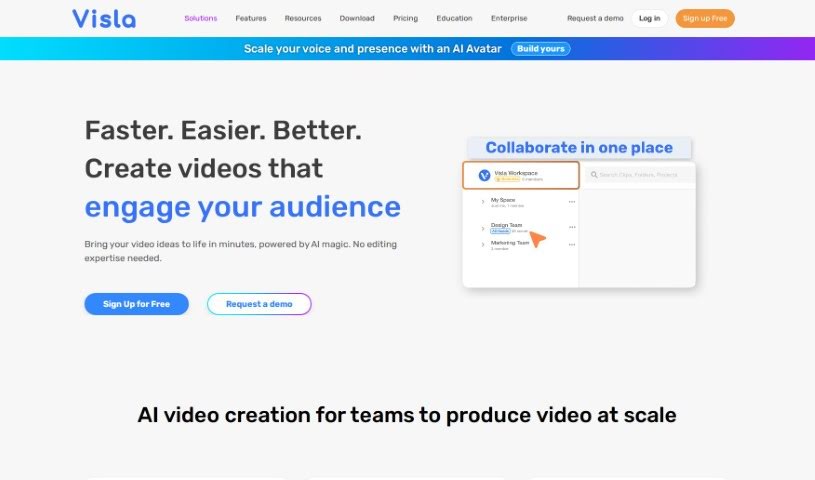
Screenshot of Visla

Visla

Freemium

Visla's AI Video Generator is a really smart tool designed to make creating videos much simpler. It uses artificial intelligence to help you turn all sorts of media into great-looking videos without a lot of hassle. Here are some of the cool things this AI Video Generator can do:

Video Generation View Tool →
Screenshot of viStud

viStud

Freemium

ViStud is an online video editor that really shines when it comes to creating music visualization videos. It's designed to be quick and easy to use, so you can get your music looking as good as it sounds. You can upload your music, then dive into customizing the visuals – think colors, shapes, how things move, and all sorts of effects. Plus, you can add your own background images, text, and even cool elements like particles to really make it pop. The platform also offers ready-made templates to get you started, a free plan if you want to try it out with some limitations, and paid plans that unlock more features like higher resolution exports and cloud storage.

Video Generation View Tool →
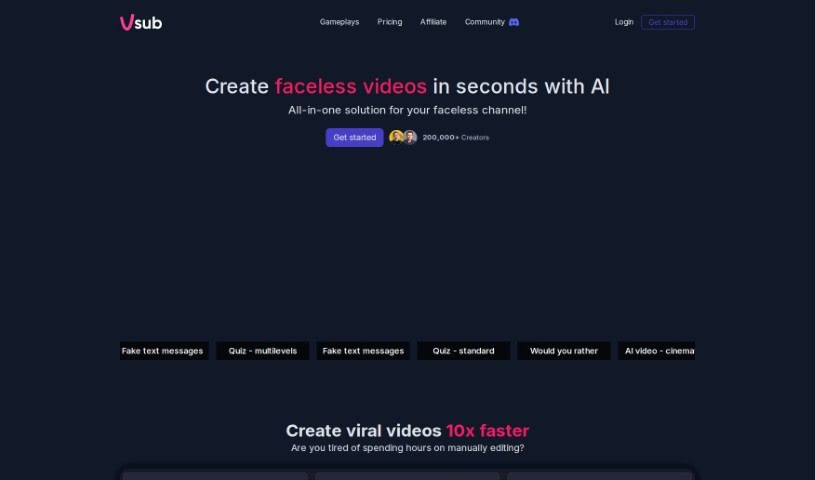
Screenshot of Vsub

Vsub

Freemium

Vsub is a tool designed to make adding captions to your videos much simpler, all thanks to artificial intelligence. It's a really neat solution that automatically generates subtitles, which means captioning your videos becomes a lot quicker and easier. Vsub is proud of its impressive 98.5% accuracy rate. This means the captions you get are high quality, helping viewers understand your content better and stay more engaged. With Vsub, creators can easily add animated subtitles with emojis, much like popular content creators do, or really make key points pop by highlighting important words automatically. The tool is super user-friendly, offering stylish templates for a professional look, and it lets you produce captioned content fast without the usual headaches of traditional captioning software. Over 2,500 creators already use Vsub to make their videos look better and connect more effectively with their audience.

Video Generation View Tool →
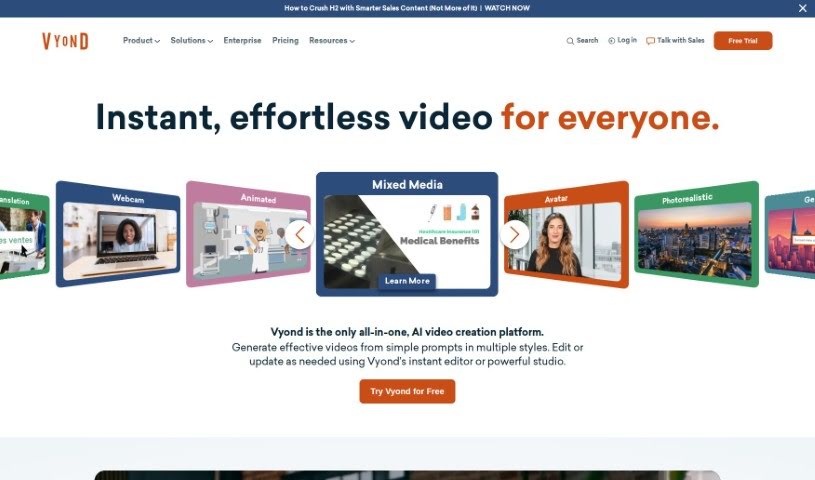
Screenshot of Vyond

Vyond

Freemium

Vyond is a video animation software designed specifically for businesses. Its main goal is to help you turn important information into engaging media that really connects with your audience, motivating them and encouraging them to take action. They even have an AI-powered video maker called Vyond Go, which makes creating videos super quick.

Video Generation View Tool →
Screenshot of Wave.video

Wave.video

Freemium

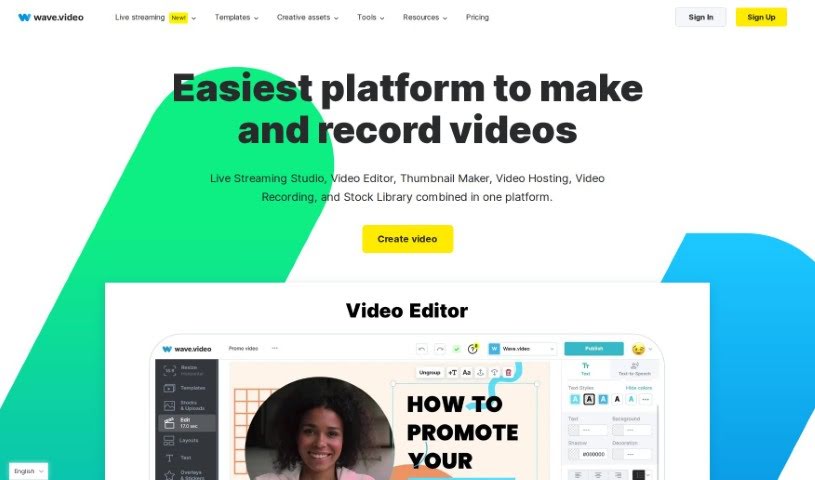
Wave.video is an online platform that lets you create, edit, record, and even live stream professional-looking videos. It is your all-in-one video toolkit. It comes with a robust video editor, a live streaming studio you can customize, a free tool to make thumbnails, secure video hosting, a screen recorder, and a library packed with stock media like images and video clips. The editor makes it super easy to add visual effects and graphics, so even if you're new to video editing, you can make your videos pop. Wave.video is built for creators of all skill levels, helping you produce and adapt videos for all your marketing needs without a hitch.

Video Generation View Tool →
Screenshot of Wave.video Text to Video

Wave.video Text to Video

Freemium

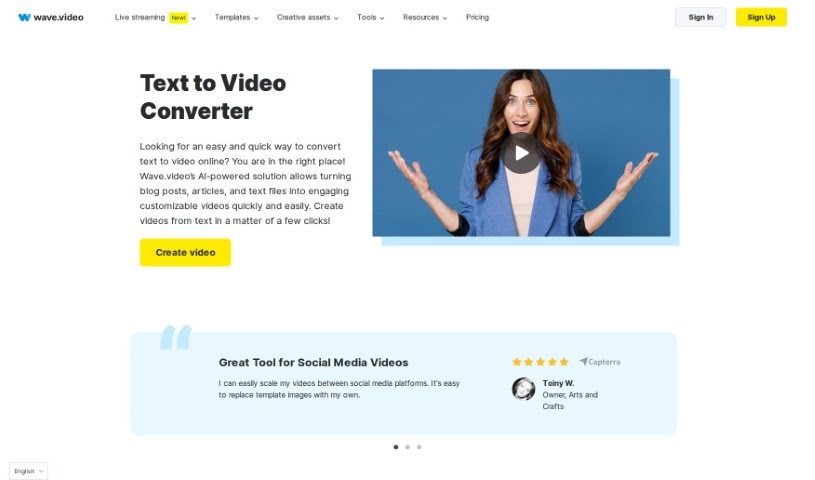
Essentially, Text to Video is a way to turn written words into a video. Wave.video makes this super simple, letting you create engaging videos from your text in just minutes. You just upload your text, or paste a link to it, pick how long you want the video to be, what kind of audio mood you're going for, and how much text you want to show. Then, you choose a video style and format, and the tool does the rest, generating the video for you. You can always tweak it further to make it just right. It’s a really quick and efficient way to get video content from your writing, perfect for individuals and businesses needing visually appealing videos for all sorts of reasons.

Video Generation View Tool →
Screenshot of Waymark

Waymark

Freemium

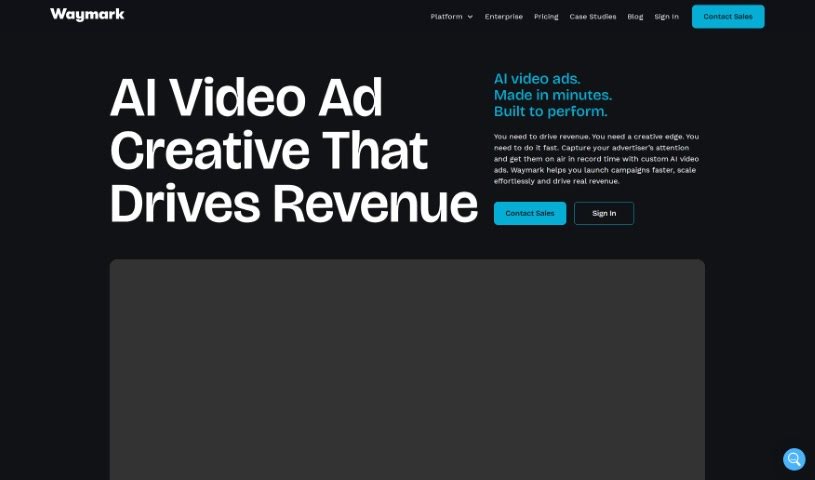
Waymark is a platform designed to make creating video ads super simple, even for businesses that aren't tech wizards. It uses AI to automatically whip up videos just by scanning a business's website URL. This smart tool digs up local business information from the web and then crafts videos that you can easily tweak before sharing them or downloading them for use on TV, CTV, and other digital channels. Pretty impressive, right? They've already helped businesses spend over $200 million on ads and have produced more than a million videos. The best part? You don't need any special technical skills to get started. Waymark really focuses on blending the power of Generative AI with human creativity, giving you the tools to make great videos without the usual hassle. It is a text-to-video AI creator that lets you quickly produce commercials for all sorts of platforms.

Video Generation View Tool →
Screenshot of Wois

Wois

Freemium

Wois is a service that works with public recordings and data, and it's really careful about protecting your personal information. You can record videos privately, and you can be sure that this information won't be used to train their AI twin unless you decide to share it yourself. The service offers a bunch of cool features, like recording videos, getting your own profile and AI twin, and even making free 1:1 video connections with other members. If you decide to subscribe, you'll get unlimited video publishing, editing, automated content generation, and a lot more, starting at just $9 a month. You can also add data in any format you like, as long as you can verify where it came from – this might cost a little extra. Plus, they're planning to let you set your own prices for 1:1 asynchronous video connections with yourself starting in September 2024.

Video Generation View Tool →
Screenshot of Wonder Dynamics

Wonder Dynamics

Freemium

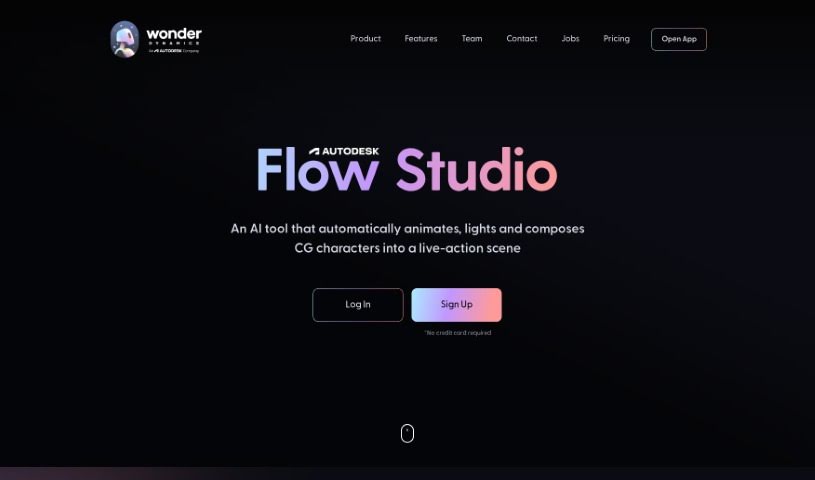
Wonder Dynamics is a really cool video generator that blends AI with storytelling to help you create captivating narratives. It uses artificial intelligence tools to bring high-quality video content to life, making things much simpler. You don't need complicated 3D software anymore; Wonder Dynamics automatically handles animating, lighting, and composing CG characters right into your live-action scenes. They offer different plans to fit what you need. The Lite plan is great if you're just starting out and exploring AI workflows. If you're a professional, the Pro plan is designed to boost your workflow with features like motion capture, uploading your own characters, and higher resolution options. The big idea is to automate about 80% to 90% of the technical VFX work, so you can focus on the creative, subjective parts to really make your projects shine. The company was started by Nikola Todorovic and Tye Sheridan, and they've got some seriously impressive people on their advisory board, including Steven Spielberg and Joe Russo.

Video Generation View Tool →
Screenshot of Wowto

Wowto

Freemium

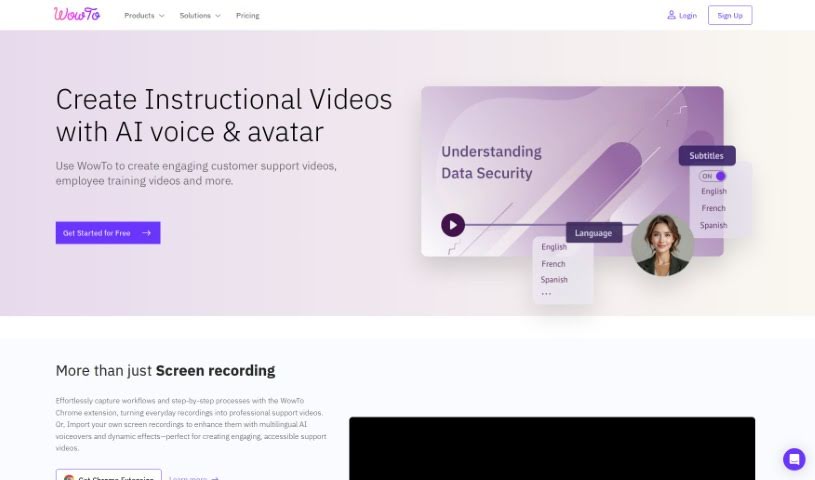
Wowto is a platform powered by AI that really helps you create how-to videos fast and easily. It offers some great benefits, like making customers happier, letting you create and host videos without a fuss, and even giving you AI-generated voice-overs. You can also get videos in different languages and even have them right inside apps you already use, like Intercom and Slack. Wowto's goal is to make how-to videos more interesting than just reading text articles. They have different plans with various features and limits, including a free option that puts a WowTo watermark on your videos. Basically, it's built so you can easily make support and instructional videos using a user-friendly editor, even if you've never designed anything before. Wowto uses AI for voice-overs and video editing, and it also offers integrations with a Chrome extension, Atlassian Jira, Confluence, Zapier Automation, and plans to add interactive videos down the line.

Video Generation View Tool →
Screenshot of X

X

Freemium

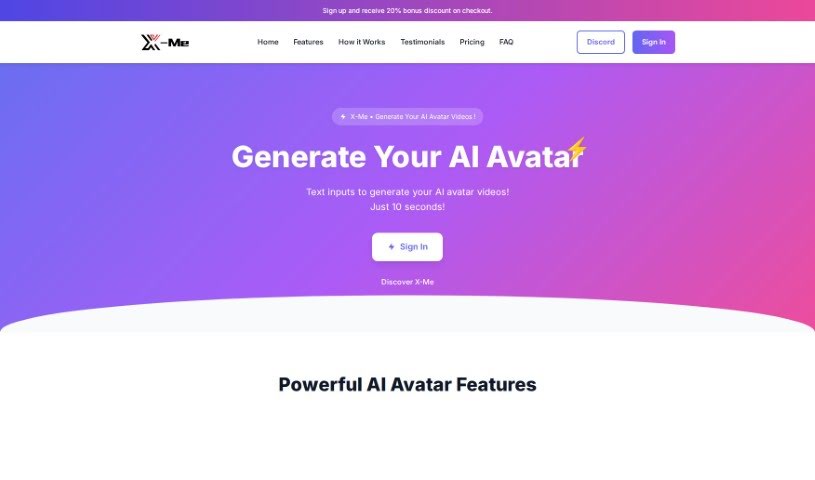
X-Me offers a really neat way to create custom AI avatar videos. You just upload a short video of yourself, type in what you want the avatar to say in different languages, and voilà! You get a video featuring AI Celebrity Avatars like AI Trump, AI Musk, AI Dwayne Johnson (you know, The Rock!), AI Kimberly Noel Kardashian, and even AI Gaga. It's pretty straightforward to use, too. The website guides you nicely through everything, from features and testimonials to pricing and frequently asked questions.

Video Generation View Tool →
Screenshot of Yepic

Yepic

Freemium

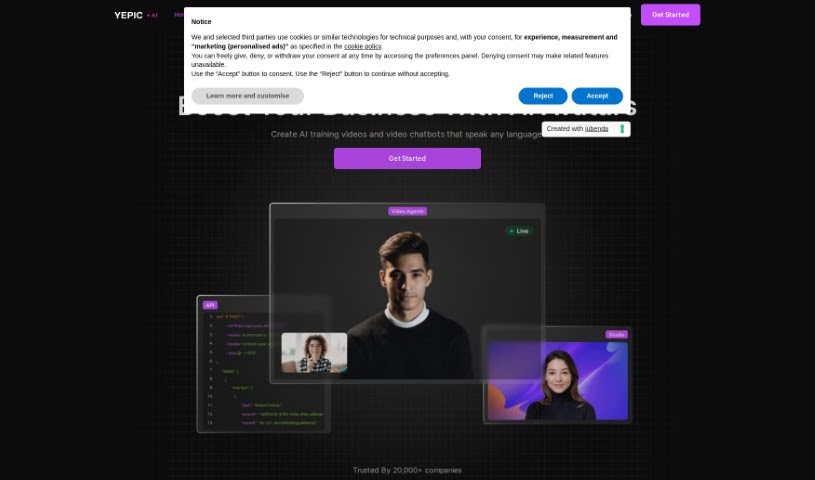
Yepic Studio is an AI-powered video creation toolkit that really lets you create, dub, and personalize videos quickly and easily. It is your all-in-one solution for video production. With features like VidVoice, you can do things like dub live video calls, translate videos into tons of languages while keeping the lip-sync perfect, and even create and customize AI-generated videos on the fly. Yepic Studio is super versatile, fitting in everywhere from e-learning and e-commerce to real estate and general video production. It's already trusted by over 25,000 organizations, offering a way to use video in your communication and marketing that's both affordable and can grow with you.

Video Generation View Tool →
Previous 11 of 11 Next

Stay Updated with AI Tools

Get weekly updates on the latest AI tools, trends, and insights delivered to your inbox

Join 25,000+ AI enthusiasts. No spam, unsubscribe anytime.