AI Tools for Transcription

Discover the best Transcription AI tools to enhance your productivity and creativity.

Page 8 of 12 • 135 total tools

Transcribing audio or video content can take a lot of time. If you’re a journalist, podcaster, or student, the sheer volume of audio files can feel overwhelming. What if there was a way to make this process faster and more efficient? That’s where AI transcription tools come in.

These tools are really changing how we handle speech-to-text conversion. We’re past the days of monotonous manual typing. With so many options available, there’s a wide variety of choices suited for different needs and budgets.

You can find everything from powerful software offering high accuracy to simpler apps perfect for quick notes. The world of AI transcription is full of new developments. I’ve spent time testing and evaluating the most effective transcription tools to help you find the right fit for your projects.

As technology keeps evolving, so does the potential for these AI-driven solutions. Ready to streamline your transcription workflow and save valuable time? Let’s explore the best AI transcription tools currently on the market.

The best AI Transcription Tools

  1. Turbo Scribe for efficient podcast transcription
  2. Adobe Podcast to transcribe audio accurately
  3. Transkriptor for automating lecture notes for students
  4. Screen App for documenting meeting notes and action items
  5. Maestra AI to quickly convert audio to text transcripts
  6. Speechnotes for easy note-taking from recordings
  7. Transcribe Me for efficient lecture transcription
  8. Assembly AI for accurate meeting transcripts
  9. Sonix for easy audio-to-text transcription
  10. Deepgram for podcast transcription
  11. Blipcut to transcribe YouTube content for wider reach
  12. Cleanvoice AI for accurate podcast episode transcriptions
  13. Good Tape for effortless audio-to-text conversion
  14. Trint for real-time meeting transcription
  15. Openai Whisper for real-time meeting transcription

How do AI transcription tools work?

AI transcription tools are designed to convert spoken language into written text. They use advanced machine learning algorithms to improve accuracy. At their core, these tools rely on speech recognition technologies that analyze audio waves and identify spoken words. The process begins by capturing audio input, whether from a live conversation, a recording, or any other source.

Once the audio is captured, the AI system breaks it down into smaller segments. It then uses algorithms to process these segments, recognizing phonemes—the basic sounds of speech. By comparing these sounds against a large database of known words and phrases, the tool effectively transcribes the speech into written format.

Context is really important for transcription accuracy. Modern AI systems often use natural language processing (NLP) techniques to understand the context of a conversation. This ensures that words are not only transcribed correctly but also that the meaning and intent are preserved, especially in complex sentences or industry-specific jargon.

The training data for these tools includes a wide variety of accents, dialects, and speech patterns. The more varied the dataset, the better the tool becomes at handling different speakers and contexts. This extensive training helps the AI recognize subtle nuances in speech, including tone and inflection, allowing it to provide more accurate transcriptions.

In real-world use, AI transcription tools are becoming invaluable for journalists, researchers, and businesses. They can save hours of manual work and boost productivity. Integrations with platforms like Zoom or Google Meet let users automatically transcribe meetings in real time, simplifying documentation and ensuring no valuable insights are missed.

While transcription technology is strong, it does have challenges. Background noise, overlapping speech, and technical terminology can be difficult. However, ongoing advancements in AI and machine learning are continually improving the accuracy and efficiency of these tools, making them an essential asset in today’s digital environment.

Our best AI transcription tools at a glance

RankNameBest forPlans and PricingRating
1TurboScribeefficient podcast transcriptionPaid plans start at $10/month.4.80 (5 reviews)
2Adobe Podcasttranscribing audio with accuracyN/A4.67 (12 reviews)
3Transkriptorautomating lecture notes for studentsPaid plans start at $Affordable/N/A.4.31 (13 reviews)
4ScreenAppmeeting notes and action items documentationN/A4.86 (51 reviews)
5Maestra AIquickly converting audio to text transcriptsN/A4.64 (11 reviews)
6Speechnoteseasy note-taking from recordingsPaid plans start at $1.9/mo.4.27 (11 reviews)
7TranscribeMeefficient lecture transcriptionPaid plans start at $0.07/minute.4.94 (36 reviews)
8AssemblyAIaccurate meeting transcriptsPaid plans start at $0.15/hour.4.33 (12 reviews)
9Sonixeasy audio-to-text transcriptionN/A4.33 (6 reviews)
10Deepgrampodcast transcriptionN/A4.09 (23 reviews)
11Blipcuttranscribing YouTube content for wider reachN/A4.52 (23 reviews)
12Cleanvoice AIaccurate podcast episode transcriptionsN/A4.33 (12 reviews)
13Good Tapeeffortless audio-to-text conversionN/A4.82 (11 reviews)
14Trintreal-time meeting transcriptionN/A4.78 (23 reviews)
15Openai Whisperreal-time meeting transcription toolN/A4.74 (23 reviews)
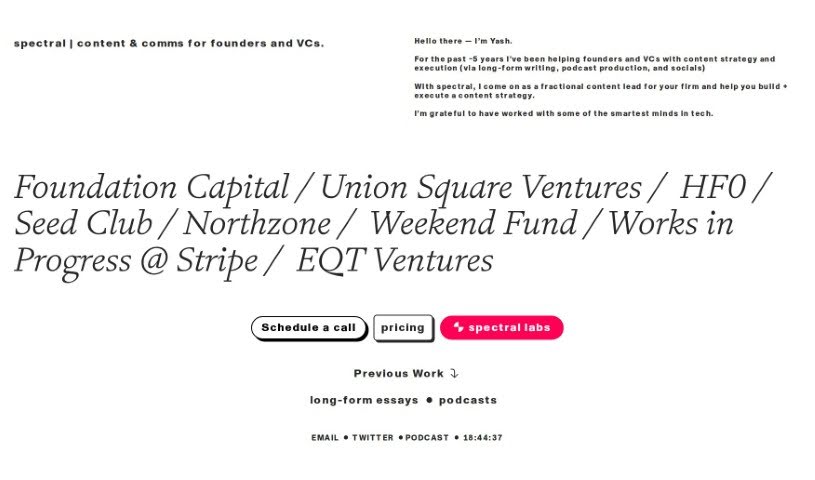
Screenshot of Spectral

Spectral

Freemium

Spectral is a really neat AI tool built specifically for folks who produce podcasts. It's packed with features to make your podcasting life easier and more productive. You can use Spectral to whip up catchy episode titles that are designed to grab listeners' attention and convert them. It also helps you create compelling summaries, often called show notes, and even promotes your podcast with automatically generated social media posts for platforms like Twitter and LinkedIn. Plus, it's great at producing accurate transcripts of your episodes, meaning you'll spend way less time editing and more time creating. Spectral even lets you add personal touches to your content, drawing inspiration from well-known podcast creators like Lex Fridman to really nail your unique writing style.

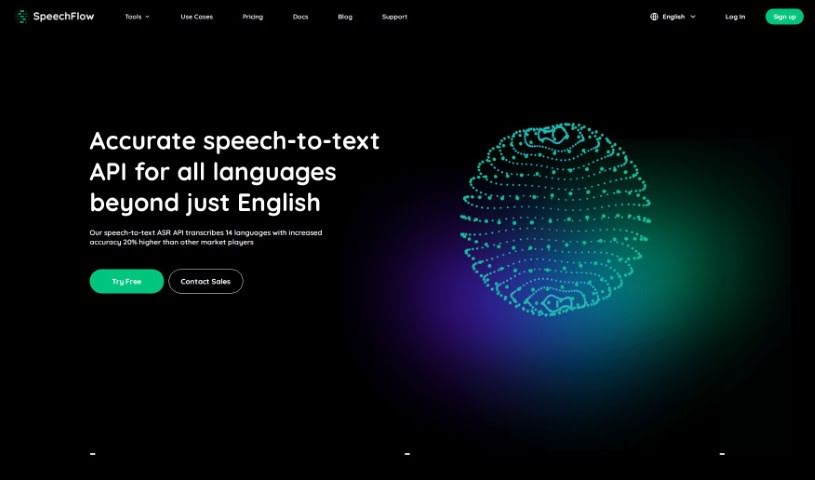
Screenshot of SpeechFlow

SpeechFlow

Freemium

SpeechFlow is a really advanced tool that turns spoken words into written text. It's known for being super accurate and fast, whether you're transcribing audio or video. It handles up to 14 different languages, which is pretty neat, and it even offers special models for specific industries. It is a way to quickly get your spoken content into a readable format.

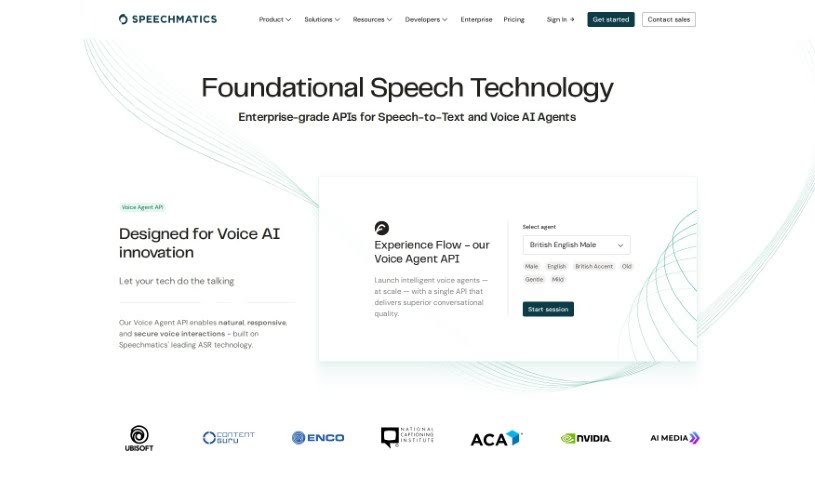
Screenshot of Speechmatics

Speechmatics

Freemium

Speechmatics is a top-tier solution that uses artificial intelligence to really change the game for speech transcription and real-time translation. Its powerful Speech API converts spoken words into text across many languages with impressive accuracy. It's built on advanced algorithms and machine learning, making global communication much smoother by breaking down language barriers.

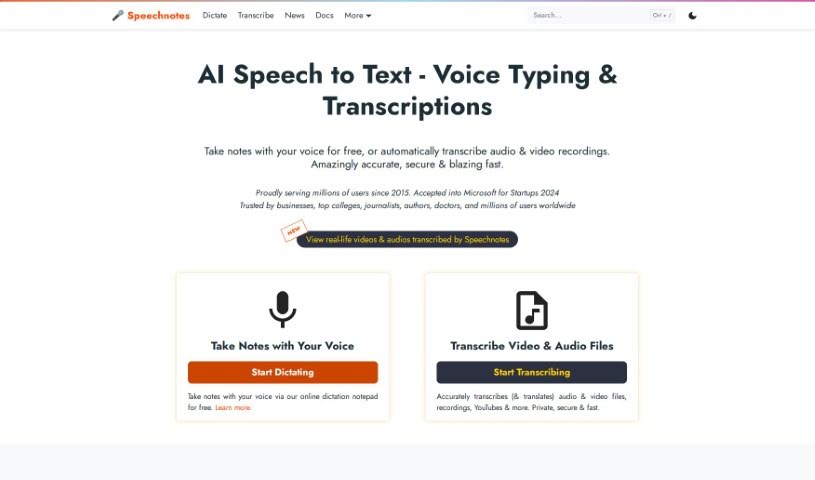
Screenshot of Speechnotes

Speechnotes

Freemium

Speechnotes is a really useful tool you can use right in your web browser. It's designed to help you transcribe and translate audio and video recordings with a focus on keeping things simple and distraction-free. Basically, instead of typing everything out, you can just talk, and Speechnotes turns your speech into text. This can save you a ton of time and effort. It's packed with handy features like voice commands for punctuation and formatting, automatic capitalization to make things look neat, and it's super easy to import and export your text. The accuracy is top-notch because it uses the powerful speech recognition AI engines from Google and Microsoft. It's also lightweight, meaning it runs fast, and it's designed with your privacy and security in mind. This makes it a great choice for all sorts of tasks, whether you're taking notes, filling out medical forms, or if you're an author or student who does a lot of writing. The whole idea behind Speechnotes is to help your ideas flow freely by offering a clean, efficient design that encourages clear thinking and creativity. Plus, you can use it for free with ads, or opt for a premium version if you want even more features and support.

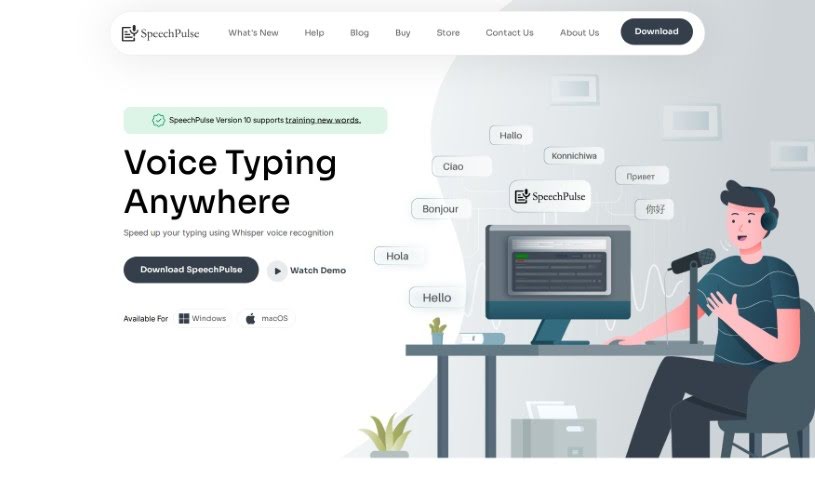
Screenshot of SpeechPulse

SpeechPulse

Freemium

SpeechPulse is a really handy voice recognition tool designed to make your typing much faster. It can recognize your speech in real-time, meaning it can type for you directly in apps like text editors and web browsers. Plus, it's great for privacy because it works completely offline. It uses OpenAI's powerful Whisper speech-to-text models, which are known for being super accurate, even if there's a bit of background noise. SpeechPulse supports many different languages, can transcribe audio files while also telling you who's speaking (that's speaker diarization!), and can even create subtitles for your videos. It also has some neat AI features, like correcting your grammar and summarizing text. You can get it for Windows 10/11 and for Macs with Apple Silicon. People seem to really like how accurate it is, how many languages it handles, and how quickly it translates with hardly any delay. It’s praised for being versatile, easy to use, and for how the creator listens to user feedback.

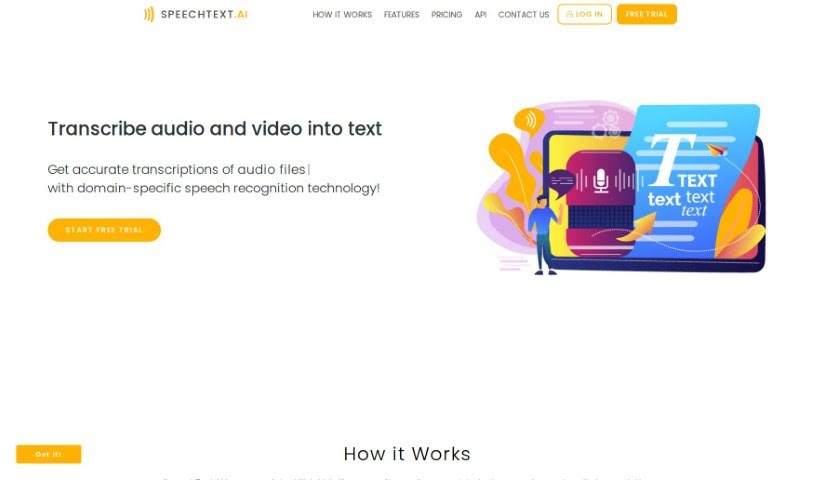
Screenshot of Speechtext.ai

Speechtext.ai

Freemium

SpeechText.AI is an AI-powered service that turns audio and video into text, and it does it with impressive accuracy. It is a smart assistant that listens and writes for you. This technology is really helpful across many different fields because it provides precise transcriptions, thanks to its advanced speech recognition. You can easily upload files in all sorts of formats. What's great is that it offers accuracy tailored to specific industries, meaning the transcriptions aren't just correct, they also understand the context. SpeechText.AI uses the latest deep neural network models for converting audio to text, which gets it incredibly close to human accuracy. Plus, it has an editing platform where you can easily tweak the transcriptions. Once you're happy, you can export the text in several formats to fit whatever you need. They also offer a free trial, which makes it a really attractive option if you're looking for top-notch transcription services.

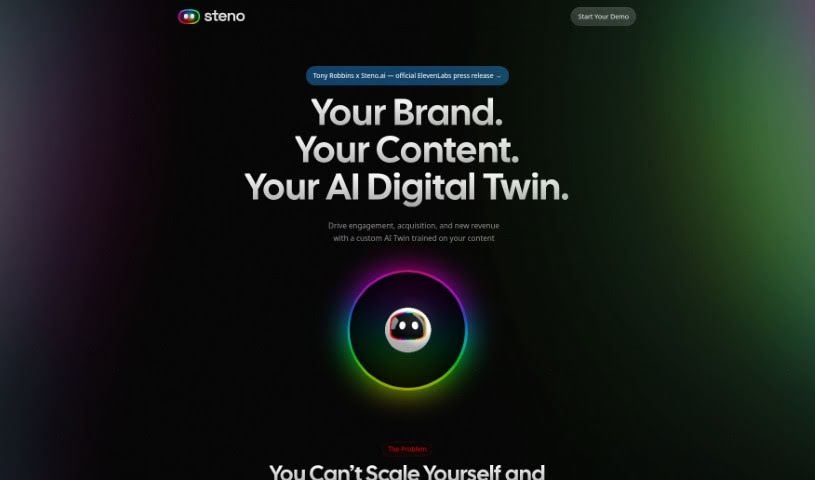
Screenshot of Steno.ai

Steno.ai

Freemium

Steno.ai is a really impressive AI tool that completely changes how we transcribe and document audio. It uses advanced speech recognition technology, which means you can easily turn spoken words into written text with amazing accuracy and speed. Whether you're a journalist, a student, or working in business, Steno.ai makes transcription much simpler, saving you a ton of time and effort.

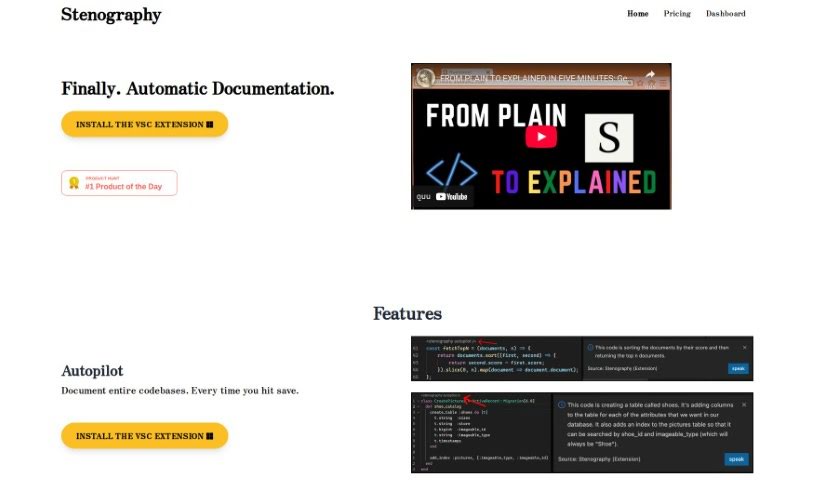
Screenshot of Stenography

Stenography

Freemium

Stenography is a super-fast way to write. It's all about using shorthand to capture spoken words or information quickly and efficiently. It's a really useful skill for anyone who needs to transcribe meetings, interviews, or lectures accurately and without wasting time. When you use stenographic tools and techniques, you can document what's being said with great precision. This not only saves you time but also makes sure everything is captured correctly. Stenography is handy in many different areas, like law, journalism, and professional transcription services. It gives people a valuable skill to boost their transcription abilities and get more done.

Screenshot of Streamlabs AI Video to Text

Streamlabs AI Video to Text

Freemium

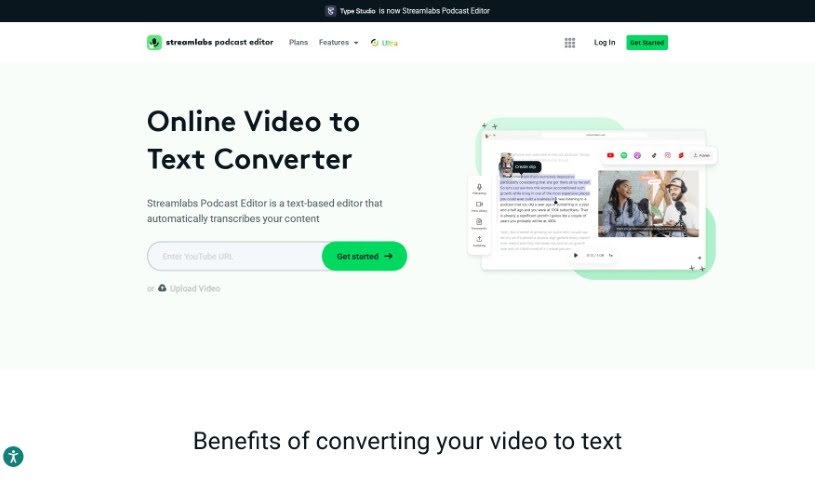
AI Video to Text technology is a neat way to turn the spoken words in your videos into written text. It is a super-fast transcription service that automatically writes down everything that's said. You can then grab that text and save it in handy formats like .srt, .vtt, or .txt files, which are useful for all sorts of things. What's really cool is that these tools let you easily share video transcripts through email without having to download the whole video first. Plus, you can take your video content, turn it into written articles or blog posts, which is fantastic for search engines to find. And if you need to reach a wider audience, many of these tools can even translate your video content into different languages automatically. Basically, AI Video to Text makes it much simpler to get your spoken content from videos into a readable and searchable text format, opening up a lot of practical possibilities.

Screenshot of Summarize.one

Summarize.one

Freemium

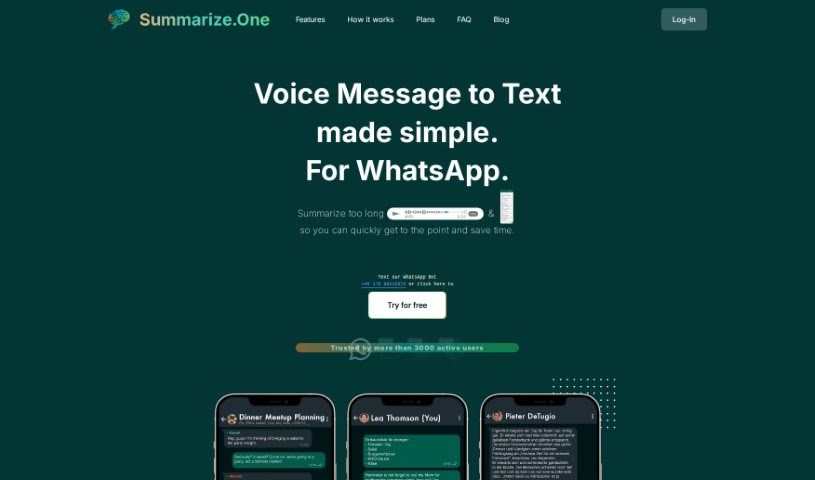
Summarize.One is an AI tool that automatically creates concise summaries of your WhatsApp voice and text messages, no matter how long they are. The idea is to save you time and cut down on the stress of wading through lengthy messages by giving you the main points right away. It’s also handy for listening to voice messages discreetly when you can't listen to the whole thing. The tool has a "Pocket Summarizer" feature that neatly wraps up conversations, making sure you don't miss any important details. Plus, you won't have to keep replaying voice messages just to remember what was said; it highlights the crucial info efficiently.

Screenshot of Superwhisper

Superwhisper

Freemium

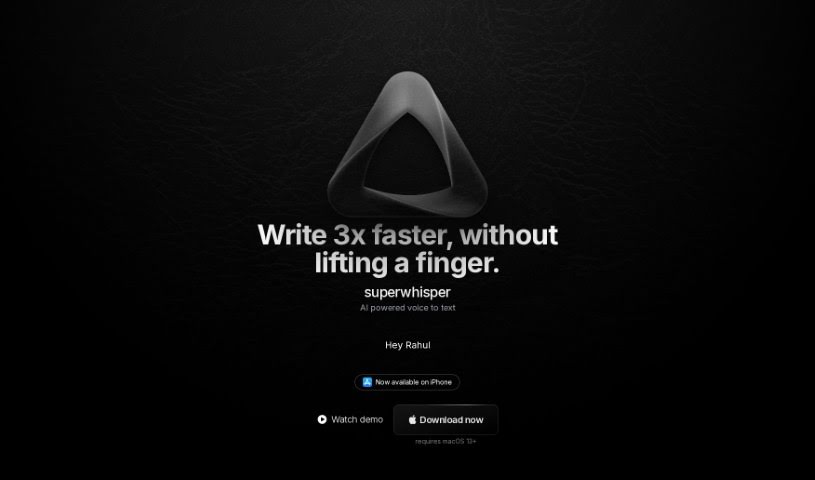
Superwhisper is a really accurate, AI-powered voice-to-text app designed specifically for macOS. It lets you write emails, send messages, and take notes in over 100 languages, all at speeds that feel almost superhuman. What's neat is that all the processing happens right on your Mac, so you don't need an internet connection to use it.

Screenshot of Swell AI

Swell AI

Freemium

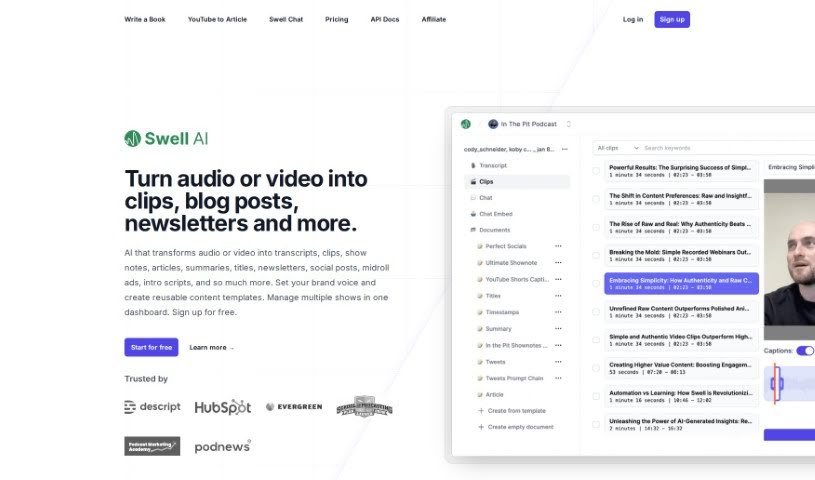
Swell AI is a super handy tool that takes your audio or video and turns it into all sorts of useful content. You can get transcripts, short clips, show notes, articles, summaries, catchy titles, newsletters, and even social media posts from it. What's really neat is that you can set your own brand voice, create templates you'll use again and again, and manage all your different shows right from one dashboard. Swell AI makes it easy to upload your media, generate content, and then send it wherever you need it. It's got a transcript editor that lets you highlight and clip parts you like, AI that suggests engaging bits, speaker labels so you know who's talking, and options to share your transcripts publicly.

Stay Updated with AI Tools

Get weekly updates on the latest AI tools, trends, and insights delivered to your inbox

Join 25,000+ AI enthusiasts. No spam, unsubscribe anytime.