AI Tools for Software Development

Discover the best Software Development AI tools to enhance your productivity and creativity.

Page 24 of 25 β€’ 294 total tools
Screenshot of Voqal

Voqal

Freemium

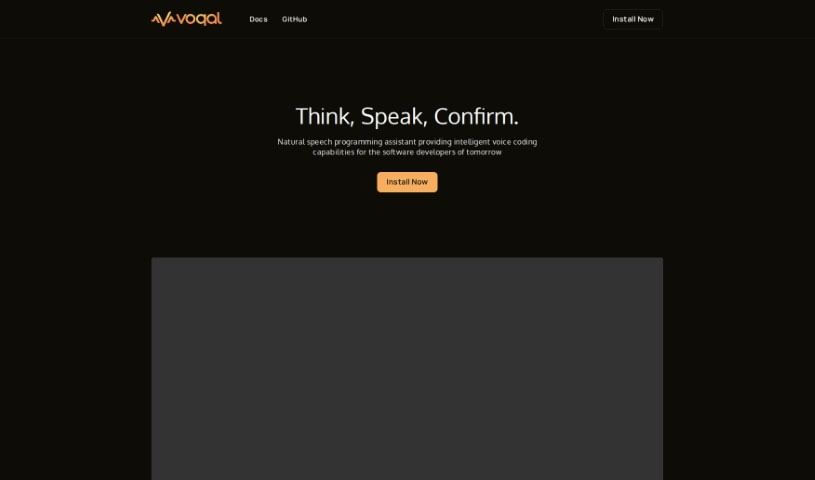
Voqal is a really neat open-source assistant that lets software developers program using natural speech. It is a smart coding buddy that understands what you say. You can customize your Voqal Assistant to perfectly fit how you work, giving you a lot of flexibility. It has different modes, like an 'Idle Mode' so you can control your IDE (that's your Integrated Development Environment) just by talking, and an 'Edit Mode' where you actually code by having a conversation. It's pretty smart too, understanding context and letting you debug with your voice. While Voqal is designed to make programming in IntelliJ IDEs much smoother and boost your productivity, it's good to know it relies on voice commands, so clear speaking is key for accuracy. Sometimes, it might even misunderstand what you're saying.
Web Development View Tool β†’
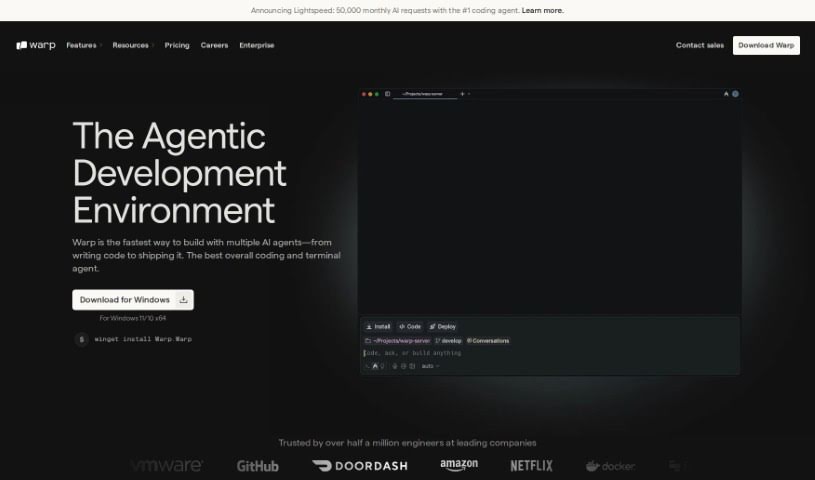
Screenshot of Warp Terminal

Warp Terminal

Freemium

Warp Terminal is a modern application designed to make the command line more user-friendly, intuitive, and powerful for everyone. It offers developers faster, more efficient ways to manage cloud systems, work with local files and programs, create quick workflows, and much more. While it's incredibly powerful, it can be a bit tricky to learn at first, which might make it challenging for some developers to get the hang of it. But honestly, if you put in the time to really learn how to use Warp Terminal well, you'll see a big boost in your development and DevOps skills.

Web Development View Tool β†’
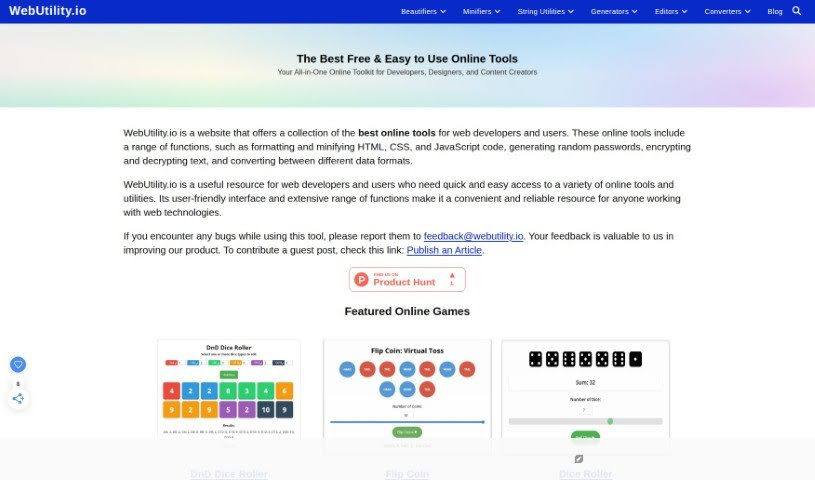
Screenshot of WebUtility.io

WebUtility.io

Freemium

WebUtility.io is a really handy online platform packed with a bunch of web development tools designed to make your coding tasks smoother and better. It is your go-to spot for all sorts of coding helpers. It offers a wide array of utilities, including beautifiers for HTML, CSS, JavaScript, JSON, GraphQL, XML, TypeScript, SCSS, Babel, MarkDown, and YAML. On top of that, you'll find minifiers for CSS and HTML, plus handy string tools like a Camel Case Converter. Basically, these tools are here to help developers and programmers simplify how they format code and speed up their web development work efficiently.

Web Development View Tool β†’
Screenshot of Welltested AI

Welltested AI

Freemium

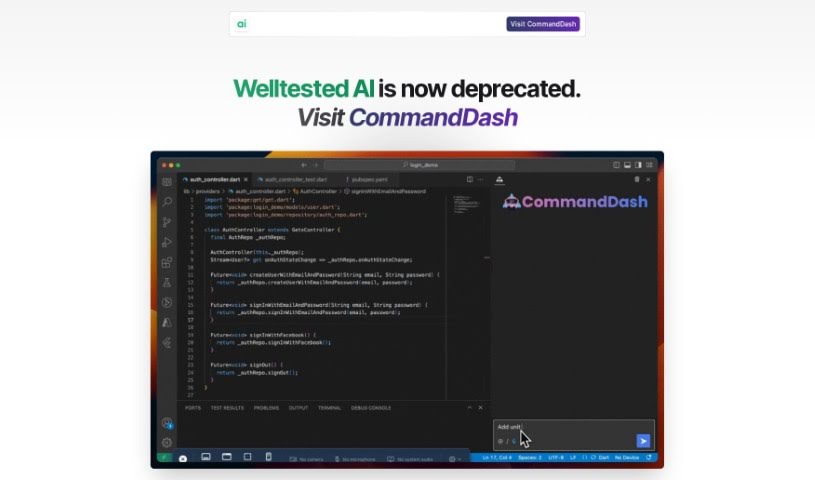
Just a heads-up, Welltested AI has been replaced by CommandDash. But when it was around, Welltested AI was a real game-changer for developers aiming for perfect, stable software. It is a Testing Pilot, specifically designed to help developers write flawless code. This AI-powered tool fit right into your development setup, offering a super-fast way to get 100% test coverage for your entire codebase in just minutes. It was particularly fantastic for anyone working with Flutter. Welltested AI was great at creating meaningful tests, no matter your app's architecture or how you handled state management. This meant you could build really solid Flutter and Dart applications that worked everywhere. The magic happened with the @Welltested annotation – as you wrote your code, tests were automatically generated. This really smoothed out the development process and made your code quality much better. Plus, its self-learning system kept improving the generated tests over time, so they just got better and better. Using Welltested AI meant a smoother development cycle, letting you deploy with real confidence, knowing every pull request was stable and thoroughly tested.

Web Development View Tool β†’
Screenshot of What The Diff

What The Diff

Freemium

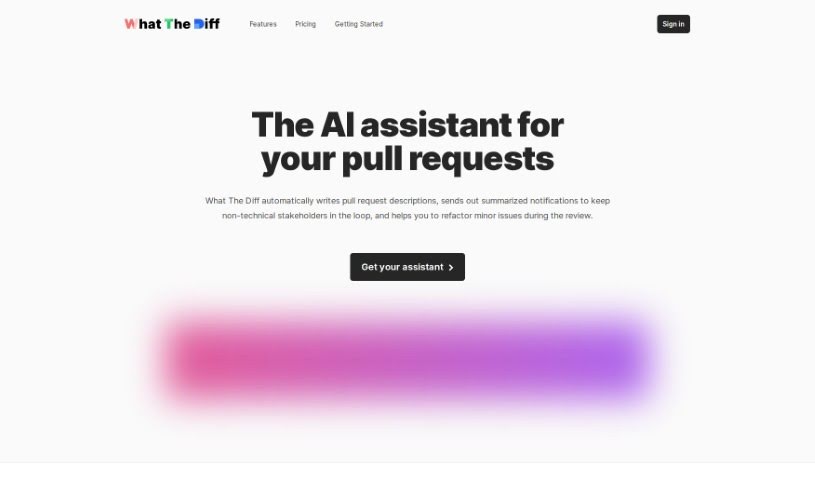
"What The Diff" is your smart AI assistant for code reviews, designed to make the whole pull request process much smoother. It's pretty neat because it can automatically whip up descriptions for your pull requests, send easy-to-understand summaries to people who aren't technical, and even help you refactor your code. Basically, this AI can write up what changed, keep everyone in the loop with simple summaries, share changelogs, give you progress updates, and help with code refactoring. Plus, you have fine-grained control over how it uses tokens.

Web Development View Tool β†’
Screenshot of Whispr AI

Whispr AI

Freemium

Whispr AI is a really neat tool designed to make the code review process much smoother for developers. It helps you spot errors, suggests ways to improve your code, and generally helps you optimize it. Getting started is super simple, just three quick steps: first, create a free account. Then, connect your GitHub account. Finally, just comment on your pull requests, and the AI Assistant will jump in with instant help. The whole idea is to speed up code reviews by giving you quick, descriptive summaries of code changes, plus those helpful error identification and optimization tips. And don't worry about privacy – Whispr AI is built with security in mind. It uses a secure GitHub API to connect and doesn't keep any of your data on its systems. You can even try it out with a free trial to see how it works before you decide to commit. This trial lets you set up one repository listener and gives you 30 free API credits to use when commenting on pull requests. All in all, Whispr AI is all about making coding more efficient and helping you write cleaner, error-free code.

Web Development View Tool β†’
Screenshot of Wild Moose

Wild Moose

Freemium

Wild Moose is an AI tool built to help on-call developers quickly pinpoint the root cause of production incidents. It is your AI assistant for troubleshooting. It uses a conversational interface that's trained specifically on your team's environment. This means you can hand off the tedious job of sifting through logs and metrics to the AI. Wild Moose can process hours of observability data in mere seconds, giving you back valuable time and speeding up issue resolution. It doesn't just find problems; it offers practical insights and suggests fixes, making it much easier for you to troubleshoot and resolve issues efficiently. Plus, it really helps teams work together smoothly. By integrating with Slack, it allows for real-time collaboration, letting you kick off incidents, share status updates, and get incident summaries right within your chat. Wild Moose is also great at untangling complex logs, so you can easily find and understand the information you need.

Web Development View Tool β†’
Screenshot of Windowai.io

Windowai.io

Freemium

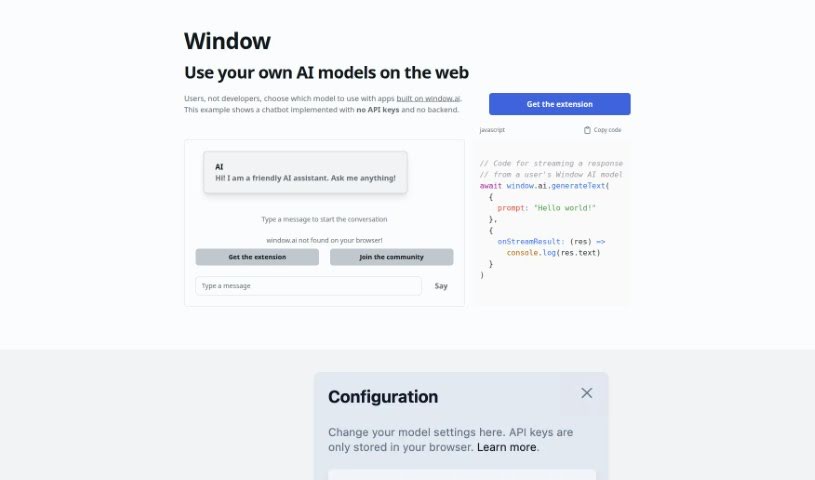
Windowai.io is a platform built to help you use AI models on the web, no developer needed. It provides an extension that lets you pick from a bunch of AI models from big names like OpenAI, Google, and Anthropic. You can even run an AI model right on your own computer for extra privacy. What's really neat is that Windowai.io works without needing any API keys or a backend setup, making it super simple to get started. Plus, you can save your chat history to train and improve your AI models over time. By adding the Window extension, you can chat with AI smoothly, make your interactions feel more personal, and be part of a community that's changing how AI fits into web applications.

Web Development View Tool β†’
Screenshot of WizModel

WizModel

Freemium

WizModel is a platform designed to make deploying machine learning models to production much simpler. It provides a single, unified API that you can use for ML inference. This means you can call the WizModel API to get predictions from any model without needing to write all the complex code that usually goes into deployment and inference. It is a ready-to-go solution for getting your models out there, complete with a demo UI so you can test them out easily, no extra coding required.

Web Development View Tool β†’
Screenshot of Wolfia

Wolfia

Freemium

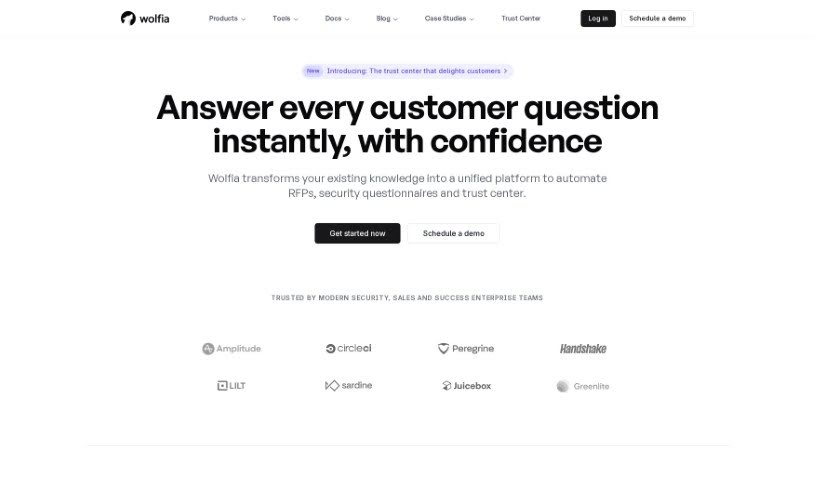
Wolfia is a platform built to help developers find information in their codebases super fast. Imagine asking a question in plain English, and instead of digging through everything yourself, Wolfia finds the answer for you. It works with a bunch of codebases, like Android, iOS, Python, and JavaScript, and you can even customize it for your specific projects. How does it do this? Well, it uses smart machine learning to understand your codebase and give you accurate answers to your questions. You'll find features like automatic answer generation, responses that adapt to the context, and a handy document import function. These really help when you're dealing with tons of questions or need to speed up security reviews. Lots of fast-growing companies already trust Wolfia, and you can even try out a demo version to see how it fits your needs.

Web Development View Tool β†’
Screenshot of Xata

Xata

Freemium

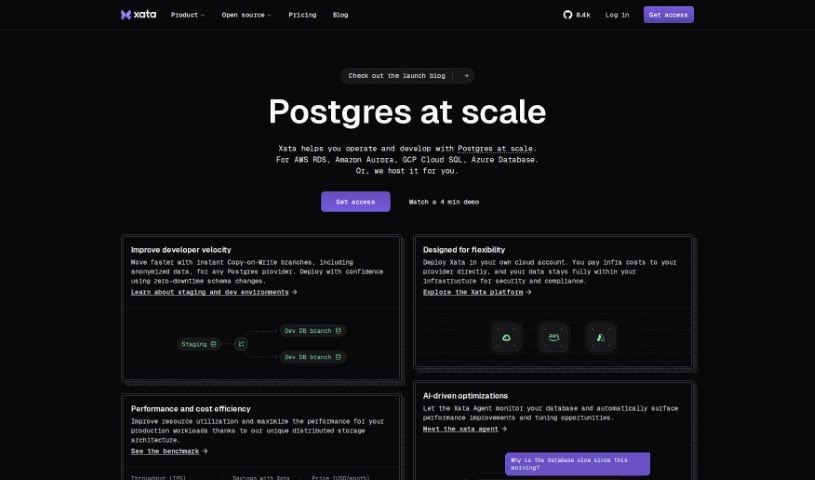
Xata is a serverless database platform that really shines when it comes to integrating OpenAI's ChatGPT. It is your go-to tool for creating smart Q&A bots for your websites, applications, documentation, or any knowledge base you have. It comes with built-in full-text and vector search, which is pretty neat. Plus, you can fine-tune how ChatGPT works with it, and they offer a really generous free tier – you get up to 750,000 records and 15GB of storage to start with. Getting your data in is easy; you can import it via CSV files or use their SDKs, which are available for Javascript, Typescript, and Python. You'll find features like keyword and semantic search super helpful, and you can even tweak your search experiences directly through the UI. Xata is built with developers in mind, making database management straightforward, offering scalability, and integrating smoothly with your favorite frameworks. It also has a multi-tenancy structure, so you don't need to worry about row-level security. The user-friendly interface makes manipulating your data a breeze, whether you're importing from CSV, customizing search, or just reviewing everything in a familiar spreadsheet-like view.

Web Development View Tool β†’
Screenshot of Xpolyglot

Xpolyglot

Freemium

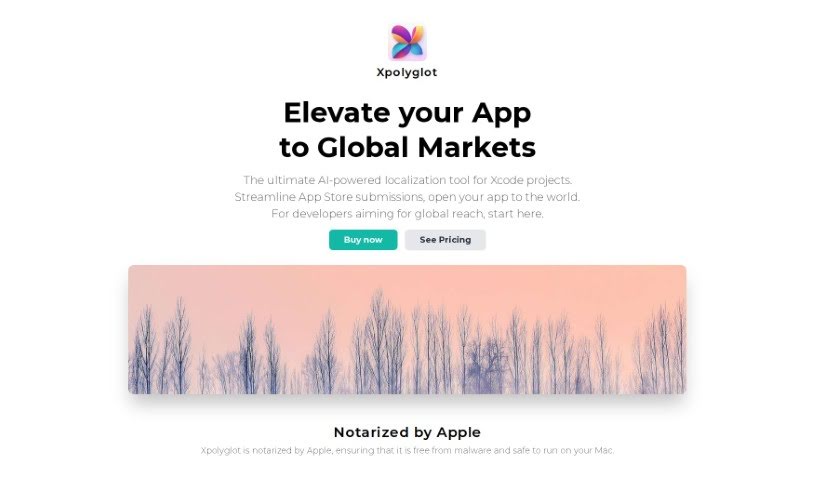
Xpolyglot is a handy macOS application built by FiveSheep. Its main job is to make localizing your Xcode projects much simpler. It is an AI-powered assistant that helps you translate your app's string catalogs efficiently and without breaking the bank. Xpolyglot can handle all sorts of localization tasks for your projects. It's smart enough to spot when strings have changed, so it only updates the ones that need it. Plus, it takes care of managing metadata, and even updates your global descriptions and keywords across all the languages you support. It also makes managing different versions of your app a breeze, letting you easily create and translate new versions into your target languages.

Web Development View Tool β†’

Stay Updated with AI Tools

Get weekly updates on the latest AI tools, trends, and insights delivered to your inbox

Join 25,000+ AI enthusiasts. No spam, unsubscribe anytime.