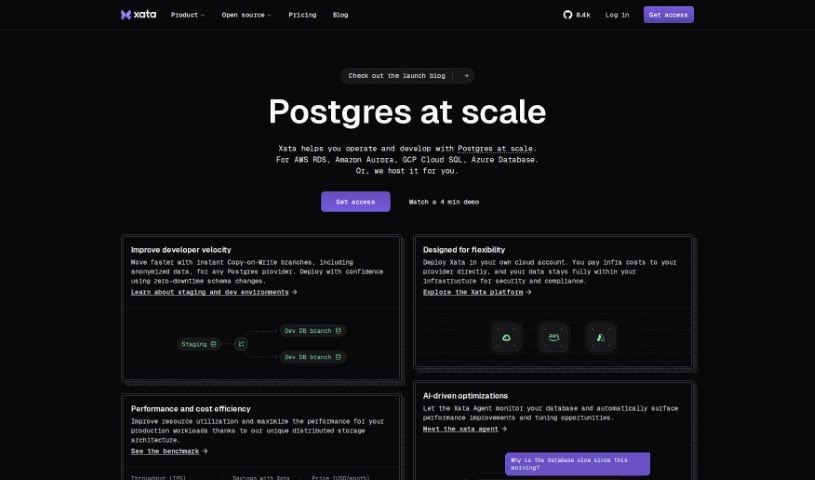
What Exactly is Xata?
Xata is a serverless database platform that really shines when it comes to integrating OpenAI’s ChatGPT. It is your go-to tool for creating smart Q&A bots for your websites, applications, documentation, or any knowledge base you have. It comes with built-in full-text and vector search, which is pretty neat. Plus, you can fine-tune how ChatGPT works with it, and they offer a really generous free tier – you get up to 750,000 records and 15GB of storage to start with. Getting your data in is easy; you can import it via CSV files or use their SDKs, which are available for Javascript, Typescript, and Python. You’ll find features like keyword and semantic search super helpful, and you can even tweak your search experiences directly through the UI. Xata is built with developers in mind, making database management straightforward, offering scalability, and integrating smoothly with your favorite frameworks. It also has a multi-tenancy structure, so you don’t need to worry about row-level security. The user-friendly interface makes manipulating your data a breeze, whether you’re importing from CSV, customizing search, or just reviewing everything in a familiar spreadsheet-like view.
Who’s Behind Xata?
Xata was brought to life by Charles Bellorini, who is the CEO and Co-Founder of Batchoop. It officially launched on March 2, 2023. Essentially, Xata is a database platform specifically designed for application development. It’s built for multi-tenancy, meaning it can handle multiple users or applications efficiently, and it scales elastically with predictable costs. Xata offers a fully-featured database experience, including serverless Postgres. It’s also got some solid backing from investors and angels, including notable names like Shay Banon, who is the co-founder and CEO of Elastic, as well as Uri Boness, Neha Narkhede, and Guillermo Rauch.
What Can You Do with Xata?
- Build Smart Q&A Bots: Easily generate question-and-answer bots for your platforms.
- Full-Featured Database: It’s a complete database solution.
- Built-in Full-Text Search: Find information quickly using traditional keyword searches.
- Vector Search Capability: Explore semantic search to find information based on meaning, not just keywords.
- Custom ChatGPT Tuning: Fine-tune how ChatGPT interacts with your data for better results.
- Easy Data Integration: Getting your data into Xata is straightforward.
- CSV Data Import: Simply upload your data from CSV files.
- Multiple SDKs: Use Javascript, Typescript, or Python SDKs to connect and manage your data.
- Generate APIs: Create APIs directly from your data for seamless application use.
- Keyword and Semantic Search: Supports both types of search for flexible querying.
- Build Bots for Various Platforms: Create Q&A bots for websites, applications, documentation, and knowledge bases.
- Support Large-Scale Operations: It’s designed to handle significant amounts of data and traffic.
- Customize Search Experience: Tailor how search works through the user interface.
- Populate Database Easily: Use CSV or SDKs to get your data in.
- Apply Tuning Options: Configure things like column weights and value boosters to improve search relevance.
- Type-Safe Data Layer: Ensures data integrity and reduces errors by enforcing data types.
- Scale as You Grow: The database can scale up to match your user growth.
- Generous Free Tier: Get started with up to 750K records and 15GB of storage, plus free OpenAI API calls.
- High Availability: Ensures your data is accessible when you need it.
- Integrate with ChatGPT: Leverage AI for answering questions directly from your data.
- Configurable Value Boosters: Fine-tune search results by boosting certain values.
- Optimize User & Developer Experience: Designed to be easy and efficient for everyone.
Who is Xata Designed For?
Xata is a great fit for a variety of tech professionals and business leaders, including:
- Full Stack Developers
- Entrepreneurs
- Software Engineers
- Developers
- CEOs & Co-Founders
- CTOs
Essentially, anyone building applications that need a smart, scalable database with AI integration will find Xata incredibly useful.
How Do I Use Xata?
Here’s a straightforward guide to using Xata effectively:
- Get Your Data In: Start by importing your data. You can do this easily using CSV files or by leveraging the Javascript, Typescript, or Python SDKs to populate the Xata database.
- Use the API: Once your data is integrated, you can call the API to generate results. This is super handy for building things like Q&A bots for your website.
- Configure Through the UI: Xata offers a user-friendly interface for managing your database. You can import data, fine-tune your search experiences by setting things like column weights and value boosters, and easily review your data in a familiar spreadsheet-like view.
- Fine-Tune Your Search: Really make your search work for you by adjusting column weights, value boosters, and other rules. This helps enhance the search results you get back from API calls.
- Find Support: Xata provides good documentation to help you through integration, configuration, and general usage. Plus, there are various support options available, including community forums, Service Level Agreements (SLAs), and dedicated support channels.
- Scale Your Service: Xata is built to scale. You can easily increase your resources as your needs grow, making it suitable for both small projects and large-scale operations.
- Seamless Data Import: As mentioned, importing data via CSV or using SDKs ensures a smooth process when getting your information into Xata.
- Choose Your Search Type: Xata supports both keyword and semantic search. It uses the OpenAI completion model for keyword searches and vector similarity for semantic searches, giving you flexibility in how you find information.
- Benefit from a Type-Safe Data Layer: This feature is a real time-saver. It helps eliminate manual data type checks, ensuring your data handling is accurate and error-free.
- Take Advantage of the Free Tier: Xata offers a generous free tier, which includes up to 750,000 records, 15GB of storage, and even covers OpenAI API calls. It’s a great way to get started and test things out.
By following these steps, you’ll be able to efficiently integrate your data, customize your search experiences, use Xata’s tuning capabilities, and scale your operations smoothly as your project grows.