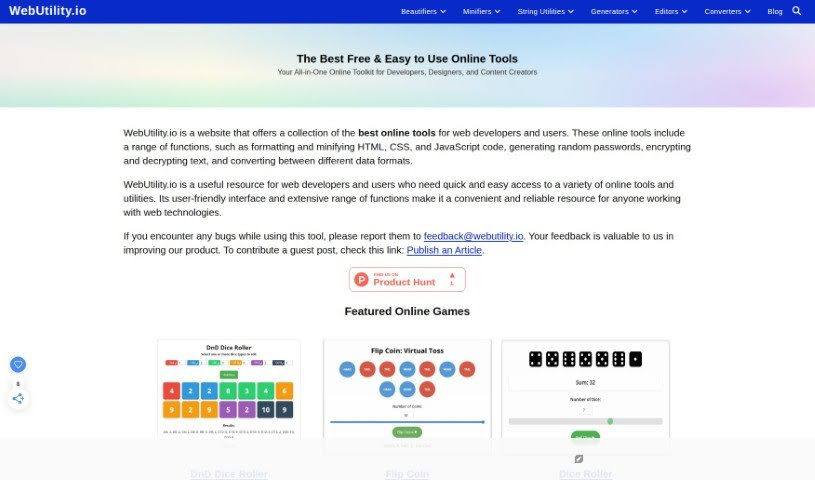
What is WebUtility.io?
WebUtility.io is a really handy online platform packed with a bunch of web development tools designed to make your coding tasks smoother and better. It is your go-to spot for all sorts of coding helpers. It offers a wide array of utilities, including beautifiers for HTML, CSS, JavaScript, JSON, GraphQL, XML, TypeScript, SCSS, Babel, MarkDown, and YAML. On top of that, you’ll find minifiers for CSS and HTML, plus handy string tools like a Camel Case Converter. Basically, these tools are here to help developers and programmers simplify how they format code and speed up their web development work efficiently.
Who created WebUtility.io?
Sahil Thakral is the person behind WebUtility.io. He’s known for creating a variety of online utilities and generators, offering a whole suite of tools like generators for bold text, adding prefixes or suffixes, and much more. The platform itself is designed to give users quick and easy-to-use online tools for all sorts of text-related jobs. Sahil’s work has really made these utilities more accessible, reaching a much wider audience online.
What is WebUtility.io used for?
WebUtility.io is incredibly versatile, especially when it comes to working with AI models like ChatGPT. You can use it to:
- Generate code snippets: Need a quick piece of code? This tool can help.
- Craft effective AI prompts: Learn how to create prompts that lead to engaging conversations with AI models.
- Tailor prompts for specific goals: Whether you need to brainstorm, write an article, or get advice, you can shape your prompts accordingly.
- Improve your AI interactions: Get better results from AI by learning to ask the right questions.
- Draft academic papers or brainstorm project ideas: Use AI conversations to help you get started or flesh out concepts.
- Focus AI conversations: You can guide the AI by specifying the primary topic or category you want to discuss.
- Dive deep into subjects: Drill down into specific topics or themes to get more detailed information from the AI.
- Provide context for better AI chats: Give the AI background information to make conversations more nuanced and insightful.
- Handle a wide range of tasks: This includes writing articles, generating code, coming up with creative ideas, getting expert opinions, and just having interesting discussions.
- Make AI conversations more precise: By crafting your prompts carefully, you can get exactly what you need from AI.
- Turn AI interactions into real results: WebUtility.io helps make your AI conversations practical and user-friendly, blending precision with possibility.
- Explore your interests: Use AI to delve into personal hobbies or subjects you’re curious about.
- Get inspiration: Find new ideas for content creation by chatting with AI models.
- Communicate better with AI: If you’re curious about AI technology, this tool can help you interact more smoothly.
- Generate random AI prompts: Sometimes you just need a starting point, and this can provide it.
- Get free ChatGPT prompts: Access free tools specifically for generating prompts for ChatGPT, whether you’re a coder, looking for creative ways to use AI (like jailbreaking), or using platforms like POE AI.
Essentially, it’s all about making your interactions with AI more productive, insightful, and tailored to what you want to achieve.
Who is WebUtility.io for?
This platform is a great resource for anyone involved in web development or technology. Specifically, it’s ideal for:
- Web Developers
- Software Engineers
- Frontend Developers
- Backend Developers
- Full Stack Developers
- UI/UX Designers
- Data Analysts
- System Administrators
- DevOps Engineers
- Technical Writers
If you’re working with code, data, or user interfaces, you’ll likely find something useful here.
How to use WebUtility.io?
Using WebUtility.io is pretty straightforward. Just follow these steps to get the most out of it:
- Head over to the site: First, open your web browser and go to the official WebUtility.io website.
- Sign up: You’ll need to create an account. Just provide your email address and pick a password.
- Log in: Once your account is set up, log in to access all the features.
- Look around: Take some time to explore the different tools available. You might find things like web scraping, data extraction, or automation tools.
- Pick the right tool: Choose the specific tool you need for your task. Are you extracting data for research, or do you need to automate something? Select accordingly.
- Add your info: Enter any necessary data or website URLs into the tool you’ve chosen to get started.
- Adjust settings: You can usually customize the tool’s settings to match your preferences and what you want to achieve.
- Run it: Go ahead and run the tool. It will then perform the action you’ve set up, like scraping data or automating a task.
- Check the results: After the tool finishes, take a look at the results to make sure they’re what you expected.
- Save or export: Depending on the tool, you might be able to download the data you’ve extracted or send it to other platforms.
- Share your thoughts and get help: If you have any feedback on how a tool worked, or if you run into any issues and need help, reach out to the WebUtility.io support team.
- Keep an eye out for updates: Make sure to check back regularly for new features and updates so you can always use the platform to its fullest.
By following these steps, you can really make WebUtility.io work for you, whether you’re pulling data, automating tasks, or just generally improving your workflow.