AI Tools for Photo Editors

Discover the best Photo Editors AI tools to enhance your productivity and creativity.

Page 3 of 23 • 273 total tools

In today’s world of social media and instant sharing, everyone wants stunning visuals. We take so many photos every day, so making yours stand out is really important. But, not everyone has the time or the skills to learn complicated photo editing software. That’s where AI photo editors come in—they’re your new best friends for creating beautiful pictures.

These smart tools have completely changed how we improve and work with our photos. Instead of spending hours tweaking every little detail, you can now get professional-quality results with just a few clicks. Thanks to AI advancements, many of these editors can automatically adjust colors, fix blemishes, and even add artistic effects, all customized for you.

I’ve spent time checking out and testing the best AI photo editing tools out there right now. Each platform has its own special features, from simple automatic fixes to more detailed creative options. So, whether you’re just looking to touch up family photos or you’re a photographer wanting to add that extra something, I’ve got you covered.

Come along as we explore the best AI photo editors that can make your images shine while saving you precious time. Let’s find out what makes editing easier and more enjoyable.

The best AI Photo Editors

  1. Canva for quick photo enhancements and edits online.
  2. Photopea for easy photo retouching and improvements.
  3. Photoroom for efficient batch editing for photographers.
  4. Pixlr for simple photo enhancement and retouching.
  5. Cutout.pro for smooth background removal for portraits.
  6. Pic Wish AI Photo Editor for easy background removal for photos.
  7. Freepik Pikaso for adding details to images.
  8. Adobe Firefly for advanced photo improvements.
  9. BeFunky to easily enhance and retouch portraits.
  10. SnapEdit to effortlessly improve and edit images.
  11. Recraft for consistent edits for brand visuals.
  12. Icons8 for removing tricky photo backgrounds.
  13. Dewatermark for quick watermark removal for editors.
  14. Topaz Labs to refine and improve image quality.
  15. AirBrush for simple, precise photo retouching.

How do AI photo editors work?

AI photo editors use smart algorithms powered by machine learning to improve and change images. Basically, these tools look at your photos, identifying things like colors, lighting, and textures. By comparing these elements to data they’ve learned from, they can suggest edits or create new features that make the picture look better overall.

Most AI photo editing software uses deep learning, especially something called convolutional neural networks (CNNs). These networks are trained on tons of images, which helps them spot patterns and tell different visual parts apart. This training lets the software do things like recognize objects, remove backgrounds, and retouch photos automatically, without you having to do it manually.

When you upload a picture, the AI checks its parts and makes them better based on what it’s learned. For instance, if a photo is too dark, an AI photo editor can brighten it up naturally. It does this by understanding the photo’s context, not just by applying a generic filter.

Lots of popular editing tools now include AI features so users can do complex edits easily. This includes automatically improving photos, suggesting styles, or even copying the editing choices professional photographers make. Because these tools learn and adapt, they keep getting better at their suggestions over time.

AI photo editors aren’t just for basic tweaks. They can also get creative, adding new features like textures or artistic effects. Using generative models, some AI tools can even create whole new backgrounds or elements that fit perfectly with the original photo. As technology keeps advancing, what these editors can do keeps growing.

If you’re curious about how AI works in photography, there are plenty of tutorials and resources available. They can help you learn how to use these tools well, whether for your personal projects or your professional work. AI has huge potential in photo editing, offering new solutions for both beginners and experts.

Our best AI photo editors at a glance

RankNameBest forPlans and PricingRating
1Canvaquick photo enhancements and edits online.N/A4.73 (11 reviews)
2Photopeaeasy photo retouching and improvements.N/A4.67 (12 reviews)
3Photoroomefficient batch editing for photographers.Paid plans start at $7.50/month.4.74 (38 reviews)
4Pixlrsimple photo enhancement and retouching.Paid plans start at $0.99/month.4.73 (11 reviews)
5Cutout.prosmooth background removal for portraits.N/A4.46 (13 reviews)
6PicWish AI Photo Editoreasy background removal for photos.N/A4.65 (43 reviews)
7Freepik Pikasoadding details to images.N/A4.67 (21 reviews)
8Adobe Fireflyadvanced photo improvements.N/A4.67 (6 reviews)
9BeFunkyeasily enhance and retouch portraits.Paid plans start at $83.88/year.4.69 (13 reviews)
10SnapEditeffortlessly improve and edit images.N/A4.73 (11 reviews)
11Recraftconsistent edits for brand visuals.N/A4.67 (3 reviews)
12Icons8removing tricky photo backgrounds.N/A3.64 (11 reviews)
13Dewatermarkquick watermark removal for editors.N/A4.67 (18 reviews)
14Topaz Labsrefine and improve image quality.N/A4.70 (10 reviews)
15AirBrushsimple, precise photo retouching.N/A4.78 (23 reviews)
Screenshot of Anthropics

Anthropics

Freemium

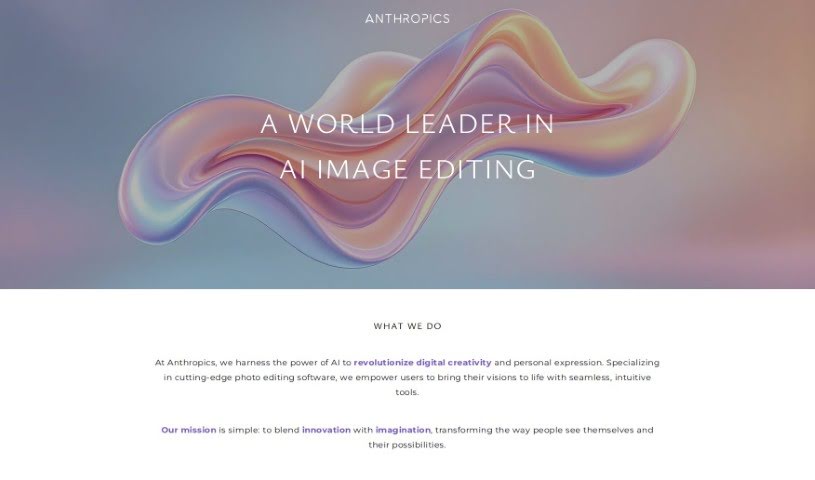
Anthropics Technology, a company that started back in 1998, is a recognized leader in AI innovation worldwide. They really focus on creating advanced image processing tools, perfect for both businesses and photographers. You might know their main products: PortraitPro, PortraitPro Body, LandscapePro, and Smart Photo Editor. These tools offer complete solutions for editing photos, using artificial intelligence to help you get professional, natural-looking results without a lot of fuss. Beyond photo editing, Anthropics is also known for its innovative Virtual Clothing Try-On system. This system offers a really realistic and engaging way for people to try on clothes online, truly changing the game for online fashion retail. Ultimately, the company's goal is to boost creativity and push innovation, especially in photography and the online fashion world.

Screenshot of api4ai

api4ai

Freemium

Api4ai is a cloud-based AI and computer vision service that provides affordable, personalized solutions designed to boost your products or business. It offers a broad spectrum of image processing technologies. Think background removal, checking for NSFW content, optical character recognition (OCR), image labeling, object detection, and even face recognition. It's a great fit for businesses of all sizes – from large enterprises to new startups and individual developers – who want to easily weave advanced machine learning into what they already do. What makes api4ai stand out is its ability to be personalized for your specific business needs, its wide range of computer vision capabilities, and the fact that you can access it from anywhere. Plus, it's super easy to integrate with your current products or workflows, serving many different sectors. The API itself is designed to be user-friendly and intuitive, offering services for a vast array of domains and industries. Essentially, it lets you analyze images and videos effortlessly through a single HTTP API connection to the internet.

Screenshot of App Head AI Photo

App Head AI Photo

Freemium

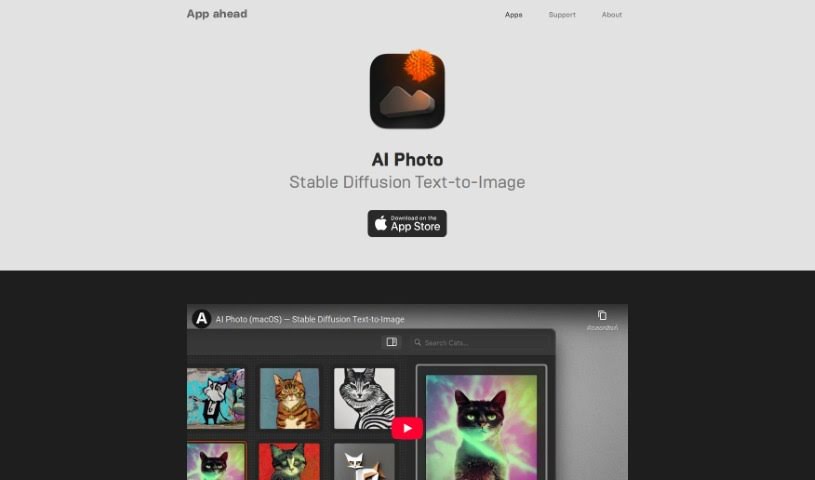
When we talk about AI Photo, we're really talking about using artificial intelligence in photography. It's a pretty neat technology that offers a bunch of features to make taking and editing pictures easier and better. Think of things like recognizing what's in a photo, automatically adjusting settings for the best shot, or even identifying faces. By using smart machine learning, these AI Photo tools can do a lot of the heavy lifting, like tweaking settings or spotting subjects, which really speeds things up and leads to better-looking photos for everyone, whether you're a pro or just enjoy snapping pics.

Screenshot of Artisse

Artisse

Freemium

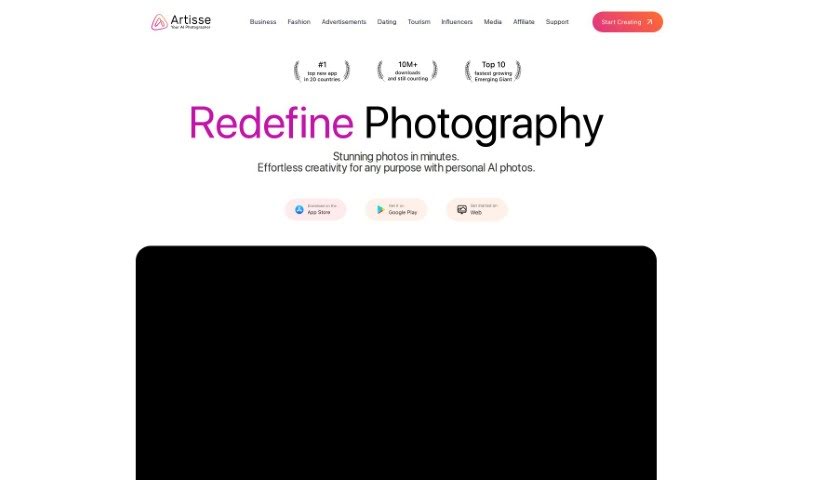
Artisse AI is a really interesting AI tool that's great for making your photos, especially selfies, look even better. It lets you customize all sorts of details, so you can see yourself in different situations, try on new outfits, or experiment with different hairstyles. It's more than just a quick fix for your photos; Artisse AI gives you the chance to get creative and turn your everyday selfies into really high-quality, personalized images.

Screenshot of autoRetouch

autoRetouch

Freemium

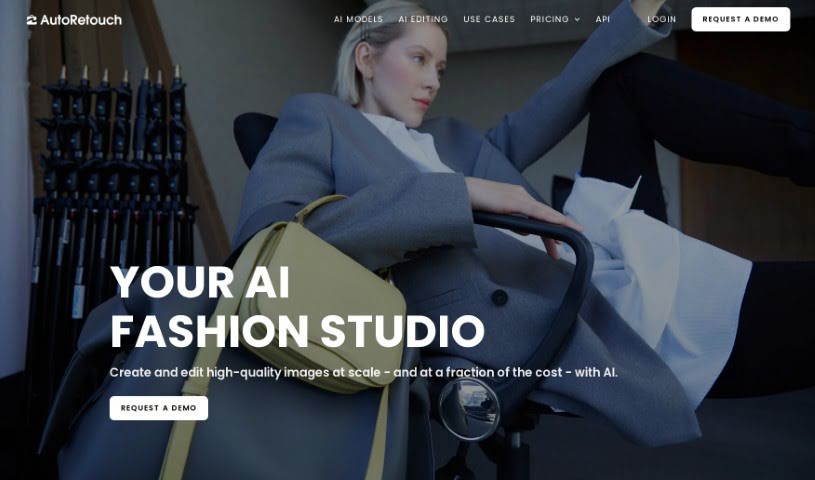
AutoRetouch is a smart, AI-powered platform that makes it super easy to create professional-looking images in just seconds. It is your go-to tool for quick, high-quality image editing. It's packed with AI editing tools designed for all sorts of tasks. Need to retouch a bunch of product photos at once? It's got you covered. Want to create those cool ghost mannequin effects for fashion items? Yep, it does that too. Plus, it's great for making your ecommerce products really pop. You can edit your images right in your browser, or if you're more technically inclined, you can use its API. And for those times when you have thousands of images to process, its batch editing capabilities are a lifesaver, letting you apply edits to them all at the same time. You can even check out what other businesses are saying about how autoRetouch has helped them. As for cost, it's based on how many images you edit each year, with plans starting around €900 annually for 6,000 images in their Starter package.

Screenshot of Avc AI

Avc AI

Freemium

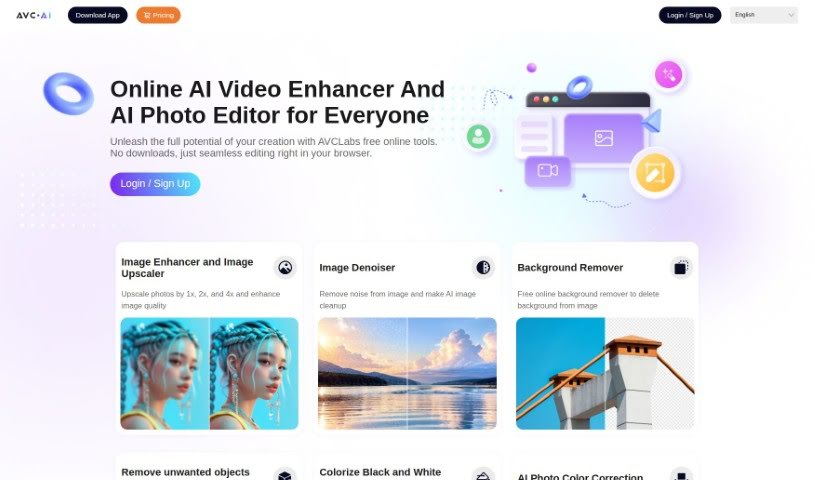
Avc AI is a tool that uses deep learning algorithms to automatically improve and restore your photos. It is a smart assistant for your pictures! It can do things like increase the resolution of your images, get rid of grainy "noise," touch up faces, add color to old black-and-white photos, and even adjust colors to make them look more natural. Plus, it can efficiently remove backgrounds from your pictures.

Screenshot of Barber GPT

Barber GPT

Freemium

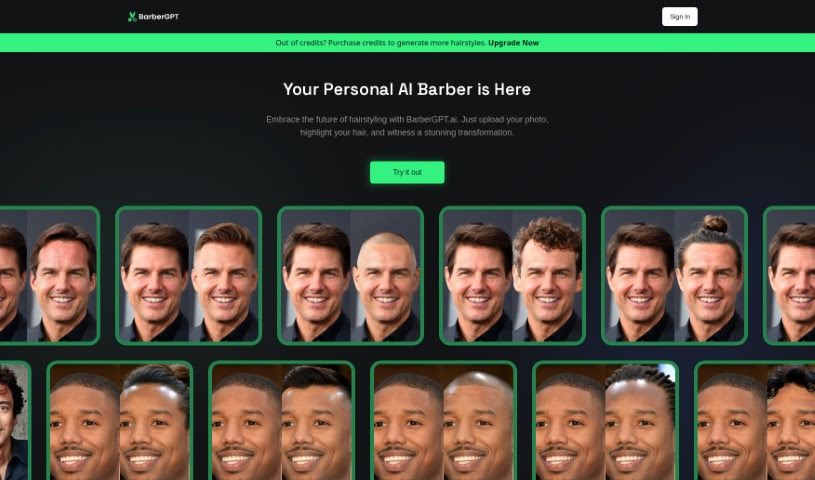
BarberGPT is a really neat AI-powered platform that lets you play around with different hairstyles. It’s super convenient! You can upload a picture of your current hair, and it’ll show you a preview of how you’d look with a new style. This really helps you make up your mind about a new haircut. The whole idea is to make hairstyling easy for everyone, offering a fun and fresh experience. Plus, they’re serious about keeping your personal photos private and secure, and the interface is designed to be really easy to use, so you can navigate and try out styles without any fuss. They’ve also put together a helpful FAQ section that covers common questions about how accurate the transformations are, if it works with different hair types, costs, and any troubleshooting tips.

Screenshot of Barbie Selfie Generator

Barbie Selfie Generator

Freemium

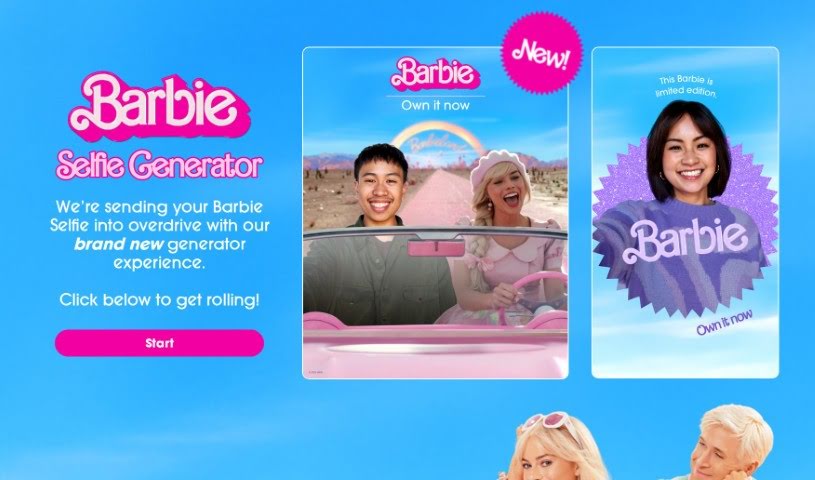
The Barbie Selfie Generator is a really fun new way to jazz up your Barbie selfies. It is taking your Barbie pics to the next level with some neat features. You can jump right in by clicking the button below to start creating your own unique Barbie selfies. It’s a super creative and enjoyable way to play around with Barbie, using digital tools to add cool effects and backgrounds.

Screenshot of Beard Style AI

Beard Style AI

Freemium

Beard Style AI is a neat tool that uses artificial intelligence to let you try out different beard styles digitally. You don't have to grow or trim any actual facial hair to see how it looks! Just upload about 15 to 30 headshots, and the AI software will create over 100 realistic photos. You'll see yourself sporting 10 different beard styles, like a chinstrap, goatee, or horseshoe. This whole process usually takes around 60 minutes. It's a really convenient and affordable way for anyone curious about facial hair to explore their options. These lifelike photos can genuinely help you figure out which beard style suits you best. Plus, they're super handy for showing your barber exactly what you're going for, making it much easier to get the look you want. And, let's be honest, it's also just plain fun to surprise people with pictures of yourself sporting a new beard!

Screenshot of BeFunky

BeFunky

Freemium

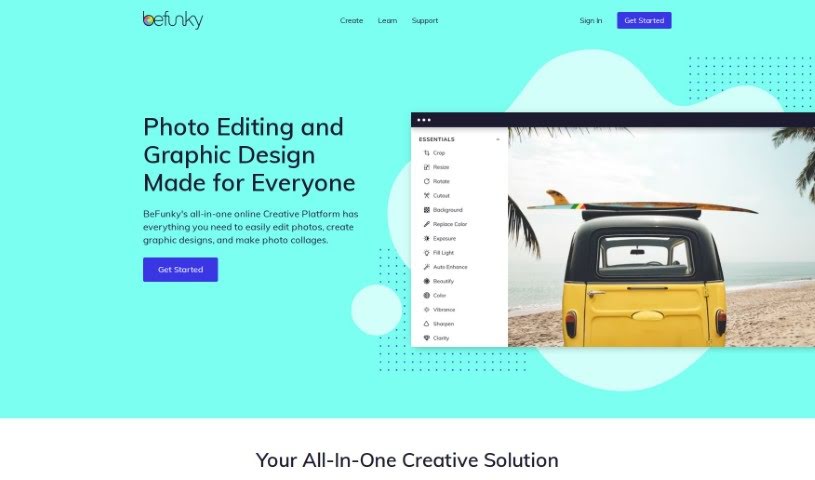
BeFunky is a really handy online tool from the company BeFunky. It makes it super easy for anyone to touch up their pictures, add cool photo effects, and put together great-looking photo collages. Whether you're just starting out or you've been editing photos for ages, BeFunky's simple interface and tons of features are perfect for getting creative with your images. You can play around with all sorts of photo effects, use advanced tools to tweak things like brightness and contrast, and even crop, resize, or clean up any blemishes or unwanted bits. Plus, one of the best things about BeFunky is its collage maker. It lets you combine lots of photos into one awesome picture, adding your own text, stickers, and backgrounds. Since it's all online, you can use it on any device with internet, meaning no tricky software installs or updates. It really lets you enhance your photos and get creative without any hassle.

Screenshot of Bg Generator

Bg Generator

Freemium

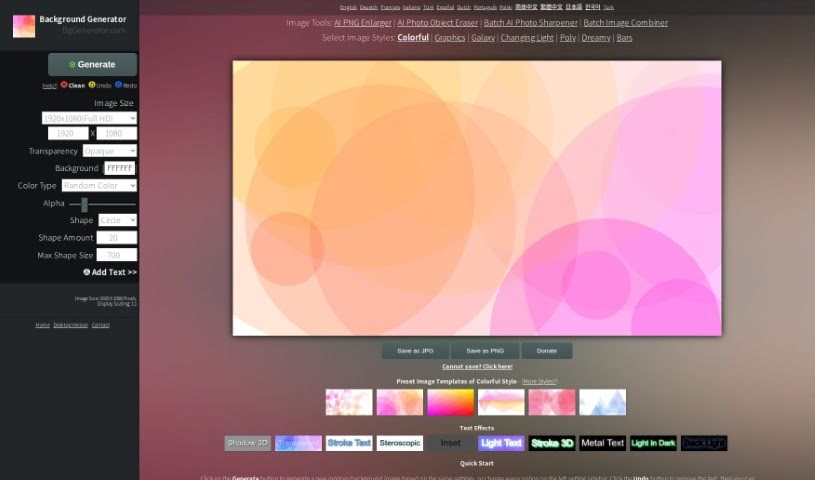
The Background Generator, found at BgGenerator.com, is a handy online tool that lets you create all sorts of unique and creative background images. Whether you need something for your computer wallpaper, a blog illustration, a commercial background, or a poster, this tool has you covered. It offers a variety of styles and templates to help you make really outstanding images. You can also tweak things like the image size and the output format. Plus, if you want to add text, you can do that too, with lots of different text effects to play with.

Screenshot of Bigjpg

Bigjpg

Freemium

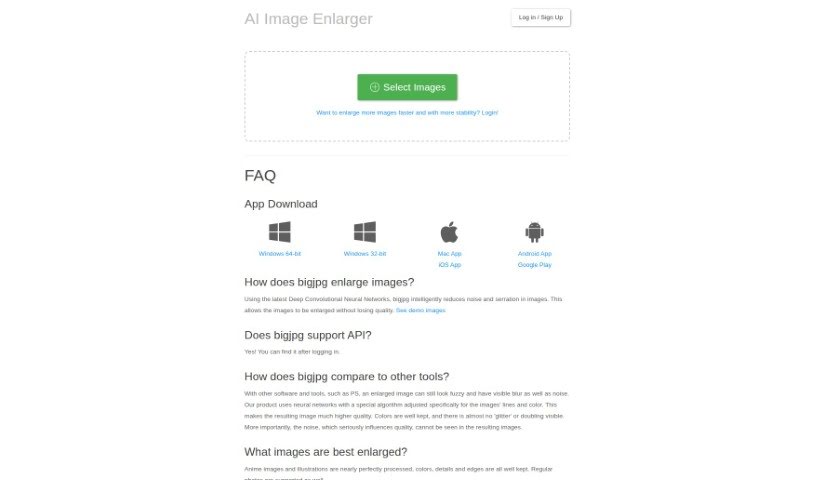
Bigjpg is a really neat tool for making images bigger, especially if you're working with Anime-style artwork or photos. It uses advanced Deep Convolutional Neural Networks, which sounds complicated, but basically, it's smart technology that helps enlarge your images without losing quality. It's particularly good at reducing any graininess or noise and keeping the image looking sharp and clear. Whether you're working with vibrant Anime scenes or everyday photos, Bigjpg aims to keep all the colors, fine details, and crisp edges just right. You can use it for free, or opt for their paid services if you need faster, more reliable enlargements. They also take your privacy seriously, using encrypted links and deleting your images automatically after 3 days. Plus, they offer API support and apps for your desktop and phone, making it super convenient to use wherever you are.

Stay Updated with AI Tools

Get weekly updates on the latest AI tools, trends, and insights delivered to your inbox

Join 25,000+ AI enthusiasts. No spam, unsubscribe anytime.