AI Tools for PDF Chat

Discover the best PDF Chat AI tools to enhance your productivity and creativity.

Page 4 of 5 • 49 total tools

Dealing with PDFs can sometimes feel like navigating a digital maze, right? Whether you’re trying to pull information from long reports, fill out forms, or work on a project with others, the usual ways of handling these documents can be a real drag. What if there was a much smoother way to do it? That’s where AI PDF chatting tools come in – they’re designed to make these tasks much simpler.

These smart platforms use artificial intelligence to help you interact with your PDFs conversationally. Instead of having to scan through pages yourself or hunt for answers, you can just ask questions and get instant replies. This new approach can really change how you handle documents, making it faster and more intuitive to find what you need.

Over the past few months, the world of AI PDF tools has seen some big leaps forward. Many of these solutions don’t just pull out text; they also offer features like summarizing, adding notes, and letting you ask questions interactively. After looking at a bunch of different options, I’ve put together a list of the best AI PDF chatting tools available right now – tools that can genuinely boost your productivity and make dealing with PDFs a lot less of a headache.

If you’re ready to change how you work with PDF documents, let’s jump in and discover the most engaging and efficient AI-powered solutions out there.

The best AI PDF Chat Tools

  1. ChatPDF: Great for quickly summarizing long documents.
  2. Humata: Offers instant PDF Q&A for fast knowledge access.
  3. Ask Your PDF: Perfect for interactive PDF Q&A sessions.
  4. Chat DOC: Provides instant insights from PDF documents.
  5. Note GPT AI Chat PDF: Ideal for interactive PDF question answering.
  6. Sharly AI: Good for interactive PDF document discussions.
  7. Sci Space AI Chat for scientific PDFs: Helps you quickly summarize research findings.
  8. Small PDF.com Chat PDF: Useful for interactive PDF content discussions.
  9. Docanalyzer.ai: Great for interactive document Q&A sessions.
  10. Gist Ai: Lets you quickly extract insights from PDF chats.
  11. PDFgpt.io: Makes Q&A on PDF content effortless.
  12. Search Plus AI: Offers interactive PDF Q&A sessions.
  13. Docalysis: Provides instant answers to your PDF inquiries.
  14. Petal: Good for interactive PDF discussions and feedback.
  15. Honeybear.ai: Delivers seamless PDF question and answer sessions.

How do AI PDF chat tools work?

AI PDF chat tools mainly work by combining natural language processing (NLP) with PDF document analysis. Basically, these tools are built to understand and interpret the information inside PDF files, letting you talk to the text by asking questions.

When you upload a PDF to an AI PDF chat tool, it first scans the document to pull out the text and important data. This process involves recognizing characters, how the document is formatted, and its overall structure, making sure the AI can refer to the content correctly.

After the text is extracted, the AI uses language models to create answers based on your questions. These models are trained on huge amounts of text, which helps them understand context, meaning, and even subtle language differences. This means you can ask specific questions about the PDF, and the AI will find the right information quickly.

Plus, some AI PDF tools can summarize parts of the document, point out key information, or even offer explanations. They use algorithms that figure out the most relevant content for your questions, ensuring the answers are not just correct but also fit the context.

The technology often blends machine learning with ways to parse documents, leading to a smooth user experience. This means you can have a dynamic conversation with the PDF’s content, much like you might discuss it with a knowledgeable colleague.

Essentially, AI PDF chat tools change how we interact with documents. By connecting static text with conversational interaction, these tools make it easier to sort through complex information, boosting productivity and understanding in our increasingly digital world.

Our best AI PDF chat tools at a glance

RankNameBest forPlans and PricingRating
1ChatPDFquickly summarize lengthy documents.N/A4.74 (39 reviews)
2Humatainstant pdf q&a for quick knowledge accessPaid plans start at $49/month.4.46 (13 reviews)
3AskYourPDFinteractive pdf q&a sessionsN/A4.76 (25 reviews)
4ChatDOCinstant insights from pdf documents.N/A4.70 (40 reviews)
5NoteGPT AI Chat PDFinteractive pdf question answeringN/A4.83 (12 reviews)
6Sharly AIinteractive pdf document discussionsN/A4.73 (11 reviews)
7SciSpace AI Chat for scientific PDFssummarize research findings quickly.N/A4.82 (11 reviews)
8SmallPDF.com ChatPDFinteractive pdf content discussionsN/A4.84 (69 reviews)
9Docanalyzer.aiinteractive document q&a sessionsN/A4.73 (11 reviews)
10Gist Aiextract insights from pdf chats quickly.N/A4.81 (31 reviews)
11PDFgpt.ioeffortless q&a on pdf contentN/A4.83 (29 reviews)
12SearchPlus AIinteractive pdf q&a sessionsN/A4.83 (6 reviews)
13Docalysisinstant answers from pdf inquiries.N/A4.67 (12 reviews)
14Petalinteractive pdf discussions and feedbackN/A4.73 (11 reviews)
15Honeybear.aiseamless pdf question and answer sessionsPaid plans start at $10/month.4.82 (39 reviews)
Screenshot of PDFy

PDFy

Freemium

PDFy.AI is a smart tool that uses artificial intelligence to make it much easier to get information. Think of it like having a chat with your documents, websites, or even audio and video files. It's especially helpful for students, researchers, and anyone in an office who needs to quickly find and reference information from various sources. You can ask it questions about PDFs, websites, audio, and videos, and it'll give you summarized answers. This really helps with understanding long texts and getting more done. By the way, PDFy.AI uses cookies to make sure everything runs smoothly, improve your experience, and understand how people use the site – all important for how the tool works.

Screenshot of Petal

Petal

Freemium

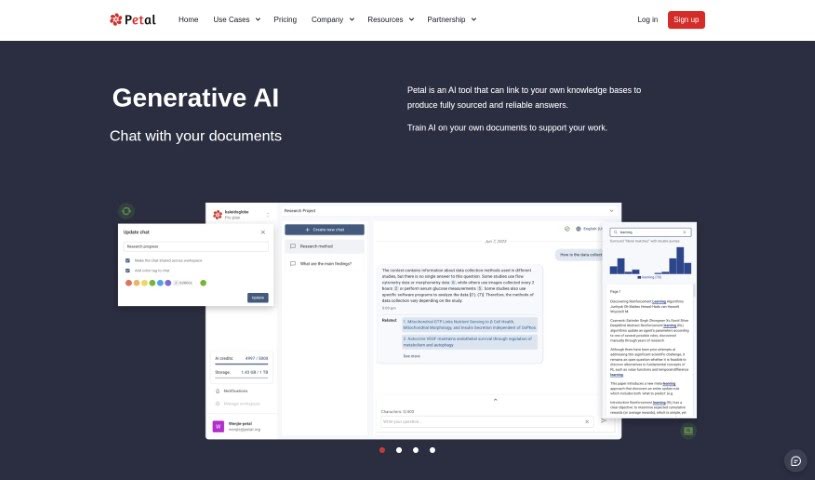
Petal is a really smart AI tool that turns your documents into expert insights. It uses what they call the world's first context-aware generative AI, which means you can get answers that are fully sourced and reliable, super fast, without having to read through everything yourself. Think of it like having a digital expert ready to give you accurate, trustworthy information right when you need it. You can chat with Petal to pull out valuable insights from your own digital files, making it a fantastic way to boost your productivity and make better decisions. Plus, you can even train the AI on your specific documents, tailoring its abilities to exactly what you need for your work.

Screenshot of SciSpace AI Chat for scientific PDFs

SciSpace AI Chat for scientific PDFs

Freemium

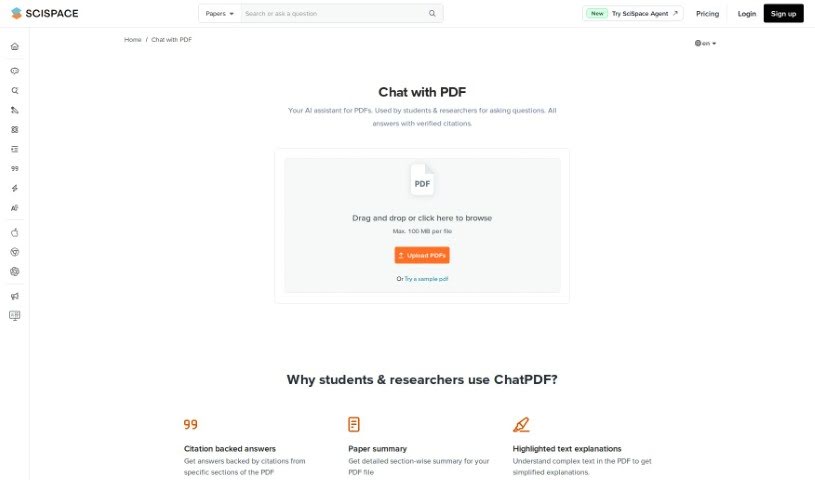
SciSpace AI Chat is your personal AI assistant, specifically built for students and researchers who need to really dig into PDF documents. It's designed to make interacting with complex research papers much easier. What's cool about it is that it can give you answers backed by citations, so you know where the information comes from. You can even chat with several PDFs at once, which is a huge time-saver. Need a quick summary of a specific part? You can select text for that. Plus, you can tweak how long the answers are, the tone they're delivered in, and even the format. It also offers access to multiple AI models, supports different languages, and can break down math, equations, tables, and figures for you. It even helps with note-taking and can provide summaries for different sections of your PDFs. You can upload files up to 100 MB right now, and they're planning to support larger ones soon. They also take your privacy seriously, encrypting all your chats and handling your data according to privacy laws. And don't worry about being tied to your computer; it works great on smartphones and tablets too, making it super convenient wherever you are.

Screenshot of SearchPlus AI

SearchPlus AI

Freemium

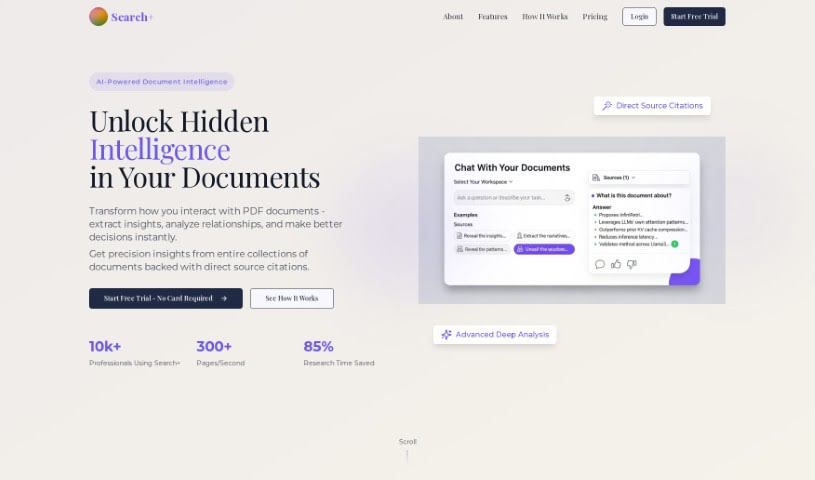
SearchPlus AI is a really neat tool that lets you chat with your PDF documents. Think of it like having a conversation with your files! You can ask it questions, and it'll pull out specific answers directly from the PDFs you've uploaded. This makes it super easy to find information and get insights quickly. It’s built for everyone – individuals, teams, and even whole organizations – aiming to make working with PDFs a smooth, efficient experience. Plus, they take your data security seriously; all your uploaded documents are encrypted and stored safely. SearchPlus AI works with all sorts of PDFs and even understands multiple languages, like Spanish, French, and German. And if you ever get stuck or have a question, their customer support is there for you 24/7. Basically, SearchPlus AI makes getting information out of PDFs much simpler, helping you be more productive and make better decisions.

Screenshot of Selfgpt

Selfgpt

Freemium

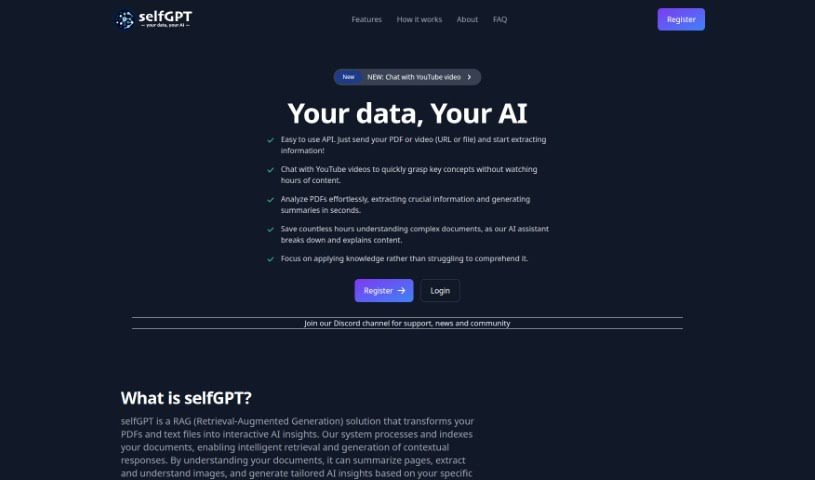
SelfGPT is a handy platform that lets you chat with YouTube videos. This way, you can quickly get the main ideas without spending hours watching. It's also great for PDFs; it can easily analyze them, pull out the important bits, and give you summaries in just seconds. Imagine saving tons of time trying to understand complicated documents – SelfGPT's AI assistant breaks everything down and explains it for you. Basically, it turns your PDFs and text files into interactive AI insights. It can summarize pages, understand images within documents, and generate insights that are just right for you.

Screenshot of Sharly AI

Sharly AI

Freemium

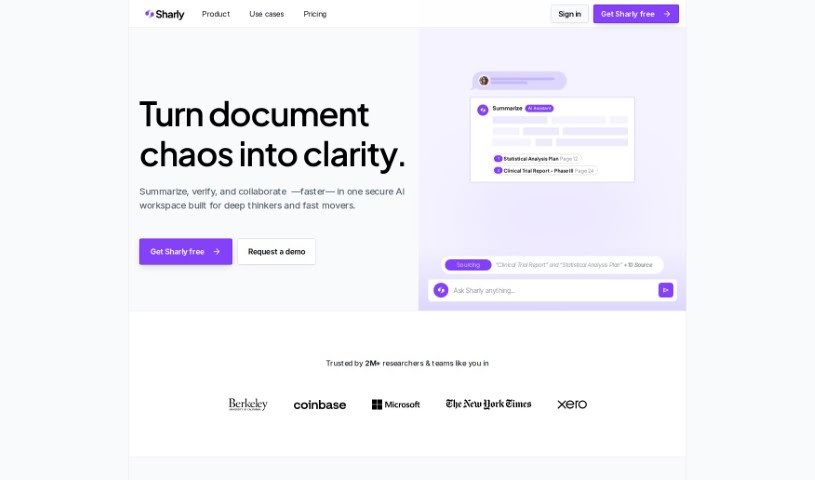
Sharly AI is a really helpful tool built for researchers, especially those in academia and R&D. Its main job is to make it much easier to go through and pull together lots of academic papers and information. It is a way to speed up your literature reviews, combine data from different sources, and even work better with others. It takes complicated data and turns it into clear, useful insights that can really help you discover new things and innovate faster. Basically, Sharly AI offers smart ways to manage your data, making the whole research process feel much more modern and efficient.

Screenshot of SmallPDF.com ChatPDF

SmallPDF.com ChatPDF

Freemium

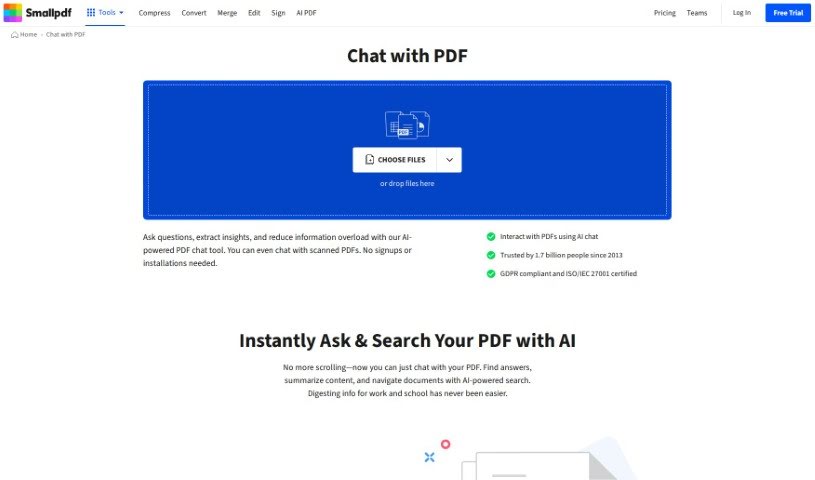
SmallPDF.com ChatPDF is a really handy feature right on the SmallPDF website that lets you actually talk to your PDF documents. It is a way to have a conversation, share your thoughts, or collaborate with others directly within your PDF files, all on the SmallPDF platform. It’s a super convenient way for anyone, whether you're working alone or as part of a team, to communicate and get work done on PDFs without needing any extra software. With ChatPDF, you can make your workflow smoother, add comments, suggest edits, and review PDF content together in a shared online space. This really helps with teamwork, makes giving feedback much simpler, and keeps your document management efficient, all within the SmallPDF system.

Screenshot of Summarizethis

Summarizethis

Freemium

Summarize This is a handy AI tool that helps you get the gist of all sorts of content quickly. It is your personal summarizer for text, PDFs, videos, and even those long Twitter threads. You can either paste in text directly, drop in a YouTube video or Twitter thread URL, or upload a PDF file. The AI then gets to work, crunching the information to give you a nice, brief summary. It's pretty good with most PDFs, though it might have a hiccup with any that are corrupted. To use it, you'll need your own Open AI API Key. Don't worry, though – it doesn't save your key for security reasons. The tool was built by someone known online as @maail and is offered completely free. Just a couple of things to keep in mind: you'll need to enter your API key each time you want a summary, and for YouTube videos, it works best if they have captions so the AI can process them efficiently.

Screenshot of TalkingPDF

TalkingPDF

Freemium

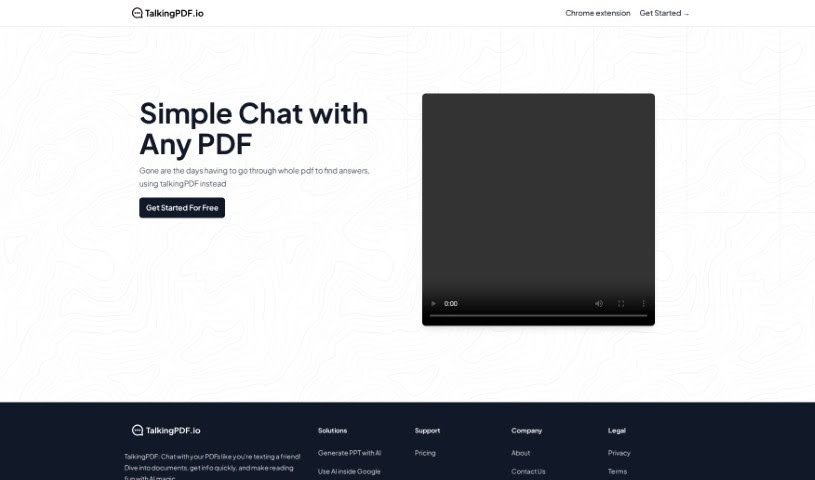
TalkingPDF is a free online tool that lets you chat with any PDF document. Think of it like having a text conversation, but with your PDF! This AI-powered tool makes it easy to ask questions, get quick summaries, and find exactly what you're looking for in a document. The whole idea behind TalkingPDF is to make working with PDFs more engaging and dynamic, moving beyond just static reading. Plus, they offer other handy tools like the MagicSlides App to create PowerPoint presentations from your PDFs and Sheetai.app to bring AI into your Google Sheets. They've got pricing info and contact details if you need them. IndianAppGuy Tech Pvt Ltd, a company focused on creating innovative AI solutions, developed this tool.

Screenshot of TalktoPDF.ai

TalktoPDF.ai

Freemium

TalktoPDF.ai is a neat AI tool designed to make reading documents way more interactive and interesting. It basically turns your documents into smart, engaging chats that you can talk to. Just upload your PDF, and you can chat with it like you're having a conversation, which really helps with learning and digging into documents efficiently. Right now, it only works with PDF files and in English, but they're planning to add support for more file types and languages down the road. Good news for privacy too: TalktoPDF.ai doesn't use your personal data to train its AI models. It's a great option for professionals and academics looking for fresh ways to get information from their documents.

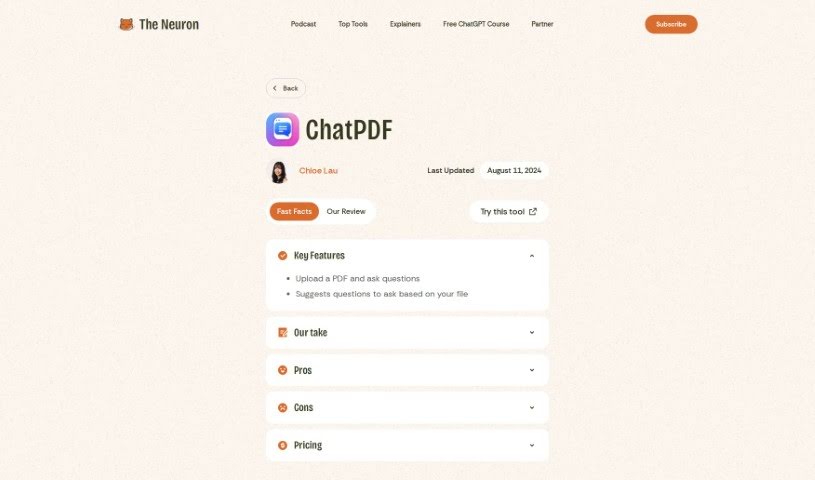
Screenshot of The Neuron AI ChatPDF

The Neuron AI ChatPDF

Freemium

ChatPDF is a clever way to work with longer documents using ChatGPT. It lets you upload a PDF and then ask it questions about the content. It’s great for summarizing documents or getting specific answers directly from the text. It’s important to know that it doesn't read the entire document word-for-word all the time; instead, it smartly pulls out the most relevant paragraphs to answer your questions. ChatPDF is really built for asking and answering questions, not for creating new text or editing what's already there. You can actually use it for free with PDFs up to 120 pages, and if you need more, there’s a paid plan for just $5 a month. All in all, ChatPDF offers a straightforward and user-friendly way to interact with your PDF files effectively.

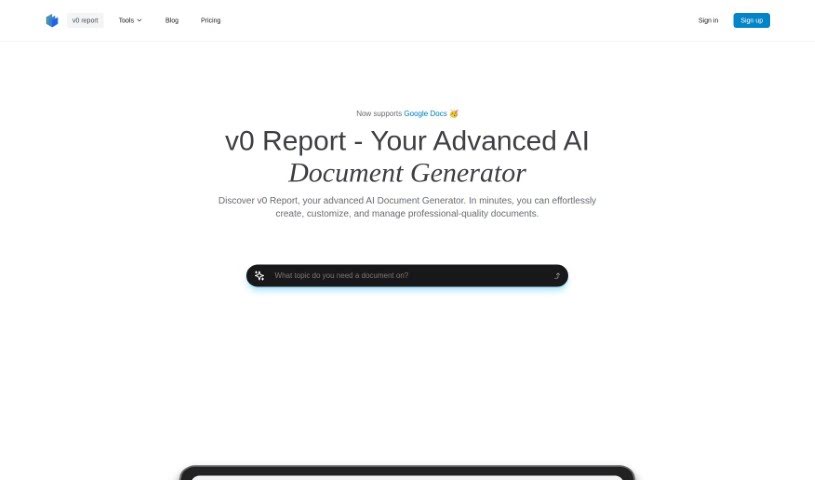
Screenshot of v0 report

v0 report

Freemium

v0 Report is an AI tool designed to make creating reports much simpler. It is your smart assistant for putting together documents. It gathers information from different places and lets you upload your own files so it can analyze them specifically for you. What's really neat is that it can automatically collect data, let you customize your reports, and generate them using AI. Plus, it has a user-friendly editor, kind of like Notion, which makes tweaking your reports a breeze. It's built to help out in all sorts of fields, from tech and retail to many others. It's also really good at reading and summarizing PDFs quickly, and you can rest assured your data is kept safe thanks to strong encryption.

Stay Updated with AI Tools

Get weekly updates on the latest AI tools, trends, and insights delivered to your inbox

Join 25,000+ AI enthusiasts. No spam, unsubscribe anytime.