AI Tools for Interior Design

Discover the best Interior Design AI tools to enhance your productivity and creativity.

Page 4 of 7 • 78 total tools

Interior design has changed a lot lately, thanks to new technology. We’re past the days when design plans were just sketches and mood boards. Now, AI tools let you create amazing, personalized spaces with just a few clicks.

These smart tools can help with everything from planning your space to picking colors and arranging furniture. They look at what you like and offer suggestions just for you, making the design process easier and sparking new ideas.

With so many options out there, it can be tough to pick the right AI tools. That’s why I’ve spent some time looking into and trying out different apps to find the ones that really work.

Whether you’re a pro designer wanting to add to your toolkit or a DIYer looking to refresh your home, there’s something here for you. Let’s dive into the best AI tools that can totally change how you approach interior design.

The Best AI Interior Design Tools

  1. Luma AI for 3D visualization and space planning.
  2. Coohom for creating realistic interior design mock-ups.
  3. Homestyler for making personalized room layouts.
  4. Homedesignsai to easily visualize different decor styles.
  5. Room GPT for virtually trying out new furniture.
  6. Mnml.AI to reimagine interiors with various styles.
  7. Collov AI for virtual room redesign and visualization.
  8. Roomsgpt for planning virtual room layouts.
  9. ReRoom AI for quick room redesigns with style choices.
  10. Remodel AI for optimizing room layouts.
  11. Interior AI for generating photorealistic interior renders.
  12. Luw.ai to transform spaces using AI design tools.
  13. Get Floor Plan for creating 3D room layouts more easily.
  14. Look X AI for generating custom style images for interiors.
  15. Spacely AI for virtual room layout and styling ideas.

How Do AI Interior Design Tools Work?

When you look for AI interior design tools, you’ll probably find lots of platforms with similar features. This is because many of them use smart algorithms and design databases to suggest interior layouts based on what you tell them and what you like.

Usually, you start by giving the tool details about your space. This might include measurements, the styles you prefer, color schemes, and even the types of furniture you want. Then, AI algorithms analyze this information to suggest the best layouts and design elements that fit your needs.

Most of these tools use machine learning. This means they learn from tons of past interior designs, current trends, and what users have said. By understanding what looks good and works well, they can offer personalized suggestions for your furniture and how to arrange your space.

Some AI design tools even include augmented reality. This lets you see your designs in your actual space in real time. It’s a really immersive way to make design choices without all the guesswork.

Plus, these tools often get better through partnerships with furniture stores. By linking up product catalogs, you can easily pick, buy, or even order custom pieces that fit perfectly into the design you’re imagining.

As more people get comfortable with technology at home, AI interior design tools are becoming super useful. They simplify the process of visualizing and putting design ideas into action, making it easier for anyone to create spaces that are both functional and beautiful.

Our Top AI Interior Design Tools at a Glance

RankNameBest ForPlans and PricingRating
1Luma AI3D visualization for space planning.N/A4.76 (25 reviews)
2CoohomCrafting realistic interior design mock-ups.N/A4.67 (12 reviews)
3HomestylerPersonalized room layout creation.Paid plans start at $9.9/month.4.77 (13 reviews)
4HomedesignsaiVisualize diverse decor styles easily.Paid plans start at $29/month.4.83 (12 reviews)
5RoomGPTSampling new furniture virtually.N/A4.64 (11 reviews)
6Mnml.AIReimagining interiors with diverse styles.Paid plans start at $19/month.4.76 (59 reviews)
7Collov AIVirtual room redesign and visualization.N/A4.82 (11 reviews)
8RoomsgptVirtual room layout planning.N/A5.00 (11 reviews)
9ReRoom AIInstant room redesign with style options.N/A4.67 (12 reviews)
10Remodel AIRoom layout optimization.N/A4.75 (12 reviews)
11Interior AIGenerating photorealistic interior renders.N/A4.82 (11 reviews)
12Luw.aiTransforming spaces with AI design tools.N/A4.73 (22 reviews)
13Get Floor PlanStreamlined 3D room layout creation.N/A4.78 (41 reviews)
14LookX AICustom style image generation for interiors.N/A4.77 (22 reviews)
15Spacely AIVirtual room layout and styling ideas.N/A4.36 (11 reviews)
Screenshot of kitchenGPT

kitchenGPT

Freemium

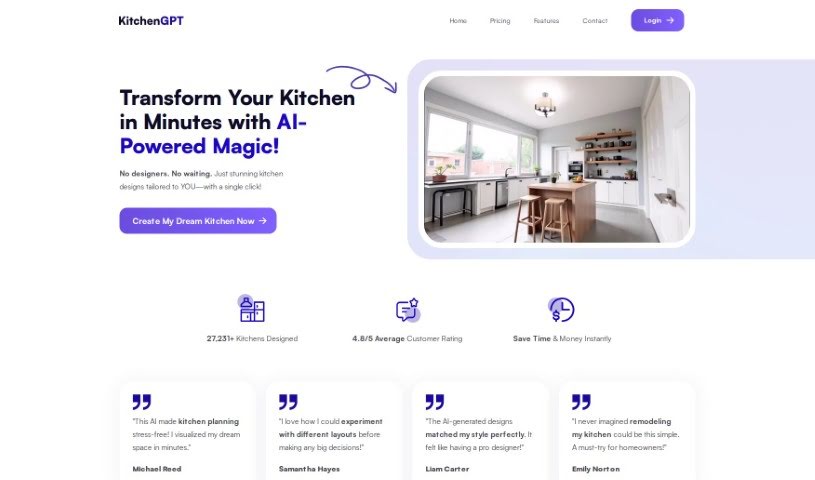
KitchenGPT.io is a really interesting platform where artificial intelligence meets interior design. It's designed to help you transform your living spaces with AI's assistance, making it super easy. You can upload a picture of your space, then explore all sorts of different design styles. With the help of their Room AI and Kitchen AI tools, you can remodel your rooms and get results that look like a professional designer did them, all in just a few clicks. They offer different subscription options, like the Personal plan which gives you 50 images a month, or the Business plan for 250 images a month, so there's something for most needs. Using KitchenGPT.io means you can redesign your interiors fast, come up with design ideas quickly, and find plenty of inspiration for your unique home.

Screenshot of LookX AI

LookX AI

Freemium

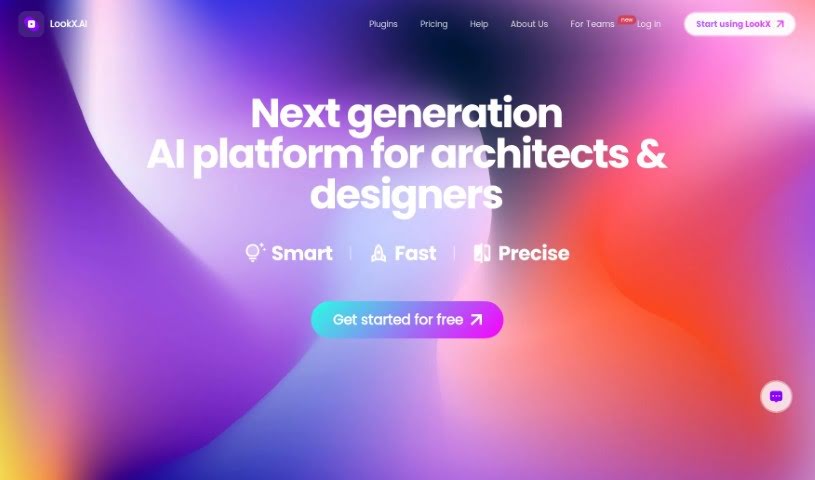
LookX is a platform that brings together architects, designers, and tech experts, all working with AI. It's built to offer AI-powered solutions and products specifically for creative fields like graphic design, industrial design, and construction. It is a toolkit with several handy features. You can Train Custom Models to create your own AI models, use a Multi-Platform Plugin to connect LookX AI with software you already use like SketchUp and Rhino, or employ the Style Adapter to generate images that match your preferred aesthetic. Need to boost image quality? The Upscale Image feature does just that, while the 1-Click Duplication function makes it easy to replicate image effects. Plus, there's a Vocab Template packed with architectural terms and a Prompt Assistant that helps you flesh out your ideas into detailed descriptions. Early users suggest LookX could really change architectural design, giving architects and designers powerful, customized AI tools.

Screenshot of Luma AI

Luma AI

Freemium

Genie, brought to you by Luma AI, is a research preview of Luma's groundbreaking generative 3D foundation model. It offers a special chance to explore what this model can do. You can build 3D content right on the platform, tweaking background elements like how intense they are, how blurry they appear, and how much fog you want. You can also add animations and sequences, control sizes, densities, and how long things last, pick from different materials, and even adjust the physics of the 3D space. It's a really neat tool for creating unique visual effects and playing around with 3D content.

Screenshot of Luw.ai

Luw.ai

Freemium

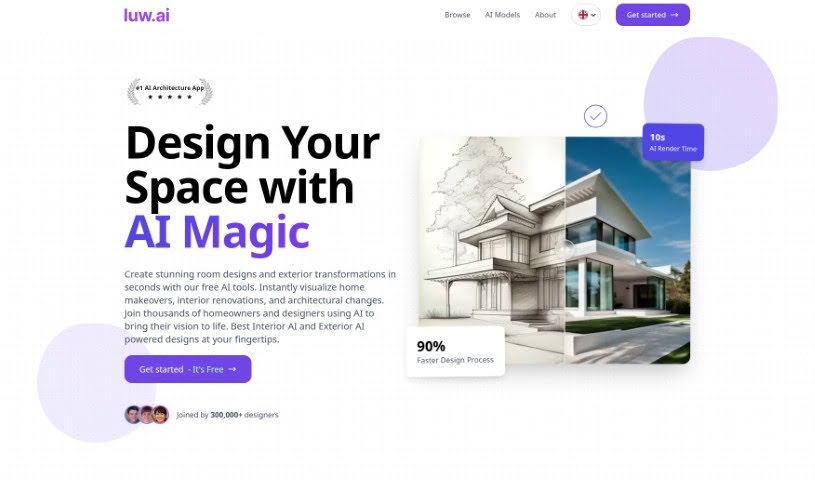
Luw.ai is an online tool that uses AI to create personalized room plans and virtual home designs. It tailors these designs based on your interior and exterior style preferences. You can even create a unique persona to guide the AI, ensuring the designs truly match your taste. With handy features like the Magic Wand for easy modifications, HD Exports for high-quality images, and a library boasting over 55 different design styles, Luw.ai makes it simple to transform spaces and get those polished images right away.

Screenshot of Mnml.AI

Mnml.AI

Freemium

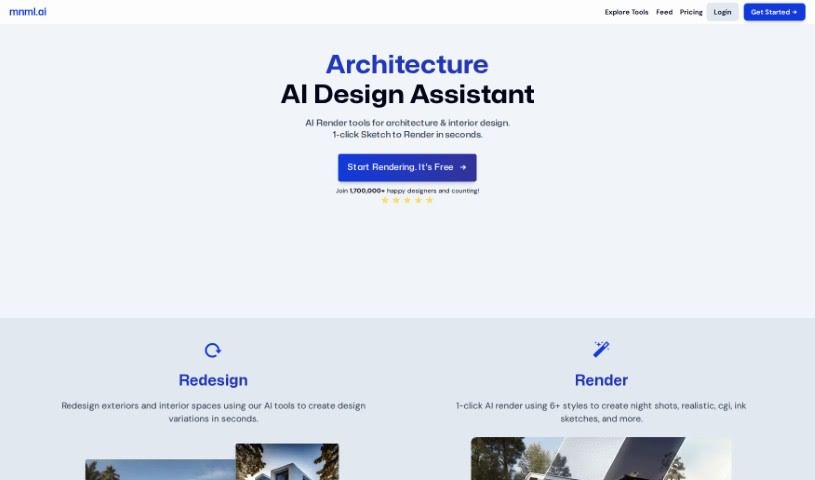
Mnml.AI is an AI-powered platform designed specifically to help architects and interior designers. It's built to quickly generate realistic renders and explore different design options for both exterior and interior projects. It is a super-fast assistant that can whip up visuals in seconds. The platform offers a suite of handy tools, including Sketch to Image AI, Exterior AI, Canvas AI, Interior AI, Landscape AI, and a Concept Generator. These tools are there to make your design process smoother, giving you more flexibility and control. The best part? You don't need any special software or coding skills to use it. You can easily turn your sketches into professional-looking architectural concepts. It's no wonder over 75,000 designers have already given it a thumbs-up for changing the game in architecture and interior design workflows.

Screenshot of Myroomdesigner.ai

Myroomdesigner.ai

Freemium

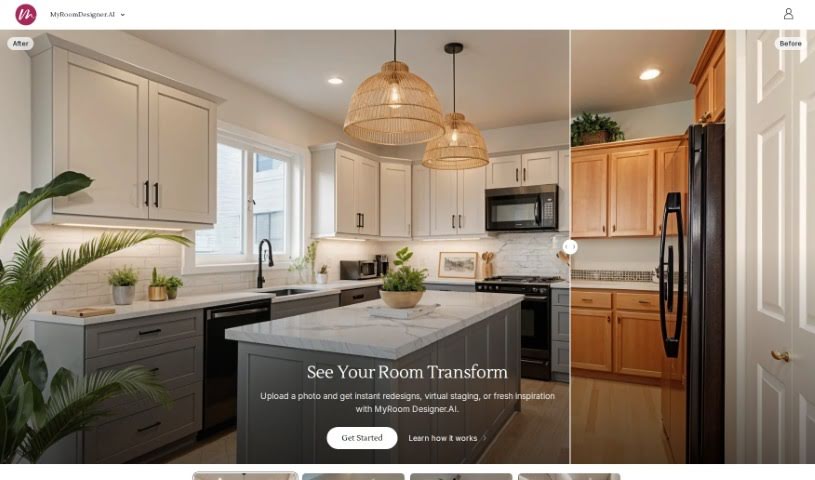
MyRoomDesigner.ai is a really neat online tool that acts like your personal AI interior designer. You can upload pictures of your rooms and then easily try out different design styles and themes – think Farmhouse, Coastal, Modern, or Traditional – to completely refresh your living spaces. What's great is that it's a secure experience; your photos aren't shared online or with any third parties. This means you can confidently compare how your room looks before and after using a handy slider. Plus, you can keep all your photos, design renders, and account details organized right within the app. MyRoomDesigner.ai also offers different subscription plans that give you access to features like AI background removal, the ability to import products, and a large database of items to really boost your interior design projects.

Screenshot of Neverscene

Neverscene

Freemium

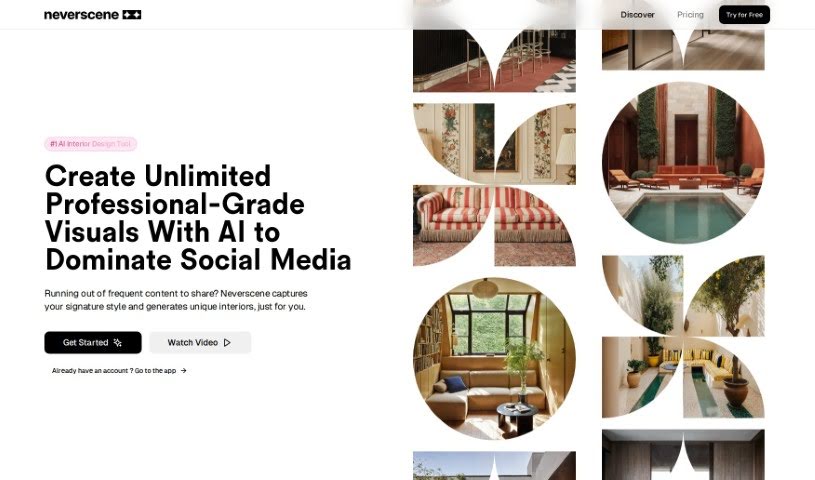
Neverscene is a really neat AI tool made just for interior designers. It's designed to boost your creativity when you're working on interior spaces. This platform uses AI to create super realistic interior concepts without much fuss, making the whole design process feel more dynamic and efficient. You can upload a moodboard, and Neverscene's AI will pick up on your personal style. Then, it'll give you fresh design ideas that really match what you're going for, encouraging you to explore and get creative. You can apply your own unique style to all sorts of rooms, and you get full ownership of whatever you create. Plus, you can keep your work private or share it however you like.

Screenshot of Newroom

Newroom

Freemium

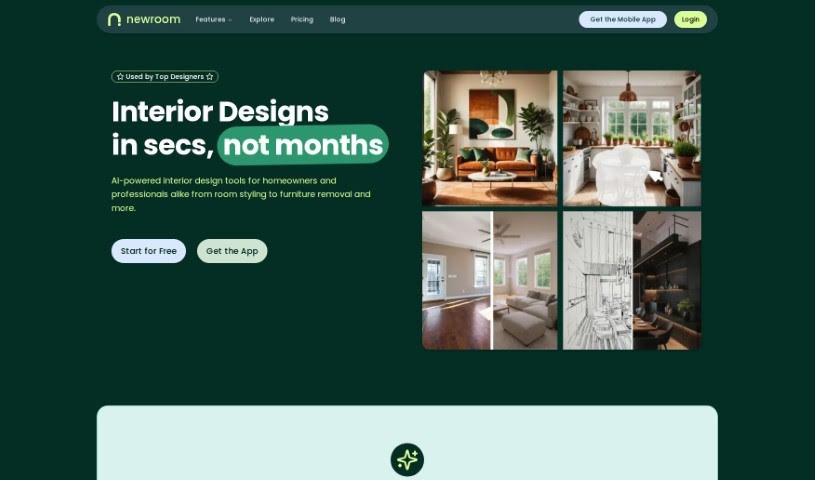
NewRoom is your personal, super-easy AI interior designer. It's built to help you design, furnish, and even shop for your perfect room, all without the usual hassle. What's really neat is how it simplifies everything: you get a huge selection of furniture and decor, and you can buy it all right there on Amazon. The process is pretty straightforward: you just upload a picture of your current room, tell it your budget, pick a style you like, and then the AI interior designer works its magic to show you what your dream space could look like. Plus, there's a whole section for inspiration, where you can check out designs others in the community have created. It’s a really smooth way to get your room looking exactly how you want it, thanks to AI.

Screenshot of Oda Studio

Oda Studio

Freemium

Oda Studio is a really neat platform that started up in 2020, created by a team of MIT graduates. It's designed to help people, especially those buying or renting their first home, actually see and create the living space they've been dreaming of. They blend cutting-edge AI with interior design, offering cool services like virtual staging and digital asset management. Plus, their AI helps power personalized moodboards. You can even generate designs just by showing them your Pinterest ideas! They'll give you curated styles and product suggestions based on those boards, and you can easily tweak your home design using their moodboard tool. Basically, Oda Studio wants to make designing your home simple, fun, affordable, and enjoyable for everyone.

Screenshot of Omnia

Omnia

Freemium

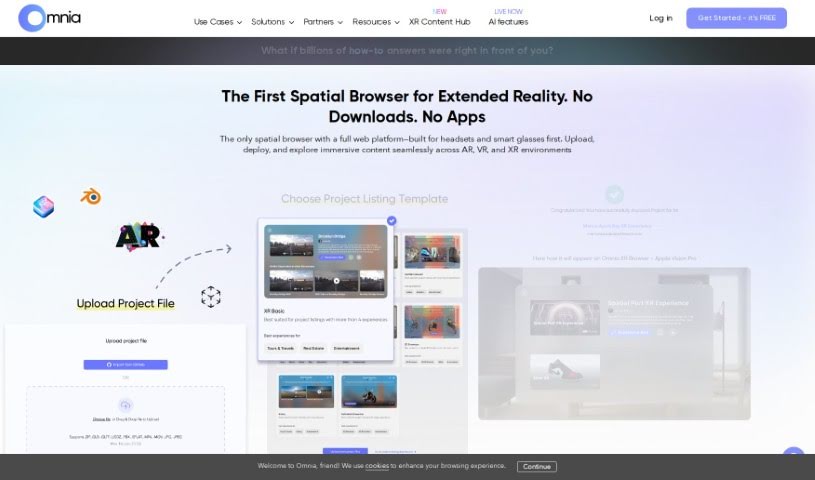
Omnia is a pretty neat AI tool that's really good at creating 3D models. You can either give it a text prompt, like a description, or upload an image, and it'll whip up a 3D model for you. Right now, it's mainly focused on the furniture industry, but they're working on making it compatible with other sectors too. Basically, Omnia uses AI technology to build these 3D models based on what you tell it. You can currently upload files in .PNG or .JPG formats, and there's a 50 MB file size limit. They're planning to add support for things like the food industry in the future, which sounds interesting! Plus, Omnia can create AR assets, which is super handy for visualizing things in augmented reality.

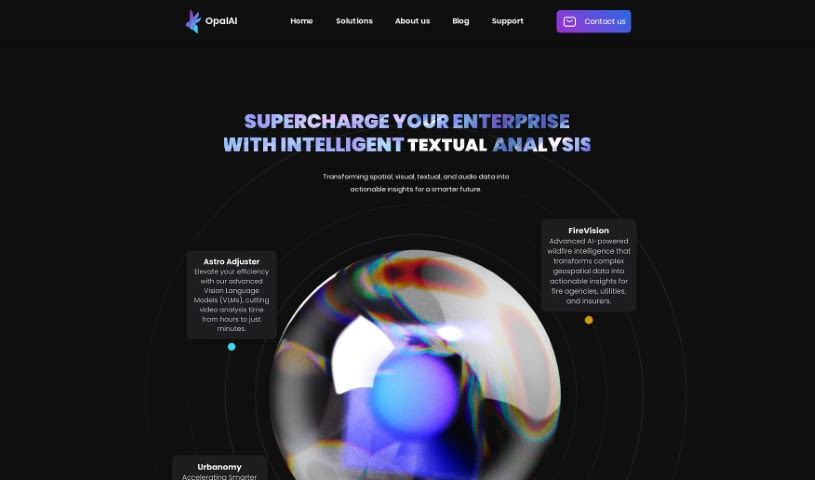
Screenshot of Opalai Scanto3D

Opalai Scanto3D

Freemium

Opalai Scanto3D is a mobile app from OpalAI that lets you create incredibly detailed 3D models of real estate properties. It's designed for precision, making it easy to capture spaces. You can use your phone's LiDAR or a 360 camera to record scans or video. The app then uses its AI technology to turn this data into full Building Information Models (BIMs). It's a pretty straightforward process – you just do a quick walkthrough, and the AI handles the heavy lifting. With OpalAI ScanTo3D, you can instantly generate both 2D and 3D Computer-Aided Design (CAD) models, offering a super convenient and efficient way to create digital versions of physical spaces.

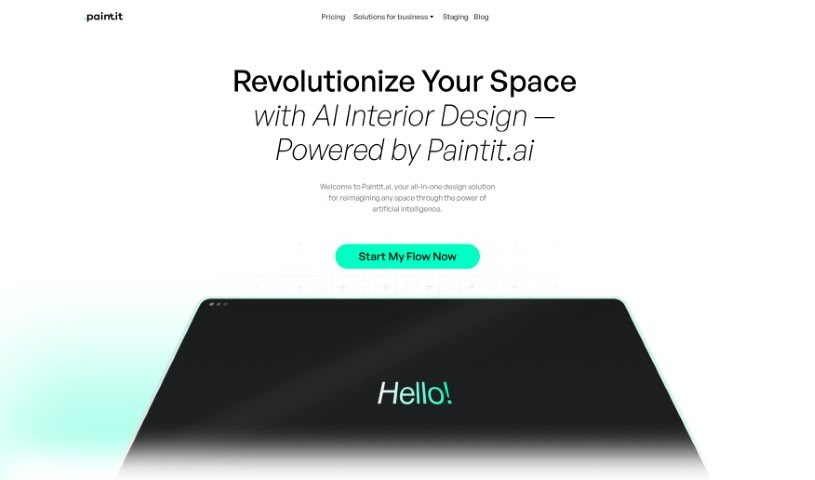
Screenshot of Paintit

Paintit

Freemium

Paintit is an AI-powered interior design service designed to change how we approach space design. It offers personalized and innovative solutions, using advanced AI to create unique interior designs that match your personal style. You can choose from different subscription plans, including a free basic option, or go for more advanced ones like 'Personal' and 'Pro' if you have more specific design needs.

Stay Updated with AI Tools

Get weekly updates on the latest AI tools, trends, and insights delivered to your inbox

Join 25,000+ AI enthusiasts. No spam, unsubscribe anytime.