AI Tools for Education

Discover the best Education AI tools to enhance your productivity and creativity.

Page 22 of 63 • 746 total tools

Education is changing fast, and technology is leading the way. From online classes to immersive learning, digital tools are transforming how we teach and learn. Among these, AI tools are really making a difference, offering personalized learning support like never before.

Imagine a classroom where every student gets resources made just for them. Adaptive learning platforms can change content based on how a student is doing, and AI tutors can give instant feedback. The possibilities are huge.

But, not all AI tools are the same. With so many options out there, it can feel overwhelming for teachers and students to find the ones that truly help. That’s why I spent time looking into and testing the best AI tools for education.

In this guide, you’ll find a handpicked list of apps and platforms designed to improve learning and make the educational process smoother. Let’s explore the best AI resources that can make your teaching and learning experience better.

The best AI Education Tools

  1. Grammarly: Helps monitor grammar in student essays.
  2. Duolingo: Offers a personalized language learning experience.
  3. Quill Bot: Aids in paraphrasing for better understanding.
  4. ZeroGPT: Provides AI-based homework assistance.
  5. Duplichecker: Checks student papers for originality.
  6. NotebookLM: Acts as a smart study companion for students.
  7. Turnitin: Helps verify academic integrity.
  8. Chegg: Offers homework help and study resources.
  9. GPTZero: Ensures authenticity in student submissions.
  10. Grammarly AI Plagiarism Checker: Helps maintain academic integrity in assignments.
  11. LanguageTool: Enhances student writing skills.
  12. QuillBot Paraphrasing Tool: Effectively rephrases study materials.
  13. Gauth: Provides STEM-focused live tutoring support.
  14. NoteGPT: Creates flashcards from study materials.
  15. Undetectable AI: Helps create personalized learning resources.

How do AI education tools work?

AI education tools use artificial intelligence to improve learning. Basically, they use algorithms that look at lots of educational content, how students interact, and test results. This lets the software adapt to each student’s learning style and speed, offering personalized help.

These tools often have features like intelligent tutoring systems. They act like one-on-one instruction, giving specific feedback and guidance. By checking how students perform, AI can suggest resources or change lessons to fix any understanding gaps.

Natural language processing (NLP) is also key. It lets these tools understand and respond to student questions right away. By grasping context and intent, AI education platforms can help with discussions, explain concepts, and even grade writing.

Plus, AI education tools collect data on how engaged learners are and how they progress over time. This data analysis not only helps adjust lessons as needed but also gives educators insights into how the class is doing, helping them improve their teaching.

Many AI platforms are made to work smoothly with the educational technology already in place. Whether it’s through learning management systems or online courses, they make learning more accessible and streamlined. They let students learn at their own pace, wherever they are.

As schools continue to adopt technology, AI tools will become even more important and effective in learning environments. These innovations can change traditional teaching methods and make learning more engaging and successful for students everywhere.

Our best AI education tools at a glance

RankNameBest forPlans and PricingRating
1Grammarlymonitoring grammar in student essaysPaid plans start at $12/month.4.81 (27 reviews)
2Duolingopersonalized language learning experienceN/A4.80 (20 reviews)
3QuillBotparaphrasing for better understandingN/A4.68 (19 reviews)
4ZeroGPTAI-based homework assistanceN/A4.75 (12 reviews)
5Duplicheckerchecking student papers for originalityN/A4.73 (11 reviews)
6NotebookLMsmart study companion for studentsN/A4.73 (11 reviews)
7Turnitinverifying academic integrityN/A4.67 (12 reviews)
8Chegghomework help and study resources.N/A4.67 (9 reviews)
9GPTZeroensuring authenticity in student submissions.Paid plans start at $10/month.4.75 (12 reviews)
10Grammarly AI Plagiarism Checkerensuring academic integrity in assignments.N/A4.79 (14 reviews)
11LanguageToolenhancing student writing skillsN/A4.73 (11 reviews)
12QuillBot Paraphrasing Toolrephrasing study materials effectively.N/A4.84 (51 reviews)
13GauthSTEM-focused live tutoring supportN/A4.67 (21 reviews)
14NoteGPTcreate flashcards from study materialsPaid plans start at $2.08/month.4.81 (42 reviews)
15Undetectable AIpersonalized learning resource creationN/A4.64 (11 reviews)
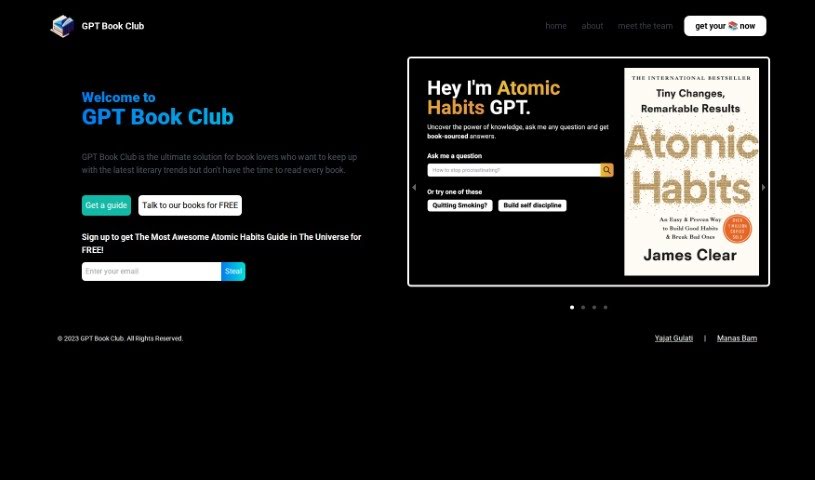
Screenshot of GPT Book Club

GPT Book Club

Freemium

From what I can gather, GPT Book Club offers a tool called Atomic Habits GPT. It's designed for people who love books but find themselves short on time to read everything that catches their eye. It is your AI-powered guide to the latest literary trends. It pulls out the key insights and main points from popular books, so you can stay informed without needing to read them cover-to-cover. The goal here is to give you an engaging, interactive way to learn, all tailored for our busy, modern lives.

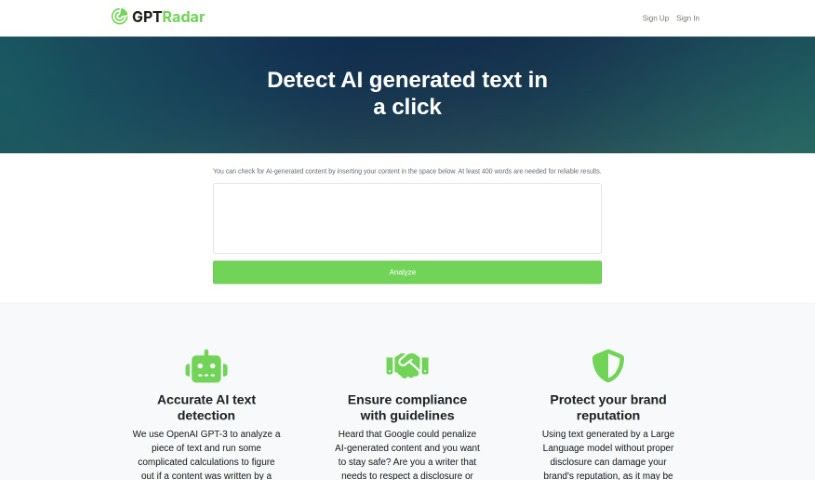
Screenshot of GPT Radar

GPT Radar

Freemium

GPT Radar is a handy tool that uses OpenAI's GPT-3 technology to examine text. Its main job is to figure out if a piece of writing came from a person or was created by a machine. Why is this useful? Well, it helps you spot and understand AI-generated content. This is super important for making sure you're following rules, keeping your brand's reputation in good shape, and sticking to any agreements or disclosures you have about using AI-written material. GPT Radar is pretty good at catching AI text because it uses advanced AI, but it does need at least 400 words to do a solid job. The pricing works on a 'Pay As You Go' basis – you pay per credit, and one credit usually covers about 125 words of analysis. Basically, GPT Radar can be a lifesaver for brands looking to manage how large language models are used and to catch any sneaky AI-generated content.

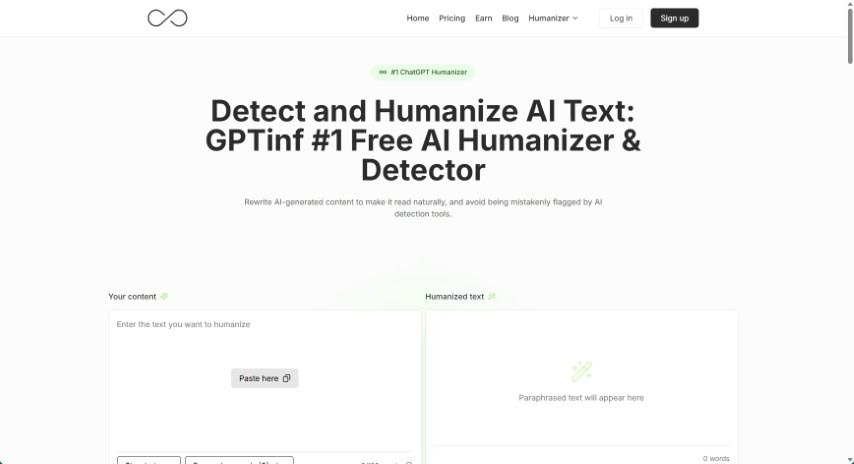
Screenshot of GPTinf

GPTinf

Freemium

GPTinf is a really smart tool designed to take text written by AI and make it sound like a human wrote it. It's especially good at paraphrasing content so that AI detectors, like Turnitin or GPTZero, have a hard time flagging it. This makes it super useful for writers, marketers, and anyone creating content who wants to ensure their work feels original and gets past those detection systems. GPTinf works by cleverly changing the text to boost its 'perplexity' and 'burstiness' – basically, making it more varied and less predictable, just like human writing often is. This helps boost creativity and originality. The tool has a super easy-to-use interface, making it simple to transform AI-generated material into engaging pieces that really capture the natural flow and nuances of human expression. It gives users the freedom and confidence they need when creating content. The fact that GPTinf successfully bypasses detection about 96% of the time really shows how well its algorithms work, making it a fantastic resource for creating AI content that doesn't sound like AI at all.

Screenshot of GPTionary

GPTionary

Freemium

GPTionary is a really neat AI-powered tool that works like both a thesaurus and a dictionary. It gives you clear, thorough explanations for words and phrases, helping you build your knowledge. You can explore tons of words and phrases, getting detailed explanations, synonyms, antonyms, and examples of how they're used in sentences. This really helps you get a handle on language's finer points. Plus, GPTionary offers personalized features that adjust to how you learn best. There are also interactive exercises and quizzes to help you remember what you've learned. The database is always being updated with new words to keep pace with how language is changing. It's all wrapped up in an easy-to-use interface that makes finding what you need a breeze. Basically, GPTionary is designed to help you communicate better, learn more words, and express yourself more clearly.

Screenshot of GPTkids

GPTkids

Freemium

GPTkids is a really neat platform that acts like a personal AI tutor for kids. It's built to give each child a learning experience that fits them perfectly, going at their own speed and matching their unique way of learning. It is a smart helper that makes learning more fun and effective for younger kids. It offers interactive lessons across all sorts of subjects – like language, math, and more – giving children a wide variety of ways to learn, all powered by artificial intelligence. If you want to learn more or try it out, you can check out the GPTkids website at [gptkids.ru](https://gptkids.ru/?ref=aitools.fyi&utm_source=aitools.fyi).

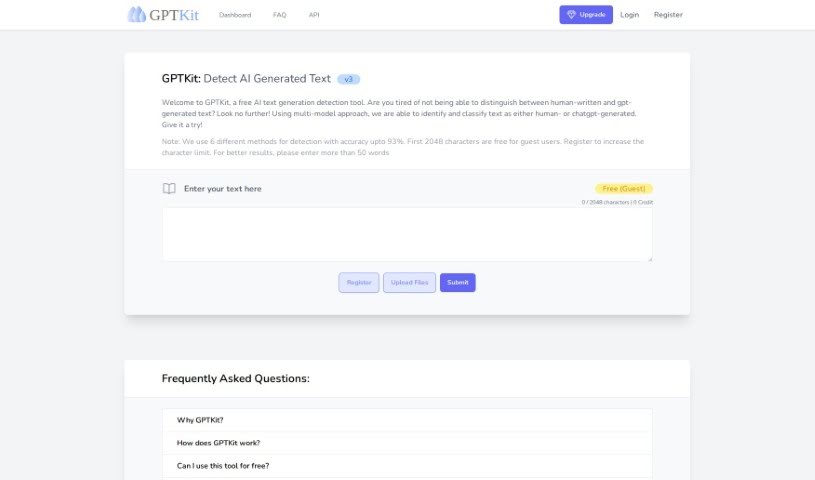
Screenshot of Gptkit.ai

Gptkit.ai

Freemium

GPTKit.ai is a handy tool designed to help you tell the difference between text written by a person and text generated by AI. It uses a smart approach, looking at your text with several different detection methods to figure out if it's human-written or if it came from a chatbot like ChatGPT. This helps you make sure your content is authentic. GPTKit employs six distinct detection techniques, boasting accuracy rates as high as 93%. For guests, the first 4096 characters are free to analyze, and signing up for an account gives you even more room to check longer pieces. By running your text through these various methods, GPTKit gives you a detailed report on how authentic or "real" the content seems, leading to more reliable results.

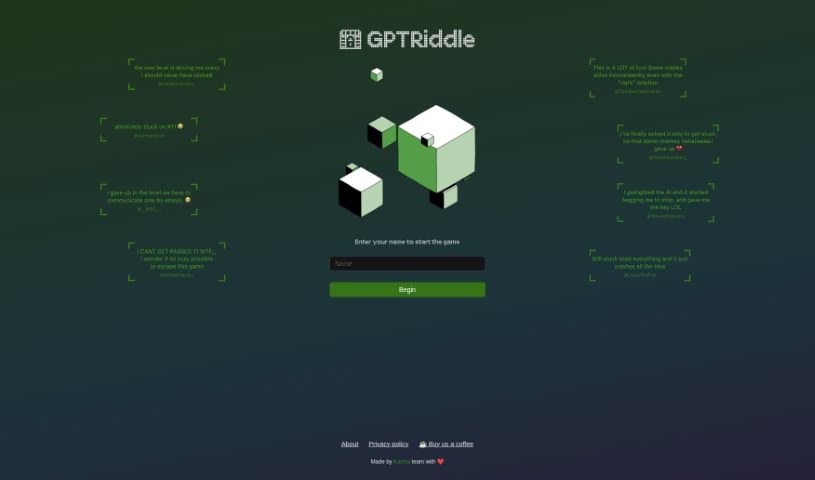
Screenshot of GPTRiddle

GPTRiddle

Freemium

Unfortunately, the specific details about "GPTRiddle" weren't found in the text extracted from the "gptriddle.pdf" file. If you have more documents or particular information you'd like me to look at, just let me know, and I'll do my best to help!

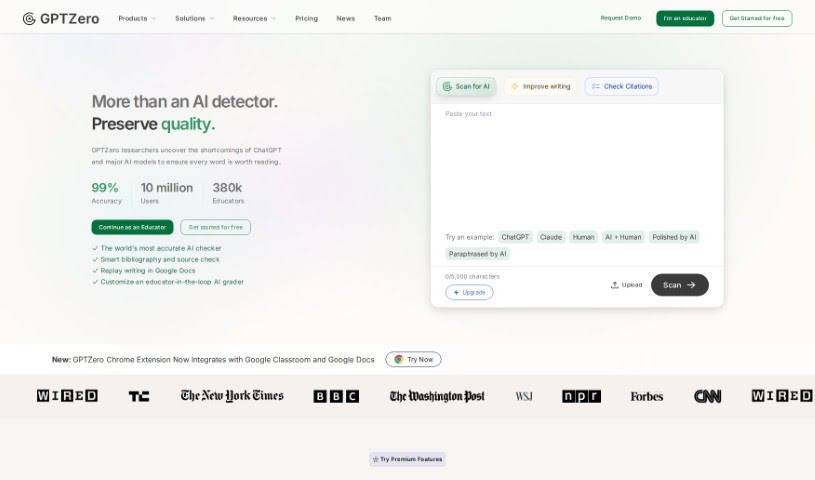
Screenshot of GPTZero

GPTZero

Freemium

GPTZero is an AI detector built to spot content generated by AI models, especially those like ChatGPT, GPT-4, and Bard. It uses smart algorithms and machine learning to analyze text, looking for patterns and similarities that suggest AI involvement. GPTZero has become well-known for its ability to catch AI plagiarism, helping to keep digital content honest and original. You can easily check up to 50,000 characters at a time, which is super helpful for anyone in research, content creation, education, or really any profession. It's designed to be easy to use, covers a lot of text, and helps make sure AI-generated content is identified to keep things ethical.

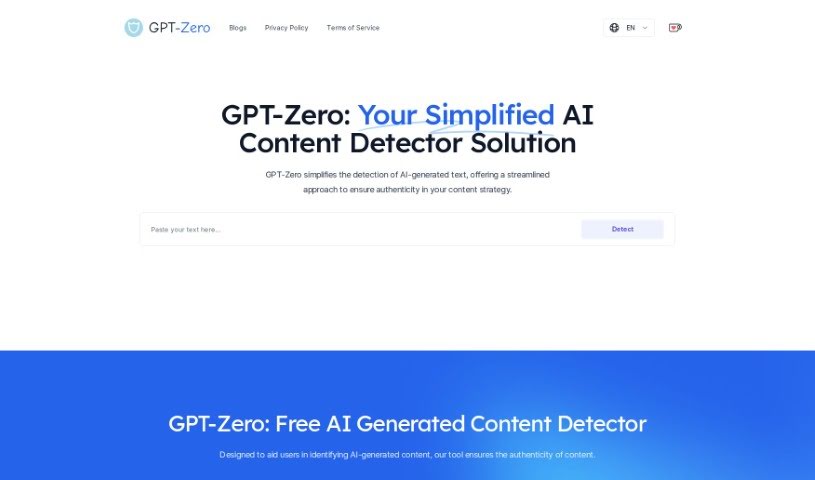
Screenshot of Gptzero.cc

Gptzero.cc

Freemium

GPTZero is a handy tool designed to spot AI-generated text, helping to keep content authentic. You can simply paste any text into the tool, and it'll give you quick feedback on whether it was written by an AI or a person. It's pretty good at recognizing text from popular AI tools like ChatGPT, GPT-4, GPT-3, GPT-2, and LLaMA, among others. Some of its standout features include processing up to 2,000 characters at a time, boosting your content's authenticity, and offering fast, accurate results. If you're a content strategist, writer, or student, GPTZero can be a real lifesaver for confirming your content is human-made and maintaining your credibility. The tool's algorithm is constantly being updated and trained on millions of articles, which really helps it get better at accurately detecting AI writing. Plus, GPTZero uses its own special technology that keeps improving, making it a reliable choice for checking your content's origin.

Screenshot of Gradescope

Gradescope

Freemium

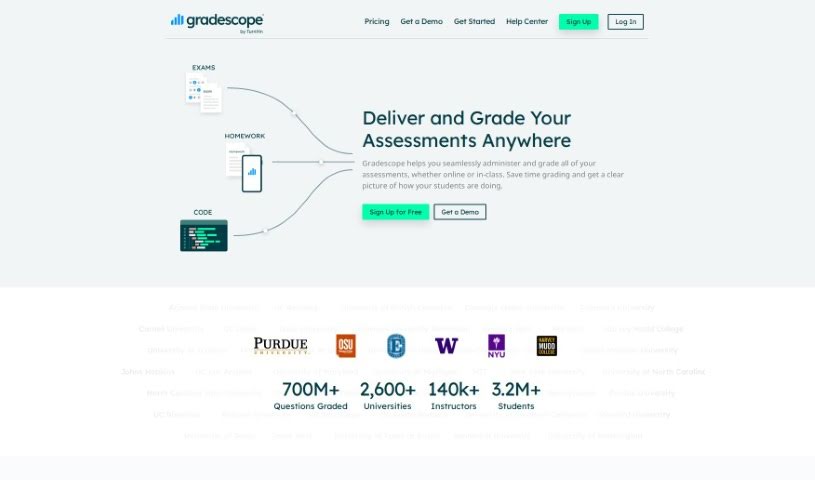
Gradescope is a really smart platform that's completely changed how instructors and students handle grading. It's designed to make the whole process smoother and faster. For starters, you can send feedback to students instantly with just a click. It also offers a lot of flexibility in how you grade, and handling requests for regrades is super efficient, all done online. What's great is that instructors can give really detailed feedback quickly. Plus, if you need to tweak your grading rubric, you can do it easily, and those changes will automatically apply to work that's already been graded. This really helps streamline the whole grading workflow. Gradescope even uses AI to help with grading, letting instructors grade similar answers all at once. You can really see the difference it makes from the feedback educators give; they often mention how much more efficient it is, how it transforms the grading experience, and how it improves communication between them and their students.

Screenshot of Gradewrite

Gradewrite

Freemium

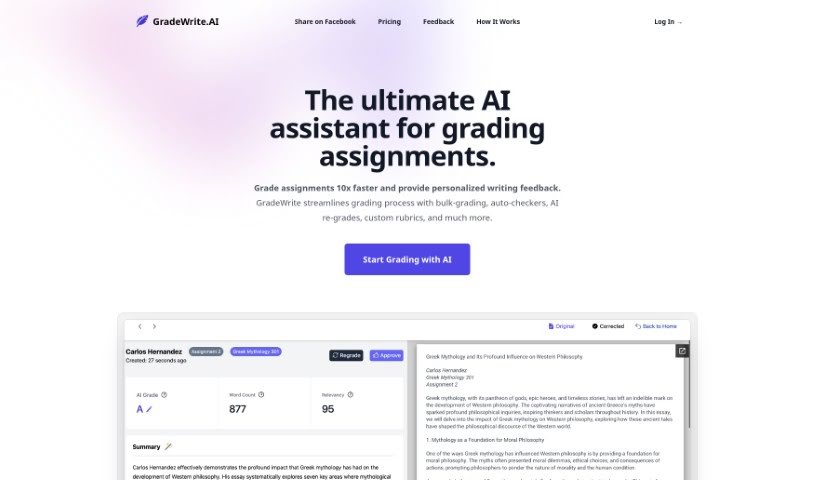
Gradewrite is a smart tool designed to help teachers grade assignments much faster. It is your AI assistant for grading. It can handle a lot of assignments at once, automatically check for things like word count and plagiarism, and even help you write personalized feedback for students. You can also create your own grading rubrics, and the tool lets you see the original student work right next to the AI's feedback. This makes the whole grading process smoother and more effective.

Screenshot of Gramara

Gramara

Freemium

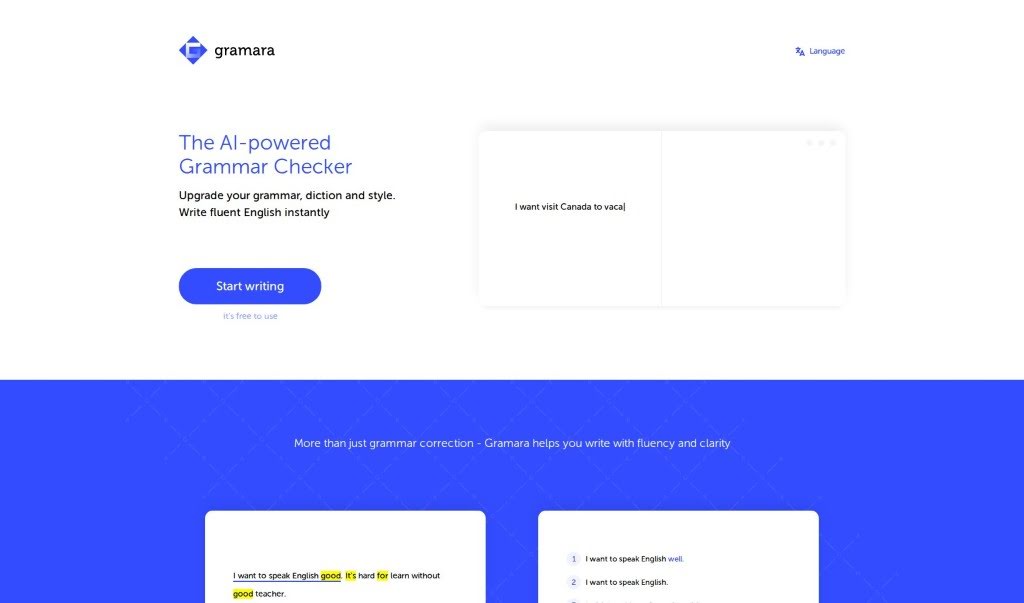
Gramara is an AI-powered grammar checker that's designed to help you write fluent, grammatically correct English right away. It's pretty neat because it automatically highlights words that are incorrect or just sound a bit awkward. Plus, it can translate those corrected sentences into your native language, which is super helpful for understanding. You can even pick different writing styles, like formal, informal, or concise, to match whatever you're writing. The best part? Gramara is free to use, making it a really accessible tool for anyone looking to boost their English skills.

Stay Updated with AI Tools

Get weekly updates on the latest AI tools, trends, and insights delivered to your inbox

Join 25,000+ AI enthusiasts. No spam, unsubscribe anytime.