AI Tools for Creative

Discover the best Creative AI tools to enhance your productivity and creativity.

Page 108 of 114 • 1360 total tools

Creativity today is changing fast, and AI is becoming a super helpful partner. Whether it’s creating amazing visuals or writing music, AI creative tools are making the art process more accessible and exciting. But with so many options out there, finding the right one for your creative needs can feel a bit overwhelming.

Things have really changed in just a few years. AI tools aren’t just for special uses anymore; they’re smoothly fitting into our everyday creative work. These new technologies can make your projects better, save you time, and even lead you to explore artistic ideas you hadn’t considered before.

I’ve spent a good amount of time exploring the world of AI creative tools, looking into everything from graphic design apps to music software. Since I love seeing how technology and creativity come together, I wanted to share what I found about the best tools available right now.

So, whether you want to make eye-catching visuals or come up with fresh concepts, there’s a tool out there just for you. Let’s dive into the best AI creative tools that can take your artistic projects to the next level and change how you create.

The best AI Creative Tools

  1. Canva for designing social media posts
  2. Character AI for brainstorming story ideas and concepts.
  3. Janitor AI for quickly crafting unique story ideas.
  4. Remove.bg for instantly removing backgrounds from design projects
  5. Leonardo AI for generating dynamic artwork for designers
  6. Photopea for designing stunning graphics and illustrations.
  7. Photoroom for improving photos for creative projects
  8. Pixelcut for designing eye-catching product ads
  9. Pixlr for designing great graphics with ease
  10. Midjourney for visual storytelling through art prompts.
  11. AI Face Swap for creating unique memes for social media.
  12. Cutout.pro for creating dynamic backgrounds for art
  13. Remaker for AI-powered image creation for unique designs.
  14. Ideogram for logo design and customization.
  15. Openart for experimenting with unique artistic styles

How do AI creative tools work?

AI creative tools work by using advanced algorithms that learn from all sorts of data. They look at patterns in creative works—like art, music, or writing—which helps them copy styles and create new, original pieces. It’s a bit like how human artists get inspired by different things they see or hear.

At their core, these tools often use neural networks. These are specially built to understand and interpret human creativity. The networks are trained on huge amounts of data, including works from many different styles and formats, so they can learn and adapt to various approaches.

When you give a prompt—like a topic for a story, a theme for a painting, or a music genre—these AI tools use the patterns they’ve learned to generate fitting responses. They essentially guess which elements should go together to make content that feels cohesive and engaging.

What’s really interesting is that AI creative tools don’t just repeat what they’ve learned; they can actually be innovative. By blending styles or drawing from less common influences, they can produce work that surprises and inspires, offering a fresh take even on familiar subjects.

As technology keeps advancing, these creative tools are getting more capable. This means we can have richer interactions, with users and AI working together more smoothly. Often, this leads to amazing artistic creations that combine human ideas with computer power.

If you’re curious about the technical side of these tools, looking into neural networks and creative AI applications can offer more insight into how they bring artistic ideas to life.

Our best AI creative tools at a glance

RankNameBest forPlans and PricingRating
1CanvaSocial media post designN/A4.73 (11 reviews)
2Character AIGBrainstorming story ideas and concepts.N/A4.64 (11 reviews)
3JanitorAICrafting unique story ideas quickly.N/A0.00 (11 reviews)
4Remove.bgInstant background removal for design projectsPaid plans start at $0.2/image.4.82 (11 reviews)
5Leonardo AIDynamic artwork generation for designersPaid plans start at $9/month.4.73 (11 reviews)
6PhotopeaDesign stunning graphics and illustrations.N/A4.67 (12 reviews)
7PhotoroomEnhancing creative project photosPaid plans start at $7.50/month.4.74 (38 reviews)
8PixelcutDesigning eye-catching product adsN/A4.64 (11 reviews)
9PixlrDesigning stunning graphics effortlesslyPaid plans start at $0.99/month.4.73 (11 reviews)
10MidjourneyVisual storytelling through art prompts.N/A4.73 (11 reviews)
11AI Face SwapCrafting unique memes for social media.N/A4.70 (10 reviews)
12Cutout.proDynamic background creation for artistryN/A4.46 (13 reviews)
13RemakerAI-powered image creation for unique designs.N/A4.69 (13 reviews)
14IdeogramLogo design and customization.N/A4.85 (26 reviews)
15OpenartExperiment with unique artistic stylesPaid plans start at $84/year.4.25 (8 reviews)
Screenshot of Vecentor

Vecentor

Freemium

Vecentor is a platform that uses generative AI to help you create SVG images from simple text descriptions. Just type in what you're looking for, and the AI model will generate reusable, editable SVG images for you. Vecentor's goal is to make creating creative vector art easy, using the power of generative AI. It's designed to produce images that make sense visually and are easy to tweak in popular vector software like Illustrator or Inkscape. Plus, you can get the actual code for the SVG if you're working on coding projects. What really makes Vecentor stand out is its commitment to digital freedom, its focus on being user-friendly, and its team of innovative developers who are genuinely trying to make the world a better place through their work.

Screenshot of Vector Magic

Vector Magic

Freemium

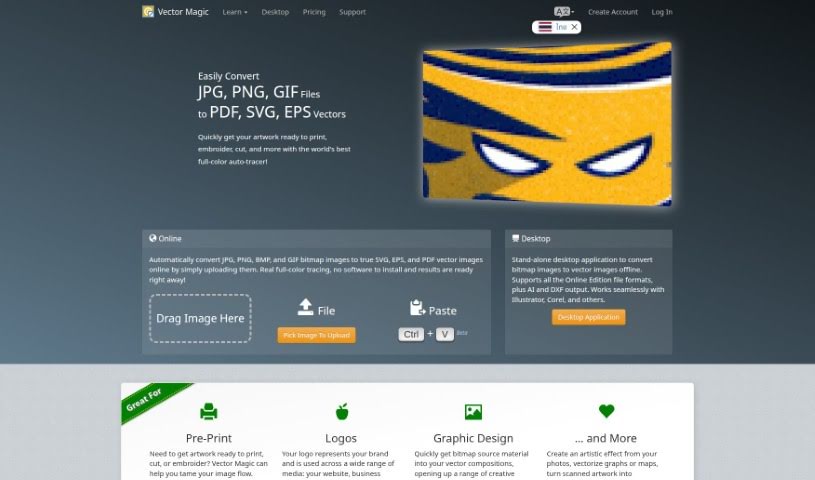
Vector Magic is a really handy tool that's great at turning regular pictures, the kind made of pixels (we call these bitmap or raster images), into vector graphics. You do this right through their easy-to-use website. This process, often called tracing or vectorization, used to be a real chore, taking ages to do by hand. But with Vector Magic's automated service, it's now super quick and painless. The tool works automatically, figuring out the best settings itself to trace your image accurately, even in full color. It's also incredibly precise, capturing all the little details thanks to its sub-pixel accuracy. By using just the right number of points (nodes) in smart ways, Vector Magic makes sure you get top-notch results. That's why it's a go-to choice if you need to convert images to high-quality vectors without a fuss.

Screenshot of Vector To 3D

Vector To 3D

Freemium

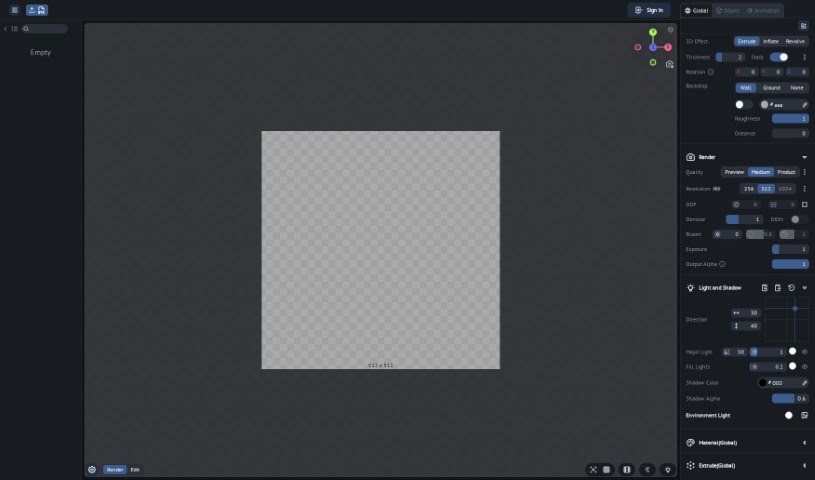
Unfortunately, I couldn't find any specific details about "Vector To 3D" in the files I have. If there's anything else you're curious about or another topic you'd like me to look into, just ask!

Screenshot of Vectorart

Vectorart

Freemium

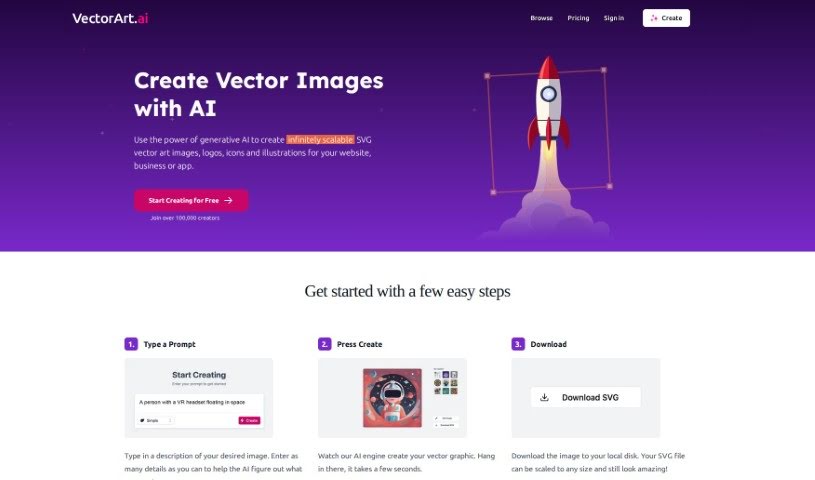
VectorArt.ai is a platform that uses AI to create scalable vector images, logos, and illustrations. It is a smart tool that turns your descriptions into custom SVG and PNG images. You can guide the AI using text prompts or even by uploading a sketch. It offers a variety of illustration styles, and the images you create are yours to use for commercial purposes without worrying about royalties. Plus, there's a handy library of existing AI-generated images if you need some inspiration or want to use something ready-made.

Screenshot of Vectorizer.ai

Vectorizer.ai

Freemium

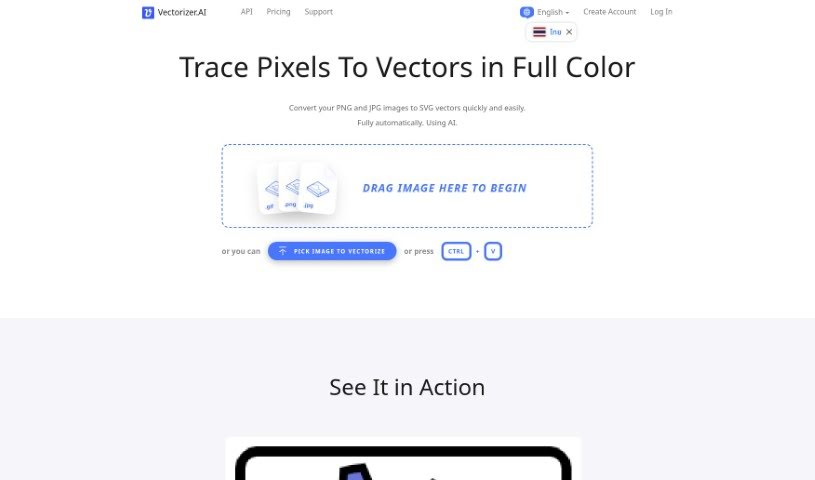
Vectorizer.AI is a really neat online tool that uses artificial intelligence to turn your regular pixel-based images, like JPEGs and PNGs, into high-quality vector graphics (SVGs). It is a smart converter that does all the work for you – no fiddling with manual adjustments needed. Right now, while it's still in Beta, you can use it for free! It's super easy to use, too, with a simple drag-and-drop interface for uploading your pictures. Because it uses AI for vectorization, the resulting graphics stay perfectly scalable without losing any sharpness or quality. This makes them ideal for all sorts of things, from printing and cutting to embroidery. Plus, Vectorizer.AI plays nicely with a bunch of different vector and bitmap formats, including PDF, EPS, and DXF, making it a versatile choice for designers, artists, and businesses alike.

Screenshot of Vectormind

Vectormind

Freemium

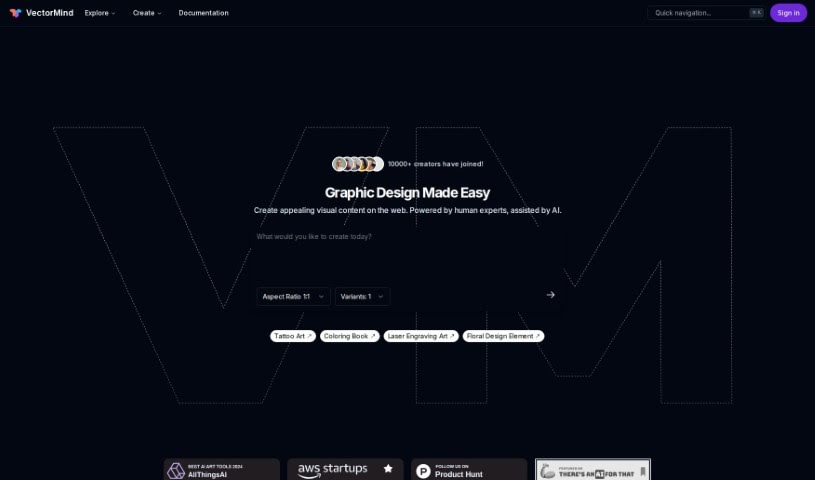
Vectormind is a company focused on generative AI specifically for vector graphics. They've developed an AI Vector Graphic Generator that lets you create high-quality vector assets really fast, just by typing in a text description. Their advanced AI engine is designed to quickly produce all sorts of art styles – think vector illustrations, abstract pieces, watercolor designs, or even simple hand-drawn doodles. Plus, they offer a handy Prompt Template Library with pre-made templates for different art styles to give your creativity a boost. You can also browse collections of vector graphics created by other users, making it easier to find the resources you need.

Screenshot of VEED AI Image Generator

VEED AI Image Generator

Freemium

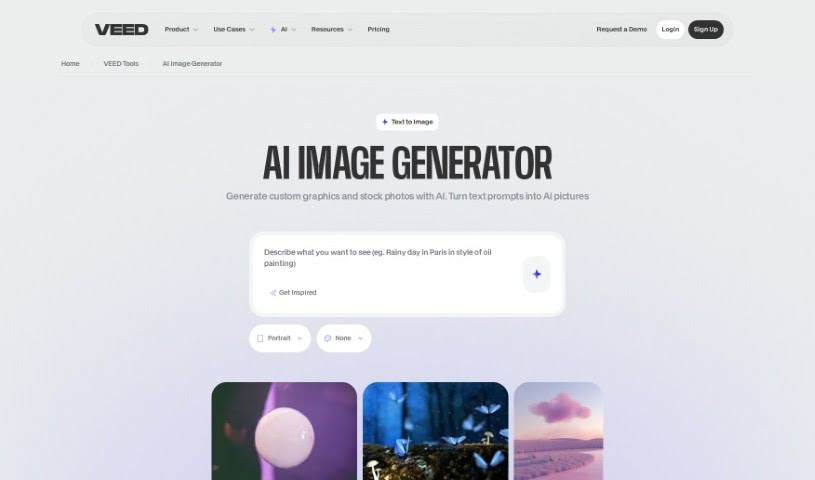
VEED's AI Image Generator is a handy tool that uses smart software to create images right from your web browser, just by typing in a text description. You simply type what you want to see, hit 'Generate Image', and boom – you get images based on your words almost instantly. It's great for making AI art, drawings, or even text art in mere seconds. Plus, you can tweak your prompts to get the exact art style you're going for. What's really neat is that VEED's tool also lets you turn those generated images into videos using its built-in editor. This means you can do everything – create images and then make videos from them – all in one place, without needing any other apps. It's a really smooth, all-in-one creative experience right there in your browser.

Screenshot of Venngage

Venngage

Freemium

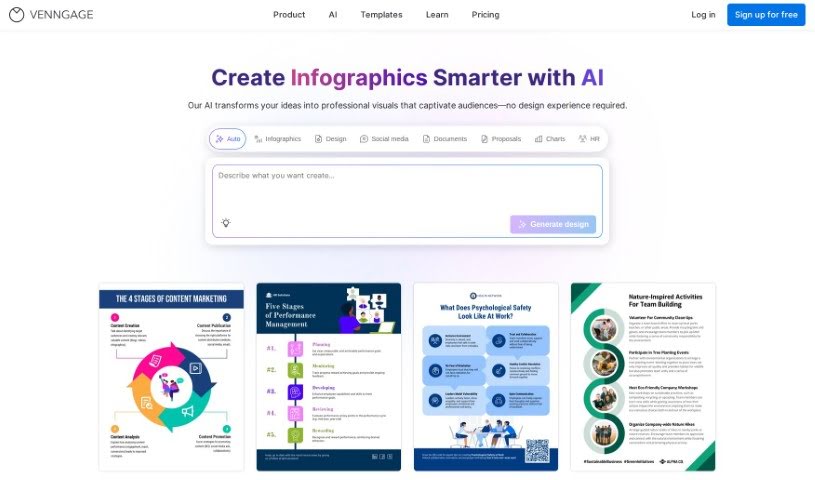
Venngage's AI Infographic Generator is designed to be super easy to use. It offers a bunch of helpful features, like letting you create infographics quickly with AI's help. You'll find tons of different templates for all sorts of design needs, making it simple to navigate and get the most out of your experience. Plus, it gives you detailed insights through site usage analytics, which can really help you fine-tune your marketing efforts with eye-catching visuals. Essentially, this tool uses AI to make creating infographics a breeze, ensuring your designs not only look great but also get your message across clearly.

Screenshot of Versy.ai

Versy.ai

Freemium

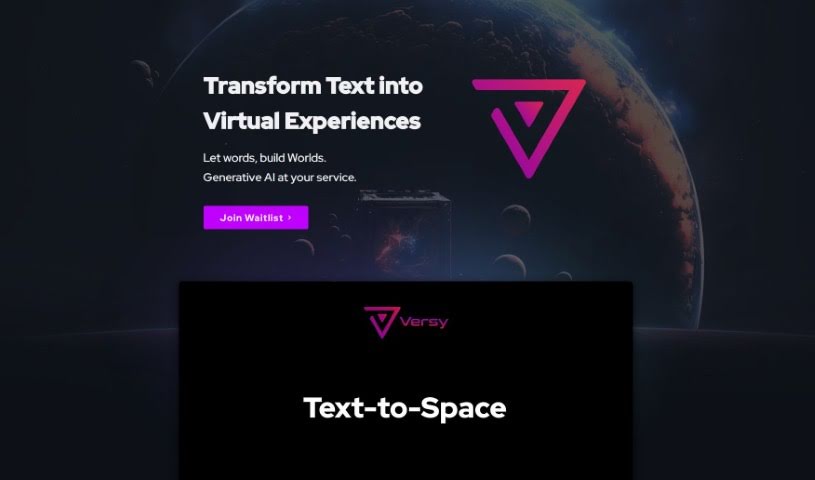
Versy.ai is a really interesting platform that lets you turn text prompts into interactive virtual experiences. It uses advanced Generative AI technology called Text-to-Space. This isn't just your typical 3D modeling; it's designed to create all sorts of virtual environments, like escape rooms, leaderboards, product configurators, event spaces, and much more. What's great about Versy.ai is its focus on customization and personalization, making sure every virtual space feels unique and perfectly suited to what you need. Essentially, Versy.ai helps businesses cut down on the costs of creating virtual spaces manually. It also offers data-driven, customizable user experience (UX) design, supports scalability, and makes it super easy to quickly prototype ideas and test them out. Plus, by connecting with your existing data sources – think CRM, AI, or IoT – Versy.ai can dynamically build engaging and relevant experiences for you.

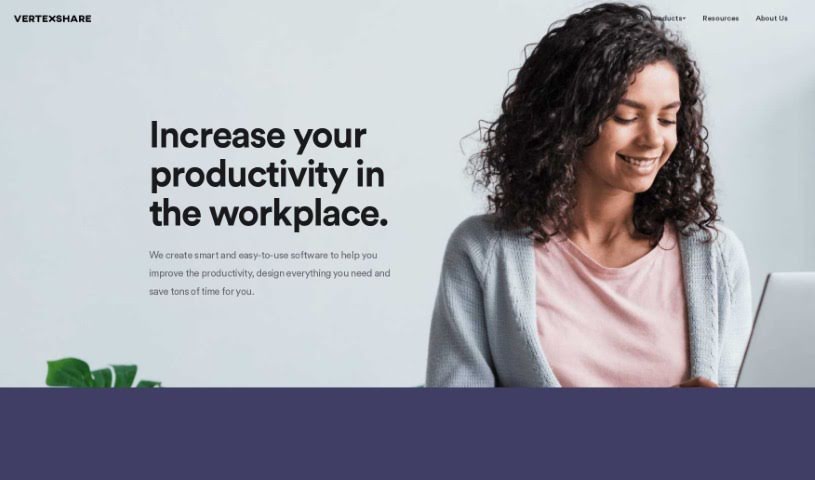
Screenshot of Vertexshare

Vertexshare

Freemium

Vertexshare is a software company that creates smart, user-friendly applications designed to boost your productivity and save you valuable time. They offer a suite of tools, including Photo Stitcher, which lets you combine photos vertically and horizontally with just one click. You'll also find Photo Effects for applying beautiful filters and effects, and Photo HDR for merging photos with different exposures to create stunning HDR images. Vertexshare is known for both its online and offline software, which works smoothly on Windows and Mac. Plus, they have features like Image Upscaler to keep your photos sharp and a Colorizer to bring black & white images to life. While Vertexshare's tools are great for improving how you work, they do have a few drawbacks. For instance, there isn't a mobile version, it's not supported on Linux, the converter formats are a bit limited, and it doesn't offer advanced editing capabilities. The company really values what users think, offers 24-hour customer support, and is committed to providing high-quality services at prices that make sense.

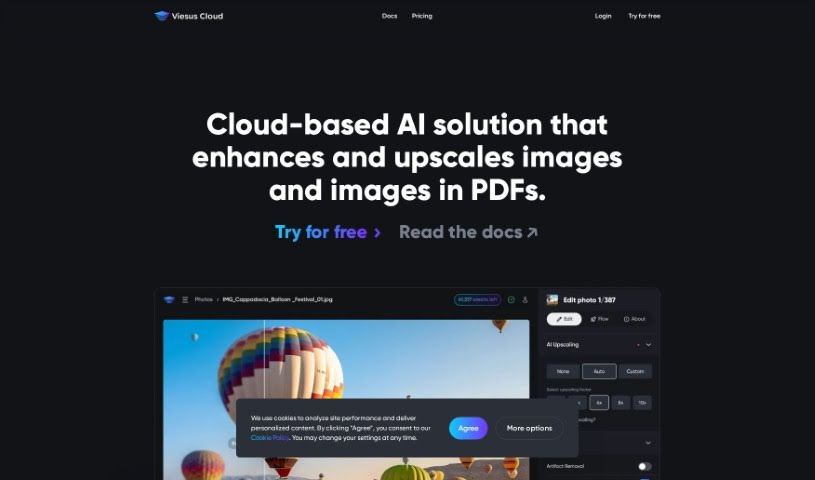
Screenshot of Viesus Cloud

Viesus Cloud

Freemium

Viesus Cloud is a smart, cloud-based AI tool designed to make your photos look their absolute best. It's packed with advanced features to enhance and upscale your images seamlessly. Think AI upscaling to make pictures sharper and clearer, API access so you can easily integrate it with your own systems, and automated workflows that handle large batches of images super efficiently. Plus, it has AI face reconstruction for incredibly lifelike results and thorough image analysis to fine-tune color, brightness, and sharpness. Lots of businesses around the world use Viesus Cloud to make sure their images are always professional and polished. The goal here is really to boost your visual content, offering accuracy, speed, and automation in how images are improved. This ultimately helps strengthen your brand's quality and overall visual appeal. Curious? You can try Viesus Cloud for free to see firsthand how much of a difference it can make in enhancing your images effectively.

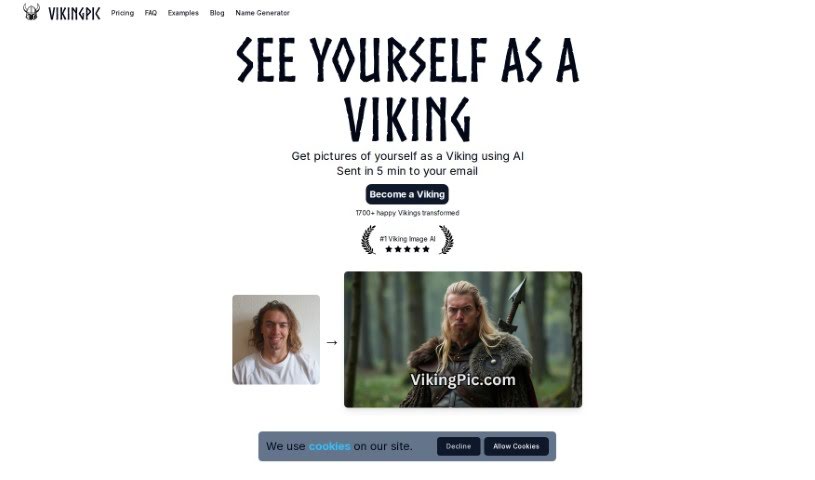
Screenshot of Vikingpic

Vikingpic

Freemium

VikingPic is a really neat AI tool that lets you turn your own photos into awesome Viking-themed pictures. All you have to do is upload a picture of your face, and within about 5 minutes, you'll get AI-generated images of yourself as a Viking warrior sent straight to your email. It's perfect for anyone who loves Viking history or is just curious to see what they'd look like back in the Viking Age. The tool uses smart AI algorithms to create these depictions. You can get four Viking images for just $2.99, and they use secure payment options like Stripe or PayPal. Plus, they're good about privacy – they delete your uploaded images right after they're used. It's also a fantastic way to surprise friends and family with a unique, Viking-themed gift, especially for fellow enthusiasts, or even to create some cool content for social media.

Stay Updated with AI Tools

Get weekly updates on the latest AI tools, trends, and insights delivered to your inbox

Join 25,000+ AI enthusiasts. No spam, unsubscribe anytime.