AI Tools for Audio

Discover the best Audio AI tools to enhance your productivity and creativity.

Page 28 of 40 • 471 total tools

We’re really entering a new age for creating and changing audio, thanks to AI. You know, those days of needing tons of skills and pricey gear for good audio are pretty much over. Now, with smart AI audio tools, anyone can make professional-sounding audio for podcasts, music, or any cool audio project.

These tools aren’t just for making music; they can create voiceovers, improve sound quality, and even help with sound design. It’s amazing how much AI is changing the audio world, and the ways we can use it are endless.

After spending a lot of time trying out different platforms and features, I’ve put together a list of the top AI audio tools out there. Whether you’re just starting out and need something simple, or you’re a pro looking for powerful options, there’s definitely something here to help you make your audio sound even better.

So, if you’re ready to see what AI can do for sound, let’s jump into the best tools that will totally change how you work with audio.

The Best AI Audio Tools

  1. ElevenLabs: Great for making multilingual video voiceovers if you’re a creator.
  2. Suno: Perfect for creating custom soundscapes to help you relax.
  3. BandLab: Lets you mix and master tracks smoothly.
  4. TurboScribe: Helps improve audio for clearer transcriptions.
  5. Voicemod: Lets you change your voice for creative projects.
  6. Adobe Podcast: Enhances audio with simple, one-click AI tools.
  7. Transkriptor: An automated tool for transcribing lectures.
  8. Speechify: Makes it easy to listen to articles and documents.
  9. NaturalReader: Good for creating voiceovers for your video content.
  10. Riffusion: Offers real-time audio manipulation for creators.
  11. Narakeet: Converts subtitles into synchronized audio.
  12. PlayHT: Useful for voiceovers in audio editing.
  13. Lalal.ai: Lets you remove vocals seamlessly for remixes.
  14. Ttsmaker: Effortlessly create voiceovers for videos.
  15. Udio: Craft unique sounds using its audio tools.

How Do AI Audio Tools Work?

AI audio tools work a lot like AI writing software. They use advanced models that have been trained on huge amounts of data. Many of these tools use deep learning to analyze and create sound patterns, which lets them generate or change audio. You’ll often see them used for making speech, composing music, and sound design, all thanks to the vast libraries of audio samples and language data they learn from.

Basically, these tools use neural networks that are designed to process sound much like we do. They look at audio input, find patterns, and then predict the best sound to produce based on what they’ve learned. This means they can create a wide range of outputs, from voices that sound really real to music that feels both familiar and new.

When it comes to making voices, the process usually involves feeding a neural network thousands of hours of spoken audio. This teaches it subtle things like intonation and how to vary speech. Then, when you type something in, the model uses its training to create speech that matches the tone and context you’re going for. The result? Voices that sound lifelike and can deliver text with emotion and clarity.

In a similar way, AI music tools study huge collections of music to understand what makes a good hook, rhythm, or harmony. By breaking down existing songs, these models learn how to create new music that sounds like popular styles or even comes up with completely new soundscapes. You can tell the AI what genre or mood you want, and it’ll tailor the results to your taste.

Beyond just creating content, AI audio tools can also improve existing sounds. Things like reducing noise, fixing pitch, and adding effects are all powered by algorithms that have learned from the details in audio files. This lets you make your recordings sound better or create entirely new sound experiences without much effort.

If you’re curious about the technical side, there are plenty of resources that explain how audio processing and machine learning work in sound. All in all, AI audio tools are really changing how we create and interact with sound, opening up amazing possibilities for musicians, podcasters, and audio engineers.

Our Best AI Audio Tools at a Glance

RankNameBest ForPlans and PricingRating
1ElevenLabsMultilingual video voiceovers for creatorsN/A4.83 (29 reviews)
2SunoCreate custom soundscapes for relaxationN/A4.82 (11 reviews)
3BandLabMix and master tracks seamlessly.N/A4.75 (44 reviews)
4TurboScribeEnhance audio for clear transcriptionPaid plans start at $10/month.4.80 (5 reviews)
5VoicemodTransform your voice for creative projectsN/A4.78 (27 reviews)
6Adobe PodcastEnhance audio with one-click AI toolsN/A4.67 (12 reviews)
7TranskriptorAutomated lecture transcription tool.N/A.4.31 (13 reviews)
8SpeechifyListen to articles and documents.N/A4.80 (54 reviews)
9NaturalReaderCreate voiceovers for video contentN/A4.75 (44 reviews)
10RiffusionReal-time audio manipulation for creatorsN/A4.18 (11 reviews)
11NarakeetConvert subtitles to synchronized audioN/A4.72 (18 reviews)
12PlayHTVoice over for audio editingN/A4.59 (27 reviews)
13Lalal.aiSeamless vocal removal for remixesN/A4.64 (11 reviews)
14TtsmakerCreate voiceovers for videos effortlessly.N/A4.60 (5 reviews)
15UdioCraft unique sounds with audio toolsN/A4.18 (11 reviews)
Screenshot of Sounds Studio

Sounds Studio

Freemium

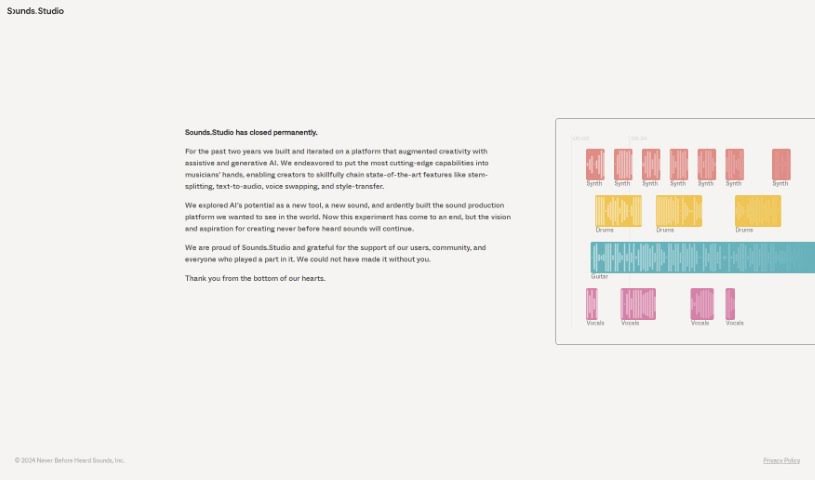
Sounds Studio was a platform built to boost creativity, using generative AI to help out. For about two years, they packed in some really cool features. Think stem-splitting to separate audio tracks, text-to-audio to create speech from text, voice swapping to change voices, and style-transfer to mimic audio styles. These tools were designed to give musicians more advanced capabilities. Even though the platform has now closed, the passion for making unique and innovative sounds lives on, thanks to all the users and the community who supported it.

Screenshot of Soundverse AI

Soundverse AI

Freemium

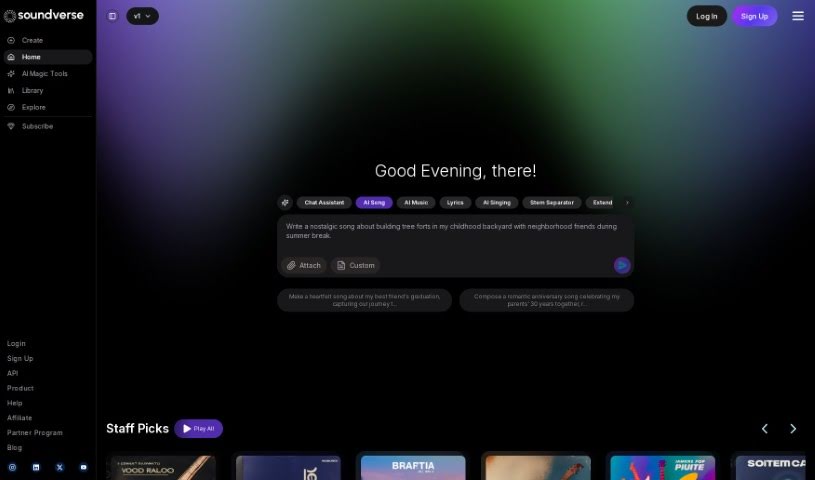
Soundverse AI is a platform designed for creating audio content, powered by artificial intelligence. It helps creators quickly produce music and other audio using the SoundVerse Assistant and its various AI tools. It is a way to blend your own creative ideas with AI's capabilities, making it much faster and easier to bring your musical visions to life. You'll find features like Text to Music, an Arranger tool, and AI-powered Lyrics generation, all working together to give you a smooth experience when making music or audio content. Whether you're just starting out or you're a seasoned musician, Soundverse AI is designed to be easy to use, with advanced options for those who need them. What really makes Soundverse AI stand out is its focus on new ideas and making things user-friendly, which is why many people in the music world choose it.

Screenshot of Spacebar

Spacebar

Freemium

Spacebar is a really handy platform designed to help you capture and transcribe audio. It supports over 30 languages, which is pretty impressive! Depending on the plan you choose, it comes packed with different features. You get a library to organize all your thoughts, stories, and ideas, plus an AI chat function. There are also various limits for memo length, how much you can talk, and 'brainpower' credits for those AI chats. They offer different pricing tiers, including a free option if you're just looking to capture and share conversations. If cost is a concern, you can even request a scholarship for access. To make things even smoother, they provide shortcuts and key commands, making it much easier to navigate and interact with the platform.

Screenshot of Speak AI

Speak AI

Freemium

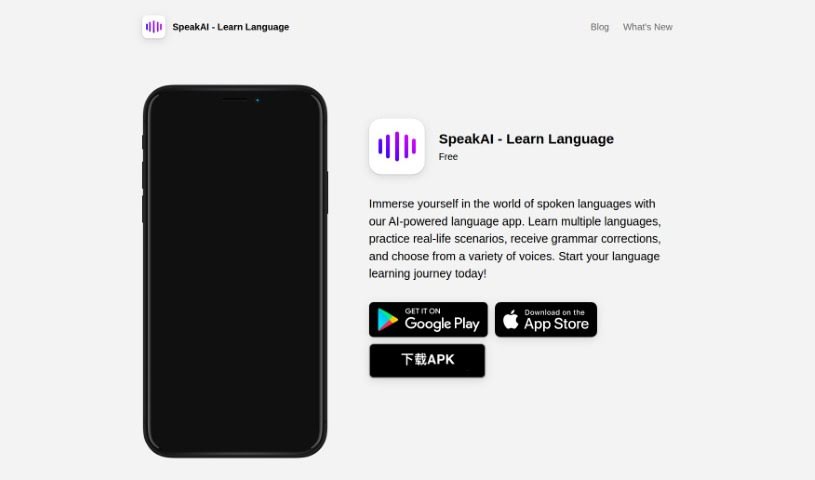
Speak AI is a platform packed with AI-powered tools designed to handle automated transcription, natural language processing (NLP), data analysis, and data visualization. Essentially, it takes raw audio, video, and text data and turns it into useful insights, making the whole process smooth and efficient. The goal here is to help you get to your insights faster, cut down on tedious manual work, and make better decisions, especially if you're in marketing or research. You'll find features like automatic transcription, professional transcription services, an AI meeting assistant, data visualization tools, and shareable research repositories. These are all built to give you a competitive edge and build stronger customer relationships.

Screenshot of Speak4Me

Speak4Me

Freemium

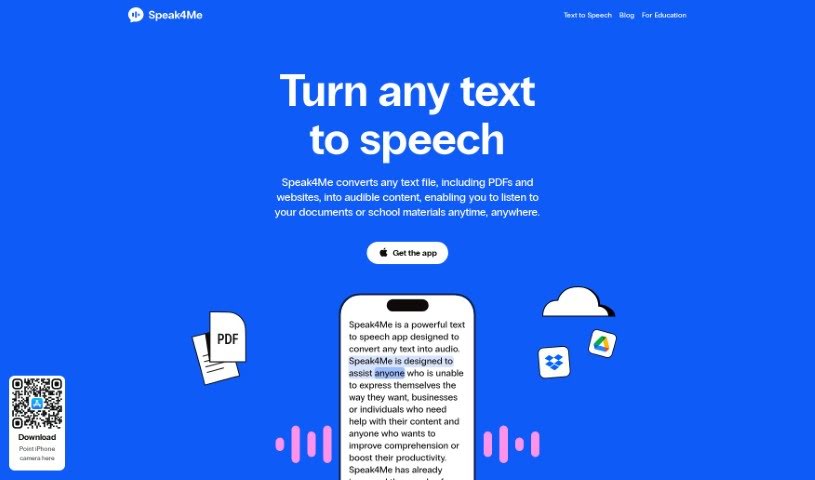
Speak4Me is a really handy tool that turns any text file – think PDFs, websites, you name it – into spoken words. This means you can actually listen to your documents or study materials while you're on the go. Plus, it lets you chat with any PDF! You can ask it questions or get quick summaries of what's inside. Some of its best features include letting you listen at your own speed, easily uploading files from iCloud, Dropbox, or Google Drive, and even scanning physical or digital text to create natural-sounding audio. You can also have web pages read aloud, which is great for hands-free listening or when you're multitasking. It's especially useful for anyone involved in education, looking to boost productivity, or needing help with school, university studies, or just staying focused.

Screenshot of Speakingai

Speakingai

Freemium

SpeakingAI is a really advanced text-to-speech platform. It uses some seriously cutting-edge technology to create speech that sounds incredibly natural. What's more, it can clone voices with what they call 'zero-shot' voice cloning, all thanks to sophisticated large language models. You can actually record and clone your own voice in just about 10 seconds! The system is designed to pick up on your unique tone, pitch, and modulation, which means you can then use that cloned voice for all sorts of different things. The folks behind SpeakingAI are really focused on doing AI ethically. They want to develop this generative voice AI technology responsibly, making sure it's for the good of everyone.

Screenshot of SpeakNotes

SpeakNotes

Freemium

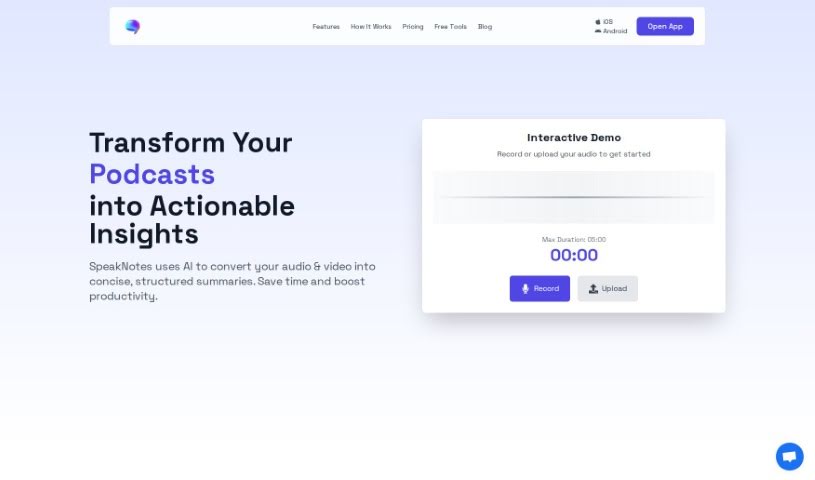
SpeakNotes is a smart tool that uses AI to quickly turn your voice notes into text and then summarize them for you. It's pretty accurate because it uses OpenAI's Whisper and GPT-4 models for the transcription part. You get neat, short summaries, and the app itself is really easy to use. Plus, sharing your transcriptions and summaries is a breeze. What's great is that your privacy is a top priority; all your raw audio files are stored only on your device, locally. You can grab SpeakNotes for both iOS and Android, making it super handy for all sorts of things – whether you're jotting down personal reminders, capturing meeting notes, or transcribing interviews. Essentially, it helps you be more productive by transforming your spoken thoughts into organized text and summaries.

Screenshot of Speakperfect

Speakperfect

Freemium

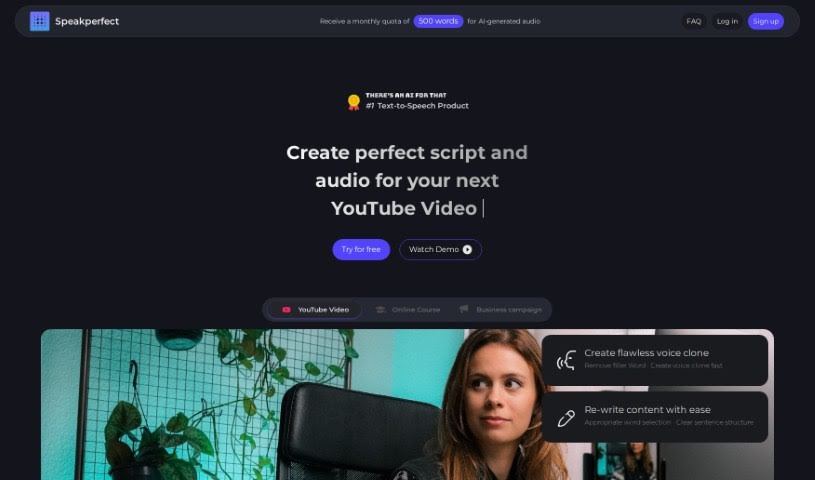
Speakperfect is a really neat AI tool that helps you create perfect audio without any hassle. You can just talk, make mistakes even – it’s fine! The tool then takes your speech and turns it into a polished script and audio file that’s ready to go. It’s super easy to use and works for all sorts of things, whether you're making content, teaching, doing business, or working on personal projects. It’s especially great for anyone who wants top-notch audio, like content creators, teachers, trainers, businesses, and even folks who aren't native English speakers and want to sound clearer and more fluent.

Screenshot of Spectral

Spectral

Freemium

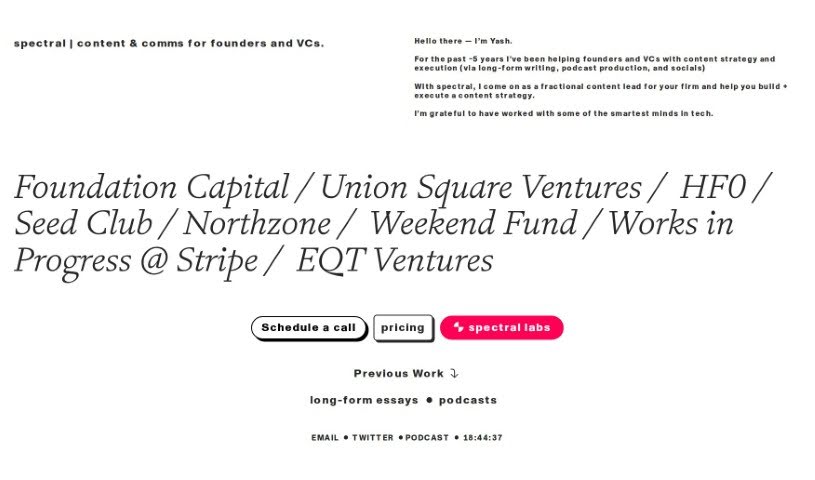
Spectral is a really neat AI tool built specifically for folks who produce podcasts. It's packed with features to make your podcasting life easier and more productive. You can use Spectral to whip up catchy episode titles that are designed to grab listeners' attention and convert them. It also helps you create compelling summaries, often called show notes, and even promotes your podcast with automatically generated social media posts for platforms like Twitter and LinkedIn. Plus, it's great at producing accurate transcripts of your episodes, meaning you'll spend way less time editing and more time creating. Spectral even lets you add personal touches to your content, drawing inspiration from well-known podcast creators like Lex Fridman to really nail your unique writing style.

Screenshot of Speecheasy

Speecheasy

Freemium

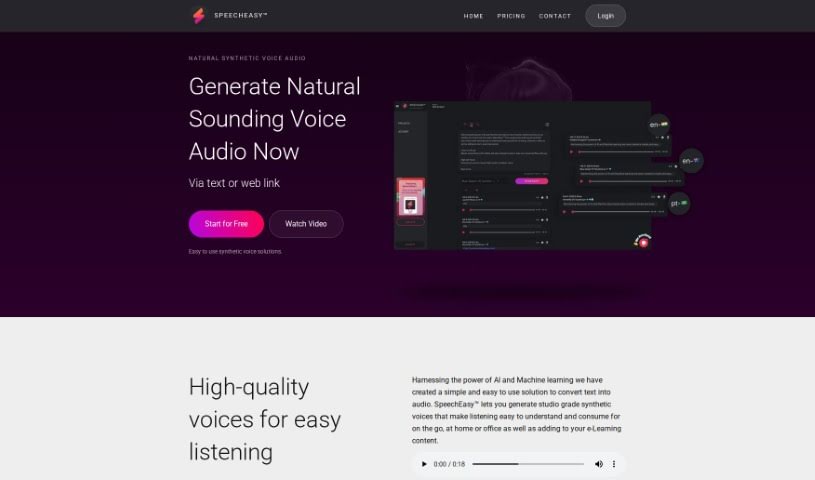
Speecheasy™ is a really user-friendly tool that uses AI and machine learning to turn your text into high-quality audio. It offers studio-grade synthetic voices that sound clear and are easy to understand, making them perfect for all sorts of situations – whether you're on the go, at home, or in the office. The platform is specifically designed to make e-Learning content much better with consistent, high-quality audio narration. Plus, SpeechEasy™ works across different devices, so you can create and listen to your audio voice files on both your computer and your phone. Looking ahead, they're planning to offer custom voiceovers for marketing, professional audio for video presentations, and even audio versions of books and articles.

Screenshot of Speechelo

Speechelo

Freemium

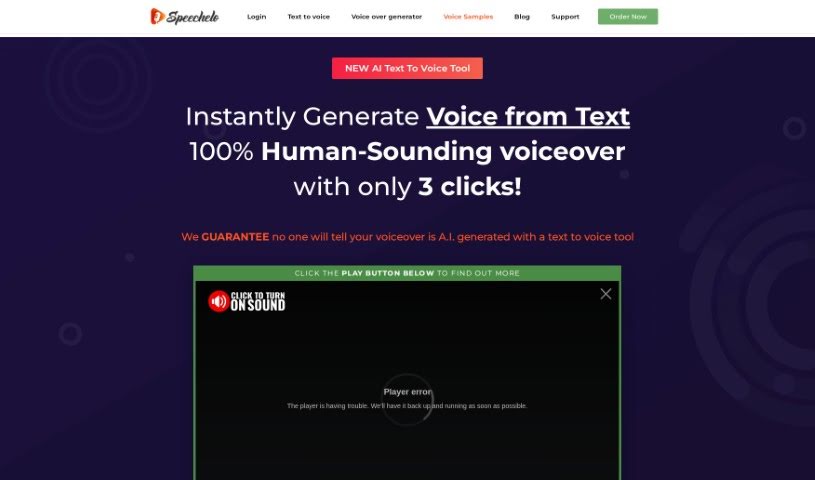
Speechelo is a really neat AI platform that turns your text into speech. It is a way to get natural-sounding voiceovers without needing to record them yourself. It uses advanced AI to create voices that actually sound human, complete with different tones and emotions. You've got a choice of over 30 male and female voices, and they speak English plus 23 other languages. Plus, you can pick if the voice sounds normal, happy, or serious, depending on what your content needs. It works great with video software like Camtasia and Adobe Premiere, so it's super handy for all sorts of projects.

Screenshot of SpeechFlow

SpeechFlow

Freemium

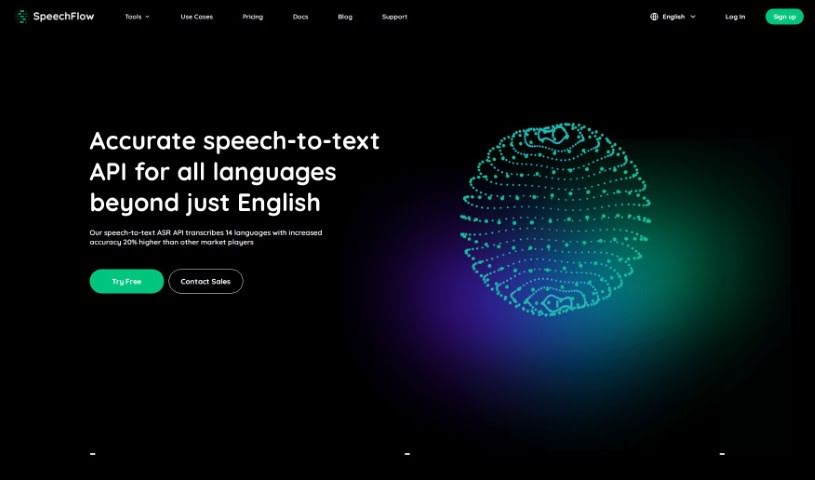
SpeechFlow is a really advanced tool that turns spoken words into written text. It's known for being super accurate and fast, whether you're transcribing audio or video. It handles up to 14 different languages, which is pretty neat, and it even offers special models for specific industries. It is a way to quickly get your spoken content into a readable format.

Stay Updated with AI Tools

Get weekly updates on the latest AI tools, trends, and insights delivered to your inbox

Join 25,000+ AI enthusiasts. No spam, unsubscribe anytime.