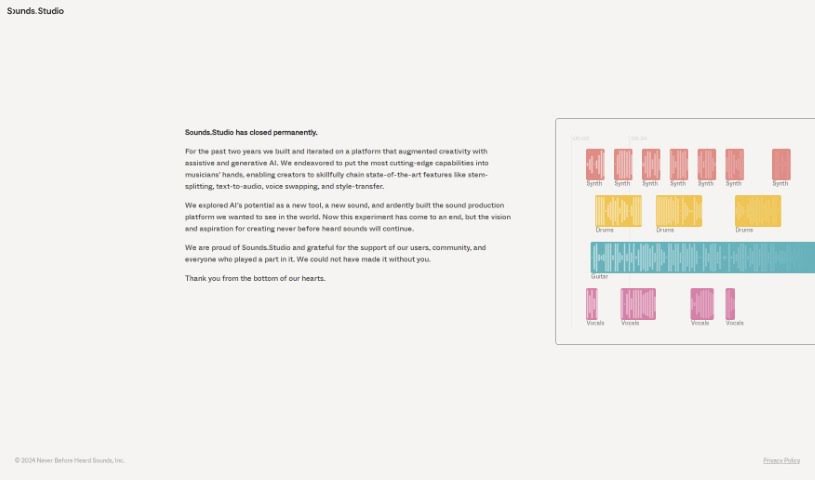
Screenshot of Sounds Studio

Sounds Studio

Discover what Sounds Studio was, how it empowered musicians with AI-driven tools like stem-splitting and voice swapping, and why it's no longer available. Learn about its features and impact.

Screenshot

What was Sounds Studio?

Sounds Studio was a platform built to boost creativity, using generative AI to help out. For about two years, they packed in some really cool features. Think stem-splitting to separate audio tracks, text-to-audio to create speech from text, voice swapping to change voices, and style-transfer to mimic audio styles. These tools were designed to give musicians more advanced capabilities. Even though the platform has now closed, the passion for making unique and innovative sounds lives on, thanks to all the users and the community who supported it.

Who created Sounds Studio?

Sounds Studio was brought to life by a team that really knew how to blend cutting-edge AI with music creation. They were dedicated to pushing what’s possible in sound production, incorporating features like stem-splitting, text-to-audio, voice swapping, and style-transfer. Sadly, despite all their hard work and forward-thinking vision, Sounds Studio has closed its doors for good. The founders wanted to share their sincere thanks with everyone who used the platform and was part of the community; your support meant a lot in this creative journey.

What was Sounds Studio used for?

Sounds Studio offered a range of creative possibilities for musicians and audio professionals:

  • Style Transfer: You could apply different audio styles to your tracks.
  • Augmenting Creativity: It helped boost creativity with AI assistance and generative tools.
  • Chaining Features: Creators could skillfully link together advanced features like stem-splitting.
  • Text-to-Audio: The platform allowed for creating audio directly from text.
  • Voice Swapping: You could change or swap voices within your audio projects.
  • Exploring Style-Transfer: Users could experiment with its style-transfer capabilities.
  • Creating New Sounds: It was a tool for making sounds that hadn’t been heard before.
  • Developing Sound Production Tools: The team was proud to build a platform with advanced capabilities for sound production.
  • Enhancing Sound Production: AI technology was used to make sound production better.
  • Exploring New Tools: It provided a space for musicians to explore new tools and sounds.
  • Community Engagement: The platform encouraged users and the community to get involved in sound creation.
  • Augmented Creativity: It enhanced creativity using assistive AI.
  • Generative AI for Musicians: Musicians had access to generative AI capabilities.
  • Stem-Splitting: Users could utilize the stem-splitting feature.
  • Text-to-Audio Functionality: The platform offered text-to-audio features.
  • Voice Swapping Capability: It provided the ability to swap voices.
  • Style-Transfer for Sound Production: Style-transfer was available for use in sound production.
  • Stem-Splitting: A key feature was stem-splitting.
  • Text-to-Audio: The tool supported text-to-audio.
  • Voice Swapping: Voice swapping was another core function.
  • Style-Transfer: The platform included style-transfer.

Who was Sounds Studio for?

Sounds Studio was designed for:

  • Musicians
  • Audio Engineers
  • Producers
  • Sound designers

How to use Sounds Studio?

Unfortunately, based on the information available, it looks like Sounds Studio has permanently closed down. Because of this, I can’t give you a detailed step-by-step guide on how to use the tool as you asked. If you have any other questions or need help with something else, please feel free to ask!

Related AI Tools

Discover more tools in similar categories that might interest you

Stay Updated with AI Tools

Get weekly updates on the latest AI tools, trends, and insights delivered to your inbox

Join 25,000+ AI enthusiasts. No spam, unsubscribe anytime.