Speechelo (Audio)
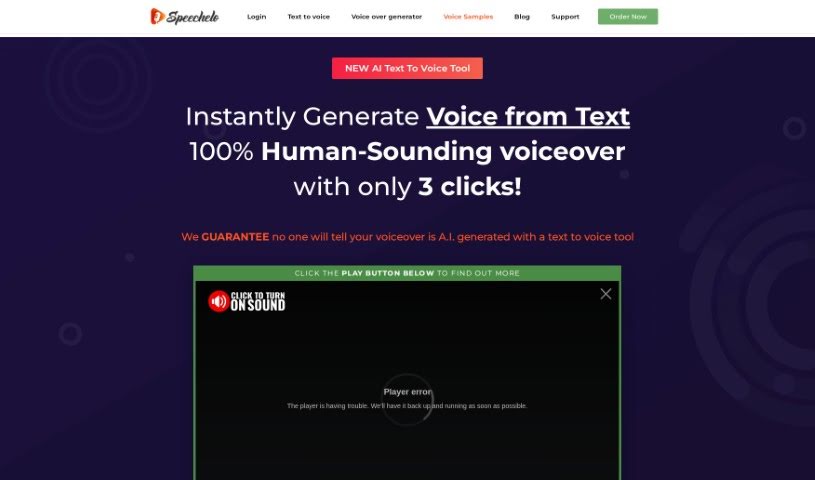
Screenshot of Speechelo

Speechelo

Discover what Speechelo is and how it turns text into natural-sounding AI voiceovers in over 30 voices and 24 languages.

Screenshot

What is Speechelo?

Speechelo is an AI text-to-speech platform that turns written text into natural-sounding voiceovers without the need to record audio yourself. It uses AI to produce human-like voices with different tones and emotions, offering over 30 male and female voices that speak English plus 23 other languages. You can set the voice tone to normal, happy, or serious depending on your content, and the output works with video software like Camtasia and Adobe Premiere.

Key features:

  1. Lots of Voices: Over 30 natural-sounding voices to choose from.
  2. Real Emotion: Natural inflections and modulations are added automatically.
  3. Tone Control: Adjust the speech tone to match your content — serious, joyful, or regular.
  4. Multilingual Support: Generate voiceovers in 24 languages.
  5. Easy Integration: Works with popular video creation software.

Speechelo is offered with a one-time payment deal that includes full training, free support, and updates. There is also a refund guarantee: if you can’t tell the voiceover isn’t human, you get a refund and can keep the voices you created.

What is Speechelo used for?

Speechelo suits a wide range of voiceover projects, including:

  • Sales and advertisement videos
  • Training and educational videos
  • Demo videos and presentations
  • E-learning materials and online courses
  • Podcast narration and audiobooks
  • Social media content

Who is Speechelo for?

Speechelo is aimed at anyone creating sales videos, training videos, or educational videos who needs voiceovers without recording their own audio.

How to use Speechelo?

  1. Paste Your Text: Paste your text into the online text-to-voice tool. The AI engine analyzes the text and automatically adds punctuation to make the speech sound natural.
  2. Choose a Language and a Voice: Pick from over 30 male and female voices, previewing each to find the right fit. You can adjust breathing sounds, pauses, and set the tone to serious, joyful, or normal.
  3. Generate & Download: The voiceover is generated in under 10 seconds. Play it back, try a different voice if needed, then download the finished audio for use in your projects.

Related

Related AI Tools

Discover more tools in similar categories

New tools, in your inbox.

Weekly picks of the best AI tools we've researched and added — no spam, unsubscribe anytime.

Join 25,000+ AI enthusiasts. No spam, unsubscribe anytime.