AI Tools for Web Development

Discover the best Web Development AI tools to enhance your productivity and creativity.

Page 6 of 58 • 694 total tools

Web development has really changed lately, and AI tools are a big part of that. What used to take a lot of coding and design skill can now be made much simpler with smart programs that speed things up. Today, AI-assisted development tools are changing how we build websites, making it easier for newcomers and more efficient for experienced pros.

These tools offer everything from easy design features to help with writing code, letting you create great-looking, functional sites more quickly. Developers don’t have to start from scratch or fix every single line of code manually anymore. Instead, AI can offer suggestions and even create whole parts of a website based on what you need.

Having worked in web development for years, I’ve seen firsthand how AI can make tasks simpler and more efficient. But with so many options out there, picking the right tool can feel overwhelming.

In this article, I’ll share the best AI web development tools you can find right now. Whether you want to improve your coding, automate routine jobs, or make your design process better, there’s something here for you. Let’s explore the tools that can really change your web development experience.

The best AI Web Development Tools

  1. Lovable: Great for making frontend design work smoother.
  2. Cursor: Helps with real-time code collaboration.
  3. Replit AI: Generates code snippets for web apps.
  4. Supabase: For teams to manage databases together.
  5. v0 by Vercel: Quickly creates UI kits for web projects.
  6. Replicate AI: Automates code generation for web apps.
  7. Carrd: Perfect for a single-page site to promote an event.
  8. AI Dungeon: Lets you create interactive web stories with code.
  9. Ollama: For quickly building early versions of web interfaces.
  10. Jimdo: Makes building and managing websites easy.
  11. Code Sandbox: Simplifies CSS preprocessor workflows.
  12. Tilda: Lets you create websites easily without coding.
  13. Bubble: A drag-and-drop tool for building web applications.
  14. Weights & Biases: Streamlines integrating ML models into web apps.
  15. Warp Terminal: Helps deploy web apps quickly.

How do AI web development tools work?

AI web development tools use smart algorithms to handle different parts of designing and building websites. These tools often use large language models, much like AI writing software, to look at coding patterns and make things more efficient. They offer suggestions, code pieces, or even build whole sections of code based on what you tell them.

Basically, these tools understand what you’re asking for, so you can describe what you want in simple terms. For example, you could say, “Create a navigation bar,” and the AI will generate the HTML, CSS, or JavaScript code needed. This makes web development more accessible, even if you don’t have a lot of programming experience.

Many AI web development platforms connect with popular coding environments and content management systems. This means they can improve tools like WordPress, Wix, or GitHub by offering smart code completions or finding errors as you type. With these connections, users can really smooth out their development process.

The data these AI systems learn from usually includes tons of source code, guides, and content created by users on sites like GitHub. This helps them learn different coding styles and the best ways to do things. Their effectiveness comes from spotting patterns and suggesting the best solutions based on what the user needs.

In short, AI web development tools make coding simpler, letting developers focus on creativity and solving problems instead of getting stuck on syntax. As technology keeps changing, these tools are expected to get even better, likely changing how web developers work.

Our best AI web development tools at a glance

RankNameBest forPlans and PricingRating
1LovableMaking frontend design work smoother.N/A4.84 (43 reviews)
2CursorReal-time collaboration on code projects.Paid plans start at $20/Month.4.83 (6 reviews)
3Replit AIGenerating code snippets for web apps.N/A4.70 (44 reviews)
4SupabaseCollaborative database management for dev teamsN/A5.00 (32 reviews)
5v0 by VercelQuickly creating UI kits for web projects.N/A4.73 (11 reviews)
6Replicate AIAutomating code generation for web apps.N/A4.82 (11 reviews)
7CarrdA single-page site for event promotion.Paid plans start at $19/year.4.72 (29 reviews)
8AI DungeonCreating interactive web story experiences.N/A4.54 (39 reviews)
9OllamaRapid prototyping of web interfaces.N/A4.63 (8 reviews)
10JimdoBuilding and maintaining websites easily.N/A4.64 (11 reviews)
11CodeSandboxSimplifying CSS preprocessor workflows.N/A4.45 (11 reviews)
12TildaEffortless website creation without coding.N/A4.75 (20 reviews)
13BubbleA drag-and-drop web applications builder.N/A4.73 (11 reviews)
14Weights & BiasesStreamlining ML model integration in web apps.N/A4.50 (12 reviews)
15Warp TerminalDeploying web apps swiftly.N/A4.79 (28 reviews)
Screenshot of BenchLLM

BenchLLM

Freemium

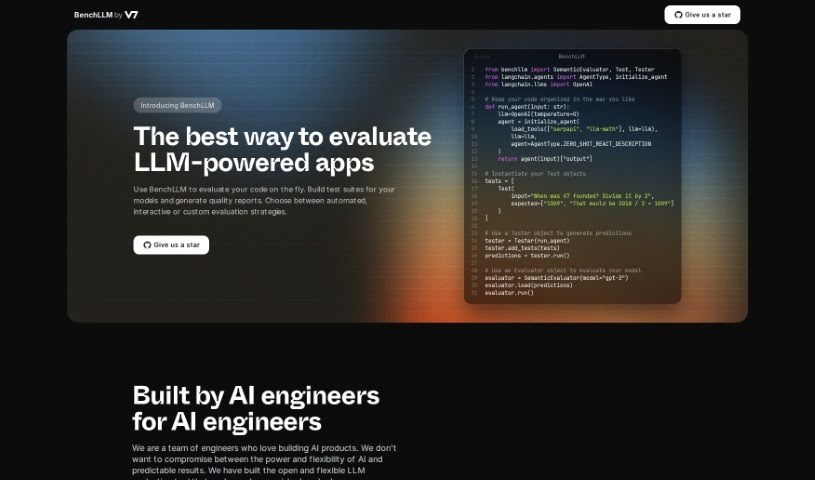
BenchLLM is a really handy tool built specifically for checking out AI applications that use Large Language Models, or LLMs for short. It is a platform that helps developers really get a handle on their models. You can set up test suites, which are basically collections of tests, and then get back detailed reports on how well your models are performing. What's great is that you can pick how you want to test – whether it's fully automated, more interactive, or completely custom, depending on what you need. It also comes with a user-friendly command-line interface (CLI), making it super easy to plug into your CI/CD pipelines. This means you can keep an eye on your model's performance and catch any regressions, even when it's out in the real world. BenchLLM plays nicely with popular APIs like OpenAI and Langchain, and defining your tests is a breeze, whether you prefer JSON or YAML formats.

Web Development View Tool →
Screenshot of Betafish.js

Betafish.js

Freemium

Betafish.js is a really advanced Chess AI, built for chess fans who want a game that feels both immersive and challenging. It's designed with a clear, user-friendly interface, making it easy for players to jump right in and play against a tough AI opponent. What's neat is that this AI can actually adjust its thinking time, so you can play quick games or take your time with more strategic moves. You'll find handy features like copying or setting the board's Forsyth-Edwards Notation (FEN) – super useful for saving or analyzing games. Plus, you can reset the game whenever you like, take back moves to try out different strategies, or even flip the board for a new view of the game. If you're curious about how it all works, you can even check out the source code, which is credited to its creator, Gavin. Essentially, Betafish.js gives you a smooth, engaging way to get better at chess and enjoy a really solid game.

Web Development View Tool →
Screenshot of Bigdevsoon

Bigdevsoon

Freemium

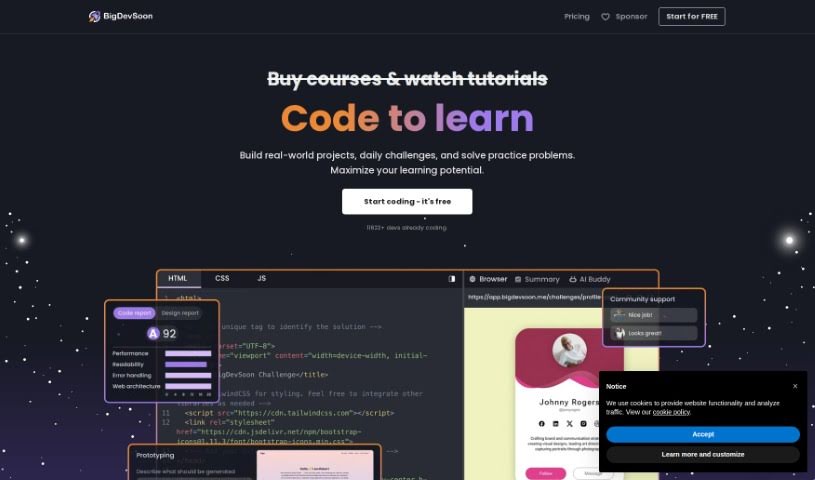
BigDevSoon is a platform built by developers, specifically for developers. Its main goal is to help you bridge the gap between following tutorials and tackling real-world coding projects. You'll find a variety of projects here, sorted by difficulty. Each project comes with user stories and acceptance criteria, so you know exactly what's expected. Plus, there's an AI Project Buddy named Elise ready to lend a hand if you get stuck. You can also connect with other users, earn experience points (XP), unlock cool achievements, and see how you rank on the leaderboards. BigDevSoon uses gamification to keep you motivated and celebrate your coding wins. They offer a free way to get started, and you can find links to their social media to join the community conversation.

Web Development View Tool →
Screenshot of Biggles

Biggles

Freemium

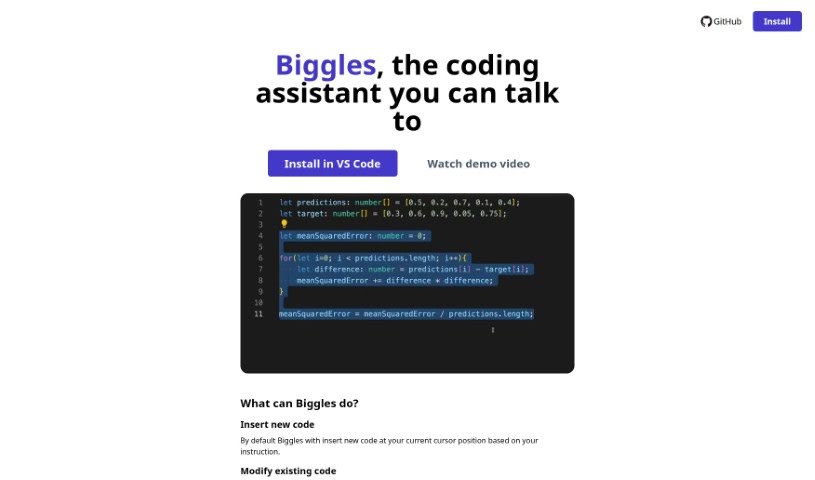
Biggles is a handy coding assistant tool you can find on GitHub. It lets you add and change code using just your voice or by typing instructions. Basically, it inserts new code right where your cursor is, or it can tweak existing code based on what you tell it. To make this magic happen, Biggles uses OpenAI's Whisper and ChatGPT APIs, so you'll need to have your own OpenAI API key ready to go. Keep in mind, though, Biggles isn't a mind-reader; it doesn't know your whole codebase and can only really work with the code that's close to your current cursor. It's got two main ways of working: if you haven't selected any code, it'll insert new code; if you have a block of code highlighted, it'll modify that specific section.

Web Development View Tool →
Screenshot of Biglypage

Biglypage

Freemium

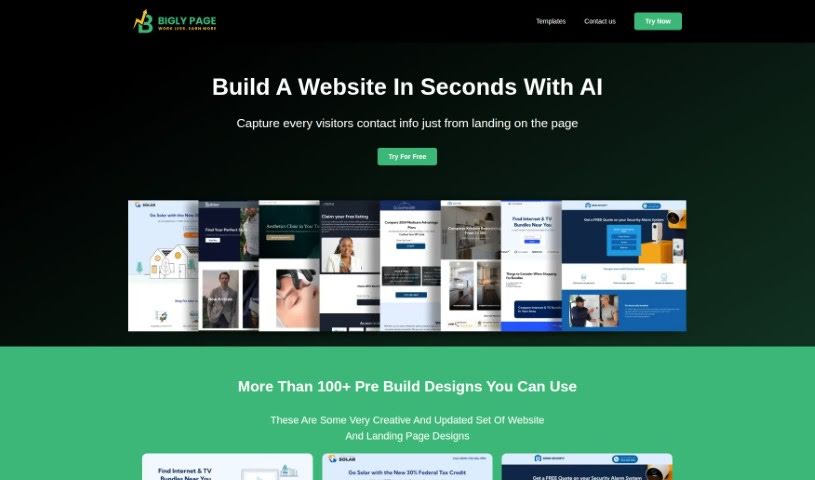
Bigly Pages is a really user-friendly AI tool that's all about creating landing pages. It makes it super simple for you to get started. You can just upload your company logo, pick your industry from a big list, and then add in the features and services you want to highlight on your landing page. The main idea behind Biglypage is speed and efficiency – it's designed to get you ready-to-use pages for your business, no matter what industry you're in, and you don't need to be a tech wizard to use it.

Web Development View Tool →
Screenshot of Binanalysis

Binanalysis

Freemium

Binanalysis is a smart assistant for finding security weaknesses in binary files. It's an AI-powered tool that dives deep into executables. First, it decompiles the binary, then it tidies up the code by removing unnecessary bits and formatting it nicely. After that, it compares the code against a massive database of known vulnerabilities. To do this, it creates unique digital fingerprints, called embeddings, for each function using a specialized AI model called CodeT5+. This model was fine-tuned using large code datasets like Big Clone Bench and CodeSearchNet. Binanalysis also uses the DiverseVul dataset to spot potential issues and employs SemGrep, a tool that uses specific rules, for even more thorough checks. Essentially, Binanalysis gives you a straightforward and efficient way to check how secure your binary files are, all thanks to AI and a huge collection of past vulnerability data.

Web Development View Tool →
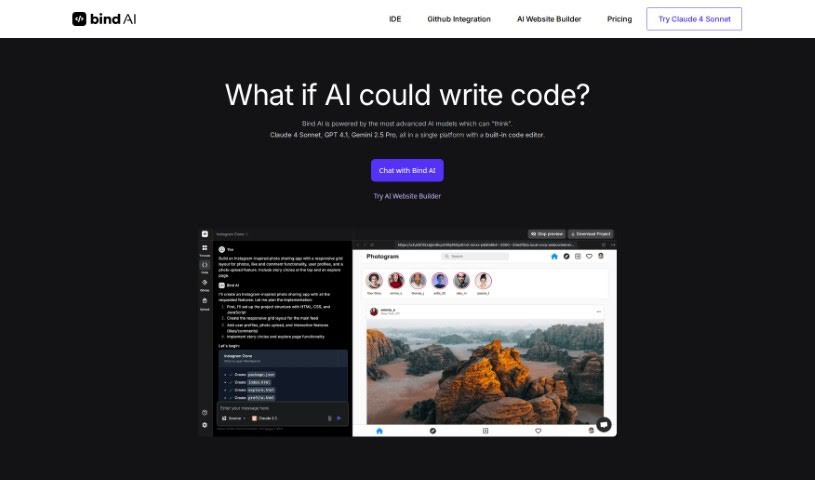
Screenshot of Bind AI

Bind AI

Freemium

Bind AI is a platform that gives you access to over 15 different AI models. These models have been trained on a huge variety of data, covering more than 72 programming languages. Think popular ones like Python, Java, C, C++, JavaScript, and Bash, but also more niche languages like Swift and Fortran. With Bind AI, you can build things like landing pages, write scripts, or even create a complete backend for your applications. It's particularly good at generating frontend code for web apps, using technologies such as HTML, NextJS, React, and Tailwind CSS. Plus, you can write and run your own Python, C++, and bash scripts right within the AI Code Editor.

Web Development View Tool →
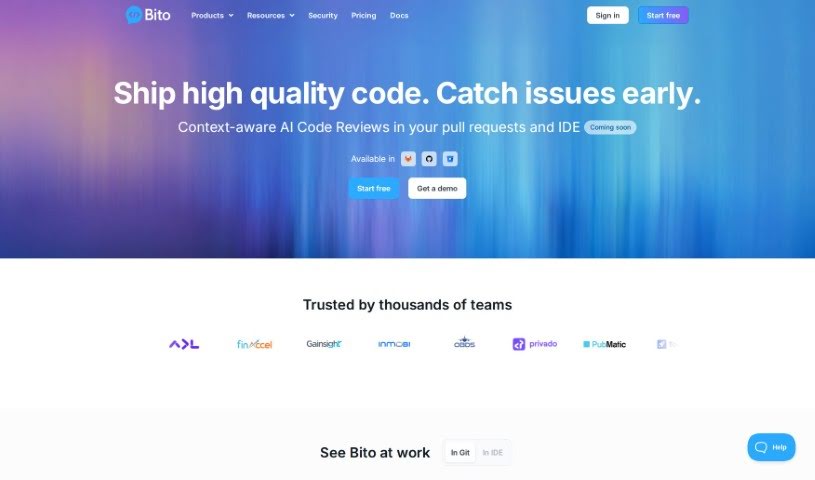
Screenshot of Bito AI

Bito AI

Freemium

Bito AI is a platform designed to make powerful AI tools easily accessible and accurate for developers. It is a helpful assistant for software engineers, built to boost both how fast you code and how good that code is. Bito AI offers a range of handy tools, including AI Code Review Agents, an AI Chat that works right inside your IDE or CLI, AI Code Completions to help you write code faster, and AI that really understands your code.

Web Development View Tool →
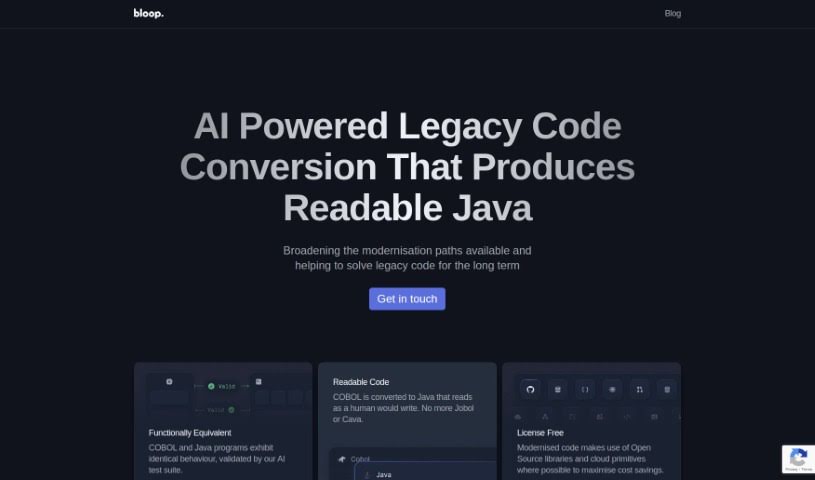
Screenshot of Bloop

Bloop

Freemium

Bloop is a really smart, AI-powered tool designed to help you get around and really understand your codebase. It is your personal code assistant! It offers some neat features, like searching your code using plain English, spotting internal libraries and common patterns, and even supporting regex matching for those super specific searches. Plus, it lets you navigate your code with precision. This tool is a lifesaver for modernizing older code, especially if you're dealing with COBOL and need to convert it to Java. What's great is that it helps keep your code safe and prevents it from freezing up during these big changes. And the best part? It's open-source, meaning you can use it for free as much as you want if you self-host it, and it works with over 20 different languages.

Web Development View Tool →
Screenshot of Bongocat

Bongocat

Freemium

I couldn't find any specific details about "Bongocat" in the files I have. If you have more information or another file you'd like me to check, please tell me!

Web Development View Tool →
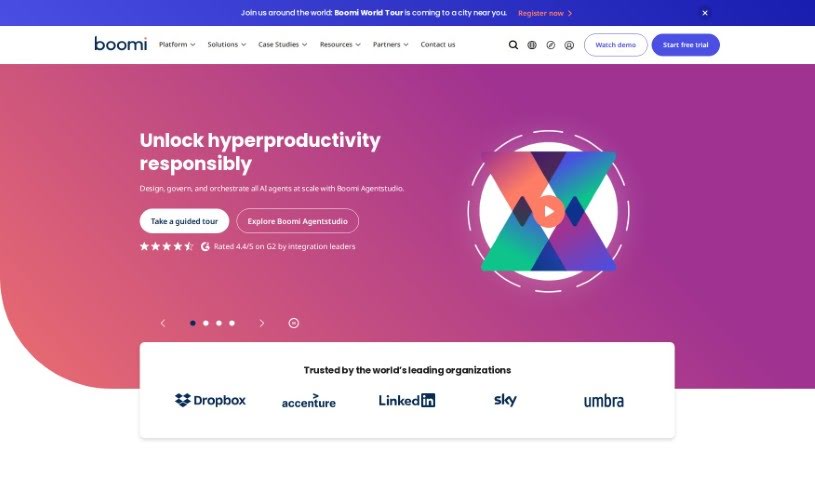
Screenshot of Boomi

Boomi

Freemium

Boomi is a comprehensive solution that falls under the category of Integration Platform as a Service, or iPaaS. It is a powerful tool designed to help businesses with their digital transformation efforts. It makes connecting applications and data across different systems and environments much simpler. Boomi offers a range of features to achieve this, including easy application integration, straightforward API management, a Master Data Hub to give you a single, unified view of your data, and tools for B2B/EDI management. It also supports real-time, event-driven integration through its Event Streams feature, and you can automate workflows using its low-code tool called Flow. Boomi even integrates generative AI to boost its integration and automation capabilities, keeping up with today's business demands. Plus, the platform is built with a secure and compliant architecture, offers flexible pricing, and comes with connectors for popular services like Salesforce, NetSuite, SAP, and many others.

Web Development View Tool →

Stay Updated with AI Tools

Get weekly updates on the latest AI tools, trends, and insights delivered to your inbox

Join 25,000+ AI enthusiasts. No spam, unsubscribe anytime.